
Responsive Mailform
| 开发者 | motohirotani0505 |
|---|---|
| 更新时间 | 2025年12月27日 21:12 |
| 捐献地址: | 去捐款 |
| PHP版本: | 7.0 及以上 |
| WordPress版本: | 6.9 |
| 版权: | GPLv2 or later |
详情介绍:
私のサイトで無料で公開しているレスポンシブ メールフォーム(http://www.1-firststep.com/archives/462)の WordPress プラグインバージョンです。
「通常版」と「WordPress 版」の間にアドオン(拡張機能)の互換性はありません。
Responsive Mailform for WordPress.
安装:
- プラグイン「Responsive Mailform」を WordPress にインストールする。
- プラグインを有効化する。
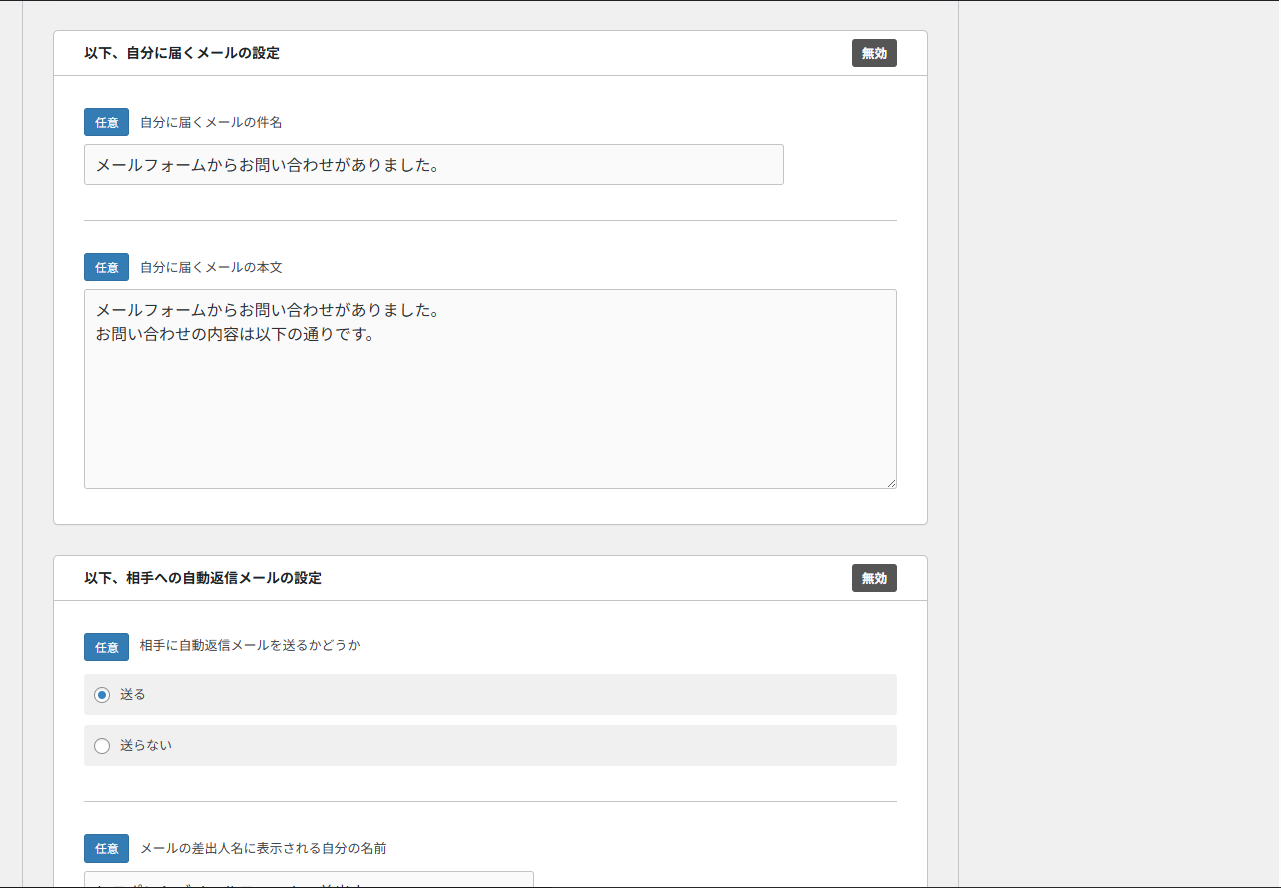
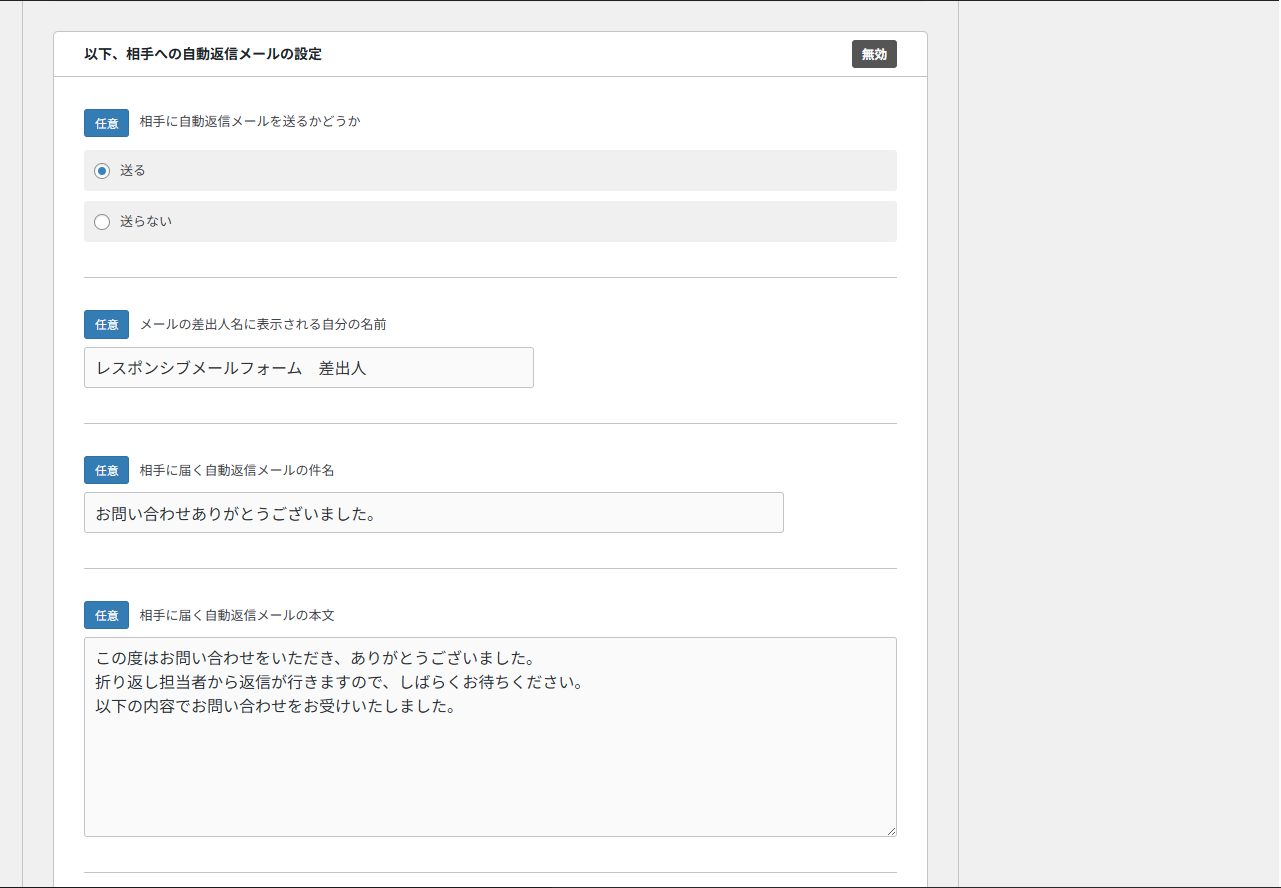
- 「お問い合わせ」→「レスポンシブ・メールフォームを新規追加」を選択し、「管理者のメールアドレス」、「サンクスページの URL(フォーム送信後に表示されるページ)」を設定し、ページを保存する。
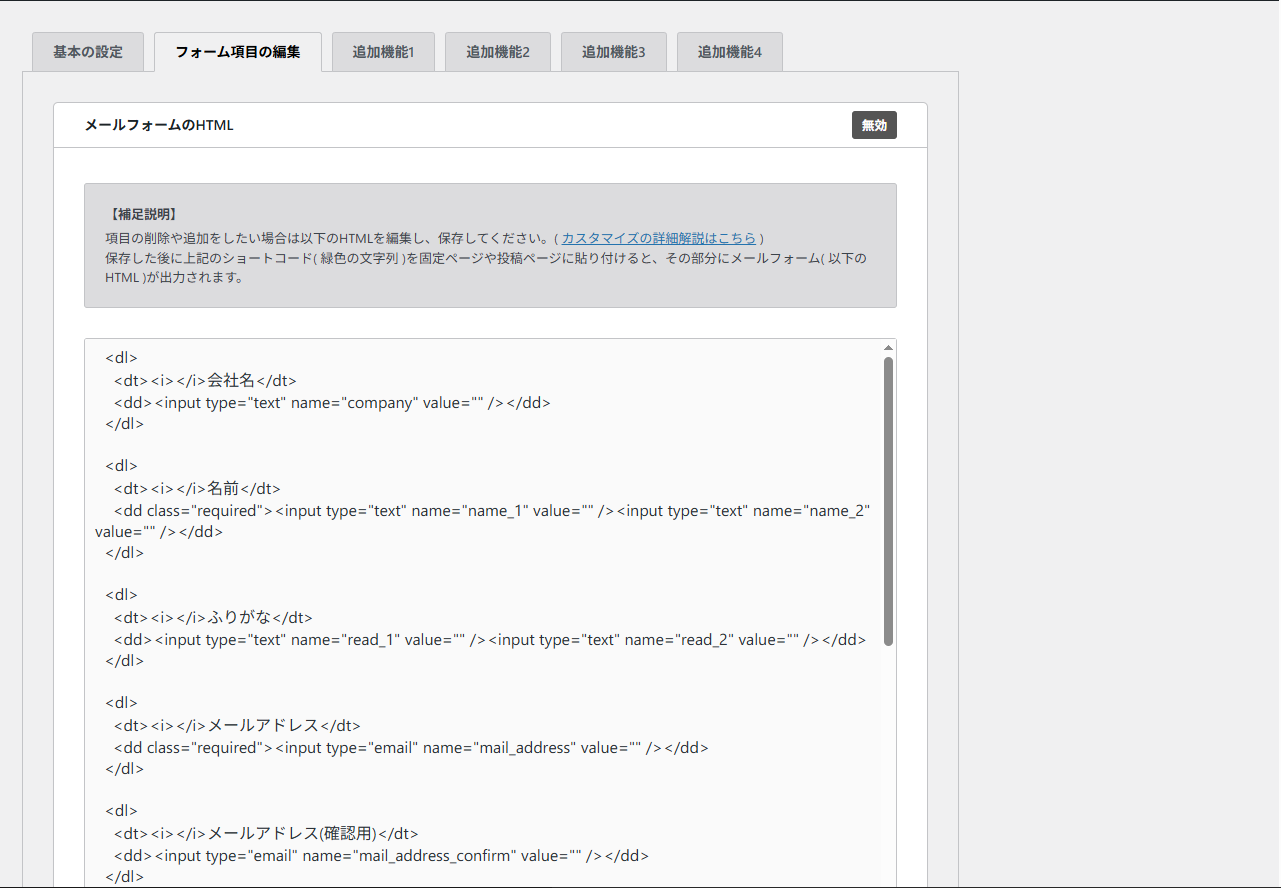
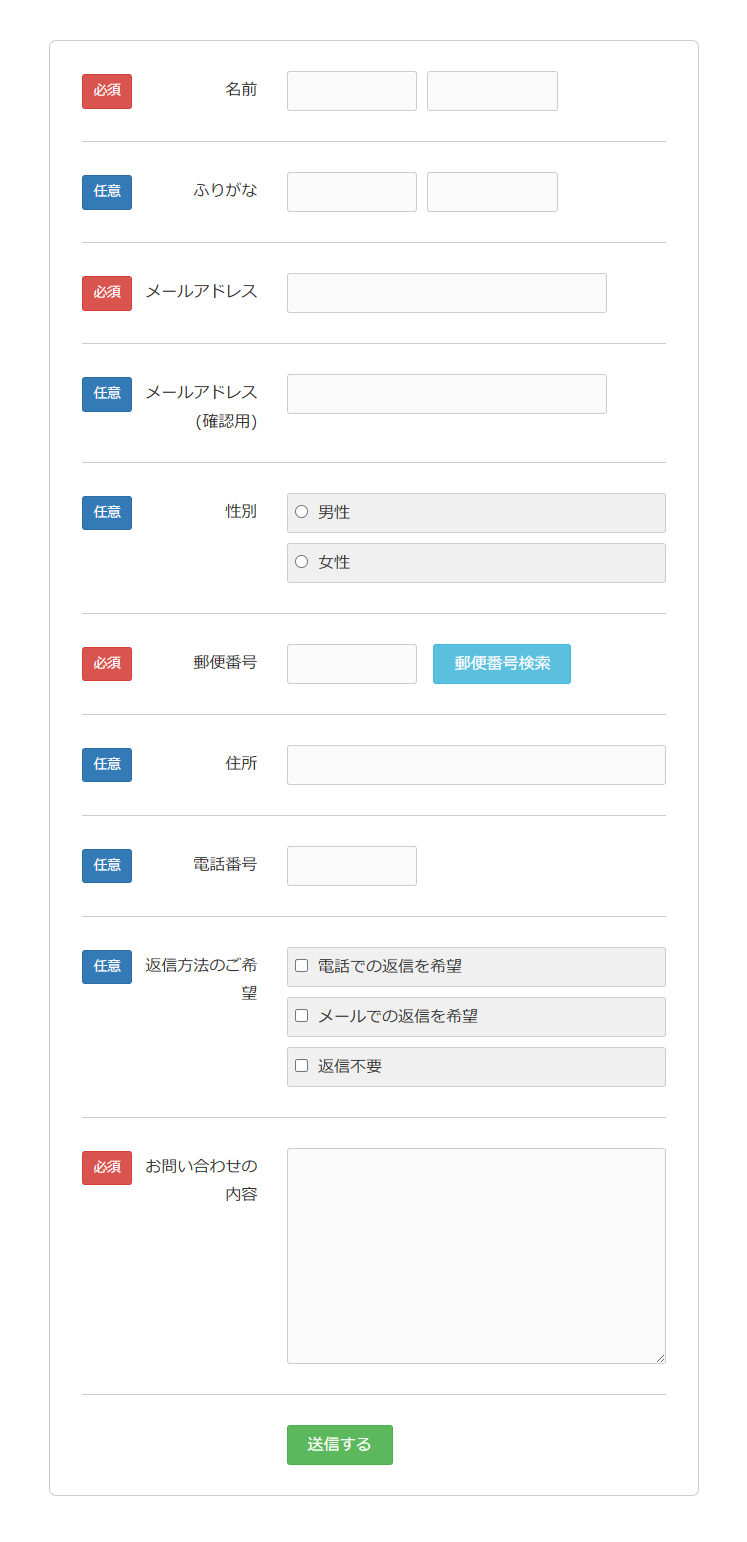
- 上記 3 のページで表示されているショートコードをコピーし、メールフォームを設置したいページに貼り付ける。
- 自分で送信テストをしてみてサンクスページが表示され、メールが届けば OK。
- Install the plugin "Responsive Mailform" to WordPress.
- Activate the plugin through the "Plugins menu" in WordPress.
- Select "Contact Us" → "Add New Responsive Email Form", set the "Administrator's Email Address" and "Thank You Page URL (the page displayed after submitting the form)", and save the page.
- Copy the shortcode displayed on page 3 above and paste it on the page where you want to place the email form.
- Try sending a test yourself and if the thank you page appears and the email is delivered, then it's OK.
屏幕截图:
更新日志:
9.0
Completely renewed. First update in about 10 years.
Updated to the same level as the "Responsive Mailform"(standard version).
1.4
Bug fix about furigana empty.
1.3
Bug fix about mysql_real_escape_string.
1.2
Bug fix about DateTimePicker.
1.1
Bug fix about jQuery conflict.
1.0
New Release.