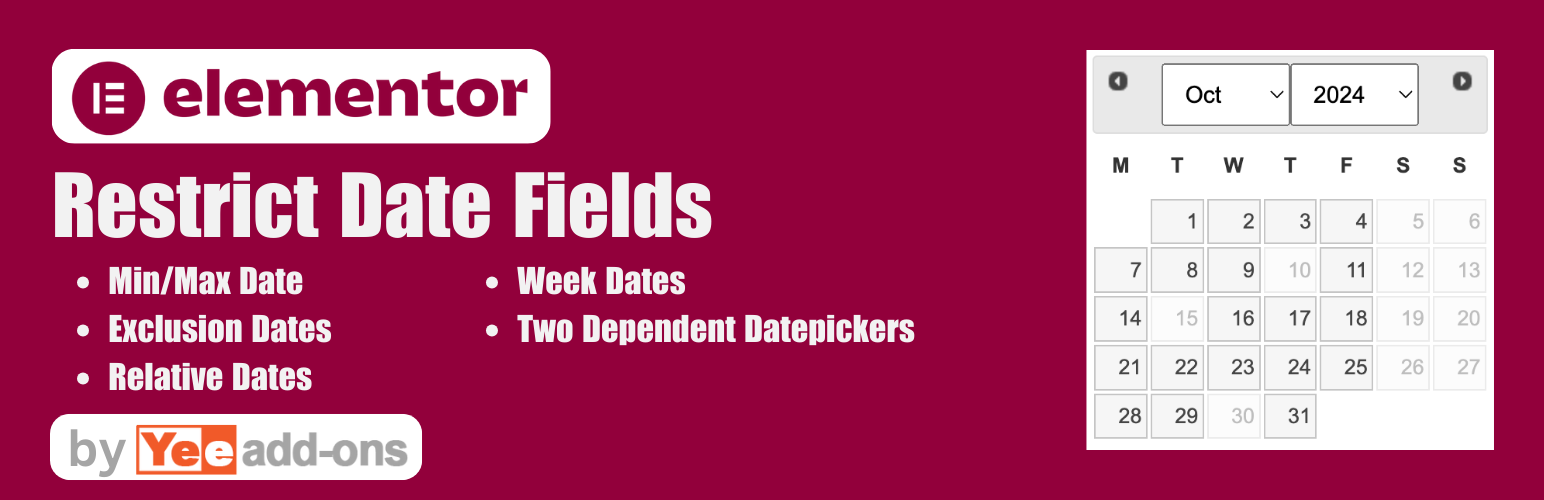
Advanced Datepicker - Restrict Date for Elementor Forms
| 开发者 |
addonsplugins
rednumber addonsorg |
|---|---|
| 更新时间 | 2026年9月21日 17:17 |
| PHP版本: | 5.2 及以上 |
| WordPress版本: | 7.1 |
| 版权: | GPLv2 or later |
| 版权网址: | 版权信息 |
详情介绍:
[youtube https://www.youtube.com/watch?v=fVakOzz4j6E]
DEMO: https://demo.add-ons.org/demo-restrict-date-fields/
Pro version: https://add-ons.org/plugin/elementor-form-restrict-dates-fields/
Document: https://add-ons.org/document-elementor-form-restrict-dates-fields/
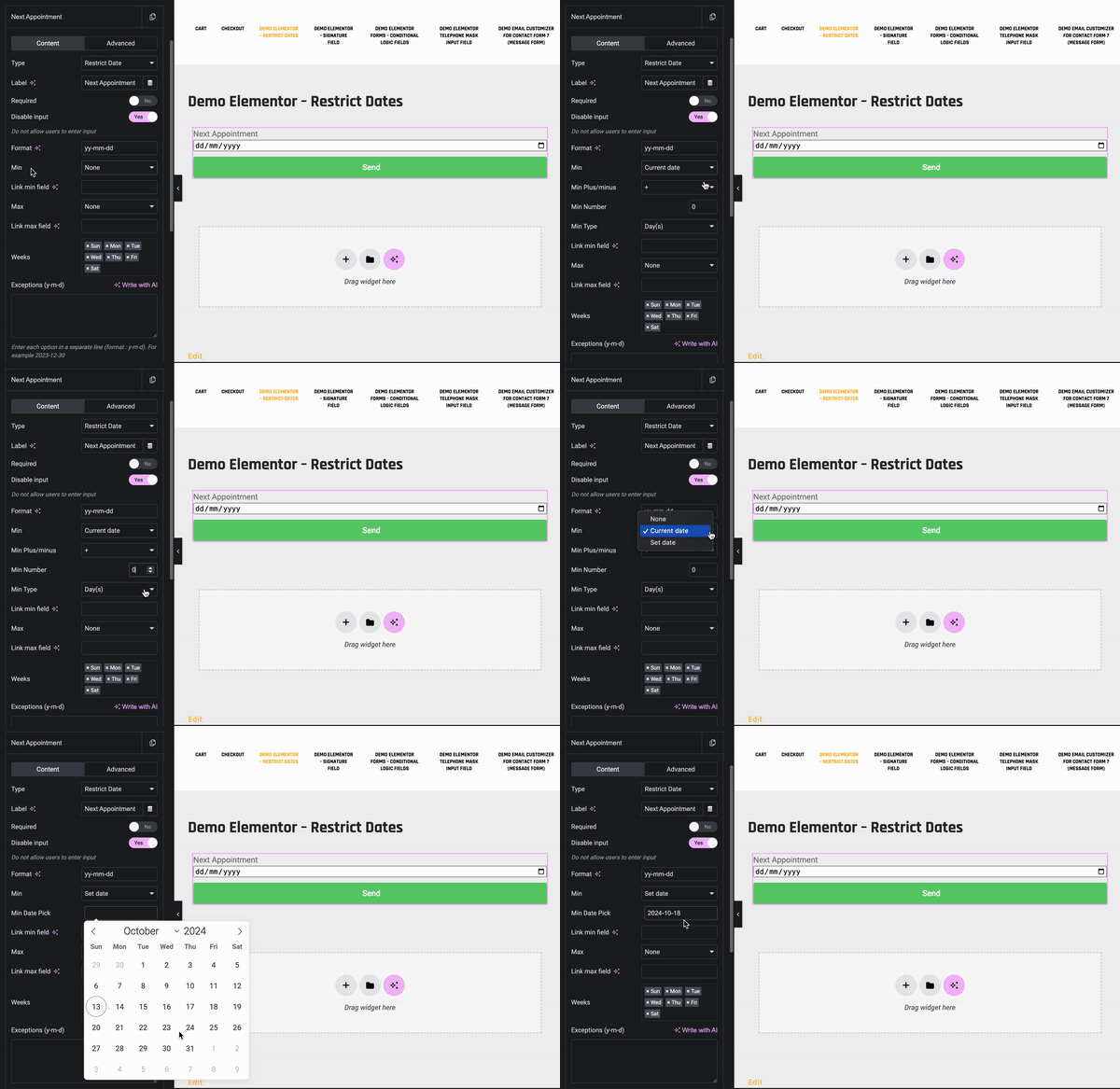
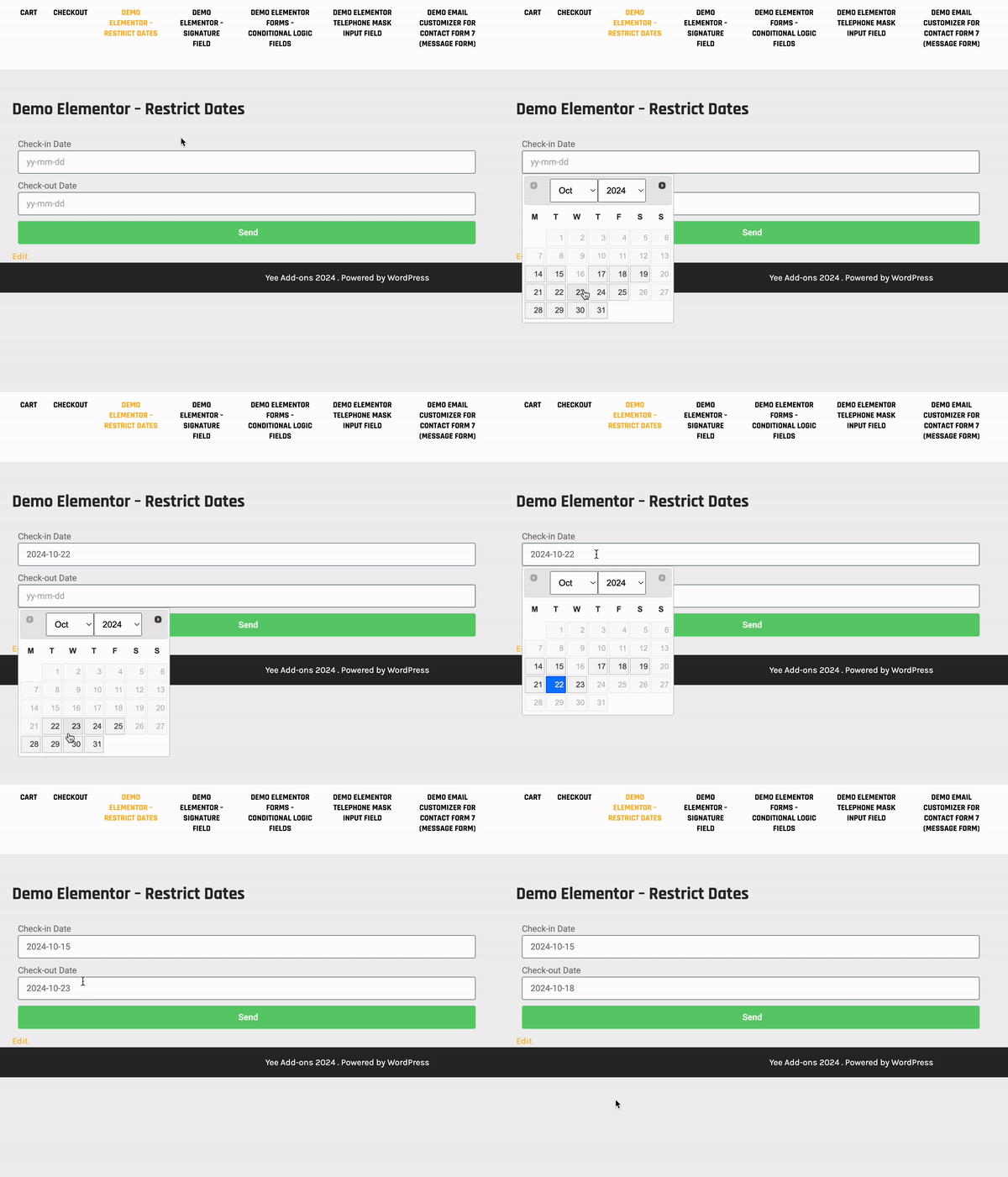
Advanced Datepicker - Restrict Date for Elementor Forms is the ultimate scheduling and booking enhancement for your website. It provides unparalleled control over the native Elementor Forms date picker, allowing you to restrict the exact dates your users can select, preventing scheduling conflicts and invalid entries.
Whether you are building a hotel booking system, an appointment scheduling form for a doctor's clinic, or managing event registrations, this add-on gives you the power to set dynamic minimum and maximum date boundaries, block out weekends, and effortlessly exclude specific dates or holidays.
Take full control of your calendars with seamless integration, robust server-side validation, and beautiful inline datepicker support.
安装:
Normal installation
- Download the repeater-field-for-elementor.zip file to your computer.
- Unzip the file.
- Upload the
repeater-field-for-elementordirectory to your/wp-content/plugins/directory. - Activate the plugin through the 'Plugins' menu in WordPress.
- Document: https://add-ons.org/document-elementor-form-restrict-dates-fields/
屏幕截图:
常见问题:
Why when you select a date the popup disappears?
This is the "Close on Overlay" feature of Elementor Popup
- Choose the settings of the Popup page
- Click Advance settings
- Enable Prevent Closing on Overlay
更新日志:
2.0.5
- Added: Inline Datepicker
- Fixed: CSS wor with an themes
- Added: Date validation in server
- Fixed: Paceholder options
- Added: Paceholder options
- Added: choose + 100 years
- Fixed: Set onchange event
- Fixed: Remove placeholder == empty
- Fixed: Support all languages
- Fixed: Pro version
- Added: Week Starts On
- Added: Big Update
- Version 1.0 Initial Release