Restrict for Elementor
| 开发者 |
restrict
tickera freemius |
|---|---|
| 更新时间 | 2026年7月24日 21:43 |
| 捐献地址: | 去捐款 |
| PHP版本: | 6.5 及以上 |
| WordPress版本: | 7.0 |
| 版权: | GPLv2 or later |
| 版权网址: | 版权信息 |
详情介绍:
The Restrict for Elementor makes it easy for you to control and protect access to your Elementor-powered website.
You can restrict, show and hide widgets, sections and columns to:
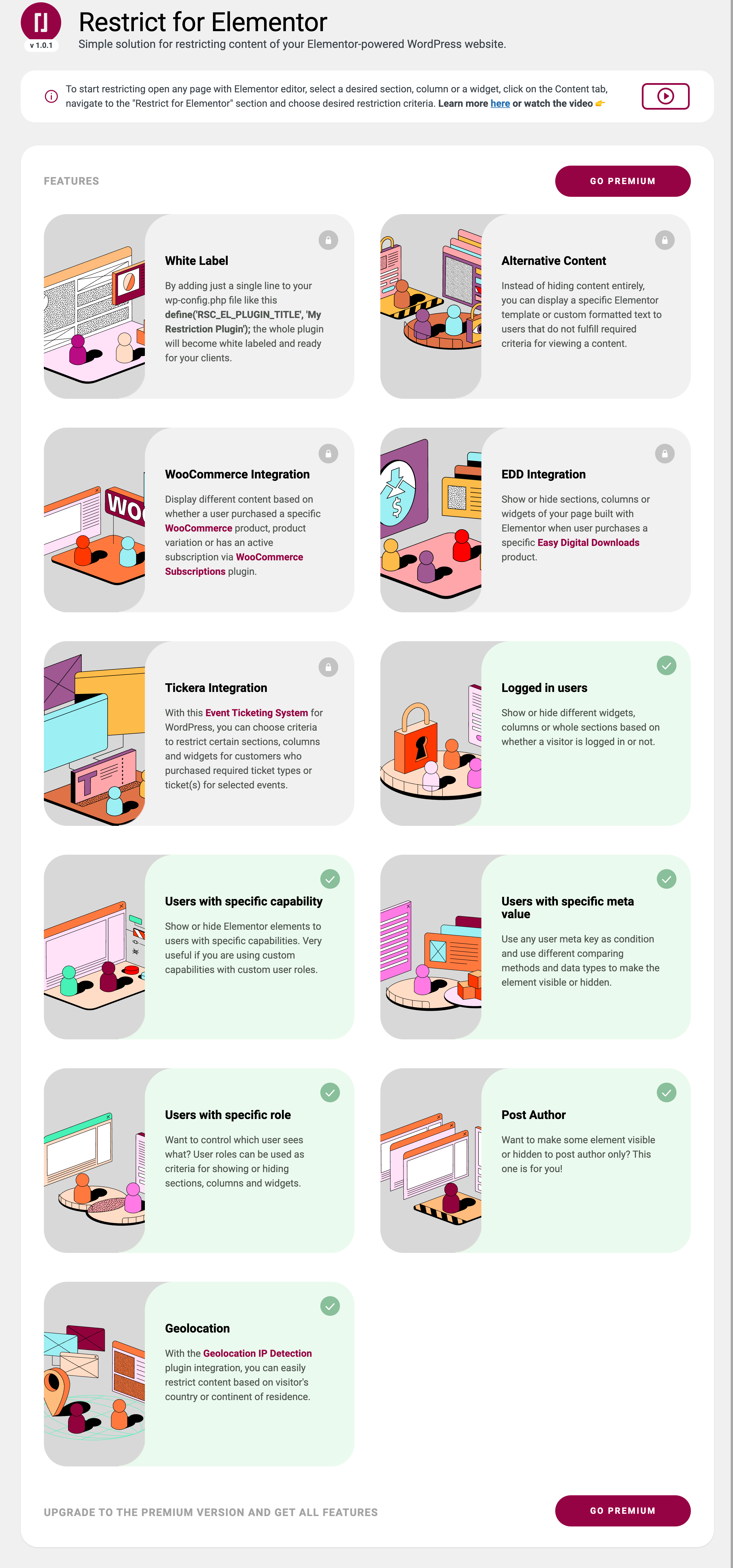
- Logged in users and guests
- Users with a specific role (administrator, editor, author, subscriber, etc)
- Users with a specific meta key and value
- Users with a specific capability
- Author of a post / page
- Visitors arriving with a specific URL parameter (i.e. ?src=newsletter) - great for landing page personalization
- Visitors arriving from a specific website (referrer)
- Visitors with a specific cookie
- Visitor's country or continent - integration with Geolocation IP Detection
安装:
- Install plugin
- Activate the plugin through the 'Plugins' menu in WordPress
- To start restricting open any page with the Elementor editor, select desired section, column or widget, click on the Content tab, navigate to the "Restrict" section and choose desired criteria.
屏幕截图:
更新日志:
1.2.0 24/07/2026
- New: Venuera integration - show or hide Elementor sections, columns and widgets to users who purchased Venuera tickets (any ticket, a specific ticket type or a ticket for a specific event) (premium only)
- New: URL parameter criteria - show or hide content to visitors arriving with a specific URL parameter (i.e. ?src=newsletter), great for landing page personalization
- New: Referrer criteria - show or hide content to visitors arriving from a specific website
- New: Cookie criteria - show or hide content to visitors with a specific cookie
- Restricted elements are now marked as dynamic content and properly excluded from Elementor's Element Cache. Previously, with Element Cache enabled, the variant rendered for the first visitor could be served to all subsequent visitors, bypassing the restriction criteria. [Fixed]
- Note: referrer and cookie criteria are evaluated on the server, so pages served from an external full-page cache (server or CDN level) may show a cached variant. The URL parameter criteria generally works with page caching since query strings typically bypass the cache.
- Freemius SDK updated to v2.13.1
- Wordpress v7.0 Compliance.
- Exclude restricted elements from Elementor cache mechanism. Clear cache before rendering restricted elements.
- User Role Editor compatibility.
- Freemius SDK updated to v2.11
- Additional REST API security measures.
- Clearing PHP Deprecated function warnings.
- Conflict with "Essential Addons for Elementor" plugin. Issue: Section element restriction not working. [Fixed]
- Updated Freemius to the latest SDK v2.9.0.
- Freemius SDK patched with PR:730. Patched Freemius SDK v2.9.0.1. Reference PR: https://github.com/Freemius/wordpress-sdk/pull/730/files
- Restrict Visitor's location: "restrict_for_elementor_match_client_ip_location" filter hook to allow developers to set matching instruction (Client IP or Public IP). Default: Public IP
- Restrict setting is not showing on containers if "Flexbox Containers" option is active at Elementor > Settings > Features.
- Updated Freemius SDK
- Dependency check for Elementor. Ensures no visible errors if Elementor is not installed and activated.
- Wordpress 6.0 compatibility
- Freemius SDK update
- Added check in the admin for the minimum version of the Elementor plugin
- Added tested up to tags for Elementor
- Fixed issue with continent selection in the Location addon
- First release