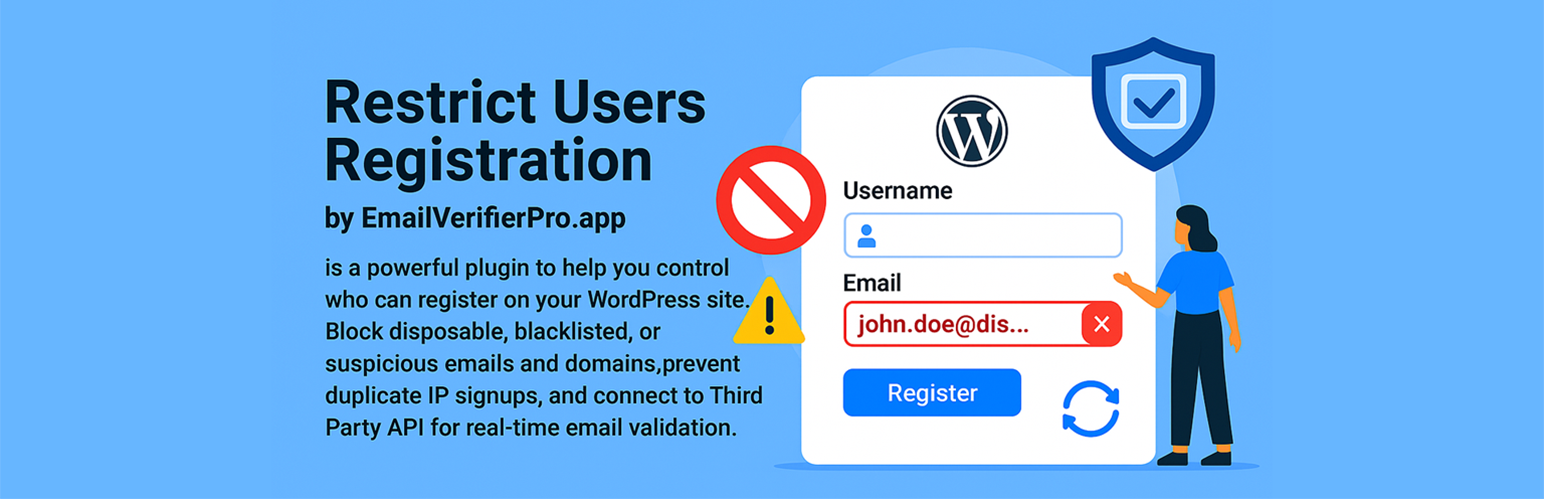
Restrict Users Registration by EmailVerifierPro.app
| 开发者 | tuhinbhuiyan |
|---|---|
| 更新时间 | 2026年2月24日 12:15 |
| PHP版本: | 5.0 及以上 |
| WordPress版本: | 6.8 |
| 版权: | GPLv2 or later |
| 版权网址: | 版权信息 |
详情介绍:
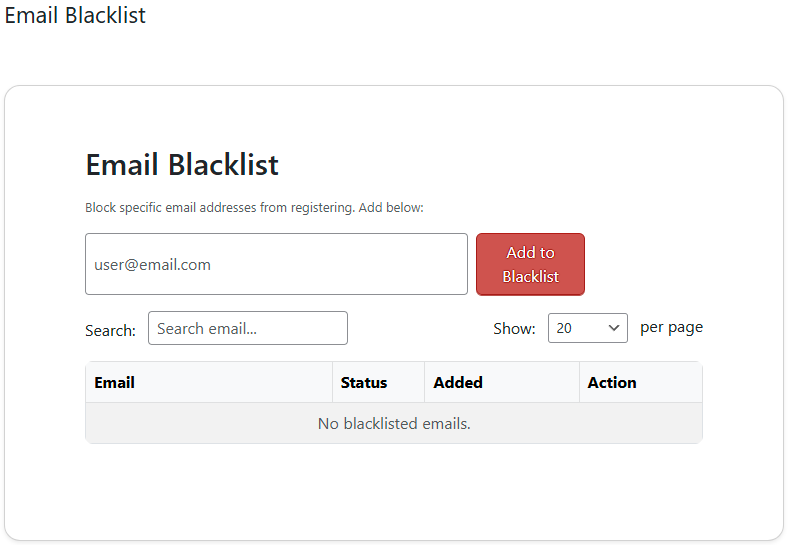
- Email Blacklist: Block specific email addresses from registering.
- Domain Blacklist: Block entire email domains (e.g., @tempmail.com).
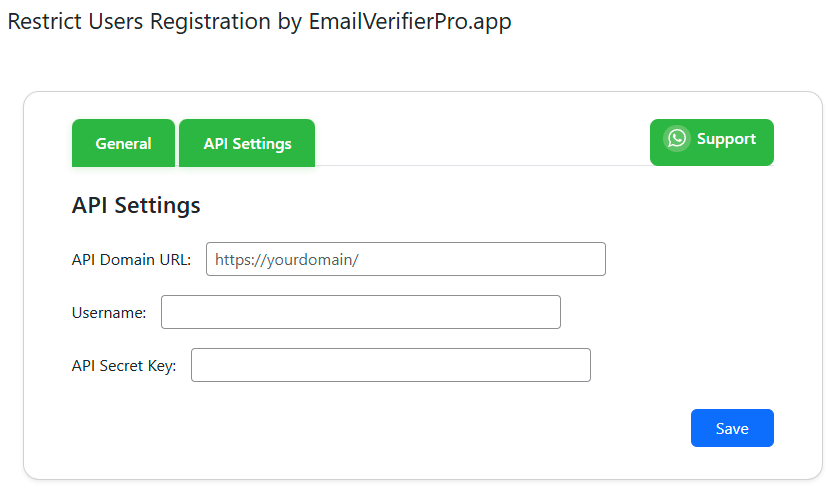
- API Integration: Connect to your own EmailVerifierPro.app / VerifyEmail.app instance for advanced email validation.
- Prevent Duplicate IP Signups: Block multiple registrations from the same IP.
- Invalid Email Retry Limit: Automatically blacklist emails after repeated invalid attempts.
- Debug Logging: Enable for troubleshooting (not recommended in production).
- Delete All Data on Deactivation: Optionally remove all plugin data when deactivating.
- Admin Activity Log: View recent signup attempts and actions.
- AJAX-powered admin interface for fast, modern management.
安装:
- Upload the plugin files to the
/wp-content/plugins/restusre-restrict-users-registration/directory, or install through the WordPress plugins screen. - Activate the plugin through the 'Plugins' menu in WordPress.
- Go to Dashboard > Restrict Users Registration to configure options, add blacklists, and connect your EmailVerifierPro.app / VerifyEmail.app API.
屏幕截图:
常见问题:
What is the difference between EmailVerifierPro.app software and the VerifyEmail.app service?
EmailVerifierPro.app is self-hosted software that you can run on your own server, providing email validation features similar to ZeroBounce. VerifyEmail.app, on the other hand, is a cloud-based, pay-as-you-go email verification service that also offers features comparable to ZeroBounce. Both systems' APIs are supported and can be used with this plugin.
Do I need an EmailVerifierPro.app software or VerifyEmail.app account?
No, but connecting your own instance enables advanced email validation. The plugin works with basic blacklist features out of the box.
Can I block disposable or temporary emails?
Yes! Add known disposable domains to the domain blacklist, or use EmailVerifierPro.app / VerifyEmail.app for automatic detection.
Will this block spam bots?
It helps reduce spam by blocking known bad emails/domains and duplicate IPs, but for best results use alongside a full security plugin.
What happens if I enable 'Delete all plugin data on deactivation'?
All plugin settings, blacklists, and logs will be permanently deleted when you deactivate the plugin.
更新日志:
- update of system
- Initial release