RetainFlow — Subscription Retention for WooCommerce
| 开发者 |
bikashpun
envitetech |
|---|---|
| 更新时间 | 2026年7月6日 16:36 |
| PHP版本: | 7.4 及以上 |
| WordPress版本: | 7.0 |
| 版权: | GPL-2.0-or-later |
| 版权网址: | 版权信息 |
详情介绍:
retainwoo for legacy compatibility)
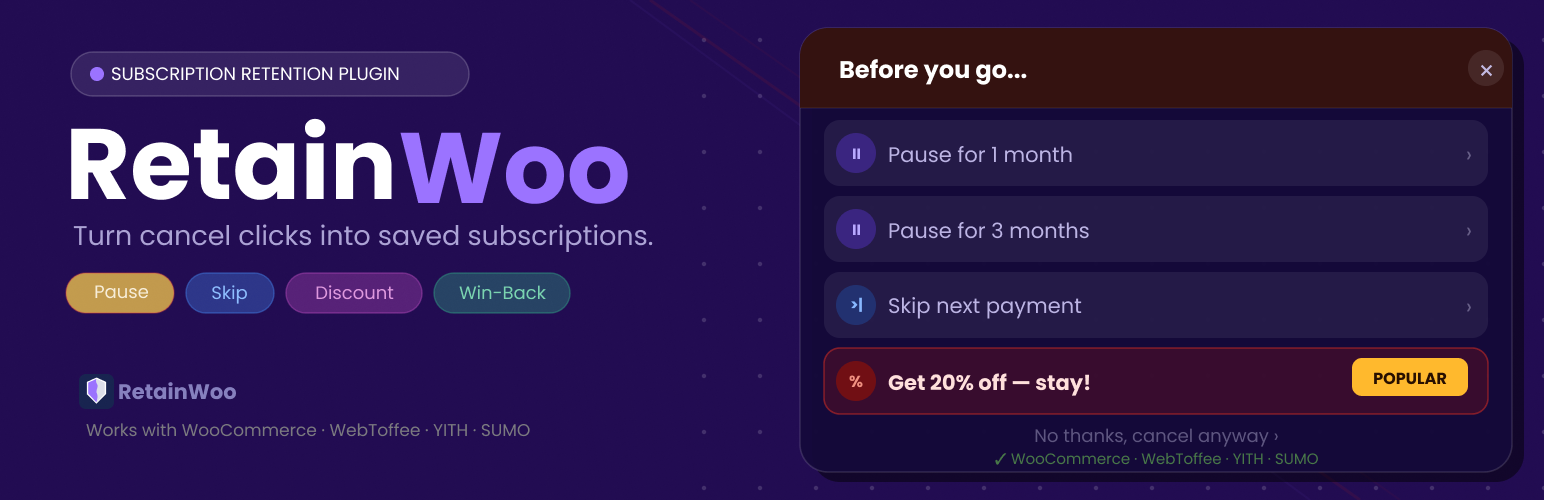
RetainFlow shows a popup with special offers when a subscriber tries to cancel, helping you keep more paying customers.
Most stores lose subscribers silently, the customer clicks cancel, the subscription ends, and no one ever finds out why. RetainFlow stops that from happening.
When a subscriber clicks the cancel button, a polished popup appears instantly with three retention options:
- Pause: Let them pause for 1 or 3 months instead of cancelling
- Skip: Skip their next payment to give them breathing room (can only be used once every 3 months)
- Discount: Offer a percentage or fixed discount to stay
- Offer first, not a survey: Competitors show a survey before the offer. RetainFlow shows the offer immediately, which gets higher acceptance.
- Works with 4 subscription plugins: WooCommerce Subscriptions, WebToffee, YITH, and SUMO all auto-detected.
- 5-minute setup: Install, activate, done. No complex configuration required.
- Built-in win-back email: Other plugins require Klaviyo or Mailchimp. RetainFlow sends beautiful win-back emails automatically.
- Self-contained design: The popup looks great on every theme without any CSS conflicts.
- Intercepts subscription cancel clicks across all subscription pages
- Three retention offers: pause (1 or 3 months), skip next payment, percentage or fixed discount
- Automatic win-back email with unique coupon code
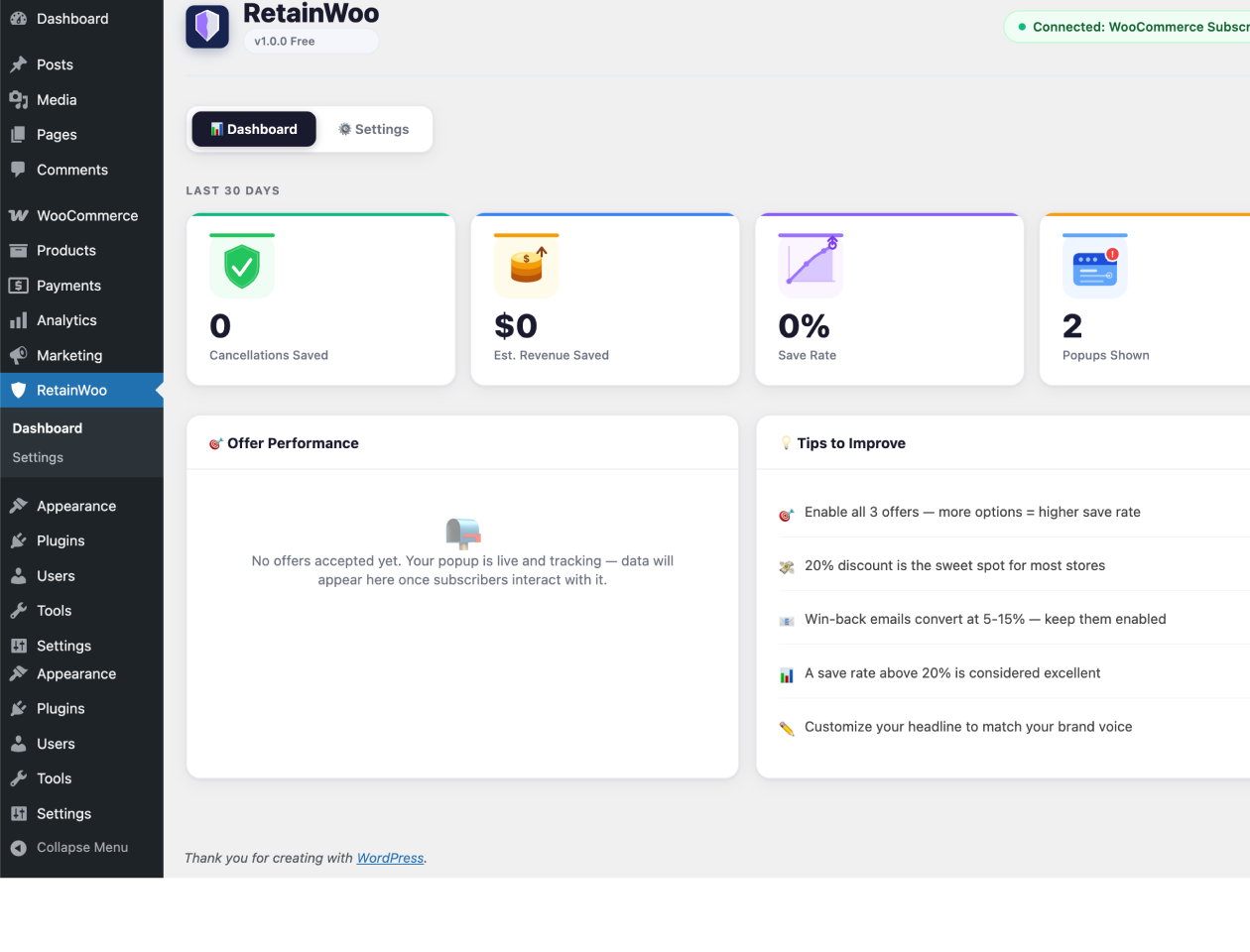
- Dashboard showing cancellations saved, revenue saved, save rate, and offer breakdown
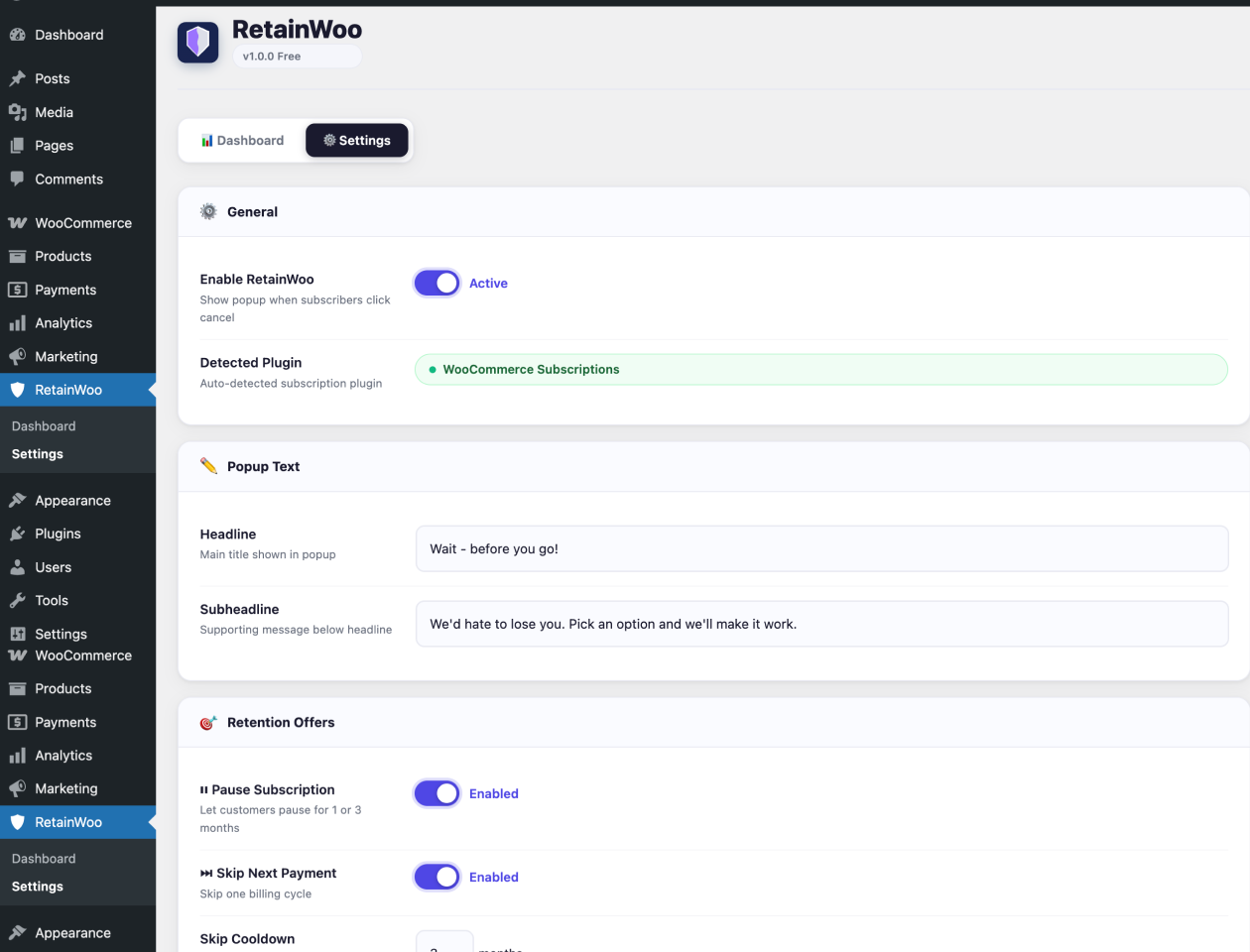
- Customizable headline and subheadline text
- Toggle each offer type on or off
- Configure discount amount and type
- Compatible with WooCommerce Subscriptions, WebToffee Subscriptions, YITH WooCommerce Subscriptions, and SUMO Subscriptions
- WooCommerce Subscriptions (official)
- Subscriptions for WooCommerce by WebToffee
- YITH WooCommerce Subscriptions
- SUMO Subscriptions
安装:
- In WordPress, go to Plugins → Add New, search for RetainFlow, and click Install Now — or upload the plugin zip via Plugins → Add New → Upload Plugin.
- Activate the plugin through the Plugins screen in WordPress.
- Make sure you have a supported subscription plugin active (WooCommerce Subscriptions, WebToffee, YITH, or SUMO).
- The plugin is active immediately — go to RetainFlow → Settings to customize your offers.
- Go to RetainFlow → Dashboard to track performance.
屏幕截图:
常见问题:
Which subscription plugins are supported?
RetainFlow works with WooCommerce Subscriptions (official), Subscriptions for WooCommerce by WebToffee, YITH WooCommerce Subscriptions, and SUMO Subscriptions. The correct plugin is detected automatically.
Why is the WordPress.org URL retainwoo?
RetainFlow was previously listed under a legacy directory slug. The product name is RetainFlow; the WordPress.org directory slug cannot be changed after publication. Your settings and data are unaffected.
Does the popup appear for all subscription cancellations?
Yes — the popup appears whenever a logged-in customer clicks any cancel button on their subscription. It works on the My Account Subscriptions page and individual subscription pages.
What happens when a customer accepts an offer?
Pause: The subscription status is set to On Hold and a scheduled event automatically resumes it after the selected period. Skip: The next payment date is pushed forward by one billing cycle. Discount: A unique single-use coupon is created and applied to the subscription automatically.
What happens when a customer cancels anyway?
The cancellation proceeds normally. If win-back email is enabled, a scheduled email is sent after the configured delay with a unique discount coupon to encourage reactivation.
Will this slow down my site?
No. The popup CSS and JavaScript are only loaded on WooCommerce account pages. The total added weight is under 15KB.
Does it work with page builders like Elementor or Divi?
Yes. The popup is injected directly into the page body and is independent of your theme or page builder.
Can I customize the popup text?
Yes. Go to RetainFlow → Settings to change the headline, subheadline, discount amount, and win-back email subject.
Is this GDPR compliant?
Yes. RetainFlow does not send any data to external servers. Win-back emails are sent using your WordPress installation's own email system. No third-party services are involved.
更新日志:
- Fixed: Dashboard and popup now use the WooCommerce store currency symbol instead of a hardcoded "$"
- Fixed: Fixed-amount discounts with decimals (e.g. 9.99) are now saved and displayed correctly
- Improved: Selected cancellation reason (when available) is now stored alongside the cancellation event
- Improved: Discount amount field no longer caps fixed amounts at 100
- Developer: New extension hooks for Pro and third-party add-ons —
retainflow_is_pro_active,retainflow_settings,retainflow_offer_eligibility,retainflow_event_tracked,retainflow_admin_stats_days,retainflow_admin_dashboard_before_stats,retainflow_admin_dashboard_after_stats,retainflow_admin_settings_before_winback,retainflow_admin_settings_before_submit,retainflow_enqueue_popup_styles - Developer: Added
RetainFlow_Customerhelper for resolving customer names and emails in exports and admin UI - Docs: Installation, FAQ and description clarified around the legacy
retainwooslug
- Added: Admin warning if no supported subscription plugin is detected
- Improved: Win-back emails are not sent when a customer accepts a retention offer (pause, skip, or discount)
- Improved: Clearer “Settings saved” confirmation in the admin
- Improved: Popup performance and reliability
- Fixed: Skip offer cooldown now applies correctly on new installs (default 3 months)
- Tested up to WordPress 7.0
- Rebranded from RetainWoo to RetainFlow
- No functional changes — existing settings and data are preserved
- Added: Popup preview in admin settings
- Added: Win-back email body, heading and button editor
- Added: Email notifications when subscriber is saved
- Initial release
- Retention popup with pause, skip, and discount offers
- Win-back email system with automatic coupon generation
- Dashboard with 30-day performance stats
- Support for WooCommerce Subscriptions, WebToffee, YITH, and SUMO