ReturnKit – Returns, Refunds & EU Withdrawal Button for WooCommerce
| 开发者 |
warnz
freemius |
|---|---|
| 更新时间 | 2026年10月26日 18:12 |
| PHP版本: | 7.4 及以上 |
| WordPress版本: | 7.1 |
| 版权: | GPLv2 or later |
| 版权网址: | 版权信息 |
详情介绍:
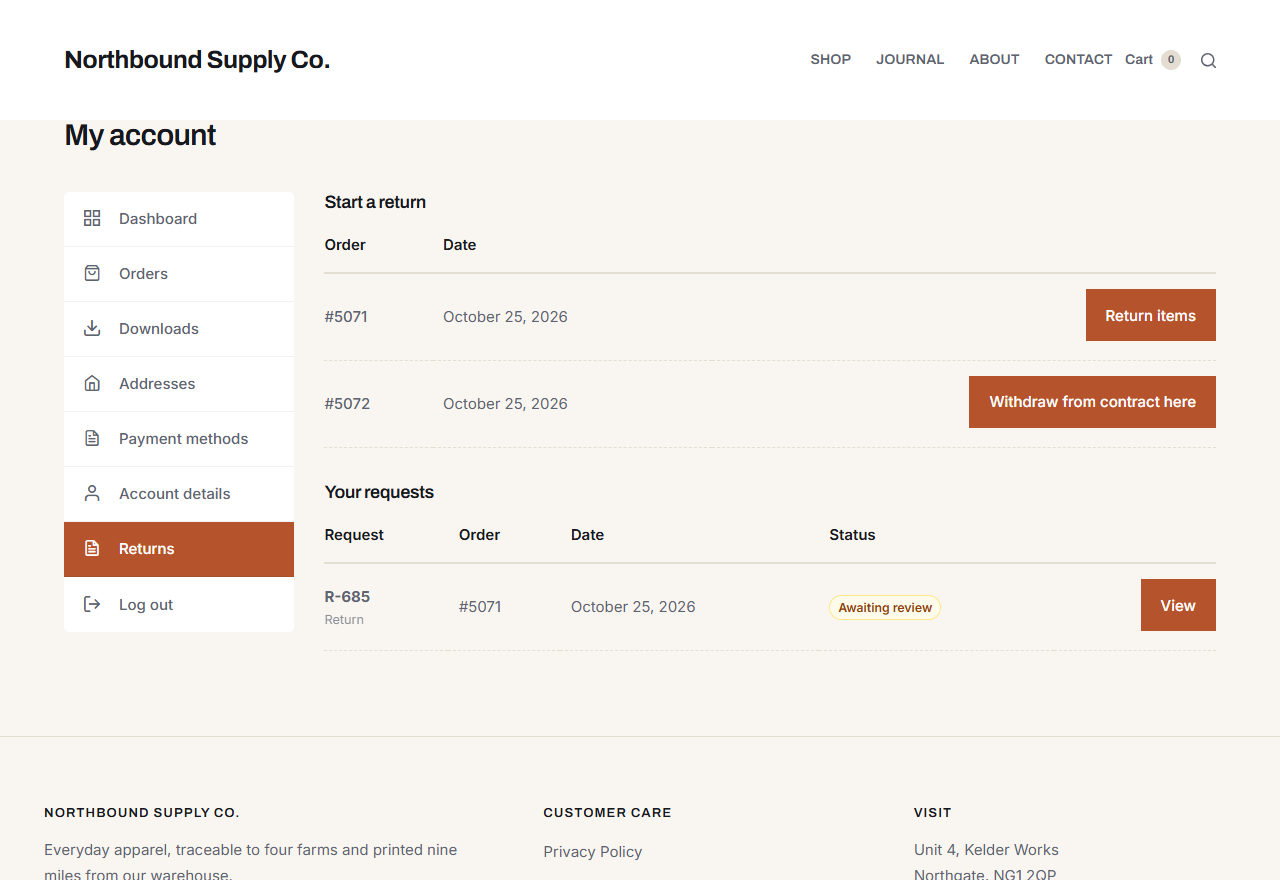
- Return from My Account. A Returns section, and a Return items button on every order that can still be returned.
- Return as a guest. Customers who checked out without an account enter their order number and email on the Returns page, and get a secure link by email. Order details are never shown on screen for an order number and email alone.
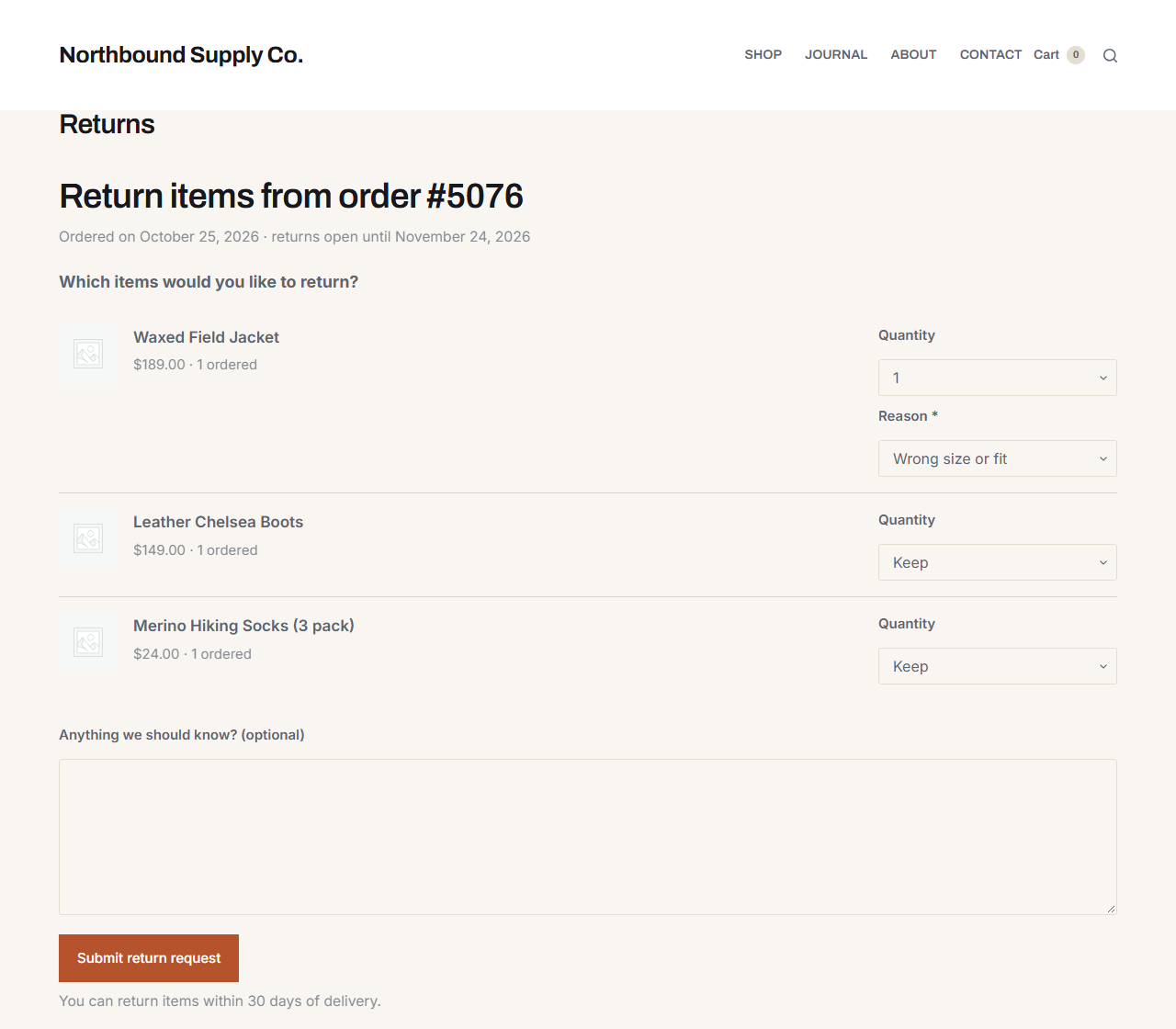
- Pick items, quantities and a reason. Only what's still returnable is offered. An optional note for you.
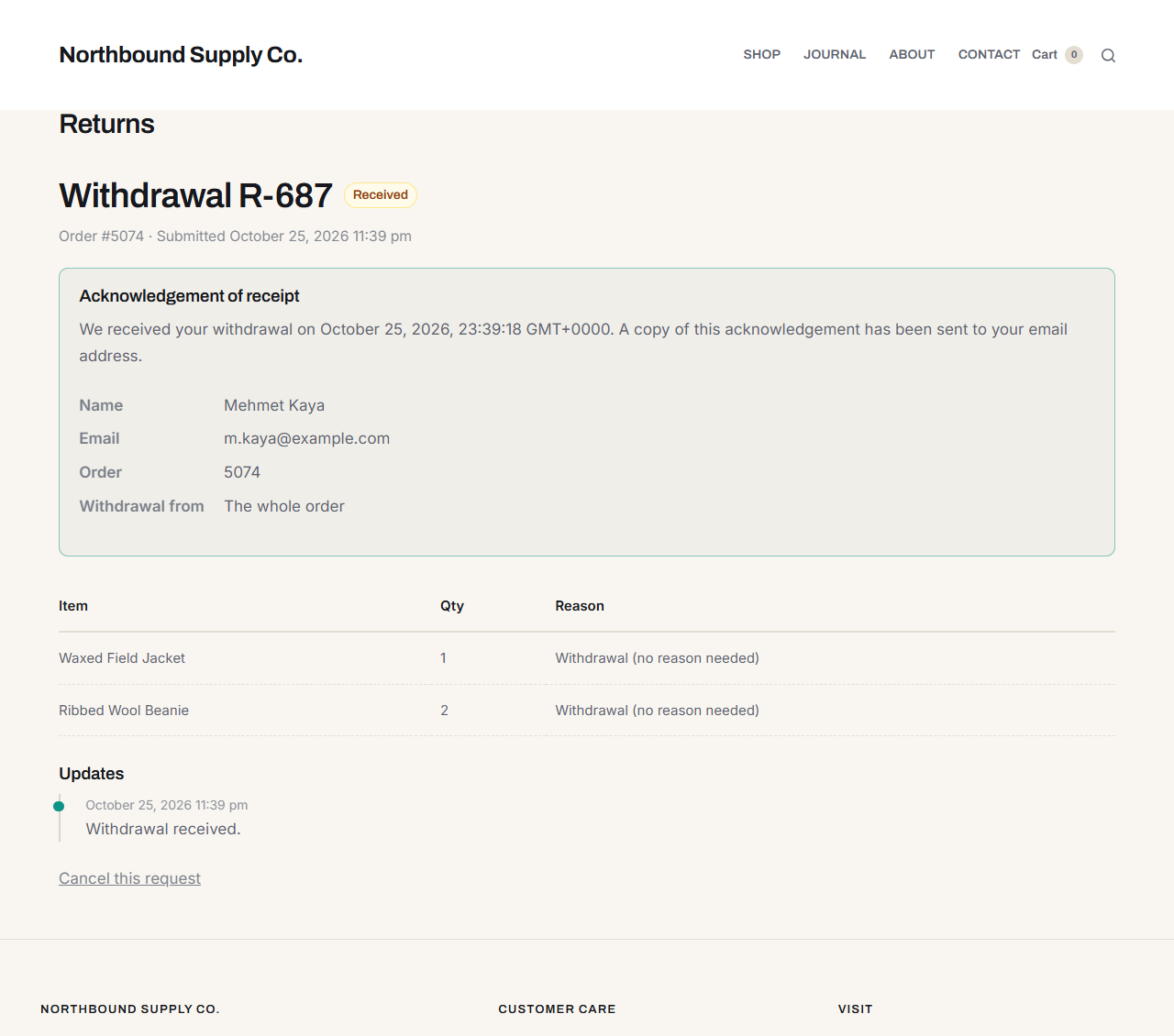
- A page for every request. Status, your return instructions and address, and a timeline of updates. Customers can cancel while the request is still waiting.
- Clear emails at every step, in your WooCommerce email design.
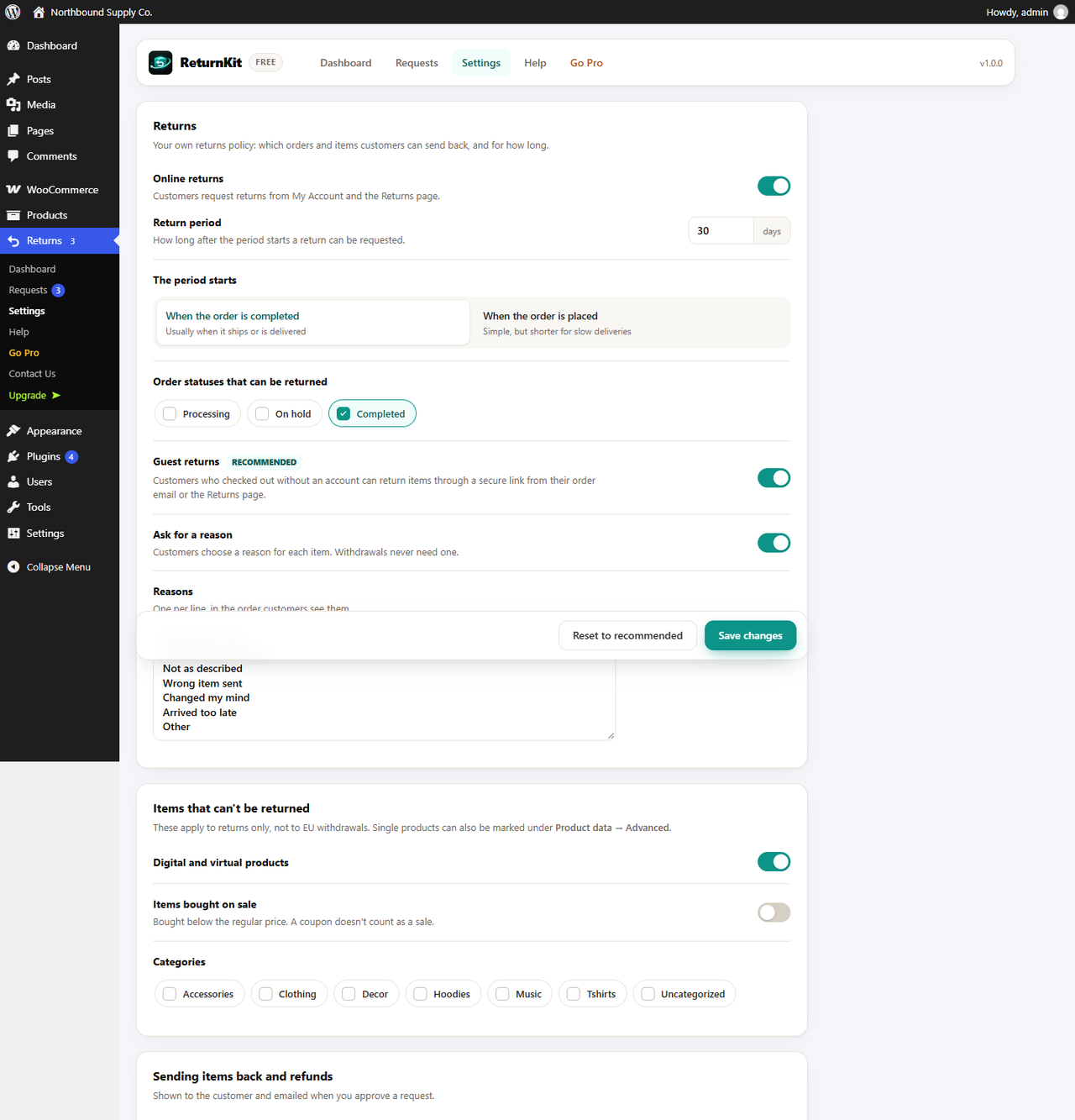
- Your returns policy. Return period (30 days by default) from completion or from the order date, which order statuses qualify, your list of reasons, and exclusions for digital products, sale items, categories or single products.
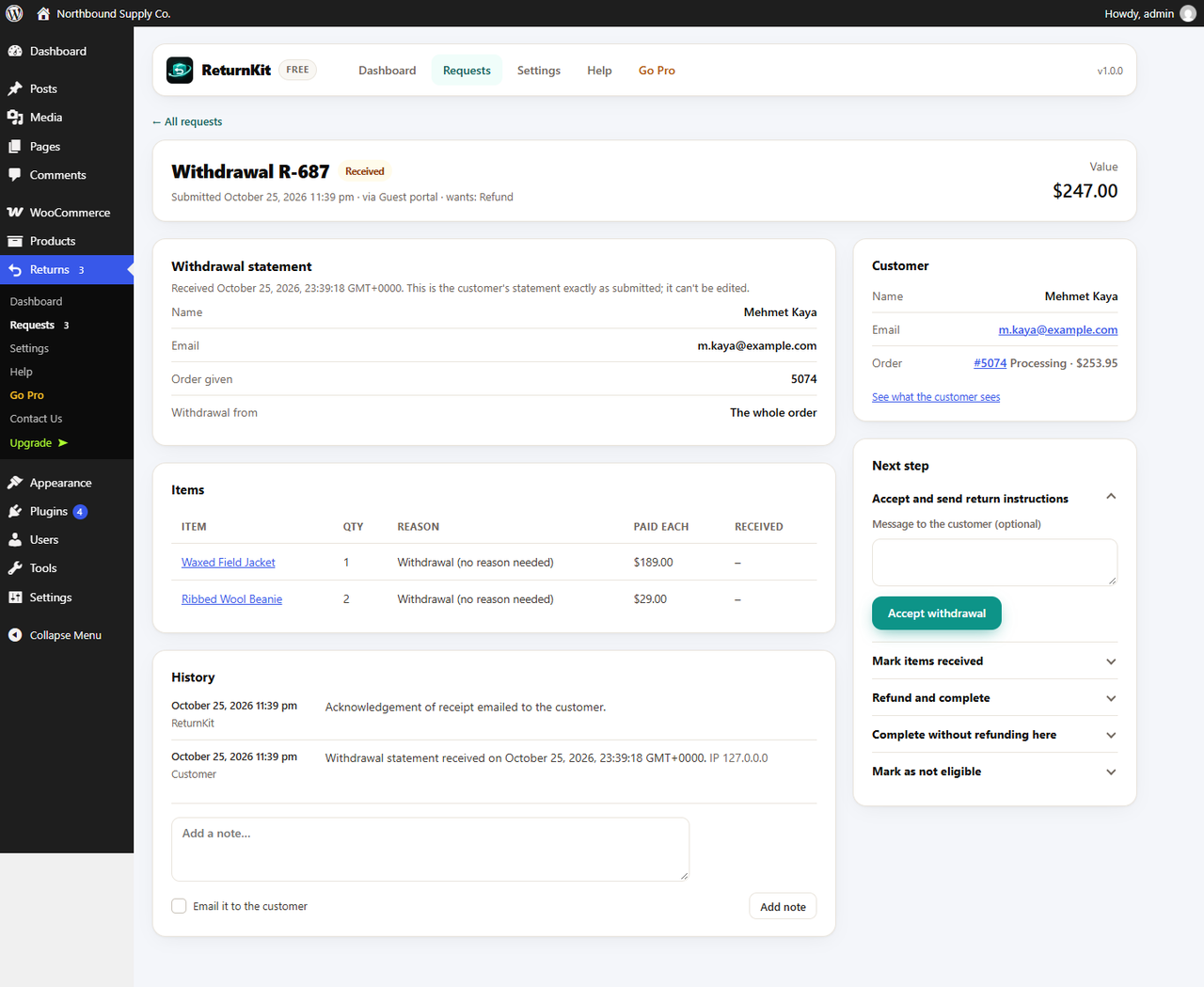
- Approve, receive, refund. Approving emails the instructions and return address. Marking items received puts them back in stock. Refund creates a WooCommerce refund for exactly those items, through the payment gateway when it supports it.
- A full history. Every step, email and note is logged with who did it and when, and noted on the order.
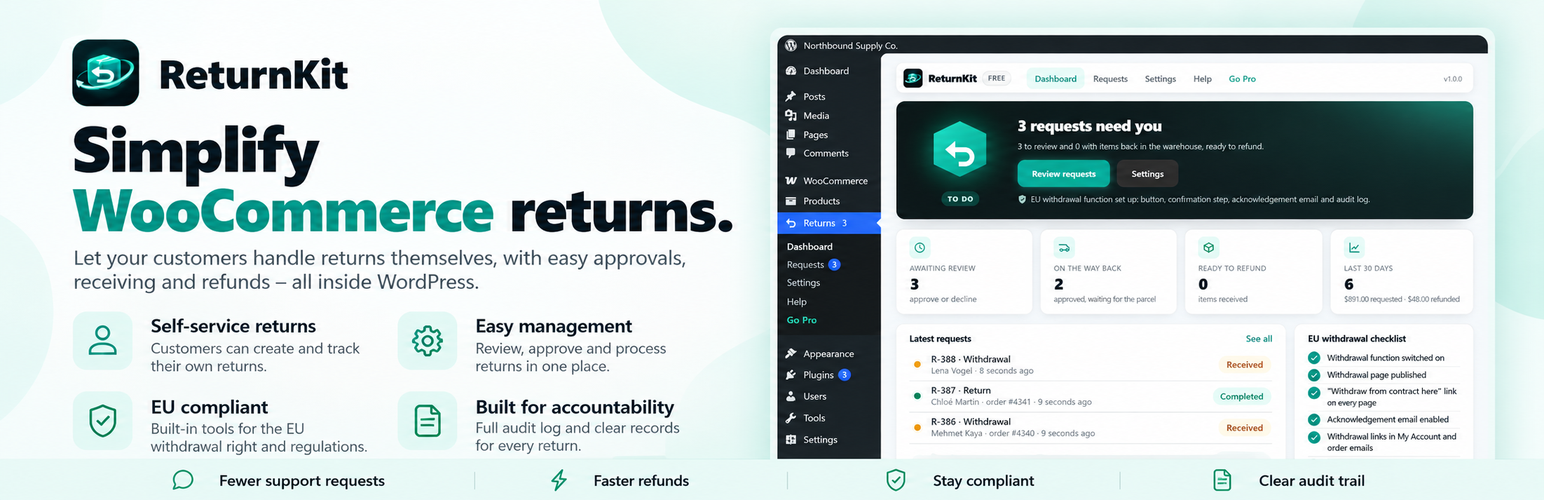
- A dashboard with what needs you, the latest requests and a setup checklist. A requests list with filters, search and CSV export.
- Notes and messages. Keep private notes, or email the customer from the request.
- a "Withdraw from contract here" button: on a withdrawal page, as an optional footer link, as a shortcode for menus and legal pages, on orders in My Account and in order emails;
- a form for the customer's name, the order and the email for the confirmation. Logged-in customers pick the order from a list, and can withdraw from single items;
- a separate "Confirm withdrawal" step before anything is sent;
- an acknowledgement email straight away, with the statement and the date and time it was received;
- an audit log of every step, including when the acknowledgement was sent;
- withdrawals that don't match an order are still recorded and acknowledged, for you to link to the right order. The public form shows everyone the same confirmation, so it can't be used to look up orders;
- withdrawals linked to an order can't be deleted: they're your record of the customer's statement;
- after a withdrawal from the whole order, the suggested refund includes delivery costs;
- a checklist on the dashboard that shows what's left to set up.
- Spam protection for the public forms: a hidden bot trap, expiring form tokens, a minimum time on the form, a limit per IP address (with support for Cloudflare and proxies) and optional Cloudflare Turnstile.
- No double claims. Requests are checked under a lock, so a double click can never return the same item twice.
- Crash protection. If something goes wrong inside ReturnKit, your store keeps running and you get a notice with the details.
- Built for HPOS and the Cart and Checkout blocks. Templates can be overridden in your theme, and developers get hooks for every step.
安装:
- Install and activate the plugin. WooCommerce must be active.
- ReturnKit creates a Returns page and a Withdraw from contract page, and adds Returns to My Account.
- Open Returns → Settings and add your return address. It's sent to customers when you approve a return.
- Check the return period, eligible order statuses and reasons under Settings → Returns.
- If you sell to EU consumers, open Returns → Dashboard and finish the EU withdrawal checklist. Usually that means turning on the footer link, or adding the withdrawal page to your footer menu.
屏幕截图:
常见问题:
How do I add an EU withdrawal button to WooCommerce?
Install ReturnKit. It creates a "Withdraw from contract" page with the withdrawal form, and you choose where the "Withdraw from contract here" button appears: the site footer, your footer menu, My Account, order emails, or anywhere with the [returnkit_withdrawal_button] shortcode. The dashboard checklist shows what's left to set up.
Is ReturnKit an RMA plugin?
Yes. Every return gets a return number (RMA), a status, a timeline and a history, from the customer's request to the refund.
Do I need the EU withdrawal function?
If you sell online to consumers in the EU, the law asks for it from 19 June 2026. If you don't, switch it off in the settings and use ReturnKit for returns only.
What's the difference between a return and a withdrawal?
A return follows your own policy: your period, your exclusions, your reasons. A withdrawal is the consumer's legal right: at least 14 days, no reason needed, and only legal exceptions can be excluded. ReturnKit keeps the two rule sets separate.
WooCommerce has its own withdrawal form. Do I need both?
No. Keep one switched on so customers don't find two different forms. ReturnKit's adds order and item selection, spam protection, statuses and an audit log, and warns you while both are on.
Can a guest see someone else's order?
No. The Returns page never shows an order for an order number and email alone. It emails a secure link to the order's billing address.
Do refunds go back through the payment gateway?
Yes, when the gateway supports automatic refunds, as Stripe, PayPal Payments and WooPayments do. Otherwise the refund is recorded in WooCommerce and you pay the customer yourself.
Does it put items back in stock?
Yes, by default, when you mark items received or refund. Untick it on the request for damaged items.
Can I change the emails and templates?
The emails are WooCommerce emails: edit their subject, heading and text under WooCommerce → Settings → Emails. Every template can be copied to yourtheme/woocommerce/returnkit/ and edited there.
Is ReturnKit available in my language?
Yes, in German (informal and formal), French, Spanish, Italian, Dutch, Polish, Swedish, Portuguese, Danish, Finnish, Norwegian, Czech, Romanian, Greek and Hungarian. The translations are included in the plugin and cover the customer pages, the emails and wp-admin. The EU withdrawal buttons use the exact wording of Directive (EU) 2023/2673 in each language ("Vertrag widerrufen", "Renoncer au contrat ici" and so on). Other languages can be added on translate.wordpress.org.
What happens when I uninstall?
Deleting the plugin removes its tables, settings, email settings and the product and order data it added, on every site of a multisite network. Order notes and WooCommerce refunds stay with the orders, and the Returns and withdrawal pages stay so you can decide what to do with them.
更新日志:
- Translations included: German (informal and formal), French, Spanish, Italian, Dutch, Polish, Swedish, Portuguese, Danish, Finnish, Norwegian, Czech, Romanian, Greek and Hungarian, for the customer pages, emails and wp-admin. The EU withdrawal buttons use the exact wording of the Directive in each language.
- A small "Enjoying ReturnKit?" card at the bottom of Settings, with a link to rate the plugin on WordPress.org.
- First release: self-service returns from My Account and for guests, the staff workflow with gateway refunds and restocking, and the EU withdrawal function with confirmation step, acknowledgement email, audit log and setup checklist.