Reviewbird Product Reviews for WooCommerce
| 开发者 |
reviewbird
clifgriffin |
|---|---|
| 更新时间 | 2026年9月26日 00:34 |
| PHP版本: | 7.4 及以上 |
| WordPress版本: | 7.1 |
| 版权: | GPLv2 or later |
| 版权网址: | 版权信息 |
详情介绍:
Reviewbird helps you collect and display star ratings and reviews about your products and WooCommerce store. Social proof from reviews and other user-generated content like photos and videos increases your conversion rate, organic traffic, and buyer engagement. Create an account to get started.
Collect reviews on autopilot
- Unlimited review requests: schedule automatic requests after fulfillment or delivery, set the delay time for domestic and international orders.
- Email templates: fully-customizable email templates (including in-email review forms)
- Automatic reminders: send email reminders to customers who haven’t left a review yet.
- Coupons: automatically send a static/dynamic coupon to all reviewers that meet your coupon conditions.
- Advanced blacklisting: disable review requests for certain products or customers.
- Manual requests: send unlimited review requests to orders fulfilled prior to the app installation.
- Product groups and cross-shop reviews syndication: share reviews among similar products in the same product groups or shop groups.
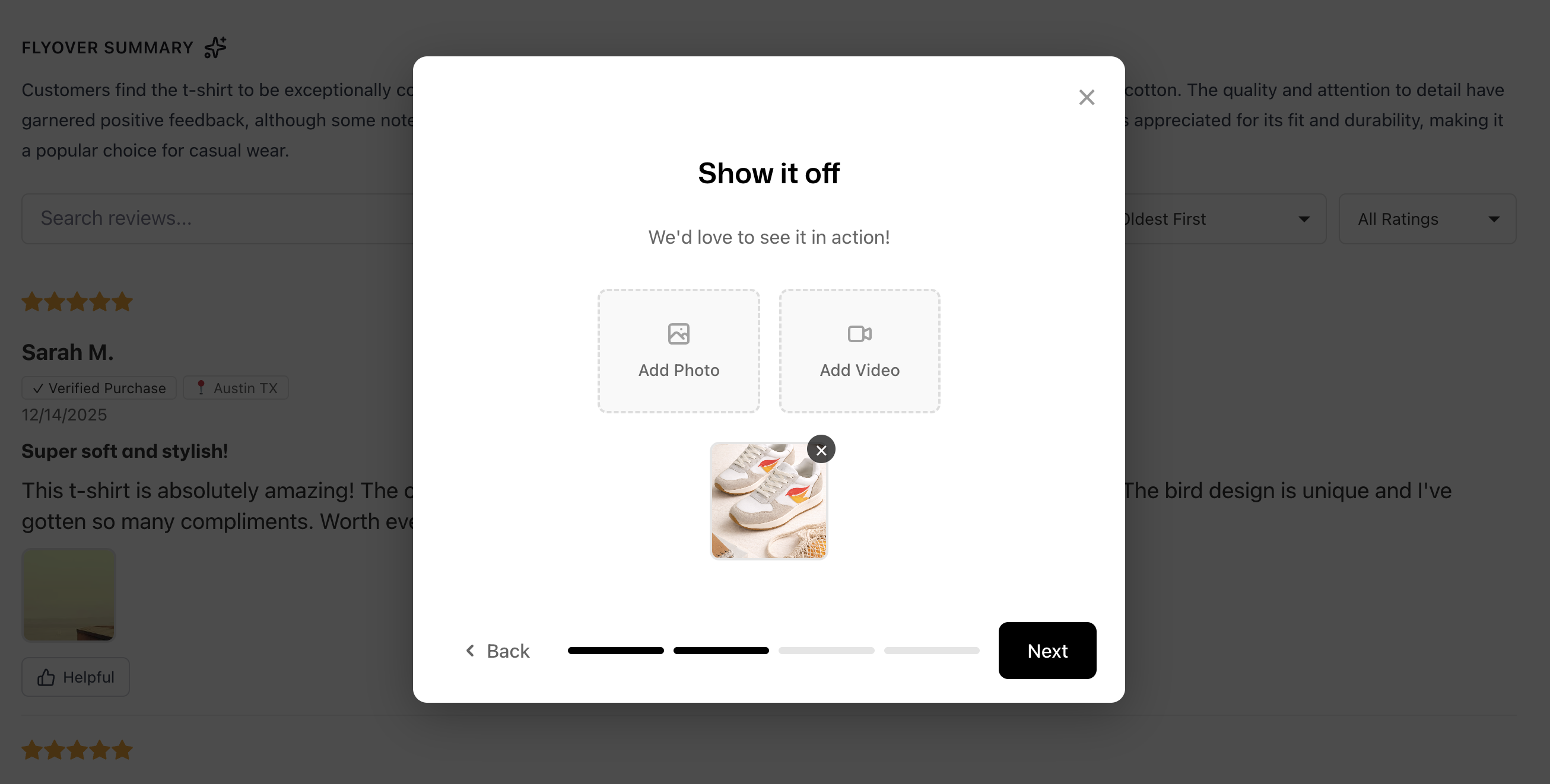
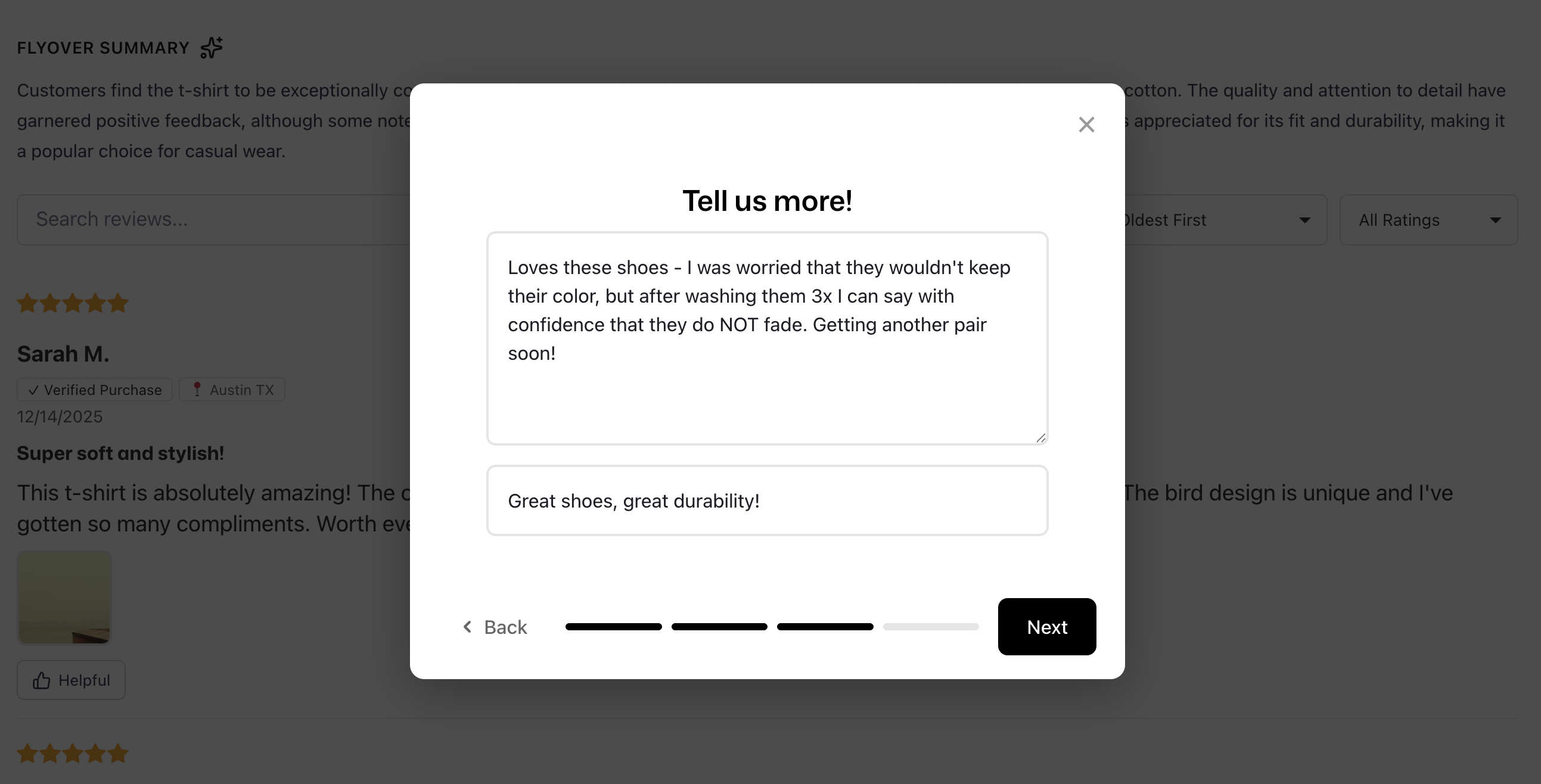
- Photo and video reviews: ask reviewers for photos and videos on product pages and in the review request emails.
- Default translations for emails and widgets: available in 24 languages.
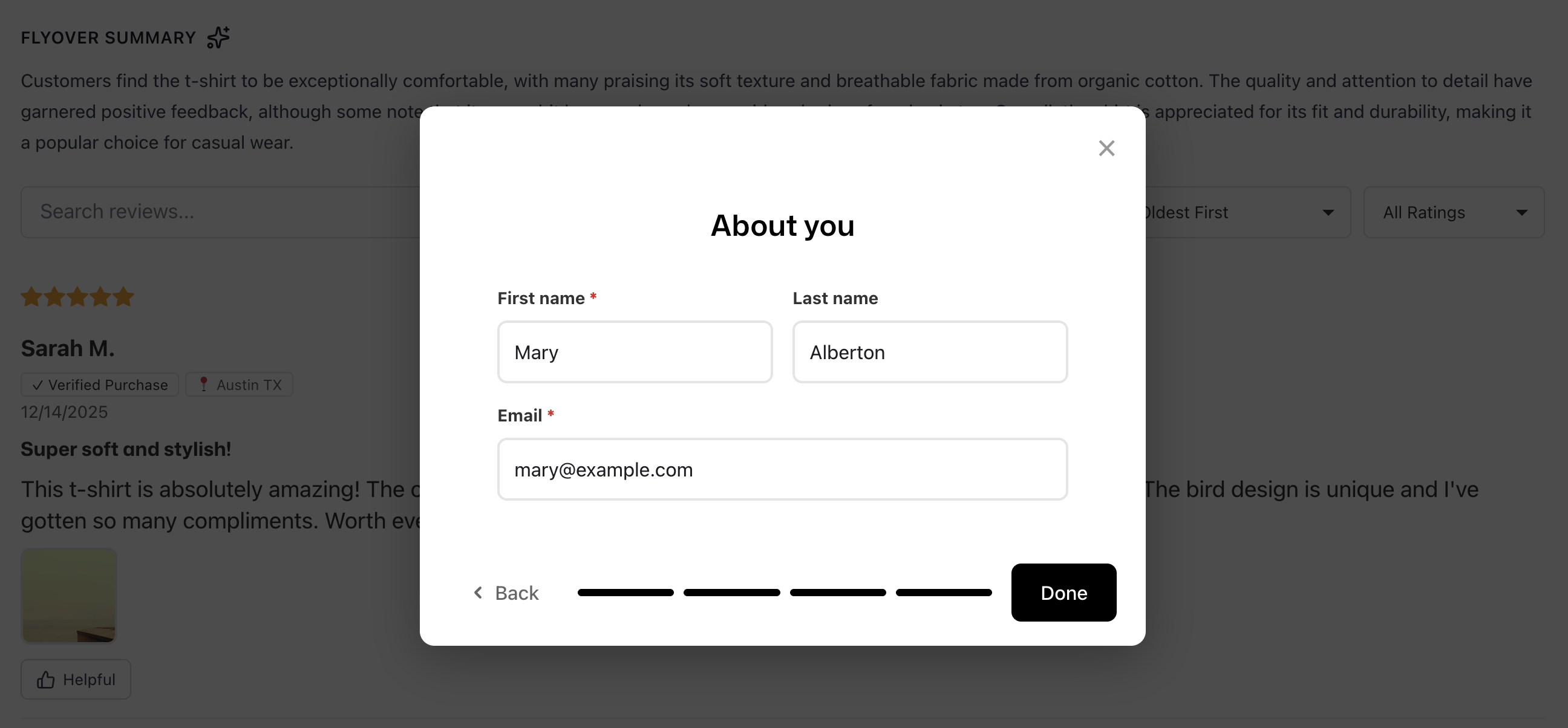
- Custom forms: ask custom questions in the review form to understand more about your customers and products.
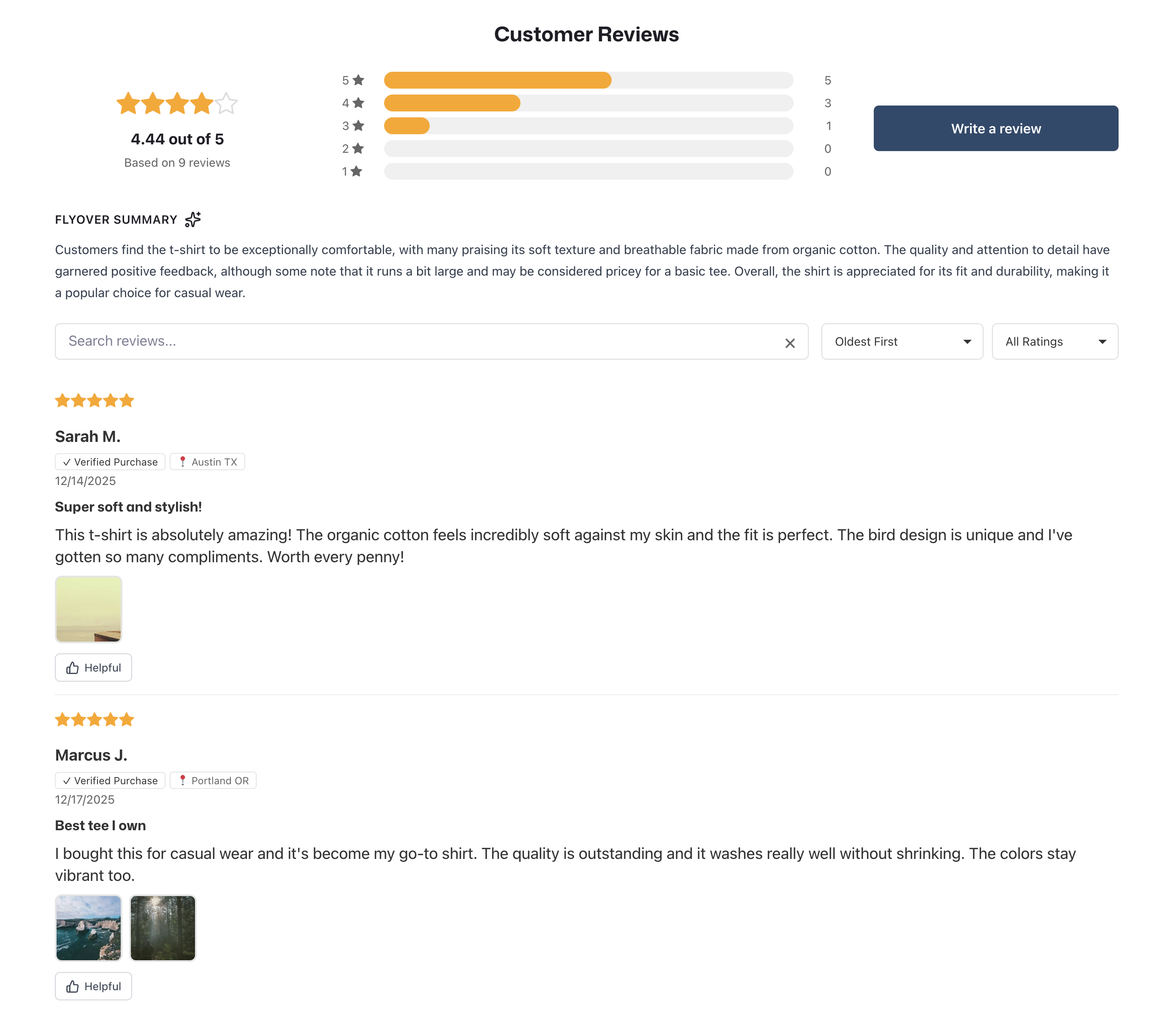
- AI review summaries, up-votes, and locations for reviews.
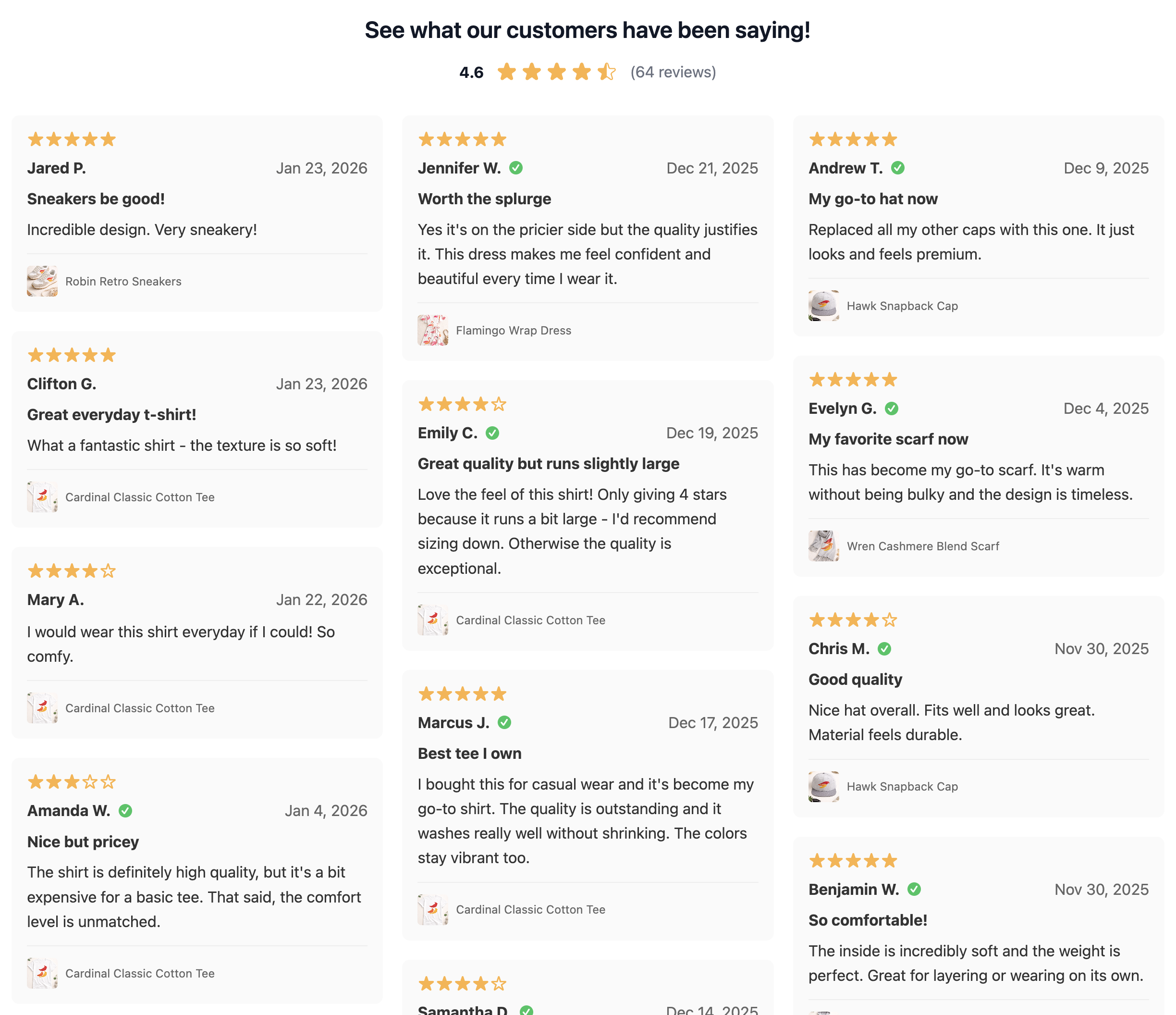
- Review Widget: collect and display your product reviews and star ratings on your product pages.
- Preview Badge: display your star ratings and number of reviews as a badge below the product title on product or collection pages.
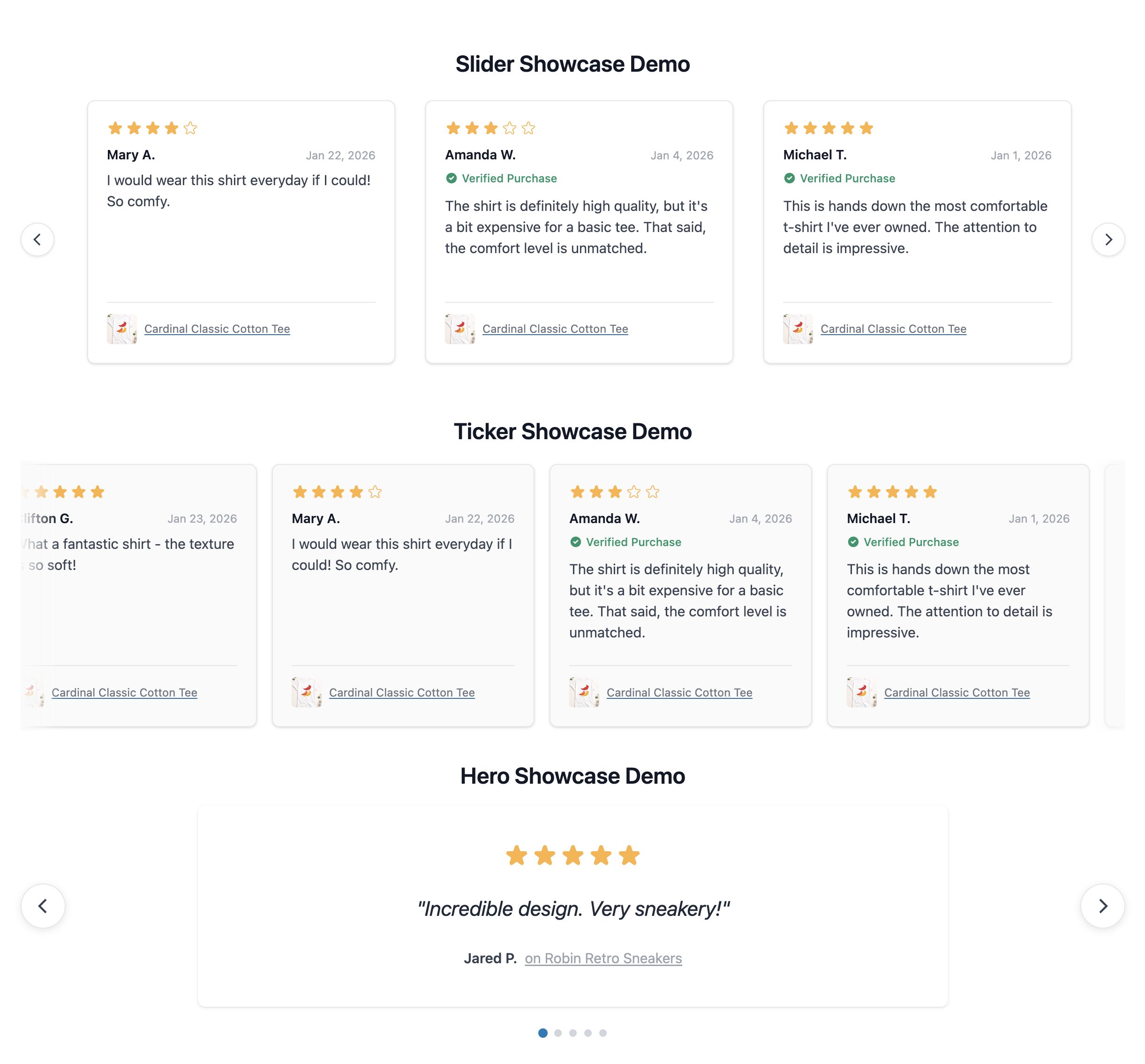
- Reviews Showcase: feature selected reviews on your front page, or anywhere you want.
- All Reviews page: Use a review wall showcase to show-off all your reviews.
- Fully optimized for mobile and loading speed.
- List view - a standard review list
- Masonry - a bricks style list of reviews
- Automatic rich snippets: show your star ratings in Google Search
- Automatic Google Shopping XML feed: show reviews in Google Shopping.
- Import directly from Judge.me, Yotpo, WiserReview, Shopify, Stamped.io, Loox, Ryviu, Rivyo, and more.
- Use our review import tool to upload your CSV file or get in touch with our team for migration support.
- Support that cares: When you have a question or an issue, we are on it.
- Automated Review Collection - Automatically request reviews from customers after purchase
- Spam Protection - AI-powered spam detection blocks fake, inappropriate, and low-quality reviews
- Complaint Catching - Intercept negative feedback before it goes public, giving you a chance to resolve issues
- Beautiful Display - Display your reviews with a beautiful, customizable widget that matches your store design
- Multimedia Reviews - Customers can submit reviews with photos and videos so customers can really see what your products look like.
- Star Ratings - Seamlessly integrates with WooCommerce so your ratings show up on product pages and catalog pages
- SEO Rich Snippets - Automatically adds JSON-LD structured data for rich Google search results
- Showcases - Show-off your best reviews in a variety of formats including sliders, tickers, a review wall, etc.
- Discount Incentives - Offers discounts to customers that leave a review - or incentivize them to add a photo or video.
- Import/Export Reviews - Easily import and export reviews, with all of your data.
- Google Merchant Feed - Sync your reviews to Google shopping search results.
- Translated and Localized - Translate your reviews to your user's language, automatically.
- Fresh, Unique Content: Customer reviews naturally include diverse keywords and phrases.
- Photos and Videos: Collect customer photos and videos to enhance your reviews
- Rich Search Results: Display product ratings and review counts in Google results.
安装:
Automatic Installation:
- Log in to your WordPress admin dashboard
- Navigate to Plugins > Add New
- Search for "reviewbird"
- Click Install Now and then Activate
- Download the plugin ZIP file
- Log in to your WordPress admin dashboard
- Navigate to Plugins > Add New > Upload Plugin
- Choose the ZIP file and click Install Now
- Click Activate Plugin
- Go to Reviewbird in your admin menu
- Open Settings and use the toggle to enable the Reviewbird display widget
- You can also enable the Google Schema JSON-LD output.
- Settings are saved automatically.
屏幕截图:

常见问题:
Do I need a Reviewbird account?
Yes. Create an account at reviewbird.com, set up your store, and start your trial at checkout.
Is Reviewbird for WooCommerce free?
The plugin is free to install. New stores need an active Reviewbird trial or paid plan to use the service. Payment details are required to start a trial. Existing free stores keep their access.
Can I send review request emails to old clients?
You can send a bulk review request to all customers with orders within the last 90 days. Up to 5000 at a time.
Is WooCommerce required?
Yes, this plugin requires WooCommerce 5.0 or higher to function.
How do I display reviews on my product pages?
Once connected, enable the widget in Reviewbird in your admin menu. Reviews will automatically appear on your product pages.
Can I customize the widget appearance?
Yes, you can customize colors and styling through your Reviewbird dashboard.
更新日志:
1.3.0
New - Add the [reviewbird_badge] shortcode to display the store rating and review count.
Update - Cache admin connection checks for five minutes and remove repeated browser checks. The Refresh button requests a new status.
Update - Require WordPress 6.0 or later. PHP 7.4 remains supported.
Fix - Keep Reviewbird assets out of the WP Rocket local file cache.
Fix - Allow zero review totals to clear product ratings. Prevent old ratings, review text, and review schema from appearing after a reset.
Fix - Keep the admin connection cache current after background health checks.
Fix - Reject invalid product IDs before rating updates.
1.2.1
Update - Open Google's standard consent window automatically on WooCommerce and CheckoutWC order confirmation pages when Google Customer Reviews is enabled.
Update - Remove the separate Yes/No prompt, prompt editor, and local display switch. Signed consent links remain available for email invitations.
Update - Refresh translations in 24 languages for the simplified Google Customer Reviews settings.
Fix - Show Google consent even when an order has a response from the former Reviewbird prompt.
1.2.0
New - Add a Google Customer Reviews prompt to WooCommerce and CheckoutWC order confirmation pages. Customers can open Google's survey opt-in after selecting Yes.
New - Add signed Google opt-in links to the WooCommerce order API for review request emails.
New - Add Google Customer Reviews controls, editable prompt text, and a preview to the plugin settings.
New - Report the first Yes selection and whether a customer selected No through the order API. Repeated No selections count once per order.
Update - Refresh the plugin settings layout and reduce the Google Customer Reviews widget shadow.
Update - Refresh translations in 24 languages for the new settings and Google Customer Reviews features.
Fix - Show the correct error when a Google Customer Reviews choice cannot be saved. Allow failed saves and Google loads to be retried.
Fix - Load the settings page on WordPress 5.9 without a newer React runtime.
Fix - Prevent product sync errors on WooCommerce versions before 9.1.
Fix - Keep pages working when WooCommerce is inactive on older WordPress versions.
Fix - Run legacy health job cancellation in the background during upgrades. Skip cleanup on new stores.
Fix - Check for existing health, product schema, and cleanup jobs before scheduling work. Use Action Scheduler's recurring API to check health every five minutes, including when the status cache is empty.
Fix - Replace old health schedules and remove their action history and logs in background batches after an upgrade.
Fix - Cancel scheduled jobs during deactivation. Resume health checks after reactivation.
Fix - Preserve cached review schema when an API request fails.
Fix - Keep server-rendered review fallback content hidden from shoppers.
1.1.4
New - Guide new and existing stores through setup from the Get Started page. Show connection health when setup is complete.
New - Preview the review widget during store setup.
Fix - Load the review widget on pages that embed a product with [product_page] or the WooCommerce Single Product block, including WPBakery layouts.
Fix - Use the store ID from the connection status when the saved store ID is missing.
Fix - Fetch missing star ratings from Reviewbird and cache the results to reduce API requests.
Fix - Prevent duplicate star ratings when the theme already shows them, including Astra.
Fix - Use the WordPress language for connection messages, times, and star ratings. Preserve regional languages in showcases.
Update - Refresh translations in 24 languages and enable right-to-left styles in the plugin admin screens.
1.1.3
Fix - Suppress unrelated WordPress notices on the Reviewbird Get Started page.
New - Report the widget enabled state through the WooCommerce system status REST API.
1.1.2
Fix - Stop the default WooCommerce review output and related database queries when the Reviewbird widget is active.
1.1.1
Fix - Use the current widget configuration endpoint to load the WooCommerce star color.
Update - Improve the WordPress.org listing title, tags, description, and FAQs.
1.1.0
New - Add Leave a review buttons to products in completed customer account orders, including CheckoutWC support.
1.0.24
New - Redesign the Get Started page for a clearer setup flow.
New - Prefill Reviewbird registration with the name and email address of the current WordPress user, site name, and public site URL.
1.0.23
Fix - Do not copy Reviewbird rating and schema metadata when a WooCommerce product is duplicated.
1.0.22
New - Include product tags and hierarchical categories in the products sync endpoint.
New - Report plugin version to Reviewbird via the X-Reviewbird-Version response header.
New - Add single product endpoint for on-demand widget product syncing.
1.0.21
Fix - Fix a couple of linting issues.
Fix - Fix min/tested versions.
1.0.20
New - Hook adjustments to make managing widget output locations easier.
1.0.19
New - Add new welcome screen.
1.0.18
Fix - Remove asset version from URLs to avoid caching issues.
1.0.17
Fix - Fix issue with min_rating parameter for API calls.
1.0.16
- Fix - Fix excessive health status checks with store ID is not set.
- New - Added [reviewbird_stars] shortcode.
- Fix - Prevent duplicate widget rendering when [reviewbird_widget] shortcode is used
- Fix - Fix issues with ReviewX review import
- Fix - Add support for ReviewX imports.
- Fix - Unschedule actions on deactivate.
- Fix - Fix URLs to include organization slug
- Compatibility updates for WordPress.org submission