RootLabs MX Sync for PromoOpción
| 开发者 | blacknovamx |
|---|---|
| 更新时间 | 2026年3月20日 02:16 |
| PHP版本: | 7.4 及以上 |
| WordPress版本: | 6.9 |
| 版权: | GPLv2 or later |
| 版权网址: | 版权信息 |
详情介绍:
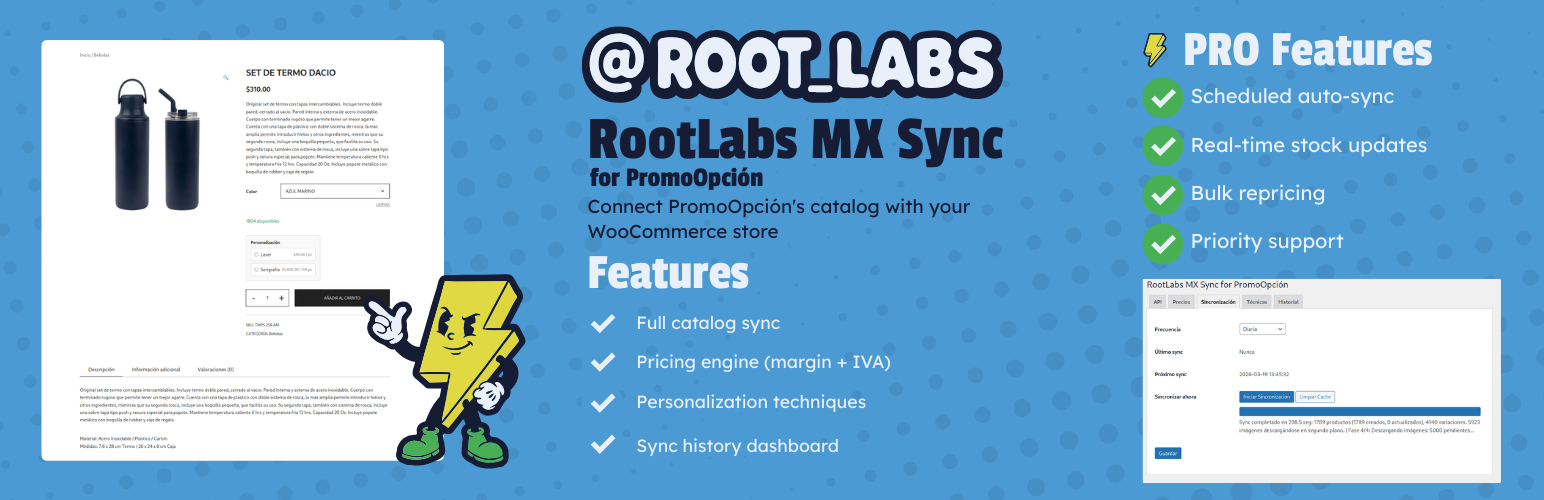
- Full catalog sync — Import all ~1,700 PromoOpción products as WooCommerce variable products with color variations.
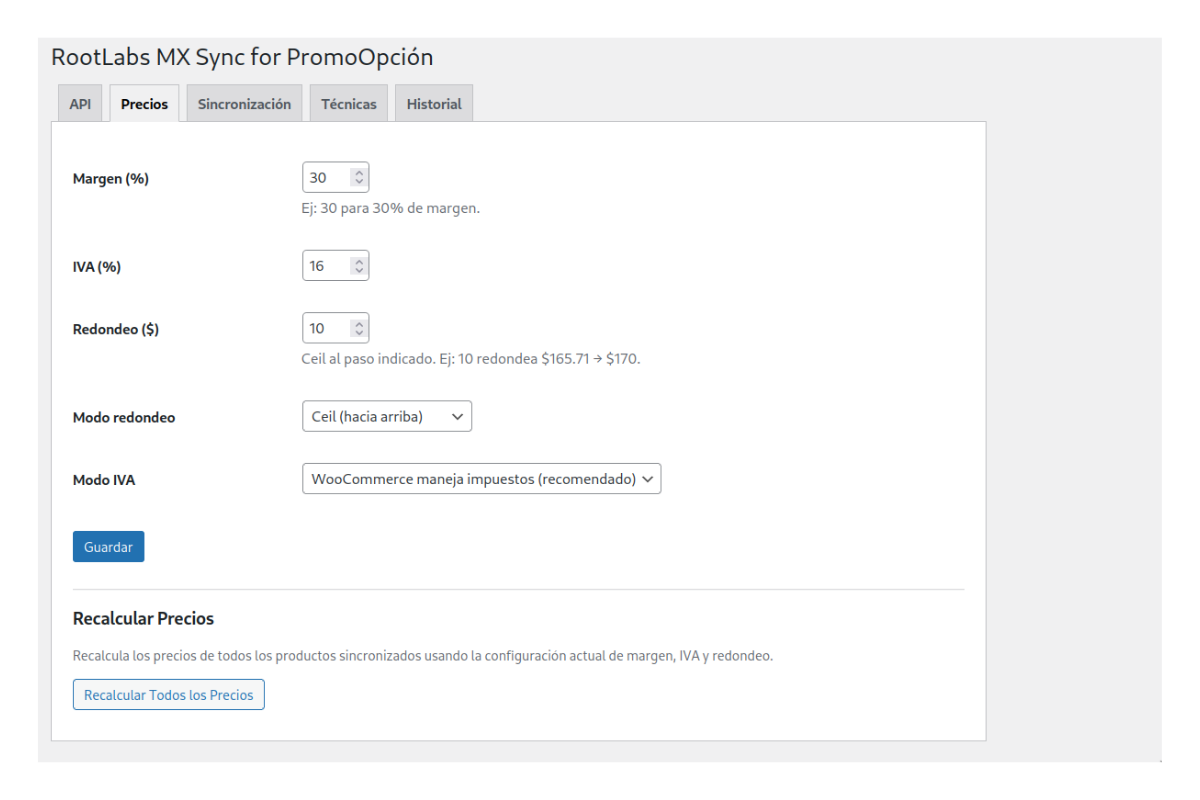
- Smart pricing engine — Configure margin percentage + IVA rate + rounding step. Example: cost $100 + 30% margin + 16% IVA = $151.20, rounded up to $160.
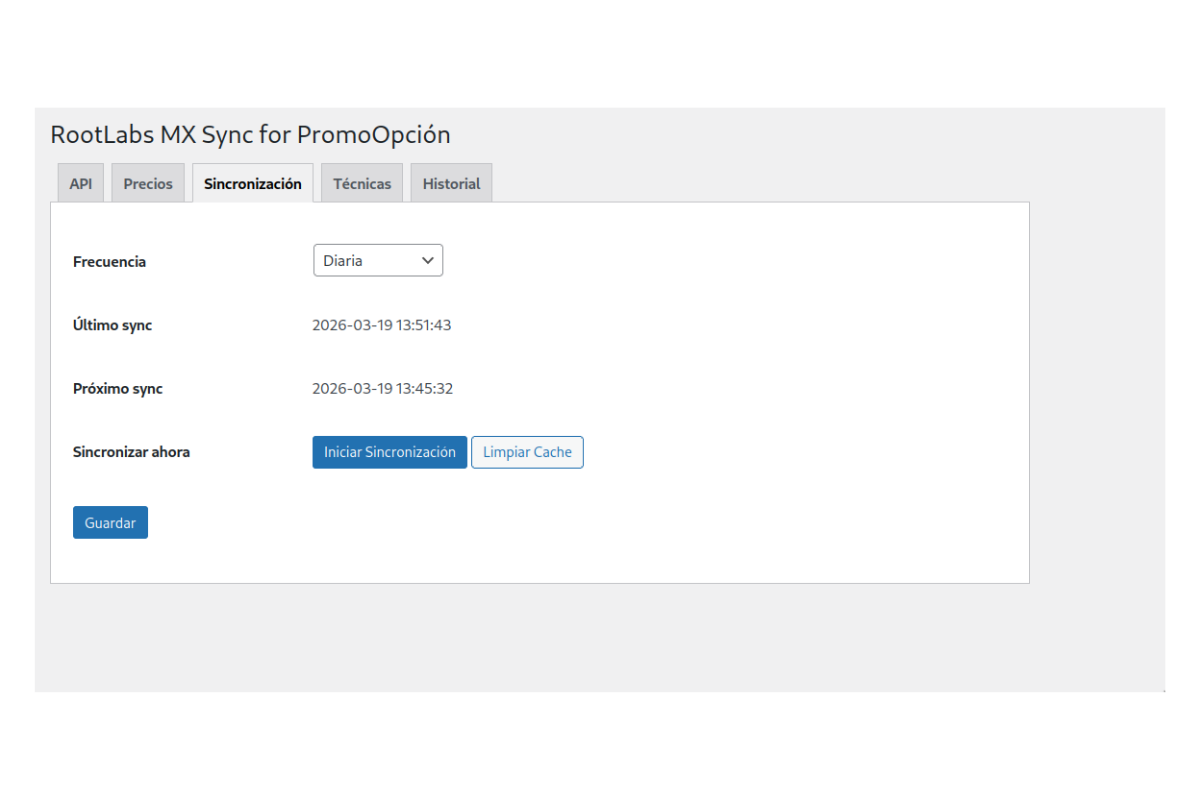
- Manual sync — Start synchronization from the admin panel whenever you need to update your catalog.
- Product image import — Automatic background download of product and variation images via Action Scheduler.
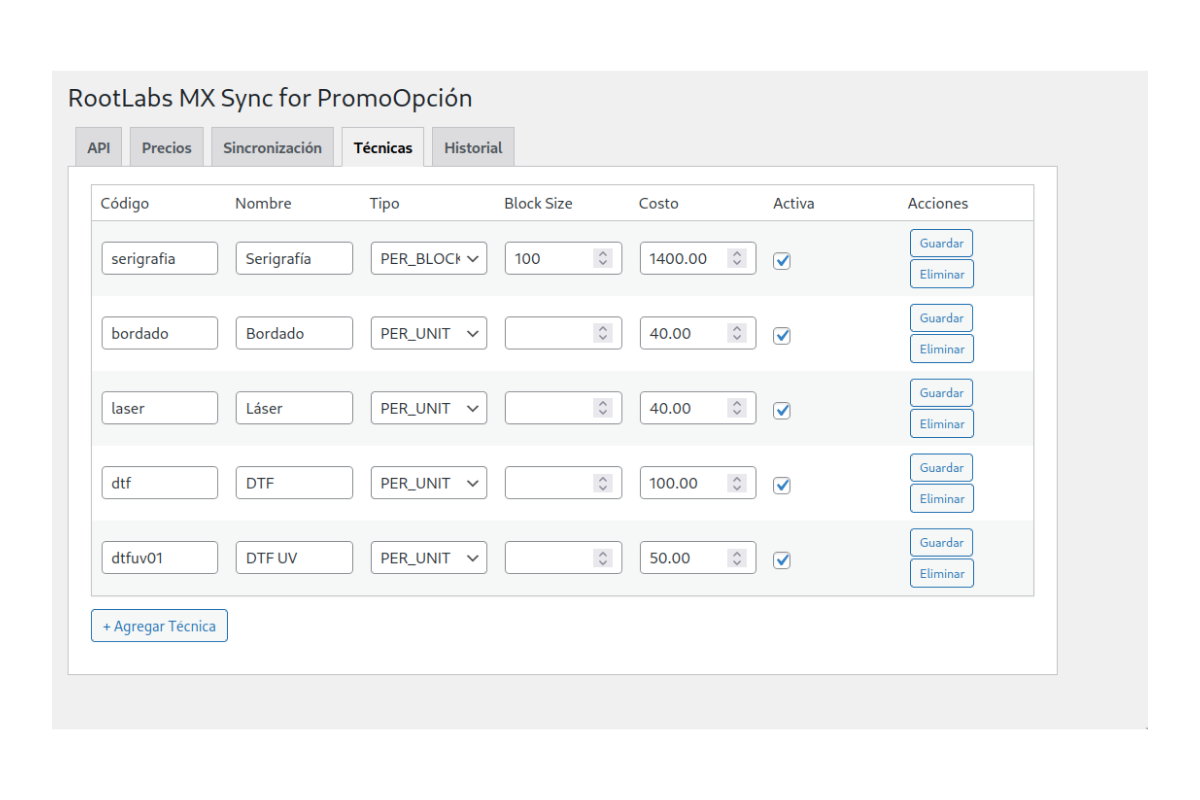
- Personalization techniques — Add customization options (screen printing, embroidery, laser, DTF) with per-unit or per-block pricing.
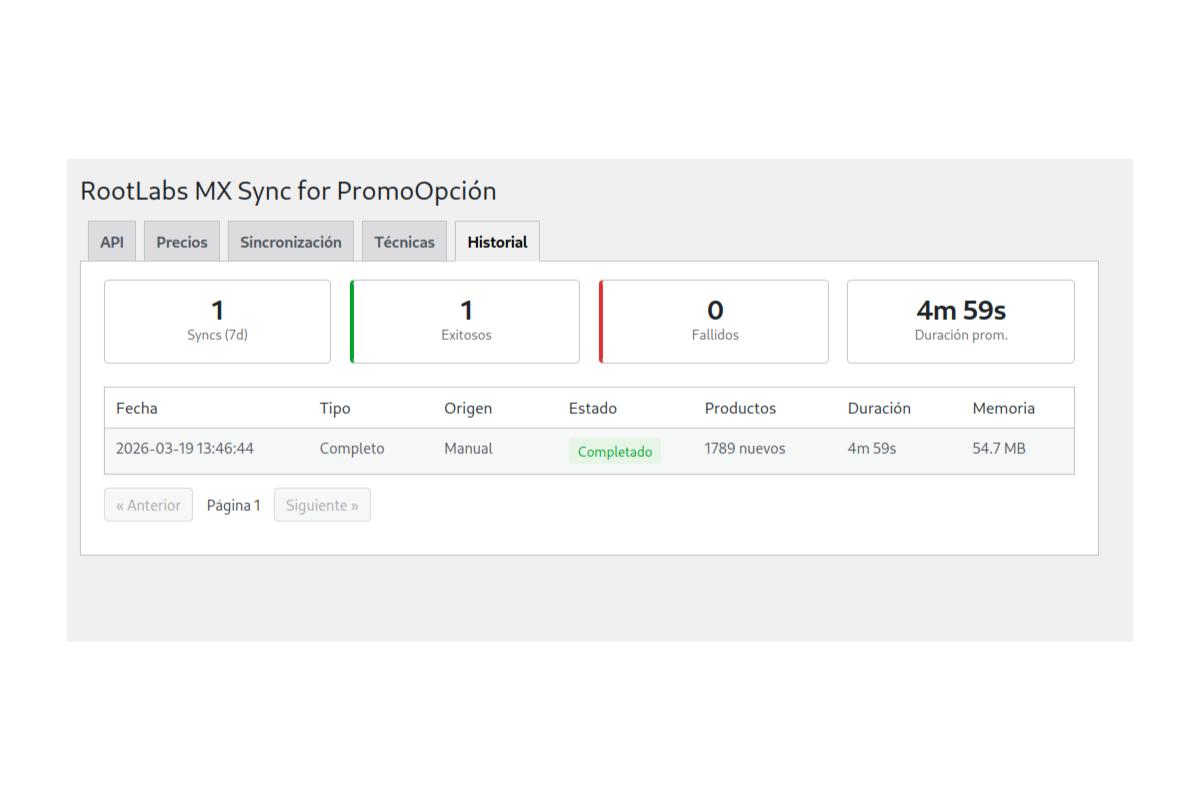
- Sync history dashboard — Track every sync operation with metrics: products created, updated, errors, and duration.
- WooCommerce HPOS compatible — Full support for High-Performance Order Storage.
- Scheduled automatic sync — Set sync frequency to every 6 hours, 12 hours, or daily. No manual intervention needed.
- Real-time stock updates — Keep inventory levels accurate automatically via scheduled stock sync.
- Bulk price recalculation — Changed your margin? Recalculate all product prices at once with one click.
- Priority support — Direct support from the RootLabs development team.
- WooCommerce 8.0 or higher
- Active PromoOpción account with API credentials
- PHP 7.4 or higher
安装:
- Upload the plugin via WordPress Admin > Plugins > Add New > Upload Plugin
- Activate the plugin
- Go to WooCommerce > MX Sync
- Enter your PromoOpción API credentials (URL, username, password)
- Configure your profit margin and tax rate
- Click "Start Sync"
屏幕截图:
常见问题:
Do I need a PromoOpción account?
Yes. The plugin syncs products from the PromoOpción API. You need access credentials (URL, username and password) provided directly by PromoOpción. Contact them at promocionalesenlinea.net to request API access.
How many products can I sync?
The full PromoOpción catalog — currently around 1,700 products with multiple color variations each. There are no product limits.
Is sync automatic in the free version?
No. The free version supports manual sync only — click "Start Sync" whenever you want to update your catalog. Scheduled automatic sync (every 6h, 12h, or daily) is available in MX Sync Pro.
What happens if I deactivate the plugin?
Previously synced products remain in your WooCommerce store as regular products. The plugin does not delete or modify products on deactivation. If you uninstall (delete) the plugin, it will clean up its own database tables and metadata, but the WooCommerce products stay.
Does it work with any theme?
Yes. Products are created as native WooCommerce variable products, fully compatible with any WooCommerce-compatible theme including Storefront, Astra, Flatsome, and others.
How does the pricing engine work?
The plugin takes the supplier cost and applies three steps: (1) your margin percentage, (2) IVA tax, and (3) rounding to the nearest step you define. For example: cost $100 + 30% margin + 16% IVA = $151.20, rounded up to $160 with a $10 step. You can choose ceiling, round, or floor rounding modes.
Can I change my margin after syncing?
Yes. Update your margin in the Pricing tab. In the free version, prices will update on the next manual sync. MX Sync Pro includes a bulk recalculation feature for instant repricing without re-syncing.
How do personalization techniques work?
The plugin supports screen printing (serigrafía), embroidery (bordado), laser engraving, and DTF. Each technique has a cost that can be per-unit or per-block (e.g., $1,400 per 100 pieces for screen printing). Customers select techniques on the product page and the cost is added automatically at checkout.
Does it support WooCommerce HPOS?
Yes. The plugin declares full compatibility with WooCommerce High-Performance Order Storage (Custom Order Tables).
Where can I get support?
For free plugin support, use the WordPress.org support forum. For priority support, visit rootlabs.mx.
更新日志:
- Clarified free vs Pro feature set
- Free version: manual sync only (scheduled automatic sync is a Pro feature)
- Free version: bulk repricing removed (available in Pro)
- Free version: automatic stock updates removed (available in Pro)
- Updated readme with accurate feature descriptions
- Initial release
- Full PromoOpción catalog sync
- Pricing engine (margin + IVA + rounding)
- Personalization techniques
- Product and variation image import via Action Scheduler
- Sync history dashboard
- WooCommerce HPOS compatibility