
Rotatile
| 开发者 | fyrins |
|---|---|
| 更新时间 | 2026年11月2日 18:30 |
| PHP版本: | 7.4 及以上 |
| WordPress版本: | 7.1 |
| 版权: | GPL-2.0-or-later |
| 版权网址: | 版权信息 |
详情介绍:
- Deactivating the plugin does not invalidate a single block. The tilt stops, the content is intact, and the editor raises no "this block contains unexpected content" warning.
- Nothing is written twice. The rotation exists in one place and is applied once, on the server.
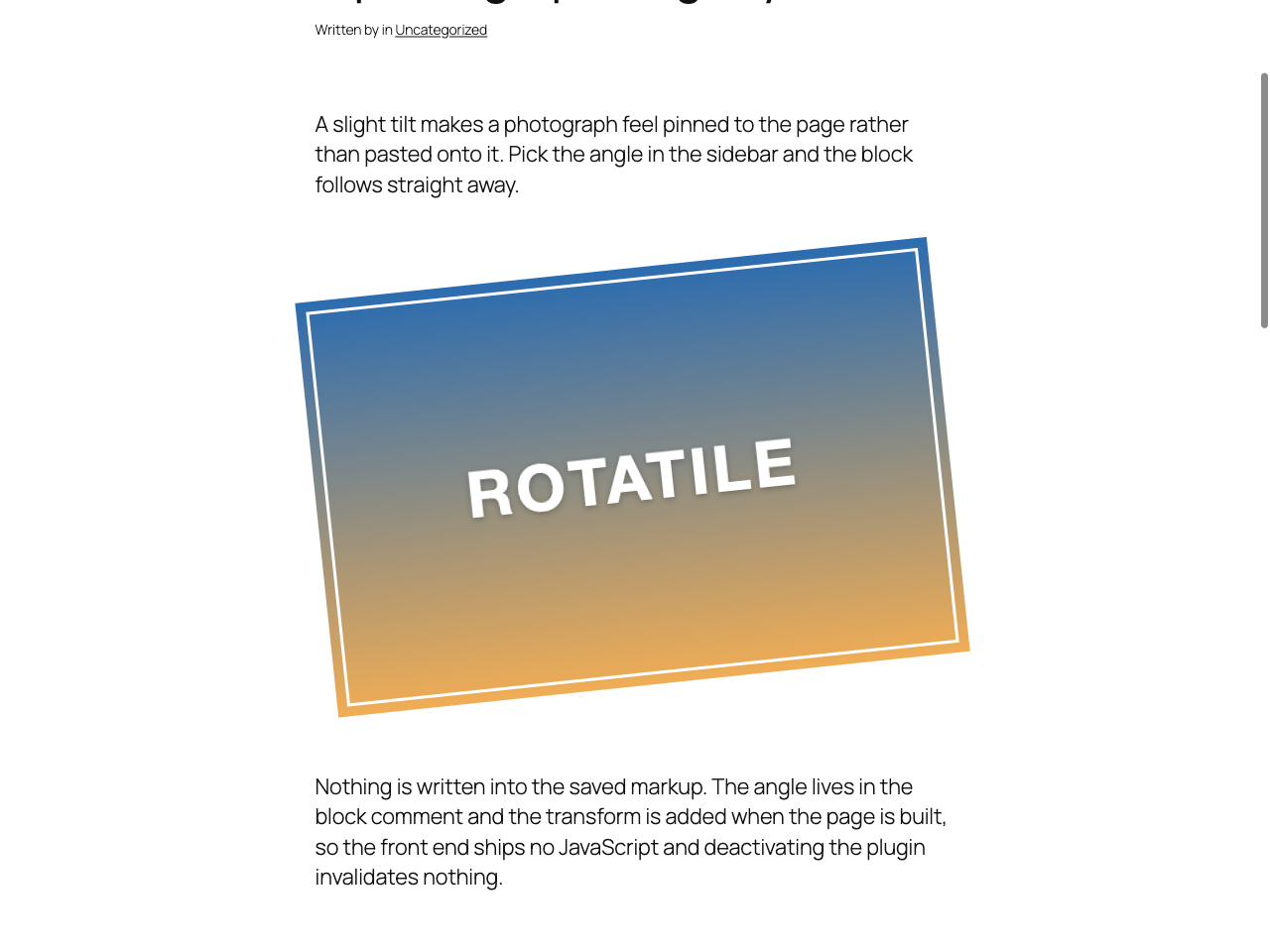
- A rotated element still occupies its original, unrotated layout box. The visible corners stick out of it and can overlap whatever sits next to the block. Give the block some breathing room rather than expecting the page to make room for it.
- A transform creates a containing block and a stacking context. A descendant with
position: fixedstops being fixed to the viewport, andz-indexinside the block is measured against the block instead of the page. - A block sitting inside the normal content width does not push the page sideways, even at 45 degrees. A block set to full-width alignment at a large angle does, and that is worth avoiding: a page that scrolls both up and down and left to right is hard to use and fails an accessibility requirement. Keep rotation for blocks inside the content width, or keep the angle small on a block that spans the whole viewport.
rotatile_supported_blocks sets the block types, rotatile_min_angle and rotatile_max_angle set the range, rotatile_step sets the increment, rotatile_default_angle sets the starting value, and rotatile_transition_duration sets or removes the transition. The development README documents each one with an example.
Source code and build
The editor script shipped in build/ is compiled from src/editor.js. The uncompiled source, the build configuration and the full history live in the public repository:
https://github.com/Fyrins/rotatile
The toolchain is @wordpress/scripts, the build tool maintained by the WordPress project, and nothing else. To reproduce the shipped file:
git clone https://github.com/Fyrins/rotatile.git cd rotatile npm install npm run build
The front-end stylesheet is not compiled: assets/css/rotatile.css is written by hand and shipped as it reads.
安装:
- In your admin, go to Plugins, then Add New Plugin, and search for Rotatile.
- Install and activate it.
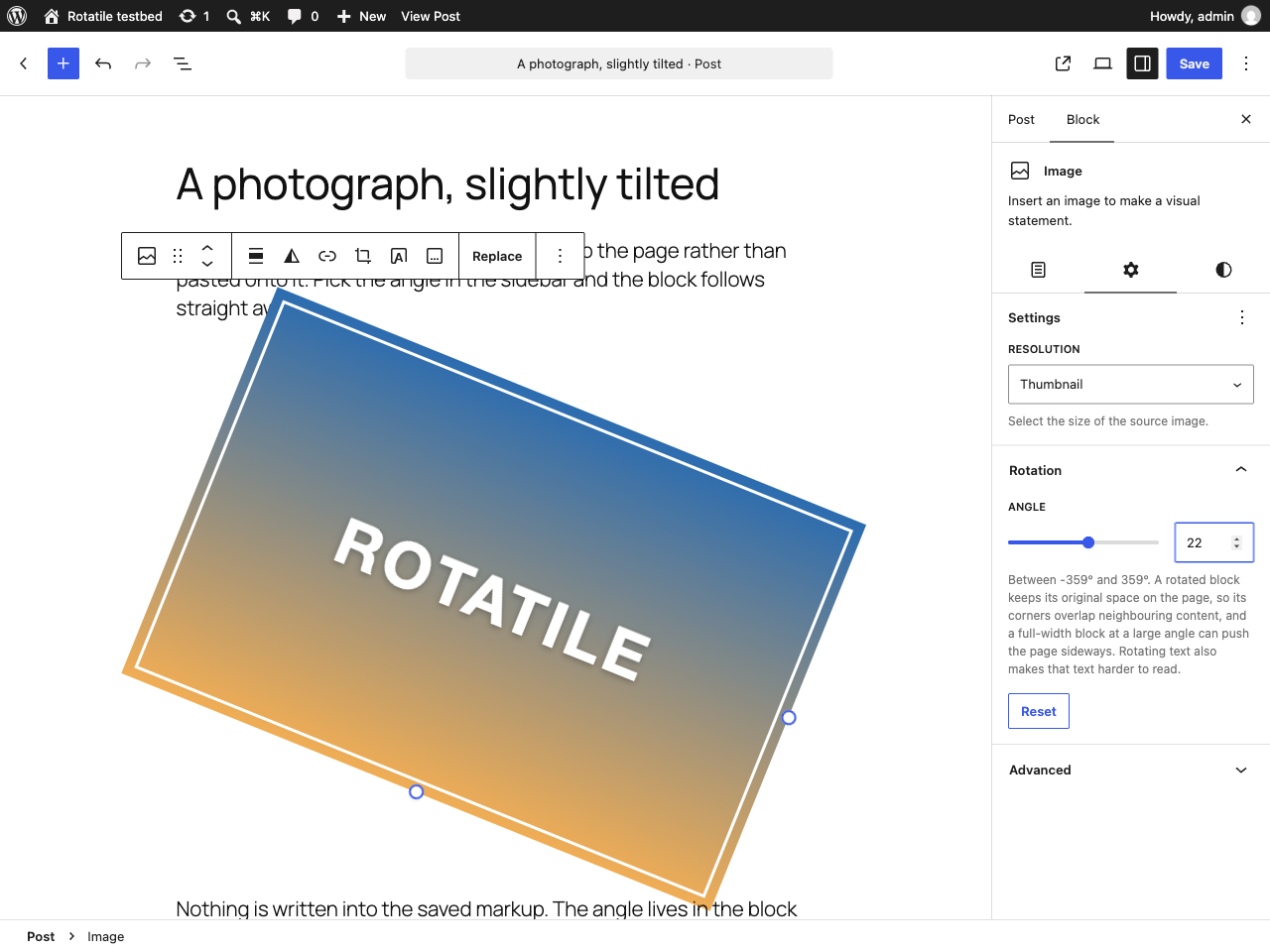
- Edit a post or a template, select an Image block, and open Rotation in the block settings sidebar.
wp-content/plugins and activate it.屏幕截图:
常见问题:
Why is only the Image block supported?
Because rotating text is a readability problem rather than a design feature. Anyone who genuinely needs another block type can say so in code, and that decision then lives in their theme instead of being the plugin's default.
How do I make another block type rotatable?
Add this to your theme's functions.php or to a small plugin of your own:
add_filter( 'rotatile_supported_blocks', function ( $blocks ) { $blocks[] = 'core/group'; return $blocks; } );
Does it change my saved post content?
No. The angle lives in the block comment, which block validation ignores. The markup stored in your database is exactly what the block's own save function wrote.
What happens to my rotated blocks if I deactivate the plugin?
They stop being rotated, and that is all. No block is invalidated, no content is lost, and there is no cleanup to do.
My rotated image overlaps the text below it. Is that a bug?
No, that is how CSS transforms work. The layout box stays where it was and only the paint is rotated, so the corners of a tilted element reach outside their box. Add spacing around the block, or use a smaller angle.
My page scrolls sideways now.
Check whether the rotated block is set to full-width alignment. A block that already spans the viewport has nowhere to put its rotated corners, so they end up past the edge of the page and the browser offers a horizontal scrollbar. A block inside the normal content width does not do this, even at 45 degrees. Either drop the full-width alignment or use a smaller angle.
Something inside my rotated block used to be sticky or fixed and now it is not.
A transform turns the element into a containing block, so position: fixed inside it becomes relative to the block rather than to the viewport. That is a browser rule and the plugin cannot opt out of it. Rotate the inner element instead of the container, or drop the fixed positioning.
Can I turn the transition off?
Yes, and it is already off for anyone who has asked their operating system for reduced motion. To remove it for everybody:
add_filter( 'rotatile_transition_duration', '__return_empty_string' );
Does it phone home?
No. There is no telemetry, no external asset and no outgoing request of any kind, and no option is written to your database.
I heard WordPress is adding its own rotation setting.
It is being worked on in the Gutenberg project, and it is not part of WordPress 7.2. If it ships in a later release, it will store its angle somewhere else and use the CSS rotate property rather than transform, so the two do not break each other. They do add up, though: set the angle in one place only. Once the core setting is available on your site, it is the better choice for new content.
更新日志:
- First release.
- Rotation panel in the block inspector, with a free angle, a live preview and a reset button.
- Server-side rendering through
render_blockand the HTML Tag Processor, with nothing written to the saved markup. - Stylesheet loaded only on pages that contain a rotated block.
- Transition neutralised under
prefers-reduced-motion.