
RT Webhook for Gravity Forms - CRM Integration
| 开发者 | raintech357 |
|---|---|
| 更新时间 | 2026年8月21日 23:00 |
| PHP版本: | 7.4 及以上 |
| WordPress版本: | 6.8 |
| 版权: | GPLv2 or later |
| 版权网址: | 版权信息 |
详情介绍:
- No-code setup — connect any form to any webhook endpoint in minutes.
- Works with Zapier, Make.com, n8n, HubSpot, Slack, Airtable, and any service that accepts a webhook.
- Full visibility into every request and response with built-in logging.
- Send only the data you want, exactly how your endpoint expects it.
Authorization: Bearer your-token, x-api-key: your-key, or any proprietary header required by your endpoint.
Built-in Logging
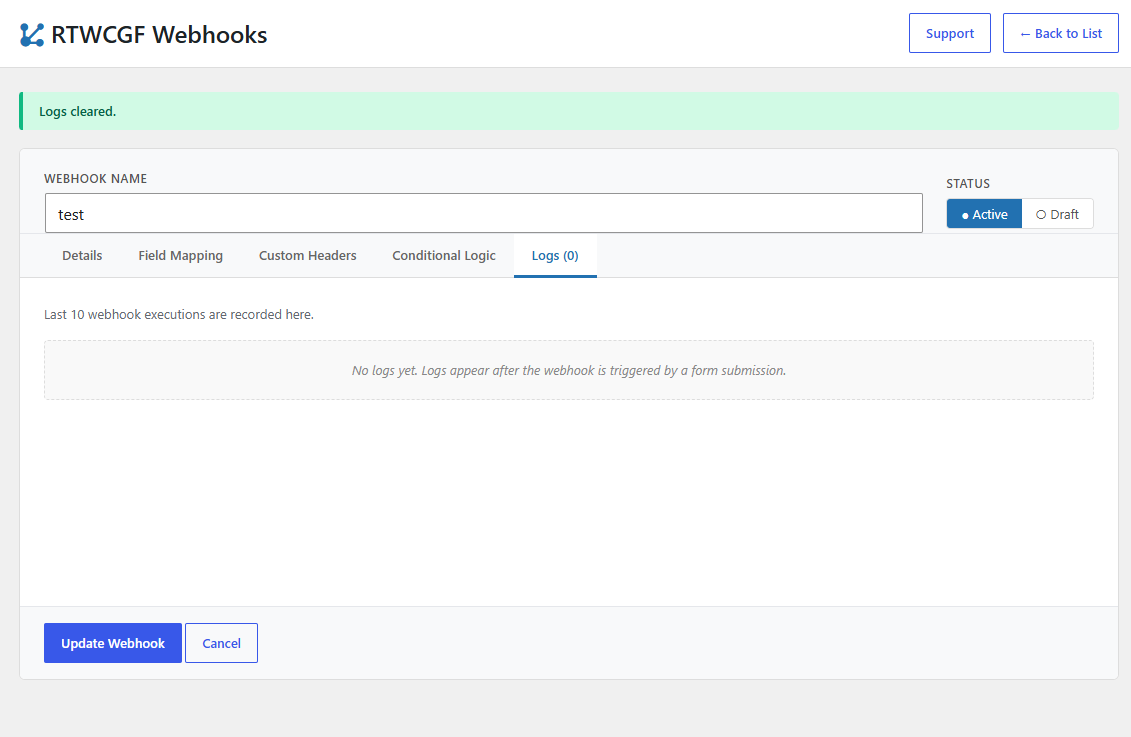
Inspect every request with a logging panel that shows the full URL, HTTP method, request headers, JSON payload, status code, and raw server response body for the last 10 submissions.
Multiple HTTP Methods
Send POST, GET, or PUT requests. GET requests automatically append the payload as query arguments.
安装:
- Upload the plugin folder to the
/wp-content/plugins/directory, or install the plugin through the WordPress plugins screen directly. - Activate the plugin through the 'Plugins' screen in WordPress.
- Make sure Gravity Forms is installed and active.
- Open the RTWCGF Webhooks menu in your dashboard sidebar to create and manage webhooks.
屏幕截图:
常见问题:
Does this require Gravity Forms?
Yes. Gravity Forms must be installed and active. The plugin reads forms and fields through the Gravity Forms API (GFAPI).
How is field data keyed in the payload?
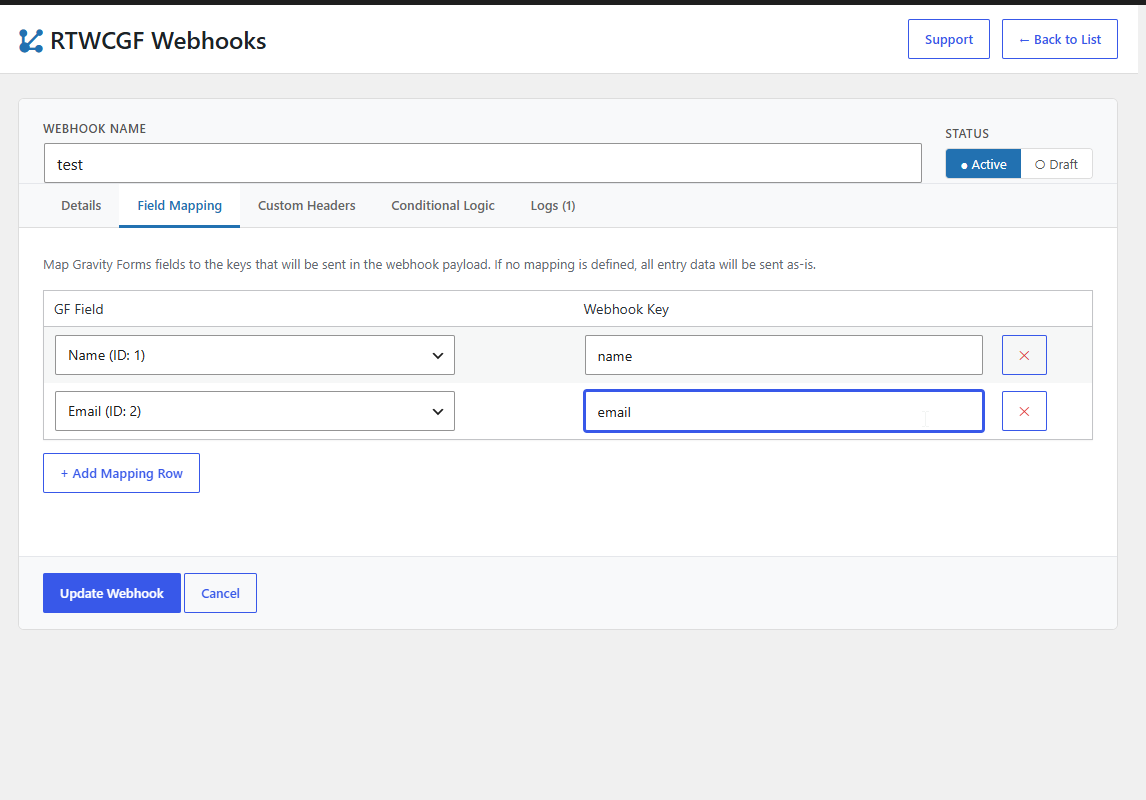
Gravity Forms stores entry values by field ID. When you map a field, the plugin reads the value by its field ID and sends it under the webhook key you specify.
Can I create more than one webhook per form?
Yes. There is no limit on the number of webhooks you can attach to a single Gravity Form. Each webhook can have its own URL, HTTP method, field mapping, headers, and conditional logic.
Can I control when a webhook fires?
Yes. Use the built-in conditional logic tab to fire a webhook only when a chosen field equals, does not equal, or contains a specific value.
Where can I troubleshoot failed webhook requests?
Open the Logs tab for any webhook to see the full request URL, HTTP method, headers, JSON payload, response status code, and raw response body for the last 10 submissions.
Does this plugin slow down my site?
No. Webhook requests are sent in the background after form submission and do not block the page from loading for your visitors.
更新日志:
- Rebuilt the entire admin interface as a React single-page app backed by the WordPress REST API (namespace
rtwcgf/v1). - Webhooks are now managed entirely through the React UI; the custom post type UI is hidden.
- Live field-mapping and conditional-logic dropdowns populated from the selected Gravity Form via GFAPI.
- Added tabbed editor (Details, Field Mapping, Custom Headers, Conditional Logic, Logs).
- Added "Settings" and "Support" links to the Plugins list row.
- Added Field Mapping with dynamic dropdowns for Gravity Forms.
- Added Conditional Logic.
- Added Custom Headers support.
- Added enhanced logging system.