
rtAV Video Chat Bot
| 开发者 | rtavio |
|---|---|
| 更新时间 | 2026年1月30日 20:43 |
| PHP版本: | 7.2 及以上 |
| WordPress版本: | 6.9 |
| 版权: | GPLv2 or later |
| 版权网址: | 版权信息 |
详情介绍:
- Real-time video avatars - See your AI assistant come to life
- AI-powered conversations - Natural language understanding
- Customizable appearance - Match your brand colors and style
- Easy setup - Configure in minutes
- Flexible positioning - Place widget where it works best
- Custom AI instructions - Define how your assistant behaves
- Shortcode support - Embed anywhere with [rtav_vbot]
- Install and activate the plugin
- Get your API key from platform.rtav.io
- Configure in Settings > rtAV VBot
- Enable the widget and start chatting!
安装:
- Upload the plugin files to
/wp-content/plugins/rtav-vbot, or install the plugin through the WordPress plugins screen directly. - Activate the plugin through the 'Plugins' menu in WordPress.
- Navigate to Settings > rtAV VBot to configure the plugin.
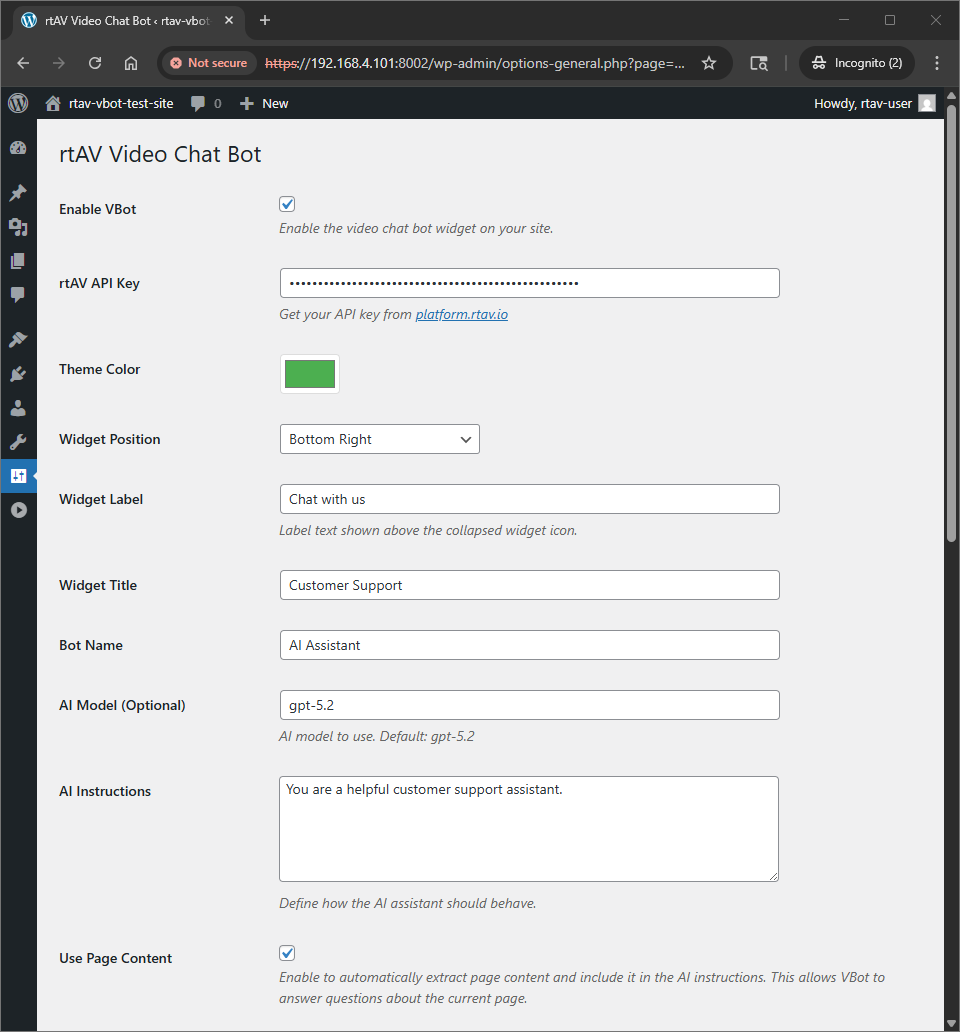
- Enter your rtAV API key (get one at platform.rtav.io).
- Customize the appearance and behavior of your chat bot.
- Enable the widget and it will appear on your site!
屏幕截图:
常见问题:
Do I need an rtAV account?
Yes, you need an account at platform.rtav.io to get your API key. Basic usage is available with a free account.
Is it free?
The plugin itself is free. rtAV platform usage may have associated costs. Check platform.rtav.io for current pricing.
Where does the widget appear?
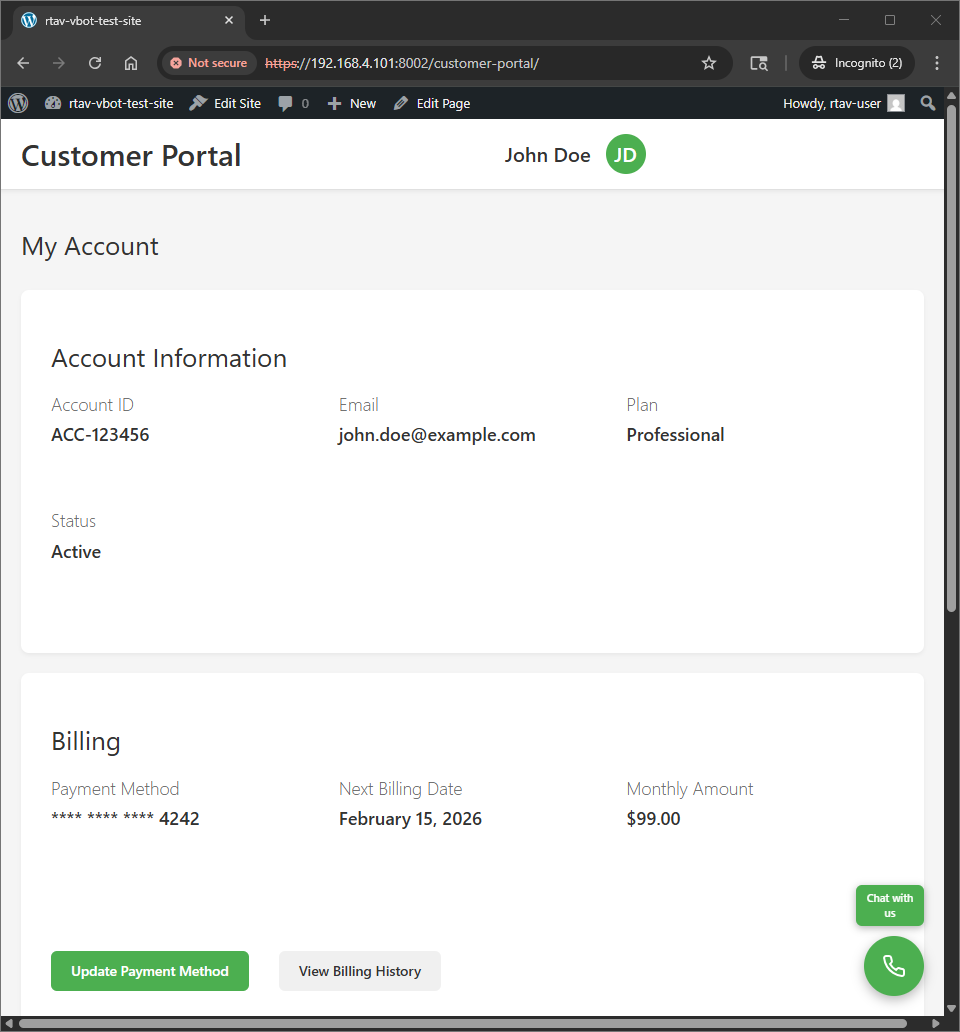
By default, the widget appears in the bottom-right corner of your site. You can change this to bottom-left, top-right, or top-left in the settings.
Can I customize the AI's behavior?
Yes! Use the "AI Instructions" field in settings to define how your assistant should behave. For example: "You are a friendly customer support representative for an e-commerce store."
Can I use a custom avatar face or voice?
Yes, if you have custom faces or voices configured in your rtAV account, you can enter their IDs in the optional fields.
Does it work on mobile?
Yes, the widget is responsive and works on all devices including mobile phones and tablets.
Can I embed it in specific pages only?
You can use the [rtav_vbot] shortcode to embed the widget on specific pages. Otherwise, it appears site-wide when enabled.
更新日志:
- Use wp_strip_all_tags() to sanitize the CSS block before passing it to wp_add_inline_style()
- Added esc_attr() to RTAV_VBOT_VERSION in wp_enqueue_script() and wp_register_style()
- Added esc_url() to RTAV_VBOT_PLUGIN_URL in wp_enqueue_style() and wp_enqueue_script()
- Data is escaped via wp_json_encode() in get_inline_script()
- All template output in templates/settings.php uses appropriate escape functions
- API responses use wp_send_json() which properly escapes JSON
- change to wp_add_inline_script()
- change to wp_add_inline_style()
- refactored enqueue_scripts()
- created helper methods get_inline_script() and get_inline_style()
- add version to settings page
- fix plugin check issues
- Initial release
- Basic widget embedding
- Admin settings page
- Customizable appearance and behavior
- Shortcode support
- API integration for client secrets