
Ruby Markup Converter
| 开发者 | Foriba |
|---|---|
| 更新时间 | 2026年10月28日 19:41 |
| PHP版本: | 7.4 及以上 |
| WordPress版本: | 7.1 |
| 版权: | GPLv2 or later |
| 版权网址: | 版权信息 |
详情介绍:
Want to Publish Your Manuscripts Written for Japanese Novel-Sharing Sites on WordPress, Too?
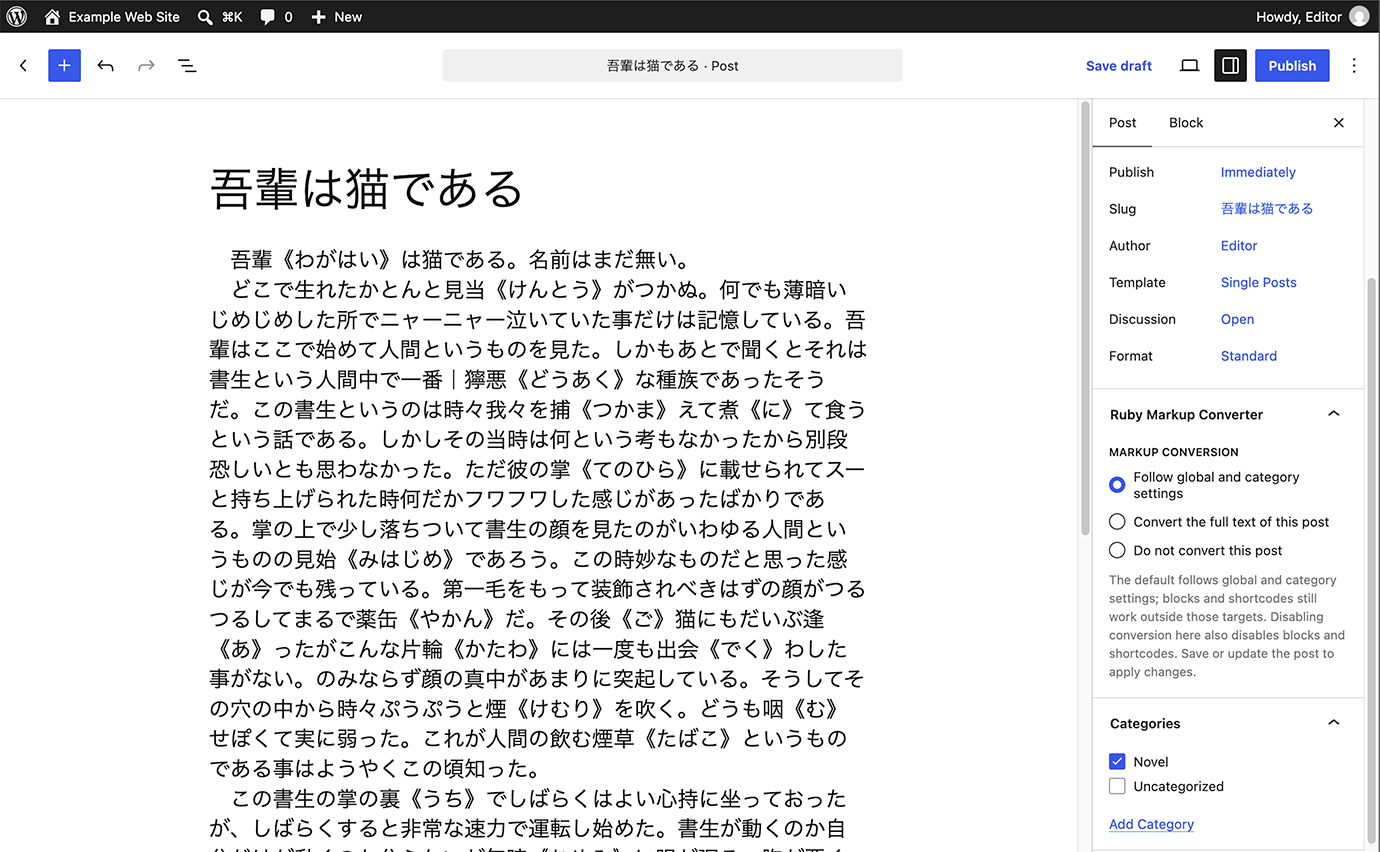
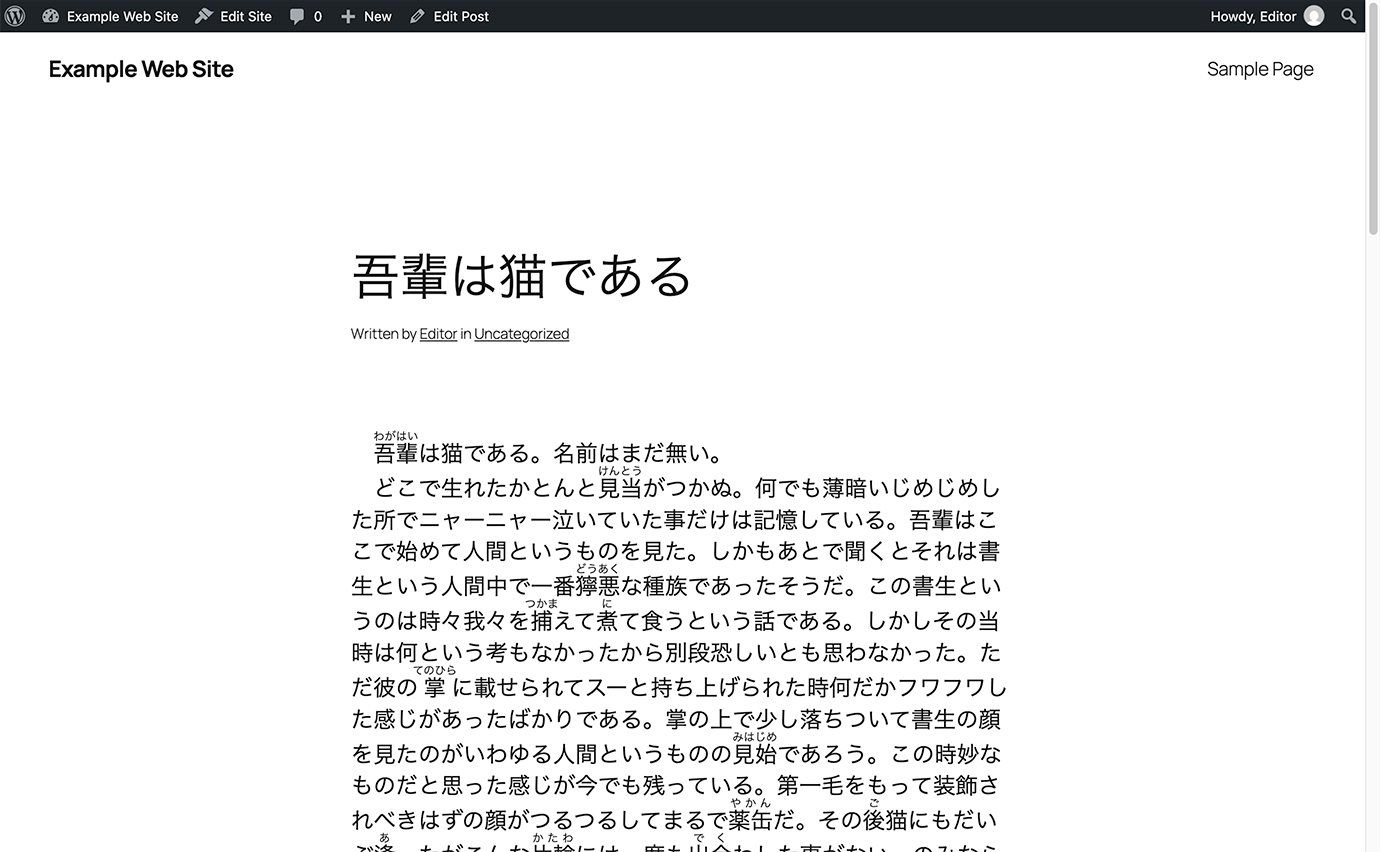
Ruby Markup Converter is a plugin that automatically converts ruby (furigana) and emphasis mark (bouten) notation used on Japanese novel-sharing sites and elsewhere into a format that displays correctly in WordPress, without modifying the original text.
Simply copy and paste your manuscript from a text file. There's no need to add ruby annotations or emphasis marks one by one. Of course, you can also type the same notation directly into the WordPress editor.
Key Features
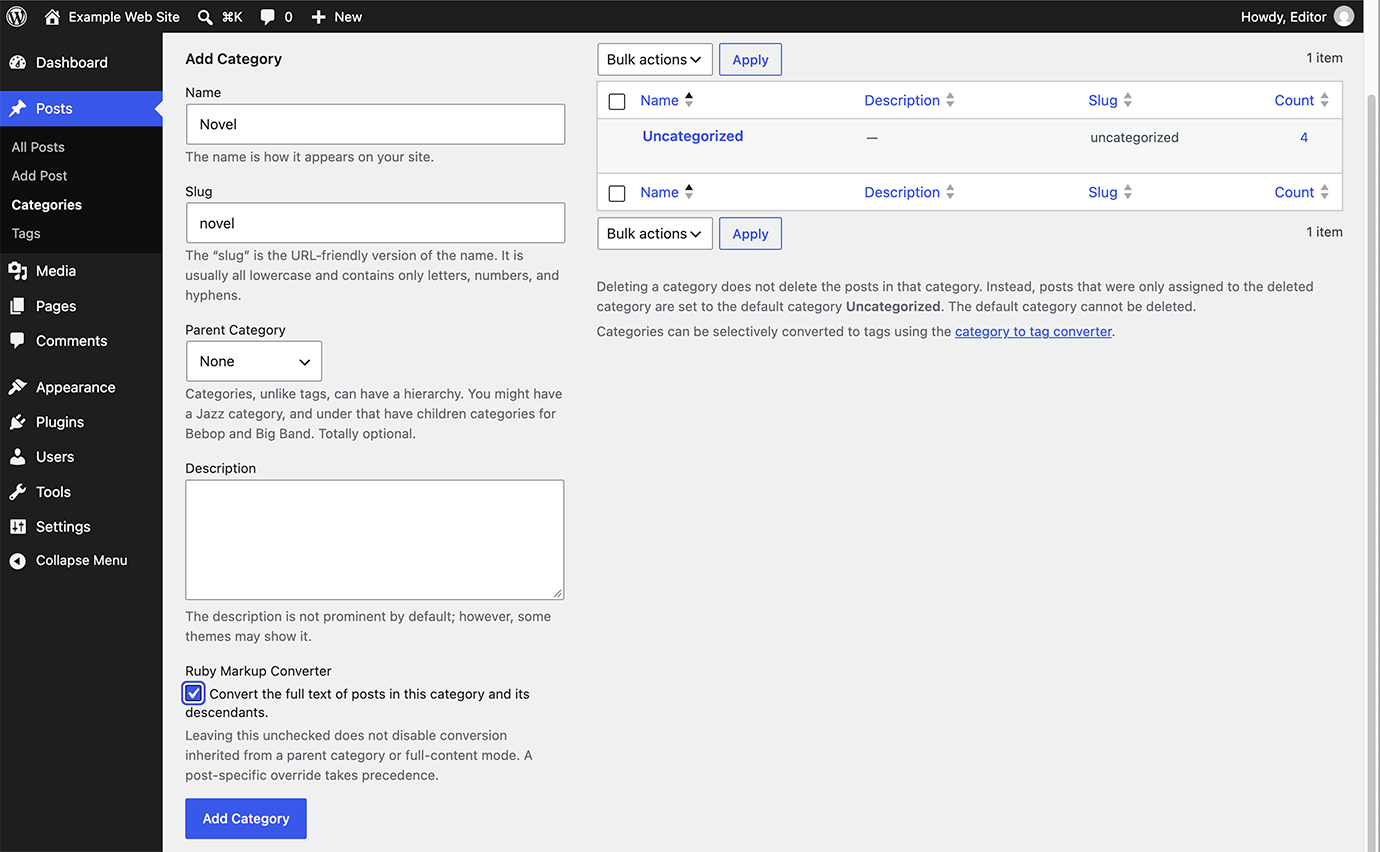
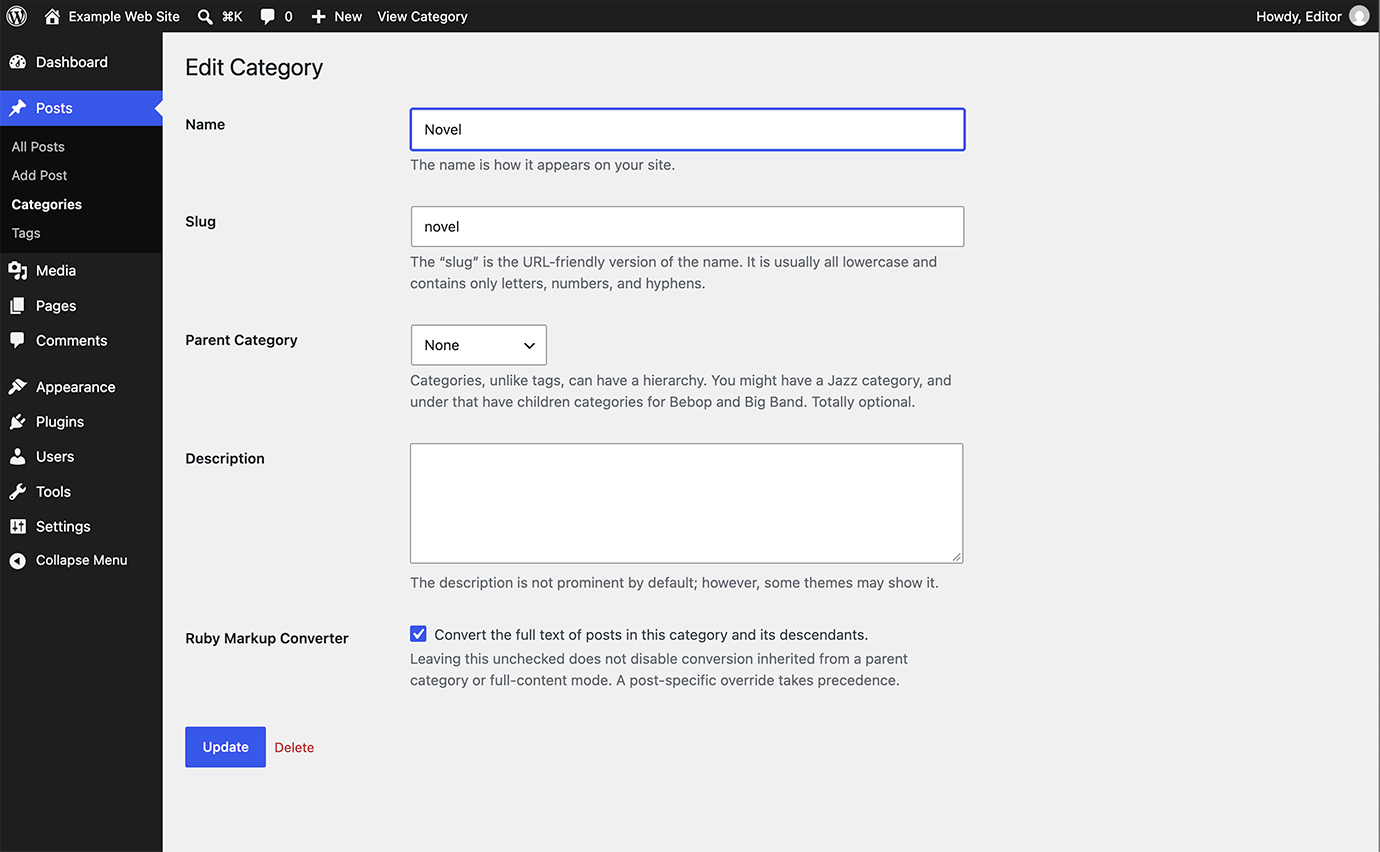
- Convert by category or by post: Select a category to convert every post in it, or choose for each post and page whether to convert it. No need to add blocks to each post.
- Use your original manuscripts as they are: Supported ruby and bouten notation is converted automatically, so there's no need to rewrite your text.
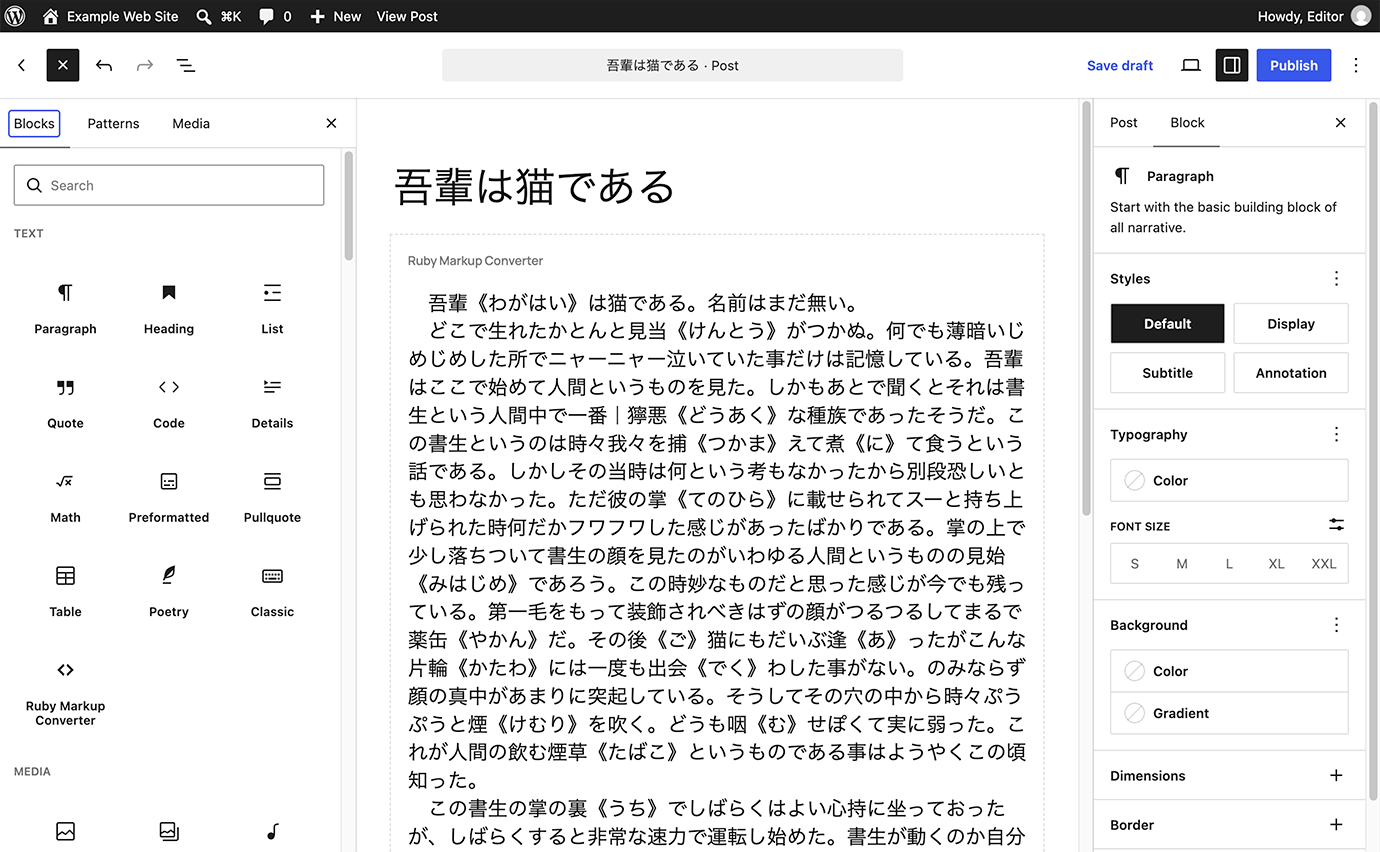
- Easy to use: Simply paste your manuscript into a post in a selected category, or into the Ruby Markup Converter block.
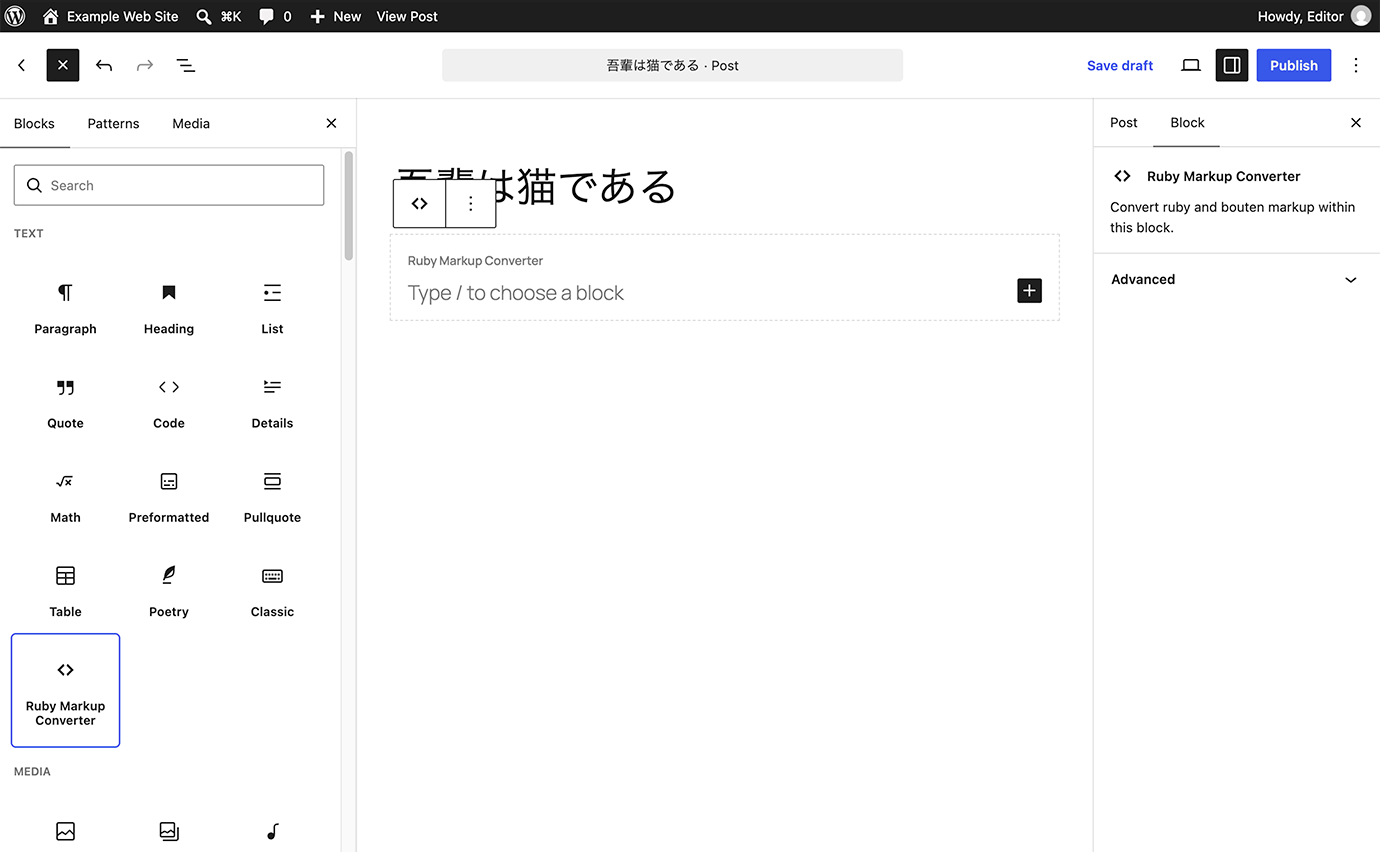
- Choose where to convert: Convert only part of a post with a dedicated block, or convert all posts and pages.
- Flexible settings: Enable or disable individual markup rules and choose how bouten marks are displayed.
- Ruby:
-
|BaseText《RubyAnnotation》 BaseText《RubyAnnotation》BaseText(RubyAnnotation)[[rb:BaseText > RubyAnnotation]]#BaseText__RubyAnnotation__#{{ruby|BaseText|RubyAnnotation}}- Bouten (Emphasis):
-
《《Emphasis》》
安装:
- Install the plugin using the built-in WordPress plugin installer, or manually upload the extracted files to the
wp-content/plugins/directory. - Activate the plugin through the
Pluginsmenu in WordPress. - Go to
Settings > Ruby Markup Converter. - Select the conversion scope and markup rules you want to use.
- Save your settings.
屏幕截图:
常见问题:
Can I choose which markup styles to convert?
Yes. You can enable or disable each supported ruby and bouten markup rule individually in the plugin settings. You can also choose the bouten style and rendering method.
Can I exclude a specific post from conversion?
Yes. In the block editor, choose not to convert the post in the Ruby Markup Converter panel in the sidebar. Content inside Ruby Markup Converter blocks and shortcodes in that post is not converted either.
What happens when I uninstall the plugin?
Uninstalling the plugin removes its saved settings, including the category and post conversion settings, but does not delete or modify your posts or pages. Ruby and bouten notation remains in the original text and is no longer converted. Any manually written [rubymaco]...[/rubymaco] shortcode tags also remain visible.
更新日志:
1.3.0
- Added an option to convert the full text of posts in selected categories.
- Added per-post and per-page conversion settings in the block editor.
- Fixed some kanji, such as 𠮟 and 﨑, not being recognized as base text in ruby notation without an explicit base text.
- Fixed shortcodes nested inside [rubymaco]...[/rubymaco] not being processed.
- Fixed settings failing to save after the settings screen had been left open for a long time.
- Improved conversion performance, especially for long posts.
- Fixed typos and improved overall stability.
- Redesigned the settings screen for easier navigation and configuration.
- Improved feedback when saving settings or making changes.
- Moved the custom bouten rendering option to Compatibility Settings.
- Improved internal reliability while preserving existing settings and conversion behavior.
- Corrected the documentation to remove an inaccurate statement about built-in ruby support in WordPress.
- Added the Ruby Markup Converter block for easier use in the block editor.
- Changed the default bouten rendering method to CSS text-emphasis.
- Prevented markup conversion inside HTML tags and attributes to avoid potential display issues.
- Fixed bouten markup immediately following kanji being incorrectly interpreted as ruby markup.
- Fixed incorrect display of ampersands when using the custom bouten renderer.
- Fixed an issue where disabling all markup rules caused the settings to revert to their defaults.
- Updated the minimum required WordPress version to 6.8.
- Improved internal settings management.
- Initial public release.