Ruby Mega Menu
| 开发者 | ismailonur |
|---|---|
| 更新时间 | 2026年6月2日 21:10 |
| PHP版本: | 7.4 及以上 |
| WordPress版本: | 7.0 |
| 版权: | GPLv2 or later |
| 版权网址: | 版权信息 |
详情介绍:
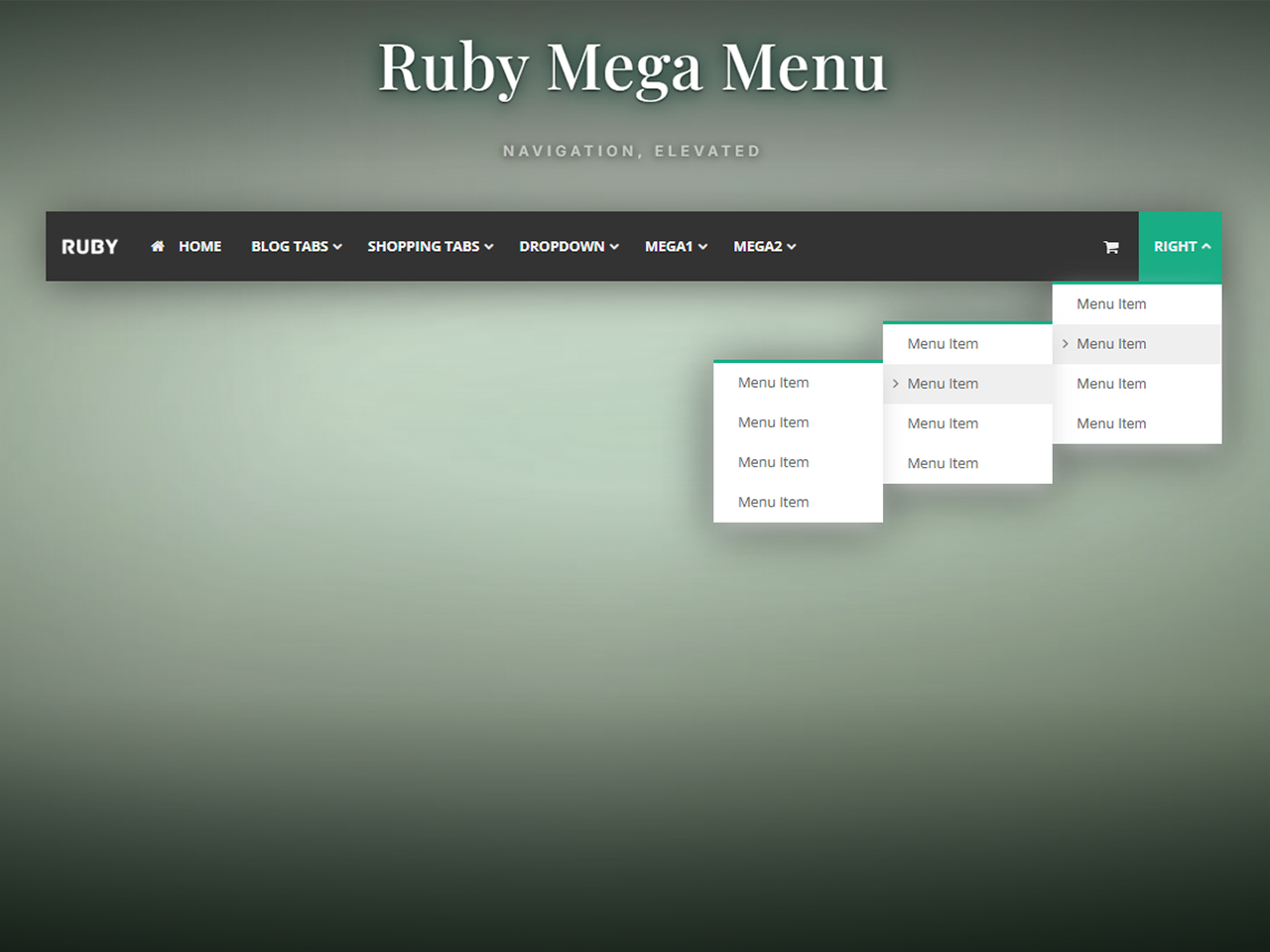
- Classic Dropdown — Up to 3 nested sub-levels with icons, link targets, and custom URLs.
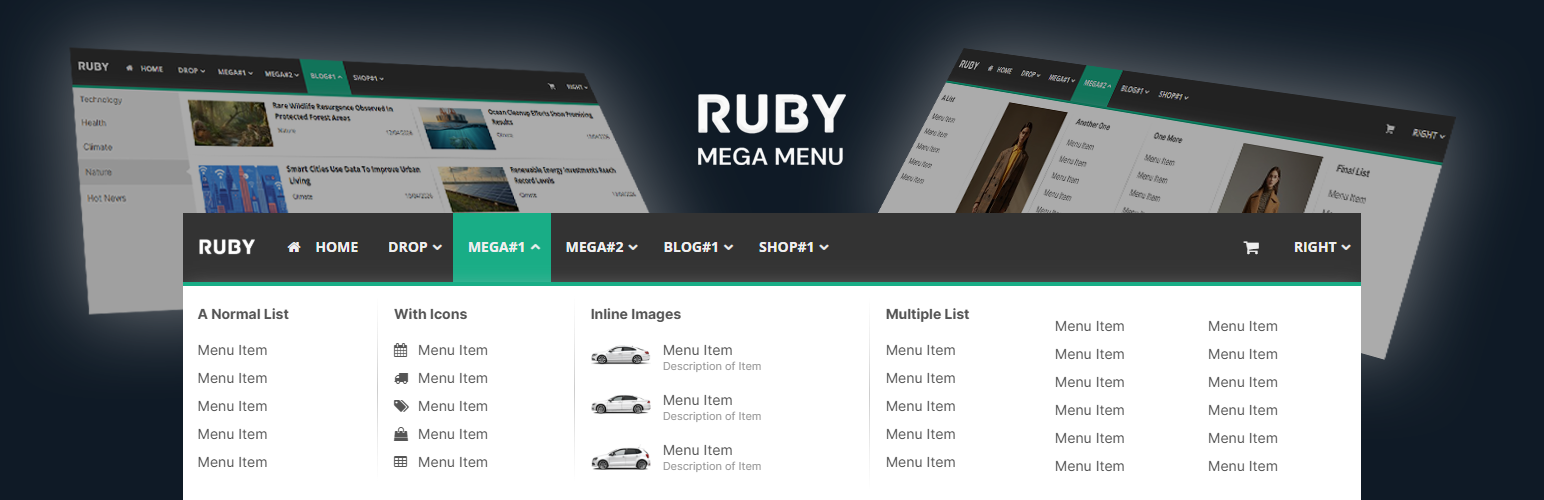
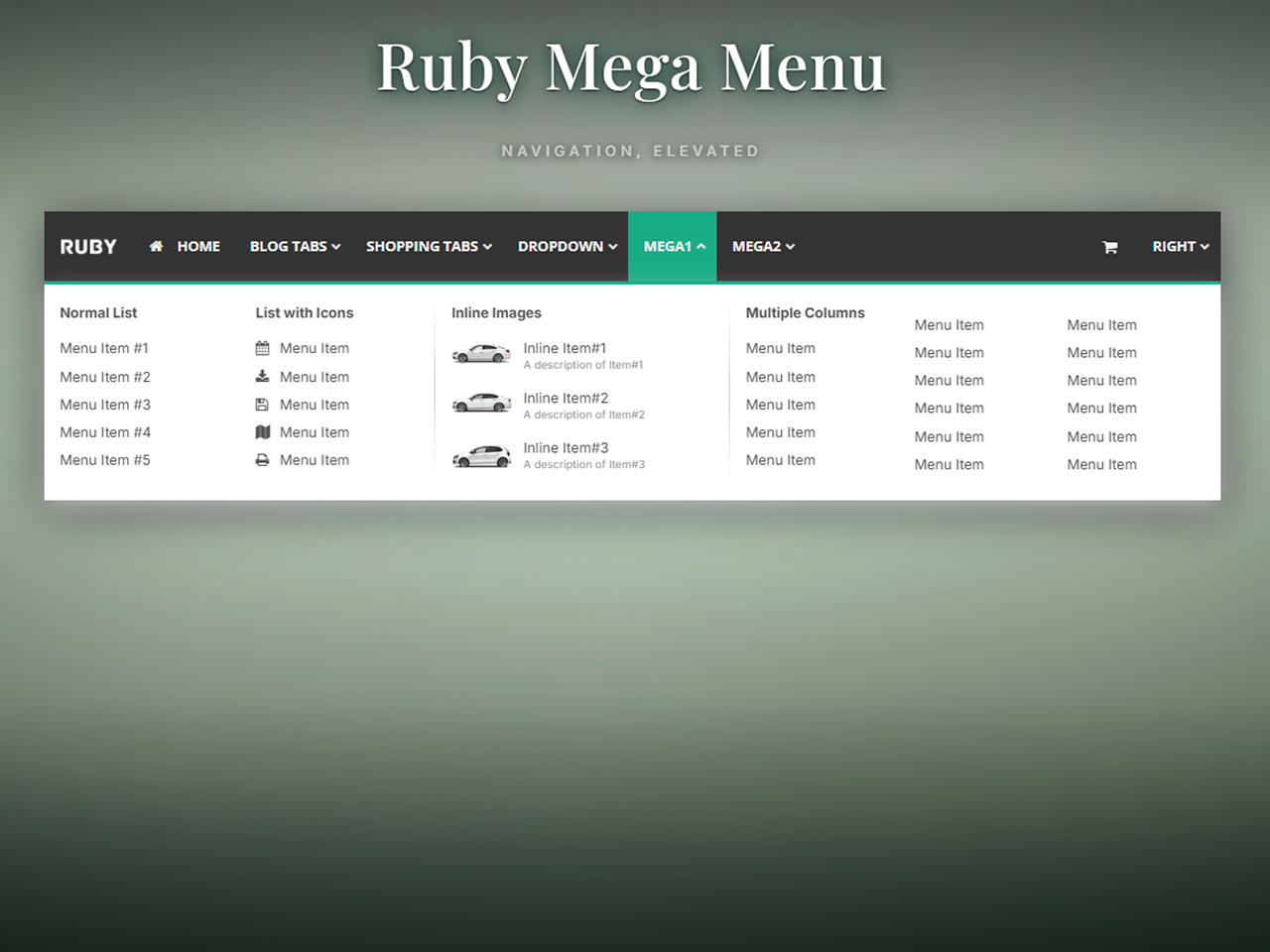
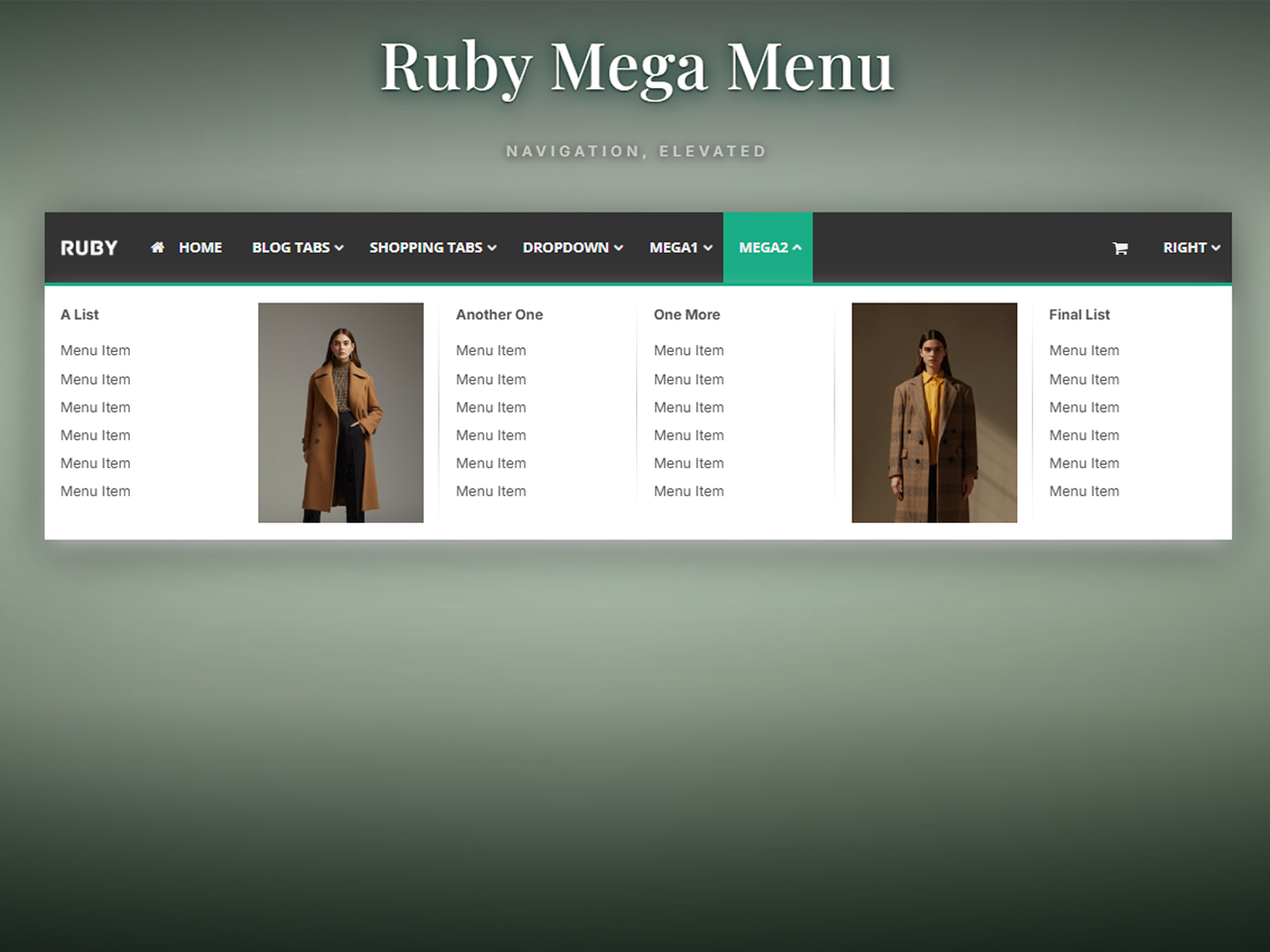
- Classic Mega Menu — Multi-column layouts with lists, images, image-link cards, and image+list combinations.
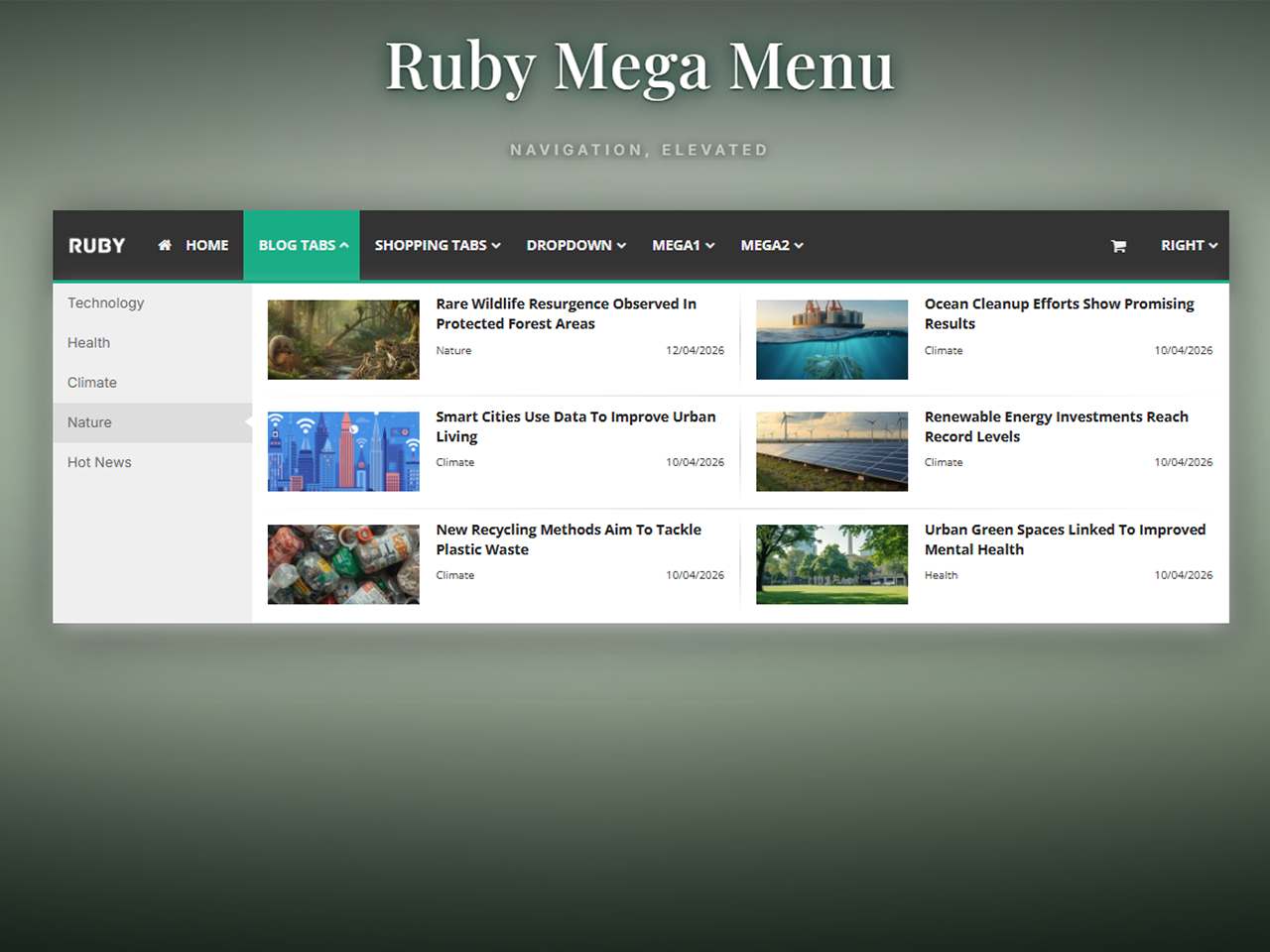
- Content Tabs (Vertical) — Auto-pulls your latest blog posts by category into a tabbed reading experience.
- Drag-and-drop menu builder in the WordPress admin
- 5 mega menu column types (normal list, list with images, multiple lists, image link, image + list)
- 4 blog layouts for the vertical tabs menu (4-col grid, 3-col grid, 2-col grid, flat list)
- 300+ Font Awesome icons
- Full typography control — Google Fonts, size, weight per menu region
- Full color customization — every element has its own color picker
- Responsive design — mobile hamburger menu with slide-in navigation
- Content separators, dividers, right-aligned menu items
- Header mode with custom height, background color, or image
- FSE theme support via
[rubymm_rubymenu]shortcode - Replace the theme's default navigation in specific menu locations or globally
- Compatible with popular themes (Avada, The7, Astra, GeneratePress, and most others)
安装:
- Upload the
ruby-mega-menufolder to the/wp-content/plugins/directory, or install via the WordPress plugin directory. - Activate the plugin through the Plugins menu in WordPress.
- Go to Ruby Mega Menu in the admin sidebar to start building.
- Add the
[rubymm_rubymenu]shortcode to a page or template, OR enable automatic theme replacement in Settings.
屏幕截图:
常见问题:
Does it work with my theme?
Ruby Mega Menu works with most WordPress themes, including FSE (Full Site Editing) themes. For FSE themes, use the [rubymm_rubymenu] shortcode inside a Custom HTML block. For classic themes, the plugin can automatically replace your theme's navigation in specific menu locations.
Does it work with page builders?
Yes. Use the [rubymm_rubymenu] shortcode in any page builder (Elementor, Divi, Beaver Builder, etc.) that supports shortcodes.
Does it slow down my site?
No. The plugin loads a single CSS file and a small JavaScript file, both cached by the browser. Menu data is cached in memory via WordPress object cache.
Can I translate it?
Yes. The plugin is translation-ready via the ruby-mega-menu text domain.
Does the plugin collect any data?
No. Ruby Mega Menu does not collect any data from your site, your admin users, or your visitors. All menu data is stored in your own WordPress database.
Does the plugin load any external resources?
The plugin loads Google Fonts from Google's CDN only if you enable custom fonts in the typography settings. If you prefer not to load from Google, select "System Default" in the font settings. No other external resources are loaded on the front end of your site.
Where can I get support?
Please open a topic in the WordPress.org support forum.
更新日志:
- Security: introduced esc_inline_css() helper that applies wp_strip_all_tags(), wp_kses_no_null(), str_ireplace('</style'), and blocks @import, expression(), javascript:/data: URLs and IE behavior/binding properties before any CSS is passed to wp_add_inline_style().
- Security: introduced esc_css_selector_list() helper that sanitizes each CSS selector via preg_replace and wp_strip_all_tags() before output.
- Security: both wp_add_inline_style() call-sites (dynamic CSS and hide-theme-nav CSS) now route through these helpers immediately before output.
- Security: all output values in view-settings.php now wrapped with esc_attr() at the point of echo (late escaping).
- Security: CSS inline style output now uses wp_strip_all_tags() + str_ireplace('</style') as a two-step sanitization before wp_add_inline_style().
- Security: CSS selector regex tightened to exclude quote characters (", ') that are not valid in safe selectors.
- Security: font-family regex simplified to alphanumeric, space and hyphen only — sufficient for all Google Font names.
- Fix: PHP syntax error in font-family preg_replace (misquoted regex) resolved.
- Security: added explicit format arrays (%d/%s) to all $wpdb->insert, $wpdb->update, and $wpdb->delete calls for proper SQL type safety.
- Security: added $wpdb->prepare() to get_top_level_items() query for consistency with WordPress coding standards.
- Security: all dynamic CSS values now late-escaped at point of string building using esc_css_color() and esc_css_dimension() helpers.
- Security: added esc_html() to unescaped echo in view-builder.php.
- Fix: classic dropdown subdropdown positioning now correctly uses saved Dropdown Width setting (left/right offset).
- Fix: blog-type mega menu nav items no longer inherit theme margin-bottom or line-height overrides.
- Fix: shop menu tab items no longer inherit theme font-weight or font-stretch overrides on desktop.
- Fix: admin bar offset fix (fixAdminBarOffset) now only applies margin-top on mobile breakpoint, preventing unwanted spacing on desktop.
- Fix: mobile teleport now skips #wpadminbar when applying margin-top to body first div, preventing admin bar from being pushed down.
- Compliance: prefixed remaining AJAX action hooks (rmm_search_posts, rmm_get_post_link) with rubymm_.
- Changed: shortcode renamed from [ruby_menu] to [rubymm_rubymenu] for a more distinctive identifier.
- Fixed: delete confirmation popup was blank due to mismatched localization key (confirm_delete vs confirm_delete_top).
- Fixed: dynamic font CSS was outputting duplicate #ruby-mega-menu selector due to prefix already being present in font_targets() array.
- Fixed: Google Fonts loading used array_merge instead of array_replace_recursive, causing saved font settings to not properly override defaults.
- Fixed: font-family, font-size, and font-weight in dynamic CSS now use !important to prevent theme styles from overriding plugin typography settings.
- Added: active menu item support — top-level nav items now receive ruby-active-menu-item class when the user is on the corresponding page, using $wp->request for accurate URL matching in subdirectory installs. Filter is scoped to plugin-managed menus only.
- Fixed: CSS cascade order — dynamic menu styles now load before responsive CSS so mobile layout rules take priority.
- Fixed: right-aligned top-level menu items — second-level submenu now stacks full-width on mobile instead of being pushed off-screen.
- Compliance: fully removed Freemius SDK, premium license checks, and all premium feature placeholders from WordPress.org build.
- Compliance: ensured no locked features or license checks remain in the code, per WordPress.org Plugin Directory Guidelines.
- Compliance: prefixed all global functions, classes, variables, hooks, and options for WordPress.org guidelines.
- Compliance: moved all inline styles and scripts to proper enqueue system (
wp_add_inline_style,wp_enqueue_script). - Security: added
wp_kses_postfinal filter to all rendered menu HTML returned from shortcode and nav menu filter. - Security: escaped all
get_the_date()output in blog menu views. - Removed premium feature placeholders (Pro badges, upsell links) for WordPress.org submission.
- Security: hardened input sanitization across all admin and AJAX handlers.
- Security: added nonce verification to all AJAX endpoints.
- Security: escaped all dynamic output in CSS and admin views.
- Performance: added object-cache layer for menu queries.
- Compliance: passes WordPress.org Plugin Check.
- Initial release.
- Classic Dropdown menus with up to 3 sub-levels.
- Classic Mega Menu with 5 column types.
- Content Tabs (Vertical) with 4 blog layouts.
- Full typography, color, and responsive design controls.
- FSE theme support via
[rubymm_rubymenu]shortcode.