
Coupons Required Products for WooCommerce
| 开发者 | runthingsdev |
|---|---|
| 更新时间 | 2026年1月7日 20:49 |
| PHP版本: | 8.0 及以上 |
| WordPress版本: | 6.9 |
| 版权: | GPLv3 or later |
| 版权网址: | 版权信息 |
详情介绍:
- Restrict coupon usage based on all required products being in the cart.
- Customize the error message via a filter.
安装:
- Upload the plugin files to the
/wp-content/plugins/runthings-wc-coupons-required-productsdirectory, or install the plugin through the WordPress plugins screen directly. - Activate the plugin through the 'Plugins' screen in WordPress.
- Go to WooCommerce area of the admin panel, and look under Marketing > Coupons and edit or create a coupon.
- In the "Usage restriction" tab, you will see the option to select required products for the coupon.
屏幕截图:
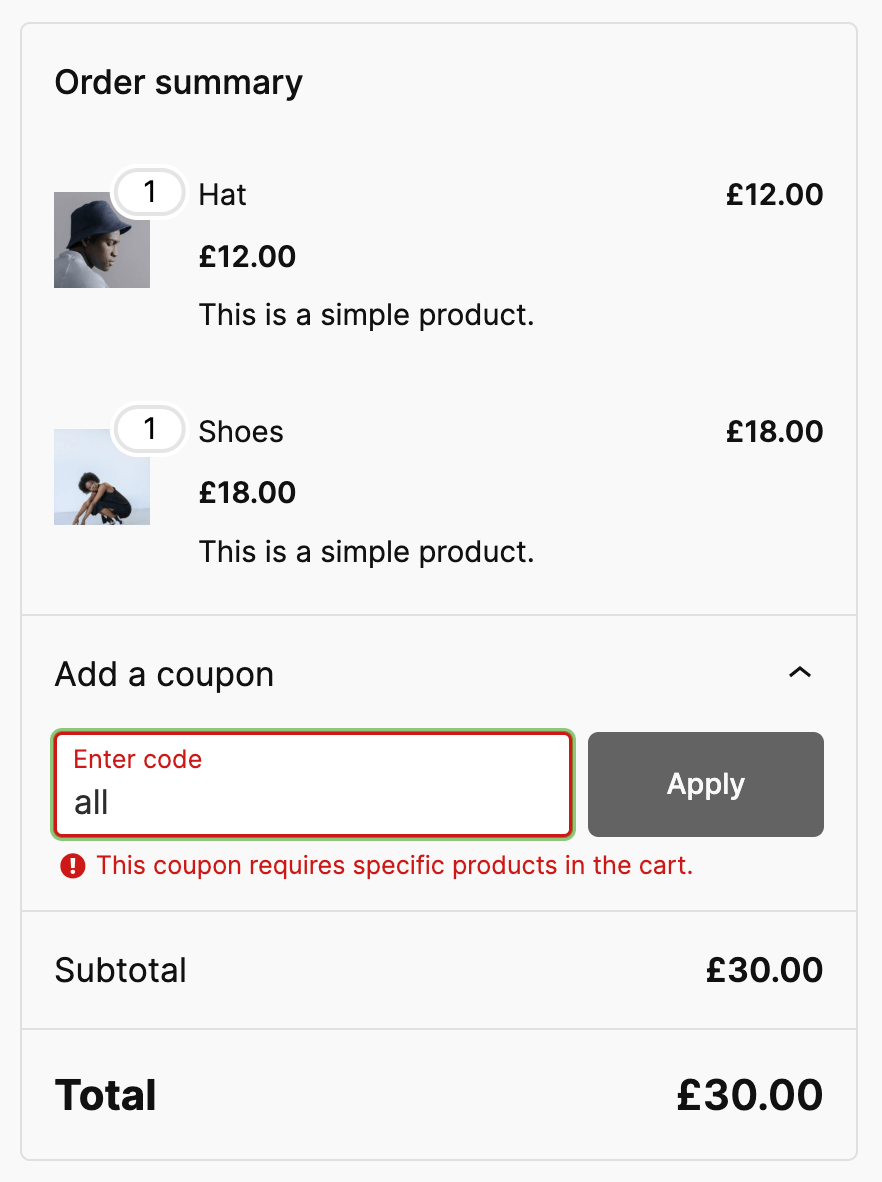
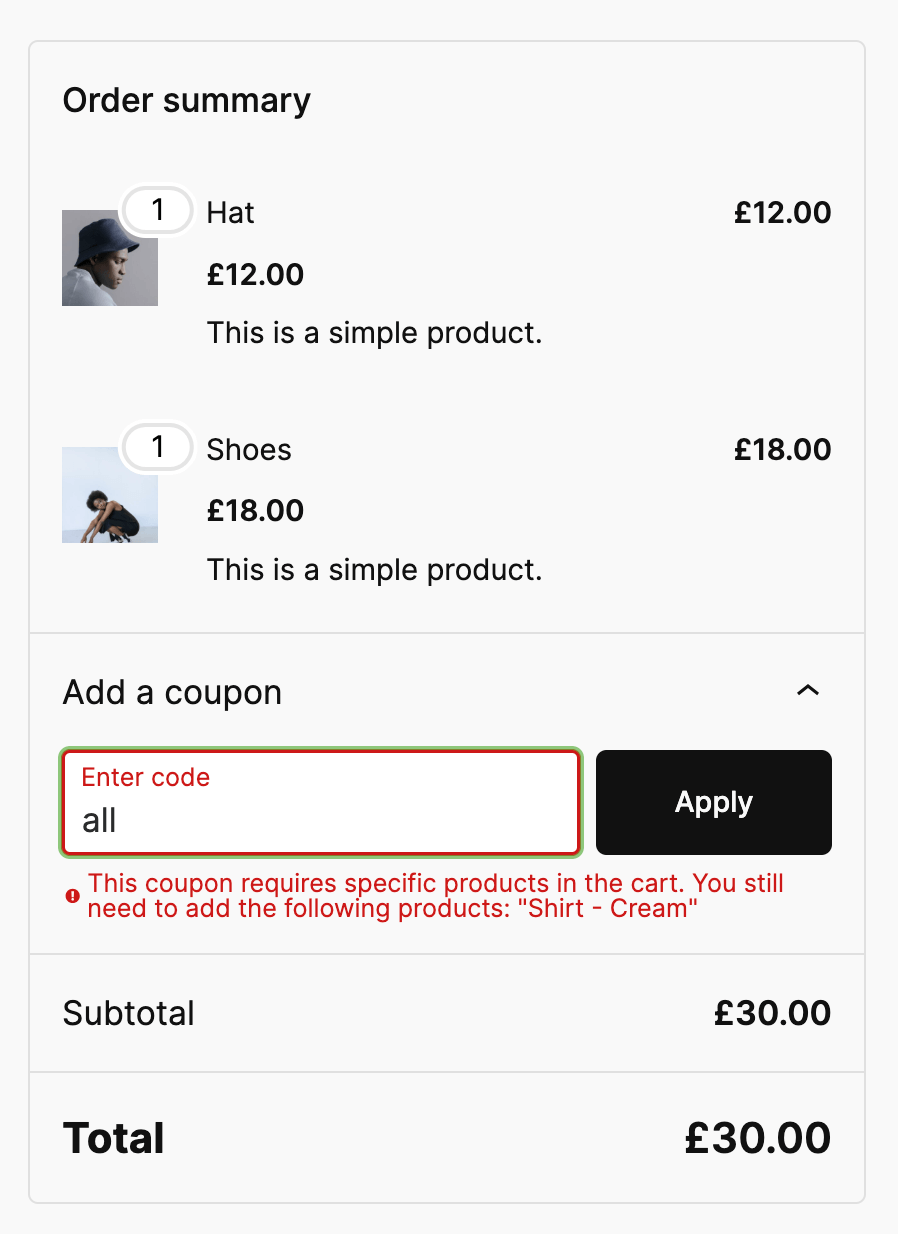
常见问题:
What is the difference between the built-in WooCommerce "Products" field and this plugin?
The built-in WooCommerce "Products" field allows you to specify products that the coupon can be applied to. This means that the discount will be applied if any of the specified products are in the cart. In contrast, this plugin restricts the usage of the coupon unless all of the specified products are in the cart. This means that the coupon will not be valid unless every required product is present in the cart.
How do I restrict a coupon to specific products?
Edit the coupon and go to the "Usage restriction" tab. In the "Required products" section, select the products that must be in the cart for the coupon to be valid.
Can I use this plugin with other WooCommerce coupon restrictions?
Yes, this plugin works alongside other WooCommerce coupon restrictions such as minimum spend, maximum spend, and role restrictions.
Can you implement a specific variation I need for the required products?
The plugin has been kept deliberately simple for now, because this met the clients specific needs. There are lots of other combinations of requirements that I can think of like excluding products, involving quantities, requiring x products in a category, etc. If you have a specific requirement, and time allows, I'll try to implement it. Please open an issue on the GitHub repo, over at https://github.com/runthings-dev/runthings-wc-coupons-required-products
更新日志:
- Fixed missing "And" separator in the coupon usage restriction panel to match WooCommerce core styling.
- Move plugin directory assets to .wordpress-org/ folder.
- Bump WordPress tested up to field to support 6.9 branch.
- Bump WordPress tested up to field to support 6.8 branch.
- Fixed a bug which caused a valid voucher to fail to verify.
- Incorporate amends requested for WordPress plugin directory submission.
- Filter
runthings_wc_coupons_required_products_error_messageto customize error message. - Filter
runthings_wc_coupon_required_products_error_messagedeprecated.
- Initial release.
- Restrict coupons by required products.
- Filter
runthings_wc_coupon_required_products_error_messageto customize error message.