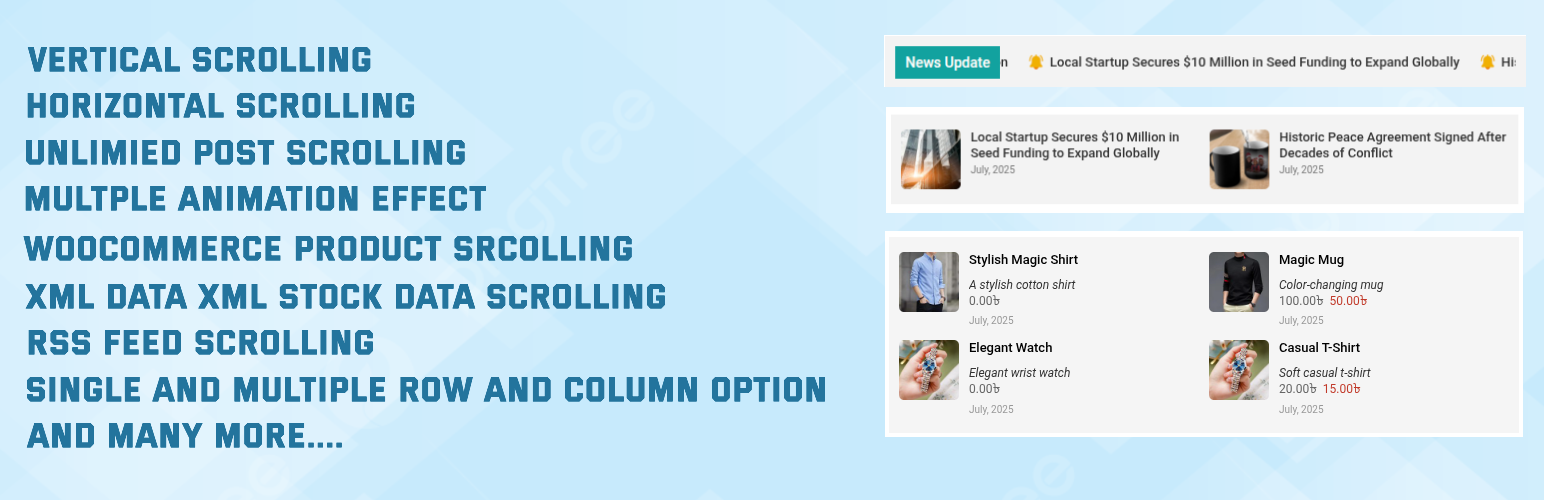
Redefined Zero Post Scrollers
| 开发者 |
rhfarukh
freemius |
|---|---|
| 更新时间 | 2026年6月25日 05:45 |
| PHP版本: | 7.4 及以上 |
| WordPress版本: | 7.0 |
| 版权: | GPL2 |
| 版权网址: | 版权信息 |
详情介绍:
Redefined Zero Post Scrollers lets you display posts, products, RSS feeds, or custom XML content in a dynamic scrolling format. Perfect for news, updates, announcements, and live market tickers.
Watch How It Works:
https://www.youtube.com/watch?v=9X5Mg-KXz_U
Here are the Demos:
View live Post Scroller demos
Support:
Get support at Orvian Soft
Free Version Includes:
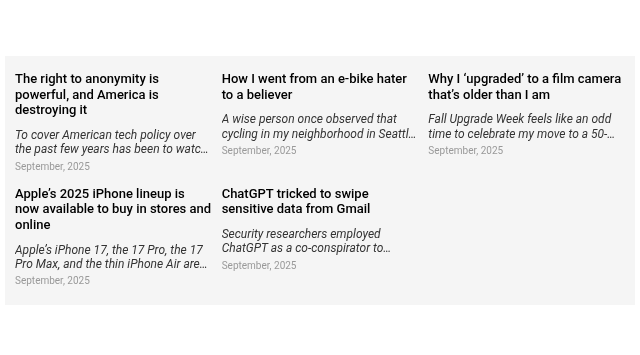
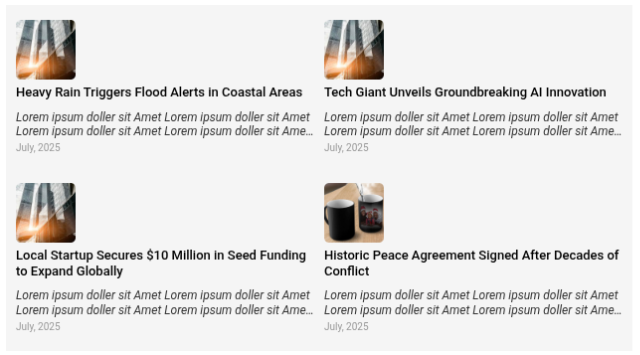
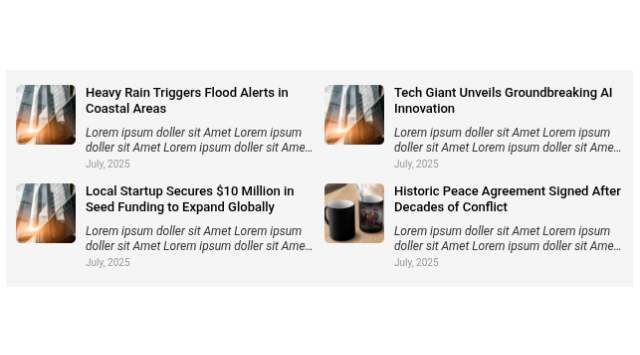
- Display blog posts by category
- Horizontal and vertical scroll
- RTL (Right-to-Left) support
- Marquee, Slide and Fade animations
- Basic controls Premium Version Adds:
- Upload custom icons for each item
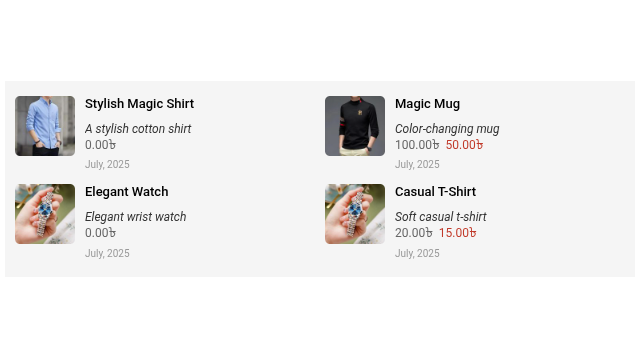
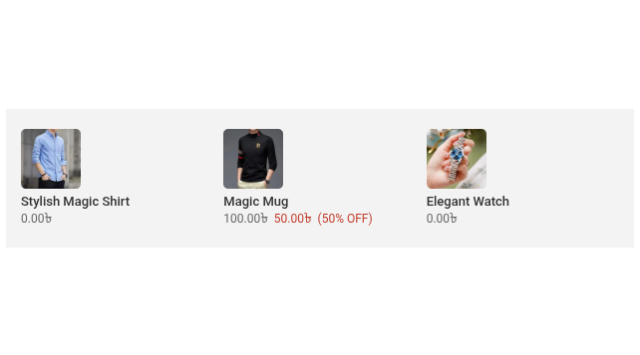
- Display WooCommerce products in the scroller
- Control fonts, colors, icons, speed, and layout
- Additional styling and animation customization Ultimate Version Adds:
- Support for custom XML feeds
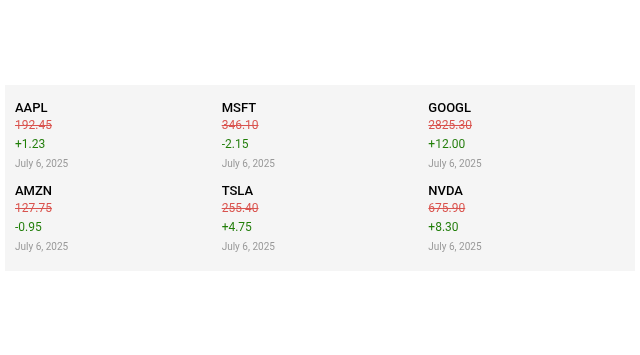
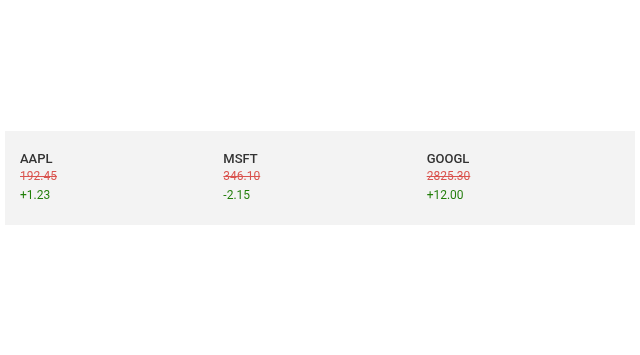
- Live stock market and exchange XML ticker support
- RSS feed Whether you're building a news ticker, product slider, or live financial feed — Redefined Zero Post Scrollers has you covered.
安装:
- Upload the
rzcps-post-scrollersfolder to the/wp-content/plugins/directory. - Activate the plugin through the 'Plugins' menu in WordPress.
- Use the shortcode anywhere:\
[rzcps_post_scrollers id="your_post_scroller_ID"]
屏幕截图:



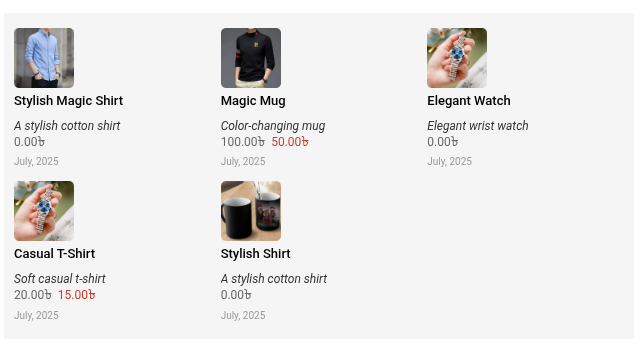
常见问题:
How do I get support?
Get support at Orvian Soft Open our support page and use the form to contact us.
What should I include so you can help quickly?
- Your website URL
- Product type (WordPress Theme / WordPress Plugin / React / NextJS Theme) and the second dropdown when it appears (e.g. which plugin)
- Order ID, if you have one
- Scroller ID from WordPress admin: Post Scrollers — the shortcode looks like
[rzcps_post_scrollers id="123"]; the number is the ID - A clear subject and description of the issue
- Screenshots or a small export (the support form accepts common image types, PDF, or ZIP up to 10 MB)
更新日志:
2.0.5
- Security enhancements, relative path fixes and minor bug fixes.
- General bug fixed.
- Multiple category selection added and bug fixed.
- Support Link added and bug fixed.
- Design improvements and bug fixes.
- Performance improvements and bug fixes.
- Performance improvements and bug fixes.
- Performance improvements and bug fixes.
- Responsive design issue fixed in Tab and Mobile.
- Horizontal style post in Marquee Animation bug fixed.
- Performance improvements and bug fixes.
- Grouped view bug fixed.
- Performance improvements and bug fixes.
- Excerpt overflow bug fixed.
- Performance improvements and bug fixes.
- Sanitized, escaped, and validated all plugin settings input to comply with WordPress security standards.
- Fixed slow DB query warning for WooCommerce products using tax_query.
- Improved caching for product scrollers to enhance performance.
- Performance improvements and bug fixes.
- Fixed slow DB query warning for WooCommerce products using tax_query.
- Improved caching for product scrollers to enhance performance.
- Sanitized scroller settings save logic to prevent warnings.
- Performance improvements and bug fixes in version 1.0.1
- Initial premium release with RSS, custom XML, and Stock Exchange ticker support with RTL compatibility.