
SA Integrations For Google Sheets
| 开发者 | sleekalgo |
|---|---|
| 更新时间 | 2026年11月22日 04:05 |
| PHP版本: | 7.4 及以上 |
| WordPress版本: | 7.1 |
| 版权: | GPLv2 or later |
| 版权网址: | 版权信息 |
详情介绍:
安装:
- In your WordPress dashboard, choose Plugins > Add new.
- Search for the plugin with the search bar in the top right corner using the keywords "Google Sheets Integrations". A number of results may appear.
- After finding the plugin in the results, click Install Now. You can also click the plugin name to view more details about it. For further details please check our Installation Guide
屏幕截图:


常见问题:
Which plugins does it work with?
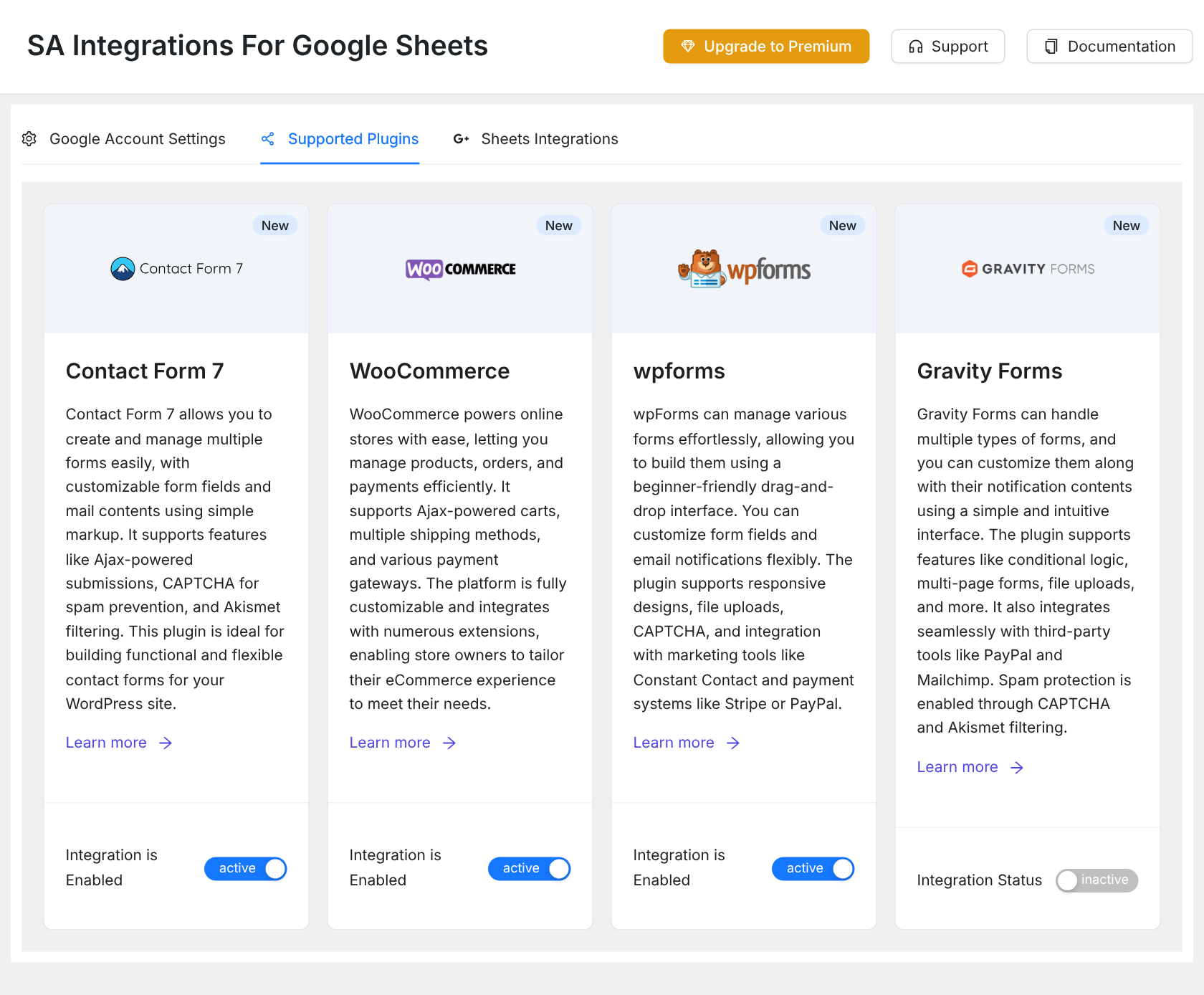
WooCommerce, Contact Form 7, WPForms (Lite and Pro) and Gravity Forms. Turn on the ones you use in the plugin's dashboard, then create an integration for each form, or for your WooCommerce orders. Each integration sends one source to one tab of a spreadsheet.
Is the free version limited?
No. You can create as many integrations as you need. The plugin sets no limit on rows or spreadsheets, and there is no trial period. The premium version adds extra features, listed below.
How do I connect Google Sheets?
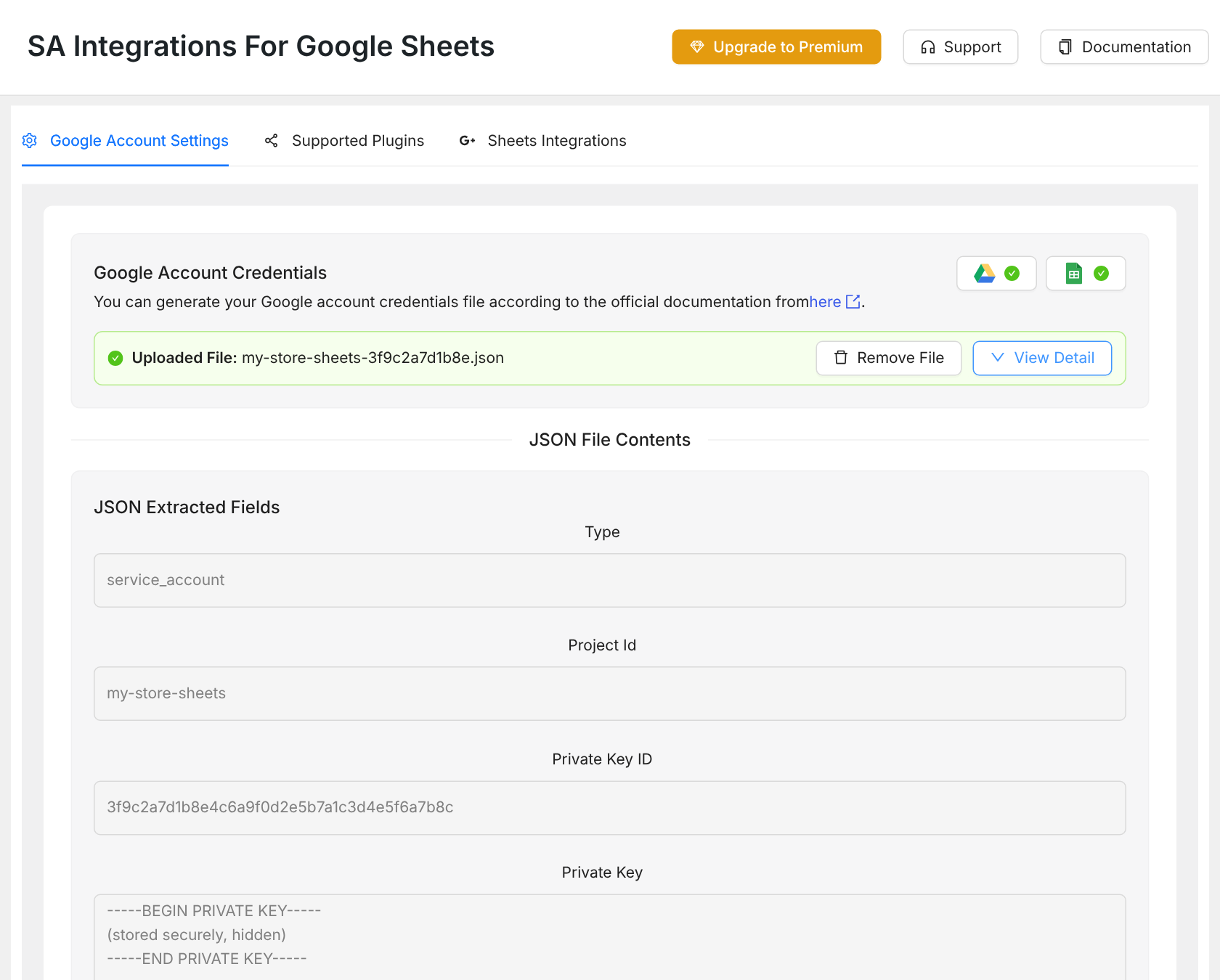
The plugin connects through a Google service account. In the Google Cloud console, create a project, turn on the Google Sheets API and the Google Drive API, create a service account and download its JSON key. Then upload the key in the plugin's settings. Signing in with a personal Google account is not supported. The installation guide shows each step.
Why is my spreadsheet missing from the list?
The service account only sees spreadsheets that are shared with it. Open the spreadsheet in Google Sheets, click Share and add the service account's email address (the client_email shown in the plugin's settings) as an Editor. Then reload the integration screen.
Does my sheet need a header row?
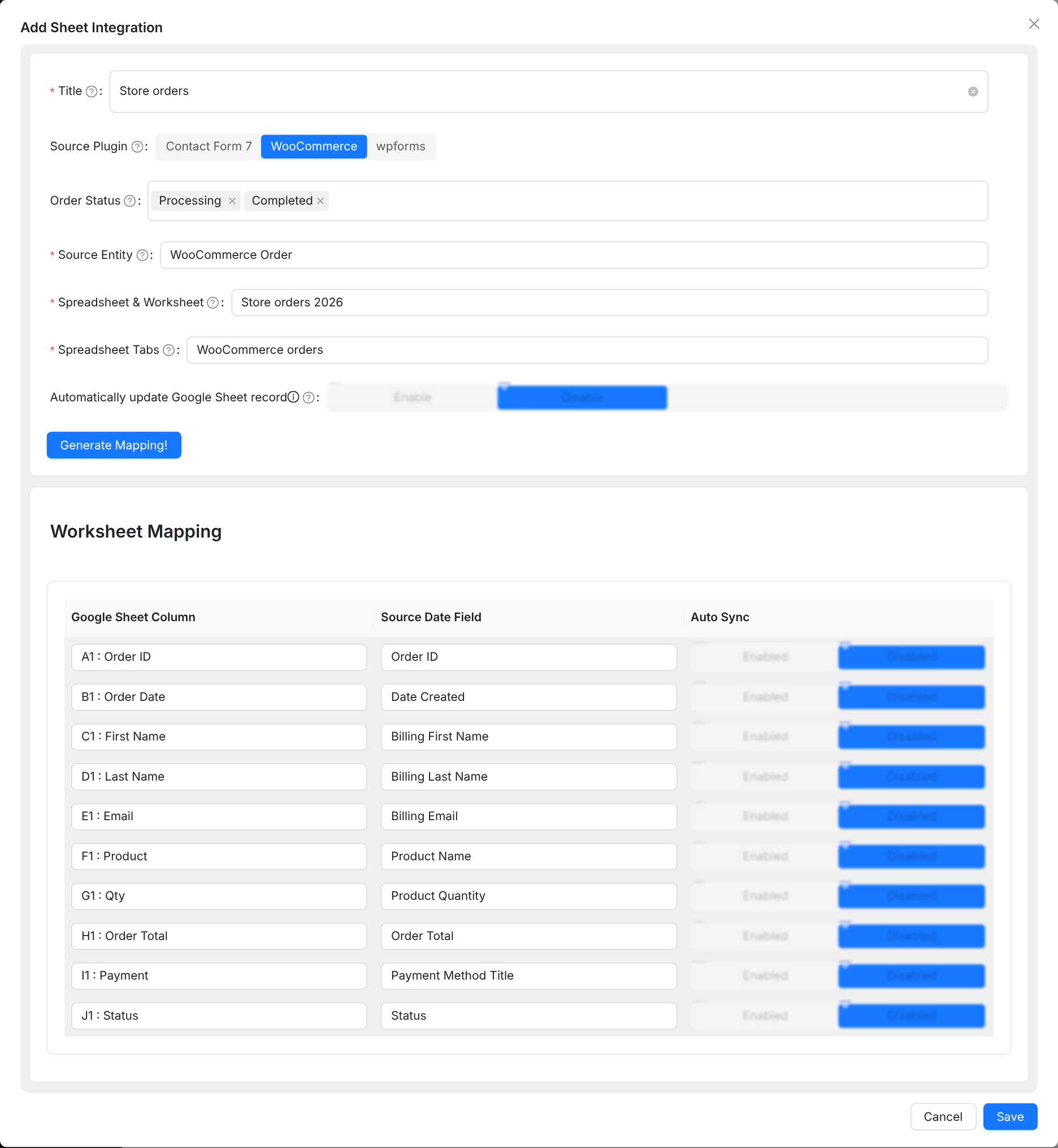
Yes. The plugin reads the first row of the tab and uses each cell as a column name in the field mapping. Add your column titles to row 1 before you create the integration. New orders and entries are added as new rows below it.
Are existing orders and entries sent?
No. An integration sends the orders and entries created after you save it. Older records are not sent.
When is a WooCommerce order sent?
When the order reaches one of the order statuses you pick in the integration, for example Processing or Completed. Each order is sent once per integration. In the premium version, the row is updated later when the order changes.
Do changes in Google Sheets come back to WordPress?
No. Data goes one way, from WordPress to Google Sheets. Editing the sheet does not change your orders or entries.
Can I see Contact Form 7 submissions in WordPress?
Yes. The plugin saves each Contact Form 7 submission and lists them under Contact > Entries. In the premium version you can also edit an entry there, and its sheet row is updated.
Where is my Google key stored?
In your WordPress database, not as a file on your server. The private key is never shown again on the settings screen, and only administrators can use the plugin's settings.
What does the premium version add?
Sheet rows are updated when an order or entry is edited, you choose which columns are updated, and you can map WooCommerce custom order fields, file uploads and Gravity Forms List fields. See the premium version.
Will I lose my integrations when I upgrade to premium?
No. The premium version uses the same settings, integrations and entries. When you activate it, the free version is deactivated for you.
Does the plugin send my data anywhere else?
Only to Google, to write the fields you mapped. Freemius receives some site details only if you opt in or activate a premium license. See External services above.
What happens when I delete the plugin?
Your Google key and access token are removed. Your integrations and saved Contact Form 7 entries stay in the database, so they are still there if you install the plugin again.
更新日志:
- Fix: in the free version, the Add Integration button was disabled once one integration existed. The free version has no limit on integrations.
- Fix: the Freemius opt-in, account, pricing and update screens showed a generic plugin icon instead of the plugin's own icon.
- New: Freemius SDK. An optional opt-in screen is shown once, and the Upgrade to Premium button opens the pricing page in your dashboard.
- New: premium version, built from the same code: automatic sheet row updates when an order or entry is edited, Auto Sync per column, WooCommerce custom order meta fields, file upload and Gravity Forms List fields, and Contact Form 7 entry editing.
- Fix: the Contact Form 7 Entries menu was missing with newer Contact Form 7 versions, which moved their admin menu.
- Fix: saving an integration now shows the error message when the save fails.
- Tweak: rewrote the FAQ. The free version has no limit on integrations.
- Dev: new filters
saifgs_source_fieldsandsaifgs_woocommerce_order_field_value, and new actionsaifgs_sheet_row_appended. - Dev: the stored Google key is removed through Freemius' uninstall hook. uninstall.php was removed.
- Security: the plugin's REST API now requires an administrator (manage_options). Before, any logged-in user, such as a customer, could read the Google key and change integrations.
- Security: the Google service-account key is no longer saved in the public uploads folder. The update deletes the old file and shows a notice recommending a new key.
- Security: the private key is never sent to the browser, and it is deleted when the plugin is deleted.
- Security: Contact Form 7 file uploads are copied only when a mapped column needs them, under random names, with directory listing blocked.
- Fix: the plugin no longer forces Contact Form 7 nonce checks on every form on the site.
- Fix: WooCommerce orders are sent when they reach a selected status (for example Processing or Completed), not only at checkout. Each order is sent once per integration.
- Fix: WooCommerce values stay in their mapped columns. Product fields no longer move to the end of the row.
- Fix: WooCommerce date fields, Tax Total, Product Type and QTY Refunded for Item now fill in. "Product Total" is the line total of each product; a new "Order Total" field holds the order total. "Shipping Status" is renamed "Shipping State".
- Fix: a revoked or invalid Google key no longer makes checkout or form submission hang.
- Fix: Google errors no longer break checkout or form submissions. Spam and aborted Contact Form 7 submissions and Gravity Forms spam are skipped.
- Fix: turning a plugin off on the Supported Plugins tab now stops its syncing.
- Fix: sheet tabs whose names contain spaces or other special characters now work.
- Fix: the spreadsheet picker lists only Google Sheets files, including shared drives, and is no longer limited to 100 files.
- Fix: the integrations list no longer breaks when WPForms or Gravity Forms is deactivated or a form is deleted.
- Fix: changes to integrations apply immediately on sites with a persistent object cache.
- Compatibility: declared compatible with WooCommerce High-Performance Order Storage (HPOS).
- Compatibility: "Requires PHP" is now 7.4, matching the bundled Google sign-in library (firebase/php-jwt 6), which already needed PHP 7.4.