Safelayout Brilliant Buttons - WordPress Buttons
| 开发者 | safelayout |
|---|---|
| 更新时间 | 2026年9月13日 04:27 |
| PHP版本: | 7.0 及以上 |
| WordPress版本: | 7.1 |
| 版权: | GPLv2 or later |
| 版权网址: | 版权信息 |
详情介绍:
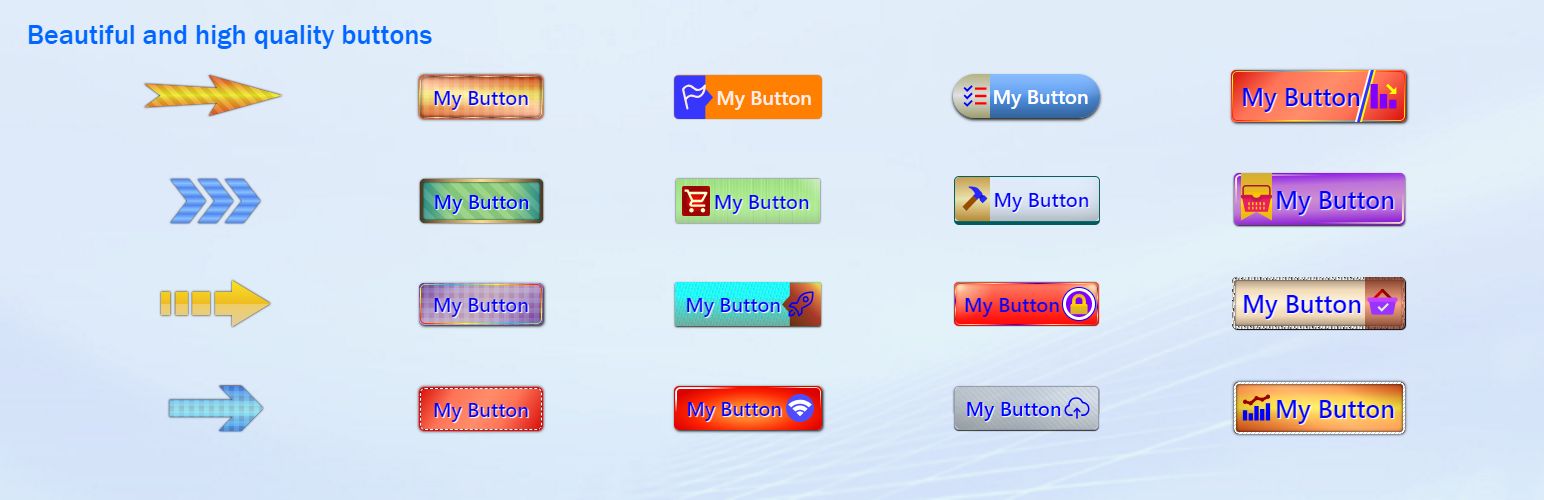
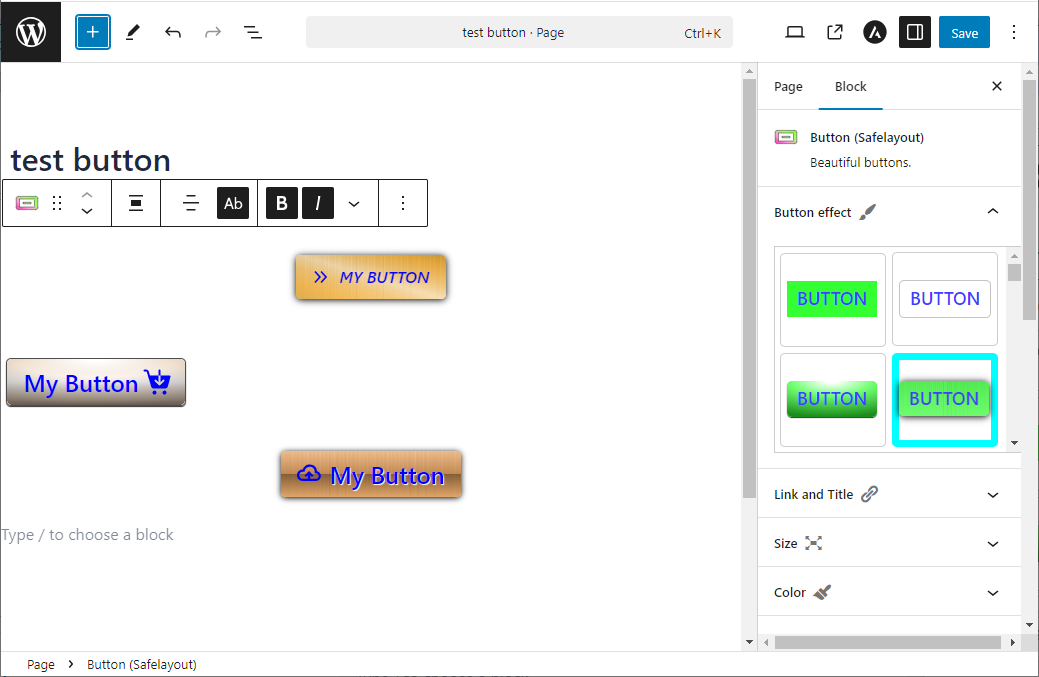
- High quality buttons.
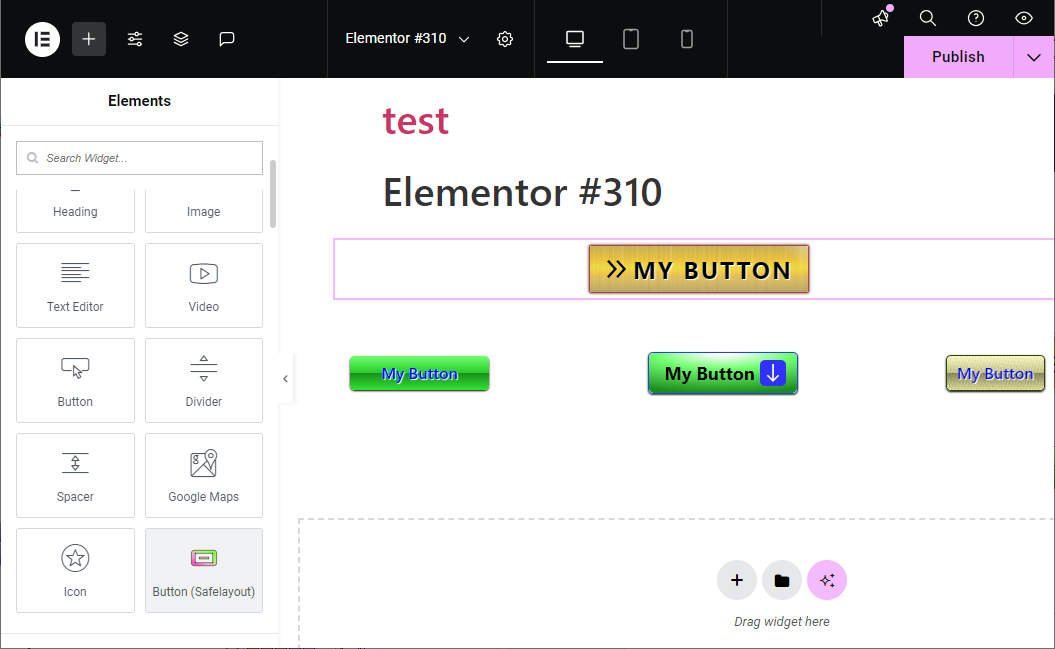
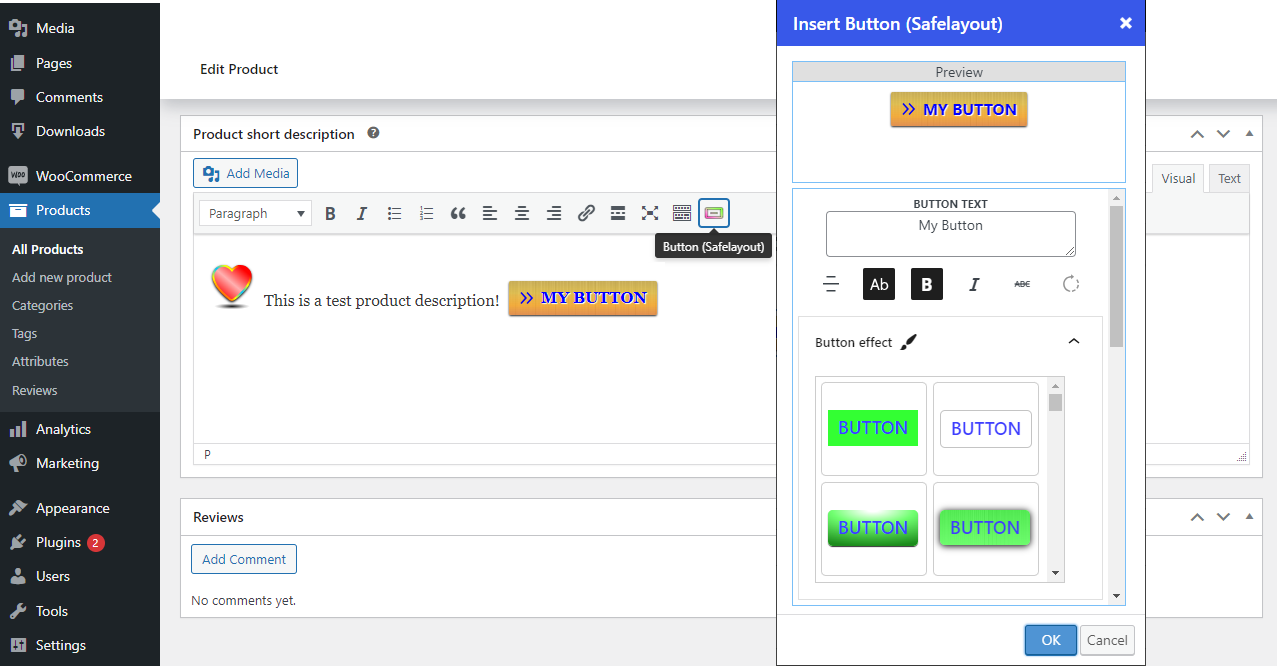
- Available in Block editor, Classic editor and Elementor.
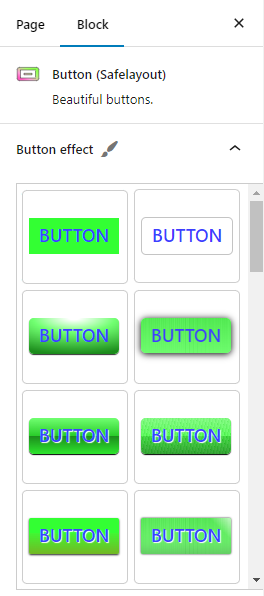
- Many beautiful button effects.
- Many beautiful Hover animation effects.
- Includes buttons with various background patterns.
- Includes buttons with various click effects.
- Ability to show loading animation and change text after click.
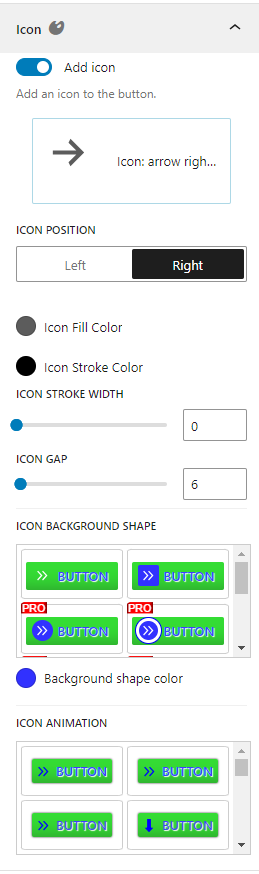
- Include icon button.
- Include Sub text.
- Include multi color icon packs.
- No icon fonts, just inline SVG.
- Gradient color for icon fill and stroke as well as background color.
- Fully compatible with Full-Site Editing.
- Cross browser compatible.
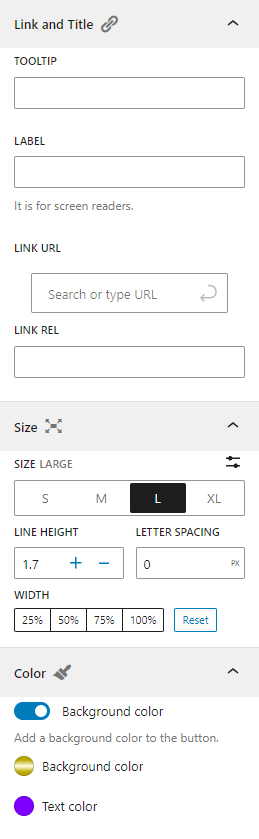
- Fully customizable.
- Work with Any Theme.
安装:
- Navigate to your WordPress Admin Dashboard -> Plugins -> Add New.
- Type "Safelayout Brilliant Buttons" directly into the upper right search grid.
- Click Install Now, then select Activate.
- Go to the Plugins section of your WordPress dashboard.
- Click on Add New.
- Click on the Upload Plugin button.
- Browse and locate the zipped plugin that you have downloaded.
- Activate the plugin by clicking on Activate.
屏幕截图:
常见问题:
Do I have to design these buttons from scratch?
No! You do not need to spend any time designing. The plugin features an instant "Insert Button from Library" feature. With a single click, you can open our pre-designed library, choose a gorgeous button style, and insert it directly into Gutenberg, Elementor, or the Classic Editor.
Does it include full Call to Action sections?
Yes! Beyond individual buttons, you get ready-made Call to Action Gutenberg Patterns and Elementor Templates. These insert a complete promotional box onto your page containing an eye-catching header (e.g., "Save Big, Up to 60% Off"), a short description, and beautifully aligned companion buttons.
How do the "After Click" features help my website?
Standard WordPress buttons offer no visual feedback when clicked, leaving users wondering if the site is frozen. The "After Click" loading animation and dynamic text updates (e.g., changing "Submit" to "Please wait...") give visitors instant reassurance, which prevents accidental double-submits and improves form conversions.
Does this plugin slow down page speeds?
No. The plugin is strictly optimized for performance. It uses lightweight CSS properties and pure inline SVG code structures, completely eliminating dependencies on external asset toolkits or bloated icon font libraries.
Can I use this builder inside Elementor?
Yes. Upon activating the plugin, a custom "Button (Safelayout)" module will automatically register inside your Elementor editor sidebar tools panel, giving you full access to the design library layout engine.
更新日志:
- Fixed the Library issue.
- Fixed the unique ID issue in the block editor.
- Fixed style enqueue issue with elementor.
- Updated user interface.
- Fixed deactivation feedback issue.
- Updated user interface.
- Fixed some issue.
- Fixed issue with safecss filter.
- Fixed border radius issue.
- Fixed animation issue.
- Fixed dialog size issue in the classic editor.
- Added some new buttons to the library.
- Added some new animation effects.
- Updated user interface.
- removed the ability to change the "Add to cart" button of WooCommerce.
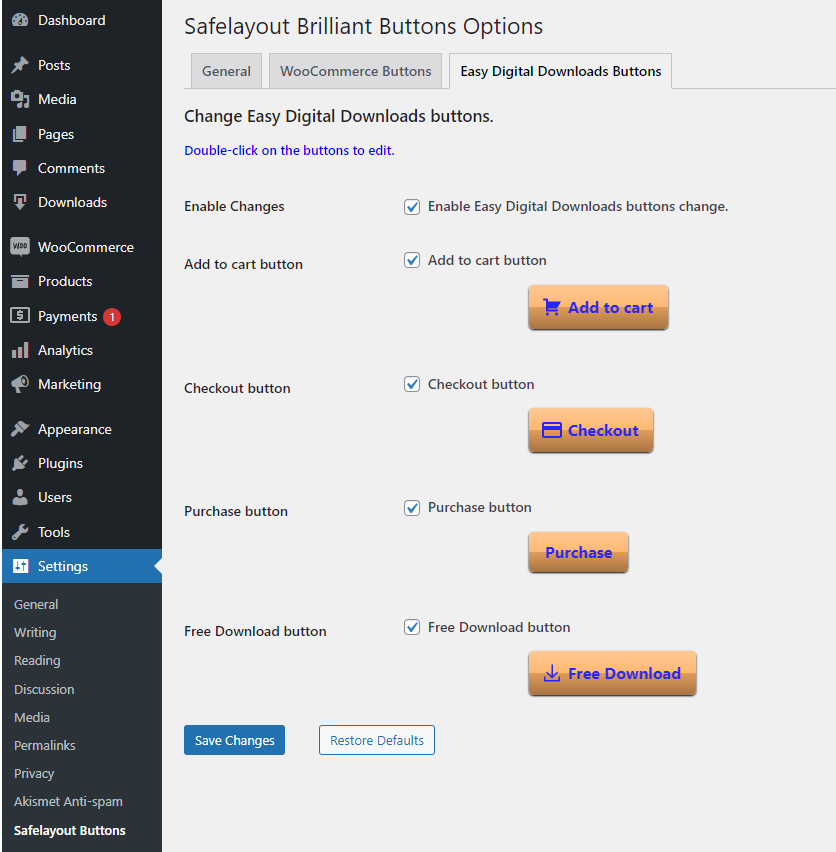
- removed the ability to change the buttons of Easy Digital Downloads (EDD).
- Updated user interface.
- Fixed some issue.
- Updated user interface.
- Fixed mce dialog issue.
- Fixed animation issue.
- Added Sub text to the button.
- Fixed some issue.
- Updated user interface.
- Added some templates to the Elementor.
- Added "Insert Button from Library" button.
- Fixed button issue with classic editor.
- Added some block patterns to the block editor.
- Added a new animation type to the button block.
- Added upgrade notification in the WordPress dashboard.
- Updated user interface.
- Activated some features of the pro version, in the free version.
- Updated the button block default value.
- Fixed Elementor history issue.
- Updated user interface.
- Added compatibility with Elementor.
- Added the ability to change the "Add to cart" button of WooCommerce.
- Added the ability to change the buttons of Easy Digital Downloads (EDD).( "Add to cart", Checkout, Purchase, "Free Download" )
- Added After click ( loading ) effects.
- Added compatibility with classic editor.
- Added deactivation feedback.
- Added rate reminder notification in the WordPress dashboard.
- Initial Release.