
Safelayout Cute Preloader - CSS3 Wordpress Preloader
| 开发者 | safelayout |
|---|---|
| 更新时间 | 2026年9月22日 04:27 |
| PHP版本: | 7.0 及以上 |
| WordPress版本: | 7.1 |
| 版权: | GPLv2 or later |
| 版权网址: | 版权信息 |
标签
下载
详情介绍:
- Pure CSS animation (No GIF images).
- 35 Loading animation icons.
- 18 Background exit effects.
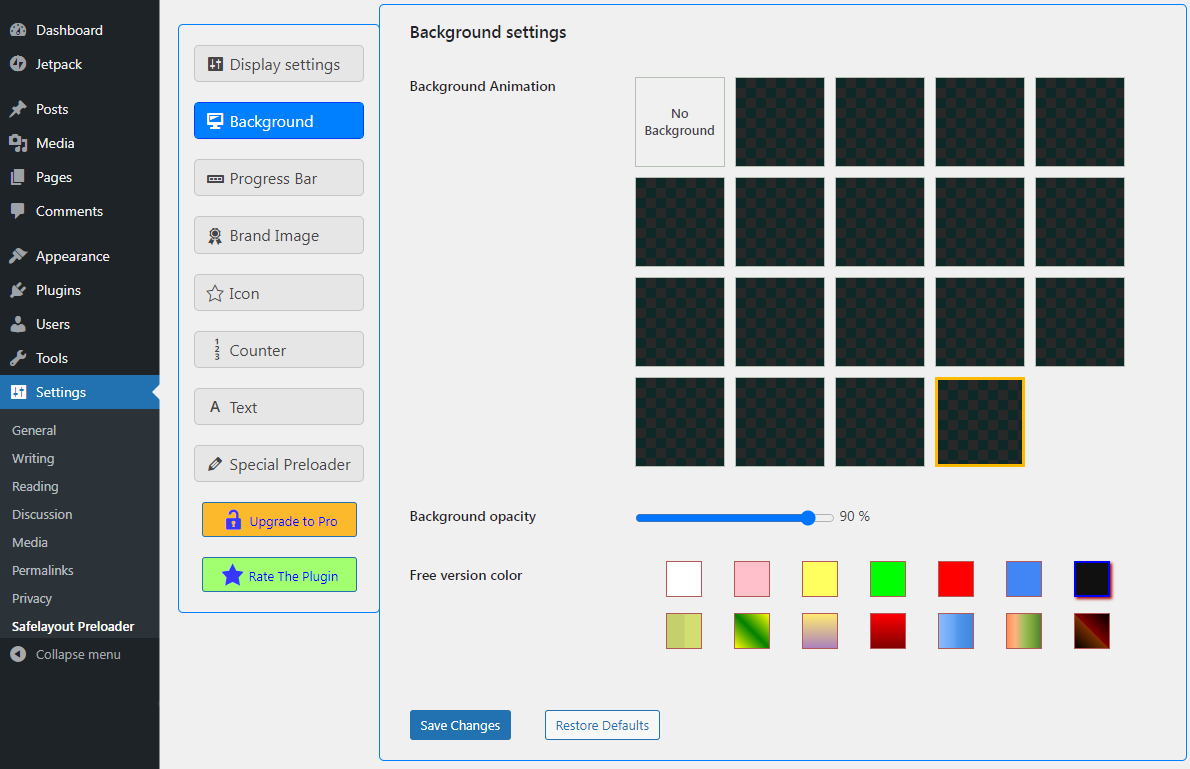
- background animation.
- background pattern.
- 14 Brand Image animation effects.
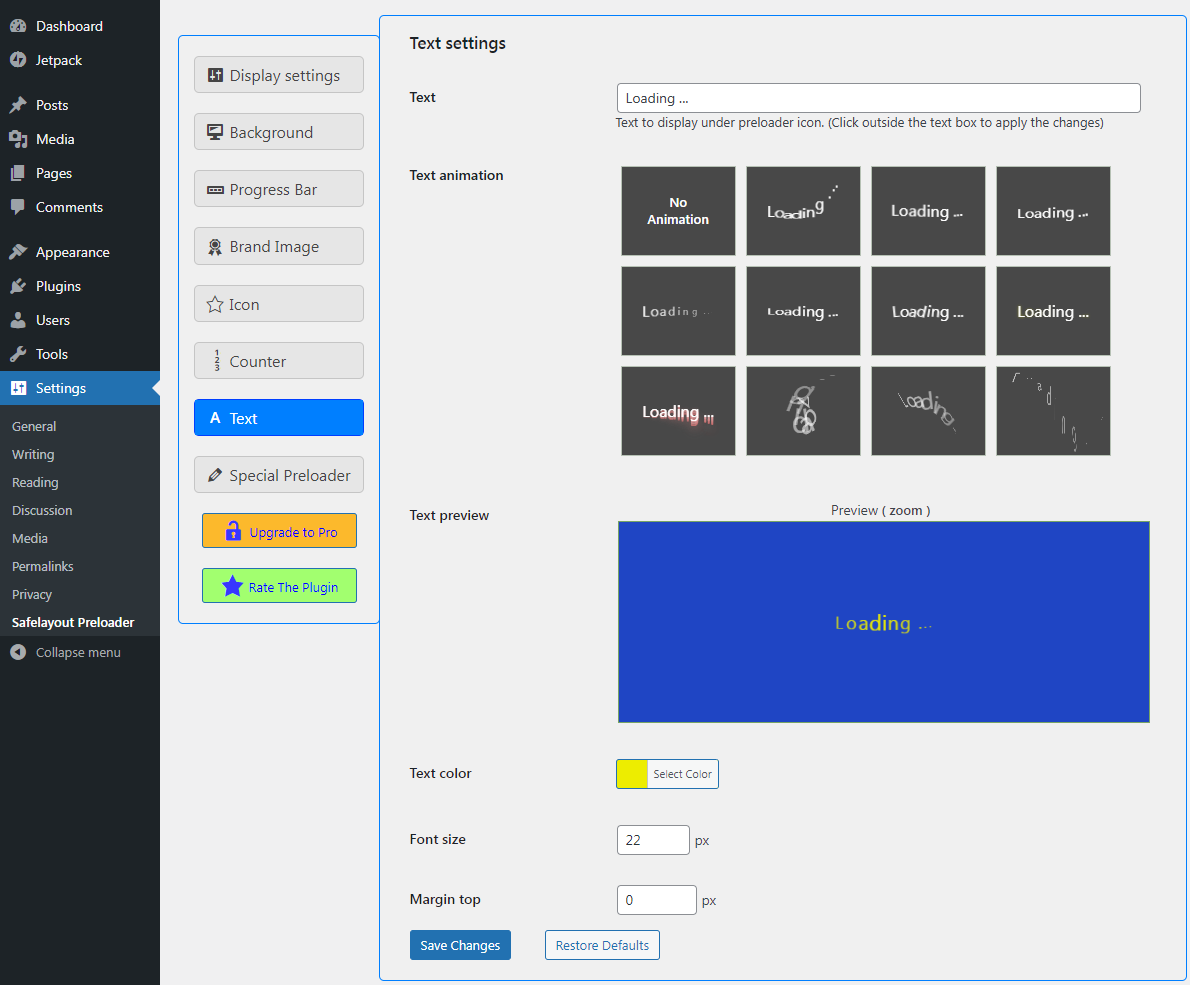
- 11 Text animation effects.
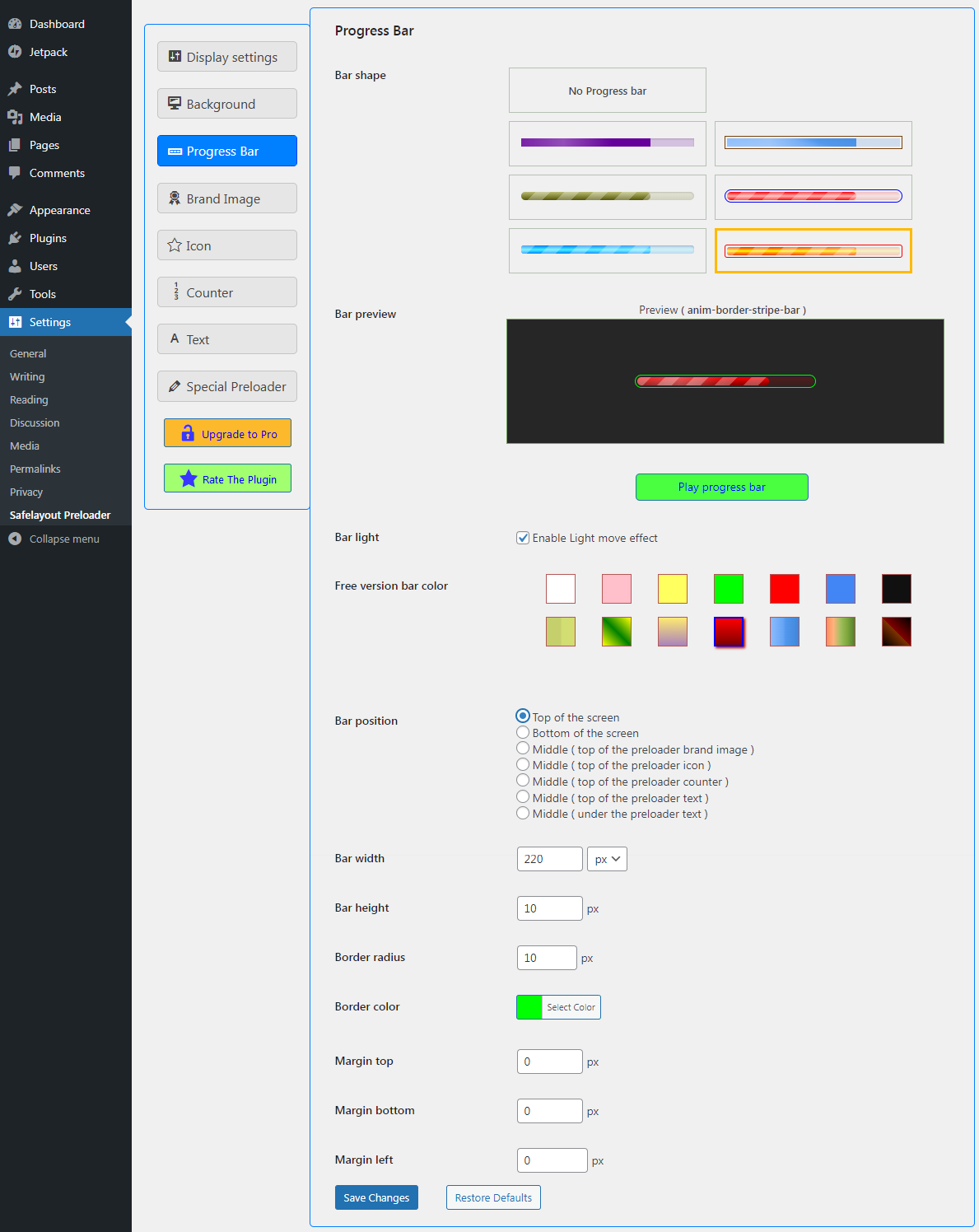
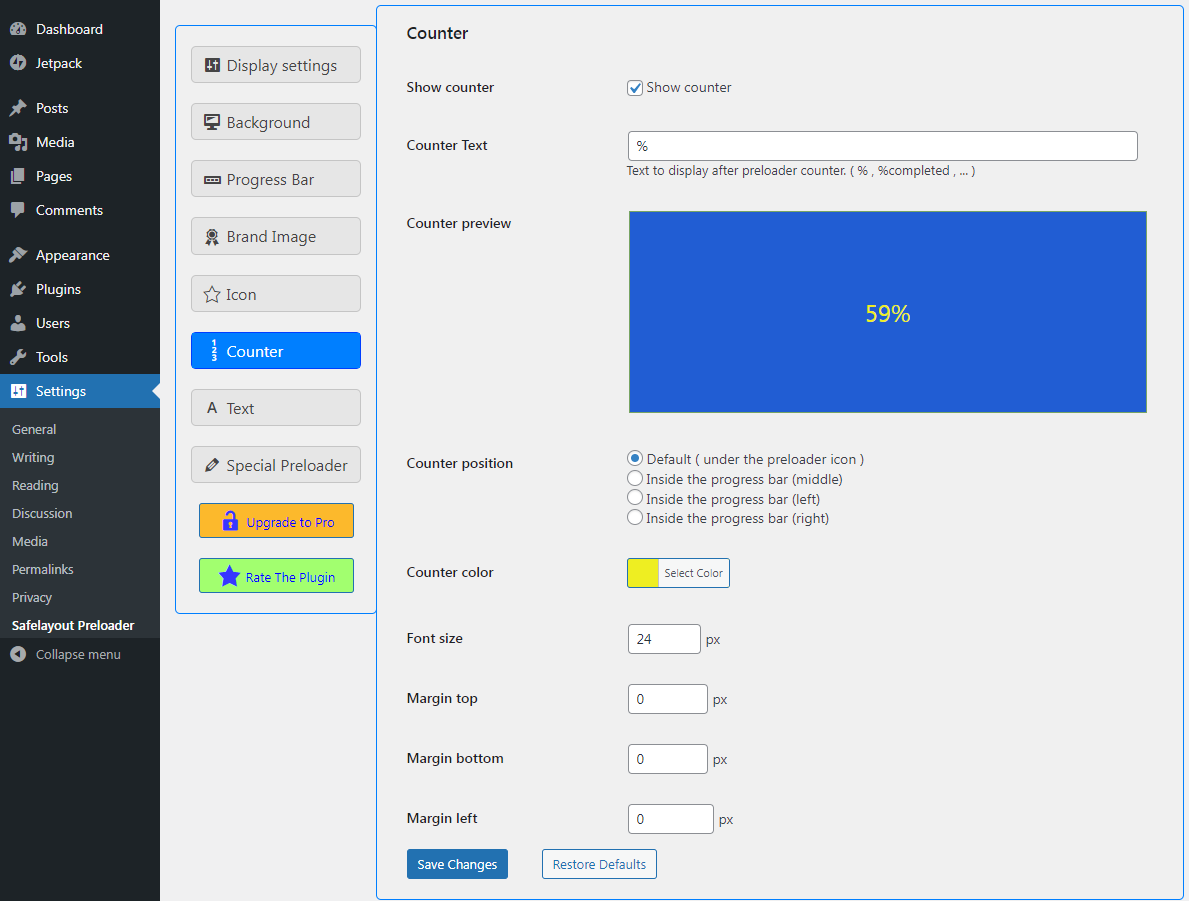
- progress bar and counter.
- Cross browser compatible.
- Fully customizable.
- Work with Any Theme.
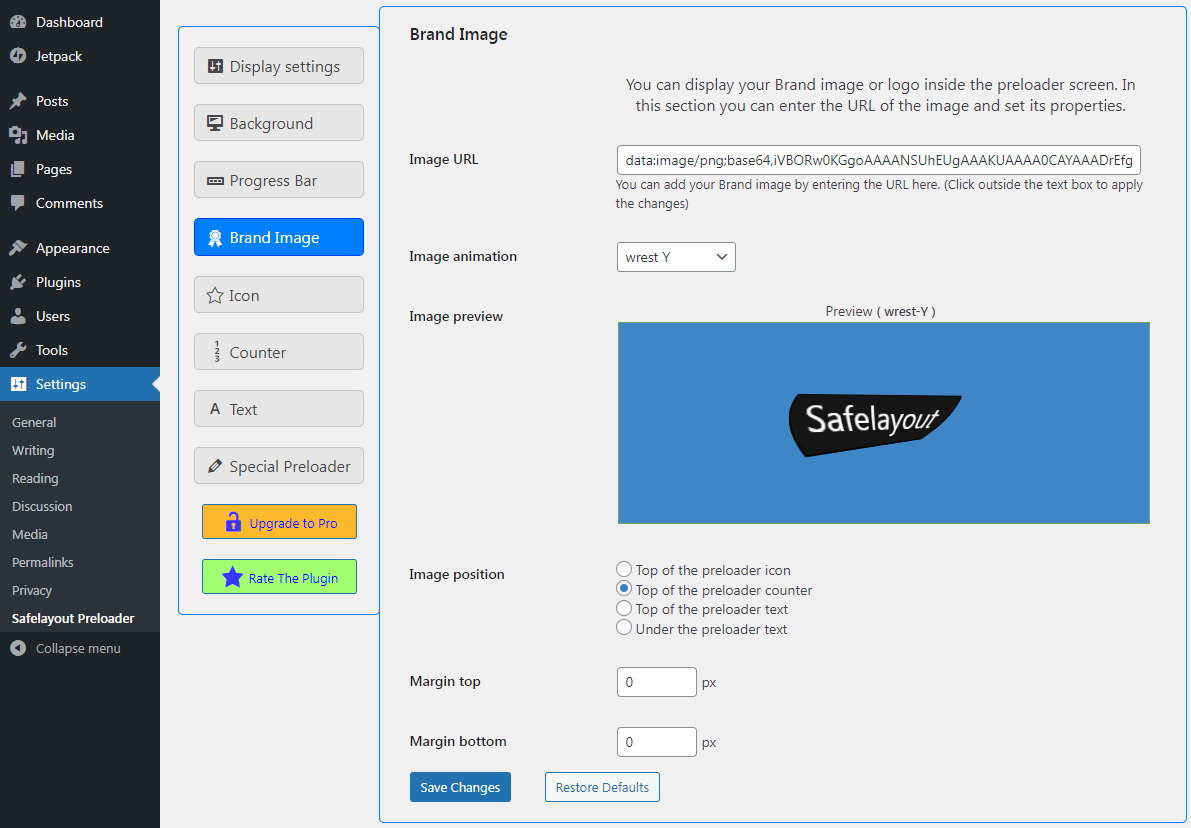
- Add your own loader image.
- Beautiful Gradient colors for icon, progress bar and background.
- Beautiful filter effects for icons.
- Device control (Choose to show on all devices, mobile, or desktop only.)
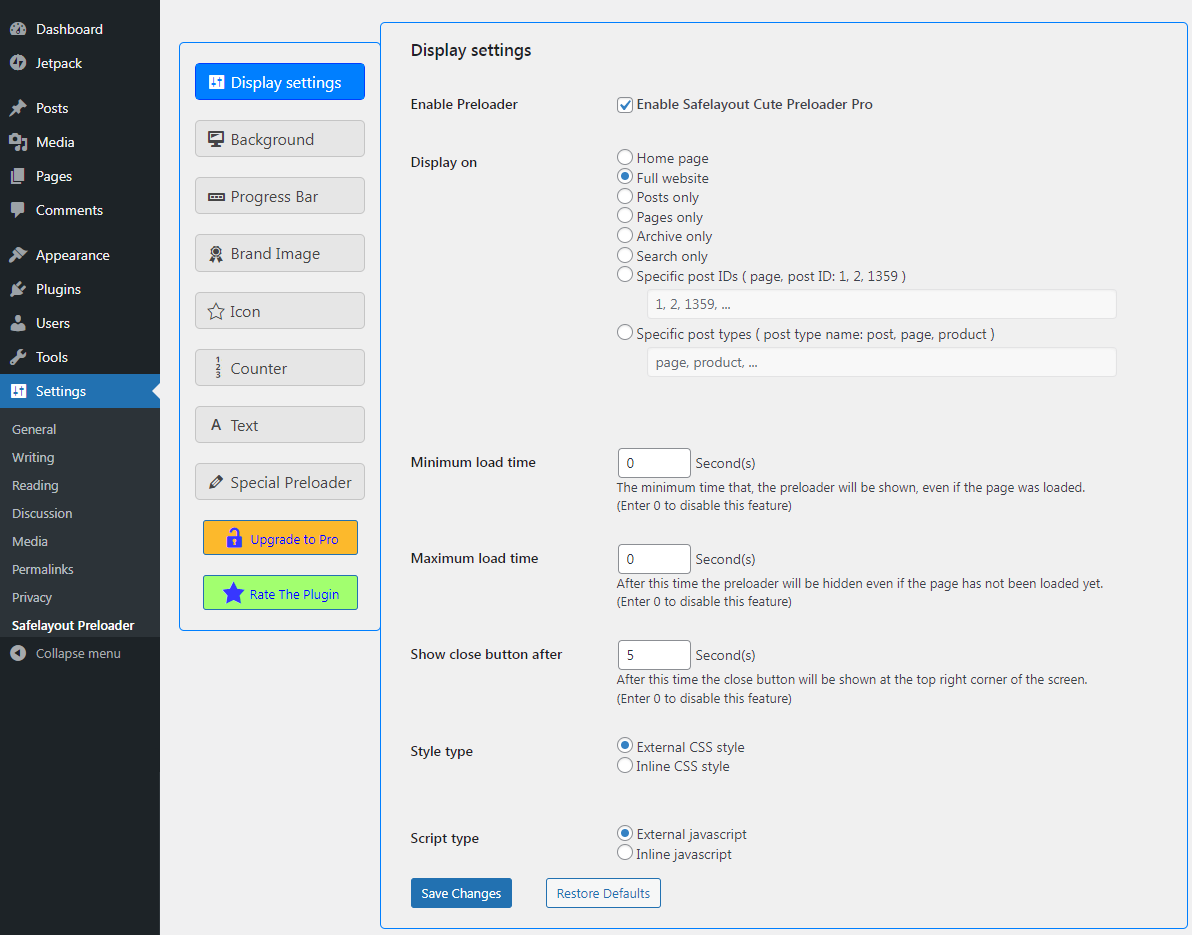
- Preloader minimum runtime.
- Preloader maximum runtime.
- Preloader close button.
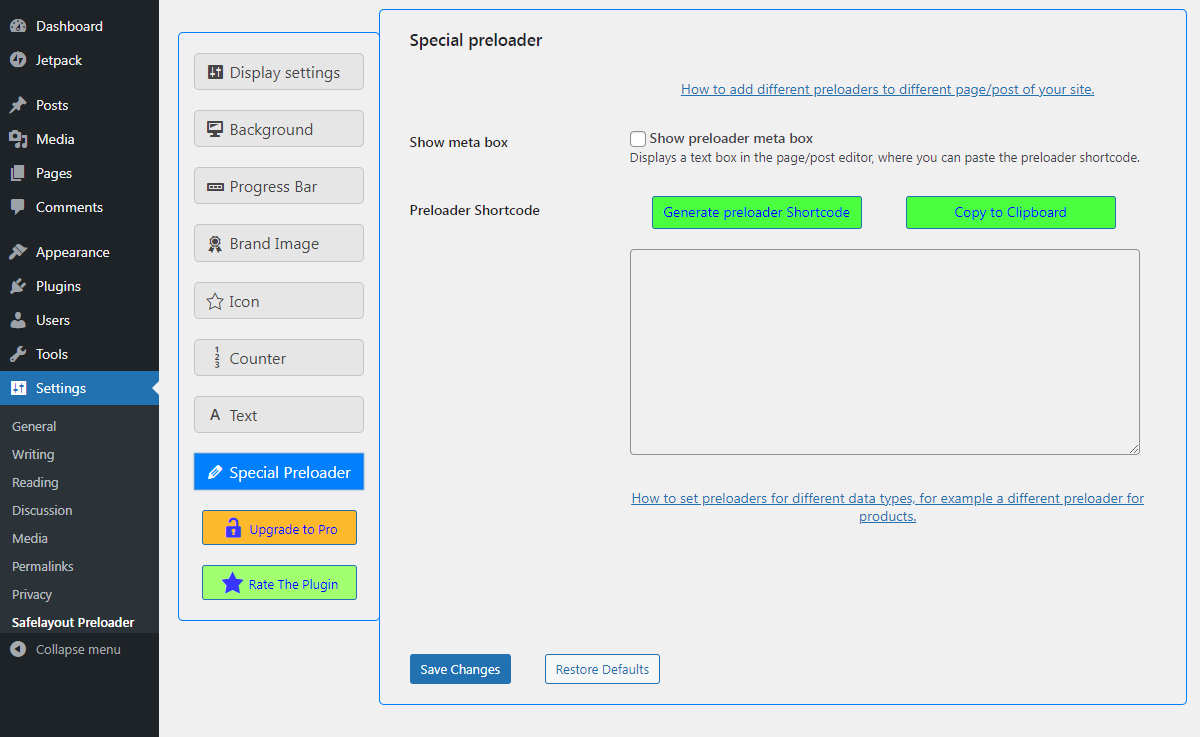
- Special preloader: You can have more than one preloader on your site. A different preloader for a specific data type (product) or a different preloader for a specific page/post.
安装:
- Go to your WordPress Admin Dashboard -> Plugins -> Add New.
- Input "Safelayout Cute Preloader" inside the keyword lookup directory bar.
- Click Install Now, then select Activate.
- Grab the official compressed plugin archive folder from the Safelayout Cute Preloader WordPress.org Plugin Repository.
- Move to your Plugins -> Add New -> Upload Plugin dashboard panel screen.
- Select the file structure, run the installation script, and click Activate.
屏幕截图:
常见问题:
Will this plugin slow down my website performance scores?
No, absolutely not. Safelayout Cute Preloader is specifically engineered for speed. It runs entirely on a lightweight, pure CSS animation engine without using heavy GIF images or bloated, render-blocking JavaScript files. Your core server loading speeds remain fast, and your Core Web Vitals stay completely protected.
What makes the "Special Preloader" feature unique?
Standard preloader plugins only allow you to display one single loading style across your entire website. The Special Preloader framework breaks this limitation. It allows you to create and deploy multiple different preloaders simultaneously, meaning you can assign a unique, energetic style to your landing pages while running a clean, minimal design on your WooCommerce checkout pages.
Can I use my own company logo as the loader?
Yes! You are not locked into using our pre-designed icons. You can easily upload your own custom brand image or corporate logo directly through the administration panel, apply premium image animation profiles to it, and use it as your main loading element.
Can I restrict the loading animation to mobile devices only?
Yes. The plugin features built-in granular device controls. From your settings panel, you can choose to display your custom preloader across all screens, target mobile phone viewports exclusively, or restrict the rendering to desktop monitors only.
Does this loading screen work with any WordPress theme?
Yes. The plugin is built using responsive styling variables that work flawlessly out of the box with any standard layout framework, including traditional Classic Themes and modern Full-Site Editing (FSE) Block Themes.
更新日志:
- Fixed some issue.
- Improved the preloader JavaScript code.
- Changed the default value of some settings.
- Fixed rate reminder and upgrade notification issue.
- Updated user interface.
- Fixed some issue.
- Fixed some issue.
- Added new feature, background pattern.
- Fixed some issue.
- Fixed some issue.
- Added new feature, background animation.
- Fixed some issue.
- Updated user interface.
- Updated user interface.
- Fixed issue with WP Rocket.
- Fixed some issue.
- Added the ability, to not display the preloader if JavaScript is disabled.
- Added 3 new animation types for text.
- Increased compatibility with cache plugins.
- Added code to exclude optimization of preloader css and js by cache plugins.
- Fixed some issue.
- Activated the Device feature, in the free version.
- Fixed some issue.
- Added a condition to not show preloader in Gutenberg editor.
- Added the ability to clear the cache after changing settings.
- Removed preset tab.
- Changed preset tab settings.
- Changed loading time settings (Minimum load time, Maximum load time, Show close button after).
- Fixed background CSS style issue.
- Added preset tab.
- Updated progress bar animation.
- Updated user interface.
- Fixed Custom Icon issue.
- removed the noscript tag.
- Added new animation effect for brand image.
- Added small background.
- Updated user interface.
- Improved the preloader insert code.
- Added new animation effect for brand image.
- Updated bubble1 icon.
- Added rtl style to stripe progress bar.
- Updated some loading animation icons.
- Updated custom icon CSS.
- Updated brand image animation.
- Updated progress bar animation.
- Updated preloader close button.
- Updated readme.txt
- Updated some loading animation icons.
- Added resizing feature to post selection list.
- Fixed issue with HTML iframe tag.
- Fixed http_request_host_is_external filter issue.
- Fixed triple-spinner icon issue.
- Updated user interface.
- Added one new loading animation icon.
- Updated readme.txt
- Changed the rate reminder time.
- Increased the speed of the preloader.
- Decreased memory usage by the preloader.
- Fixed background size issue in some themes.
- Improved the preloader insert code.
- Added three new icon types.
- Changed the Progress bar preview.
- Changed the color of some icons.
- Changed the show upgrade message time.
- Fix: Deactivation feedback is not working.
- Removed Pro features demo from, the free version.
- Added some color, in the free version.
- Added some icon effect, in the free version.
- Fixed deactivation feedback issue.
- Increased the speed of the preloader.
- Added two new Progress bar type.
- Added rate reminder notification in the WordPress dashboard.
- Added some color, in the free version.
- Special types: preloader for different data types, for example a different preloader for products.
- Activated the text color feature, in the free version.
- Activated the counter color feature, in the free version.
- Activated the Progress bar border color feature, in the free version.
- Added progress bar and counter.
- Added 23 new loading animation icons.
- Activated the Icon size feature, in the free version.
- Fixed brand image animation synchronization issue.
- Changed the settings page layout.
- Added special preloader (You can have more than one preloader on your site.)
- Added brand image with 12 animation effects.
- Protected all .php files from direct access.
- Added option to enable/disable the preloader.
- Added option to exclude, 404 error (page not found).
- Added option to exclude, search not found page.
- Added option to exclude, page/post by ID.
- Added option to exclude, page/post by type name.
- Added the Search only feature, to Display on.
- Fixed show once per session issue.
- Improved the preloader insert code.
- Improved text animations.
- Corrected the settings page layout for Right-To-Left (RTL) languages.
- Activated the Font size feature, in the free version.
- Activated the Margin top feature, in the free version.
- Activated the Display on feature, in the free version.
- Activated the Show per session feature, in the free version.
- Activated the Device feature, in the free version.
- Initial Release.