
Safelayout Elegant Icons - WordPress icons
| 开发者 | safelayout |
|---|---|
| 更新时间 | 2026年9月21日 04:35 |
| PHP版本: | 7.0 及以上 |
| WordPress版本: | 7.1 |
| 版权: | GPLv2 or later |
| 版权网址: | 版权信息 |
标签
下载
详情介绍:
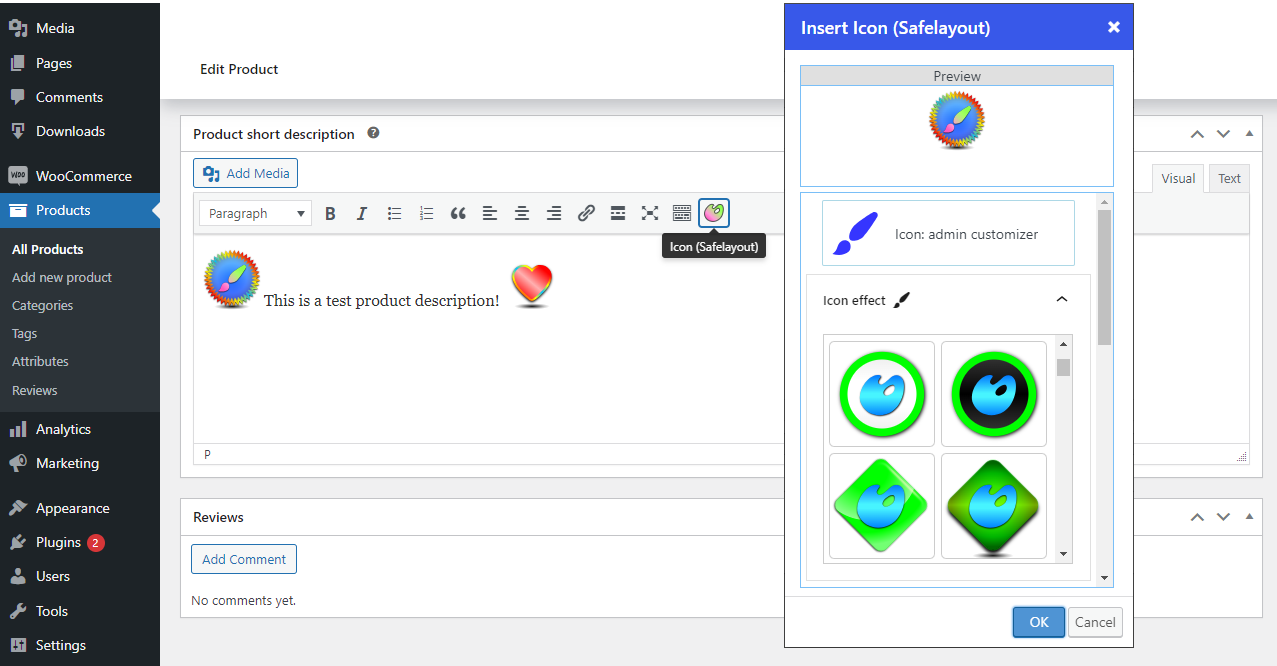
- Available in Block editor, Classic editor and Elementor.
- Ability to add icons to the site menu. (Classic themes and Block themes)
- No icon fonts, just inline SVG.
- High quality SVG icons.
- Include "Social Share Icons" block.
- Include "Icon List" block.
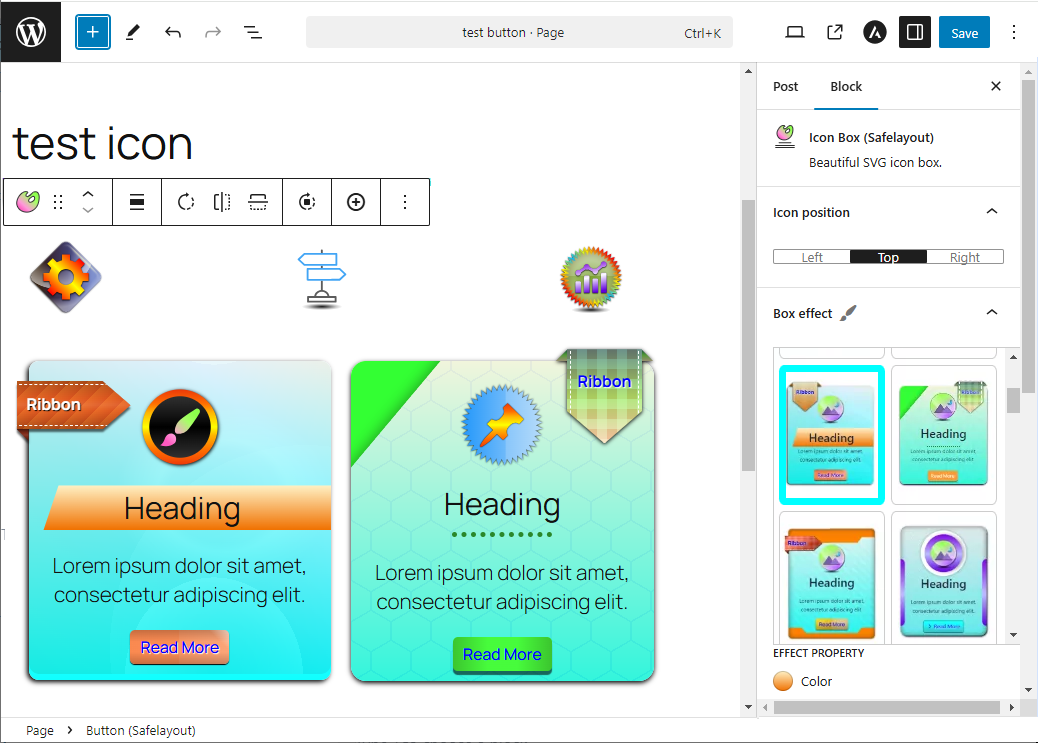
- Include "Icon Box" block.
- Include "Box Ribbon" block.
- Include "Box Button" block.
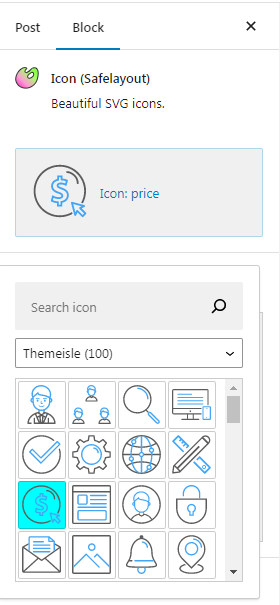
- Include multi color icon packs.
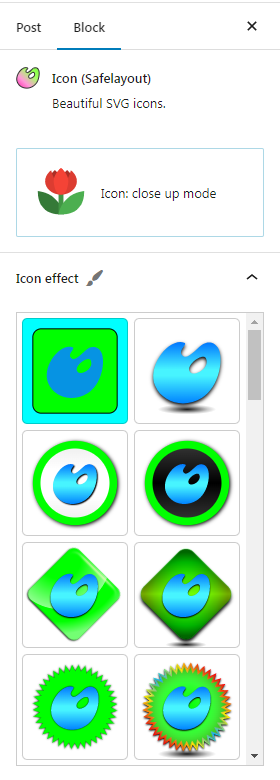
- Many beautiful icon effects.
- Choose which icon packs to load.
- Adding icons to text blocks ( Paragraph, Heading, Button, ... ).
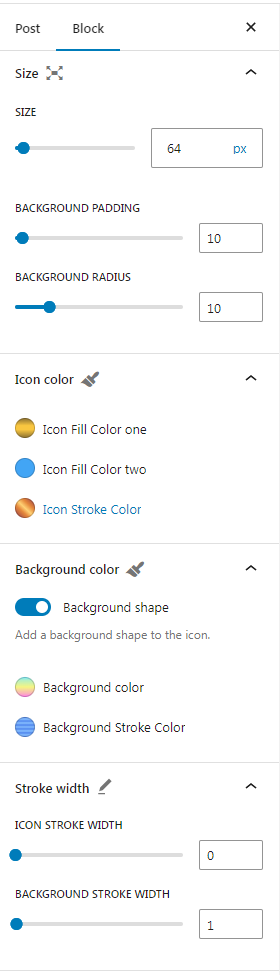
- Gradient color for icon fill and stroke as well as background color.
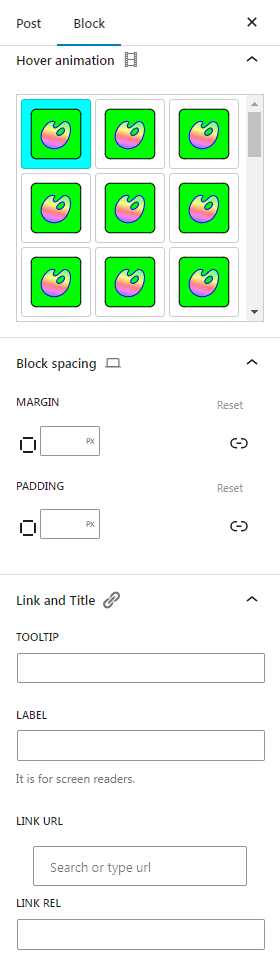
- 38 Hover animation effects.
- Fully compatible with Full-Site Editing.
- Cross browser compatible.
- Fully customizable.
- Work with Any Theme.
- Themeisle (100 icons) https://themeisle.com/free-icons/
- Wordpress Dashicons (337 icons) https://developer.wordpress.org/resource/dashicons/
- Wordpress (285 icons) https://github.com/WordPress/gutenberg/blob/trunk/packages/icons/src/library/
- Flat color icons by Icons8 (312 icons) https://icons8.github.io/flat-color-icons/
- Linecons (48 icons) https://designmodo.com/linecons-free/
- Filled icon set by Icons8 (200 icons) https://icons8.com/
- Genericons Neue (103 icons) https://genericons.com/
- Font Awesome regular (163 icons) https://github.com/FortAwesome/Font-Awesome
- Font Awesome brands (467 icons) https://github.com/FortAwesome/Font-Awesome
- Font Awesome solid (1390 icons) https://github.com/FortAwesome/Font-Awesome
- Material Design (1261 icons) https://developers.google.com/fonts/docs/material_icons
- Meteocons - weather (47 icons) https://www.alessioatzeni.com/
安装:
- Go to your WordPress Admin Dashboard -> Plugins -> Add New.
- Input "Safelayout Elegant Icons" inside the keyword lookup directory bar.
- Click Install Now, then follow with Activate.
- Grab the official compressed plugin archive folder from the Safelayout Elegant Icons WordPress.org Plugin Repository.
- Move to your Plugins -> Add New -> Upload Plugin dashboard panel screen.
- Select the file structure, run the installation script, and click Activate.
屏幕截图:
常见问题:
Does this plugin rely on external font kits?
No. The plugin completely bypasses render-blocking webfont architectures like FontAwesome. Every symbol is output as raw inline HTML SVG vector paths within the page template markup, guaranteeing clean performance metrics and excellent page loading scores.
Can I use these graphics inside my main website menus?
Yes! The plugin allows you to pin vector elements directly into standard WordPress Site Menu trees, working perfectly on classic themes as well as modern Full-Site Editing themes.
How do I build an Icon Box or an Icon List?
You don't need to arrange them by hand. The plugin includes pre-configured "Icon Box", "Icon List", and "Social Share" layout options. You can easily pick your preferred setup right from your editor block inserter or widget sidebar.
Is this fully compatible with Elementor layouts?
Yes. Once active, a dedicated "Elegant Icons" widget module will register inside your Elementor sidebar workspace toolbox, providing access to all your icon collections.
更新日志:
- Fixed the inline style issue.
- Fixed the unique ID issue in the block editor.
- Fixed deactivation feedback issue.
- Updated user interface.
- Fixed style enqueue issue with elementor.
- Fixed Social Share Icons issue.
- Fixed Menu Icons issue.
- Updated user interface.
- Fixed some issue.
- Fixed issue with safecss filter.
- Updated deactivation feedback.
- Fixed some issue.
- Fixed some issue.
- Added "Icon List" block.
- Updated user interface.
- Added "Social Share Icons" block.
- Added "Social Profiles Icons" block.
- Fixed animation issue.
- Added a new icon effect to the icon block.
- Fixed some issue.
- Added the ability to add icons to the menu. (Classic themes and Block themes)
- Fixed icon issue with text blocks.
- Fixed some issue.
- Updated user interface.
- Added some templates to the Elementor.
- Fixed icon issue with classic editor.
- Fixed the block patterns issue.
- Added some block patterns to the block editor.
- Updated the icon box block default value.
- Added compatibility with Elementor.
- Activated some features of the pro version, in the free version.
- Fixed some issue.
- Updated user interface.
- Fixed icon issue with classic editor.
- Added compatibility with classic editor.
- Adding icons to text blocks ( Paragraph, Heading, Button, ...).
- Fixed icon effects issue in the icon block.
- Updated the icon block default value.
- Updated plugin banner.
- Updated plugin icon.
- Updated readme.txt
- Fixed border color animation issue in box button block.
- Fixed Installation issue.
- Added beautiful effects to the icon box block.
- Added box ribbon block.
- Added box button block.
- Added upgrade notification in the WordPress dashboard.
- Added rate reminder notification in the WordPress dashboard.
- Fixed Rotate background issue.
- Added X social network icon.
- Fixed unique id issue.
- Fixed font loading issue.
- Updated user interface.
- Updated user interface.
- Updated pro effects image.
- Fixed color palette issue.
- Added deactivation feedback.
- Update readme.txt
- Initial Release.