
ScanForge Database Security
| 开发者 |
adnan.limdi
adnanlimdi |
|---|---|
| 更新时间 | 2026年10月10日 19:16 |
| PHP版本: | 7.4 及以上 |
| WordPress版本: | 7.1 |
| 版权: | GPLv2 or later |
| 版权网址: | 版权信息 |
详情介绍:
- Scans wp_posts, wp_options, wp_postmeta, wp_usermeta, and wp_comments tables
- Detects 15+ known malware patterns
- Clean individual rows or all threats at once
- Export scan results as CSV report
- Simple and easy to use admin interface
- No external service required — runs entirely on your server
- Follows WordPress coding standards
- Traffic hijacking scripts (e.g. searchranktraffic.live)
- Nulled plugin backdoors (e.g. wordpressnull.org)
- Base64 encoded payloads
- Obfuscated eval() injections
- Dynamic script injections
- Tracking cookie injections
- Character code obfuscation
- Shell execution attempts (shell_exec, passthru)
- Web shells (FilesMan, c99shell, r57shell)
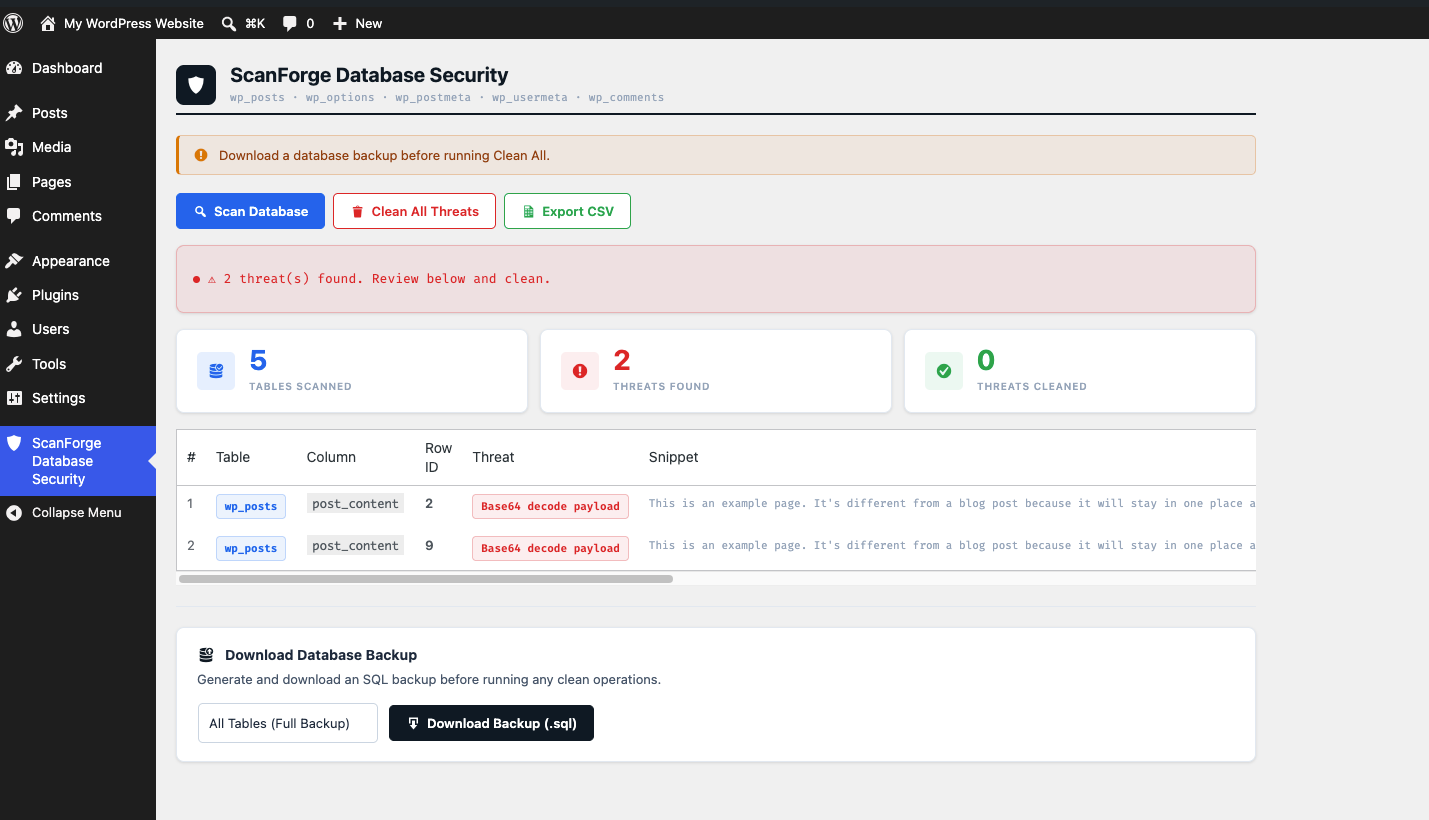
- Go to ScanForge Database Security > Malware Scanner in your WordPress admin menu
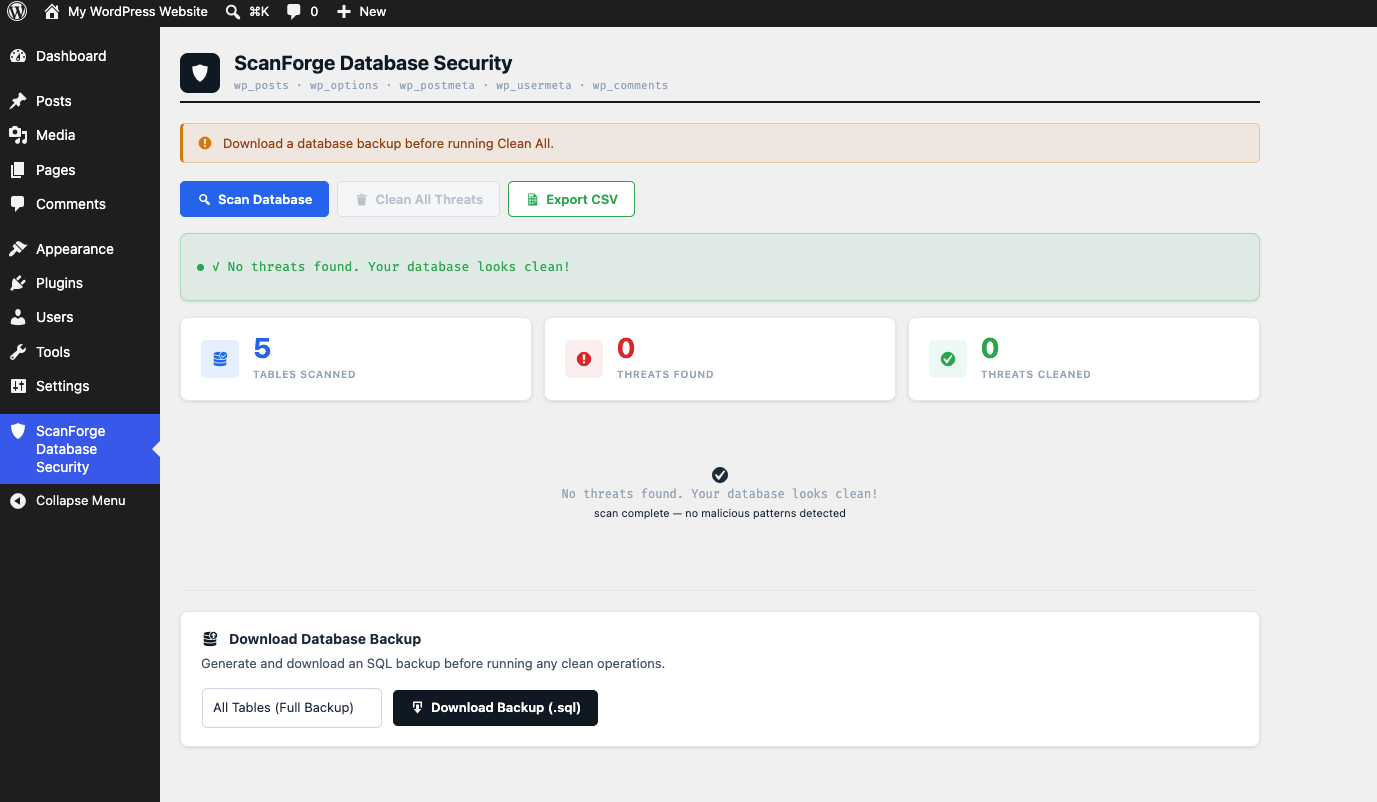
- Click Scan Database
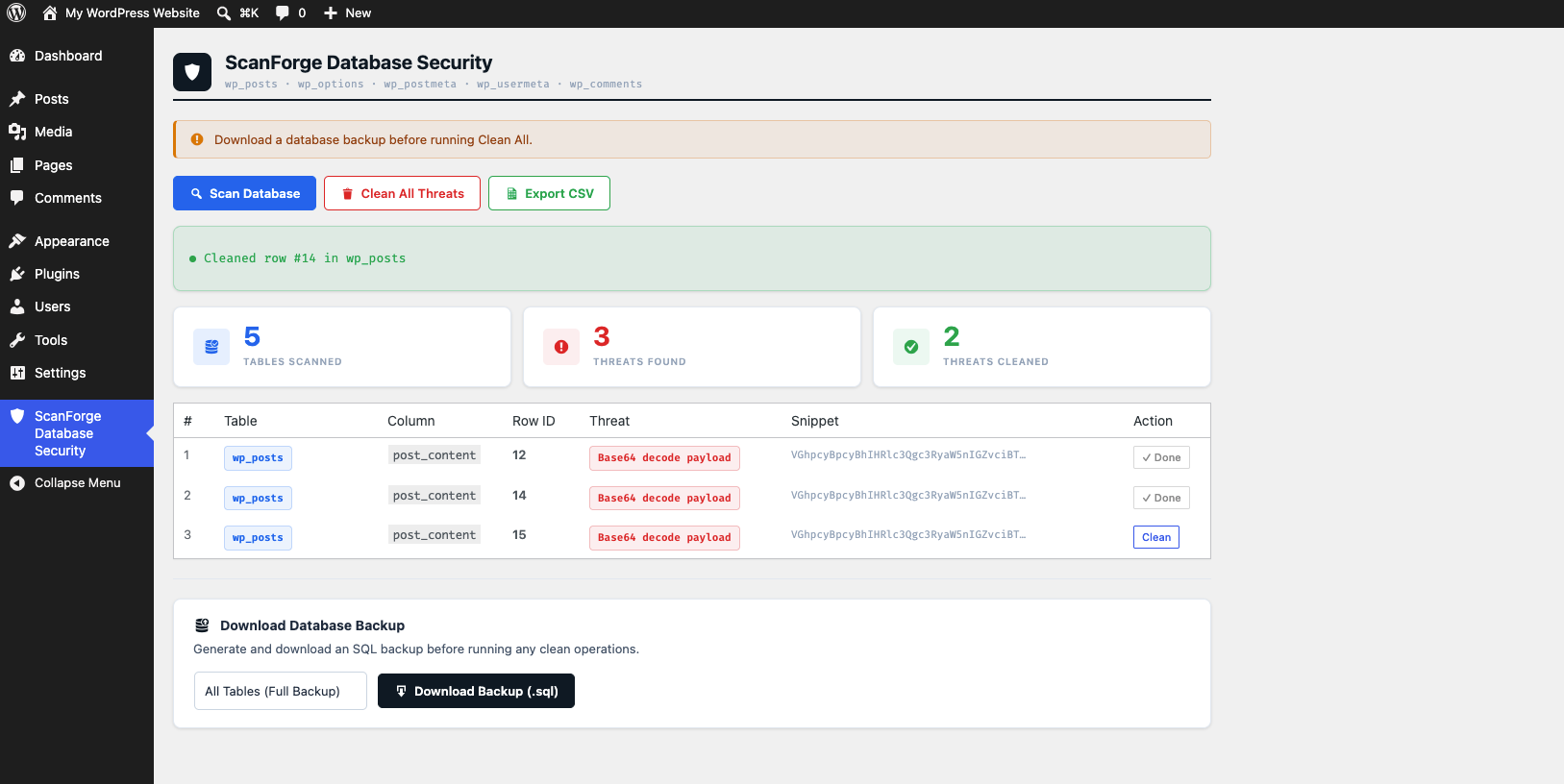
- Review the threats found
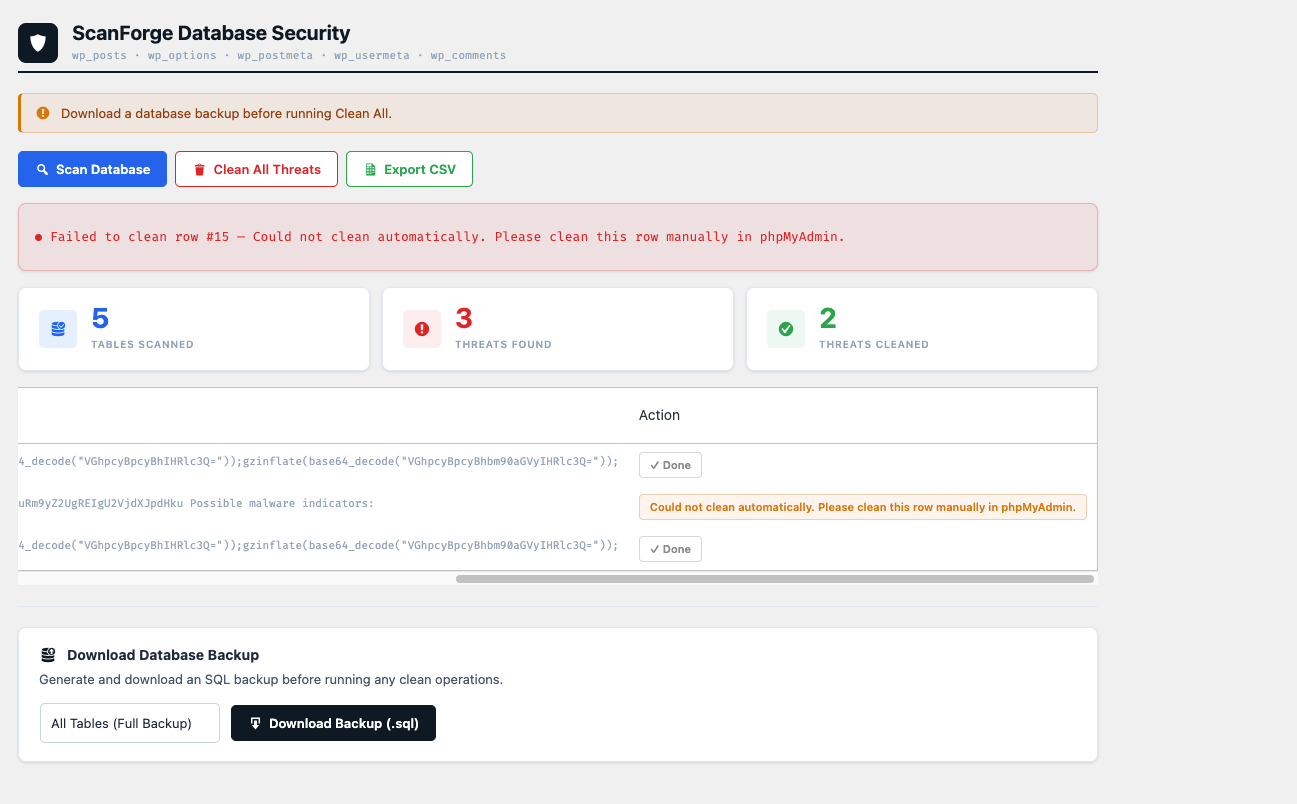
- Click Clean All or clean rows individually
- Export a CSV report if needed
- Run the scan again to verify everything is clean
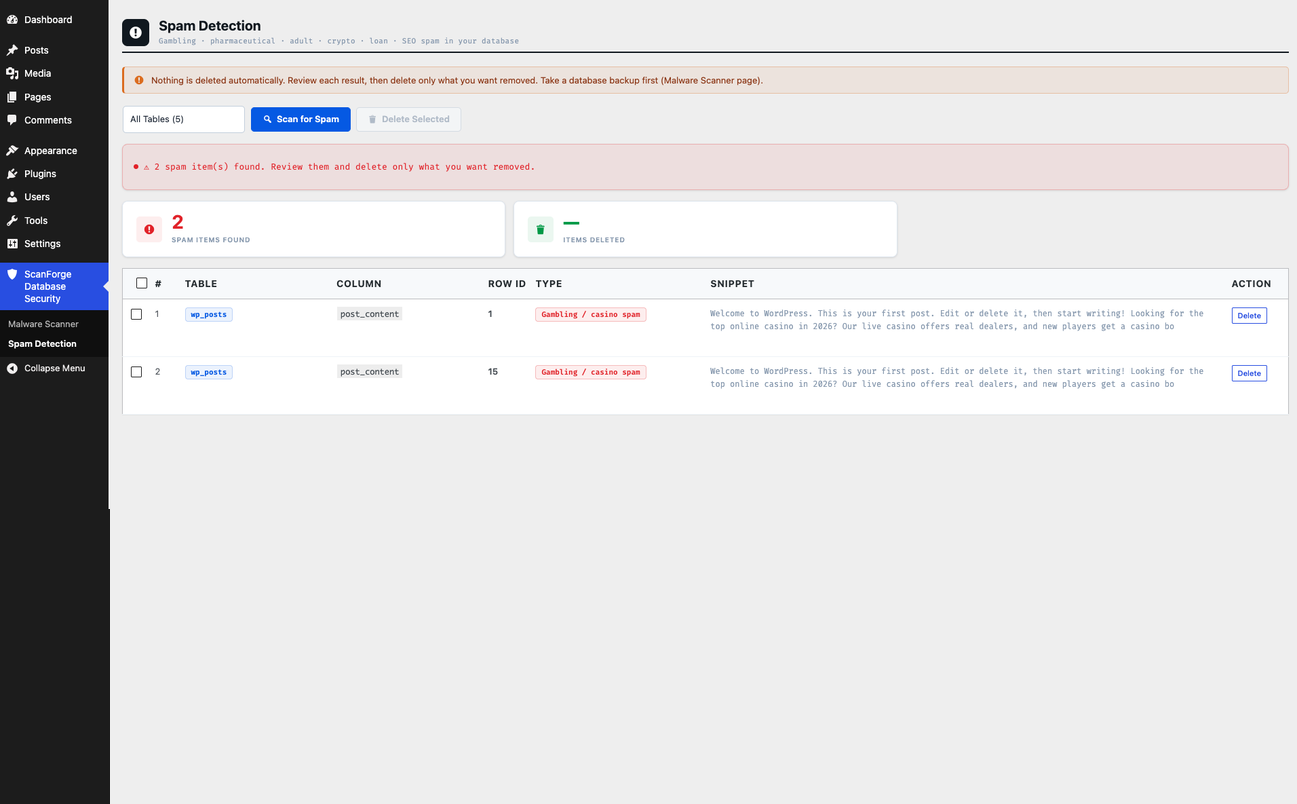
- For spam content, open ScanForge Database Security > Spam Detection, scan, and delete only the items you want removed
安装:
- Go to Plugins > Add New in your WordPress admin
- Search for "ScanForge Database Security"
- Click Install Now and then Activate
- Download the plugin zip file
- Go to Plugins > Add New > Upload Plugin
- Upload the zip file and click Install Now
- Click Activate Plugin
屏幕截图:
常见问题:
How do I run a database security scan?
Simply navigate to the plugin menu in your WordPress dashboard and click "Scan Database" to instantly scan your database tables for malware.
Will this plugin prevent future infections?
No. This plugin cleans existing infections. To prevent future infections you must remove all nulled/pirated plugins and themes, keep all software updated, and use a firewall plugin like Wordfence.
Is it safe to use Clean All?
Always take a full database backup before using Clean All. The plugin removes malicious script blocks while preserving your legitimate content, but a backup is always recommended.
What tables does it scan?
It scans: wp_posts, wp_options, wp_postmeta, wp_usermeta, and wp_comments.
Can I export the scan results?
Yes. After scanning, click the Export Report button to download a CSV file of all threats found.
Does it work with custom table prefixes?
Yes. The plugin uses WordPress's $wpdb object which automatically handles custom table prefixes.
更新日志:
- Initial release
- Scan wp_posts, wp_options, wp_postmeta, wp_usermeta, wp_comments
- Detect 15+ malware patterns
- Clean individual rows or all threats
- Export CSV report
- Added Wordfence compatibility.
- Added Elementor compatibility.
- Added Gravity Forms compatibility.
- Added Slide Security exclusions.
- Fixed minor bugs and improved overall stability.
- Added gambling, casino, betting, pharmaceutical, adult, cryptocurrency, financial, and SEO spam injection detection.
- Added detection for common gambling and casino spam phrases, including online casino, sports betting, betting bonuses, free spins, and related content.
- Improved detection of common pharmaceutical, adult, cryptocurrency, financial, and backlink/SEO spam injections.
- Improved spam detection coverage while using targeted phrases to help reduce false positives.
- Improved scan performance and usability.
- New "Spam Detection" submenu page — spam is no longer mixed into the Malware Scanner results.
- Gambling, pharmaceutical, adult, cryptocurrency, loan and SEO/backlink spam phrases are scanned only on the new page.
- Nothing is removed automatically: delete a single item, or tick several and use "Delete Selected".
- Posts are moved to Trash (restorable); comments, post/user meta and options are deleted permanently. Core WordPress options are protected.
- Each row is re-checked just before deletion and skipped if it no longer matches a spam phrase.
- Fixed a duplicate spam phrase entry and a stale-cache issue after cleaning a row.