ScholaBook - School Management Integration
| 开发者 | scholabook |
|---|---|
| 更新时间 | 2026年4月6日 00:41 |
| PHP版本: | 7.4 及以上 |
| WordPress版本: | 6.9 |
| 版权: | GPLv2 or later |
| 版权网址: | 版权信息 |
详情介绍:
ScholaBook integrates your school's WordPress website with the ScholaBook school management platform. It provides parents and visitors with real-time access to essential school information — all powered by secure API connectivity.
This plugin communicates with the ScholaBook SaaS platform via its REST API. An active ScholaBook account is required. By using this plugin you agree to ScholaBook's Terms and Conditions and Privacy Policy.
Features
- School Information Widget & Shortcode — Display your school's name, logo, tagline, board affiliation, and contact details.
- Fee Dues Lookup — Parents can check pending fees using their ward's admission number and registered mobile number. No login required.
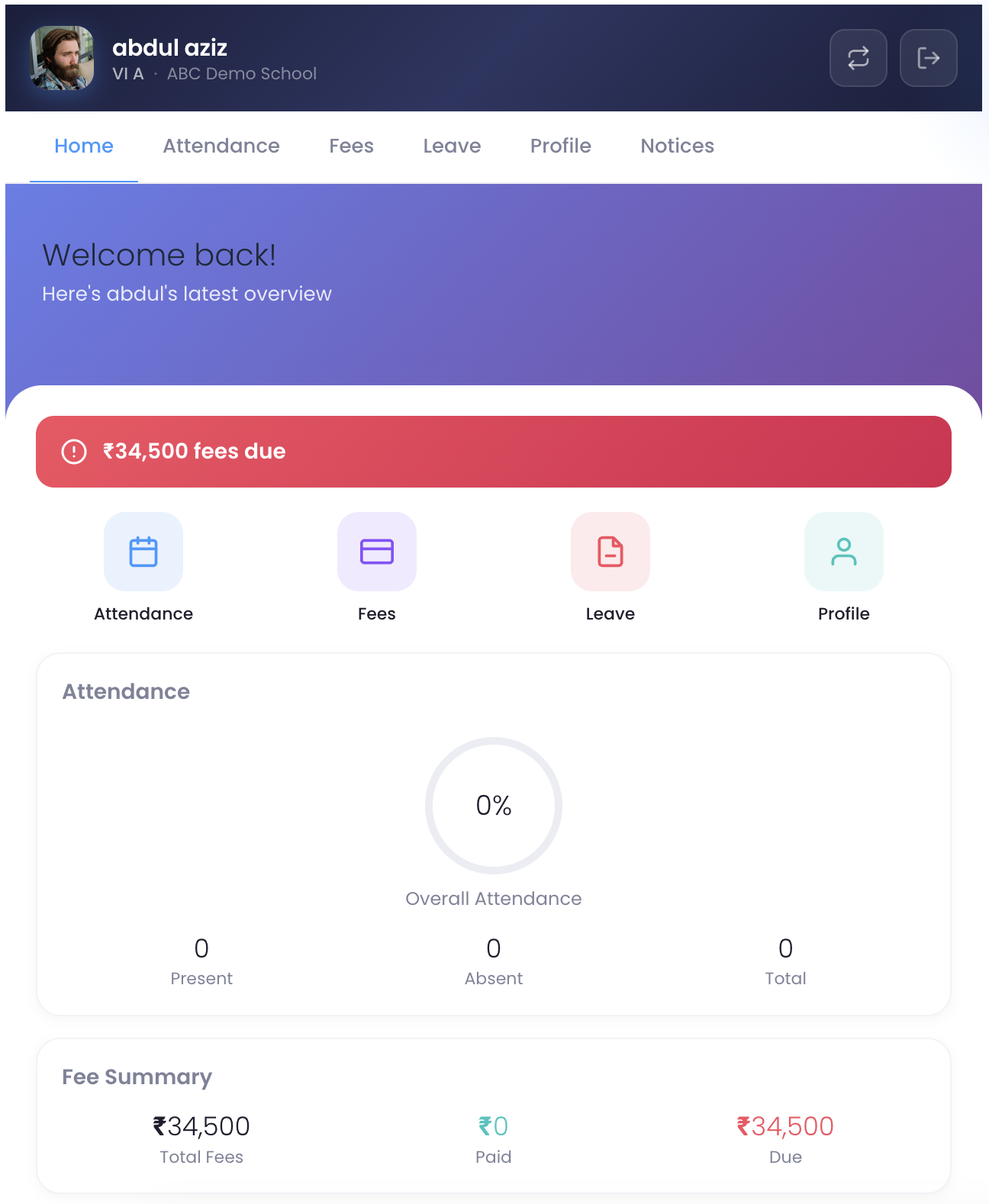
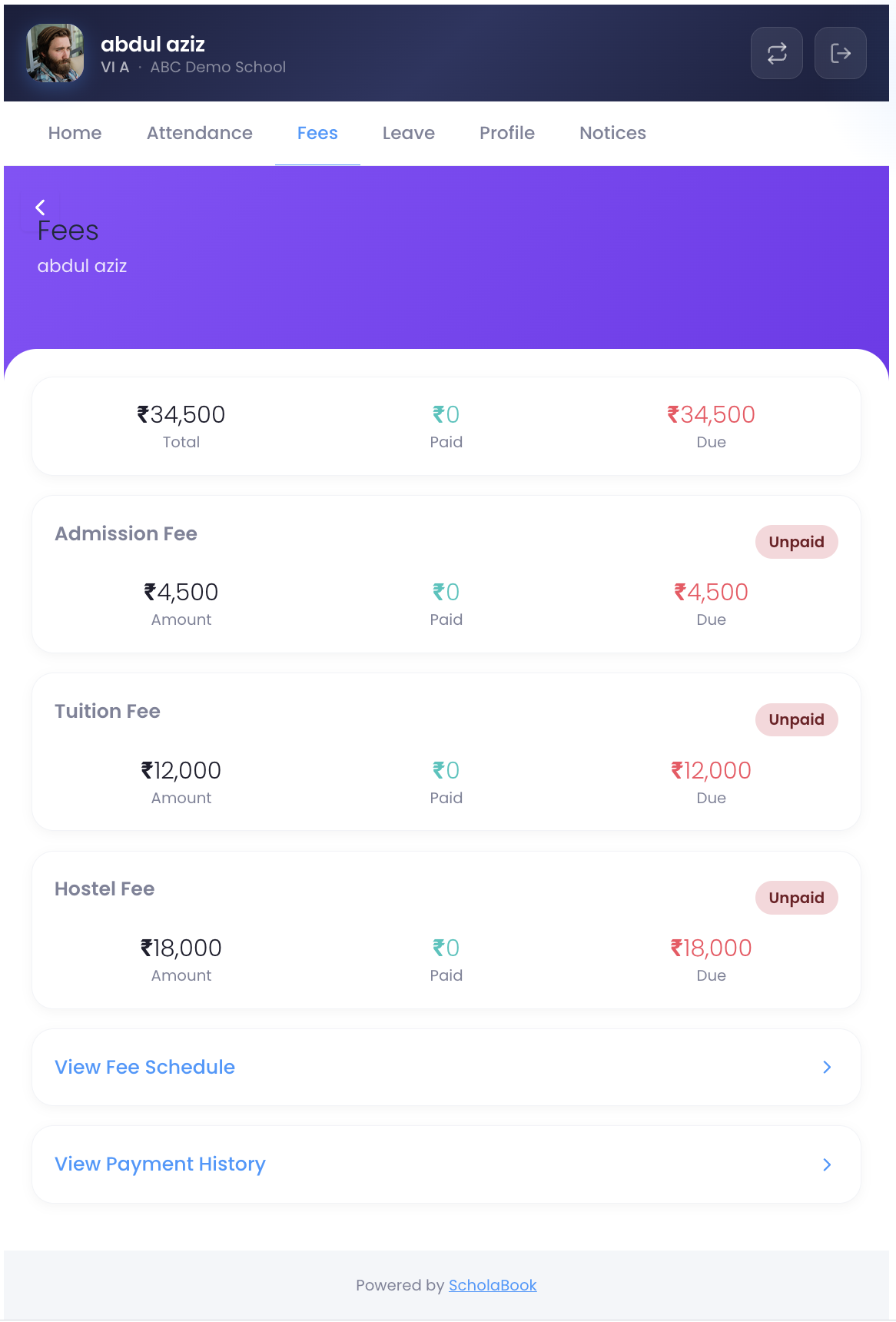
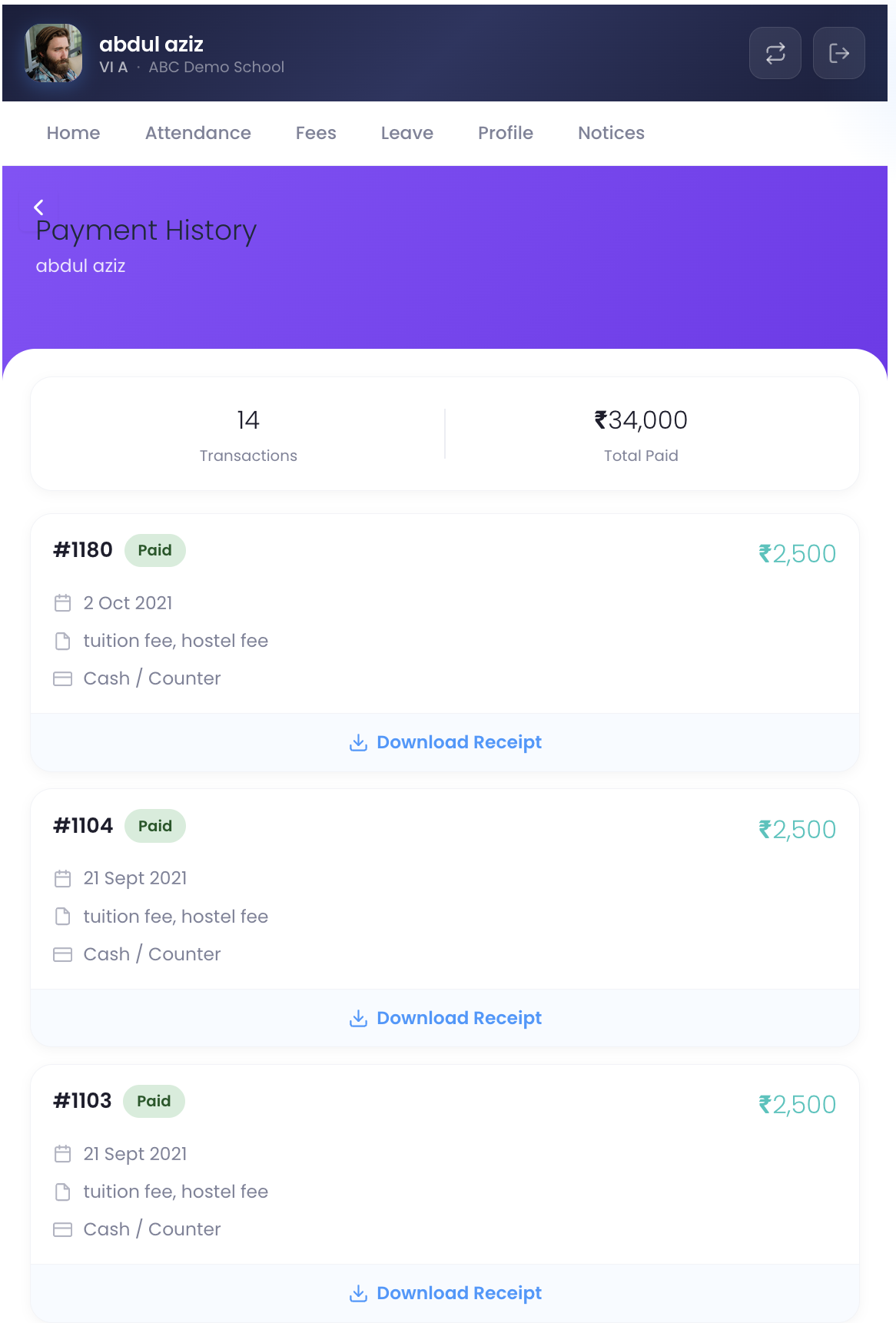
- Fee Summary & Receipts — Authenticated parents see a detailed breakdown of fees by category, payment history, and can reference receipt details.
- Attendance Summary — Parents can view their child's attendance percentage and summary.
- Holiday Calendar — Display the academic year's holidays publicly on your website.
- Notice Board — Publish school announcements from ScholaBook directly on your WordPress site.
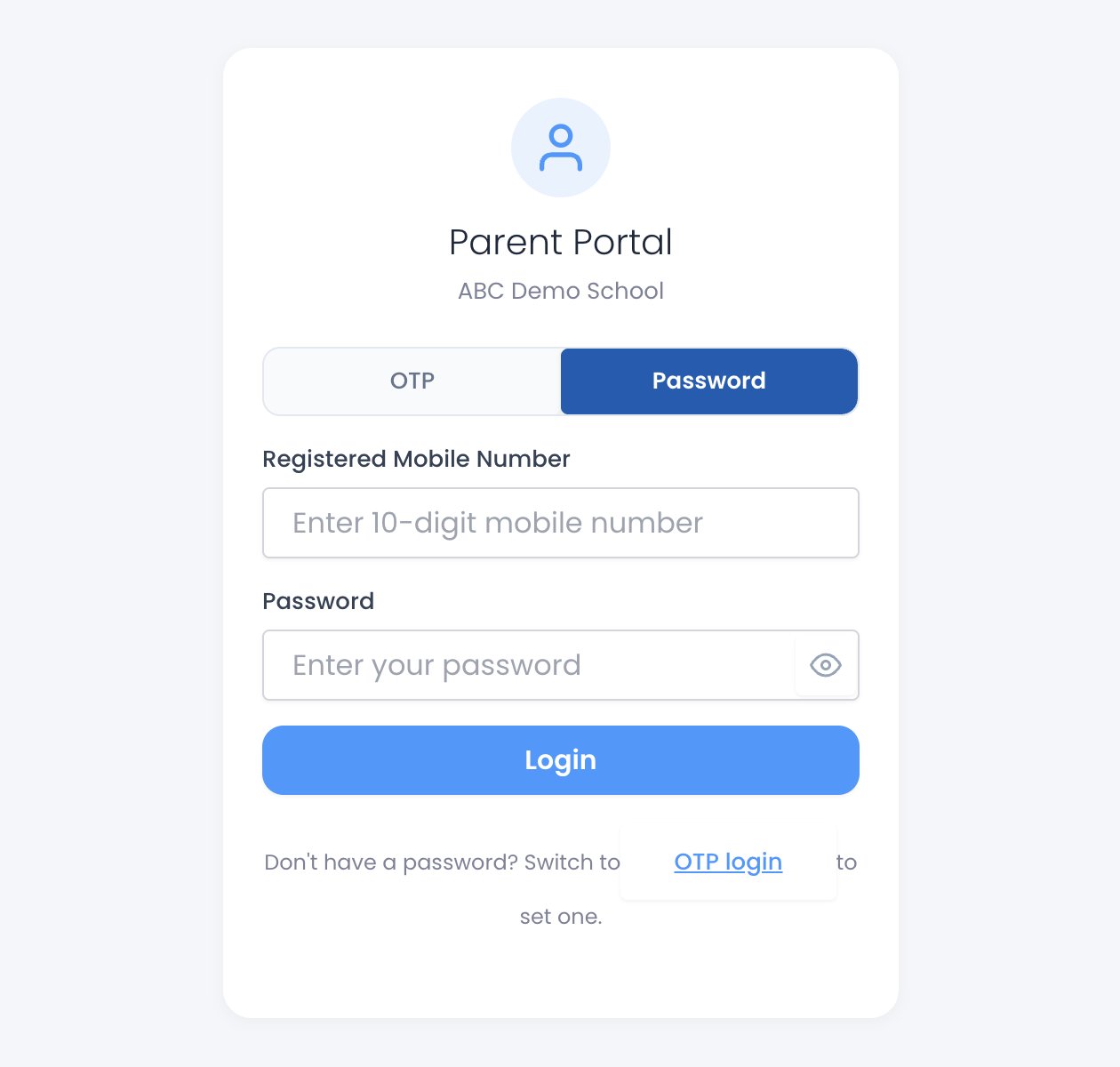
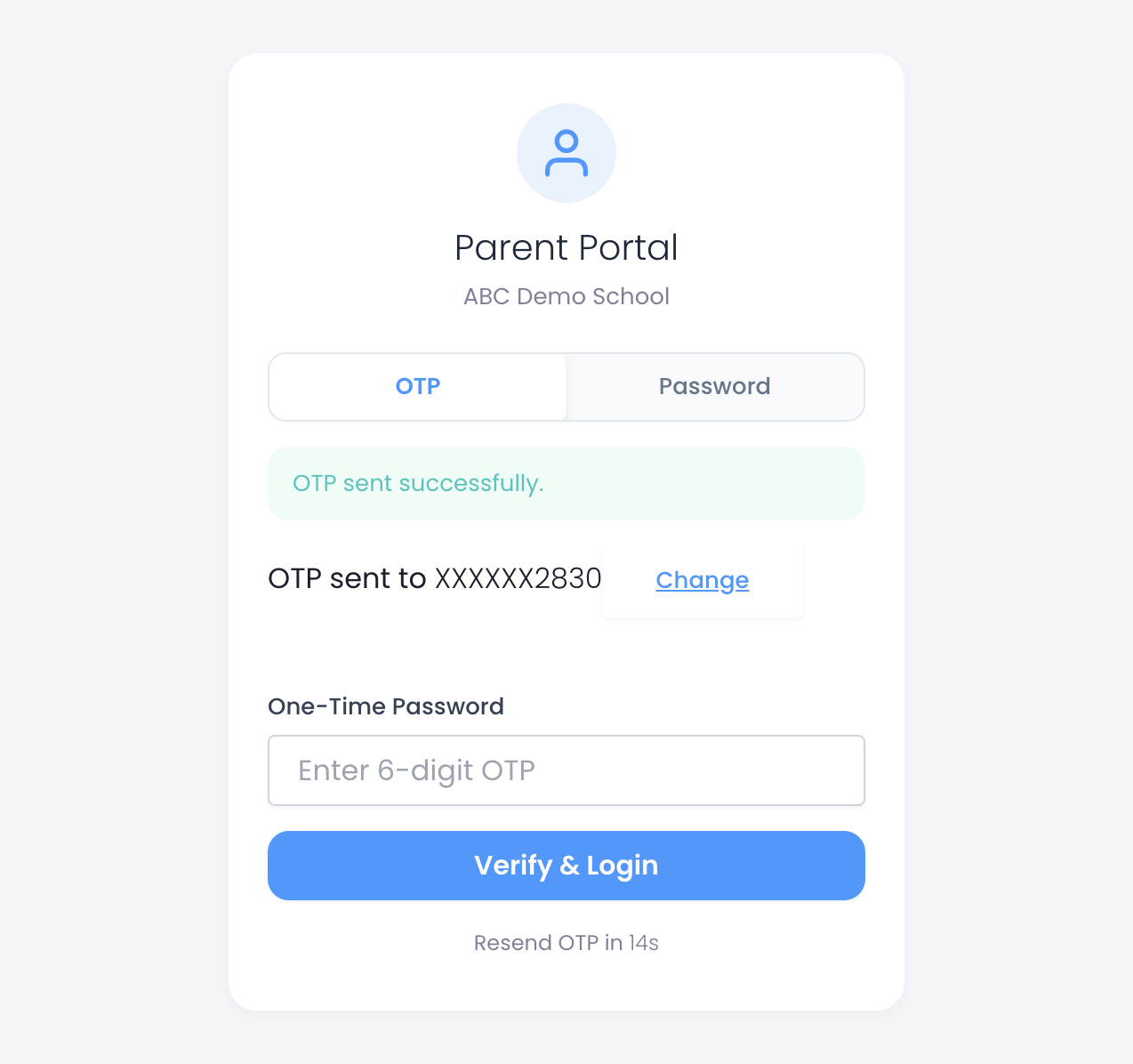
- Parent Portal with OTP Login — Parents log in securely using a mobile OTP, then access a mini-dashboard with fees and attendance at a glance.
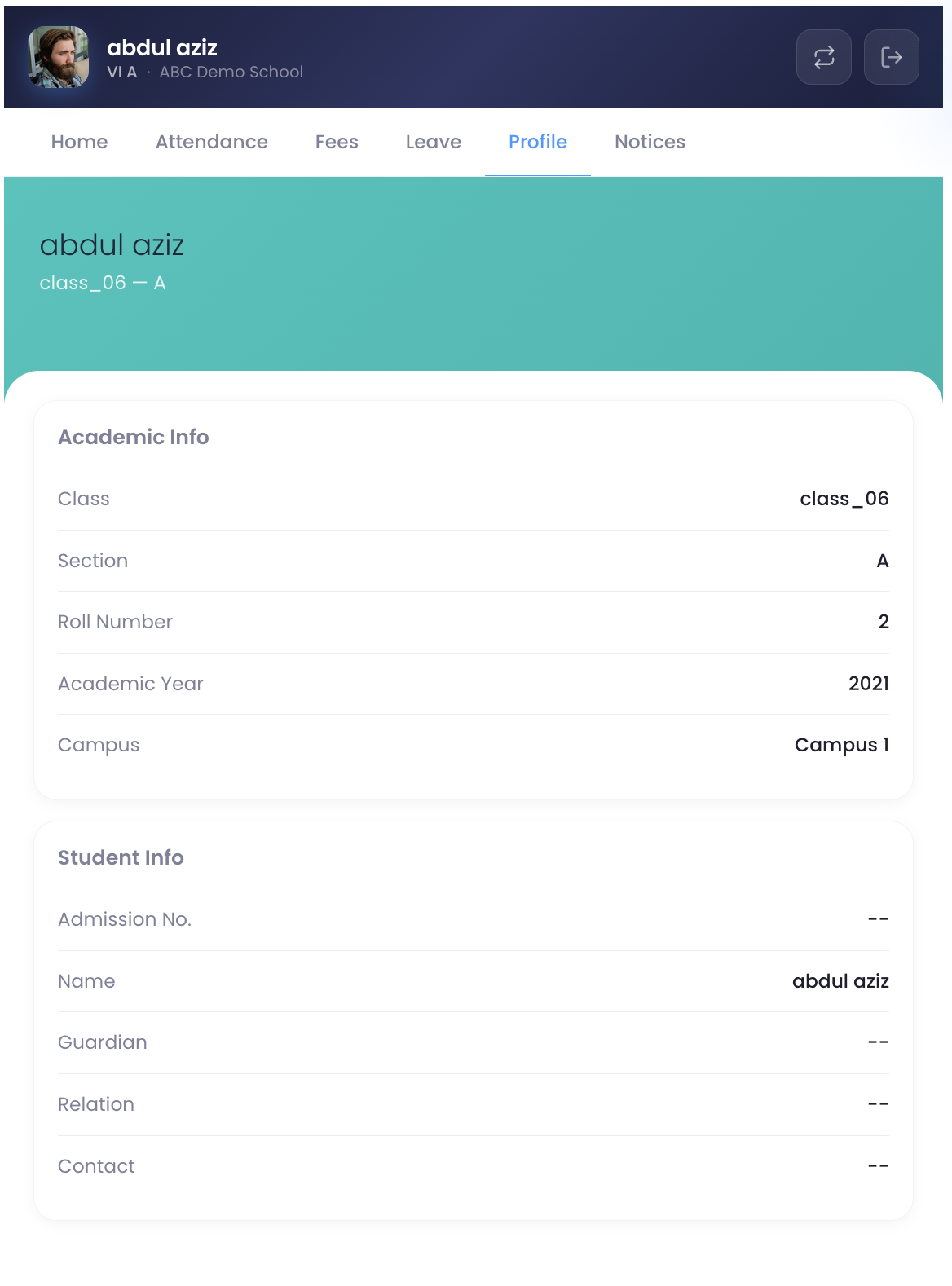
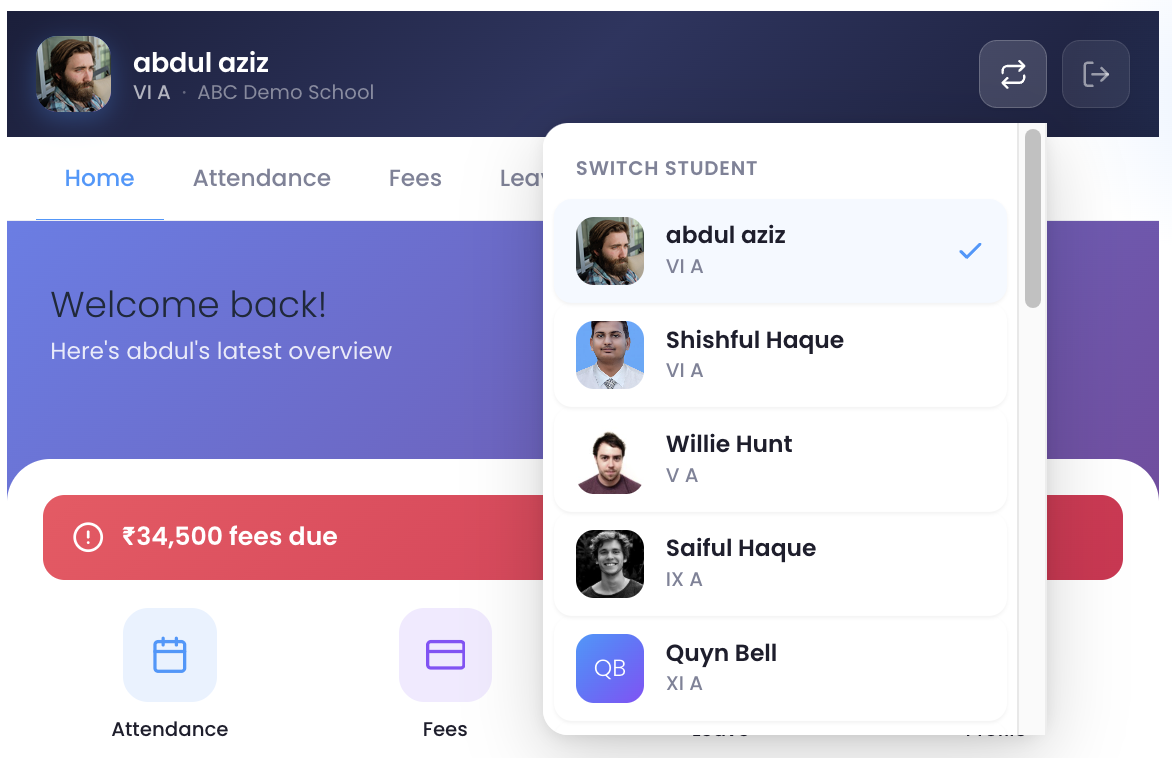
- Unified Parent Portal — A single, modern portal page (auto-created on activation) powered by a Preact SPA. Parents log in via OTP and navigate between dashboard, fees, receipts, and attendance — all within one page using hash-based routing.
- Module Toggle — Enable or disable individual features from the admin panel.
- Connection Diagnostics — Built-in connectivity test to verify your ScholaBook API connection.
- OAuth2 Client Credentials authentication (industry-standard server-to-server auth)
- All credentials encrypted at rest using Sodium / OpenSSL
- AJAX forms protected by WordPress nonces
- Rate limiting on OTP requests and fee lookups
- Guardian sessions use HttpOnly, Secure, SameSite=Strict cookies
- All output properly escaped; all input sanitized
- WordPress 6.2 or later
- PHP 7.4 or later with Sodium or OpenSSL extension
- An active ScholaBook account with API credentials
[scholabook_school_info]— School information display[scholabook_fee_lookup]— Public fee dues check form[scholabook_fee_summary]— Fee breakdown (requires parent login)[scholabook_fee_receipts]— Payment history (requires parent login)[scholabook_attendance]— Attendance summary (requires parent login)[scholabook_holidays]— Academic holiday calendar[scholabook_notices]— School announcements[scholabook_guardian_login]— Parent OTP login form[scholabook_guardian_dashboard]— Parent mini-dashboard[scholabook_portal]— Unified Parent Portal (recommended) — single page that combines login, dashboard, fees, receipts, and attendance into one seamless experience. A "Parent Portal" page with this shortcode is auto-created on plugin activation.
安装:
- Upload the
scholabookfolder to/wp-content/plugins/. - Activate the plugin through the 'Plugins' menu in WordPress.
- Go to ScholaBook > Settings and enter your API URL, Client ID, and Client Secret (provided by your ScholaBook administrator).
- Go to ScholaBook > Connection Test to verify connectivity.
- Go to ScholaBook > Modules to enable/disable features.
- A Parent Portal page is automatically created with the
[scholabook_portal]shortcode. Share its URL with parents. - Add other shortcodes to pages as needed, or use the School Info widget.
屏幕截图:
常见问题:
Where do I get API credentials?
Contact your ScholaBook administrator. They will create an OAuth client from the ScholaBook admin panel and provide you with a Client ID and Client Secret.
Does this plugin store student data?
No. The plugin acts as a thin client and fetches data in real-time from ScholaBook's API. Only guardian session tokens are temporarily stored (encrypted) for the duration of the login session. API responses are cached using WordPress transients for performance.
Is the parent login secure?
Yes. Parents authenticate via a one-time password (OTP) sent to their registered mobile number. The session is stored using encrypted, HttpOnly cookies with a 30-minute timeout.
Can I use this with multiple campuses?
Each WordPress installation connects to a single campus. If you have multiple campuses, set up separate WordPress sites for each.
更新日志:
1.0.0
- Initial release
- OAuth2 Client Credentials authentication
- School info widget and shortcode
- Fee lookup, fee summary, fee receipts
- Attendance summary
- Holiday calendar
- Notice board
- Guardian OTP login and parent portal dashboard
- Unified Parent Portal — single-page Preact SPA with OTP login, dashboard, fees, receipts, and attendance
- Auto-creates "Parent Portal" page on activation
- Admin settings, connection test, module toggle