Scroll Progress
| 开发者 | robi-bobi |
|---|---|
| 更新时间 | 2026年9月24日 14:13 |
| PHP版本: | 4.6 及以上 |
| WordPress版本: | 7.1 |
| 版权: | GPLv3 |
| 版权网址: | 版权信息 |
详情介绍:
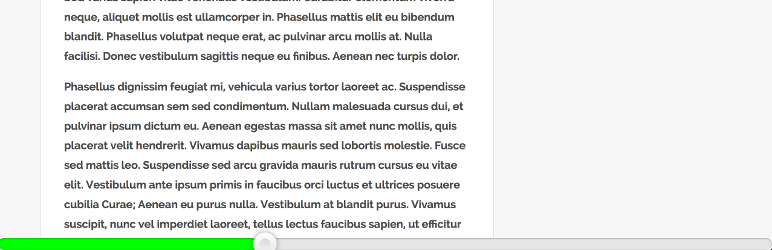
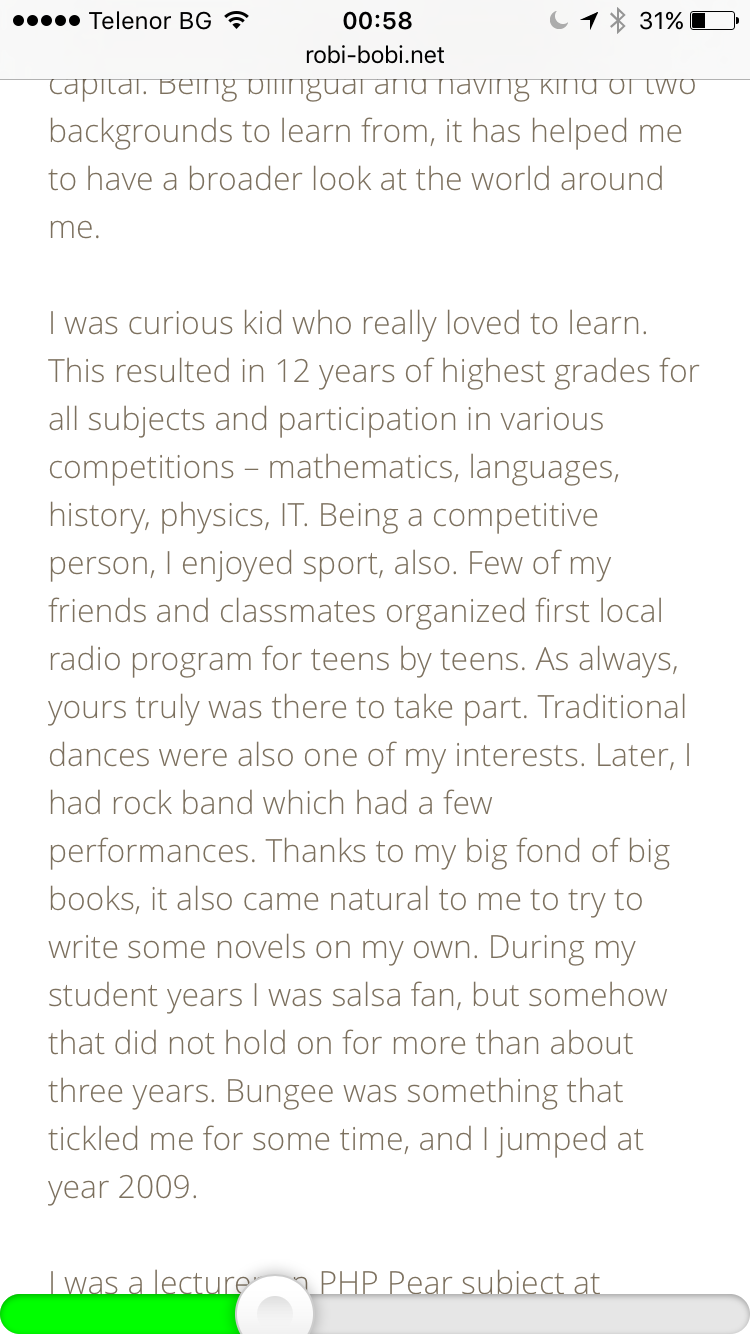
Scroll Progress adds a lightweight bar that helps readers see how far they have progressed through a page or article. Place it at the top, bottom, left, or right of the browser window.
It works immediately after activation and includes:
- Whole-page or article-only progress
- Top, bottom, left, or right placement
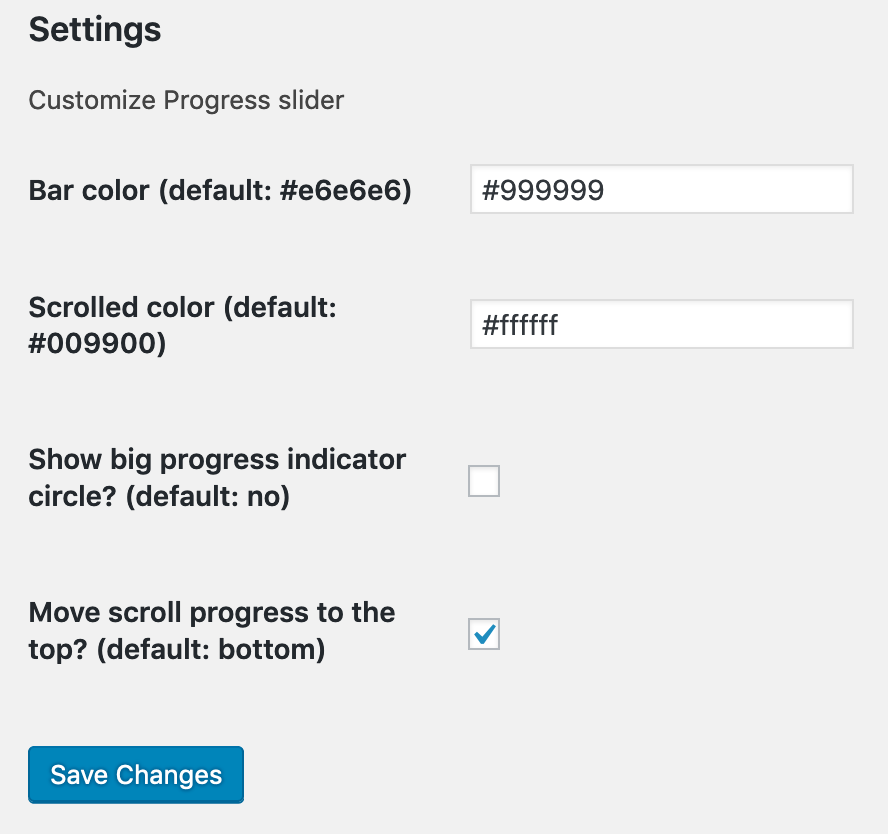
- Track color, progress color, and thickness controls with a live preview
- Optional leading indicator and percentage
- Automatic WordPress admin-bar spacing and a configurable sticky-header offset
- Display rules for posts, pages, and public custom post types
- Per-post controls to show or hide the bar
- Optional mobile visibility
- Optional hiding of the browser's native scrollbar while the bar is active
- Automatic updates when content or the viewport changes
- No visitor tracking, external requests, or frontend dependencies
安装:
- Upload the plugin files to the
/wp-content/plugins/directory, or install the plugin through the WordPress plugins screen directly. - Activate the plugin through the 'Plugins' screen in WordPress
- Open Settings > Scroll Progress to customize the bar.
屏幕截图:
常见问题:
Can I show the bar only on posts?
Yes. Open Settings > Scroll Progress and select the content types where the bar should appear. Each post or page can override the global rule.
Can progress follow only the article instead of the whole page?
Yes. Select "The main article content" under Progress calculation. The plugin detects common content containers automatically. If your theme uses unusual markup, enter its CSS selector.
Does the plugin collect visitor data?
No. It runs entirely in the browser and makes no external requests.
Does it require jQuery?
No. Version 2.0 uses a small dependency-free frontend script.
Can I hide the browser scrollbar?
Yes. Enable "Hide the browser scrollbar while this progress bar is active" under Display. The page remains scrollable with a mouse wheel, keyboard, touch, or trackpad. If the progress bar is disabled on mobile, the browser scrollbar remains available there.
更新日志:
2.0.1
- corrected the plugin name in the WordPress.org readme header
- rebuilt the progress bar with dependency-free JavaScript
- recalculate progress after viewport and page-layout changes
- added whole-page and article-only progress calculation
- added display rules for public post types and per-post visibility overrides
- added color pickers, thickness, position, mobile, percentage, and header-offset controls
- added a live settings preview
- improved accessibility and automatically hide the bar when content does not scroll
- removed the jQuery and rangeslider frontend dependencies
- sanitized saved settings and escaped settings output
- added left and right placement and an option to hide the native browser scrollbar
- tested with WordPress 7.1
- further improvements on translations
- support WordPress 5.5
- reverse sorted this Changelog
- small copy edits
- removed translations from plugin source, will be handled via translate.wordpress.org
- now using correct slug for translation domain
- plugin is now translation ready
- added English (USA) and Bulgarian language packs
- added option to show/hide the progress slider's leading point
- added option to move the progress slider to the top
- switched the slider to use the height of the whole page, and no longer trying to determine the height of the content only
- made settings variable more unique
- fixed scroll progress value for when we are in the last scroll of window height
- added plugin version to assets, to invalidate caches
- updated compatibility
- updated URL
- moved slider down, so it's only visible 50%; removed border-radius on the slider
- updated plugin logic on scrolled length
- completed admin page for color customisation of the slider
- lowered delay between slider updates
- improved slider position. It now takes into account the bottom of the window as well
- added admin page to configure the color of the slider
- added two more standard ways to target the first article
- added plugin banner and icon
- description update
- Added screnshot 2
- Updated
tested up toto have latest WordPress version
- Added screnshots
- First version