
SearchFilterSort - Search Filter Sort for WordPress & WooCommerce
| 开发者 |
creativewerkdesigns
arpitgshah |
|---|---|
| 更新时间 | 2026年3月18日 20:28 |
| PHP版本: | 7.4 及以上 |
| WordPress版本: | 6.9.4 |
| 版权: | GPLv2 or later |
| 版权网址: | 版权信息 |
详情介绍:
SearchFilterSort gives you the flexibility to create fast, user-friendly, and dynamic filters for your WordPress site. Whether you’re running a blog, directory, or WooCommerce store, the plugin makes it easy for visitors to find the exact content they want.
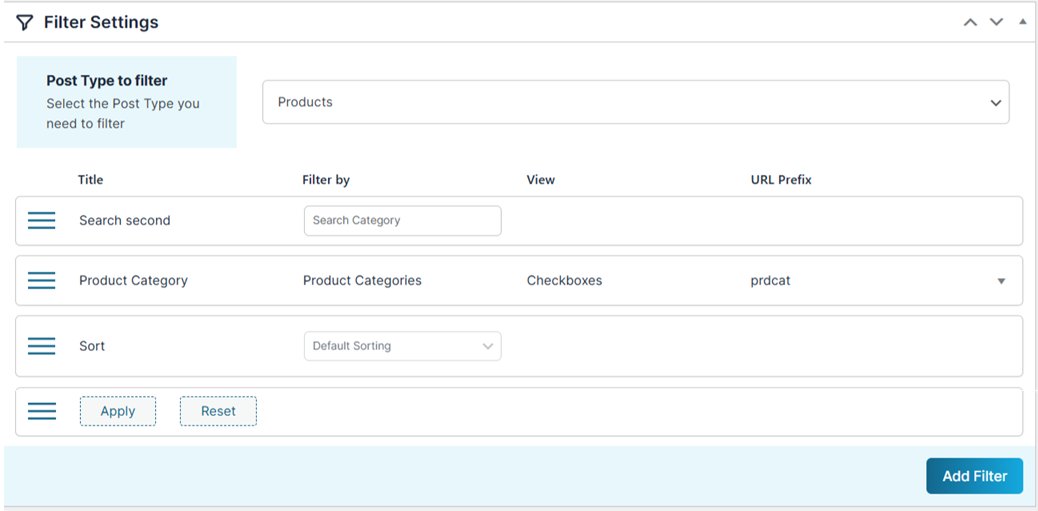
The plugin works with posts, pages, WooCommerce products, and any custom post type. It includes AJAX filtering, keyword search, dynamic term counts, sorting options, and customizable layouts.
Upgrade to the PRO version for advanced features such as filtering custom queries, page builder compatibility, mobile filter widgets, and more!
安装:
- Upload the plugin folder to
/wp-content/plugins/searchfiltersort/. - Activate the plugin through the Plugins menu in WordPress.
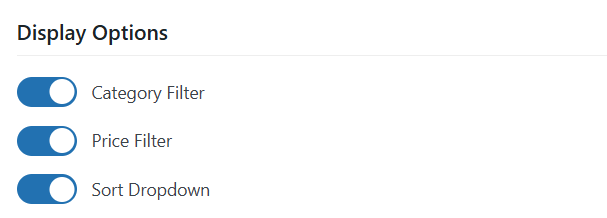
- Open Settings → SearchFilterSort to configure display options.
- Insert the generated
[SearchFilterSort]shortcode into any page or post. The shortcode value may change depending on the options you set in the plugin, so make sure to use the updated shortcode shown in the settings.
屏幕截图:
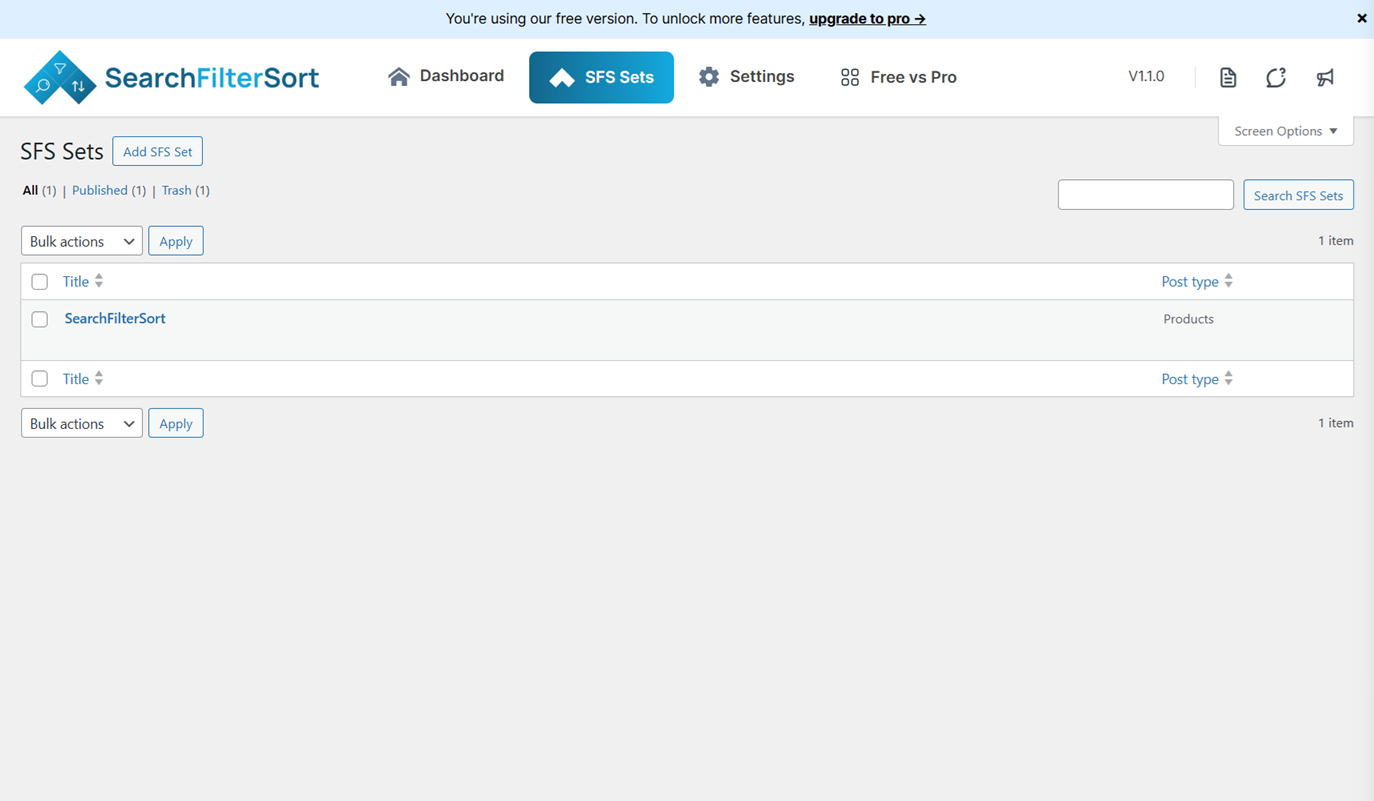
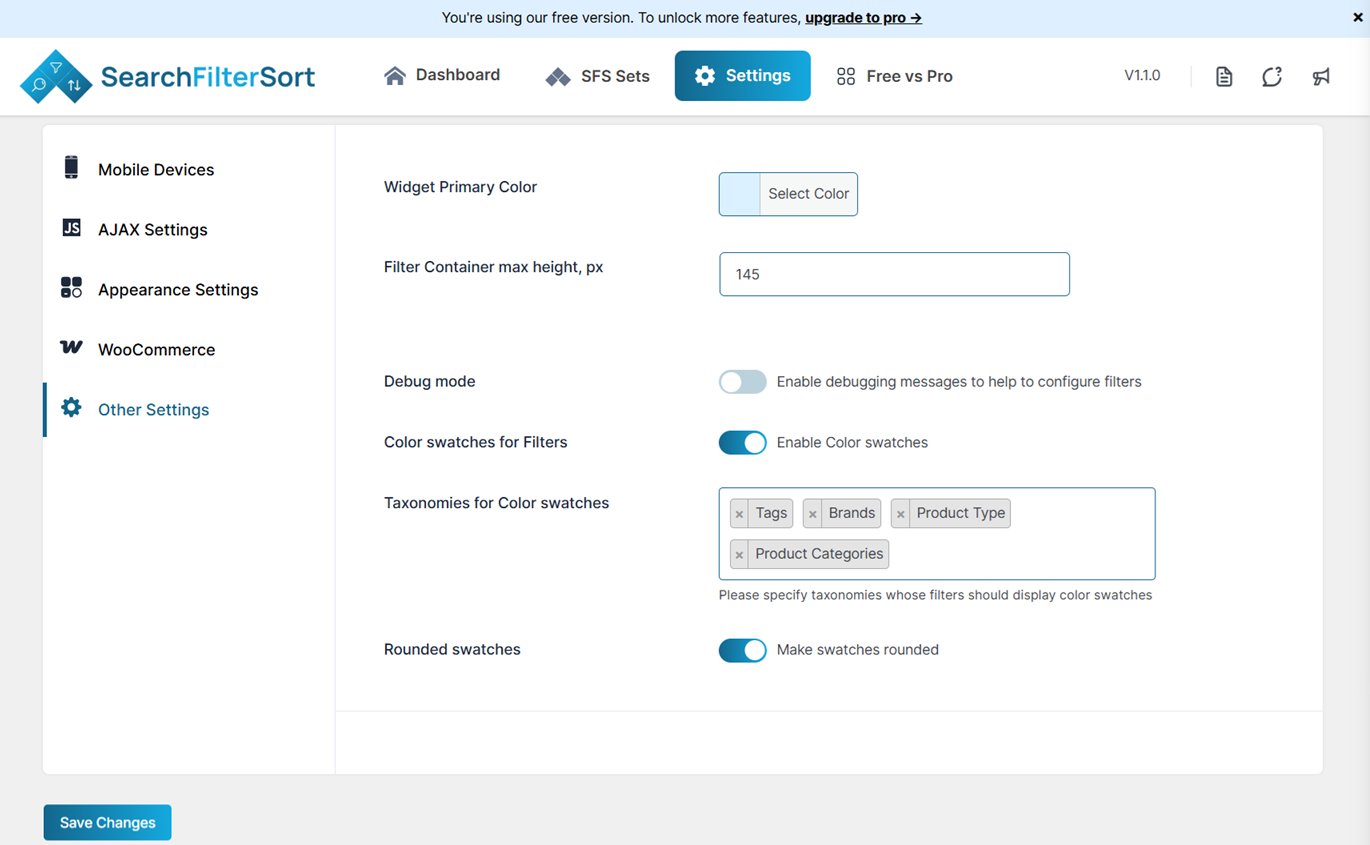
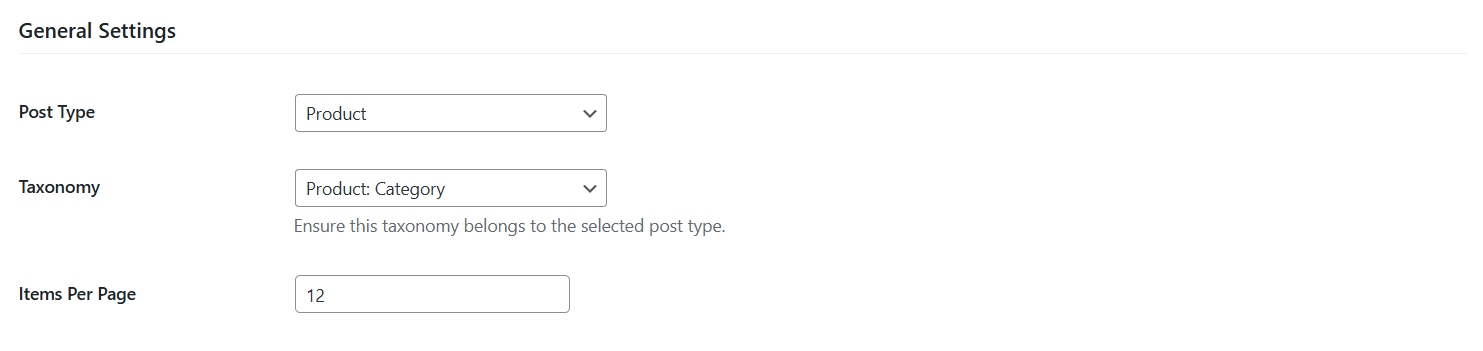
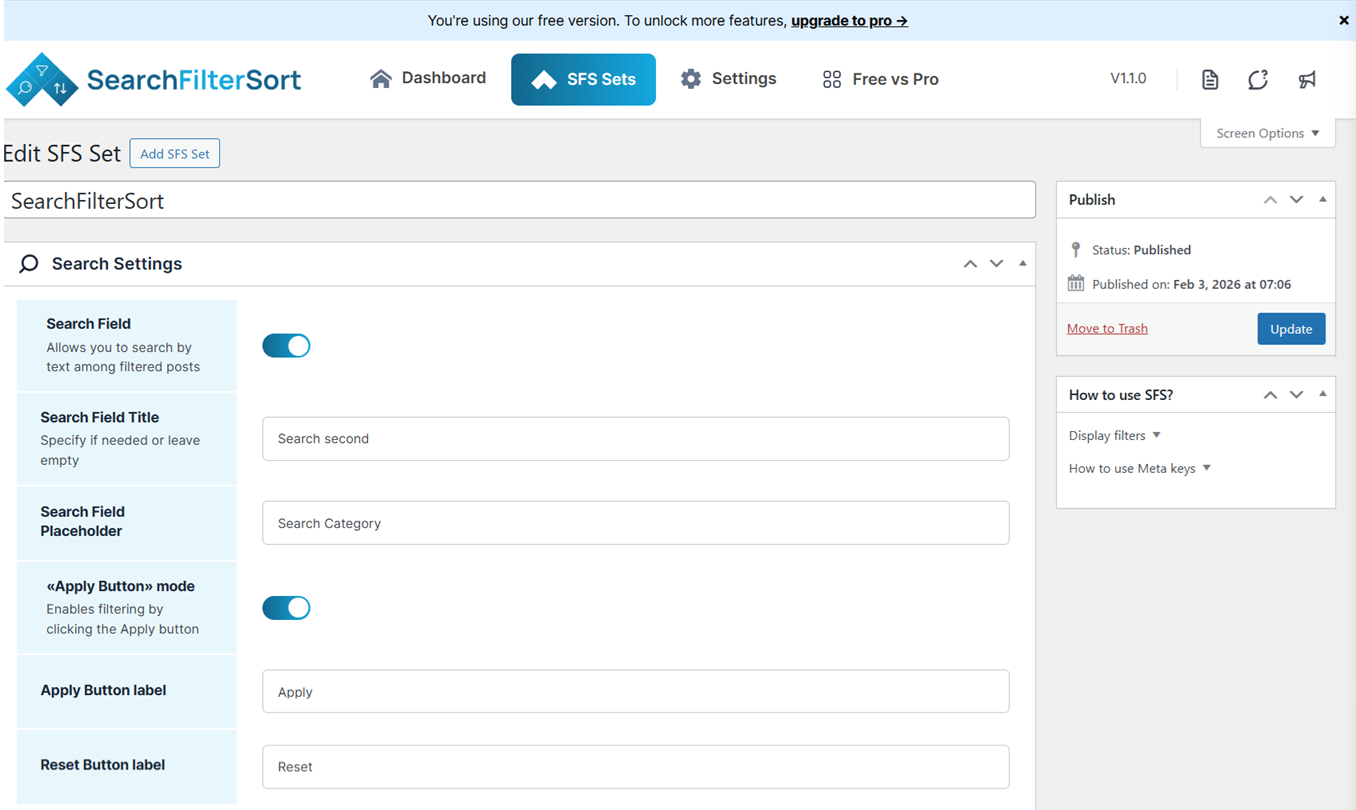
常见问题:
Can I filter custom post types?
Not at the moment. The plugin currently supports filtering default post types and WooCommerce products. Support for additional custom post types may be introduced in future updates.
Does it work with WooCommerce?
Yes! The plugin can filter WooCommerce products by taxonomies, attributes, keywords, and more.
Can I use multiple grids on a single page?
Yes. Each shortcode instance can have its own parameters, so you can place multiple grids on one page without conflict.
Can I change the text on the action button?
Yes. The button label and alignment can be customized directly from the settings panel.
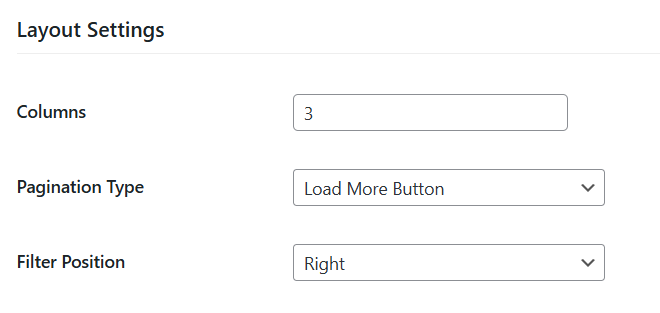
How do I adjust the number of columns or filter position?
Both options can be configured in the Layout Settings section of the plugin.
更新日志:
1.1.3 - Wednesday, 18th March 2026
- Changed: Regenerated translation template (.pot) file.
- Fixed: JavaScript issue affecting frontend behavior.
- Improved: UI/UX enhancements.
- Added: Shortcode alias [searchfiltersort] for improved flexibility.
- Improved: Shortcode handling and validation.
- Improved: Performance optimizations.
- Fixed: Minor bugs.
- Added: Initial plugin release.
- Added: Admin settings for filters, layout, and action button.
- Added: [searchfiltersort] shortcode.
- Added: Support for category, price, and sorting filters.