Secure Login Collector
| 开发者 | mikemiler |
|---|---|
| 更新时间 | 2026年1月28日 05:05 |
| PHP版本: | 7.4 及以上 |
| WordPress版本: | 6.8 |
| 版权: | GPL v2 or later |
| 版权网址: | 版权信息 |
详情介绍:
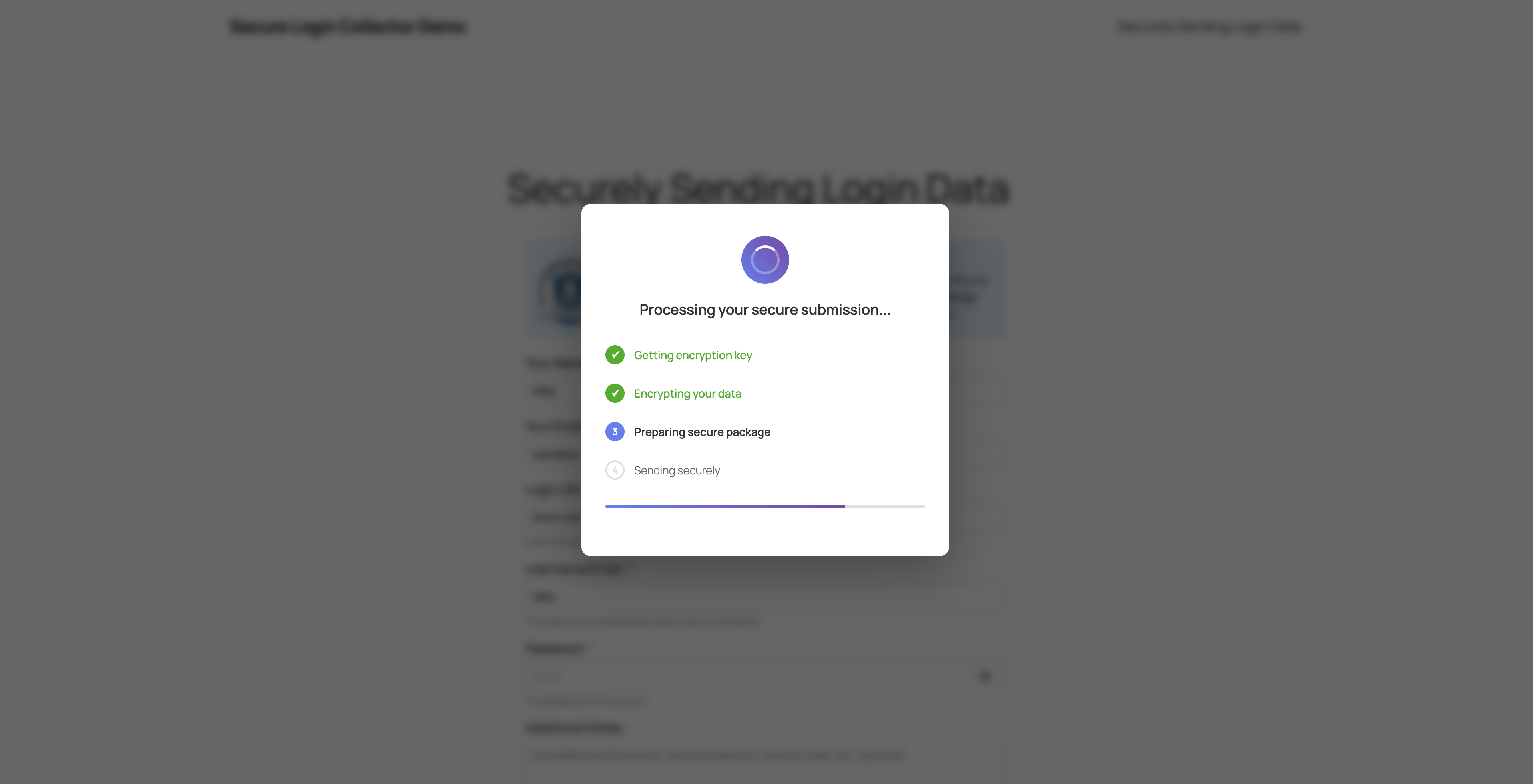
- Client opens your credential intake page and fills in the required fields (name, email, service, username, password, notes (optiona)).
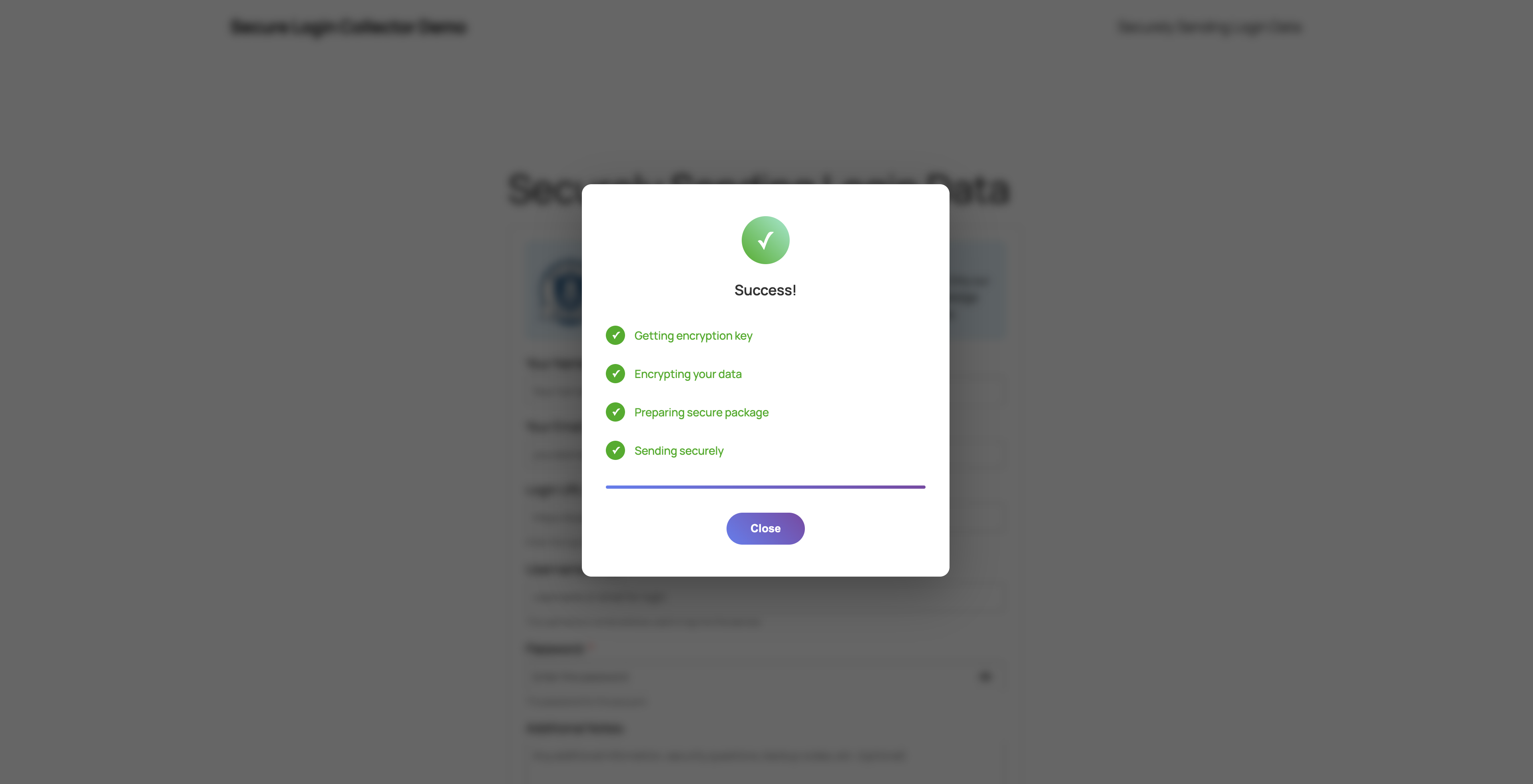
- The data is locked on their device before it is sent anywhere [browser-based Web Crypto + RSA-2048 key exchange + AES-256-GCM payloads].
- The encrypted package lands in your WP database table together with metadata for auditing [Zero-knowledge encryption].
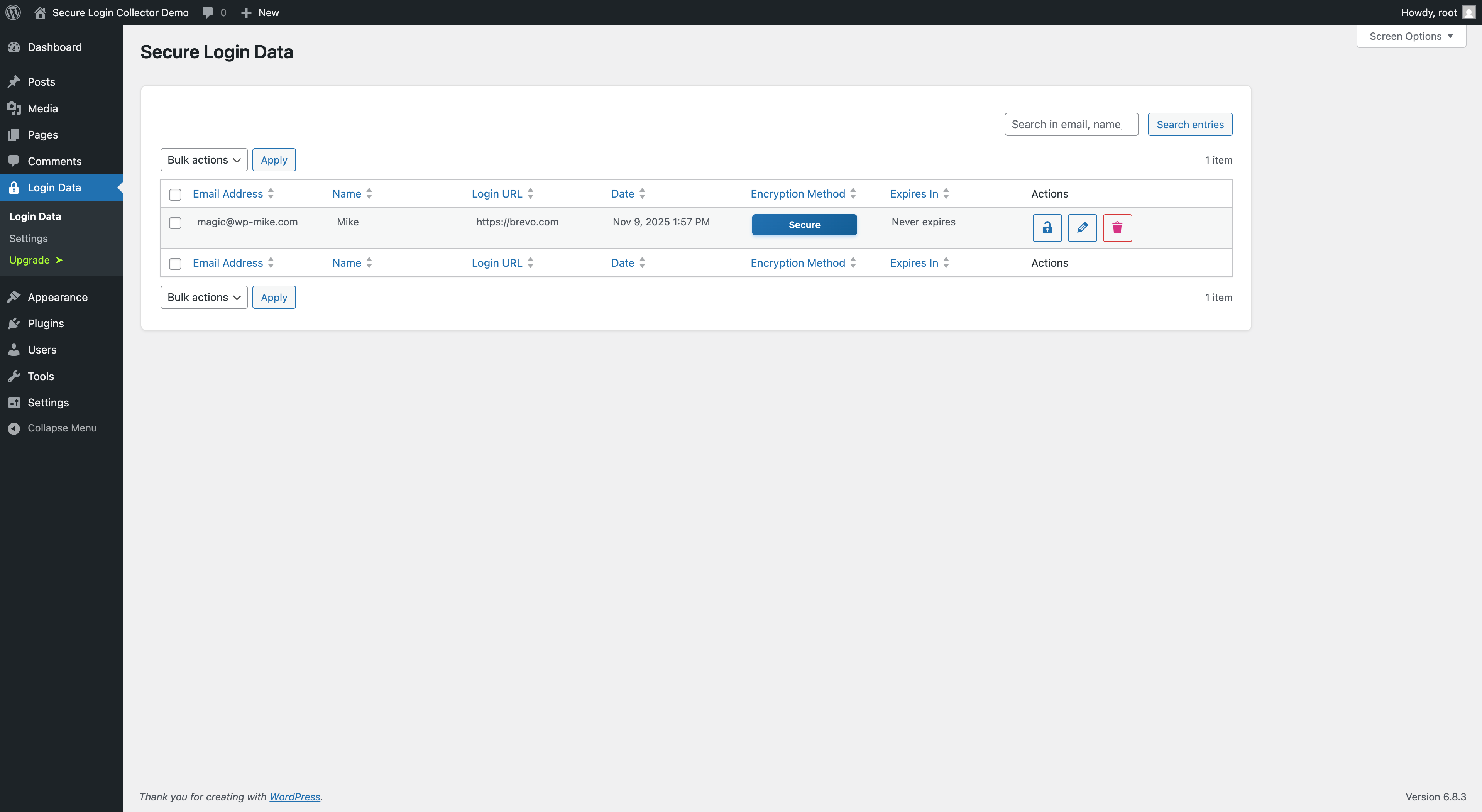
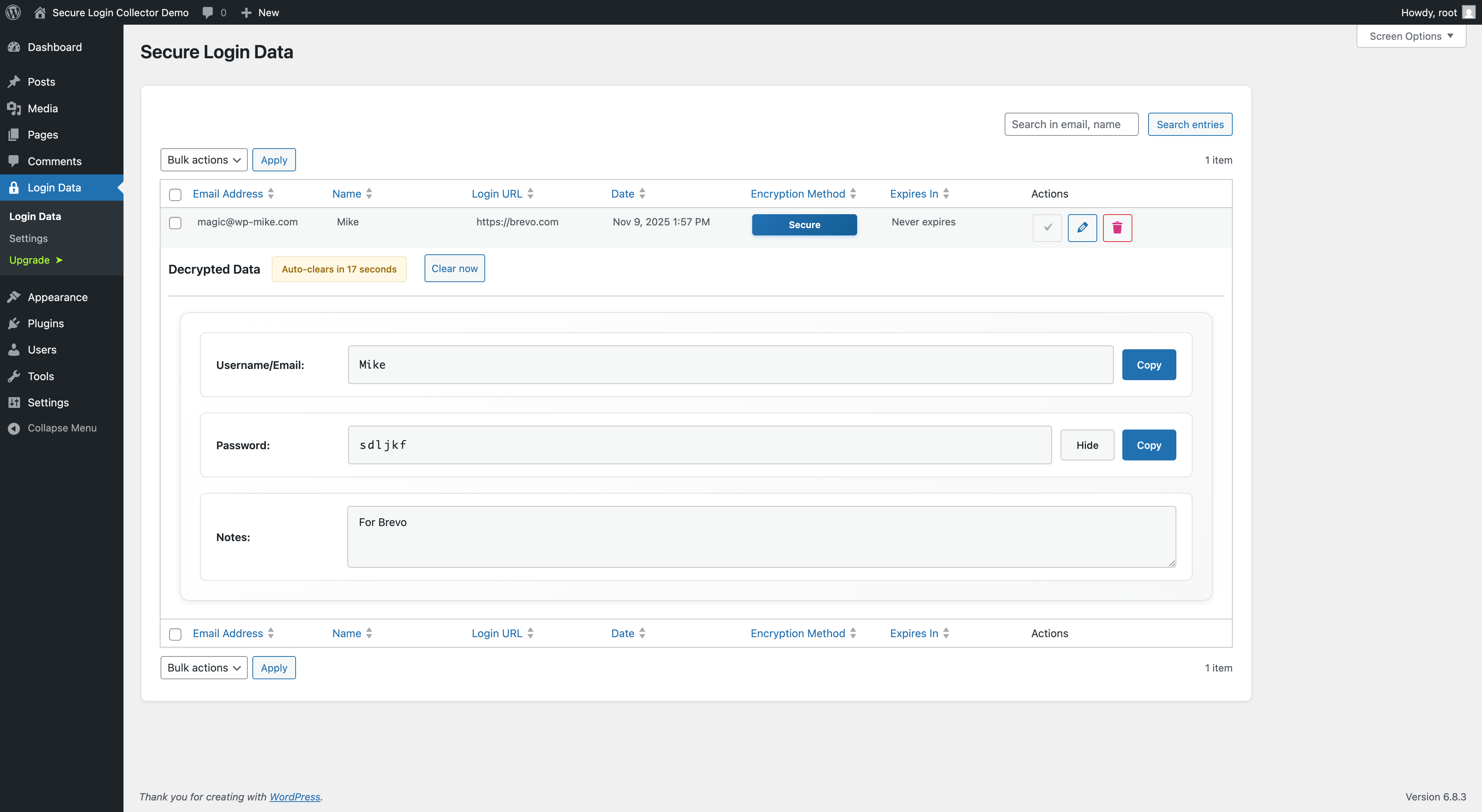
- Your team gets notified, signs in to WordPress, and decrypts items inside the admin dashboard.
- Client-side sealing – credentials are encrypted before they leave the browser, so email or transport leaks cannot expose them.
- Zero-knowledge encryption – the server never sees the unwrapped private key; secrets are only readable once an admin unlocks them locally inside WordPress.
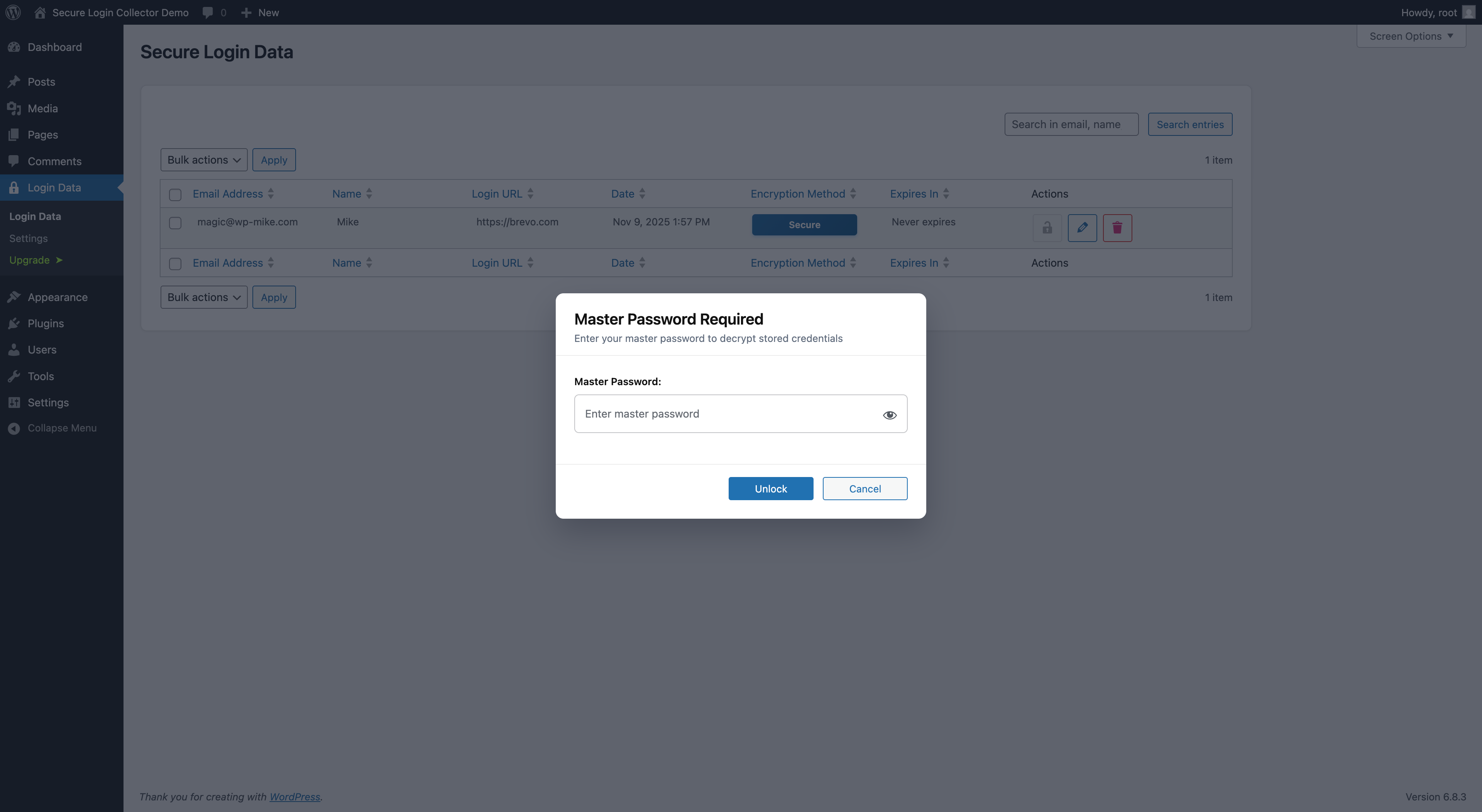
- WP admin decryption – only logged-in admins with the proper capability and the correct password can unlock submissions inside the dashboard, keeping everything in one place.
- Submission inbox & search – view, sort, and filter all requests with name, service, timestamps, and notes, then copy credentials when you need them.
- Instant notifications – each submission triggers an email so projects keep moving without checking the dashboard every hour.
- Accessible client experience – responsive form, password visibility toggle, optional help text, and field-level validation keep clients confident while still being secure.
- Passkey-first approvals – require Touch ID, Windows Hello, YubiKey, or password-manager passkeys before every decrypt/export event.
- Spam and bot defense – invisible honeypot fields, nonce verification, rate limiting, and IP-aware hooks block automated dumps without annoying clients.
- Retention & cleanup controls – choose how long data stays accessible and let the plugin redact expired payloads automatically.
- Bulk decrypt & export – decrypt multiple entries at once and export directly to Bitwarden, 1Password, LastPass, Dashlane, CSV, or JSON for team password vaults.
安装:
- Install and activate the plugin
- Go to Login Data → Settings to configure notifications
- Register your master password for decryption of login data
- Create a page and add shortcode:
[seculoco_form] - Share the page link with clients
屏幕截图:
常见问题:
Why is this better than email?
Email sends passwords in plain text. This plugin encrypts data in the browser using RSA-2048 + AES-256, and the Pro upgrade layers in automated spam filtering plus retention windows so nothing lingers longer than it should.
How does spam protection work?
The Pro version bundles dynamic honeypot fields, nonce rotation, rate limiting, and time-based validation to keep bots out without bothering humans.
What's the difference between Free and Pro?
Free: zero-knowledge encryption inside WordPress with manual cleanup and notifications. The Pro version (available as a separate plugin) adds hardware-backed approvals, built-in spam and bot defense, retention automation, bulk exports, and white-label controls.
Can my team access credentials?
Yes. Any WordPress admin can decrypt in free version. The Pro version (separate plugin) supports multiple passkey registrations. Export to password managers for team sharing.
How long is data stored?
Free users manually delete entries when a project wraps. Pro users set retention from 1-365 days so the plugin auto-redacts on schedule (most agencies use 7-30 days).
What password managers are supported?
Bitwarden, 1Password, LastPass, Dashlane, KeePass, Chrome, Firefox, Safari, and CSV.
更新日志:
- Fix error message when sending form
- Update Freemius SDK
- Fix Translations
- Fix translations
- Remove branding from frontend
- Code quality improvements
- Refactoring for launch at wordpres.org
- Initial release with RSA-2048 + AES-256 encryption
- Auto-deletion
- Email notifications for new submissions