
Securizer
| 开发者 | wppodrska |
|---|---|
| 更新时间 | 2026年9月16日 07:22 |
| PHP版本: | 7.4 及以上 |
| WordPress版本: | 7.1 |
| 版权: | GPLv2 or later |
| 版权网址: | 版权信息 |
详情介绍:
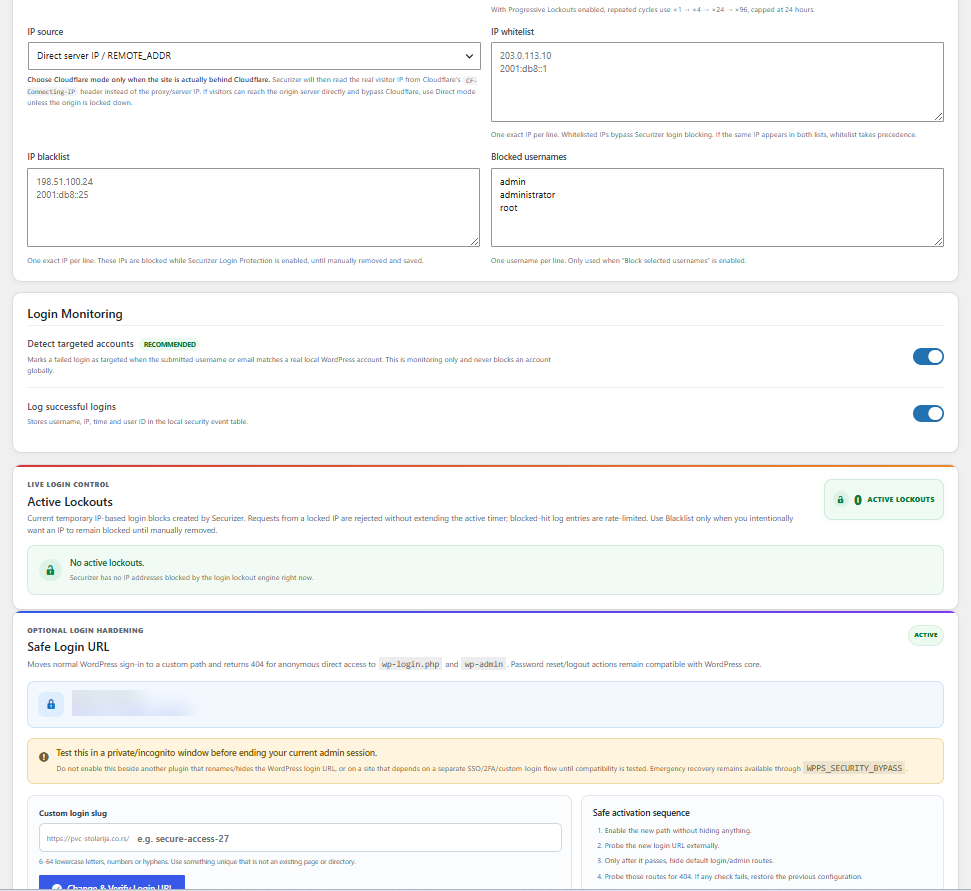
- Progressive IP lockouts for repeated failed login attempts
- Targeted-account activity detection
- Exact-IP whitelist and blacklist
- Active lockout management and manual unlock
- Security event logging
- Configurable client IP detection, including Cloudflare support
- Compatibility warnings for overlapping login-protection plugins
安装:
- Install Securizer through the WordPress plugin installer or upload the plugin ZIP.
- Activate Securizer.
- Open Securizer from the WordPress administration menu.
- Review the initial Diagnostics and Core Integrity baseline.
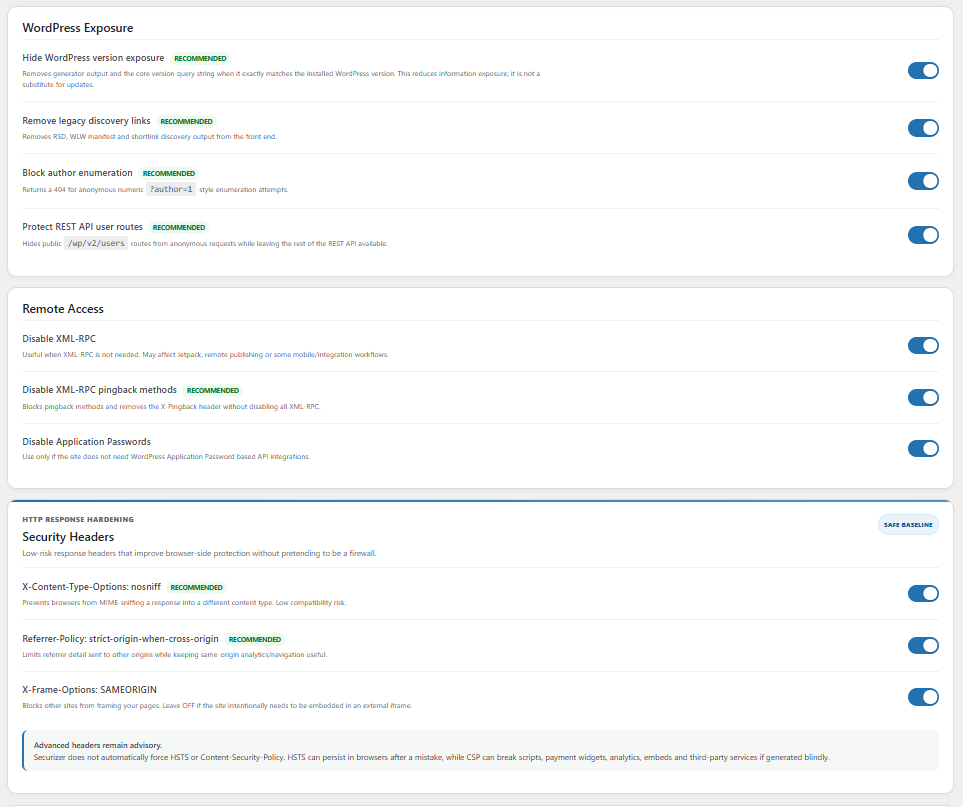
- Review Login Protection and Hardening settings and adjust them if needed.
屏幕截图:


常见问题:
Does Securizer include a firewall?
No. Securizer does not include a WAF or replace a server, CDN or dedicated firewall.
Does Securizer scan for malware?
Securizer verifies WordPress core integrity against official checksums and can identify unexpected files in core directories. It is not a general-purpose malware scanner.
Does Securizer send site data to a Securizer server?
No. Securizer has no product telemetry or Securizer cloud service. Some features use official WordPress.org services, and some diagnostics request the site's own public URLs as documented above.
Can Securizer lock me out after changing the login URL?
Safe Login URL verifies the new route before hiding normal anonymous login access, restores the previous configuration if verification fails, and provides an emergency recovery bypass.
How do I enable emergency recovery?
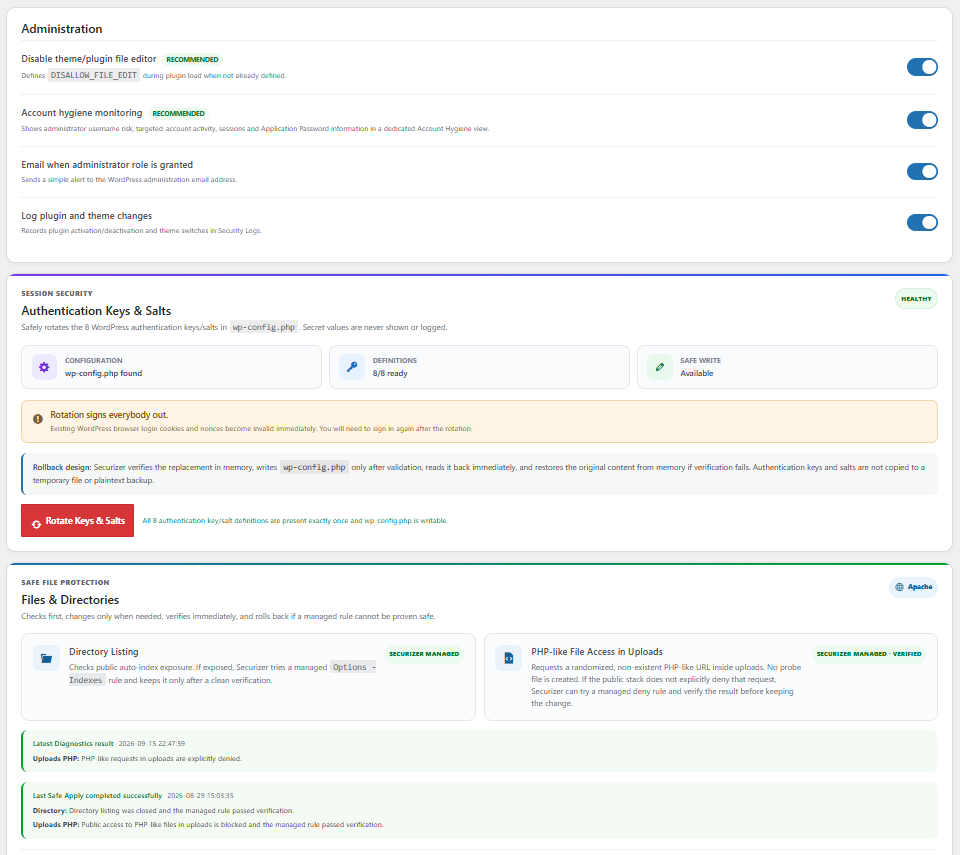
Add this line to wp-config.php:
define( 'WPPS_SECURITY_BYPASS', true );
This disables active Securizer protection modules while keeping the administration interface available. Remove the line after resolving the problem.
Does Securizer automatically repair or delete WordPress core files?
No. Core Integrity scanning is read-only. An administrator can explicitly select modified or missing official core files and run Safe Repair; Securizer validates the matching official WordPress package and re-verifies checksums after replacement. Unexpected files are reported rather than deleted.
Will Securizer disable another security plugin?
No. Securizer can detect known overlapping login-protection functionality and display a compatibility recommendation, but it does not automatically disable or reconfigure another plugin.
What happens when Securizer is deactivated or deleted?
Deactivation preserves Securizer settings, logs and managed file-protection rules. By default, uninstall also preserves stored data; administrators can explicitly enable database cleanup.
更新日志:
- Corrected Core Integrity locale selection. When only en_US fallback checksums are available, verification is partial and Safe Repair is blocked for that result.
- Hardened Cloudflare client-IP detection.
- Prevented Diagnostics warnings with repeated security headers.
- Prevented event logging errors when WordPress temporarily uses a database prefix without the Securizer event table.
- WordPress.org review-compliance fixes for safer salt rotation, Safe Login URL styling, Safe Core Repair, uploads protection verification and runtime path compatibility.