SeggWat Feedback
| 开发者 | haukejung |
|---|---|
| 更新时间 | 2026年1月6日 00:50 |
| PHP版本: | 7.4 及以上 |
| WordPress版本: | 6.9 |
| 版权: | GPLv2 or later |
| 版权网址: | 版权信息 |
详情介绍:
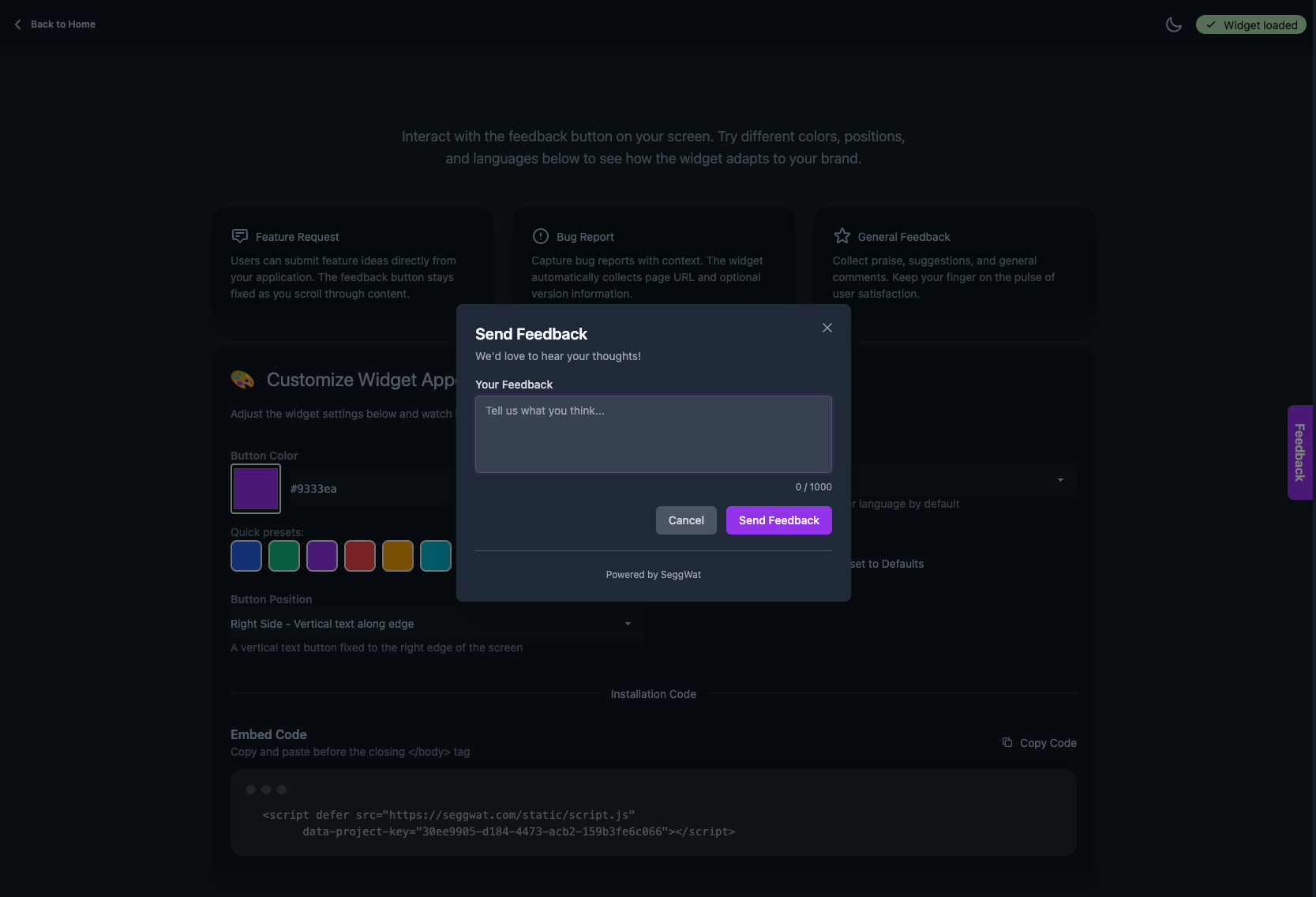
- Customizable button color and position
- Multi-language support (English, German, Swedish) with auto-detection
- Per-page control to enable/disable the widget on specific posts and pages
- White-label option to hide "Powered by SeggWat" branding
- Three button positions: right side, bottom right, or compact icon-only
- Developer-friendly with filters for advanced customization
- Create a free account at seggwat.com
- Get your Project Key from the SeggWat dashboard
- Configure the plugin in WordPress under Settings > SeggWat Feedback
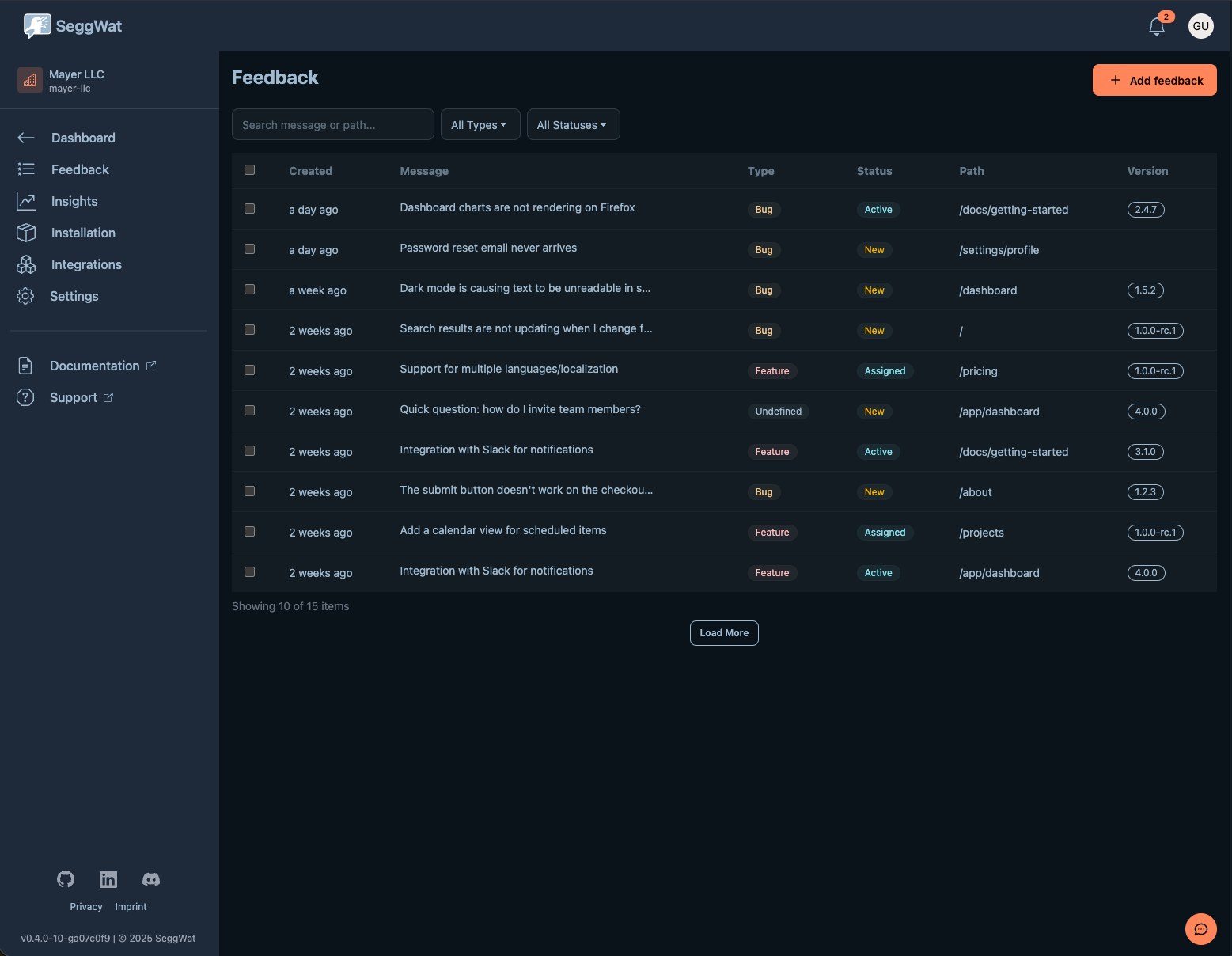
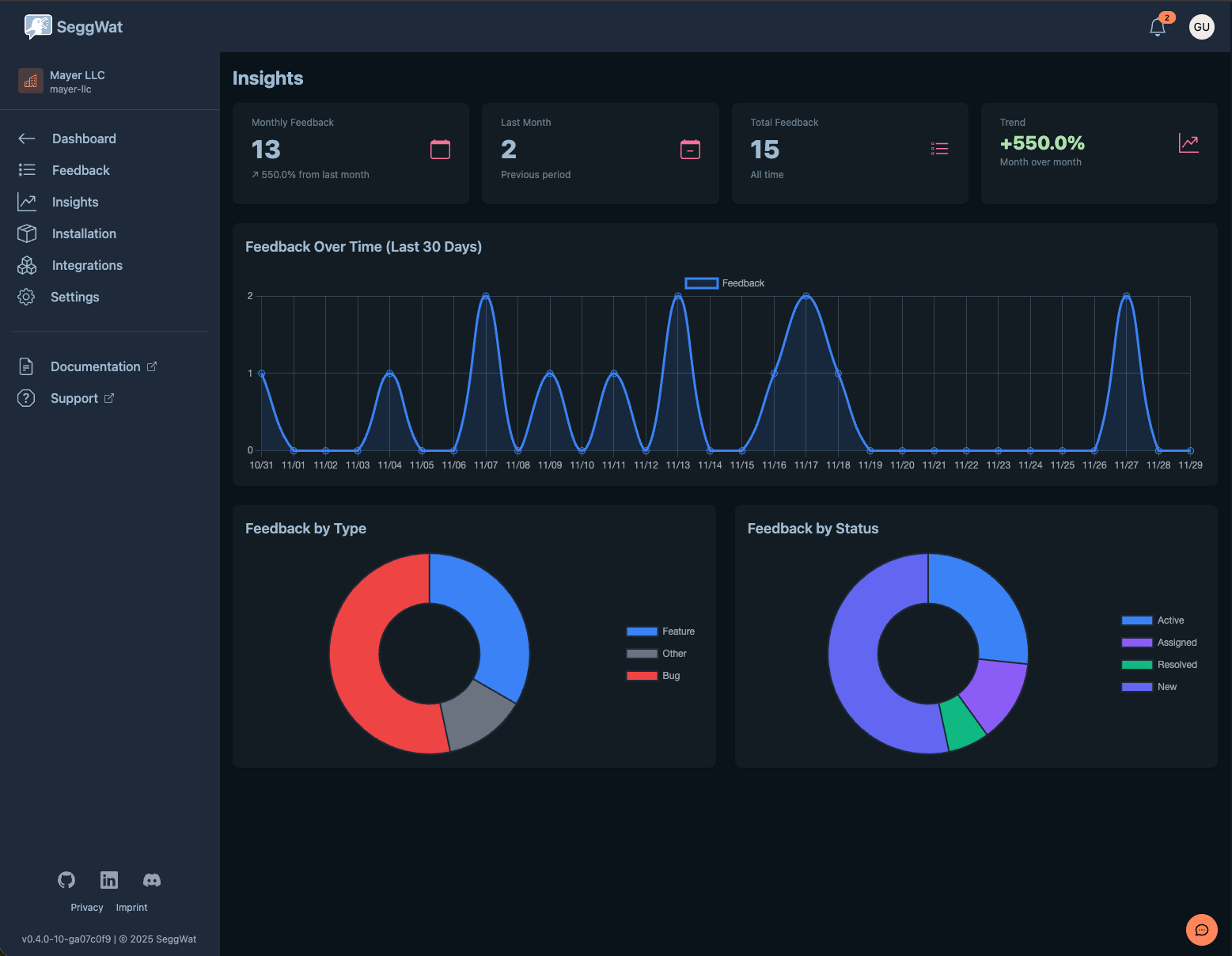
- The feedback widget appears on your site, collecting submissions to your SeggWat dashboard
安装:
- Upload the
seggwat-feedbackfolder to/wp-content/plugins/ - Activate the plugin through the 'Plugins' menu in WordPress
- Go to Settings > SeggWat Feedback
- Enter your Project Key from seggwat.com
- Customize button color, position, and language as needed
屏幕截图:
常见问题:
Do I need a SeggWat account?
Yes, a free SeggWat account is required to receive and manage feedback submissions. Sign up at seggwat.com.
Where do I find my Project Key?
Log in to your SeggWat dashboard, select your project, and copy the Project Key from the project settings.
Can I disable the widget on specific pages?
Yes. Each post and page has a "SeggWat Feedback" meta box in the editor where you can choose: Default (site setting), Force enable, or Disable.
Can I show SeggWat branding in the widget?
Yes. Check "Show Branding" in Settings > SeggWat Feedback to display the "Powered by SeggWat" footer. Branding is hidden by default.
What languages are supported?
The widget supports English, German (Deutsch), and Swedish (Svenska). You can set a fixed language or let it auto-detect from the visitor's browser.
Can I customize the widget programmatically?
Yes. The plugin provides several filters:
seggwat/button_color- Modify button color dynamicallyseggwat/button_position- Change position based on conditionsseggwat/language- Override language settingseggwat/show_powered_by- Control branding visibilityseggwat/post_types- Add widget control to custom post types
What data is sent to SeggWat?
When a visitor submits feedback, the following data is sent to seggwat.com:
- The feedback message and type (bug, feature request, etc.)
- The current page URL
- Browser and device information (user agent)
- Optional screenshot (if enabled and user captures one)
Where can I find the Terms of Service and Privacy Policy?
- Terms of Service: seggwat.com/legal/terms
- Privacy Policy: seggwat.com/legal/privacy
更新日志:
- Changed "Show Branding" default to OFF (WordPress.org guideline compliance)
- Improved input sanitization and security
- Updated for WordPress 6.9 compatibility
- Added translators comments for better localization
- Removed deprecated load_plugin_textdomain() call
- Added "Show Branding" option to hide "Powered by SeggWat" footer
- Added "Icon only (compact)" button position option
- Updated for white-label and agency use cases
- Improved settings descriptions and help text
- Added multi-language support (English, German, Swedish)
- Added language auto-detection from browser
- Added per-language UI configuration
- Added per-post/page 3-state control (Default/Force enable/Disable)
- Improved meta box UI with clearer options
- Legacy checkbox migration support
- Added button position options (right-side, bottom-right)
- Added customizable button color
- Improved settings page layout
- Added site-wide default behavior setting
- Added per-post disable checkbox
- Initial release
- Basic widget injection with project key configuration