
Segmentflow Connect
| 开发者 | olivernaaris |
|---|---|
| 更新时间 | 2026年11月16日 18:29 |
| PHP版本: | 8.2 及以上 |
| WordPress版本: | 7.1 |
| 版权: | GPLv2 or later |
| 版权网址: | 版权信息 |
详情介绍:
- Growth Copilot -- Describe a goal in plain English, like "win back customers who haven't ordered in 60 days". Growth Copilot drafts the audience, the emails, and the journey or broadcast. Nothing is sent until you approve it.
- Segments -- 11 ready-to-use customer segments, such as Repeat Customers and Dormant Customers, that update as orders come in. Describe any other segment in plain English and the AI builds it.
- Journeys -- Automated welcome, abandoned cart, post-purchase, and win-back emails, with delays, splits, and A/B tests.
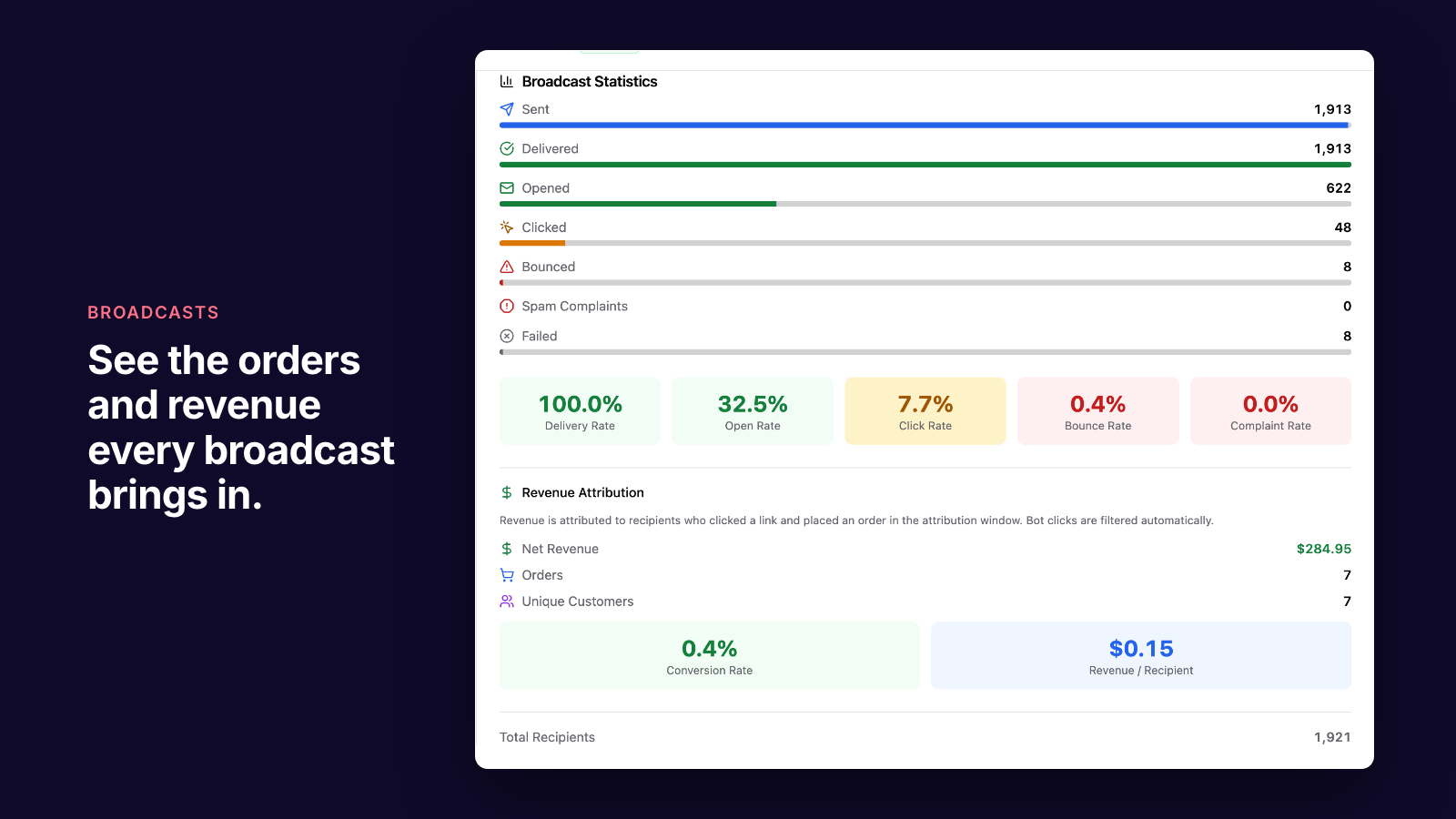
- Broadcasts -- One-off campaigns with delivery, open, and click stats, plus the orders and revenue each one brings in.
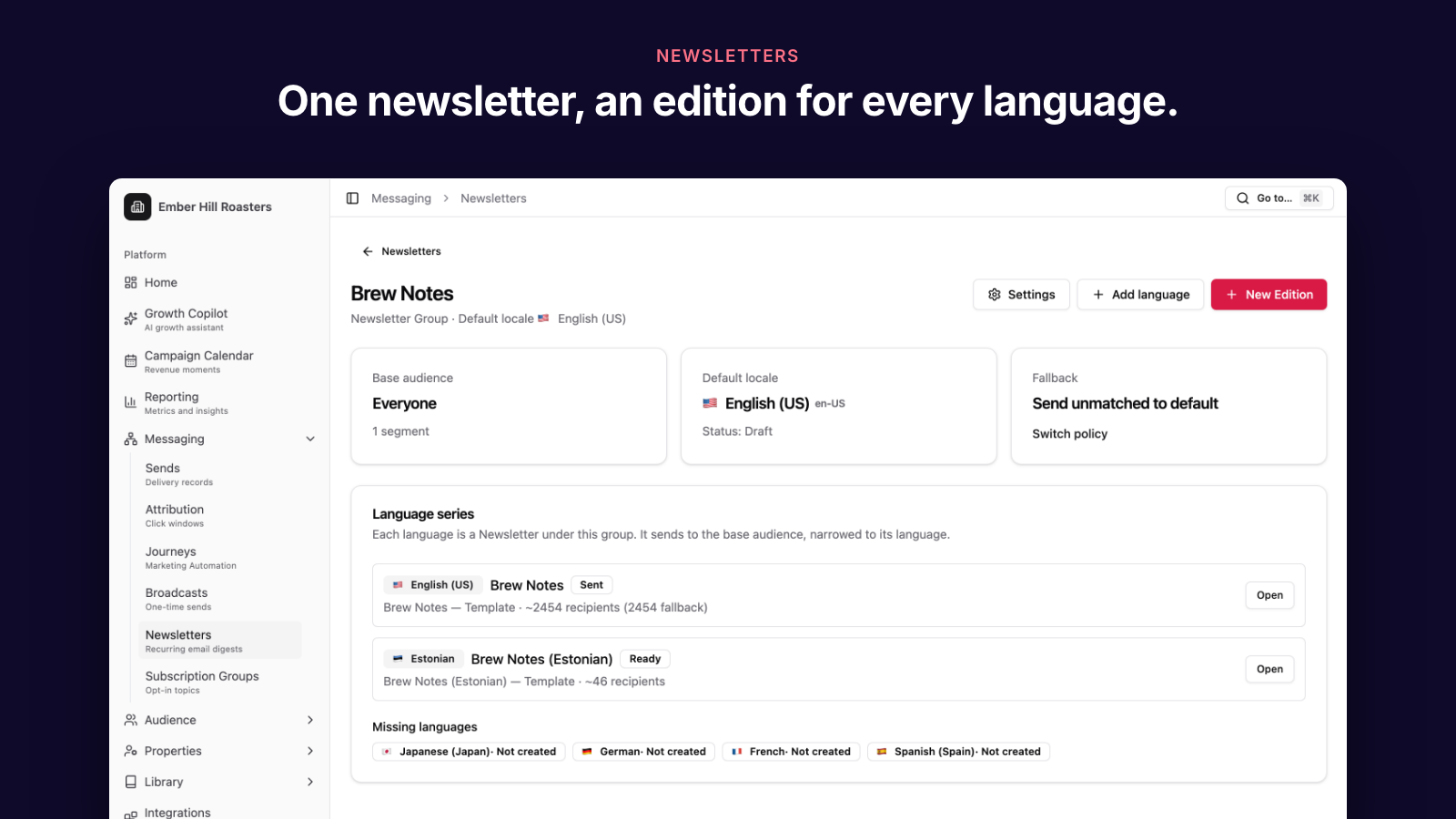
- Newsletters -- Recurring newsletters, with an edition for each language your customers speak.
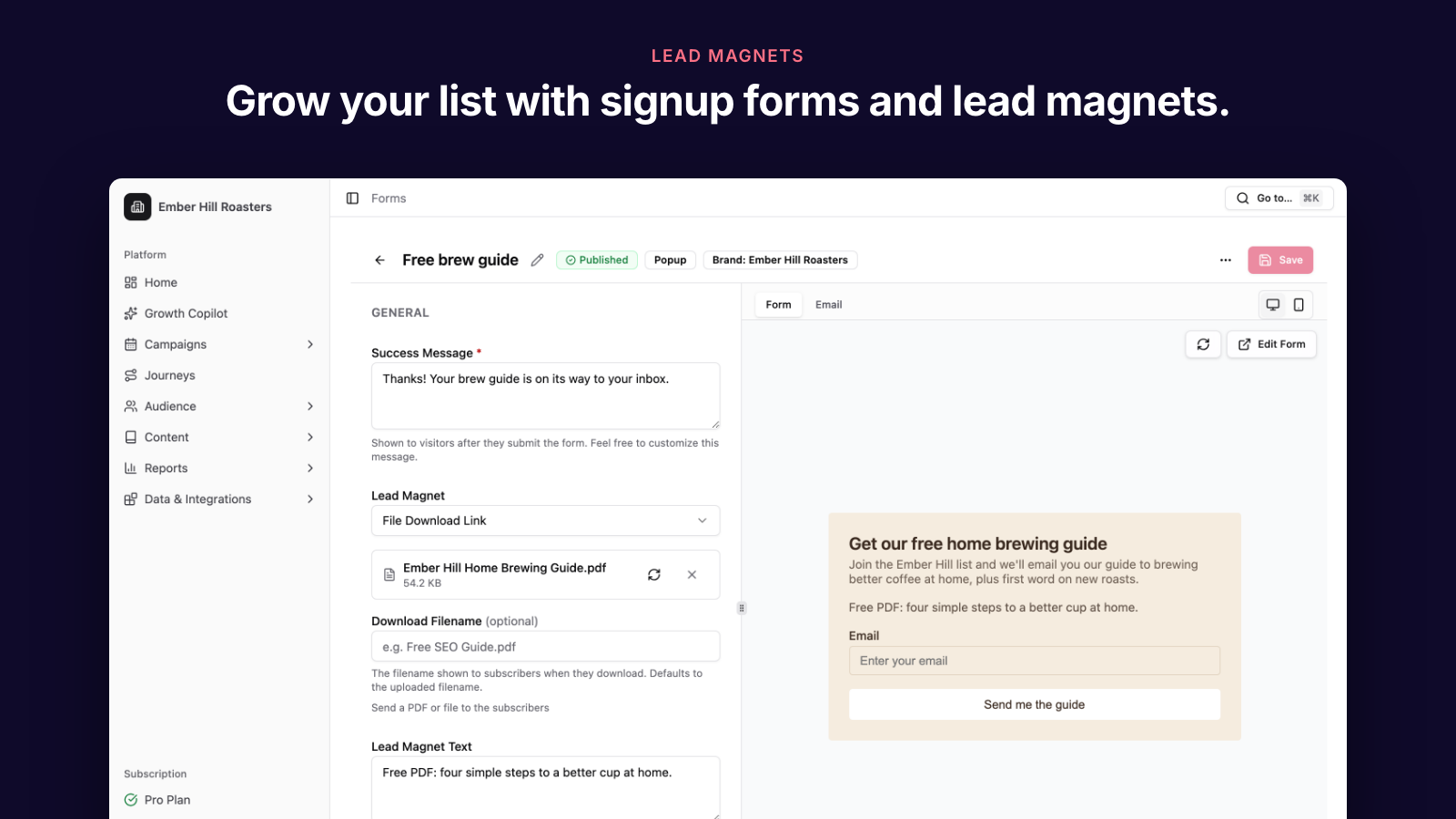
- Lead magnets -- Popup, inline, and slide-in signup forms for your site. New subscribers join a segment and can get a lead magnet email or start a journey.
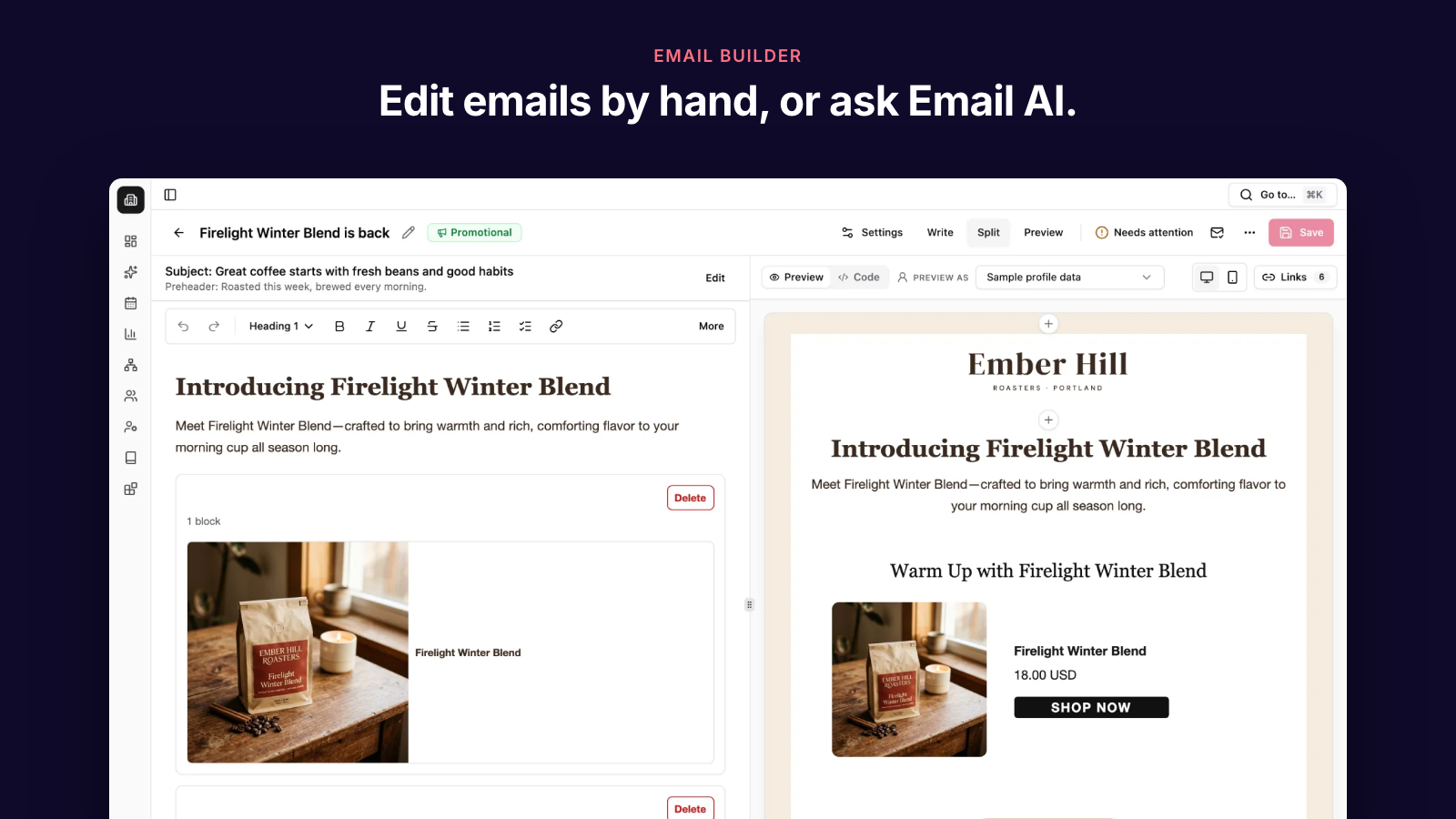
- Email builder -- Edit emails by hand, add products from your store, or ask Email AI to write or rewrite any part. Your brand kit (logo, colors, and fonts) is built from your website.
- Page view tracking
- Automatic visitor identification for logged-in users
- Browser context and referrer tracking
- Automatic data sync -- Customers, orders, and products sync to Segmentflow
- Real-time webhooks -- New orders, customer updates, and product changes are sent instantly
- Cart context -- Cart hash, currency, WooCommerce customer ID, and checkout language (
locale) enrichment - Pre-built segments -- 11 ready-to-use customer segments (Repeat Customers, Churning Customers, etc.)
- Revenue attribution -- Track which email campaigns drive revenue
- Install and activate this plugin
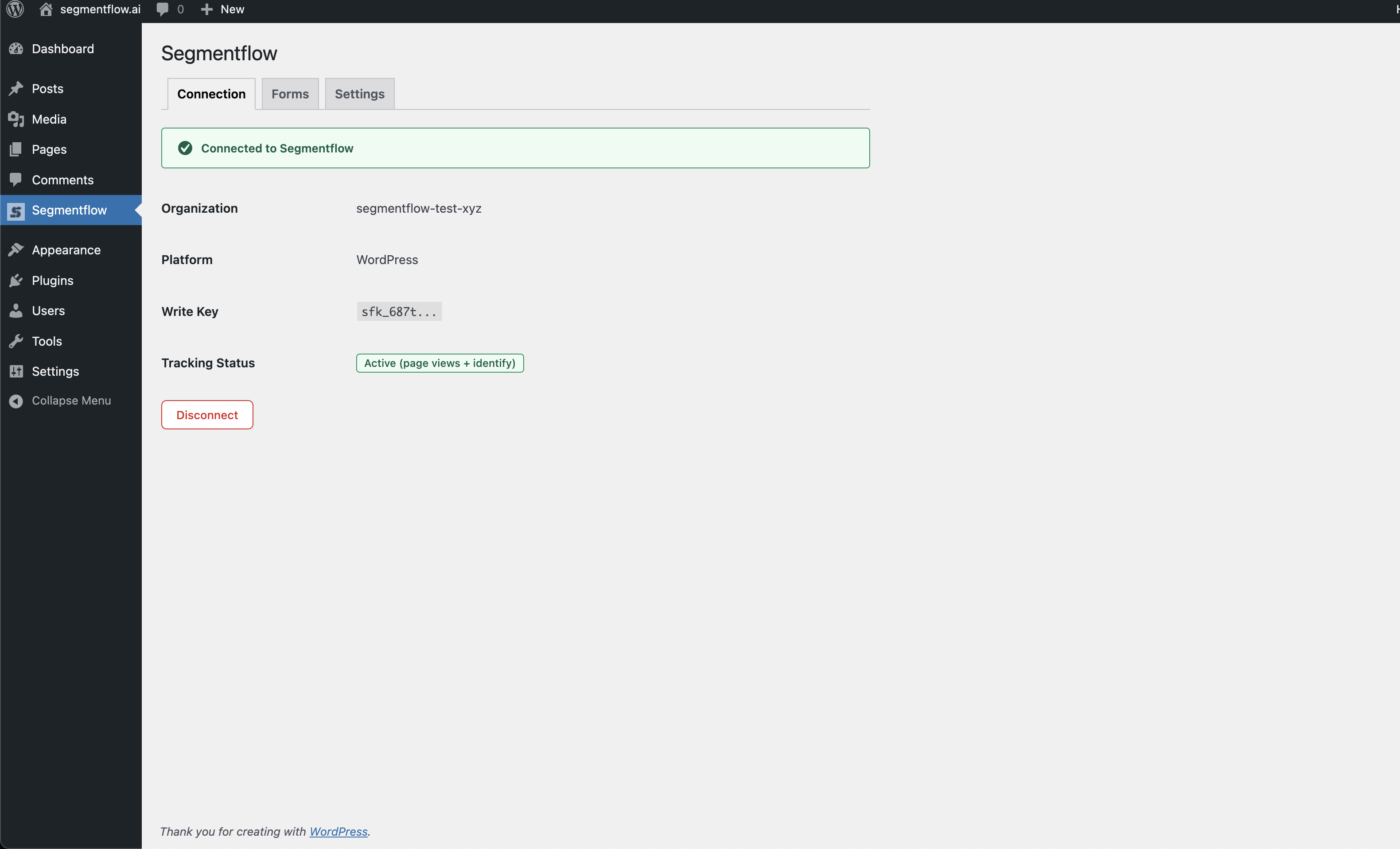
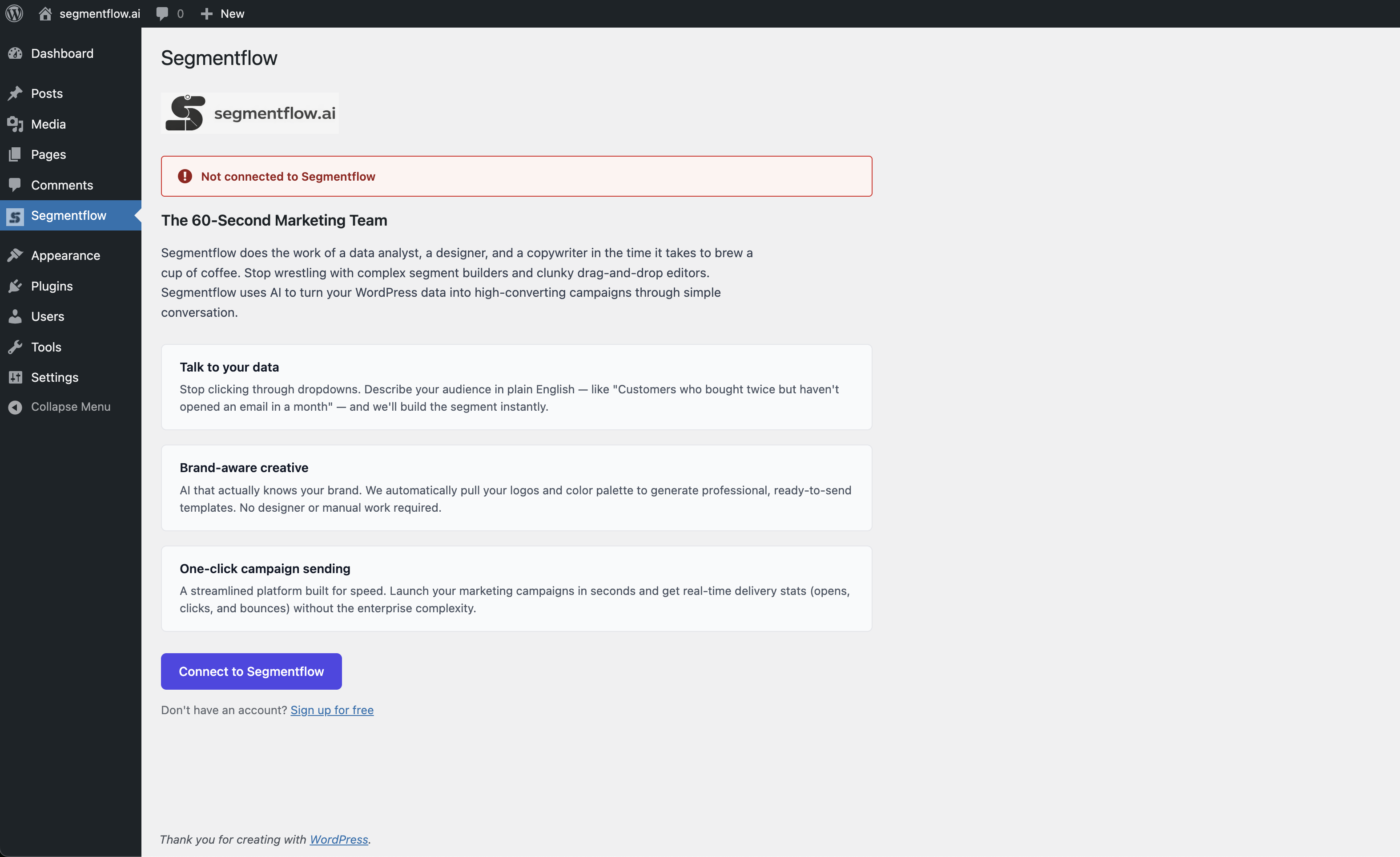
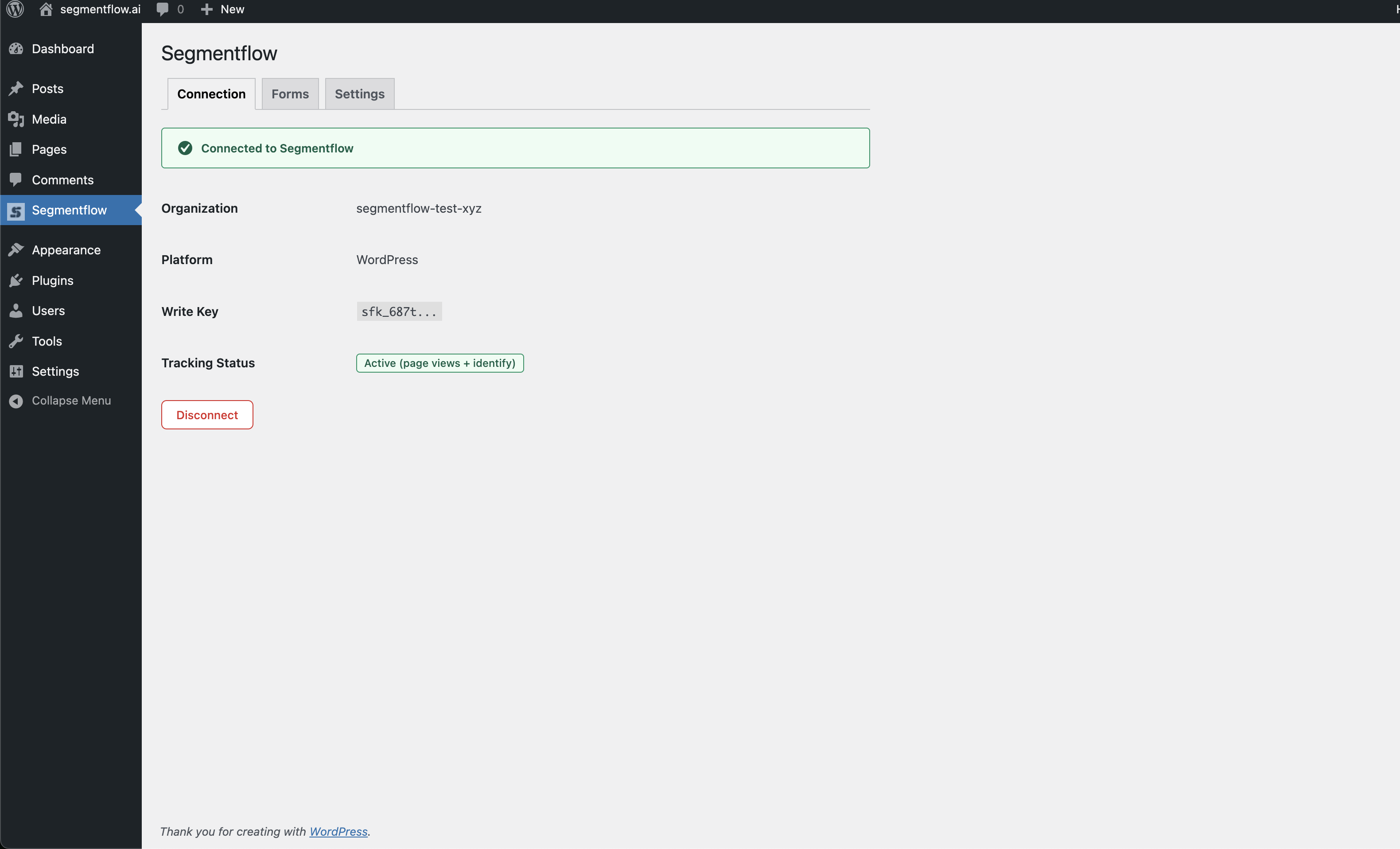
- Click "Connect to Segmentflow" in the Segmentflow settings page
- Approve the connection in your Segmentflow dashboard
- Tracking begins immediately
- If WooCommerce is active, customer data, orders, and products sync automatically
- WordPress 5.8 or later
- PHP 8.2 or later
- A Segmentflow account
- WooCommerce 5.0 or later (optional -- for e-commerce features)
安装:
- Upload
segmentflow-connectto the/wp-content/plugins/directory, or install directly through the WordPress plugins screen - Activate the plugin through the 'Plugins' screen in WordPress
- Navigate to the Segmentflow settings page in the admin menu
- Click "Connect to Segmentflow" and follow the prompts
屏幕截图:
常见问题:
Do I need WooCommerce?
No. Segmentflow Connect works on any WordPress site. WooCommerce features activate automatically when WooCommerce is installed.
Do I need a Segmentflow account?
Yes. Sign up for free at segmentflow.ai.
What data is synced?
On plain WordPress: page views and logged-in user identity. With WooCommerce: customer profiles (name, email, address, language preference), order history (items, totals, status, checkout locale), and product catalog (name, images, prices). No sensitive payment information is transmitted.
How is customer language tracked?
Segmentflow stores checkout/browsing language as the locale profile property for segmentation and localized campaigns. This is separate from billing/shipping country (country_code).
The plugin resolves the active WordPress locale at checkout (determine_locale() → get_user_locale() → get_locale()), stamps it on the order as _segmentflow_locale, and exposes the same value to the storefront SDK as context.locale in window.__segmentflow_integration_context. Segmentflow normalizes values to BCP-47 style (for example ja → ja-JP). Language is never inferred from billing or shipping country.
Does this plugin slow down my site?
No. The tracking SDK is loaded asynchronously from a CDN and does not block page rendering. Webhook processing happens server-to-server.
Is this plugin GDPR compliant?
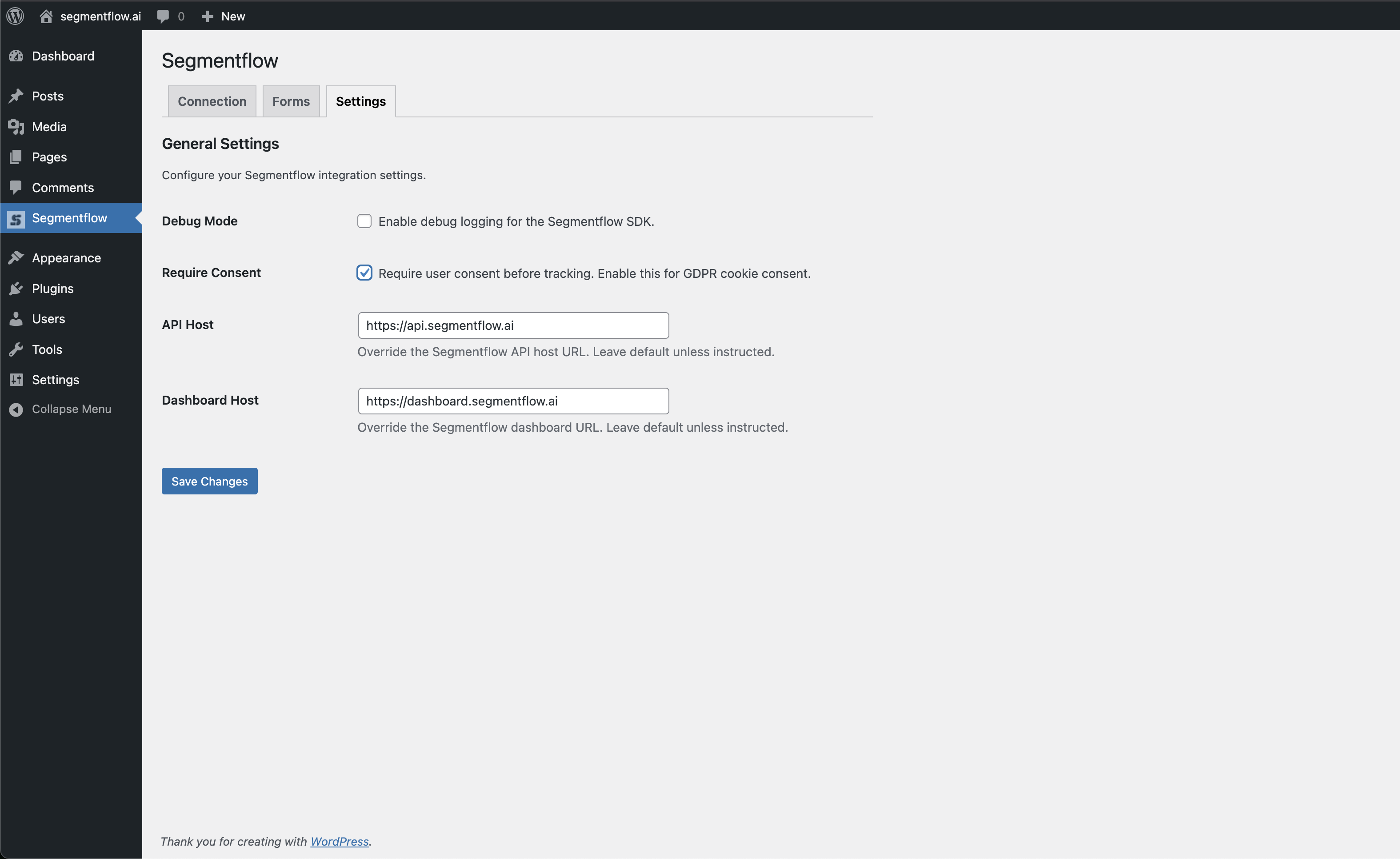
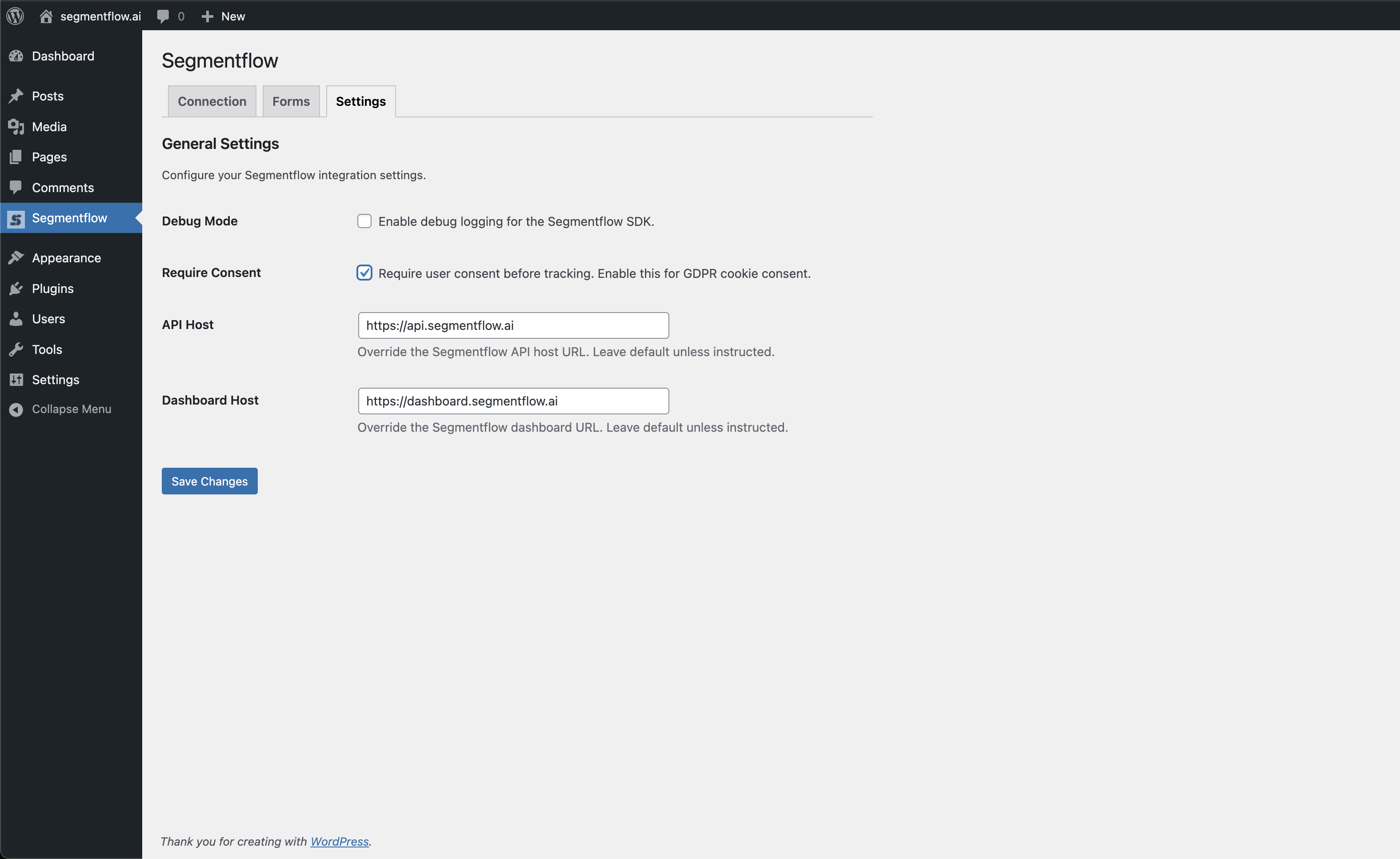
The plugin includes a "Require Consent" setting that prevents tracking until the user has given consent. You can integrate this with your existing cookie consent solution.
What happens if I install WooCommerce after this plugin?
The plugin detects WooCommerce automatically and offers to upgrade your connection for full e-commerce features. No reinstallation needed.
更新日志:
- Refresh the WordPress.org listing with a new description and feature screenshots
- Save the shopper's checkout language on each WooCommerce order and pass it to the storefront tracking script (
context.locale), so you can segment and send campaigns by language - Require PHP 8.2 or later, and declare compatibility with WordPress 7.1 and WooCommerce 11.2
- Add discount endpoints under
/wp-json/segmentflow/v1/discountsso Segmentflow can create, look up, and delete WooCommerce percentage coupons, and list the orders that used them. Requests are signed with your webhook secret. On older plugin versions, Segmentflow shows a "plugin update required" message.
- Fix the Segmentflow icon overflowing the WordPress admin menu
- Add a cookie-consent gate: until a visitor consents, the plugin does not set the Segmentflow identity cookie and holds browsing events in the browser. The events are sent if the visitor accepts and dropped if they refuse. Orders, logins, and form submissions are still sent.
- Track
checkout_started,product_viewed, andcart_viewedevents on WooCommerce stores, which the abandoned cart segment needs
- Shorten the short description to fit the WordPress.org 150-character limit
- Update the logo and icons to the new Segmentflow brand
- Save first-touch UTM parameters on WooCommerce orders, so Segmentflow can attribute each order to the campaign that first brought the shopper
- Breaking change: Contact Form 7 and Elementor Pro form captures now send the
form_submissionevent instead ofform_submitted. Update any journeys, segments, or reports that use the old event name.
- Add the
[segmentflow_form]shortcode for embedding a Segmentflow form inline
- Register WooCommerce webhooks from the plugin when you connect, and keep them registered
- Load the tracking SDK from the versioned
/v1/CDN path
- Add the WooCommerce session ID to tracking and orders, to link anonymous browsing to purchases
- Stop tracking WooCommerce order notes as comments
- Add a setting to turn the WooCommerce integration on or off
- Stop sending an empty user ID for anonymous visitors
- Deploy only the plugin's runtime files to WordPress.org
- Add the WordPress.org directory icon, banner, and screenshots
- Add dedicated Forms tab with site URL copy button, dashboard links, setup guide, and testing tip
- Remove Lead Magnets & Forms row from Connection tab (moved to Forms tab)
- Add Lead Magnets & Forms row to plugin connection page linking to the Segmentflow dashboard
- Fix PHPCS warnings: sanitize and unslash cookie input
- Fix missing version parameter on enqueued CDN script
- Prefix all global variables in admin template files
- Fix Stable tag format in readme.txt
- Fix Version header format for WordPress.org compatibility
- Use wp_enqueue_script() and wp_add_inline_script() for SDK injection instead of inline script tags
- Fix Plugin URI to valid public URL
- Add GitHub repository link for source code access
- Initial release
- Works on any WordPress site (page views + identify for logged-in users)
- Conditional WooCommerce enrichment (cart context, currency, customer ID)
- Connection flow from plugin settings or Segmentflow dashboard
- Top-level Segmentflow admin menu with dynamic tabs
- Settings: debug mode, consent required, API host override
- WooCommerce auto-auth connection flow