
seljeBackup
| 开发者 | seljenes |
|---|---|
| 更新时间 | 2026年10月18日 06:37 |
| 捐献地址: | 去捐款 |
| PHP版本: | 7.4 及以上 |
| WordPress版本: | 7.1 |
| 版权: | GPLv2 or later |
| 版权网址: | 版权信息 |
详情介绍:
- "Back up now" button and a 3-question quick setup
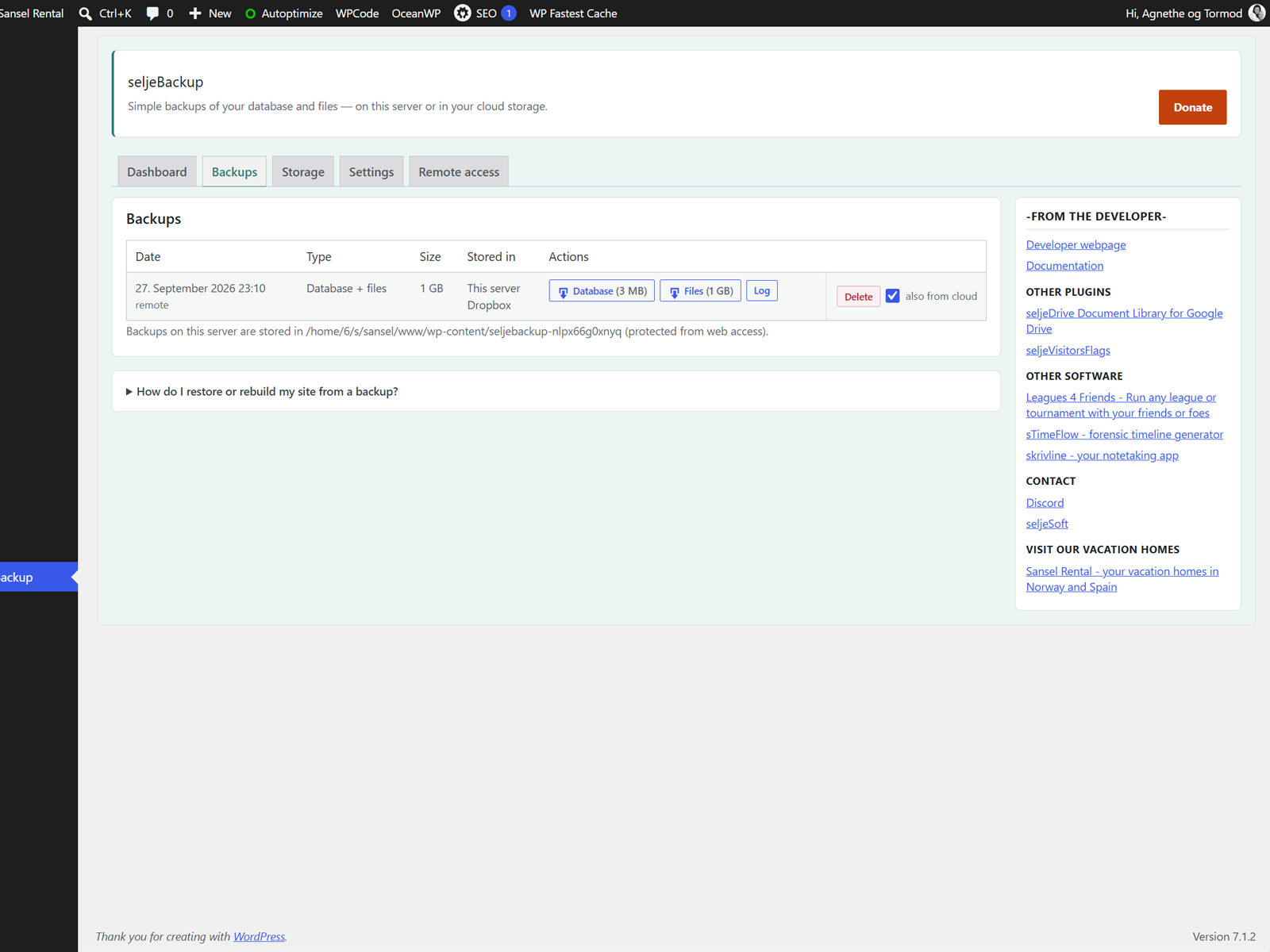
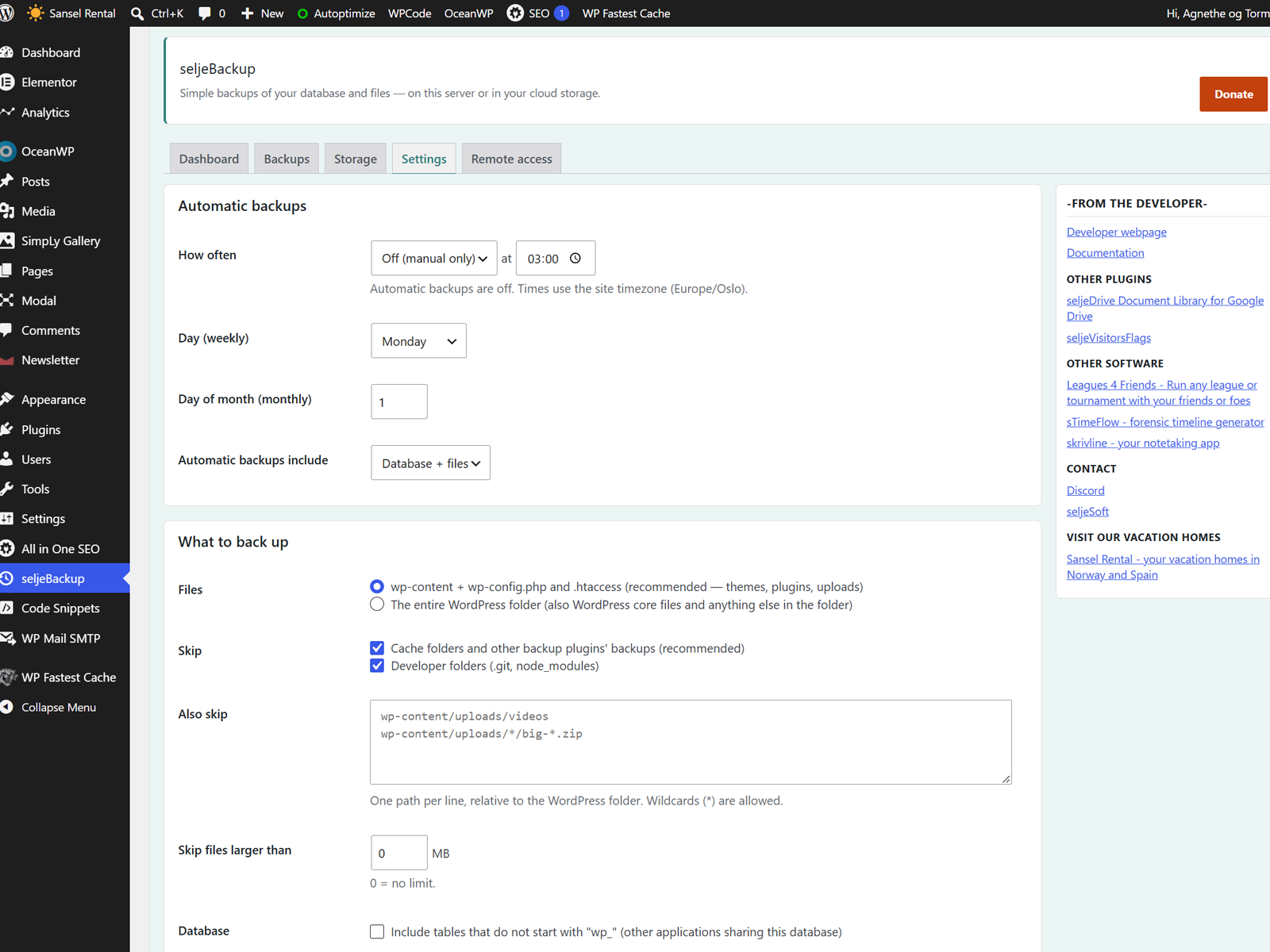
- Daily, weekly or monthly backups; keeps the last N backups
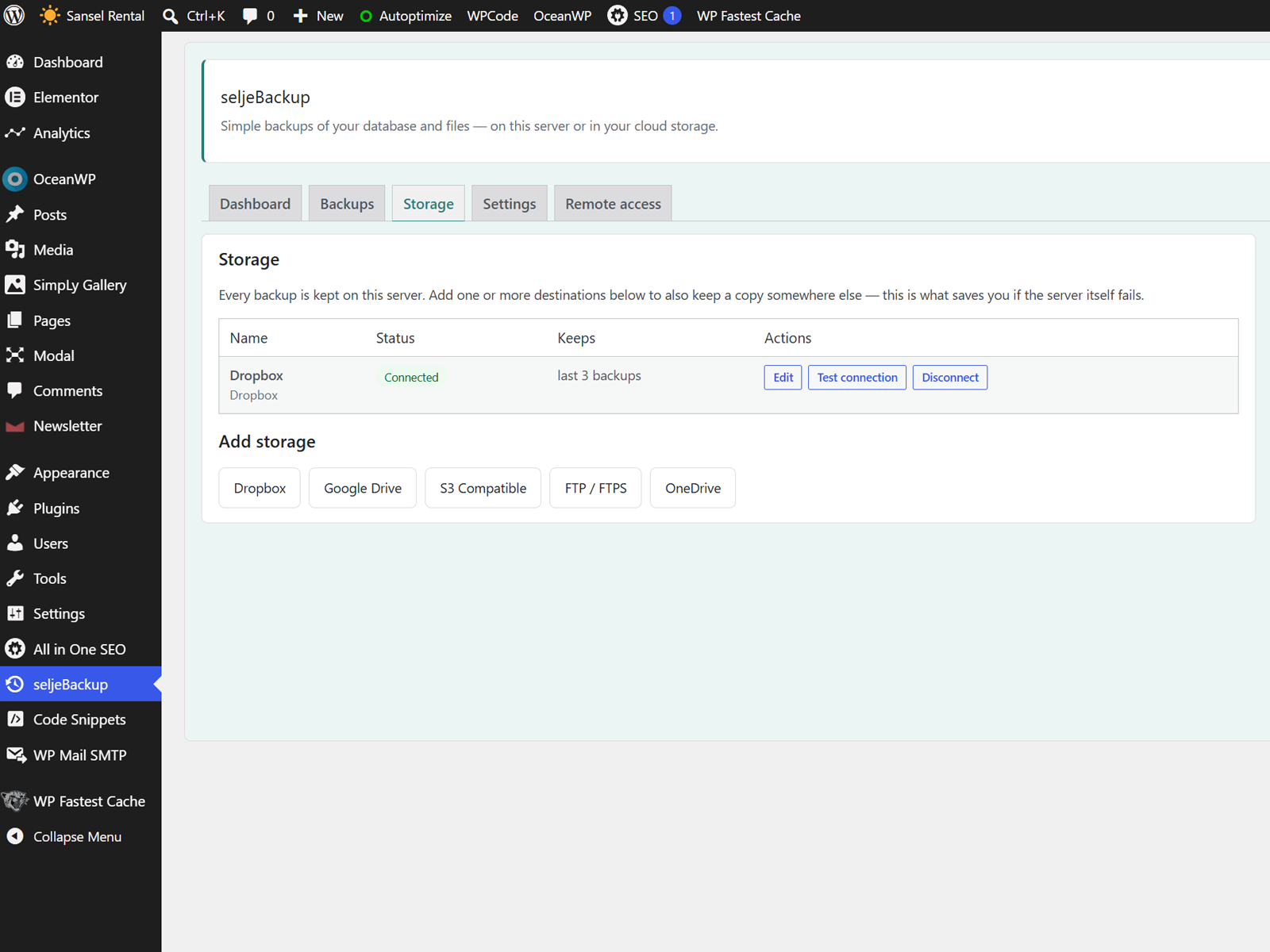
- Off-site copies in Google Drive, OneDrive, Dropbox, S3-compatible storage (Amazon S3, Backblaze B2, Wasabi, Cloudflare R2, …) and FTP/FTPS
- Built for shared hosting: short, resumable steps that survive PHP time limits
- Handles large sites (ZIP64, chunked database dump)
- "What takes up space?" with tips and one-click "Skip in backups"
- Email alerts when something goes wrong
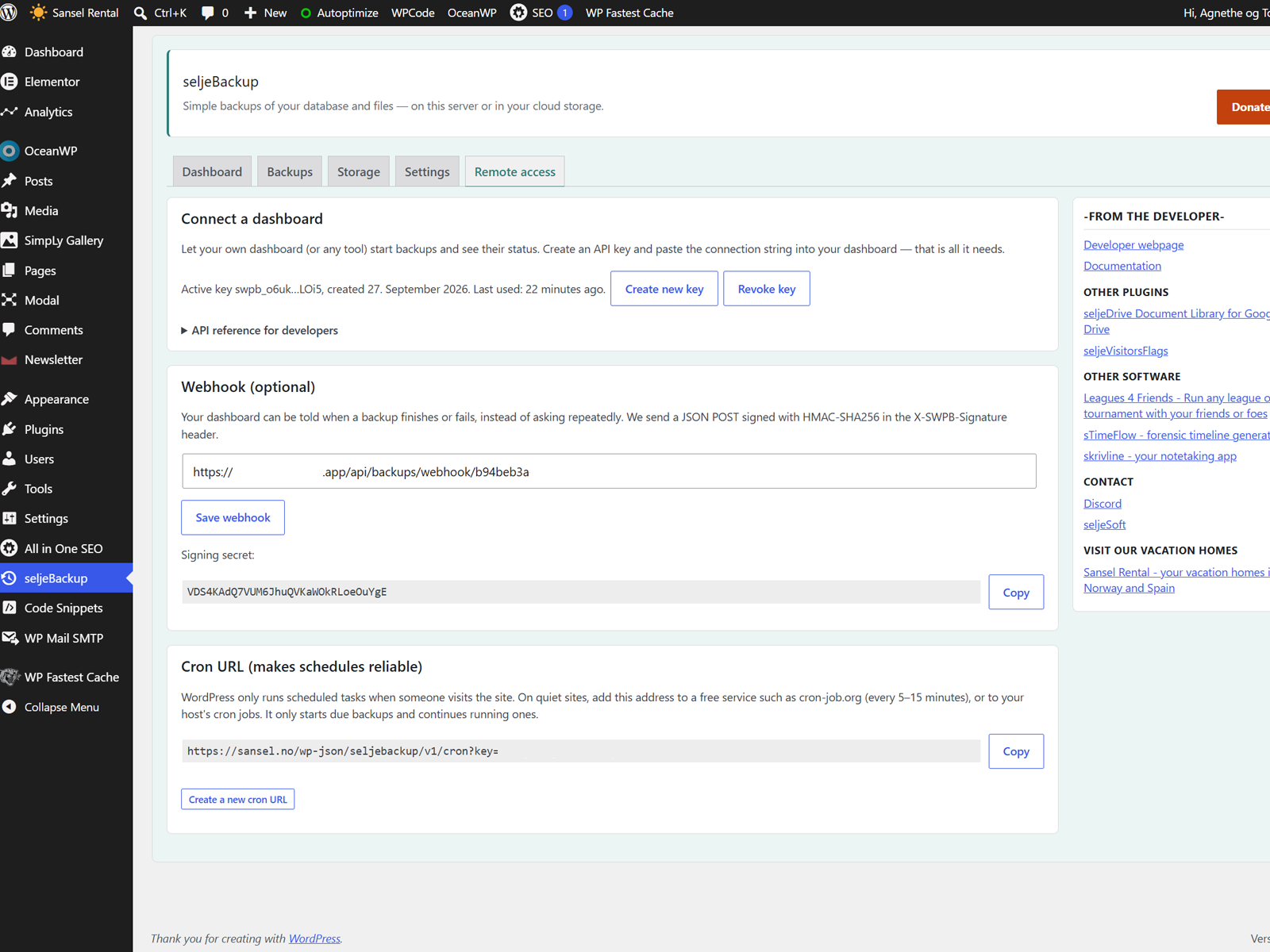
- Remote API: connect your own dashboard with one connection string; signed webhook; cron URL
- Encrypted credentials and a protected backup folder
- Translation-ready
安装:
- In WordPress admin, go to Plugins -> Add New.
- Search for seljeBackup.
- Click Install Now and then Activate.
- Open seljeBackup in the admin menu and answer the three quick-setup questions.
屏幕截图:
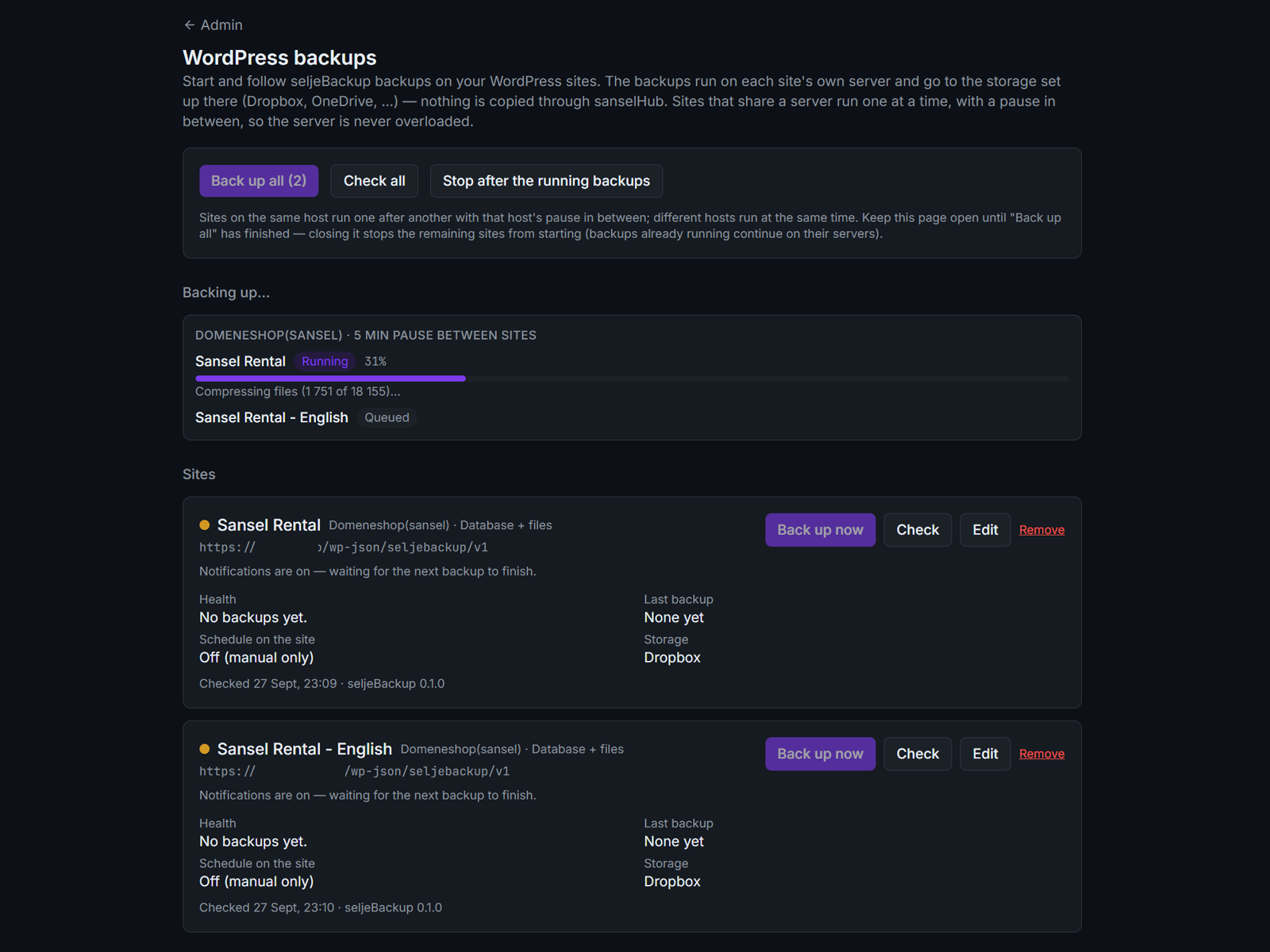
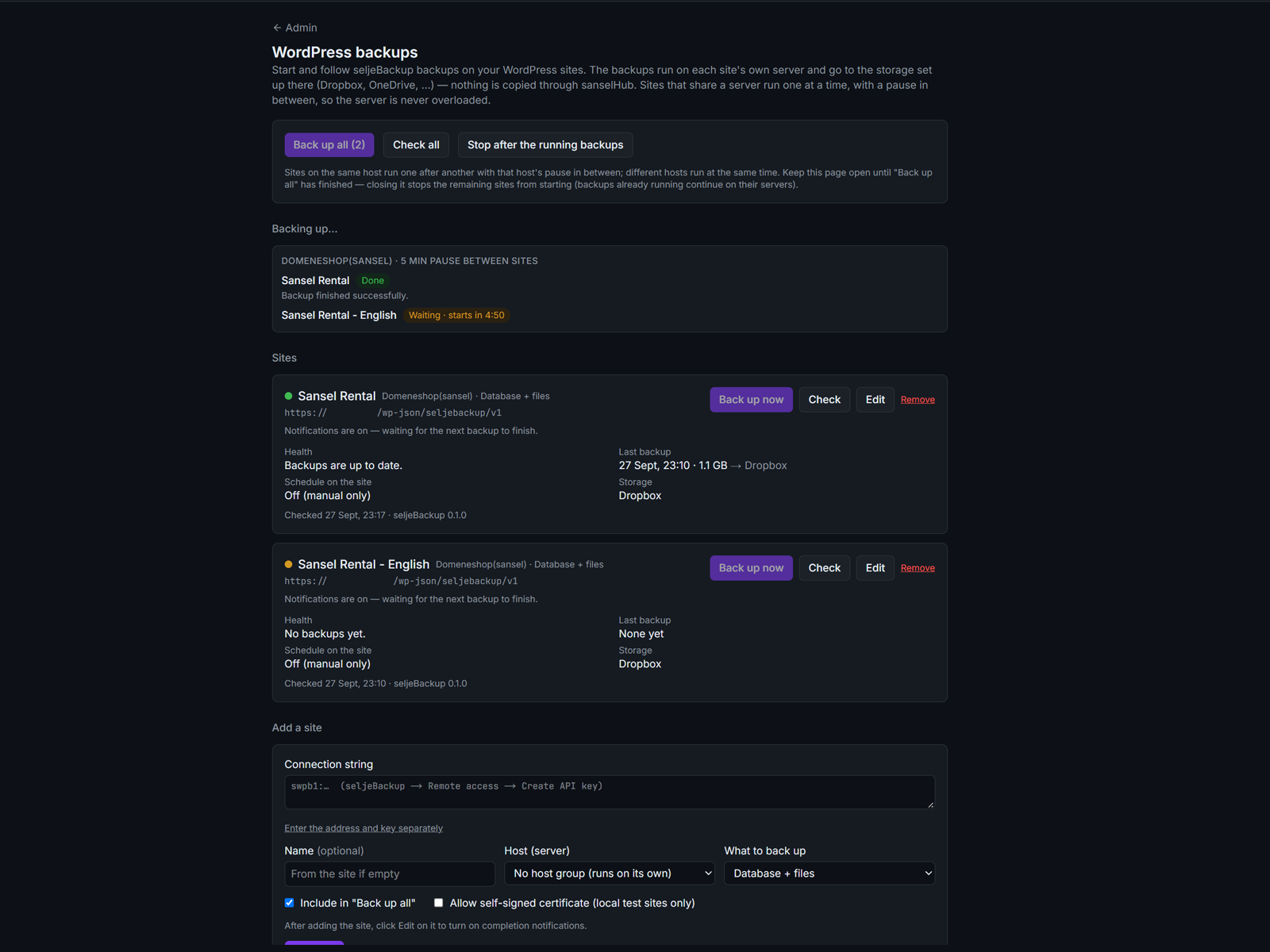
常见问题:
What does seljeBackup not do (yet)?
- One-click restore or site migration. Backups are standard .sql.gz and .zip files and are restored by hand (see "How do I restore or rebuild my site from a backup?" below).
- Incremental backups
- Official multisite support
How do I restore or rebuild my site from a backup?
Every backup is two ordinary files, so no plugin is needed: …_database.sql.gz (posts, pages, settings, users, orders) and …_files.zip (wp-content with themes, plugins and uploads, plus wp-config.php without its security keys, and .htaccess). The same guide is in the plugin under Backups -> How do I restore or rebuild my site?
You need: both backup files (download them in the plugin or from your cloud storage), a file manager or FTP/SFTP, and phpMyAdmin or your host's database tool. For a full rebuild you also need WordPress itself from wordpress.org: the core folders wp-admin and wp-includes are not in the backup by default, because they are identical for every site and can always be downloaded again.
A. Quick restore (WordPress still runs on the same site)
- Make a new backup first, so you can go back.
- Database: in phpMyAdmin select the site's database, choose Import, pick the
.sql.gzfile (no need to unzip) and run it. The WordPress tables are replaced. - Files (only if they are broken or missing): unzip
…_files.zipand upload thewp-contentfolder, replacing the existing files. - Log in (users and passwords are as they were in the backup), click Save under Settings -> Permalinks and clear any cache.
- Unzip
…_files.zipand openseljebackup-manifest.json: note the WordPress version, table prefix and old site address. - Download WordPress (preferably the same version: https://wordpress.org/download/releases/) and upload the contents of its
wordpressfolder to your web folder (oftenpublic_html). Do not run the installer. - Upload from the backup:
wp-content(replace the one from WordPress),wp-config.phpand.htaccess. - Create an empty database and user in your hosting panel. If they differ from the old site, change
DB_NAME,DB_USER,DB_PASSWORDandDB_HOSTinwp-config.php. Do not change$table_prefix. Backups never contain the real security keys: replace the eight lines that say "put your unique phrase here" with new ones from https://api.wordpress.org/secret-key/1.1/salt/ (if you skip this, WordPress creates keys by itself). - Import
…_database.sql.gzwith phpMyAdmin. Too big for phpMyAdmin? Use your host's import tool or SSH:gunzip < backup_database.sql.gz | mysql -u USER -p DATABASE - New address? Run
wp search-replace 'https://old-site.com' 'https://new-site.com' --all-tables(WP-CLI) or use a plugin such as Better Search Replace. Never use find/replace on the.sqlfile itself; it breaks serialized settings. - Log in at
/wp-admin(everyone has to log in again, because the security keys are new), click Save under Settings -> Permalinks, clear caches and check some pages and images. - In seljeBackup -> Storage, connect each storage again (or enter its password again): saved connections are protected with the old security keys.
- "Error establishing a database connection": the database details in
wp-config.phpare wrong (step B4). - Only the front page works: Settings -> Permalinks -> Save, or upload
.htaccessagain. - Missing images:
wp-content/uploadswas not uploaded completely. - Redirects to the old address: the search-and-replace (B6) was not done for all tables.
- Import stops or times out: use the host's import tool or the SSH command in B5.
Do I need to back up the wp-content folder?
Yes, it is the most important folder. WordPress core (wp-admin, wp-includes) can always be downloaded again, which is why it is left out by default, but wp-content holds everything that is unique to your site:
uploads: your images and documents. Usually irreplaceable, and usually the largest part.themesandplugins: can be reinstalled from WordPress.org, but not premium or custom-made ones, edited files, or the exact versions you run. Restoring from a backup is much faster and brings back a working site in one step.mu-plugins,languagesand other plugin folders: small, often forgotten, and needed for the site to work the same way.
Why is my site (and backup) getting bigger?
Open Dashboard -> What takes up space? and click Analyze now. It measures folders, the largest files and database tables, shows what goes into the backup, and gives tips. Common causes: several resized copies of every uploaded image, old backups from other plugins, cache folders, large log files, many post revisions and WooCommerce/Action Scheduler logs.
Where are backups stored on my server?
In wp-content/seljebackup-<random>/. The folder is blocked from web access (.htaccess, web.config, index files) and has an unguessable name, because some servers (nginx) ignore .htaccess. To store backups outside the web root, add define('SWPB_BACKUP_DIR', '/path/outside/public_html/backups'); to wp-config.php.
Will backups work on my cheap shared hosting?
Yes, that is what it is built for. Backups run in short steps (a few seconds each) that continue in the background. If the host kills a step, the plugin notices, retries with smaller steps, and explains in plain language if it still cannot continue.
The system check says my server "blocks requests to itself". Is that a problem?
No. Backups still work while the admin page is open, and scheduled backups continue via WP-Cron every 5 minutes. For faster scheduled backups, add the Cron URL to a cron service.
Why do I need to create my own Google / Microsoft / Dropbox app?
So that your backups and access tokens go directly between your site and your own account, with no third-party server in between, and so that the plugin does not depend on a service run by the developer. It takes about 10 minutes, once, and the setup guide in the plugin walks you through it.
Can my Google Drive connection stop working?
Only if the Google app is left in "Testing" mode (access then expires after 7 days; publish the app as described in the guide), if you remove the app's access in your Google account, or if you change the client secret. The plugin emails you when an upload fails.
What happens when I delete the plugin?
Its settings, credentials and backup list are removed. Backup files are deliberately left on the server and in your cloud storage. Delete the wp-content/seljebackup-<random>/ folder yourself if you no longer need them.
Does it support multisite?
Not officially yet. On a multisite network the whole network (all sites) is backed up together.
What PHP version is required?
PHP 7.4 or newer with the zlib extension (almost always available). FTP storage additionally needs the PHP FTP extension.
Does it support Norwegian language?
The plugin is translation-ready. A Norwegian Bokmål (nb_NO) translation is planned.
更新日志:
- First version: database + files backups as two standard files, schedules, retention, Google Drive, OneDrive, Dropbox, S3-compatible and FTP storage, remote API with API key / connection string, webhook, cron URL, email notifications, system check
- "What takes up space?" panel: folder sizes, largest files and tables, tips, one-click skip/include
- Database backups are written as one standard gzip stream (readable by every tool, including those that only read the first part of a .gz file)
- Step-by-step guide for restoring or rebuilding a site from a backup
- Lower load on every page view: plugin code is only loaded when it is needed (admin, REST, cron, backups)
- Low-impact mode: optional pause between backup steps
- Duplicator 5's backup folder (wp-content/duplicator-backups) is skipped automatically
- Security: wp-config.php is backed up without its authentication keys and salts, and the database backup leaves out keys and salts stored in the database, so they never leave the server