
Sendly SMS for WooCommerce
| 开发者 | tomlwbioda |
|---|---|
| 更新时间 | 2026年7月30日 03:34 |
| 捐献地址: | 去捐款 |
| PHP版本: | 7.4 及以上 |
| WordPress版本: | 7.0 |
| 版权: | GPLv2 or later |
| 版权网址: | 版权信息 |
详情介绍:
- Per-status on/off switch and editable message template (works with custom order statuses too).
- Placeholders:
{shop_name},{order_number},{order_total},{currency},{customer_first_name},{customer_last_name},{order_status}, optional{tracking_number?}. - Asynchronous sending via Action Scheduler — checkout is never blocked by the SMS call.
- Automatic retries with exponential backoff and per-order idempotency (no duplicate texts).
- International-ready phone normalisation based on the order's billing country.
- Live SMS segment/encoding counter (GSM-7 vs UCS-2) so you can see cost while editing templates.
- "Send test SMS" button in the settings.
- Optional delivery receipts (DLR webhook) that record DELIVERED/ERROR on the order.
- Optional RODO/GDPR consent (opt-out) checkbox at checkout.
- Create a Sendly account straight from the plugin (100 free SMS to start) — no separate signup needed.
- Quick links to the Sendly customer panel.
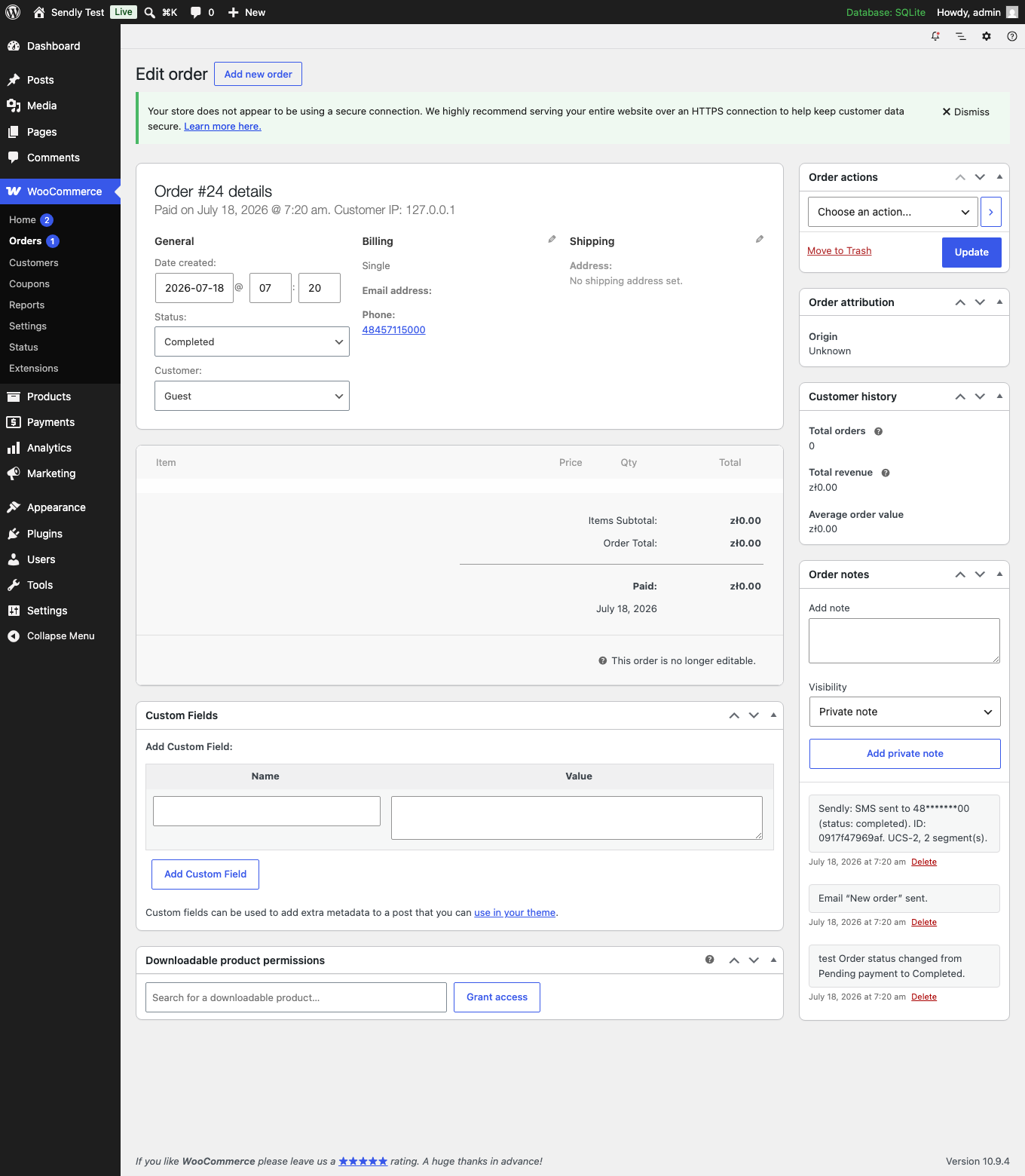
- Per-order audit as order notes, plus a "sendly" channel in WooCommerce → Status → Logs. Configurable retention; phone numbers are masked and message bodies are not stored by default.
- HPOS (High-Performance Order Storage) compatible.
from accepts a numeric virtual number only. The alphanumeric sender ID is configured on the Sendly side and bound to that number. The plugin provides a sender-ID field and a forward-compatible hook (sendly_request_body) so it can be sent in the API payload once Sendly exposes that option.
安装:
- Upload the
sendlyfolder to/wp-content/plugins/, or install the ZIP via Plugins → Add New → Upload. - Activate the plugin. WooCommerce must be active.
- Go to WooCommerce → Settings → SMS.
- Enter your Sendly API token; the sender number (from) is optional.
- Enable the order statuses you want and adjust the message templates.
- Use "Send test SMS" to verify your configuration.
屏幕截图:
常见问题:
Do I need a Sendly account?
Yes. You need a Sendly SMS account, a virtual number and an API token. The plugin makes this easy: go to WooCommerce → Settings → SMS → Sign up for Sendly, fill in your details and click "Create account" — you finish on sendly.link (password + bot check) and get 100 free SMS to start. Alternatively register directly at https://sendly.link/pl/rejestracja/ .
Why is my sender shown as a number instead of my shop name?
The alphanumeric sender ID ("nadpis") is registered and bound to your number on Sendly's side. The plugin's API call sends only the numeric from; the provider substitutes the approved sender ID.
Does it work with the block-based checkout?
The opt-out consent checkbox uses the classic checkout hooks. Order-status SMS sending works regardless of the checkout type.
Will it slow down checkout?
No. Sending happens in the background through Action Scheduler.
How are delivery receipts (DLR) secured?
The DLR endpoint is guarded by a random shared secret. The settings page shows a ready-to-use URL with the secret in the query string for convenience; you can instead send the secret in an X-Sendly-Secret HTTP header to keep it out of access logs. The secret can be regenerated from the settings page at any time (the old URL then stops working).
Can I send to international numbers?
Phone numbers are normalised using the order's billing country. Actual delivery depends on what the Sendly gateway supports; numbers outside the gateway's accepted length are skipped and logged.
更新日志:
- Use boolean autoload values in add_option()/update_option() for WordPress 6.7+ compatibility.
- Initial release: per-status SMS via Sendly, async sending with retries, phone normalisation, encoding/segment counter, test-SMS button, delivery receipts, RODO opt-out, activity log and HPOS support.