SEO Magic – AI SEO Assistant
| 开发者 |
mairaforesto
Maira Foresto |
|---|---|
| 更新时间 | 2026年7月11日 23:55 |
| PHP版本: | 7.4 及以上 |
| WordPress版本: | 7.0 |
| 版权: | GPLv2 or later |
| 版权网址: | 版权信息 |
详情介绍:
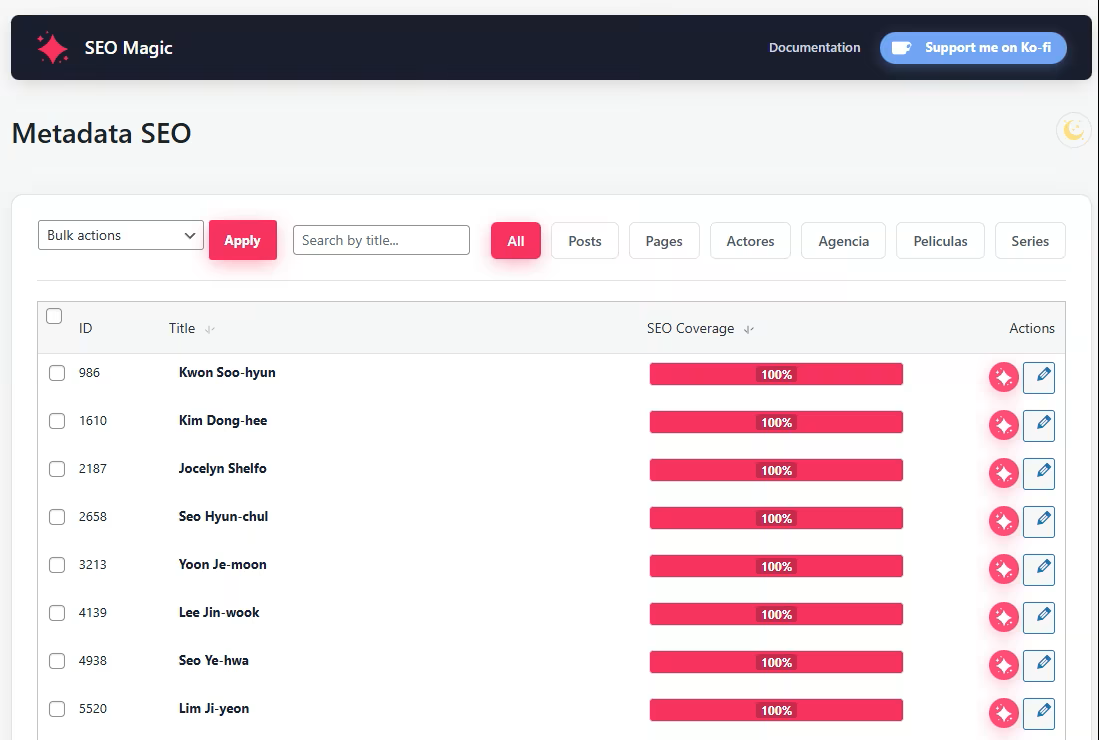
- Review SEO coverage from a paginated admin table.
- Generate or edit SEO titles and meta descriptions.
- Manage Facebook / Open Graph and Twitter metadata.
- Work with posts, pages, products, public post types and archive metadata.
- Process items sequentially to reduce server load.
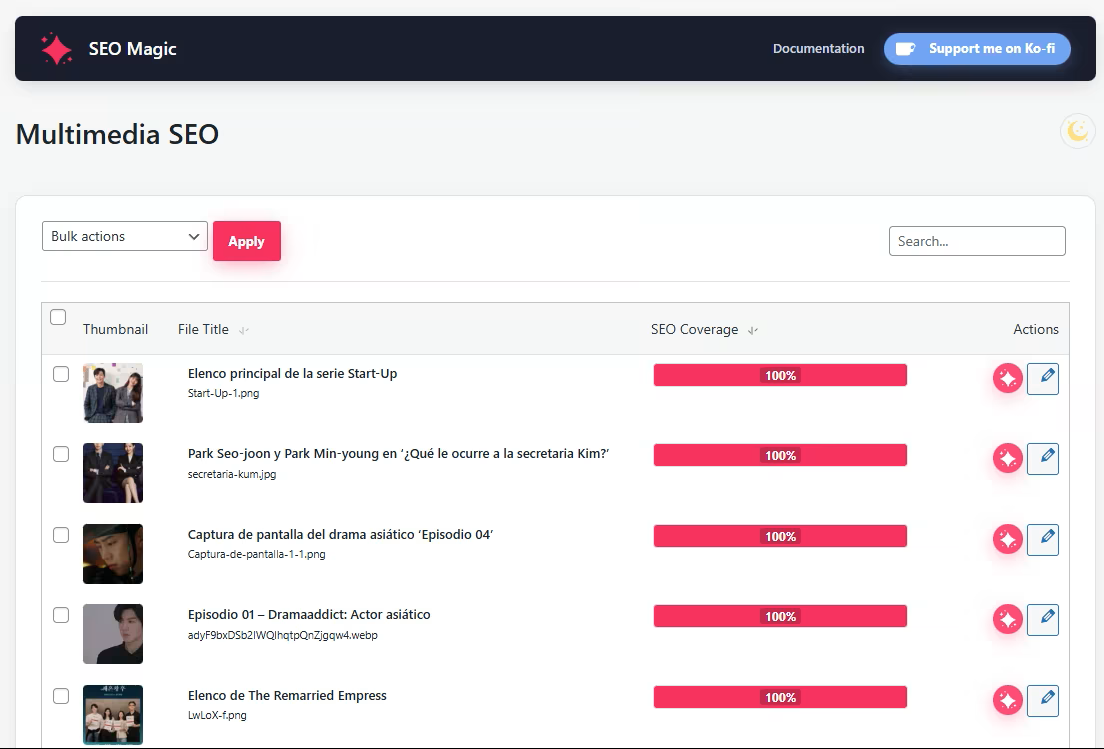
- Find images with missing titles, alt text, captions or descriptions.
- Generate all image fields from one contextual action.
- Regenerate existing metadata while sending the current values so the AI can propose an alternative.
- Edit or generate individual fields.
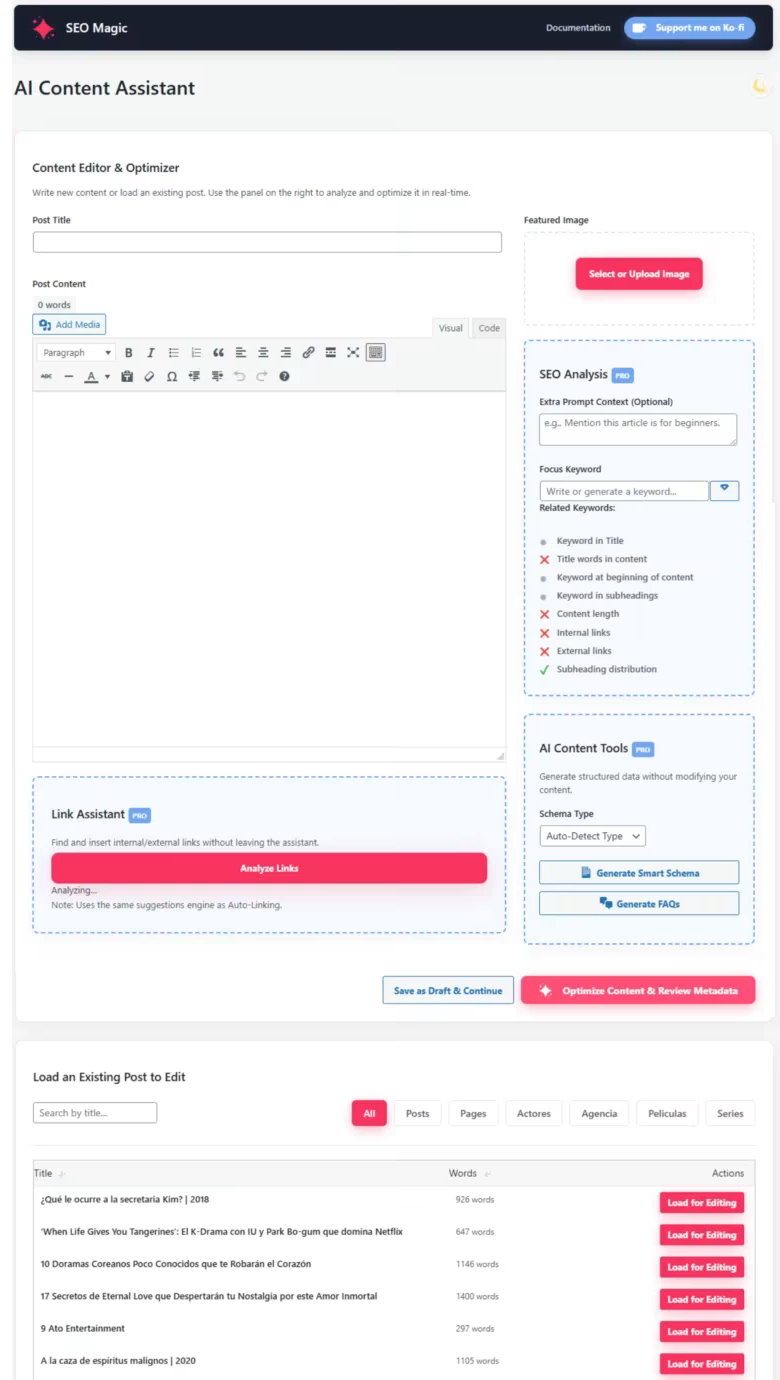
- Load an existing post or page into a focused editing workspace.
- Improve structure, readability, headings and introductions.
- Review desktop and mobile snippet previews.
- Edit SEO and social metadata without leaving the assistant.
- Preserve protected blocks, embeds, tables and shortcodes more safely.
- Fill selected missing metadata and image fields in the background with WordPress Cron.
- Choose the content types, schedule and fields to process.
- Preserve existing values unless regeneration is requested.
- Real database pagination avoids loading an entire product catalog into memory.
- Server locks and cross-tab coordination reduce overlapping requests.
- Structured errors clarify quota, timeout and connection problems.
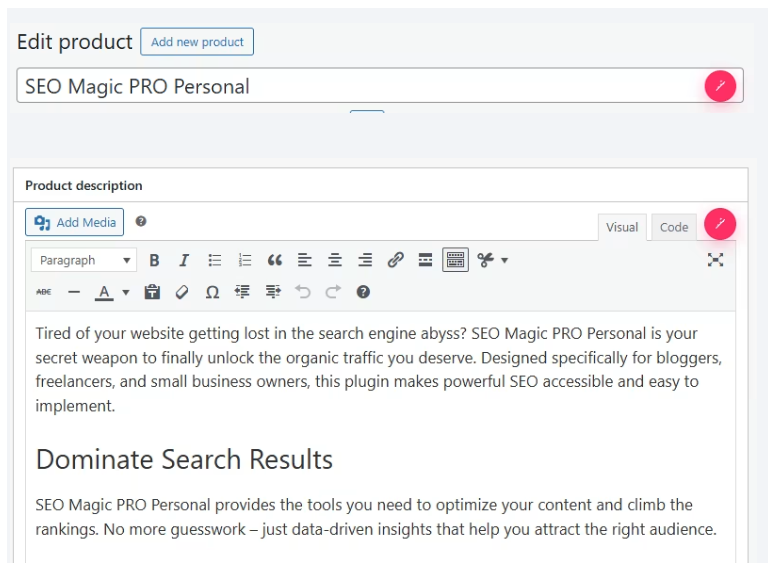
- WooCommerce Assistant: product titles, long/short descriptions and tags.
- Smart Schema and FAQ tools: create and review structured-data drafts.
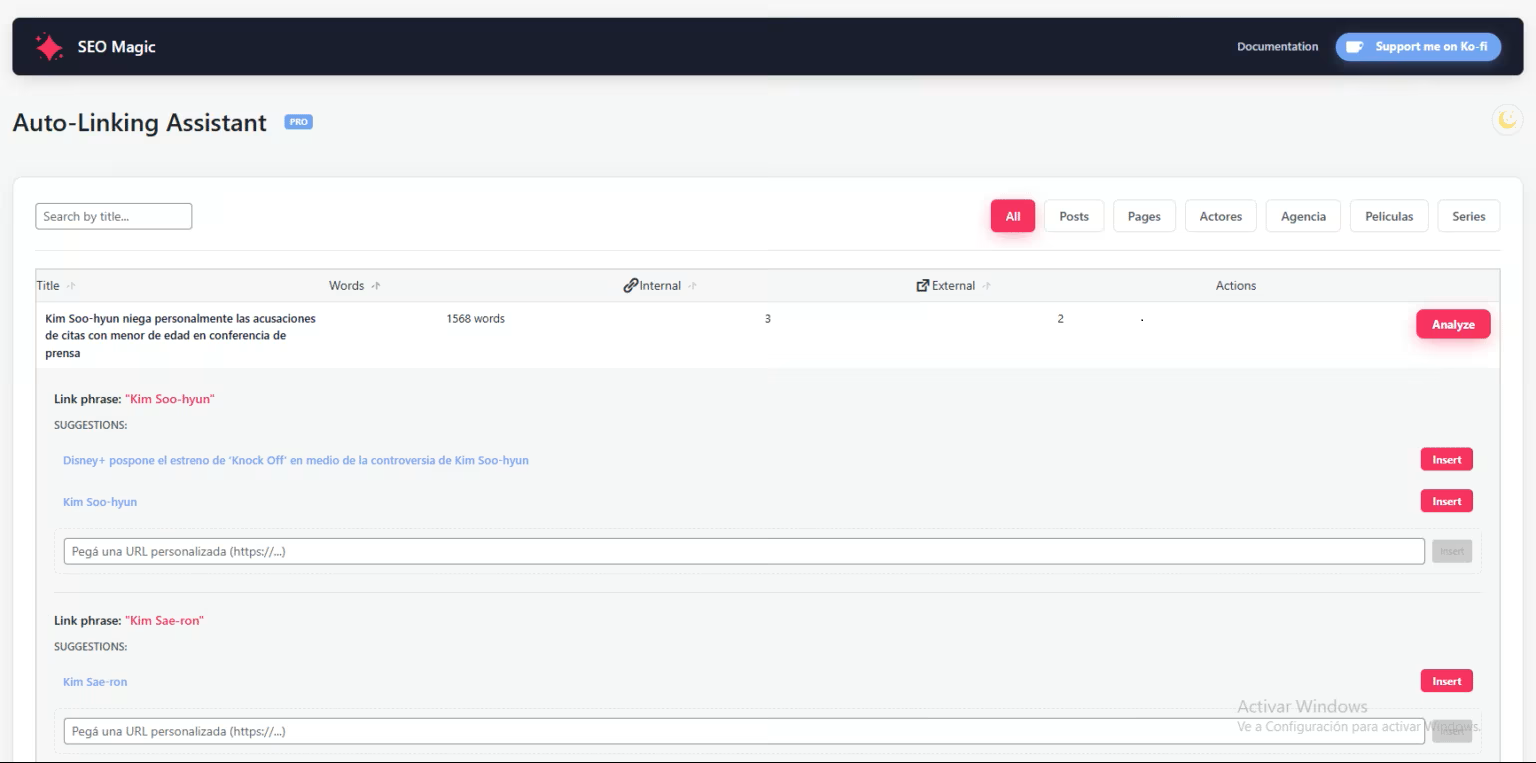
- Auto-Linking Assistant: discover relevant internal and external link opportunities.
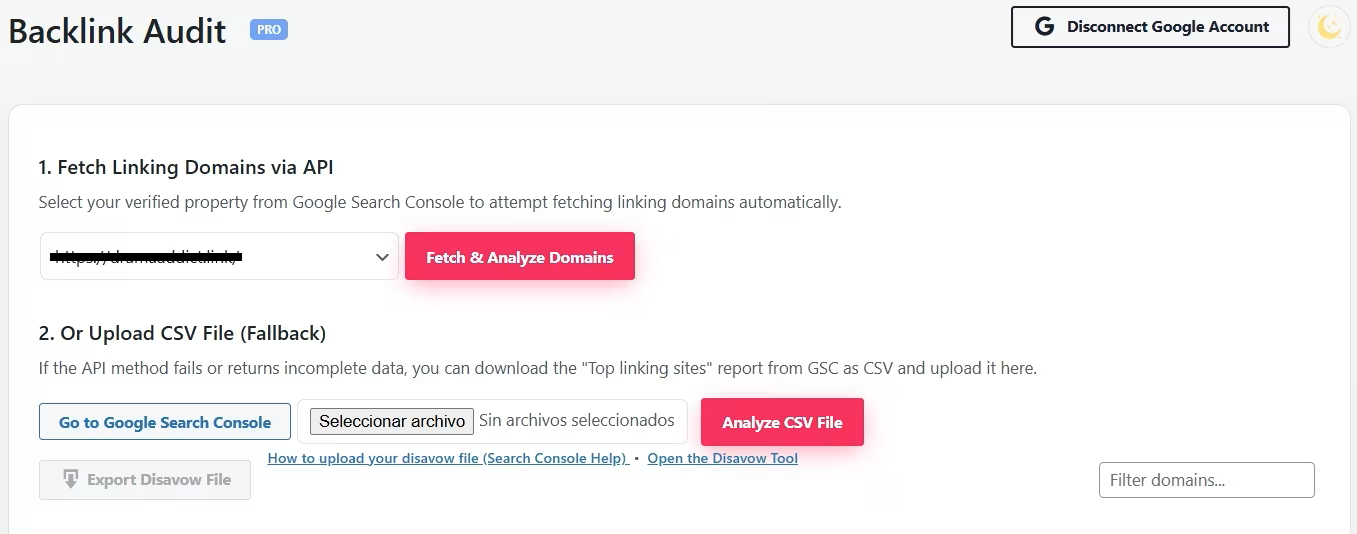
- Backlink Risk Signals: group referring domains and review evidence.
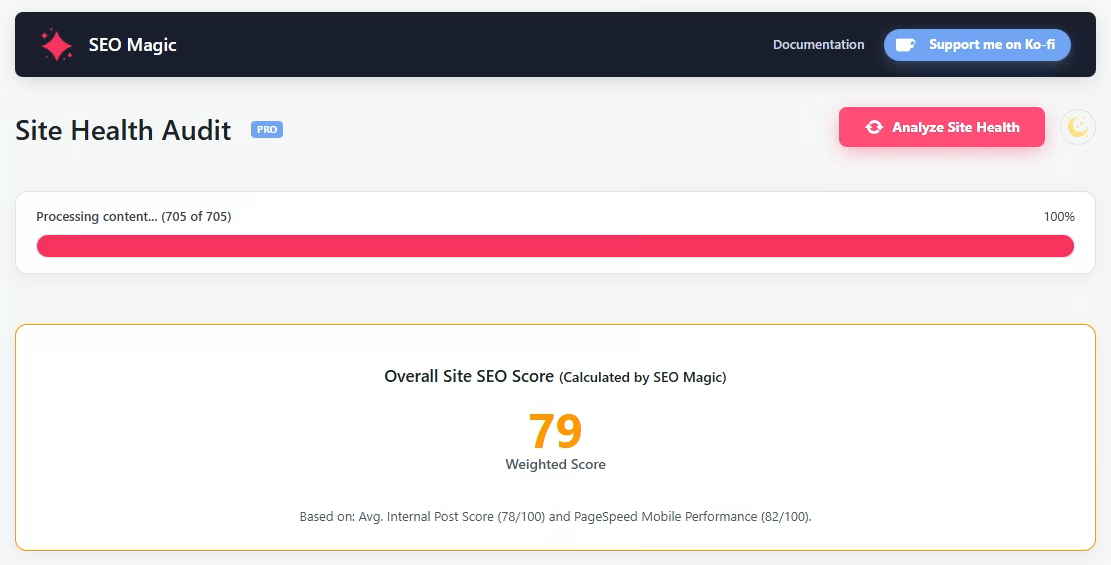
- Site Health Audit: content signals, PageSpeed data and technical checks.
- Advanced settings: Google integrations, selected ACF context and model rules.
安装:
- Install SEO Magic – AI SEO Assistant from the WordPress Plugins screen, or upload the
seo-magicofolder to/wp-content/plugins/. - Activate the plugin.
- Open SEO Magic → Settings.
- Add your Google Gemini API key and choose the settings you want to use.
- Select your active SEO provider when applicable.
- Open Metadata SEO, Multimedia SEO or Content Assistant and review your first suggestion.
屏幕截图:
常见问题:
Do I need a Google Gemini API key?
Yes. SEO Magic uses your own Gemini API key for AI-assisted generation. The plugin does not sell or include Gemini usage.
Is Google Gemini free?
Google may offer free and paid tiers. Limits and pricing are managed by Google.
Does SEO Magic replace my SEO plugin?
SEO Magic writes supported metadata for the provider selected in settings. Avoid multiple SEO plugins managing the same fields.
Does the AI analyze the actual image pixels?
Yes. Image metadata generation reads the attachment and sends image data, plus available WordPress context, through the SEO Magic proxy to Gemini. Large images may be resized or compressed before transmission.
What is the difference between Generate and Regenerate?
Empty fields use Generate; existing metadata uses Regenerate and sends the current values. Identical suggestions are reported without a second automatic request.
Can I use SEO Magic on a large WooCommerce catalog?
Yes. Admin lists use real pagination and AI bulk operations run sequentially. Hosting and API limits still affect speed.
What happens when I deactivate or update the plugin?
Deactivation, updates and ZIP replacement preserve settings and generated metadata. Cleanup runs only on uninstall after explicit opt-in.
How does the Pro license work?
Free needs no license. Pro validates its key and site activation with the SEO Magic license server.
Where can I get support?
Use WordPress.org support for Free. Pro support is handled through https://seomagic.click/.
更新日志:
- Consolidated the stability, scalability and interface improvements introduced across the 1.6.x releases.
- Added server-side AI locks, cross-tab coordination, double-click protection and structured HTTP errors to reduce overlapping requests and duplicate AI usage.
- Added real database pagination for larger post and product catalogs.
- Improved Generate / Regenerate workflows for posts, archives and media, including comparison against the existing metadata.
- Fixed immediate saving and coverage refresh for generated taxonomy, tag and author archive metadata.
- Preserved settings and generated metadata during deactivation, updates and ZIP replacement; uninstall cleanup is now explicit opt-in.
- Refined Metadata, Multimedia, Content Assistant, WooCommerce and Site Health admin layouts and actions.
- Improved AIOSEO Lite / Pro detection and safer handling when multiple SEO providers are active.
changelog.txt included with the plugin.