SEO Help Flow for ACF and Elementor
| 开发者 | croberta84 |
|---|---|
| 更新时间 | 2026年4月25日 18:56 |
| PHP版本: | 7.4 及以上 |
| WordPress版本: | 6.9 |
| 版权: | GPLv2 or later |
| 版权网址: | 版权信息 |
详情介绍:
- One workflow — editors update ACF; designers stay in Elementor; you stop duplicating text between “content” and “SEO fields.”
- Structured data without copy-paste — output Article, FAQPage, WebPage, and BreadcrumbList JSON-LD from ACF repeaters and text fields where it makes sense.
- Nothing held hostage — the WordPress.org version is fully functional. No feature locks, no “upgrade to unlock widgets.”
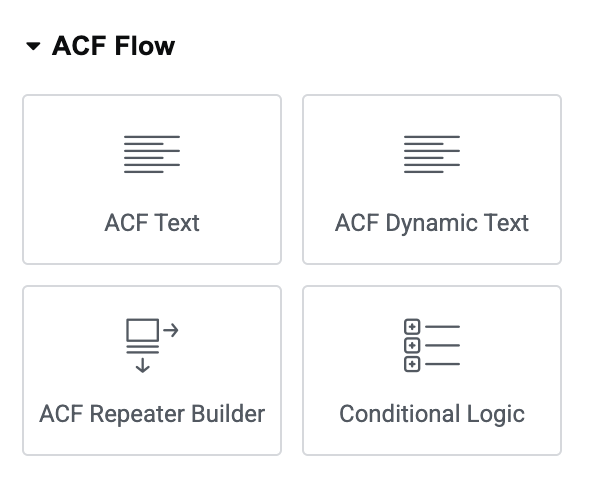
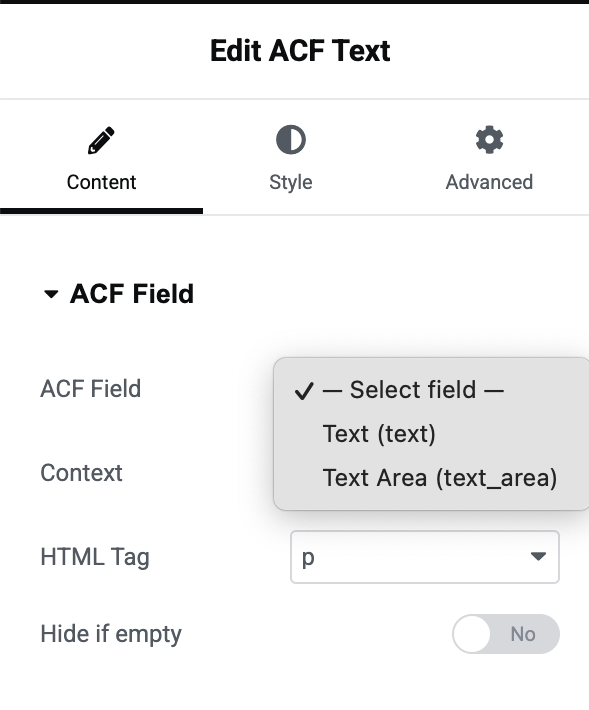
- ACF Text & Dynamic Text — headings, body, emails, with fallbacks and sensible HTML wrappers.
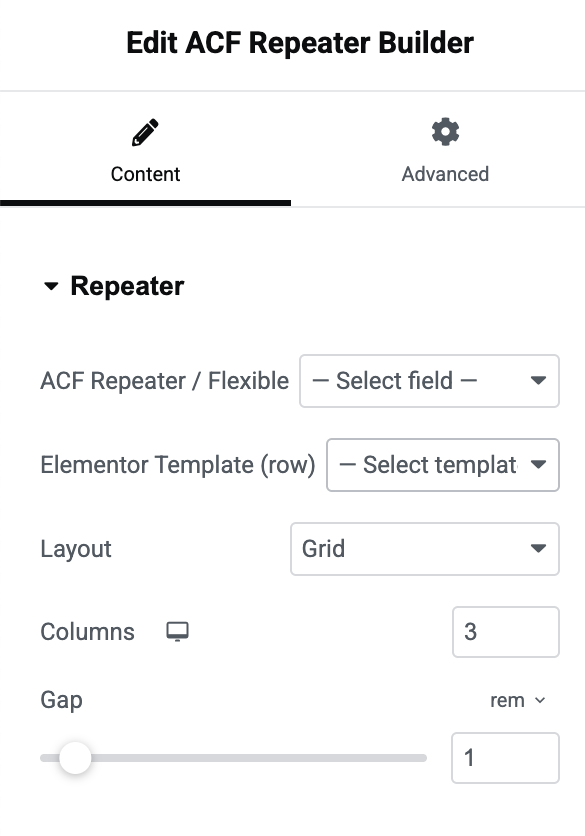
- ACF Repeater — grids, lists, sliders; template-driven rows without leaving Elementor.
- ACF Image, Link, Gallery — media and CTAs tied to real field types.
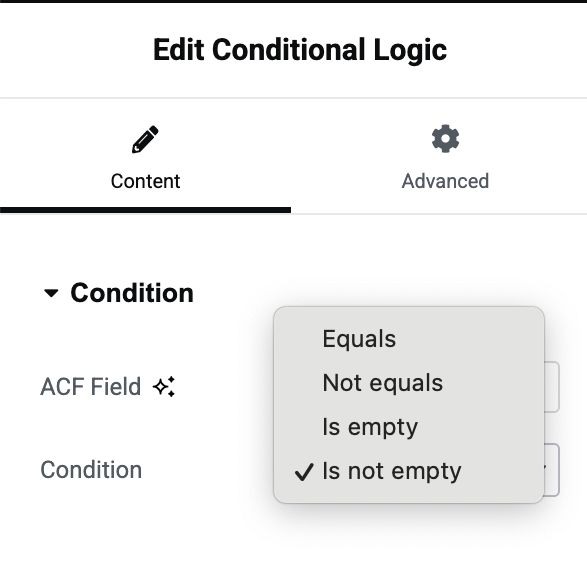
- Conditional Logic — show or hide sections based on field values (AND/OR style rules where supported).
- Global ACF Logic — apply visibility rules across widgets from one place where the plugin supports it.
- Presets — save and reuse widget configurations for repeatable patterns.
- ACF JSON-LD (SEO) 🔎 — map fields to schema.org so search engines see the same story visitors see.
- Agencies shipping many Elementor + ACF sites and needing a repeatable pattern.
- Developers who want maintainable dynamic UI—not one-off hacks per project.
- SEO-minded builders who want valid, maintainable structured data tied to CMS fields.
- WordPress 6.0+ · PHP 7.4+ · Elementor + Advanced Custom Fields (see Requires Plugins).
screenshot-1.png … screenshot-6.png in your SVN assets/ directory (same level as trunk). Use PNG, readable UI zoom, ~1280×720 or similar 16∶9—clear panel + canvas so visitors instantly “get it” in the directory gallery.
安装:
- Install and activate Elementor and Advanced Custom Fields (required).
- Install SEO Help Flow for ACF and Elementor from Plugins → Add New (search) or upload the ZIP.
- Activate the plugin.
- Open any page or template in Elementor.
- In the widget panel, open the Help Flow category (label may reflect your white-label setting).
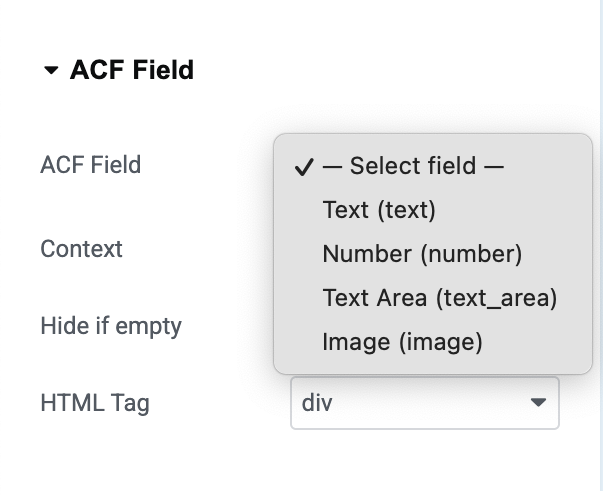
- Drag a widget (e.g. ACF Text), select the ACF field to use, preview, publish.
屏幕截图:
常见问题:
Do I need both Elementor and ACF?
Yes. The plugin is built specifically for sites that use Elementor for layout and Advanced Custom Fields for structured content. Both are listed under Requires Plugins.
How does the plugin help SEO if it is not a classic SEO plugin?
It connects your real content (ACF) to structured data and semantic output in Elementor. Instead of pasting static JSON-LD or duplicating text in a separate SEO box, you can drive Article, FAQ, WebPage, and breadcrumb schema from fields you already maintain—so SEO stays closer to what users see on the page.
Is everything free on WordPress.org?
Yes. Every widget and feature in this repository is available without paying. Optional Freemius flows (if you opt in) do not strip functionality from the hosted build.
How is this different from generic dynamic tags or shortcodes?
You get dedicated ACF widgets (repeaters, conditional logic, gallery, JSON-LD, presets) designed around field types and editor workflow—not one generic tag for everything.
Can I use this with other SEO plugins (Yoast, Rank Math, etc.)?
In many cases, yes. Avoid outputting conflicting duplicate JSON-LD for the same entity on the same page. Pick one source of truth per schema type (for example, either your SEO plugin or ACF JSON-LD (SEO) for FAQ)—whichever matches your workflow.
Can I translate the plugin?
Yes. Text domain: seohelp-flow-for-acf-and-elementor. Community translations can be contributed via translate.wordpress.org when available.
Will this slow down my site?
The plugin follows WordPress patterns for scripts and styles. As with any Elementor site, keep third-party widgets reasonable and test with your host and caching setup.
更新日志:
- Initial release on WordPress.org.
- Readme: conversion-focused directory copy, expanded FAQ, and screenshot guidance for the plugin page.