
Serve Markdown
| 开发者 | akumarjain |
|---|---|
| 更新时间 | 2026年3月15日 20:22 |
| PHP版本: | 8.1 及以上 |
| WordPress版本: | 6.9 |
| 版权: | GPLv3 or later |
| 版权网址: | 版权信息 |
详情介绍:
Accept: text/markdown header or a .md URL — your site responds instantly. No noise, no guesswork.
How It Works
Serve Markdown adds three capabilities to your WordPress site:
1. Content Negotiation
When an AI crawler sends Accept: text/markdown, your site returns Markdown instead of HTML — no URL changes needed.
2. .md URL Suffix
Append .md to any post or page URL (e.g. example.com/my-article.md) to get the Markdown version directly.
3. Markdown Auto-Discovery
Every page includes a <link rel="alternate" type="text/markdown"> tag in the HTML head so crawlers can find your Markdown automatically.
What the Markdown Output Looks Like
Every Markdown response includes YAML frontmatter with structured metadata followed by your post content. Here is a real example:
---
url: 'https://akumarjain.com/textexpander-year-in-review-2025/'
title: TextExpander Year in Review 2025
author:
name: Ajay
url: 'https://akumarjain.com/author/akumarjain/'
date: '2026-01-05T09:05:00+05:30'
modified: '2026-01-10T14:30:06+05:30'
type: post
categories:
- 2025
- Year in Review
tags:
- '#ToolsIUse'
- Productivity
- Remote Work
image: 'https://akumarjain.com/wp-content/uploads/text-expander-year-in-review-2025.webp'
published: true
---
# TextExpander Year in Review 2025
In my daily work, I need to type the same words and phrases repeatedly...
Features
Content Serving
- Content negotiation via
Accept: text/markdownheader .mdURL suffix on any post or page- Auto-discovery
<link rel="alternate">tag in page head - Each feature can be toggled independently
- Choose which post types are exposed (posts, pages, custom post types)
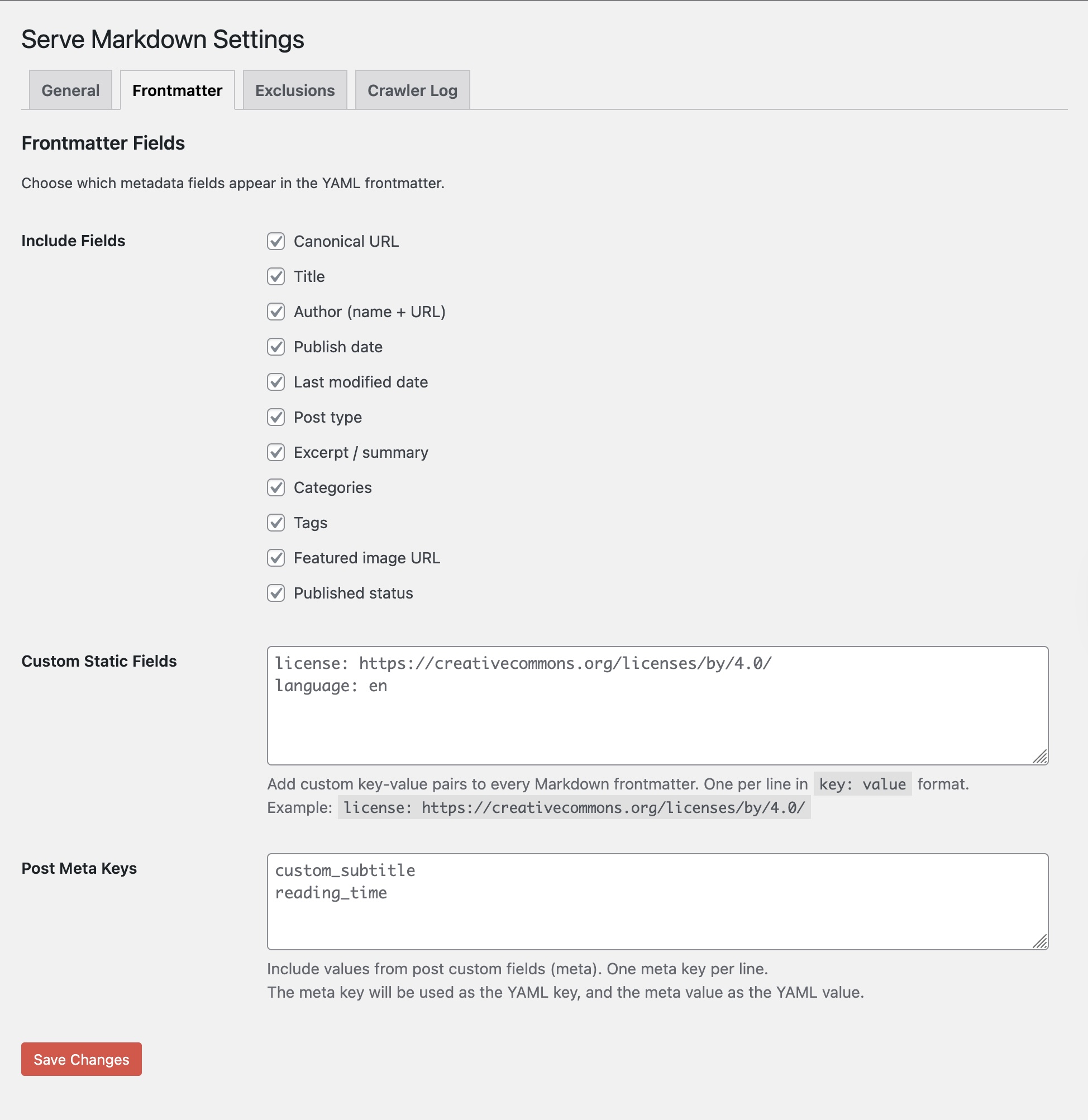
- YAML frontmatter with title, author, date, categories, tags, featured image, and more
- Toggle individual metadata fields on or off
- Add custom static key-value pairs (e.g.,
license,language) - Map WordPress custom fields (post meta) into the frontmatter
- Per-post opt-out via a sidebar checkbox in the editor
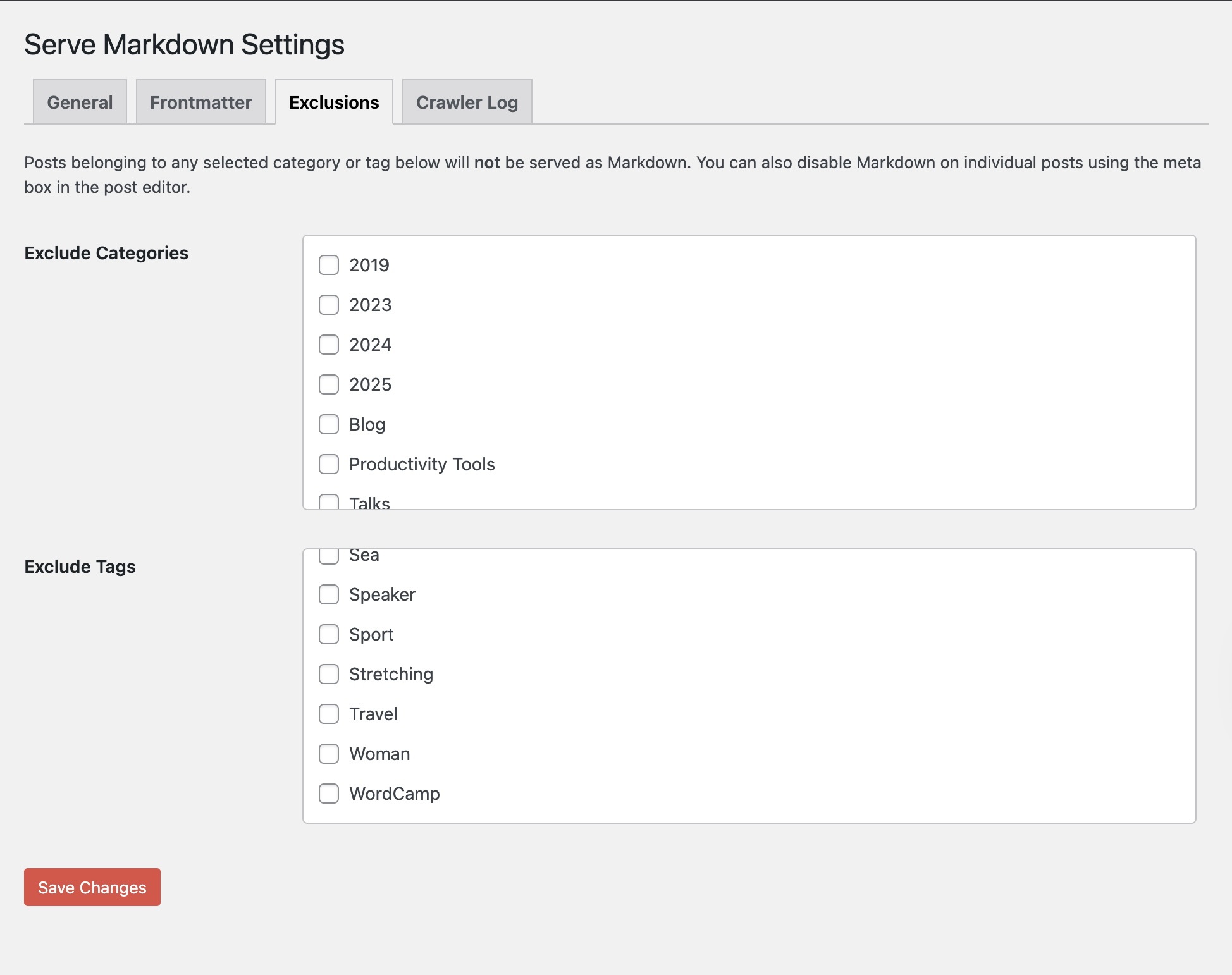
- Exclude entire categories from Markdown serving
- Exclude entire tags from Markdown serving
- Only published posts are served — drafts and private posts are never exposed
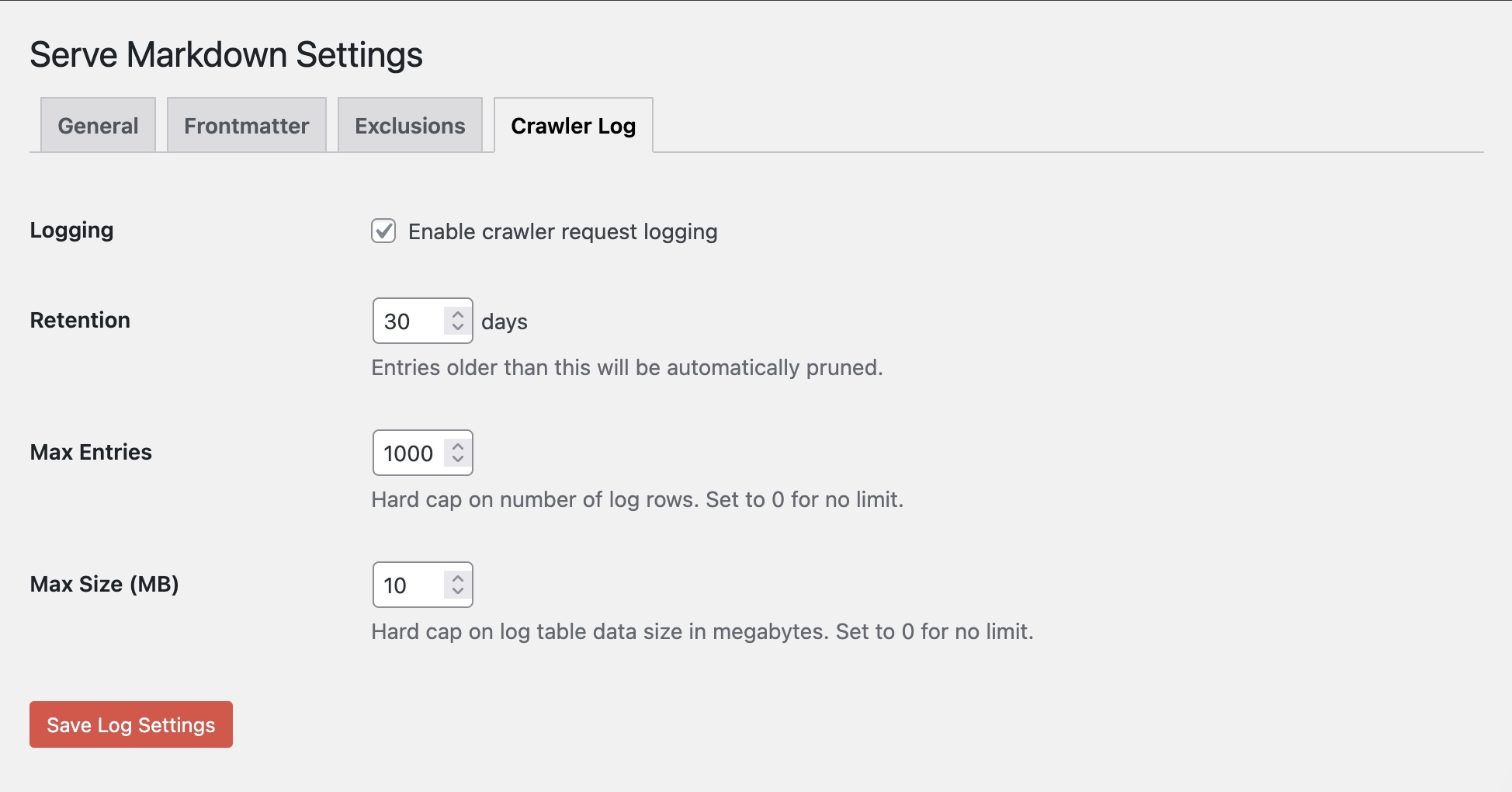
- Request log showing every Markdown request with timestamp, URL, bot name, and method
- Automatic bot detection: ClaudeBot, GPTBot, ChatGPT, OAI-SearchBot, PerplexityBot, Googlebot, Bingbot, Cohere, Meta AI, Bytespider, Applebot, and more
- Stats dashboard: total requests, requests today, unique bots
- Filter log by individual bot
- Configurable retention period with automatic pruning
- One-click log clearing
- "Preview Markdown" button in the post editor sidebar
- "View Markdown" link in the Posts and Pages list table
- Meta box shows on all enabled post types
安装:
- Upload the
serve-mdfolder to/wp-content/plugins/. - Activate the plugin through the Plugins menu in WordPress.
- Go to Settings > Serve Markdown to configure.
- Visit any published post URL with
.mdappended to verify it works.
屏幕截图:

常见问题:
Do I need to configure anything?
The plugin works out of the box with sensible defaults: posts and pages are served as Markdown with all metadata fields enabled and crawler logging turned on. Visit Settings > Serve Markdown to customize.
Will this affect my site speed?
No. Markdown is generated on demand only when explicitly requested. Normal page loads are completely unaffected, and the crawler log insert adds negligible latency — or disable logging entirely from settings.
Does it work with custom post types?
Yes. Any public post type registered on your site will appear as a checkbox on the General settings tab.
Can I exclude specific posts?
Yes, in two ways. You can check "Disable Markdown for this post" in the editor sidebar for individual posts. You can also exclude entire categories or tags from the Exclusions settings tab.
What metadata is included?
By default: URL, title, author name and URL, publish date, last modified date, post type, excerpt, categories, tags, featured image URL, and published status. Each field can be toggled off individually. You can also add custom static fields and map WordPress custom fields.
What AI crawlers are detected?
ClaudeBot (Anthropic), GPTBot and OAI-SearchBot (OpenAI), ChatGPT-User, Google-Extended (Google AI), PerplexityBot, Bingbot, Cohere, Meta AI, Bytespider (ByteDance), Applebot, CCBot (Common Crawl), YouBot, and a catch-all for unrecognized bots.
Is this compatible with caching plugins?
Yes. Serve Markdown sets the DONOTCACHEPAGE constant when serving Markdown responses, which is respected by WP Super Cache, W3 Total Cache, WP Rocket, and most other caching plugins.
Does this work on WordPress.com?
Yes. The plugin uses WPINC for environment detection instead of ABSPATH, making it compatible with WordPress.com Business plans, WordPress VIP, Pantheon, and other managed hosting platforms.
更新日志:
- Initial release.