
Services Section Block – present your services in clean grids and columns
| 开发者 |
abuhayat
charlescormier bplugins shamim10 freemius farazi1 shihabshamim |
|---|---|
| 更新时间 | 2026年10月31日 11:15 |
| 捐献地址: | 去捐款 |
| PHP版本: | 6.5 及以上 |
| WordPress版本: | 7.1 |
| 版权: | GPLv3 or later |
| 版权网址: | 版权信息 |
详情介绍:
- Icon Library: Select the icon of your choice from the built-in library, or upload any image in PNG, JPEG, or JPG format as a service icon.
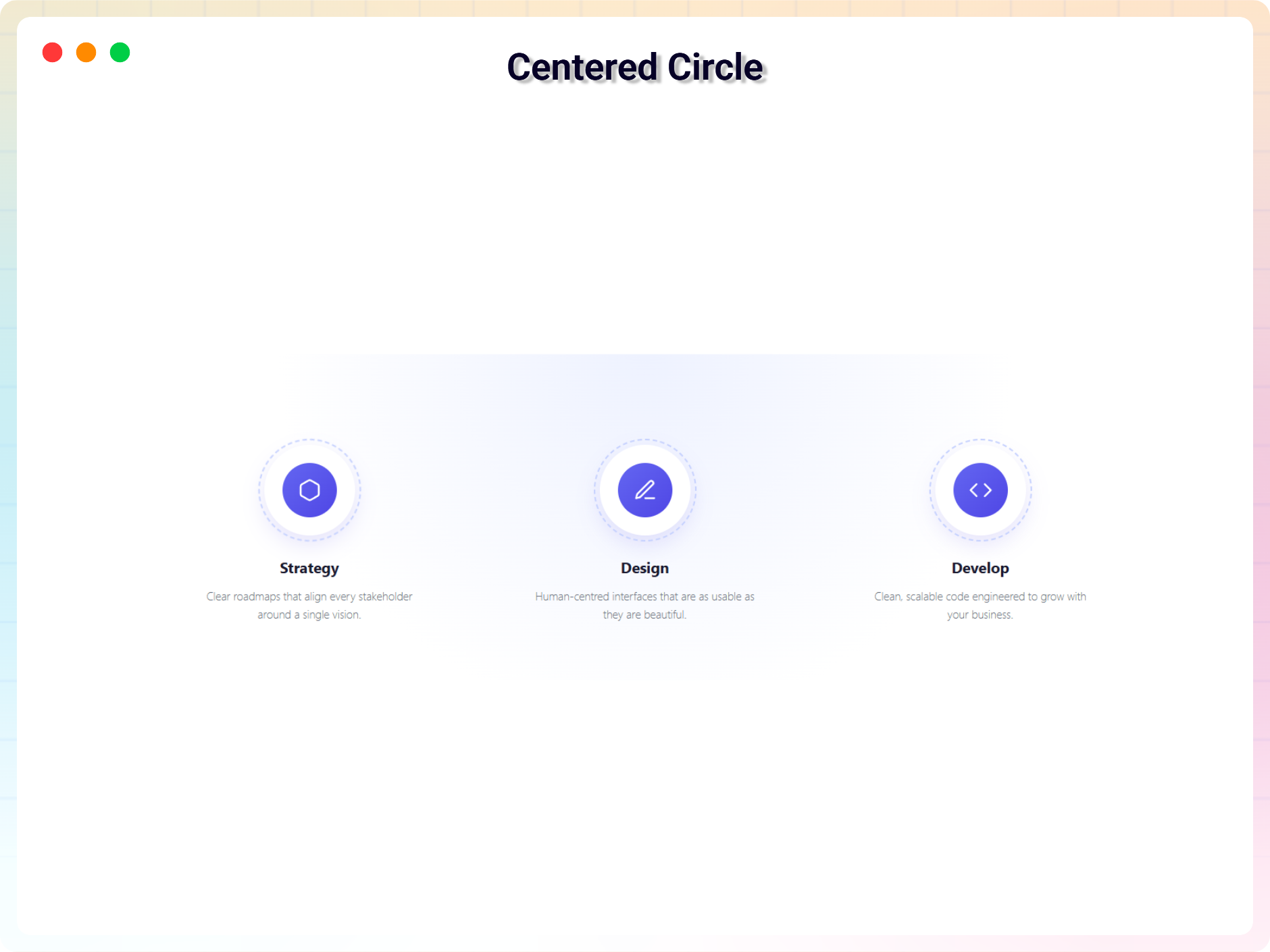
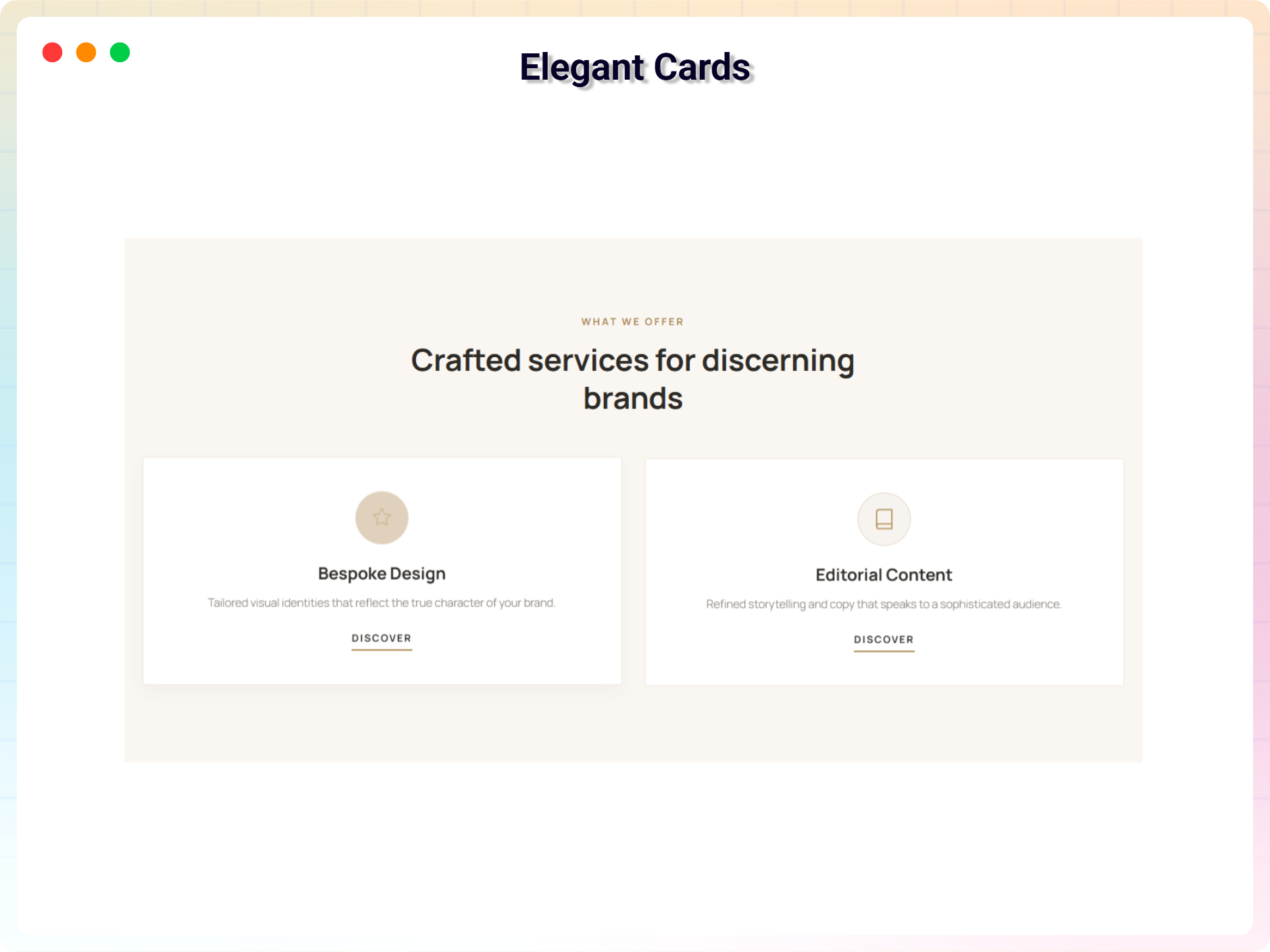
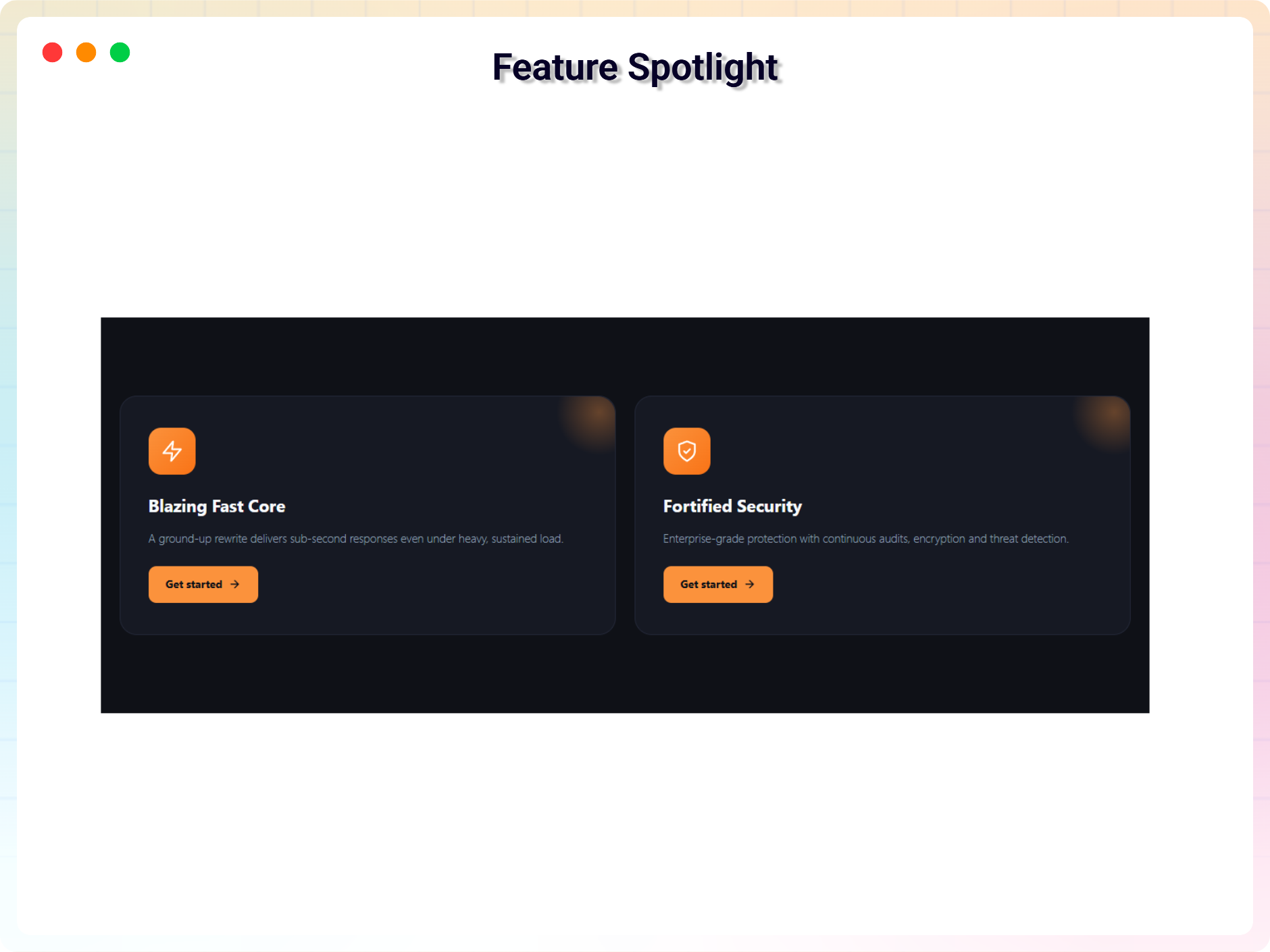
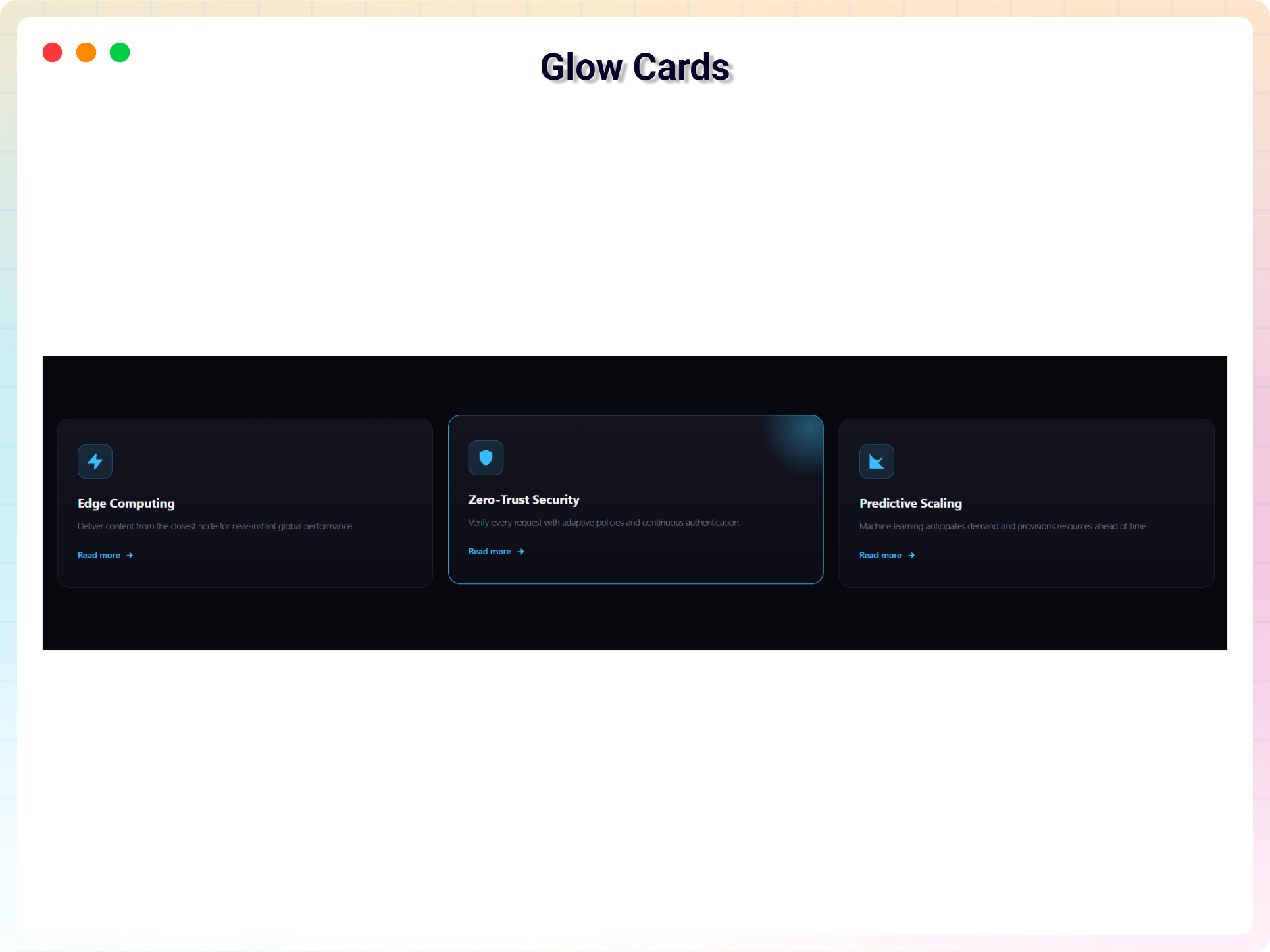
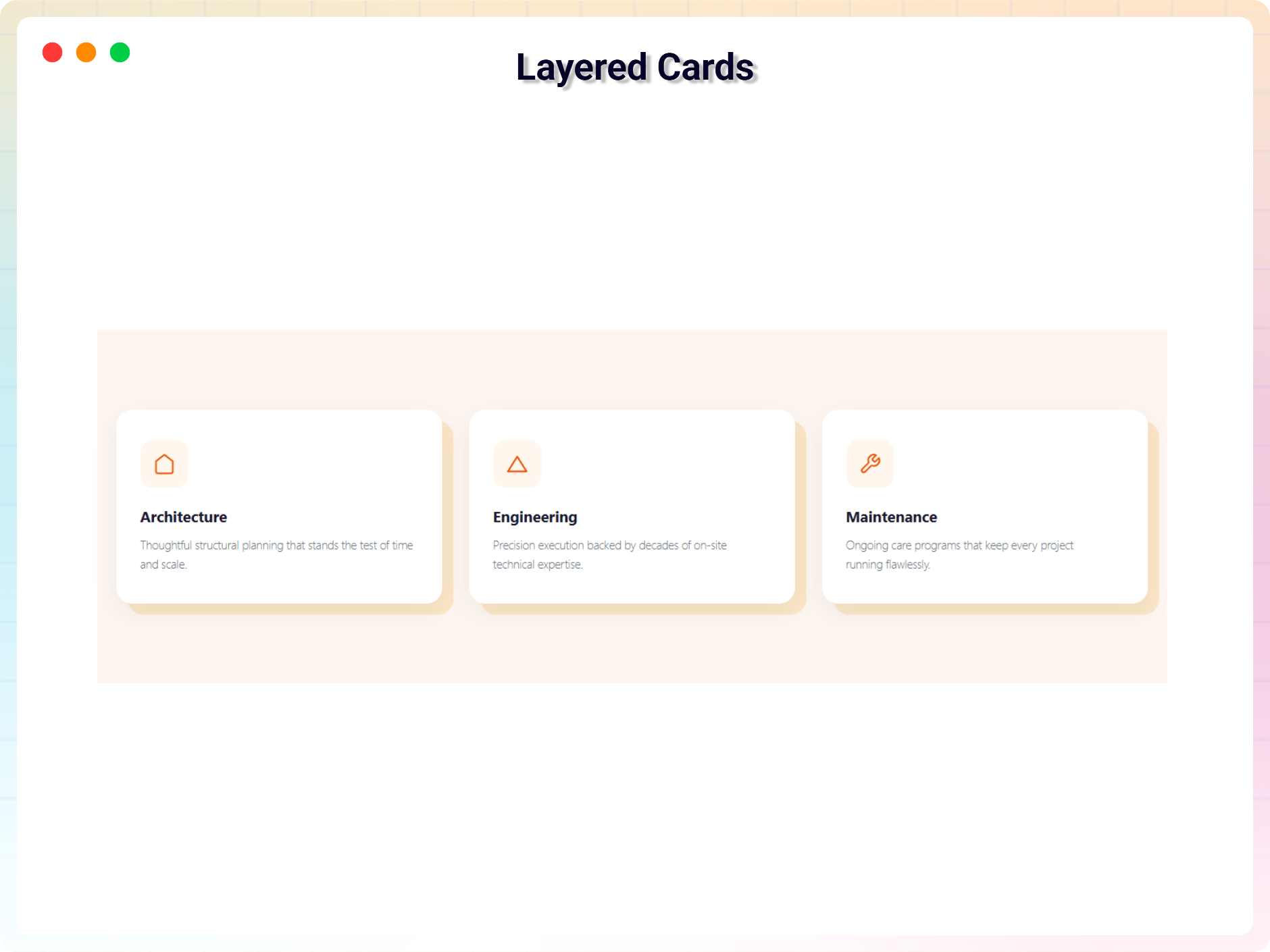
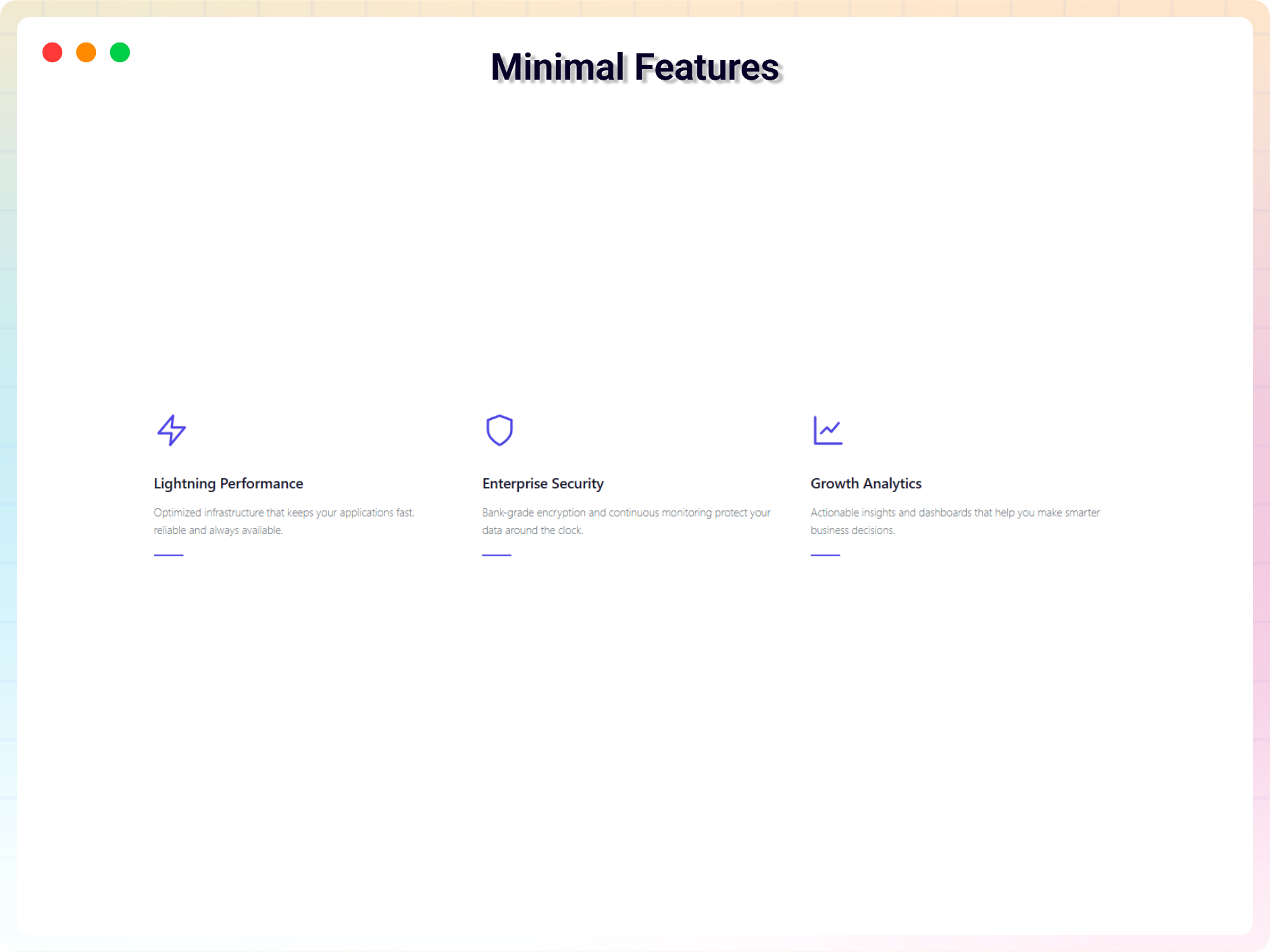
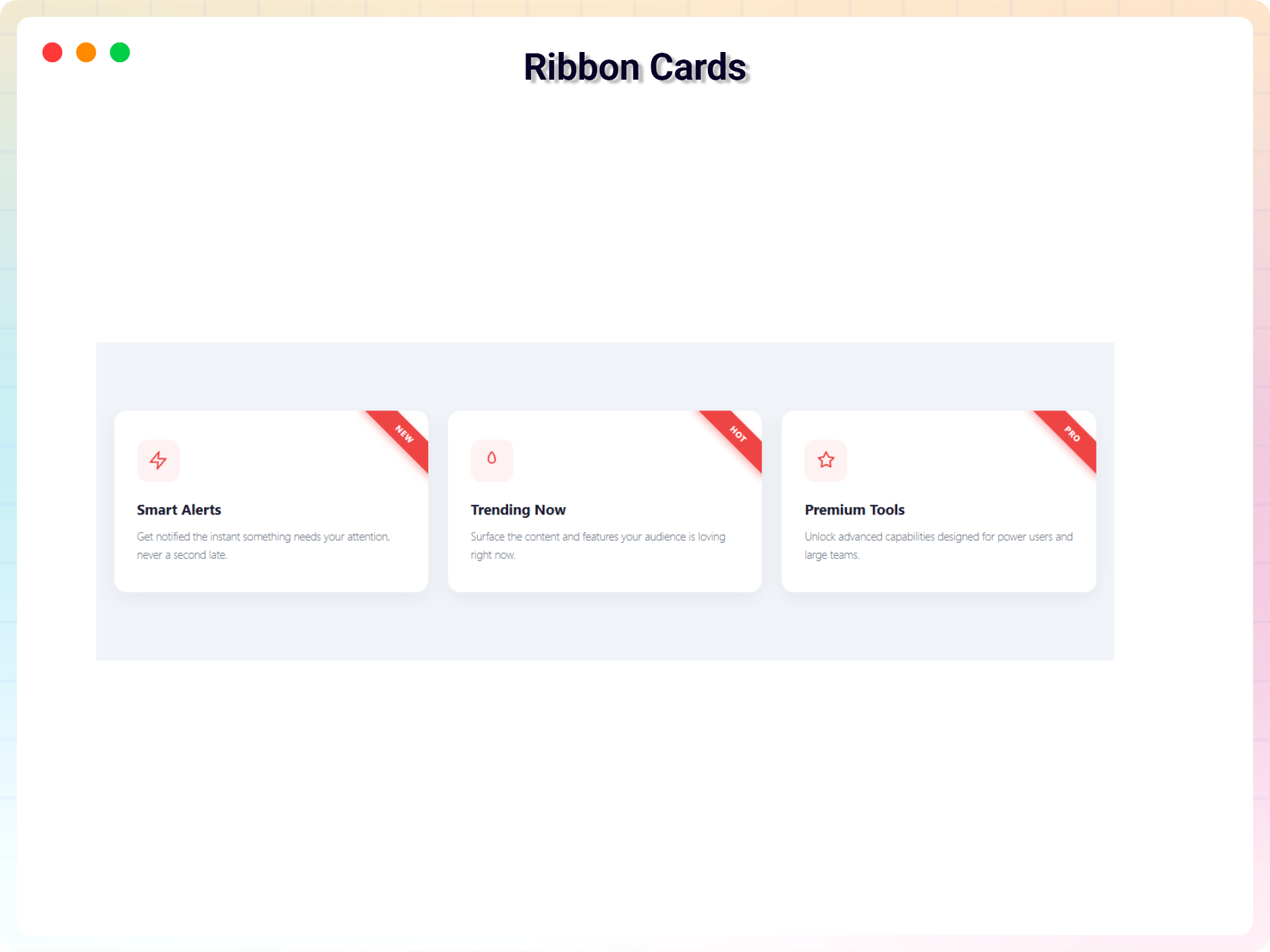
- Built-in Templates: Start from ready-made templates whenever you want to present your services.
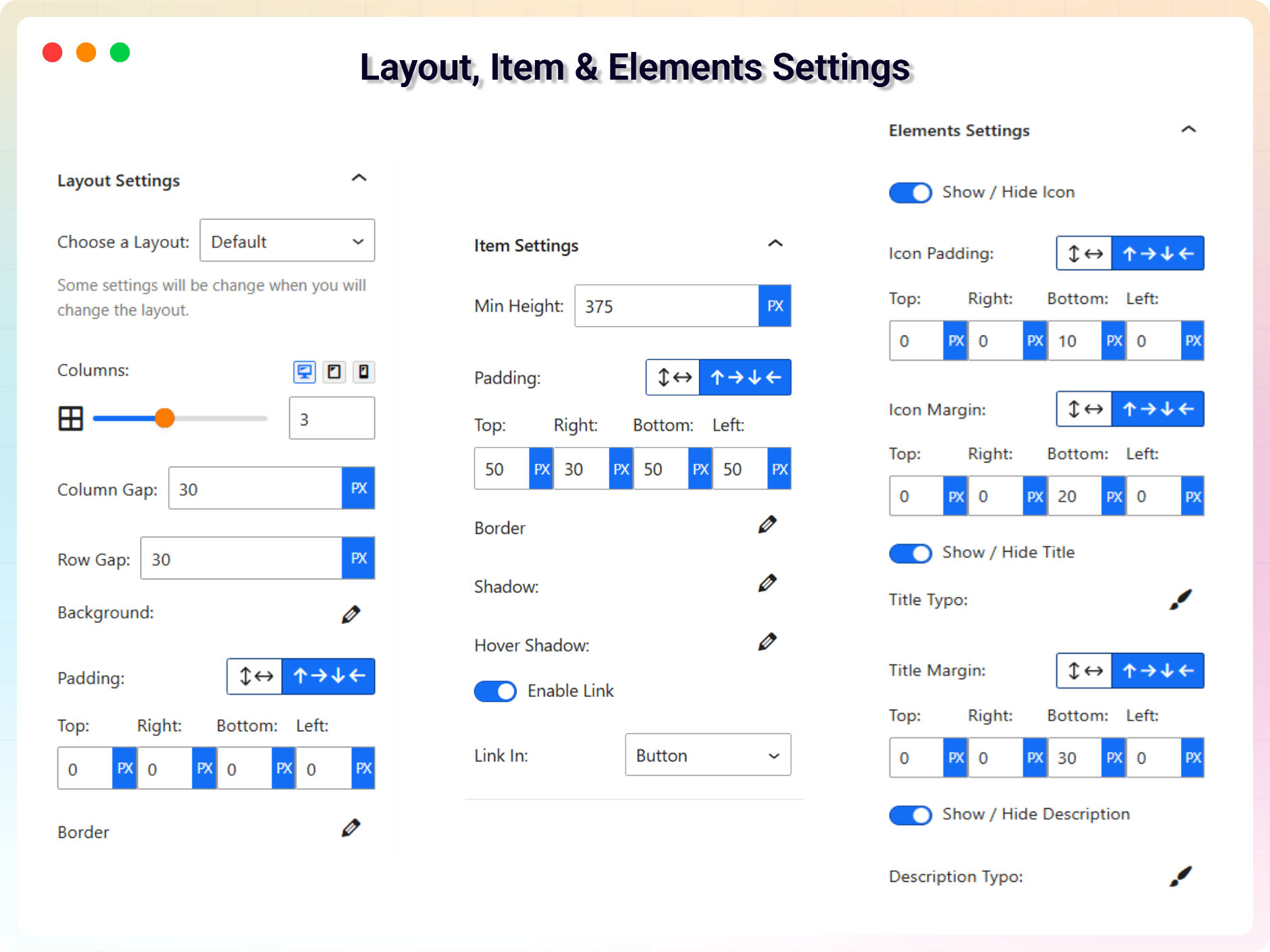
- Customizable Elements: Apply custom typography to the title and description.
- Color Options: Decorate your service section using any color you like.
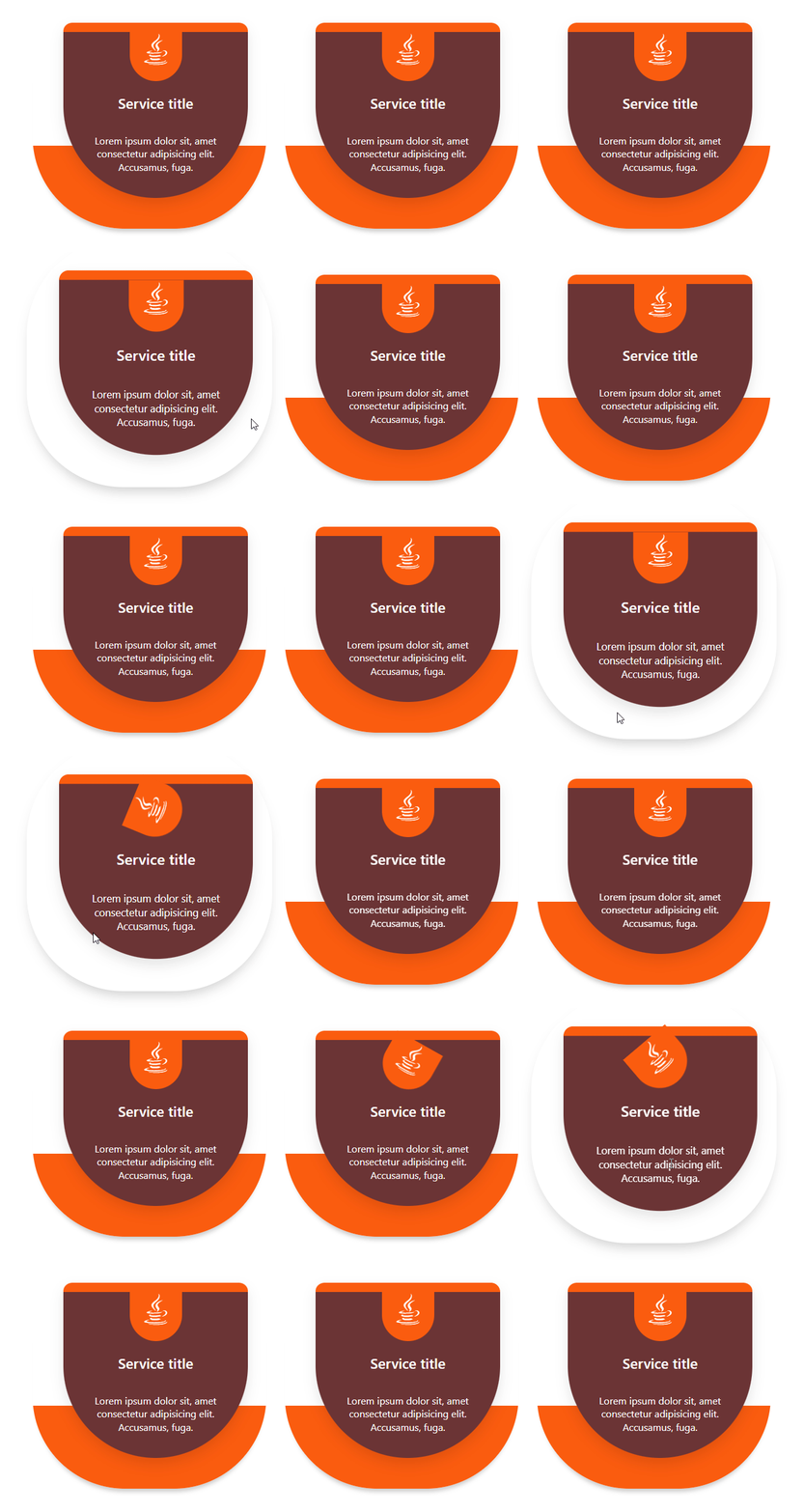
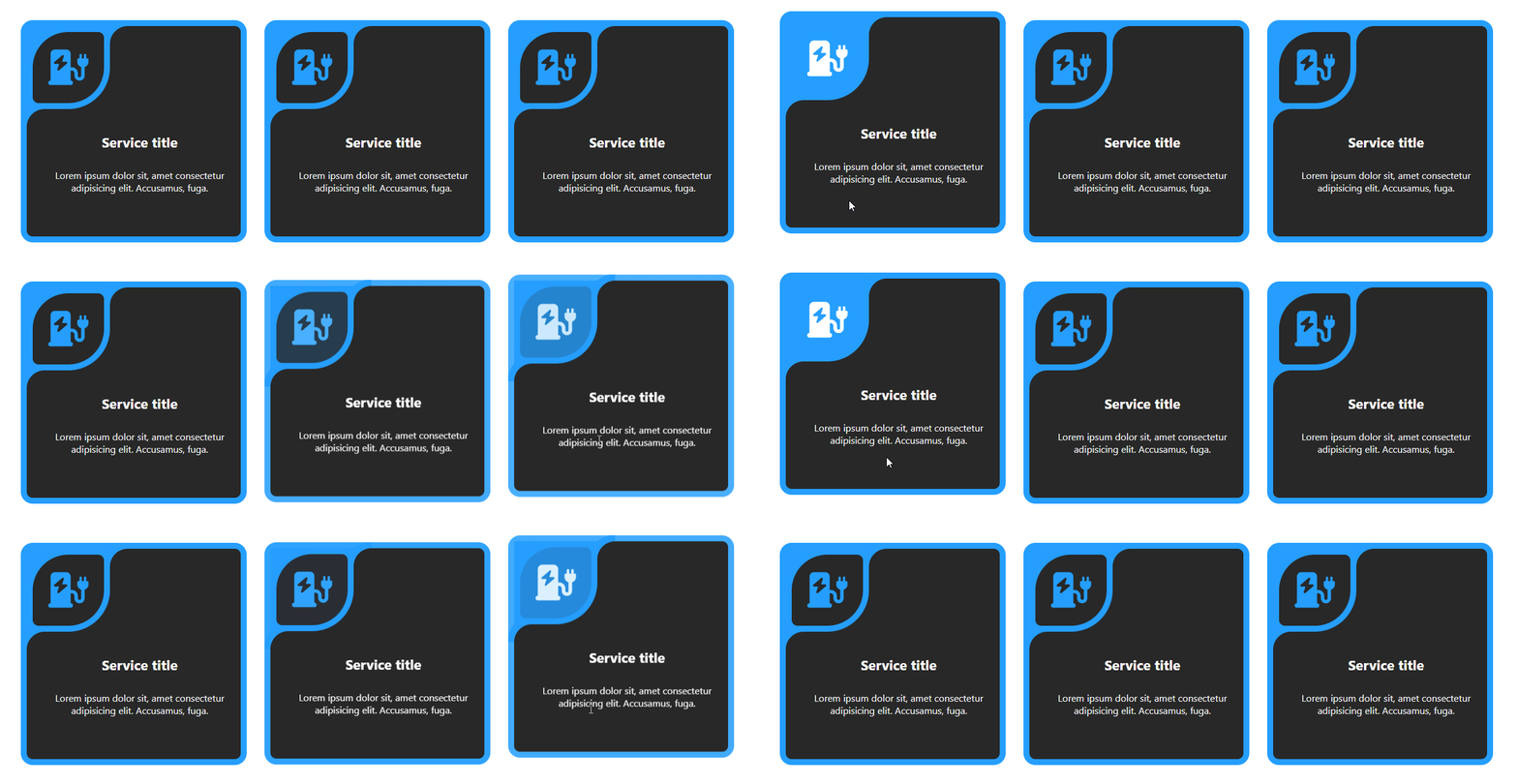
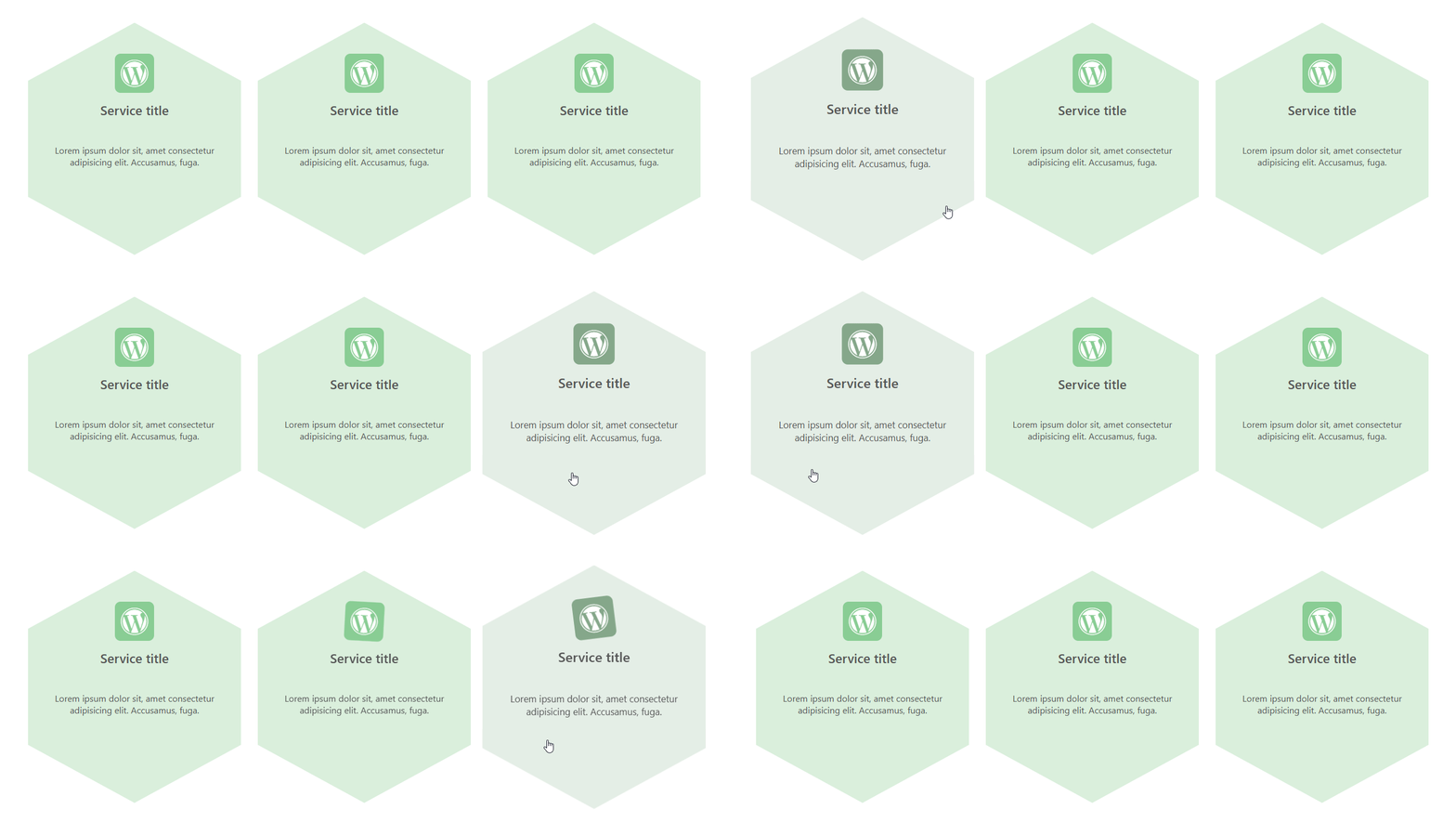
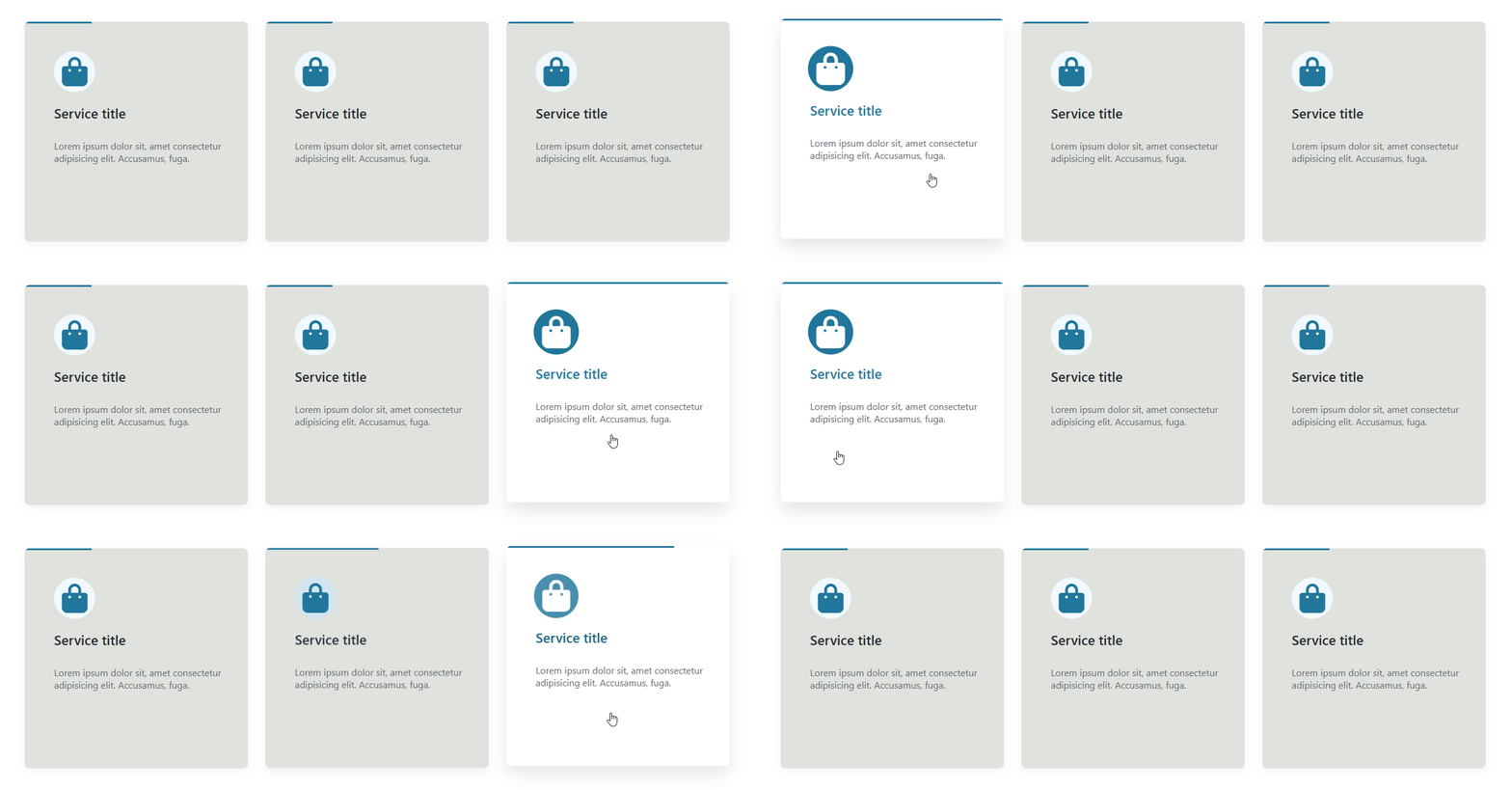
- Advanced Layout Variations: Unlock exclusive layouts (Layout 2 to Layout 8) with unique styles and structures.
- Pro-Level Padding & Spacing Controls: Set custom padding and spacing per side with more flexibility.
- Enhanced Border Customization: Full border controls including individual side styles and advanced radius options.
- Animation Direction Settings: Directional animation control for layout-specific designs like Layout 4.
- Border Div Customization (Layout 8): Toggle and style an additional decorative border layer behind items.
- Advanced Shadow Effects: Smooth box shadows and hover transitions for modern aesthetics.
- Flexible Linking Options: Enable links on items and choose where they apply – button, title, or entire box.
- Open in New Tab: Choose whether links open in a new browser tab.
- Opacity & Hover Opacity: Control the transparency of the circle background, including on hover.
- Radius & Border: Control corner roundness and customize border style, width, and color.
- Install and activate the Services Section Block plugin.
- In the Gutenberg editor, add the Services Section block from the Widgets block category.
- Add your services, choose icons from the library or upload your own images.
- Pick a template and adjust colors and typography from the right-side settings sidebar.
- Publish – enjoy!
- Agencies & Freelancers: Present design, development, or marketing services in a clean grid.
- Local Businesses: Showcase what you offer with icons and short descriptions.
- Corporate Sites: Build a polished "Our Services" page section with consistent branding.
- Landing Pages: Highlight key offerings with linked service cards (Pro).
安装:
- Go to Plugins → Add New.
- Search for "Services Section".
- Click Install Now, then Activate.
- In the Gutenberg editor, search for the Services Section block and add it to any post or page.
- Download the Services Section plugin (.zip file).
- In your admin area, go to Plugins → Add New → Upload Plugin, choose the
services-section.zipfile, and click Install Now. - Activate the plugin through the Plugins menu in WordPress.
屏幕截图:
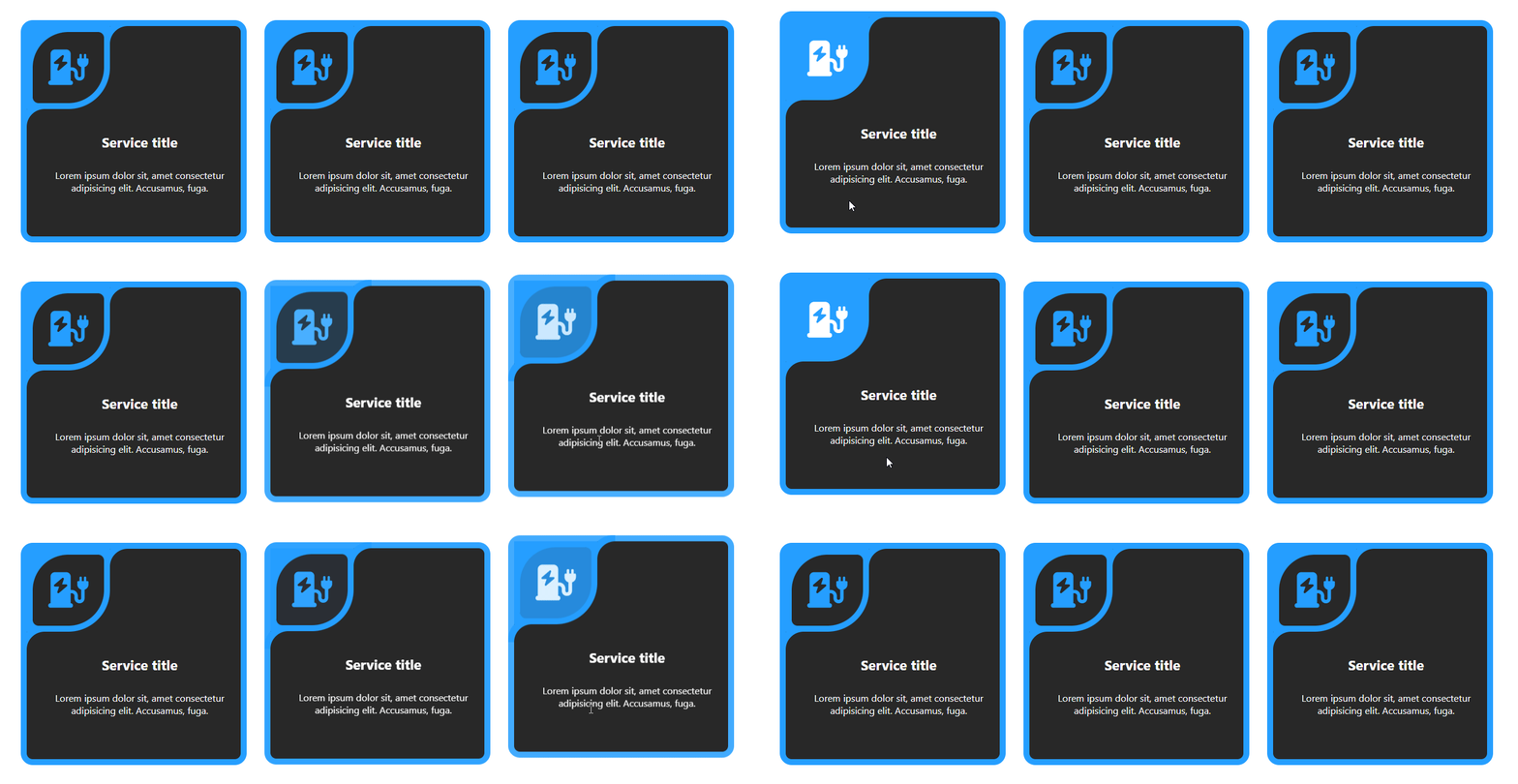
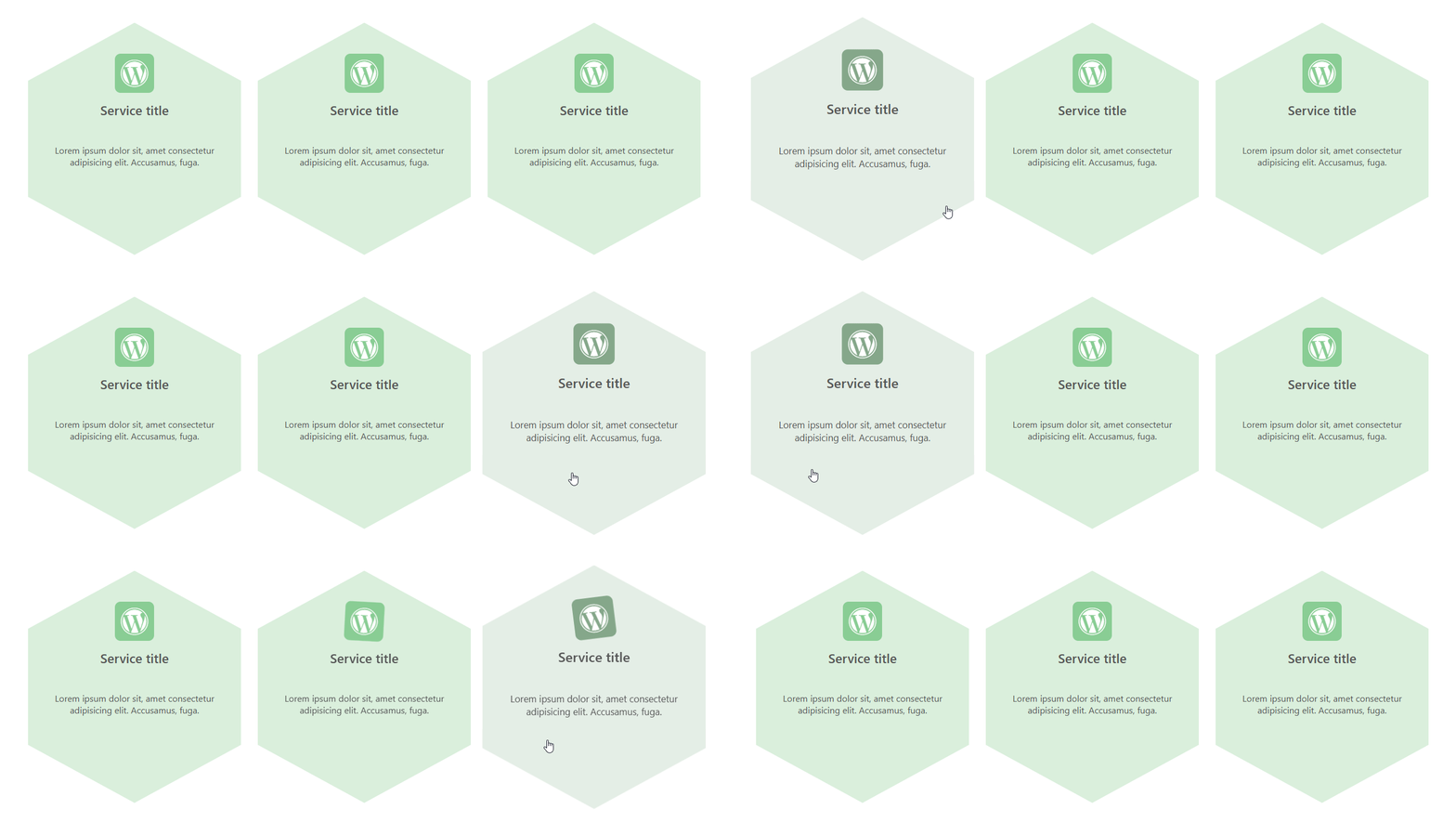
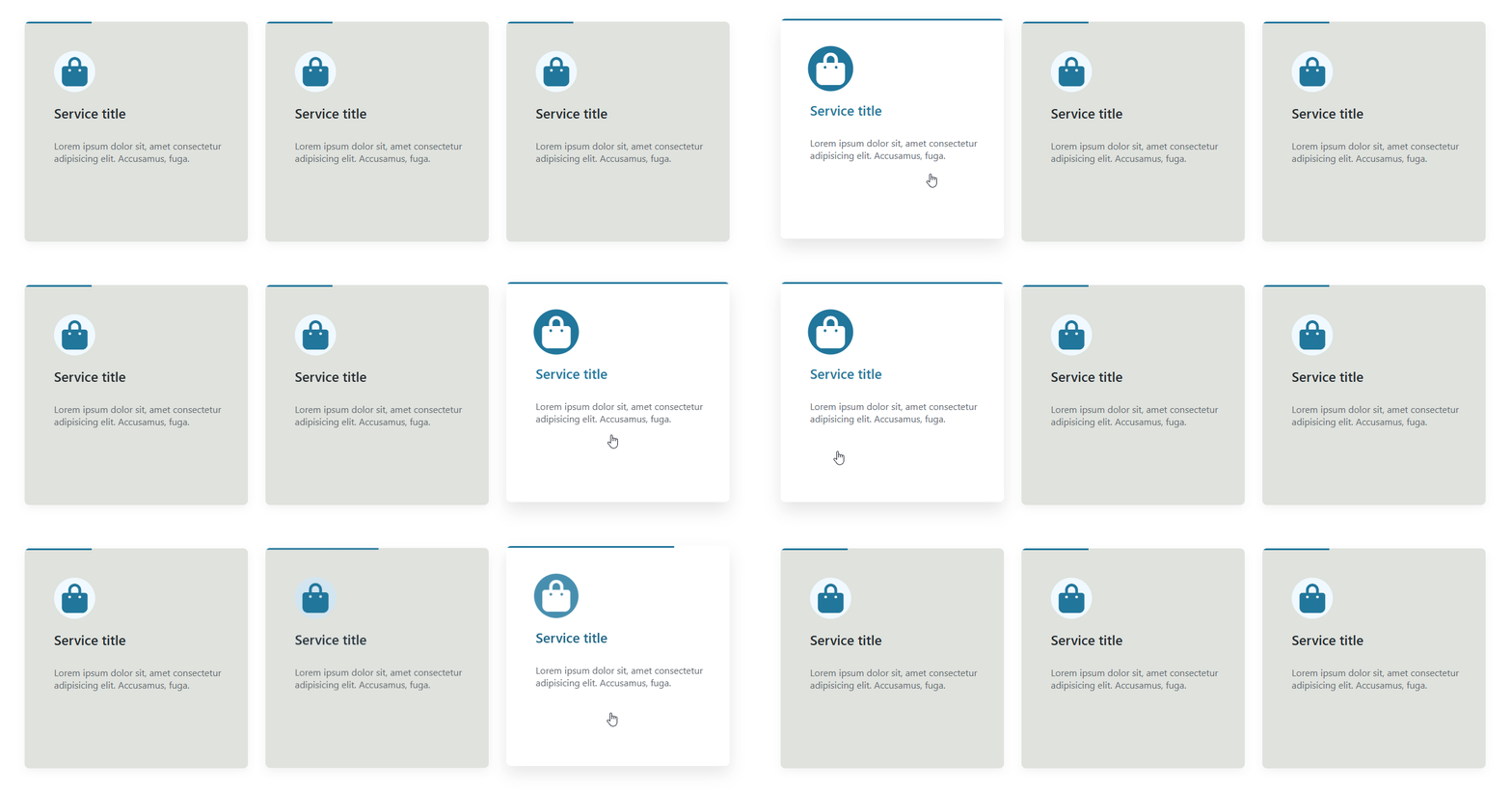
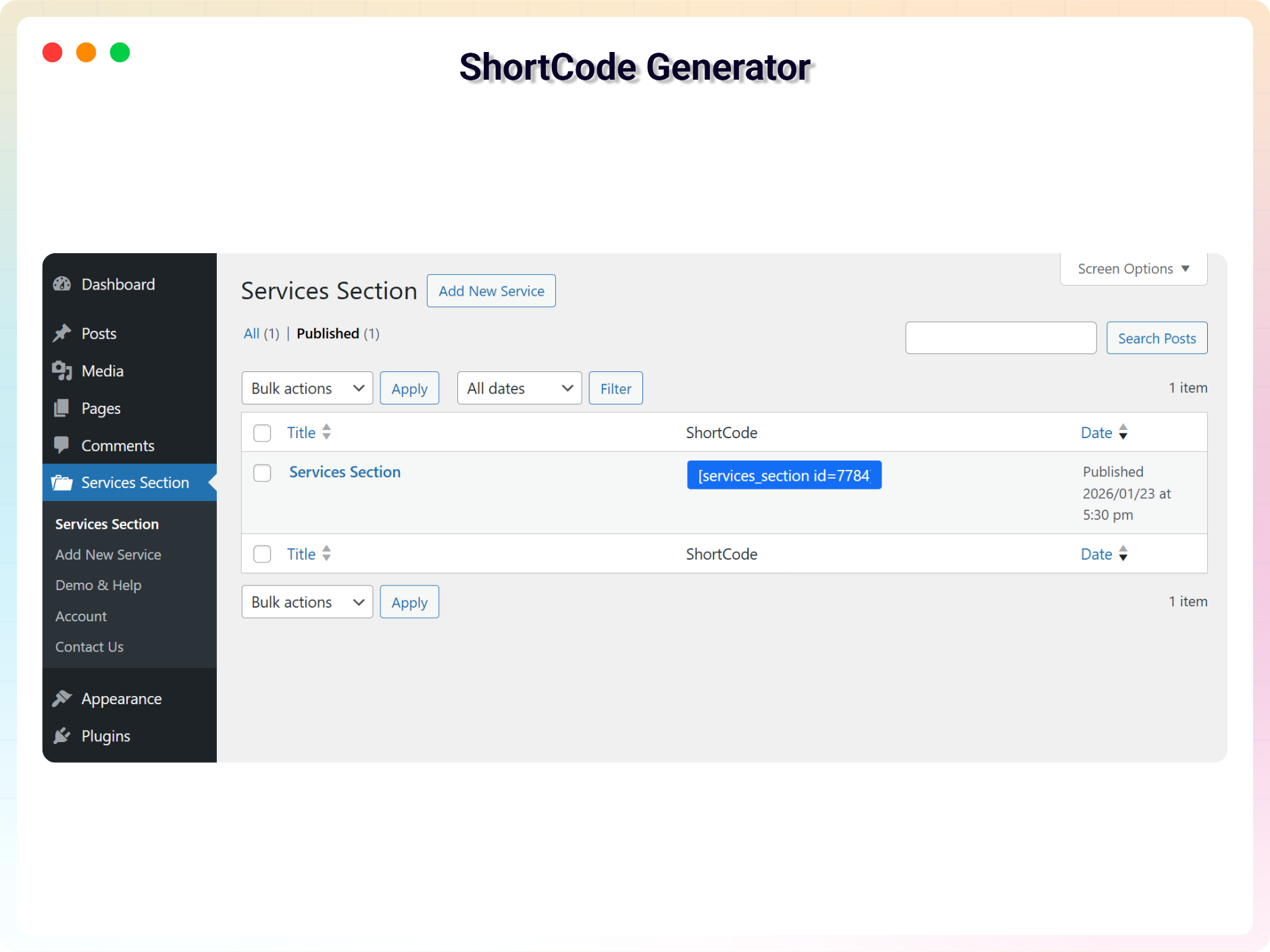
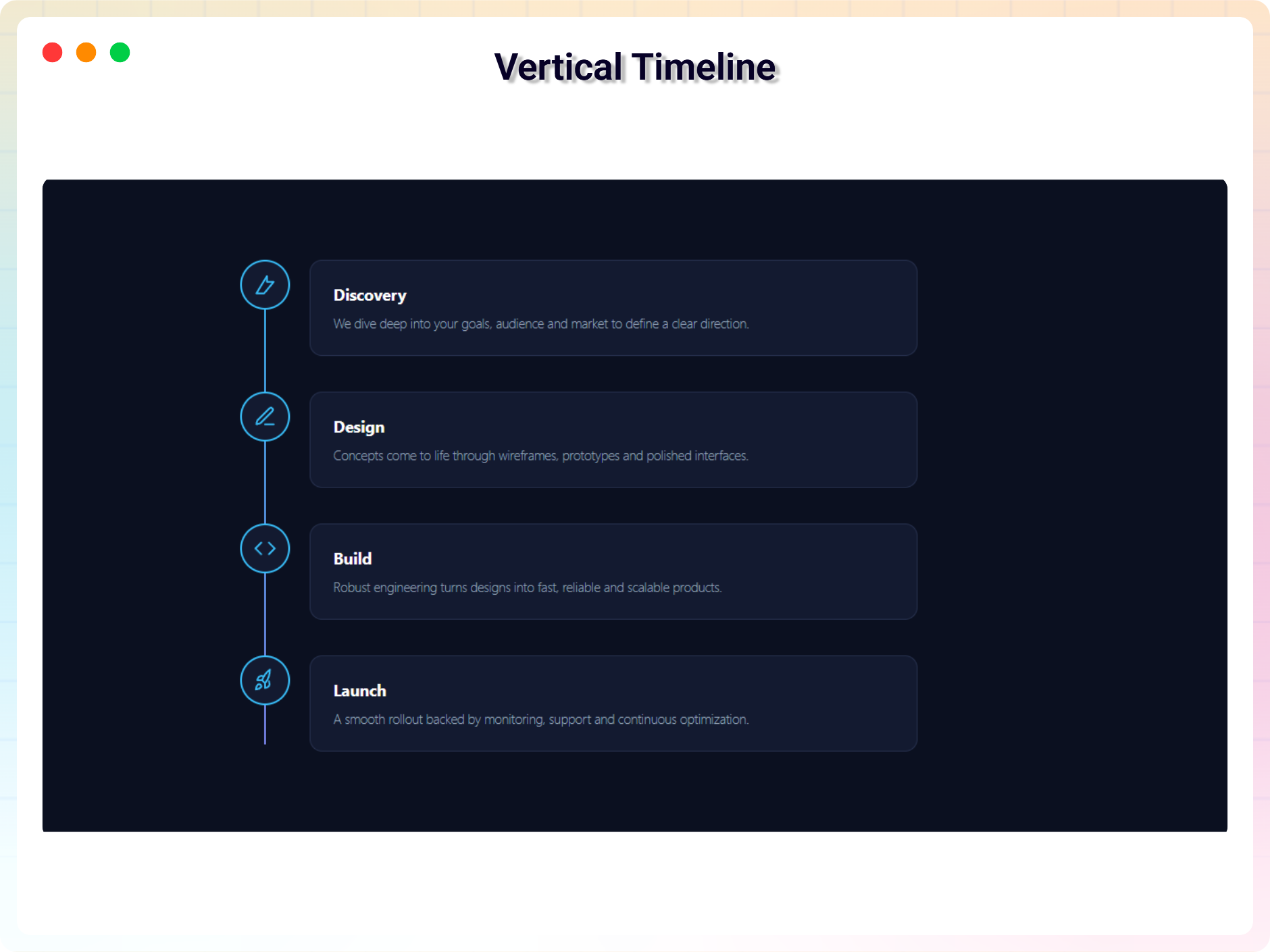
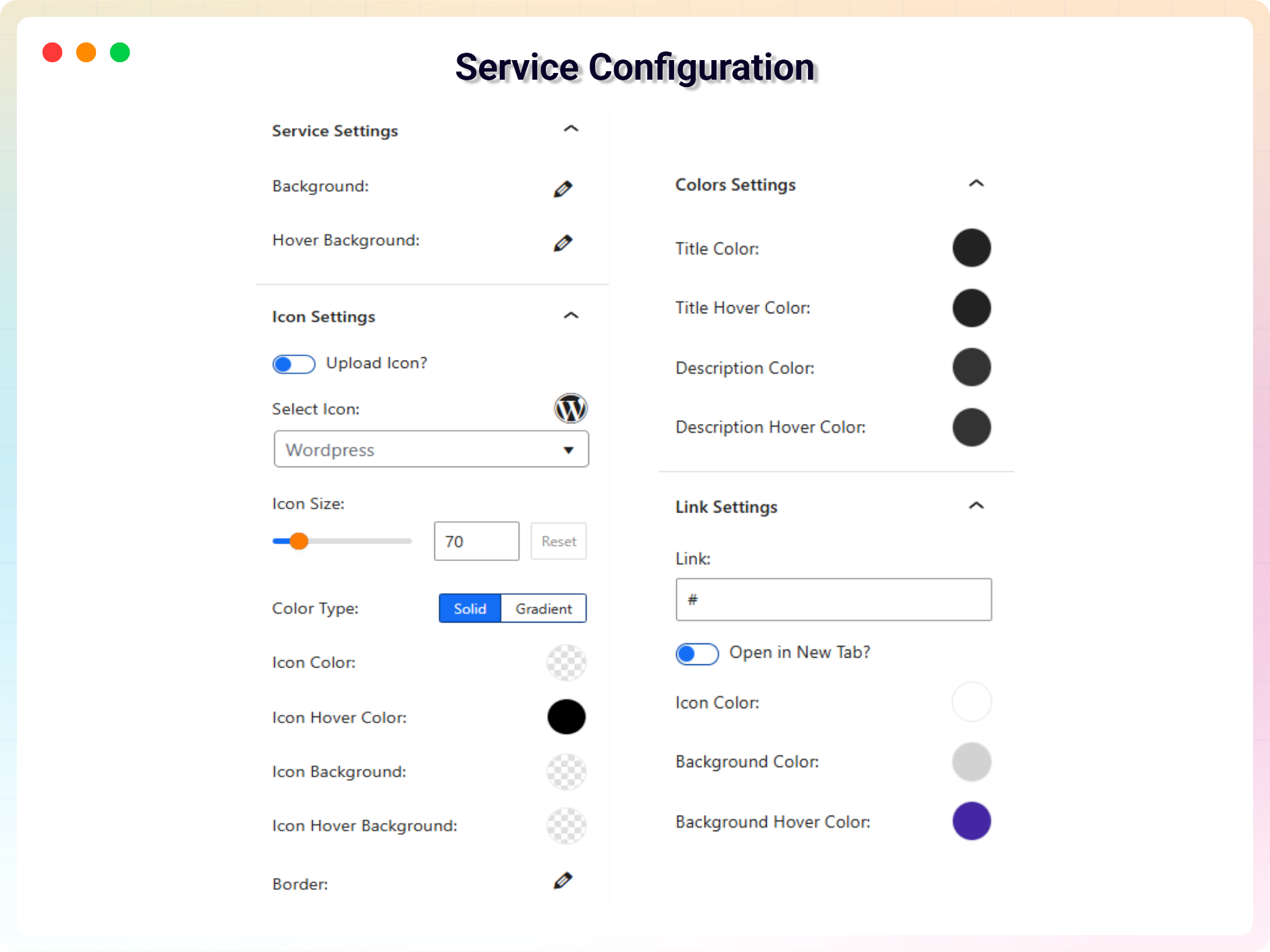
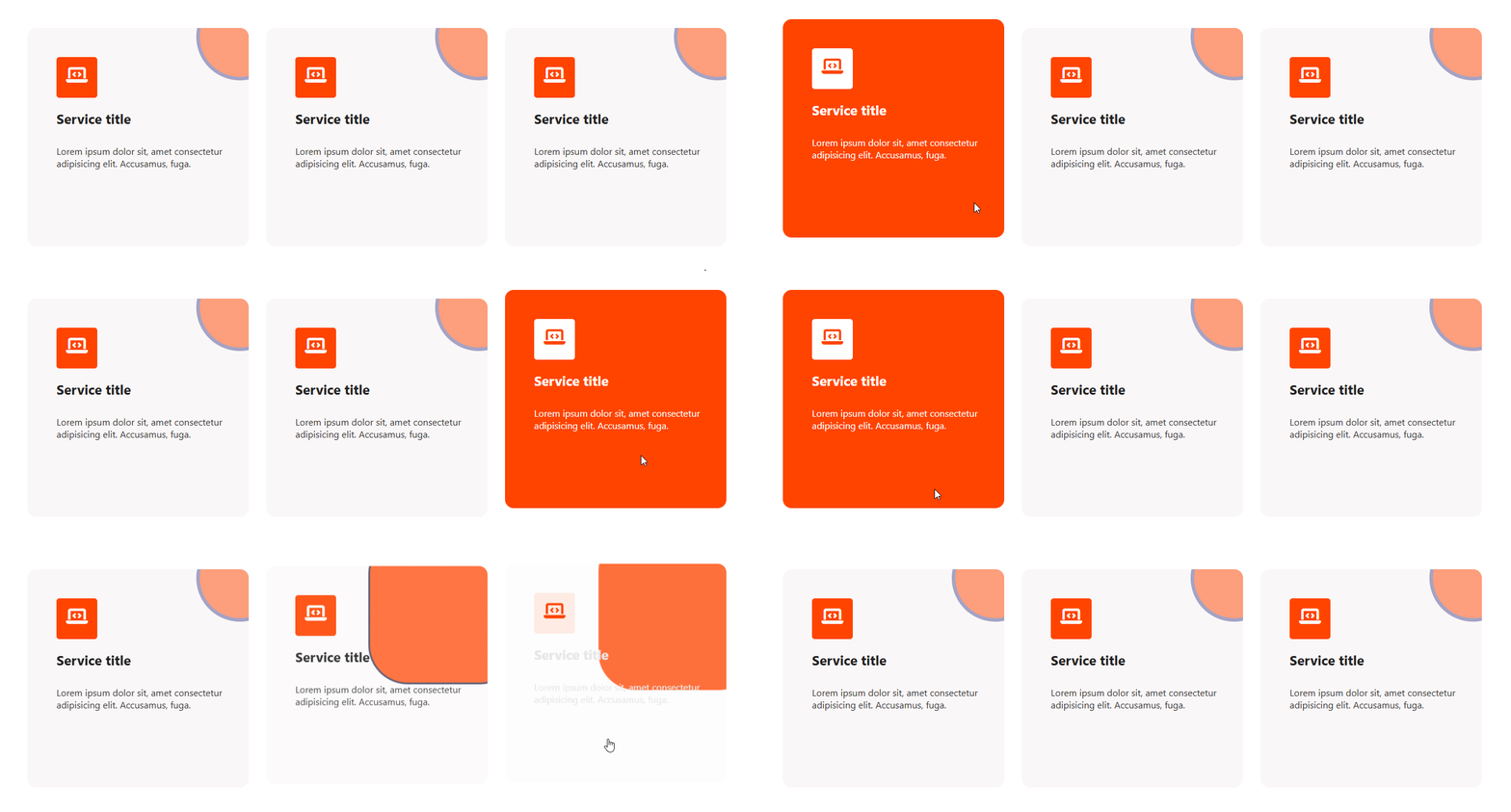
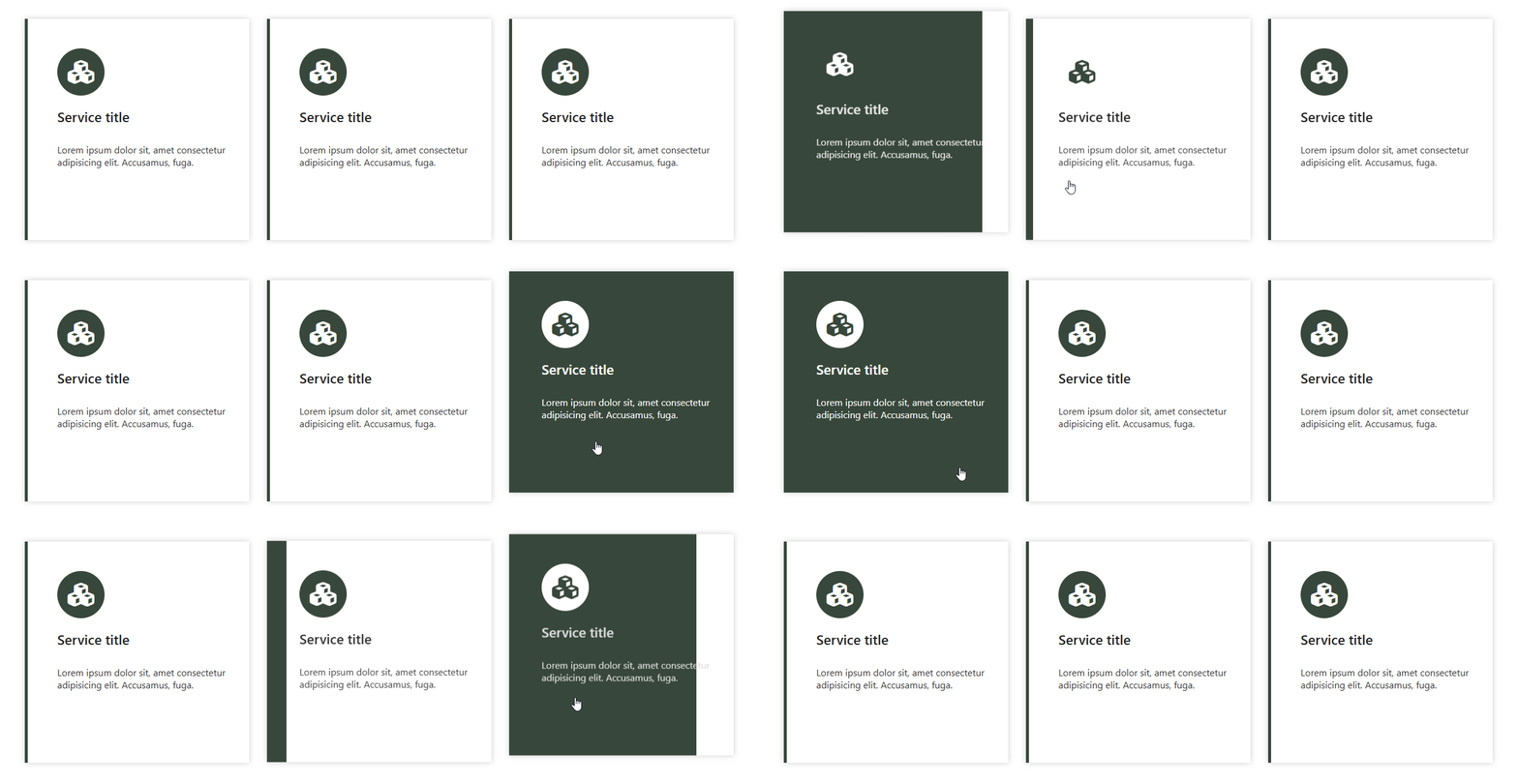
常见问题:
Is Services Section Block free?
Yes, Services Section Block is a free Gutenberg block plugin. A Pro version with advanced layouts and styling controls is also available.
Does it work with any WordPress theme?
Yes, it works with any standard WordPress theme.
Can I use my own images as service icons?
Yes. If the icon you want is not in the built-in icon library, you can upload any image in PNG, JPEG, or JPG format and set it as a service icon.
Are there ready-made templates?
Yes. Several built-in templates are included so you can present your services quickly without designing from scratch.
Can I add links to service items?
Yes, in the Pro version you can enable links on items and choose where they apply – on the button, the title, or the entire box – and whether they open in a new tab.
Can I change block settings?
Yes, you can change all block settings from the right sidebar of the Gutenberg block editor.
How many times can I reuse the block?
You can use the block an unlimited number of times across posts and pages.
Where can I get support?
You can post your questions on the support forum here
更新日志:
- New: Added 8 New Blocks.
- Updated:Added a modern and intuitive dashboard layout.
- New:Added 8 New Blocks.
- Fixed: Class naming conflict and namespace resolution issue in LicenseActivation.
- Updated: Freemius SDK to latest version.
- Update brand new dashboard with license activation support
- Improved section title formatting in dashboard
- update sdk
- added modern dashboard and layout switch in toolbar
- updated admin dashboard page
- escapeHTML imported from common
- Improve Admin dashboard demo page
- Improve security
- Fix default image not found issue.
- Update font library
- Fix empty link
- Reduce assets load
- Remove the link if no link
- Add translate feature
- Fix HTML Render
- Reduce PHP Code
- Performance Improvement
- Fix the default icon issue.
- Reduce PHP Code
- Performance upgrade
- Performance upgrade
- Update theme and link position settings in the global
- Add an option for the link in the whole service element
- Add options for hover background
- Fix the upload icon
- Fix align issues
- Fix issues
- Add Templates
- Add more settings
- Fix align class
- Add Icon Upload Option
- Initial Release.