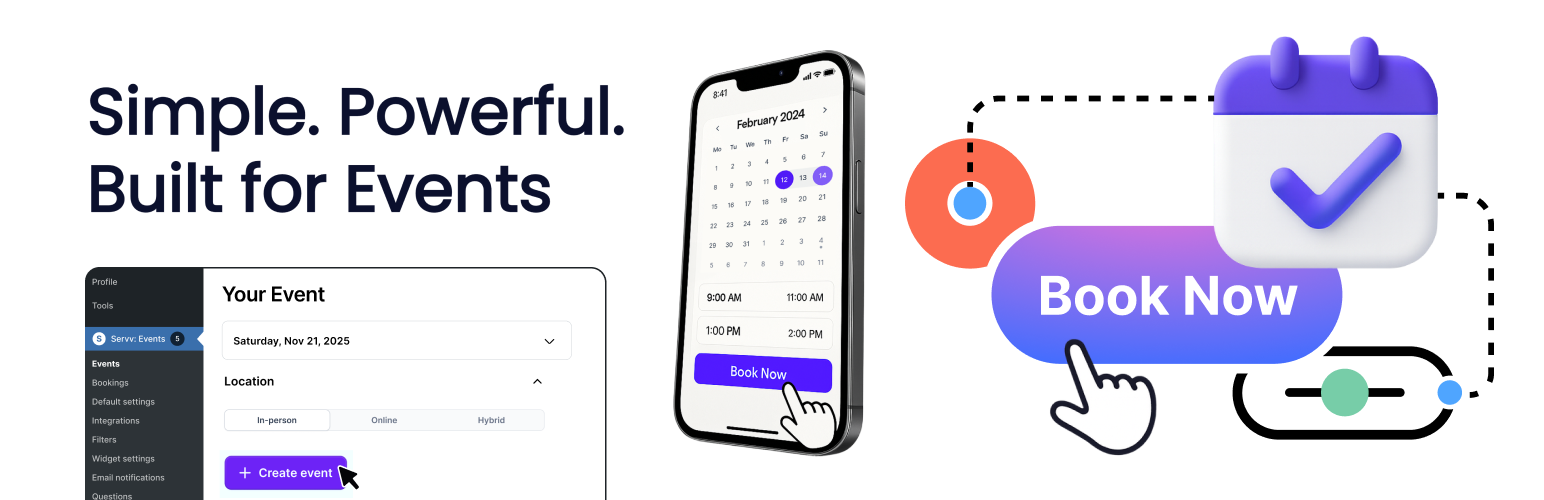
WP Super Events – Event Booking & Tickets
| 开发者 | servvai |
|---|---|
| 更新时间 | 2026年10月23日 10:04 |
| PHP版本: | 6.0 及以上 |
| WordPress版本: | 7.1 |
| 版权: | GPLv2 or later |
| 版权网址: | 版权信息 |
标签
下载
详情介绍:
- One-time and recurring events — Schedule individual events or flexible recurring sessions.
- In-person, online, and hybrid events — Run physical events, virtual sessions, or a combination of both.
- Free and paid tickets — Create multiple ticket options, control availability, and set attendee capacity.
- Saved venues and hosts — Reuse locations and hosts across events.
- Event calendar and browsing — Display events in modern list, grid, and calendar experiences.
- Event search and filtering — Help visitors discover relevant events.
- Gutenberg support — Add event experiences to WordPress pages using the block editor.
- Stripe payments — Accept secure payments for paid registrations.
- Zoom integration — Connect Zoom and create online event meeting links.
- Google Meet and Microsoft Teams links — Use meeting links for virtual events where configured.
- Google Calendar and iCal support — Help attendees add events to their calendars.
- Attendee registration and reminders — Manage bookings and automate attendee communications.
- Customizable email templates — Configure event communication templates.
- AI-assisted event creation — Generate event content such as descriptions and featured imagery with AI-assisted tools.
- Analytics — Review event, registration, revenue, and engagement information.
- Responsive design — Event and booking experiences are designed for desktop, tablet, and mobile.
- Internationalization support — The plugin includes multilingual/localized interface support.
安装:
- In WordPress, go to Plugins > Add New.
- Search for WP Super Events.
- Install and activate WP Super Events – Event Booking & Tickets.
- Open WP Super Events from your WordPress dashboard.
- Create your first event.
wp-super-events.zip package through Plugins > Add New > Upload Plugin.
Important: WP Super Events uses the WordPress REST API. Please ensure that /wp-json/ is accessible. Restricting REST API access may prevent parts of the plugin from working correctly.常见问题:
Can I create recurring events?
Yes. WP Super Events supports recurring event schedules so you can create repeating sessions without manually recreating each event.
Can I sell event tickets?
Yes. You can create free or paid ticket options, configure capacity and availability, and accept supported payments through Stripe.
Can I run free events?
Yes. Events can be configured with free registration as well as paid ticket options.
Can I host online events with Zoom, Google Meet, or Microsoft Teams?
Yes. Zoom can be connected for integrated online event setup and meeting-link creation. Google Meet and Microsoft Teams links can also be used for virtual events where configured.
Can I run in-person, online, and hybrid events?
Yes. WP Super Events supports in-person, virtual, and hybrid event experiences.
Does WP Super Events work with Gutenberg?
Yes. The plugin includes WordPress block-editor support for embedding event experiences into pages.
What payment gateways are supported?
Stripe is currently the supported payment gateway for paid event registrations.
Is WP Super Events free?
WP Super Events is available free during our 2026 launch period through December 31, 2026, with no credit card required. Paid plans are planned for 2027, and pricing will be announced before the launch period ends. Installing the plugin during the free launch period does not authorize automatic billing.
更新日志:
- Rebranded Servv AI Event Booking as WP Super Events – Event Booking & Tickets.
- Updated the WordPress.org listing, website, and live demo links.
- Updated customer-facing admin and onboarding branding.
- Preserved the existing
servvai-event-bookingslug and backwards-compatible internal identifiers. - No migration is required for existing users. For earlier release notes, see: https://support.servv.ai/changelogs/releasenotes/