
SETN Schema Builder
| 开发者 | setnconsultants |
|---|---|
| 更新时间 | 2026年11月3日 05:33 |
| PHP版本: | 8.2 及以上 |
| WordPress版本: | 7.1 |
| 版权: | GPL v2 or later |
| 版权网址: | 版权信息 |
详情介绍:
- Business and organization identity
- Service information
- Schema Topics
- Semantic relationships
- JSON-LD structured data
- FAQ schema
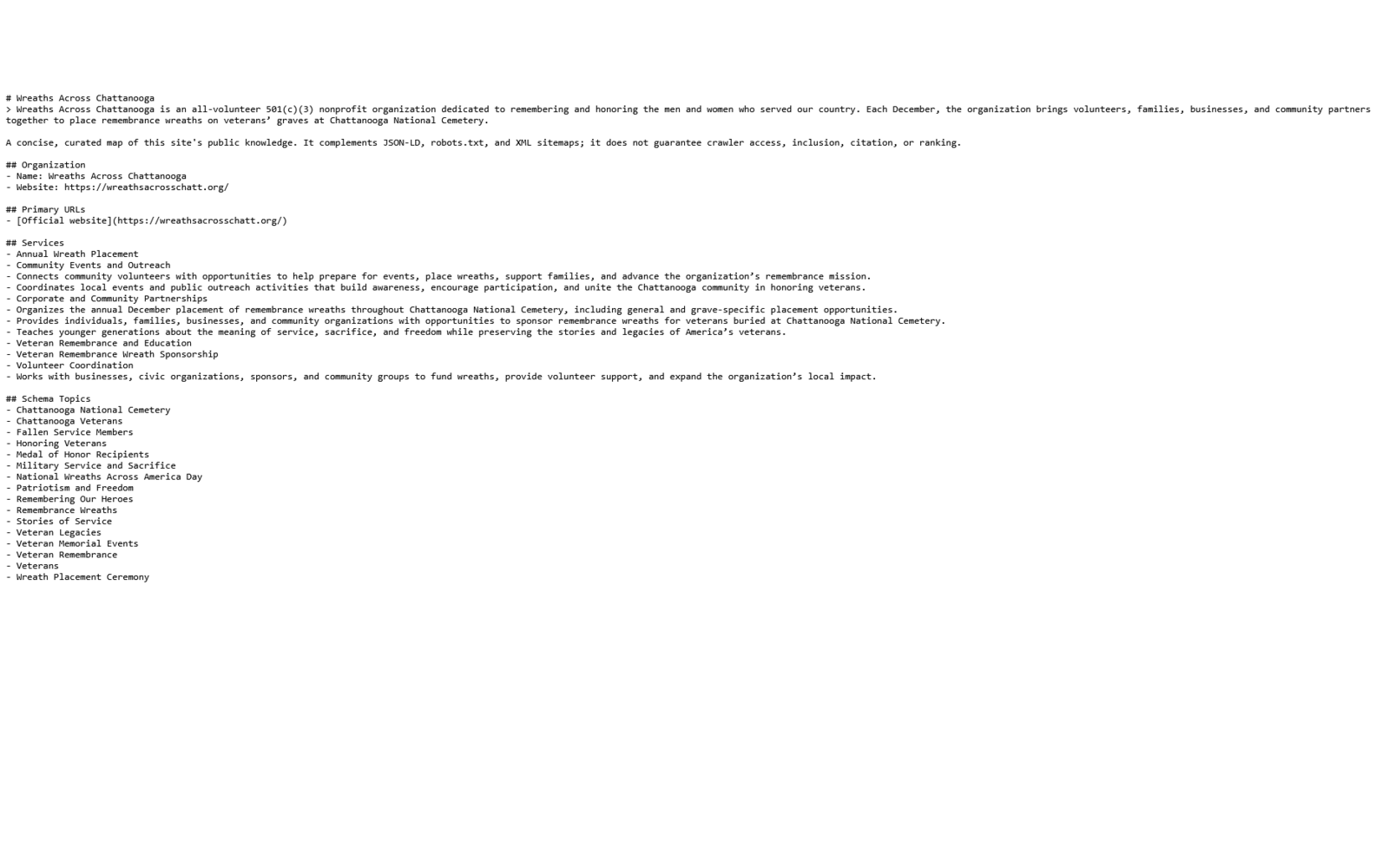
- llms.txt
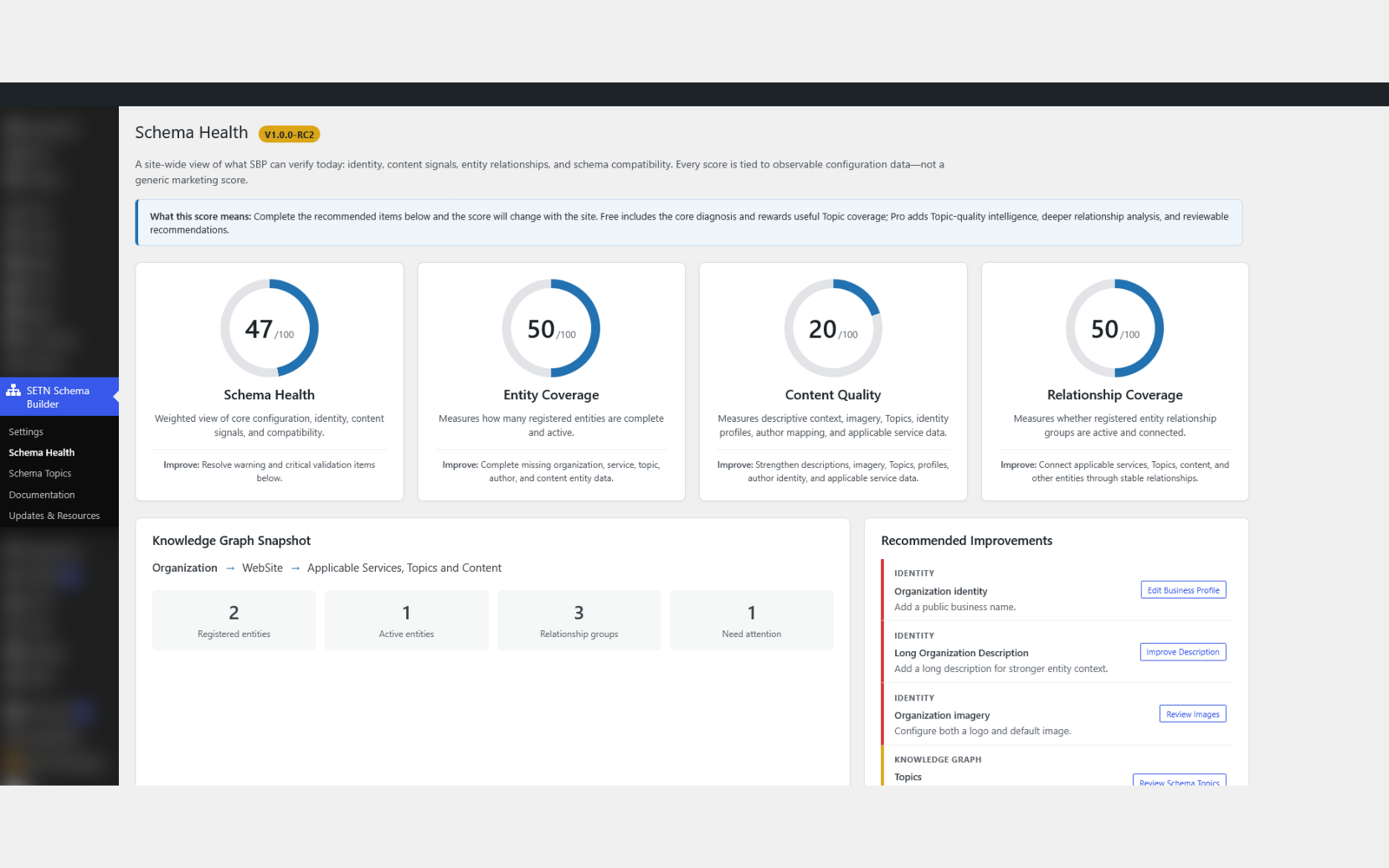
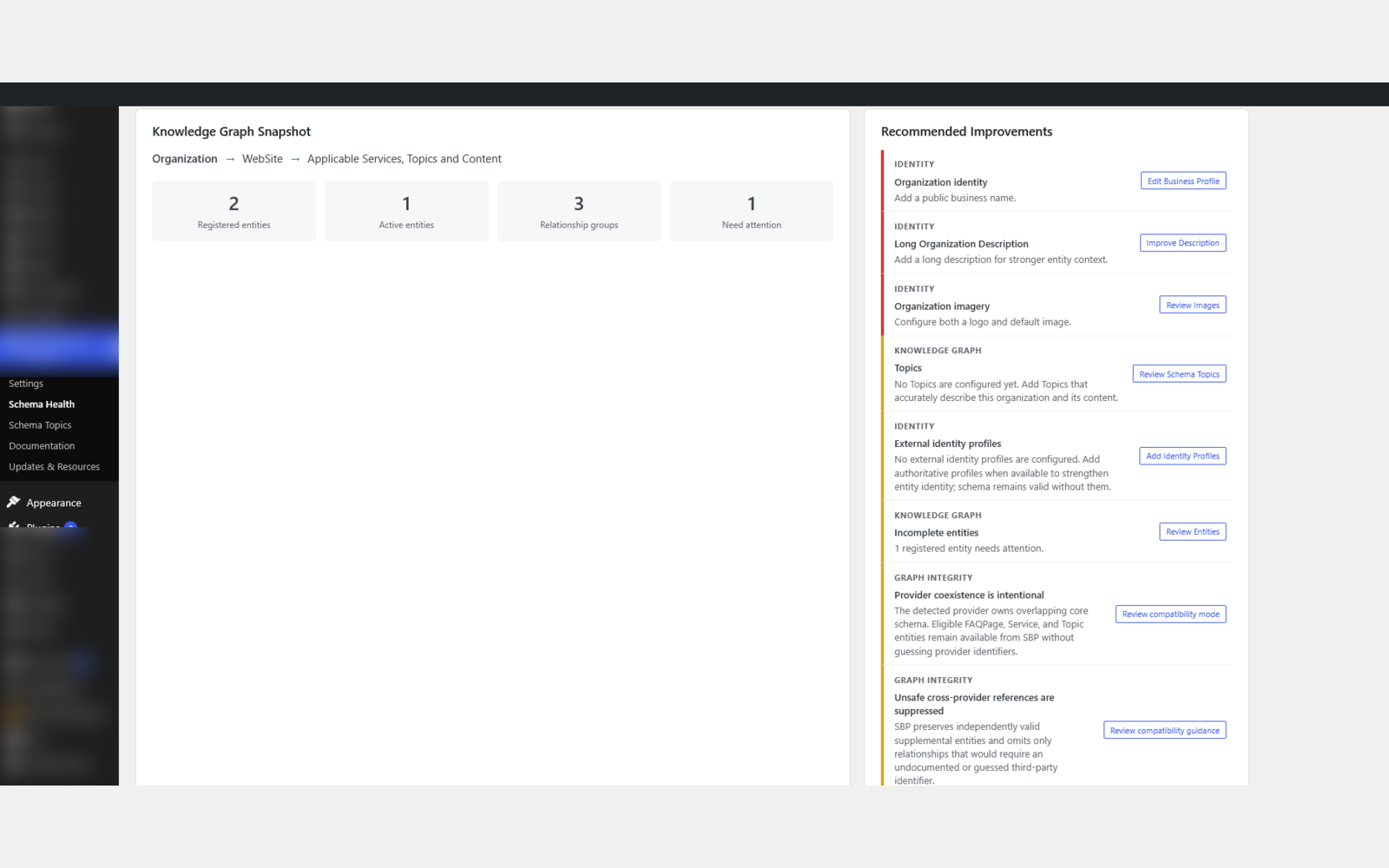
- Schema Health and diagnostics
- Compatibility with existing SEO and schema plugins
- The organization
- Services
- Locations
- Authors
- Products
- FAQs
- Subjects and topics
- Relationships between those entities
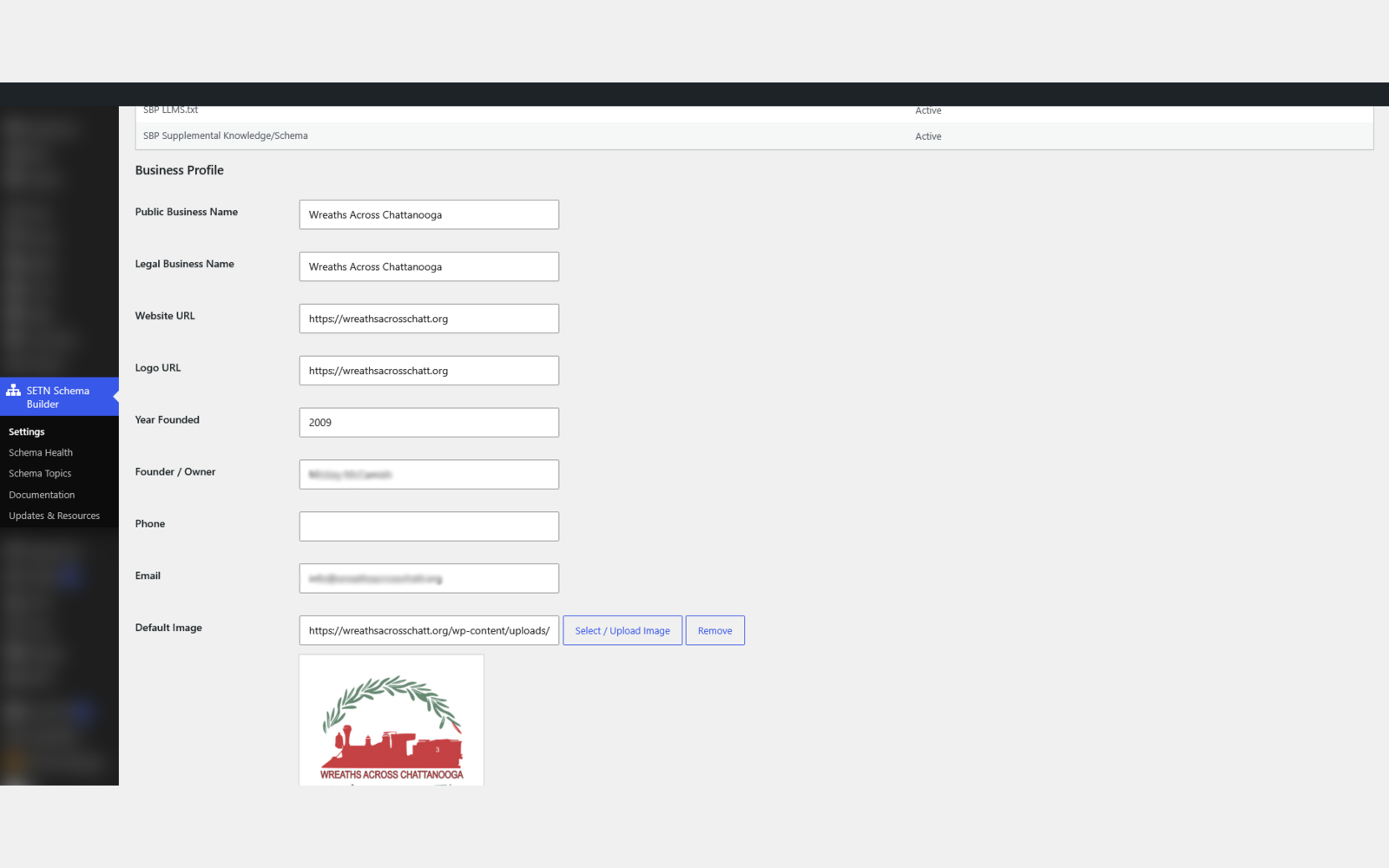
- Business and organization identity management
- Service schema and structured service information
- Schema Topics for semantic subject organization
- Semantic relationships between important site entities
- JSON-LD structured data generation
- FAQ schema support
- llms.txt generation and delivery
- Schema Health diagnostics
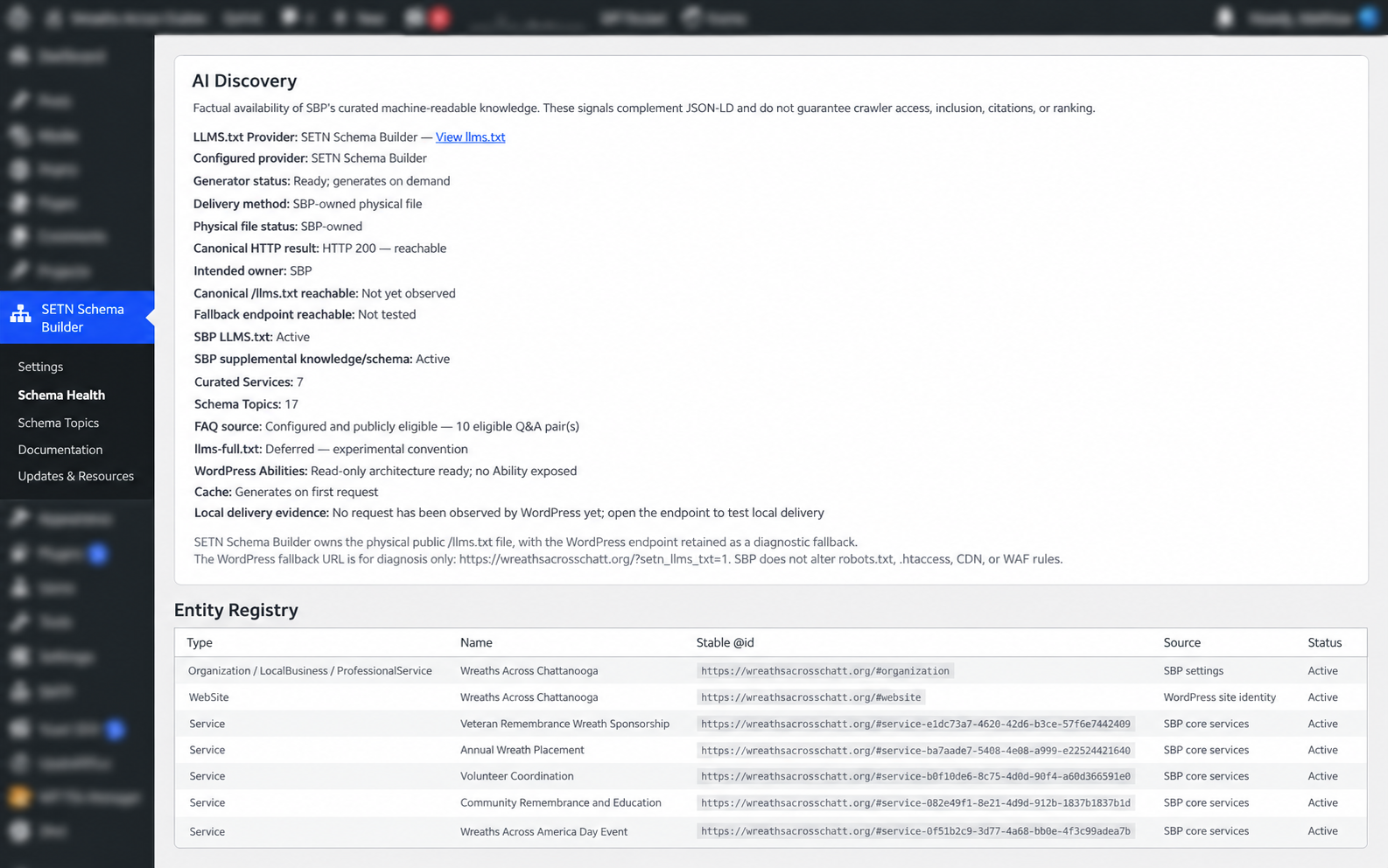
- AI Discovery status and diagnostics
- Provider-aware compatibility
- Standalone schema mode
- Service-area business support
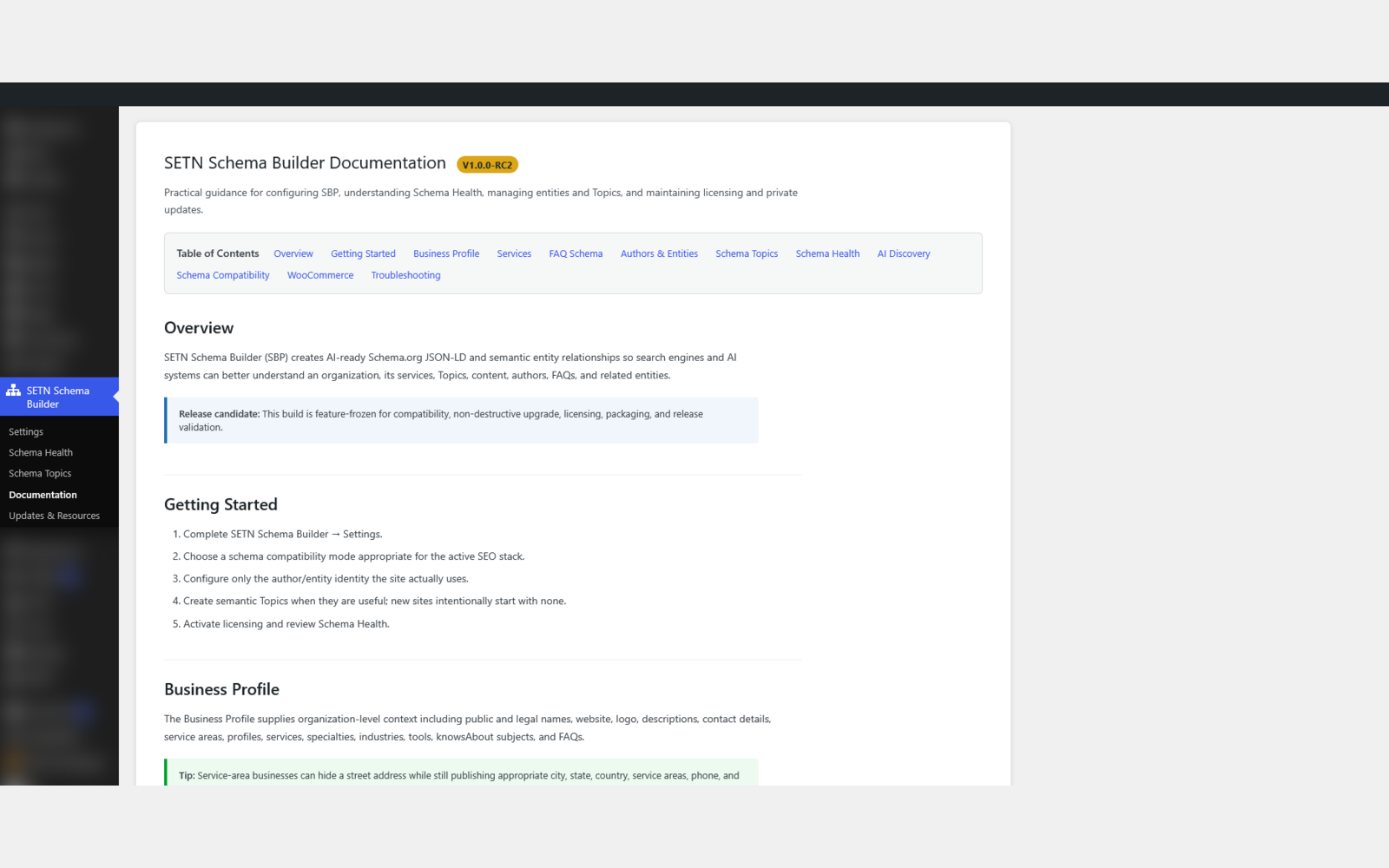
- Built-in documentation and setup guidance
安装:
- Install and activate SETN Schema Builder from WordPress.org.
- Open SETN Schema Builder > Settings and complete the Business Profile.
- Choose Standalone Mode when SBP should own JSON-LD, or Compatible Mode when a supported schema provider should own it.
- Configure Services and optional Schema Topics.
- Enable FAQPage only after selecting a page that visibly contains the configured questions and answers.
- Review Schema Health.
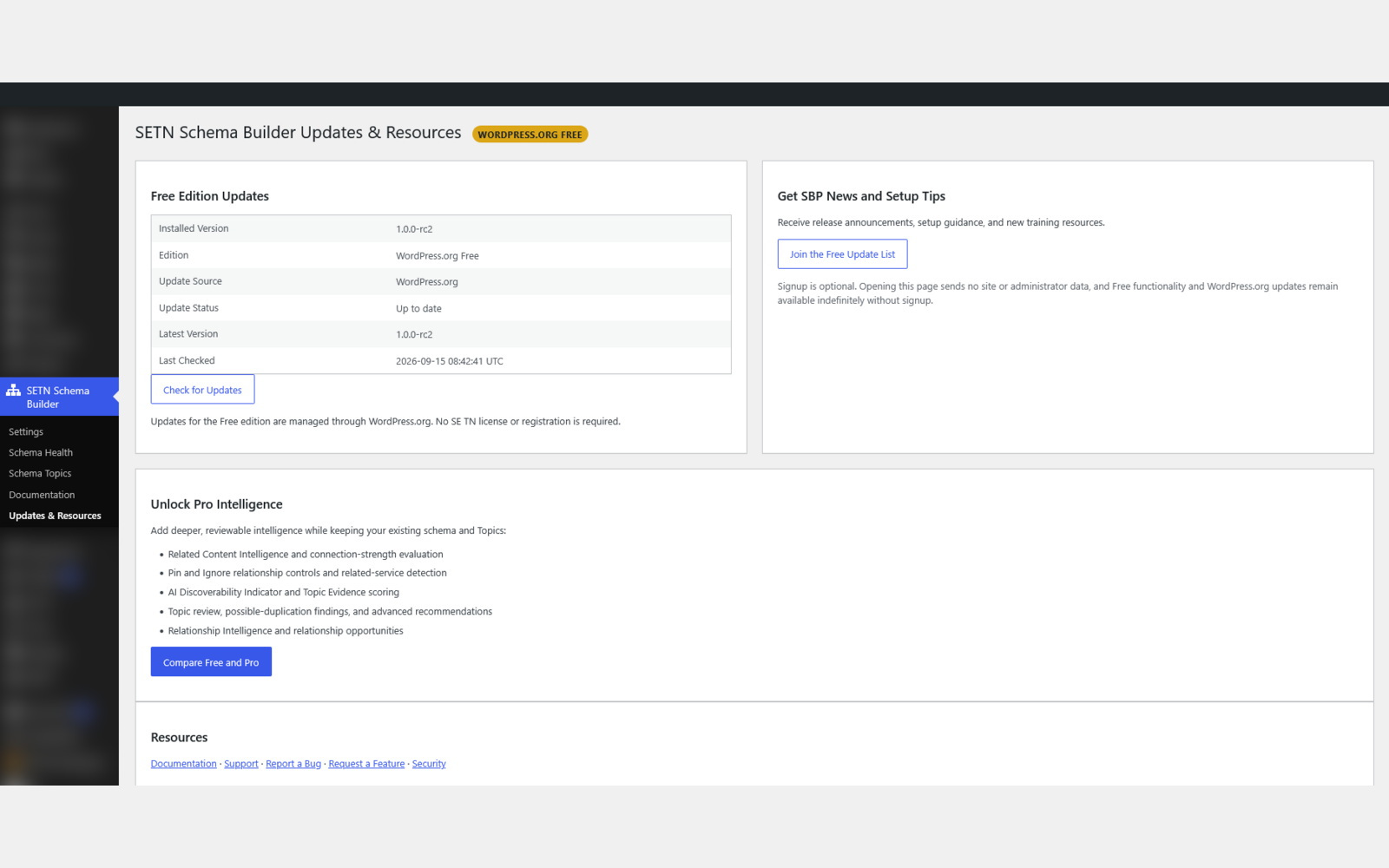
- Use Updates & Resources for WordPress.org update status, documentation, and optional news or upgrade links.
屏幕截图:
常见问题:
Does SETN Schema Builder replace my SEO plugin?
Not necessarily. SETN Schema Builder is designed to work alongside common WordPress SEO and schema plugins such as Yoast SEO, Rank Math, AIOSEO, and SEOPress. In Compatible Mode, SBP can allow the existing SEO/schema provider to continue managing core schema while SBP focuses on supplemental structured knowledge such as services, Schema Topics, semantic relationships, FAQ information, Schema Health diagnostics, and AI-discovery features. You can also use SBP in Standalone Mode when another schema provider is not managing the site. Your SEO plugin helps optimize pages. SETN Schema Builder helps machines understand the knowledge behind those pages.
What is the difference between Compatible Mode and Standalone Mode?
Compatible Mode is intended for sites already using a supported SEO or schema plugin. In this mode, SETN Schema Builder is designed to reduce unnecessary overlap and add structured knowledge that complements the existing provider. Standalone Mode is intended for sites where SBP will act as the primary structured-data system. The best mode depends on your current WordPress stack and whether another plugin is already managing core schema output.
What is llms.txt and what does SETN Schema Builder do with it?
llms.txt is an emerging machine-readable convention intended to provide AI systems and other automated agents with a concise description of a website and its important content. SETN Schema Builder can generate and manage an llms.txt resource using information already configured in the plugin, including business identity, services, topics, and other structured knowledge. SBP also provides diagnostics so you can see whether the llms.txt resource is being generated and delivered correctly. Because llms.txt is still an evolving convention, SBP does not claim that every AI system will use it, crawl it, or rely on it.
Will SETN Schema Builder create duplicate schema?
SBP is designed to reduce unnecessary duplication when another supported schema provider is active. In Compatible Mode, SETN Schema Builder can work alongside existing providers and focus on supplemental entities and relationships rather than replacing or reproducing every core schema node. The plugin also includes Schema Health and compatibility diagnostics to help identify the active environment and potential configuration issues. As with any WordPress site using multiple plugins that can output schema, site owners should review the final structured data after major configuration changes.
What are Schema Topics and semantic relationships?
Schema Topics are structured subject entities that help describe the major concepts, subjects, services, or areas of expertise represented across your website. Instead of treating pages as isolated documents, SBP can connect pages, services, topics, FAQs, and other entities through semantic relationships. This creates a more connected machine-readable knowledge layer that can help search engines, AI systems, and other automated tools better understand how the information on your site relates to itself.
Does SETN Schema Builder guarantee AI citations or better rankings?
No. SETN Schema Builder does not guarantee search rankings, AI citations, crawler access, inclusion in AI systems, or visibility in answer engines. Its purpose is to improve the structure, consistency, and clarity of the information your site makes available to machines. By organizing entities, relationships, structured data, and AI-discovery resources more clearly, SBP can help create a stronger technical foundation for modern search and AI discovery, but the final behavior of search engines and AI systems is outside the plugin's control.
Does SETN Schema Builder support service-area businesses?
Yes. SETN Schema Builder includes support for service-area business information and structured service data, making it useful for organizations that serve defined geographic regions rather than operating only from a single storefront location. This can help connect business identity, services, locations, and service areas in a more consistent machine-readable structure.
更新日志:
- Restores the shared entity registry and graph validator omitted from the WordPress.org 1.0.0 publication, fixing fatal activation.
- Adds complete package inventory, dependency, syntax, runtime, and upgrade release gates.
- Preserves existing settings, Topics, relationships, schema output, and license-independent Free updates.
- Corrects Service applicability, decoded schema titles, description fallback, address privacy controls, and neutral public Topic naming.
- Adds a conservative allowlisted Organization/business type setting while preserving the legacy ProfessionalService default.
- Connects supported supplemental Service and Topic entities through documented Yoast SEO and Rank Math graph filters without guessing provider IDs.
- Preserves the shared Free foundation, package boundaries, hybrid /llms.txt delivery, and all saved customer data.
- Standardizes the public company, product, attribution, slug, and text-domain naming for release.
- Finalizes the WordPress.org readme, screenshot captions, Free update-list destination, and RC3 package metadata.
- Adds a packaged admin-menu icon and keeps the absolute llms.txt filesystem path out of the normal Schema Health view.
- Preserves RC2 licensing, update delivery, package separation, saved data, and hybrid
/llms.txtdelivery behavior.
- Finalizes Free foundational relationships while reserving automatic discovery, scoring, recommendations, and Pin/Ignore curation for Pro and Agency.
- Ensures the WordPress.org package contains the polished locked presentation but no operational paid discovery implementation.
- Preserves Topics, registries, schema output, settings, and existing relationship data through package replacement.
- Adds release-candidate packaging, WordPress compatibility, compliance, readme, and SHA-256 verification gates without adding product features.
- Keeps the public Stable tag at the numeric 0.9.5 release until final 1.0.0 publication.
- Reports generic schema mode and exact detected SEO/schema provider separately.
- Reports whether SETN Schema Builder or another provider owns /llms.txt and keeps SBP knowledge/schema features active when deferred.
- Detects physical public llms.txt files before WordPress rewrites, attributes bounded All in One SEO and Yoast signatures, and reports unknown files conservatively without mutation.
- Preserves the curated FAQ Q&A, complete Organization description, raw Markdown links, real newlines, and targeted cache behavior introduced in v0.9.4.
- Adds curated AI-readable /llms.txt, a shared read-only public knowledge layer, targeted per-site caching, and factual Schema Health visibility. llms-full.txt and public/write Abilities remain deferred.
- Includes exact curated FAQ questions and answers after public-page eligibility verification, with clean Markdown and word-safe bounded text.
- Preserves an existing provider's /llms.txt rewrite and reports factual route ownership in Schema Health.
- Adds durable Service identities, authenticated commercial package checks, explicit Multisite policy, bounded frontend relationship behavior, expanded provider compatibility, and separate Free/commercial release artifacts.