
Shakebug
| 开发者 | softnoesis |
|---|---|
| 更新时间 | 2026年10月31日 17:40 |
| PHP版本: | 7.4 及以上 |
| WordPress版本: | 7.0 |
| 版权: | GPLv2 or later |
详情介绍:
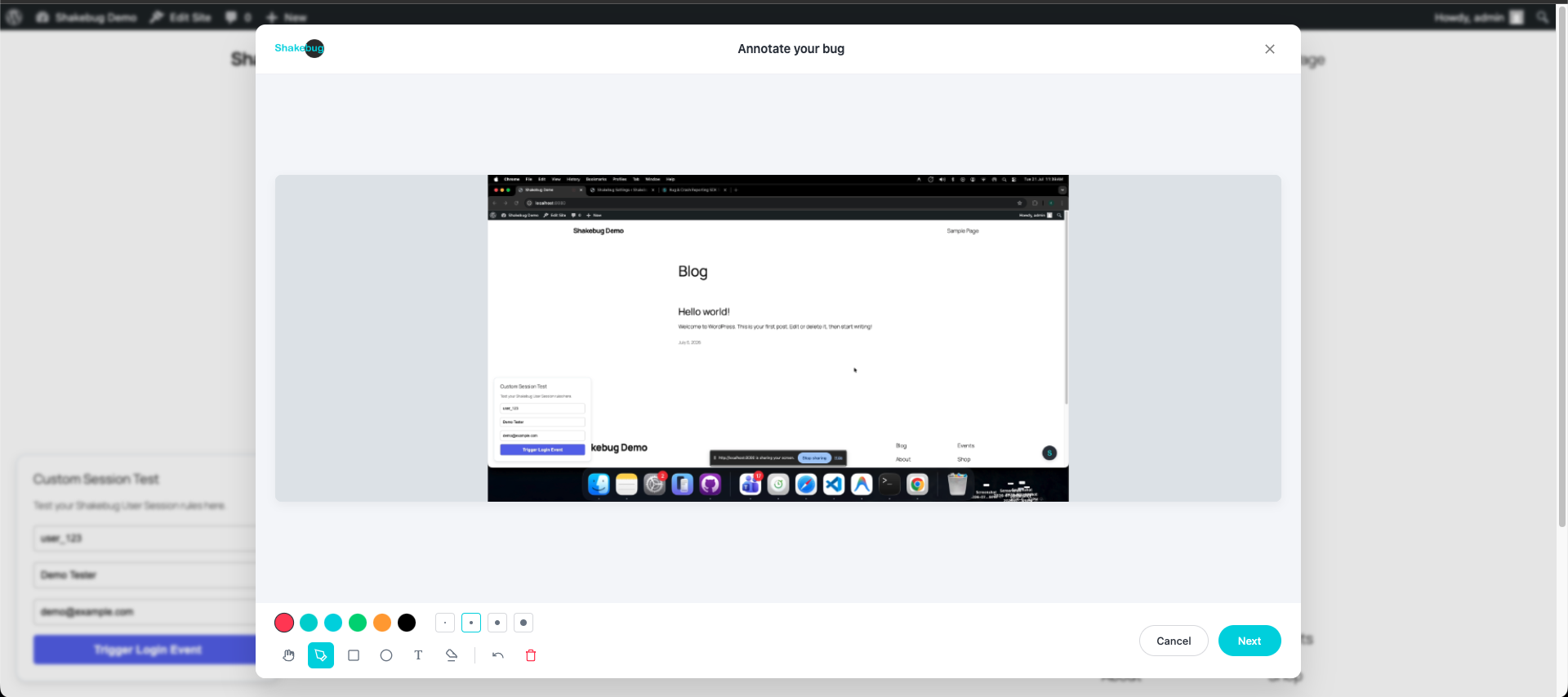
- One-Click Bug Reporting: Allow users or QA testers to report bugs directly from the frontend without leaving the site.
- Screenshot & Screen Recording: Users can easily capture or record their screen to visually demonstrate the issue.
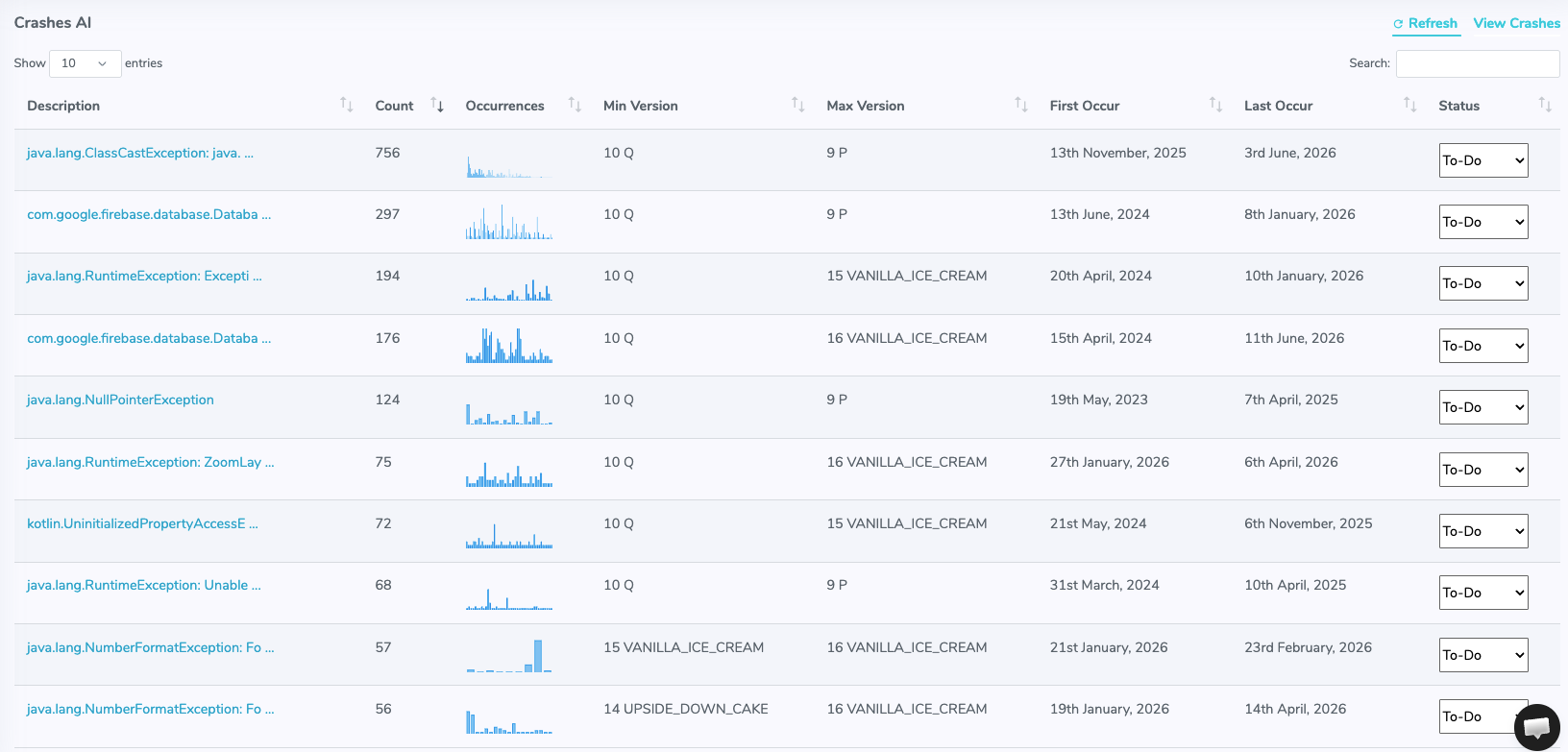
- Automatic Crash Reporting: Silently catch unhandled JavaScript errors and promise rejections before your users even notice them.
- User Session Tracking: Automatically track the steps a user took leading up to a bug to reproduce issues instantly.
- Dynamic Event Tracking: Log specific clicks and interactions without writing a single line of custom code.
- Privacy & GDPR Friendly: Full control over what is recorded to ensure user data privacy.
安装:
- Upload the
Shakebug-wordpress-pluginfolder to the/wp-content/plugins/directory, or install it directly through the WordPress plugins screen. - Activate the plugin through the 'Plugins' screen in WordPress.
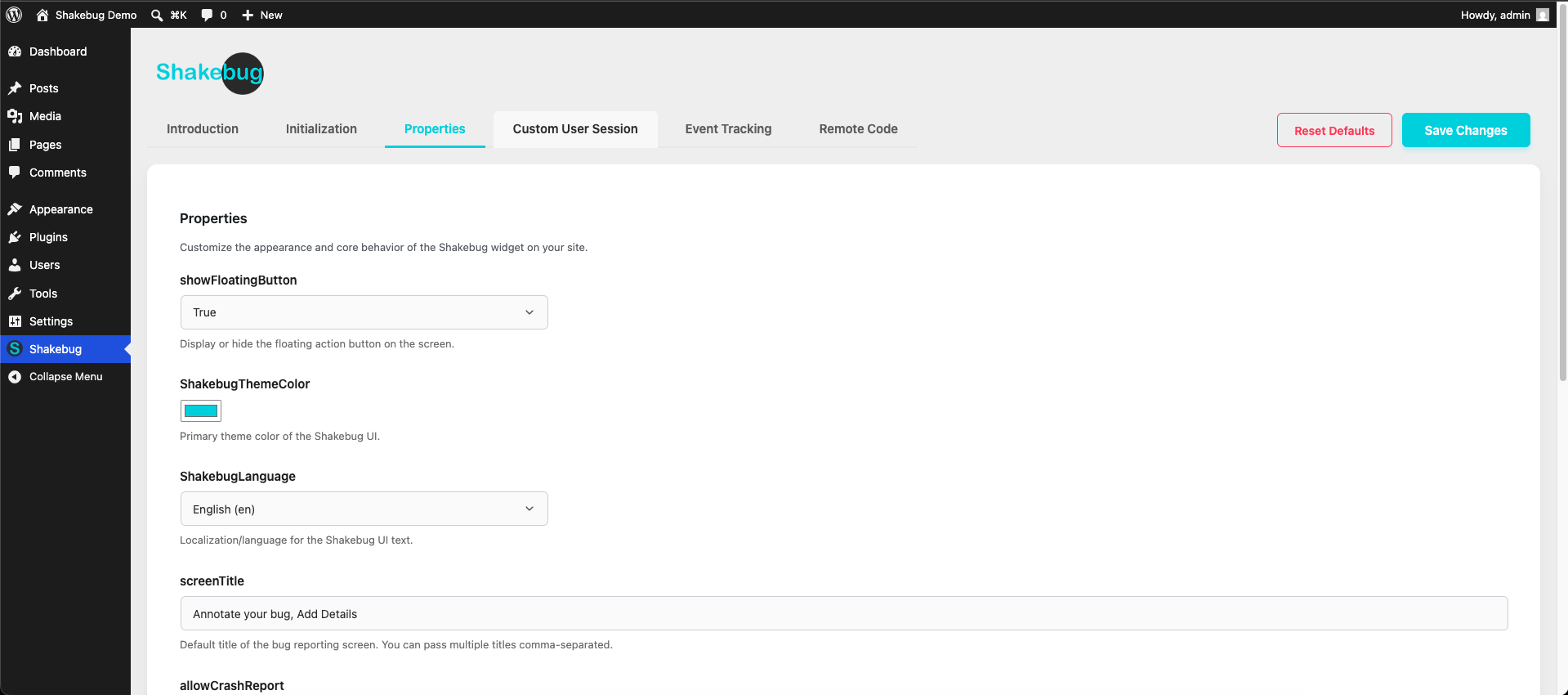
- Navigate to the Shakebug Settings menu in your WordPress admin sidebar.
- Enter your Shakebug API Key (you can get this by creating a free account at shakebug.com).
- Start receiving detailed bug reports!
屏幕截图:
常见问题:
Is a Shakebug account required?
Yes. You need a free or premium Shakebug account to generate an API key and view the bugs reported from your website. You can create an account at https://www.shakebug.com.
Does it affect my website performance?
No. The Shakebug script is extremely lightweight and loads asynchronously, meaning it will not block your website from loading or negatively impact your Core Web Vitals.
How do I find my API Key?
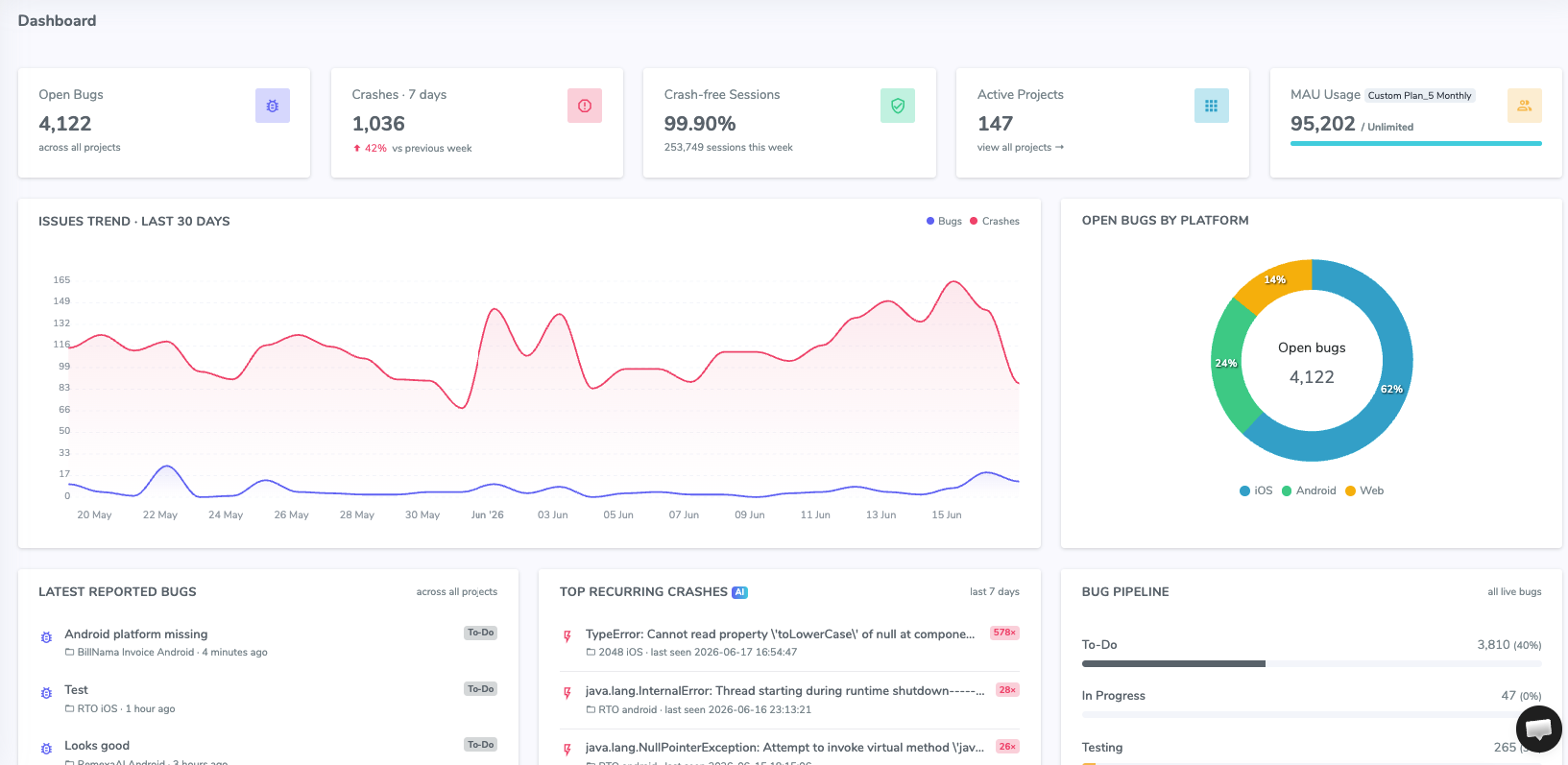
After signing up at https://www.shakebug.com, log into your dashboard, select your project, and navigate to the project settings to copy your API key.
Can I customize the bug reporting widget?
Yes! You can fully customize the widget's appearance, colors, and behavior from your Shakebug dashboard to seamlessly match your website's branding.
What kind of data is captured in a bug report?
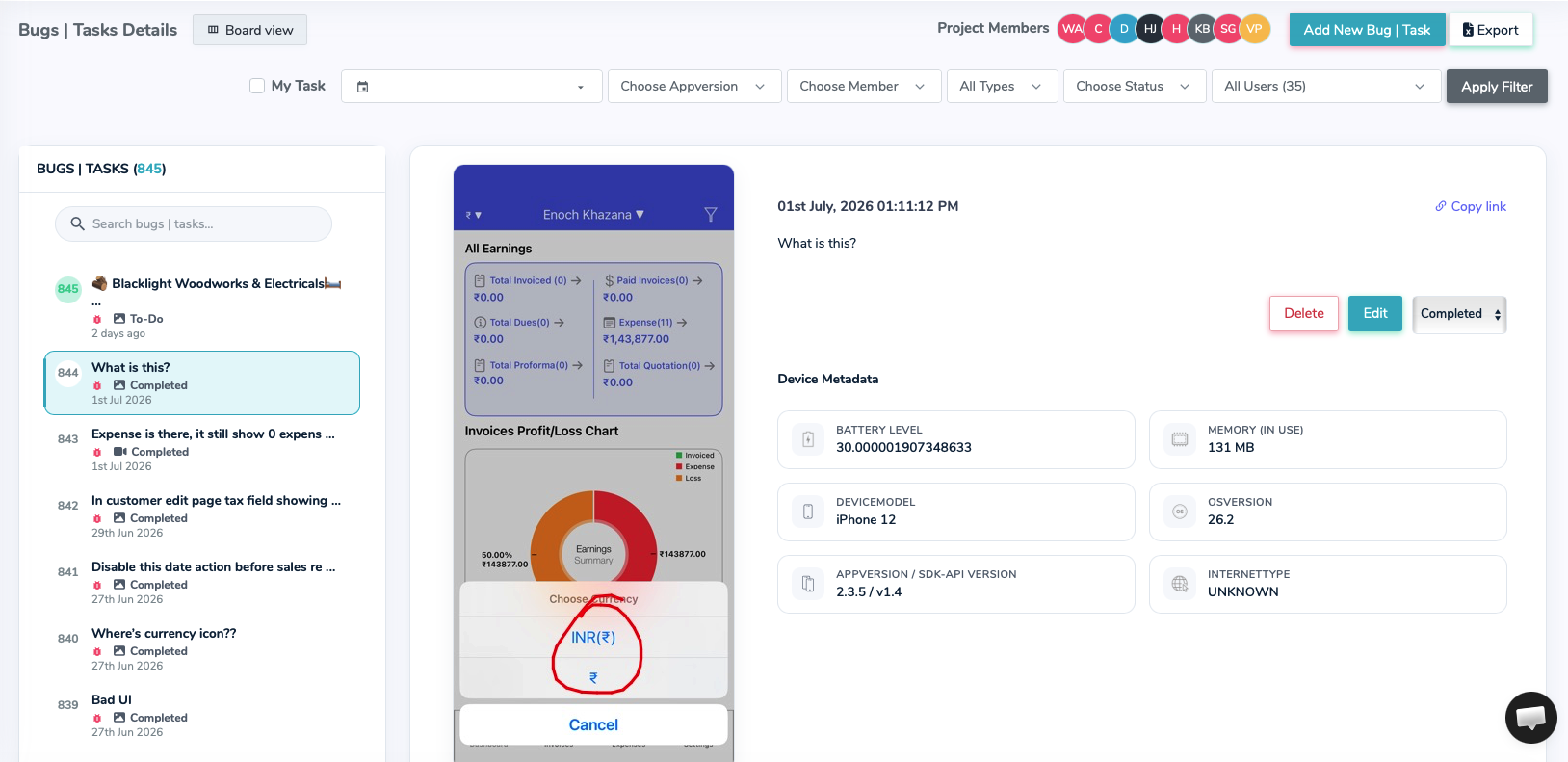
Shakebug captures a screenshot, user session recording, console logs, network requests, browser version, OS version, and screen resolution to give you full context of the issue.
Does it track JavaScript errors automatically?
Yes! Shakebug silently catches unhandled JavaScript errors and promise rejections, grouping them automatically using AI in your Crash Dashboard.
Where can I get support or learn more?
For more information, features, and support, please visit our official website at https://www.shakebug.com.
更新日志:
- Fixed asset paths.
- Initial release of the Shakebug WordPress plugin.
- Features: API Key integration, dynamic feature gating, session recording, crash reporting, and a fully customizable floating widget.