
ShareThis Share Buttons
| 开发者 |
sharethis
scottstorebloom scottmweaver |
|---|---|
| 更新时间 | 2026年8月21日 00:24 |
| PHP版本: | 5.5 及以上 |
| WordPress版本: | 7.1 |
| 版权: | GPLv2 or later |
标签
下载
详情介绍:
- One-click sharing across 40+ social networks
- AI assistant buttons for ChatGPT, Claude, Copilot, Gemini, Grok, and Perplexity
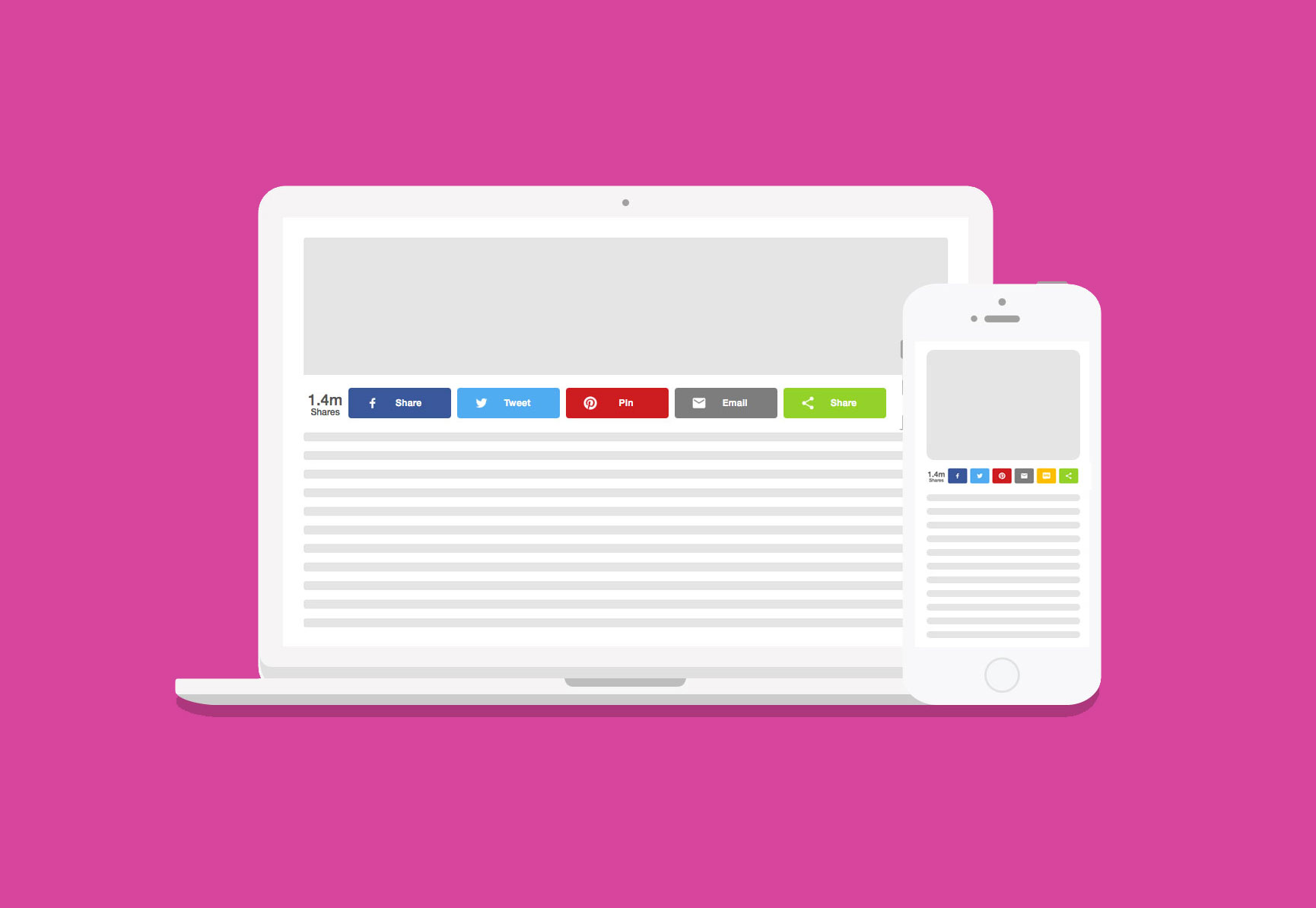
- Sticky and inline share button layouts
- Lightweight asynchronous loading for fast performance
- Mobile responsive design
- Gutenberg compatible
- Custom colors, alignment, and sizing options
- Multilingual support with 15+ languages
- Per-page and per-post controls
- Shortcodes and PHP integration
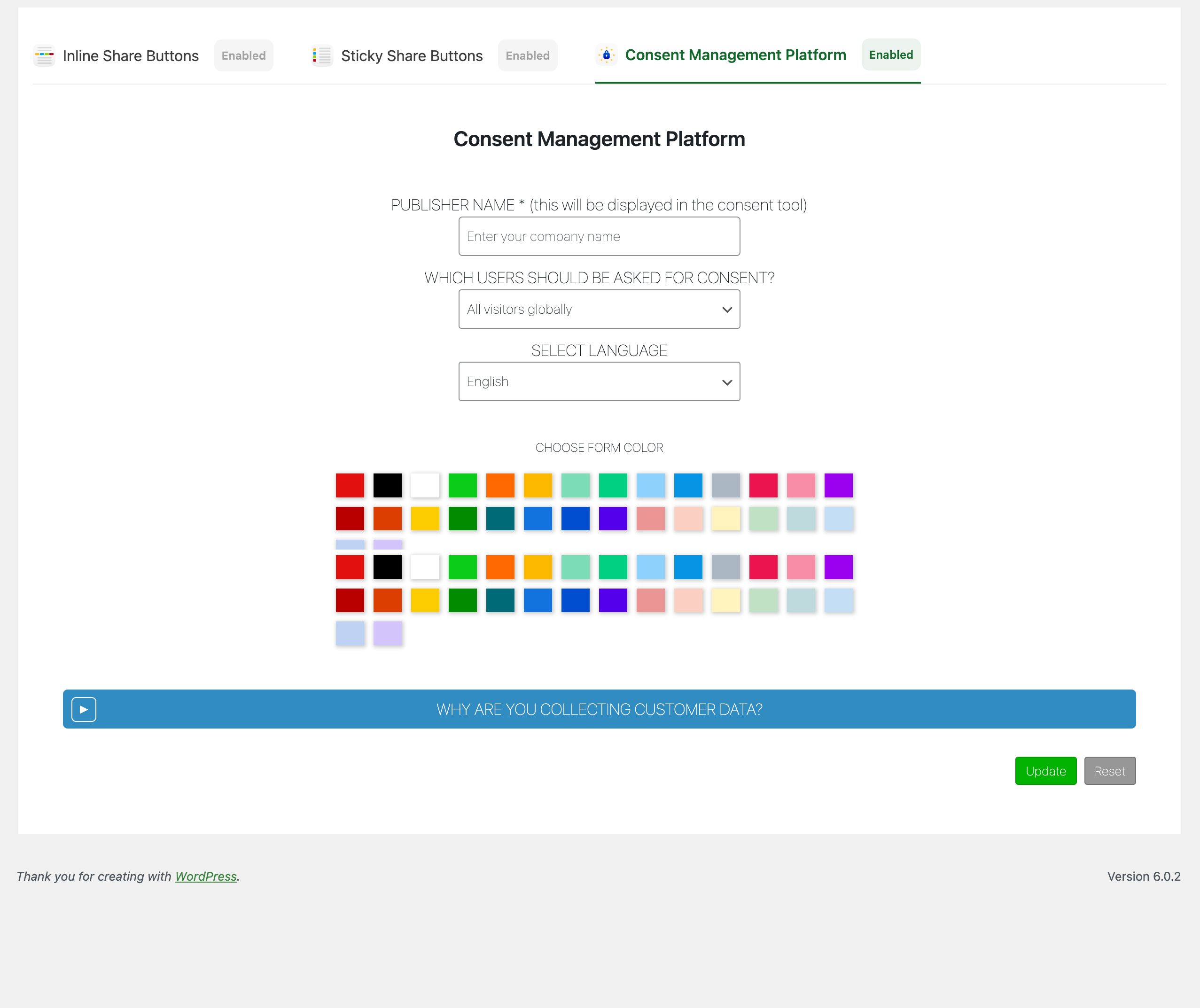
- GDPR compliance options included
- Twitter / X
- Threads
- Bluesky
- Mastodon
- Messenger
- Snapchat
- Telegram
- And many more
- ChatGPT
- Claude
- Copilot
- Gemini
- Grok
- Perplexity
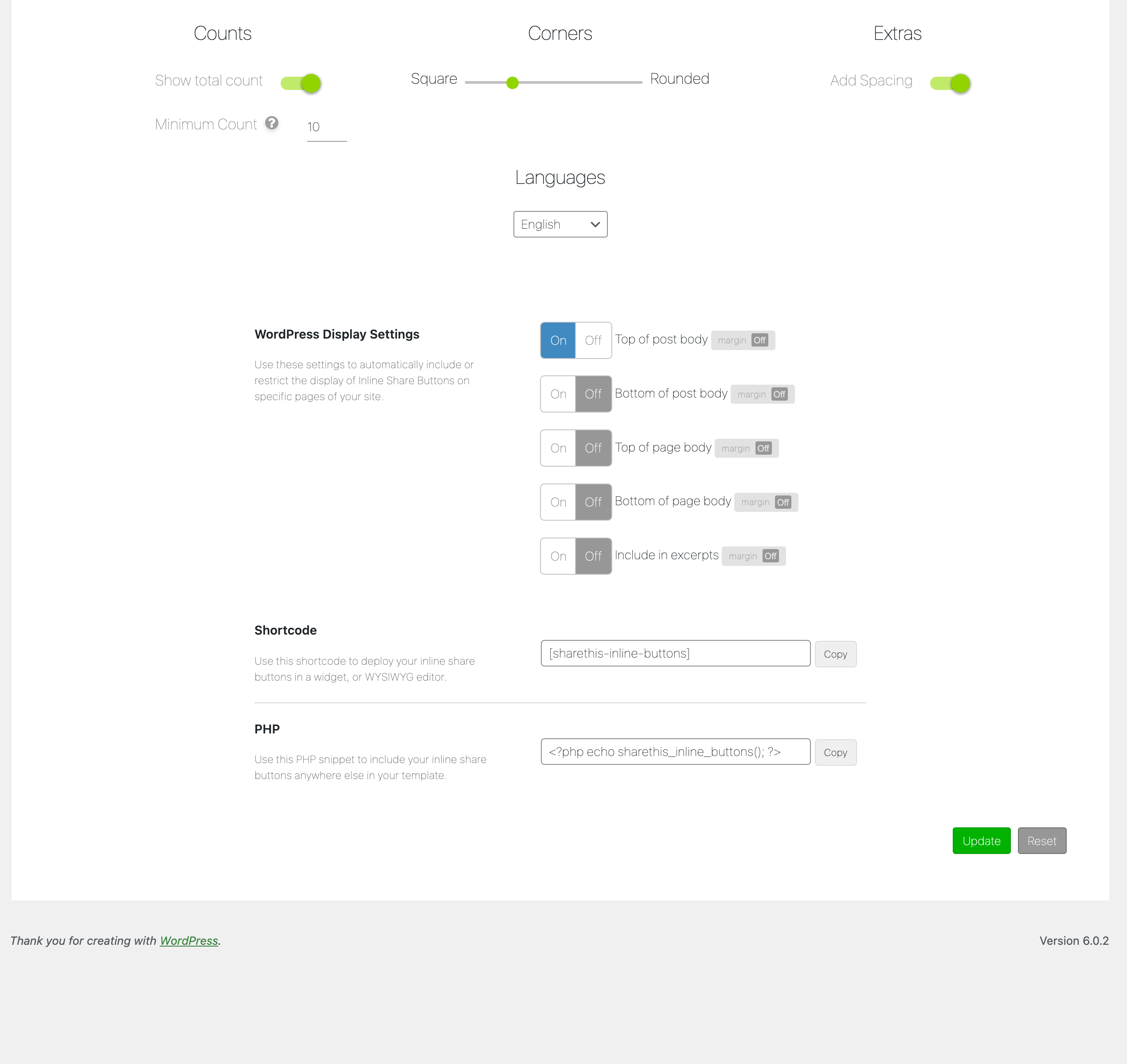
- Display buttons above or below content
- Adjustable spacing and margins
- Alignment controls
- Custom button sizes and colors
- Gutenberg block support
- Shortcode support
- PHP template snippets
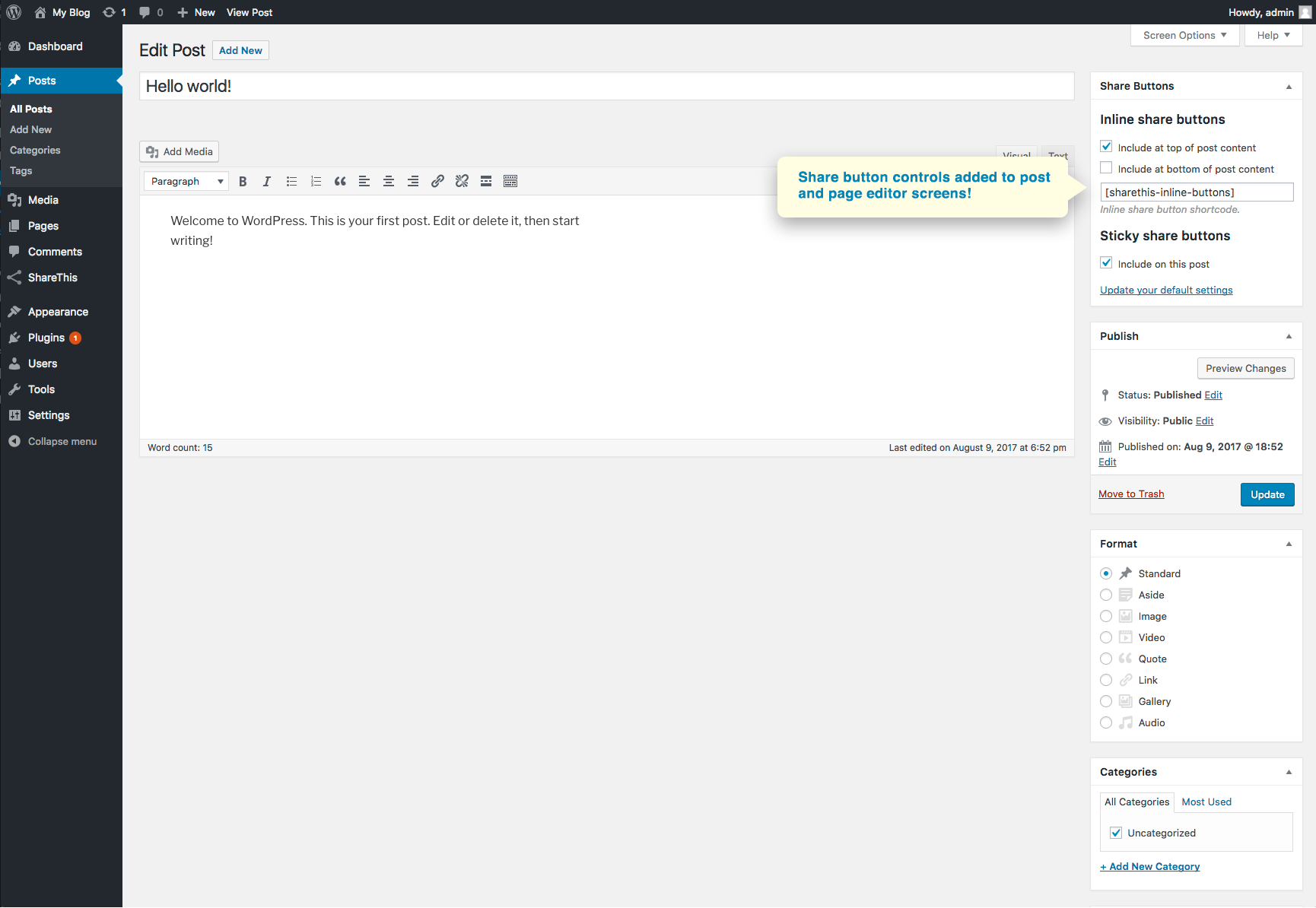
- Enable or disable buttons on individual posts and pages
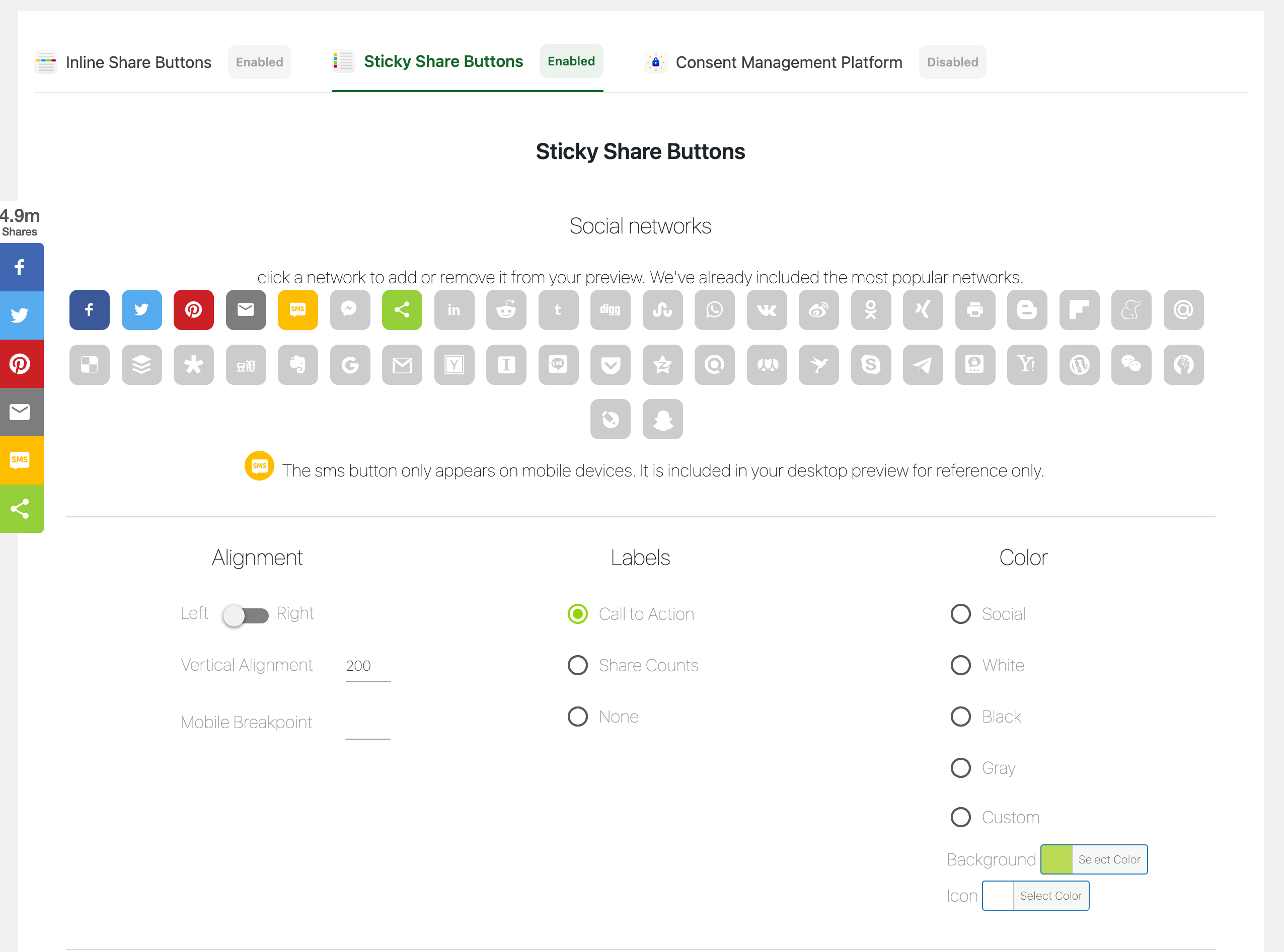
- Sticky sidebar positioning
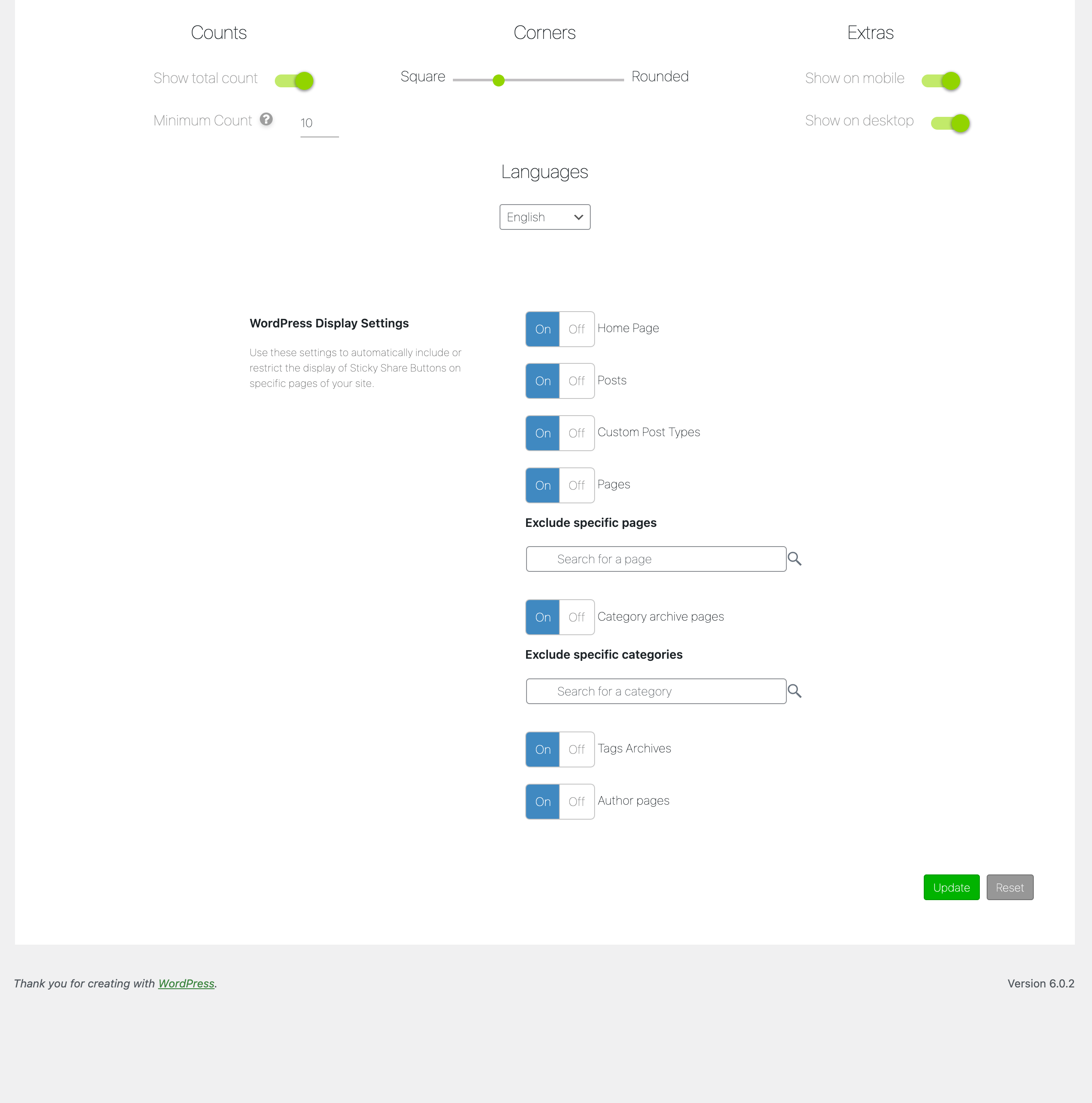
- Enable on posts, pages, archives, products, and custom post types
- Category and page exclusions
- Responsive mobile behavior
- Per-page display controls
- Searchable page exclusion settings
安装:
- Install the plugin from the WordPress Plugin Directory or upload the plugin zip file manually.
- Activate the plugin through the WordPress Plugins menu.
- Open the ShareThis Share Buttons settings page.
- Configure your preferred button styles and placement.
- Save your settings and your Share Buttons will appear automatically on your website.
屏幕截图:

常见问题:
Do Share Buttons work on mobile devices?
Yes. ShareThis Share Buttons are fully responsive and optimized for mobile devices, tablets, and desktops.
Can I customize the appearance of the buttons?
Yes. You can customize colors, size, alignment, spacing, positioning, and button layout directly from the plugin settings.
Can I disable buttons on specific pages or posts?
Yes. The plugin includes page and post editor controls that let you enable or disable buttons on individual pieces of content.
How do I add the AI assistant buttons?
Open the Inline or Sticky Share Buttons settings screen and select ChatGPT, Claude, Copilot, Gemini, Grok, or Perplexity from the network list. They are turned off by default, so they will not appear on your site until you enable them and save your settings.
Does the plugin support Gutenberg?
Yes. ShareThis Share Buttons includes Gutenberg block support for adding inline buttons directly inside the editor.
I updated my button settings but changes are not showing immediately. Why?
ShareThis caches button configurations to improve performance. Changes made through the ShareThis platform may take a few minutes to appear on your website.
Do I need coding knowledge to use this plugin?
No. The plugin is designed for easy setup and configuration without coding experience.
更新日志:
- Tested wp 7.1
- Add AI assistant share buttons: ChatGPT, Claude, Copilot, Gemini, Grok, Perplexity.
- Copilot and Gemini copy the prompt to the clipboard, since neither accepts a prompt in a URL.
- Test wp ver 7
- Add mastodon.
- Remove iorbix, koapp, blm, skype, surfingbird
- Refresh readme.
- Test in 6.9.
- Fix settings sanitization.
- Fix readme.
- Fix dir path
- Fix minute control warning
- Test in 6.8.2
- Fix fatal error.
- Fix text domain warning.
- Fix metabox controls.
- Fix post warning.
- Test to 6.8.1.
- Add Bluesky and Threads networks
- Test wp ver 6.7.1
- Additional security checks.
- Fix XSS security hole in shortcode
- Fix 8.2 deprecations.
- Test wp ver 6.5.2.
- Add new social networks.
- Remove leading commas for backwards compatibility
- Remove restapi action.
- Fix position option saves.
- Fix random enable on update.
- Fix missing update/reset buttons.
- Fix conflict with other share this menus.
- Add check for first product use.
- Test with WordPress 6.1.1.
- Add source.
- Add disable/enable tool buttons to gdpr.
- Fix reset if tool is turned off and on.
- Add disable tool button.s
- Fix issue with PHP 5.X compatibility.
- Add smart share buttons.
- Add new social networks options.
- Remove account registration.
- Add custom share button color options.
- Change UI to tabs.
- Test with WordPress 6.0.1 and PHP8.
- Fix critical error.
- Test with WordPress 5.9.2.
- Remove random gif.
- Sanitize inputs/outputs and improve code quality.
- Test with WordPress 5.9.1.
- Fix Ajax
- Test with WordPress 5.9.
- Fix markup for data-url output.
- Fix jquery attr call and php warning.
- Remove GDPR global scope.
- Add Snapchat, BLM and Live Journal network options.
- Fix position config update save.
- Fix missing update in stick config.
- Fix language selector.
- Fix GDPR compliance on/off.
- Added GDPR compliance tool option and config.
- Fix registration sticky configurations.
- Add DB data removal on deactivate.
- Add new companies to network list.
- Add notice for ad blockers.
- Fix endpoint update.
- Add German to language list.
- Remove Native counts.
- Replace api endpoints.
- Made WordPress 5+ compatible.
- Added new Gutenberg block category and block for adding inline buttons.
- Fixed backwards compatibility for accounts without secrets.
- Added multi-language options for translating share buttons.
- Added loading gifs to registration to avoid user double clicks.
- Added new Messenger button to network list.
- Menu logic for use by future ShareThis plugins.
- Fix button size selector.
- Create an account and design your share buttons without leaving the plugin!
- Link the plugin and sync buttons settings with an existing property on our Platform.
- Add a widget for sidebars to include buttons.
- Added data-url attribute to non the-excerpt filter excerpts.
- Fixed random share buttons on homepage base issue.
- Changed first product set function to add if doesn't exist instead of looking at transient.
- Fixed excerpt filter solving excerpt display issue.
- Brand new plugin submission.