SharpLogin
| 开发者 | sharplugins |
|---|---|
| 更新时间 | 2021年10月18日 07:23 |
| 捐献地址: | 去捐款 |
| PHP版本: | 7.3 及以上 |
| WordPress版本: | 5.8.1 |
| 版权: | GPLv2 or later |
| 版权网址: | 版权信息 |
详情介绍:
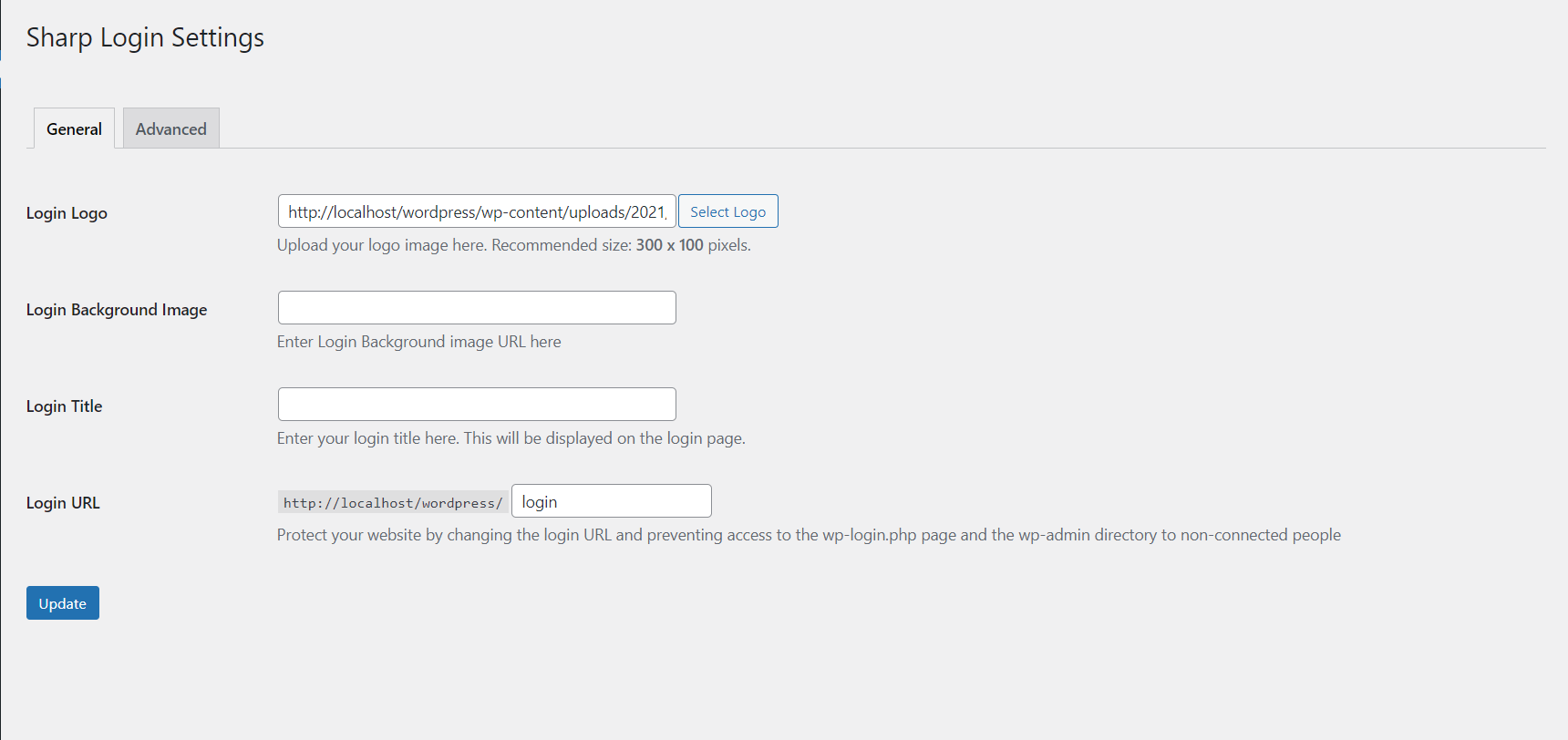
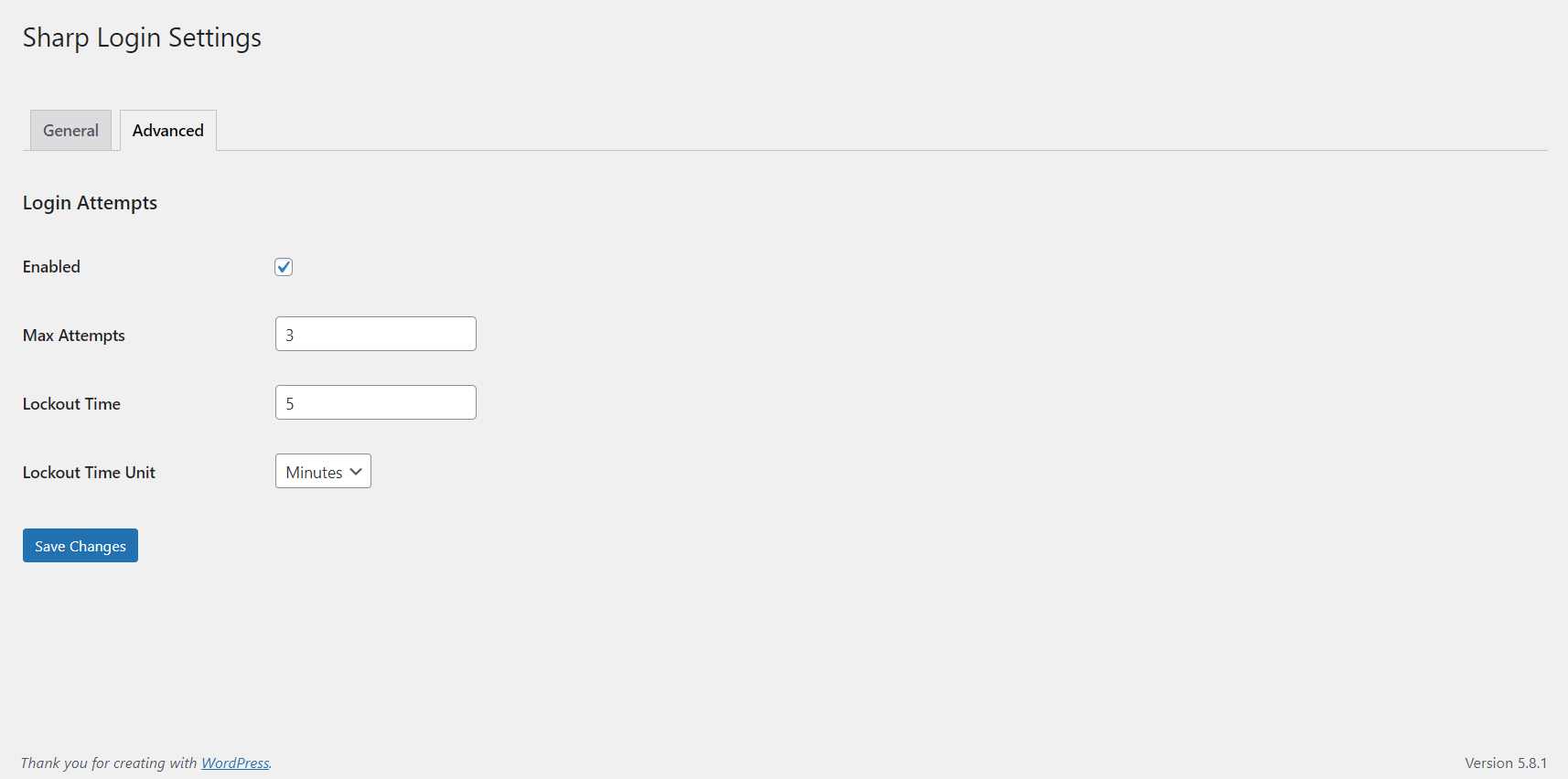
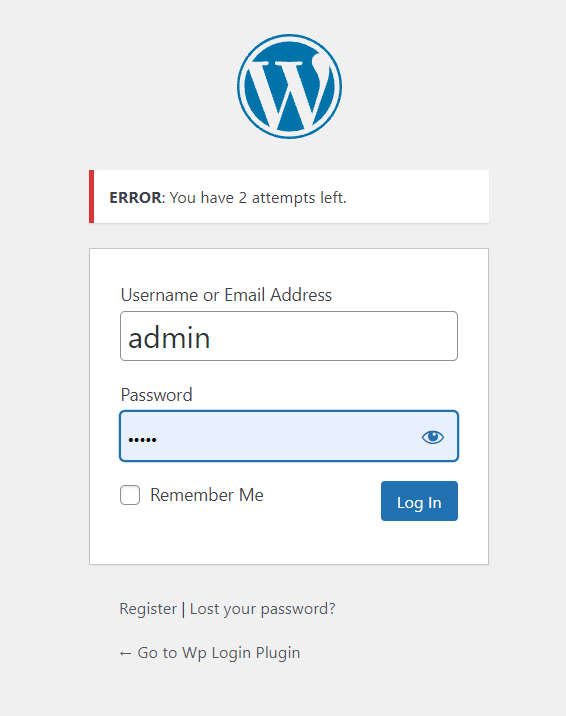
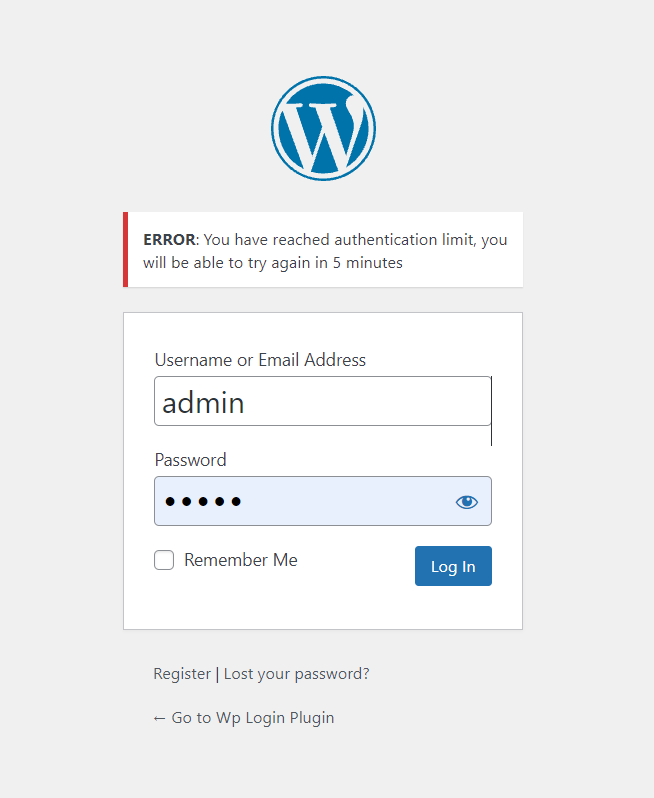
SharpLogin gives you facility to change login url, change background picture of the login screen, also you can put your logo in login screen. In the new release, you can make sure that you have limited login attemps and if the limit exceed, you can give a specific time to lockout the user from system.
Compatibility
Requires WordPress 5.0 or higher. All login related things such as the registration form, lost password form, login widget and expired sessions just keep working.
It’s also compatible with any plugin that hooks in the login form, including:
- BuddyPress,
- bbPress,
- Limit Login Attempts,
- and User Switching. Obviously it doesn’t work with plugins or themes that hardcoded wp-login.php.
安装:
- Go to Plugins > Add New
- Search for SharpLogin
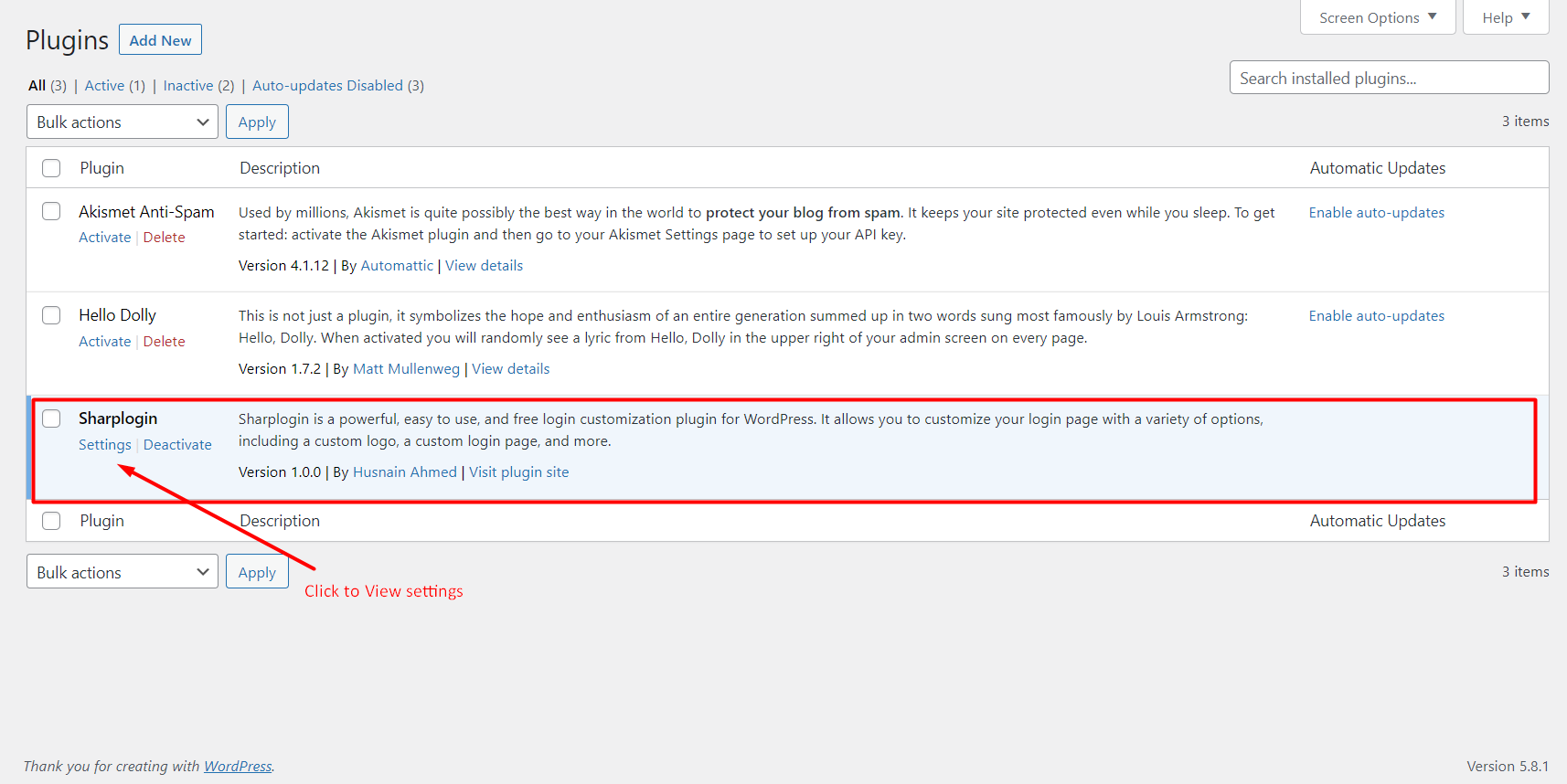
- Look for the plugin, download and activate it using wordpress plugins section
- Navigate to SharpLogin Menu and update settings
屏幕截图:
常见问题:
What should I do if I forget my custom login URL?
In that case, you have to go to database and look for sharplogin_page in wp_options and delete it.
How can I change the background picture of the login screen?
In the settings, you can change the background picture of the login screen.
How can I change the logo of the login screen?
In the settings, you can change the logo of the login screen.
更新日志:
0.1
- Initial release.
- It has following features
- Hide Login URL
- Customize login URL
- Change background Picture of the login screen
- Update Login screen logo
- Updated backend for better understanding of the customer.
- Added login attempts menu which have following options:
- Enable or disable option
- Max Attempts for login
- Max lockout time
- Time unit which is Minutes, Hours and Days
- updated the general settings section
- Added media library to upload login logo