Sheetable - Google Sheets to WP Table
| 开发者 | sheetable |
|---|---|
| 更新时间 | 2026年6月6日 21:07 |
| PHP版本: | 7.4 及以上 |
| WordPress版本: | 7.0 |
| 版权: | GPLv2 or later |
| 版权网址: | 版权信息 |
详情介绍:
安装:
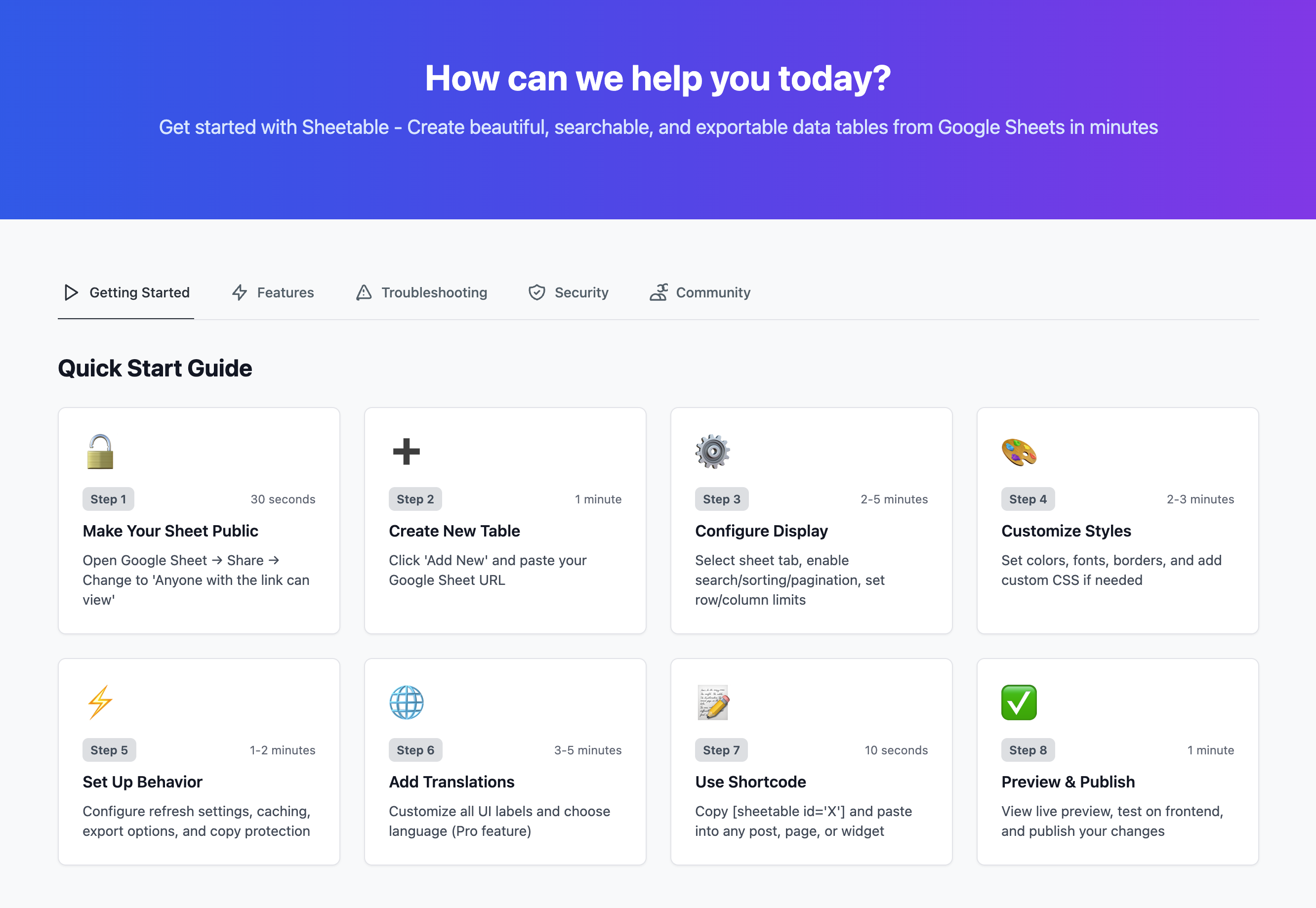
- Install the plugin via WordPress Dashboard > Plugins > Add New, search for "Sheetable"
- Activate the plugin
- Go to Sheetable in your WordPress Dashboard
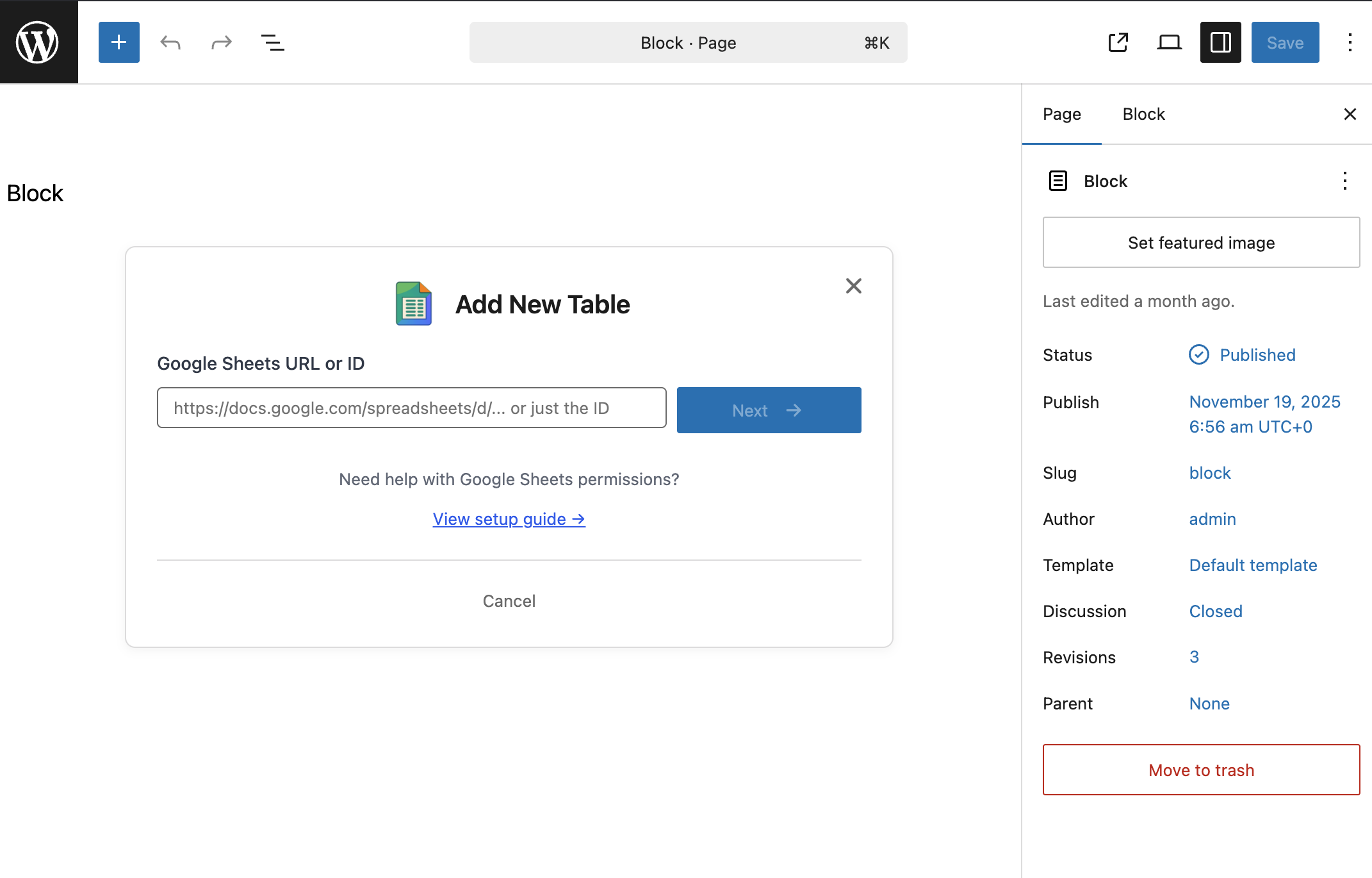
- Paste your Google Sheet link
- Customize your table settings
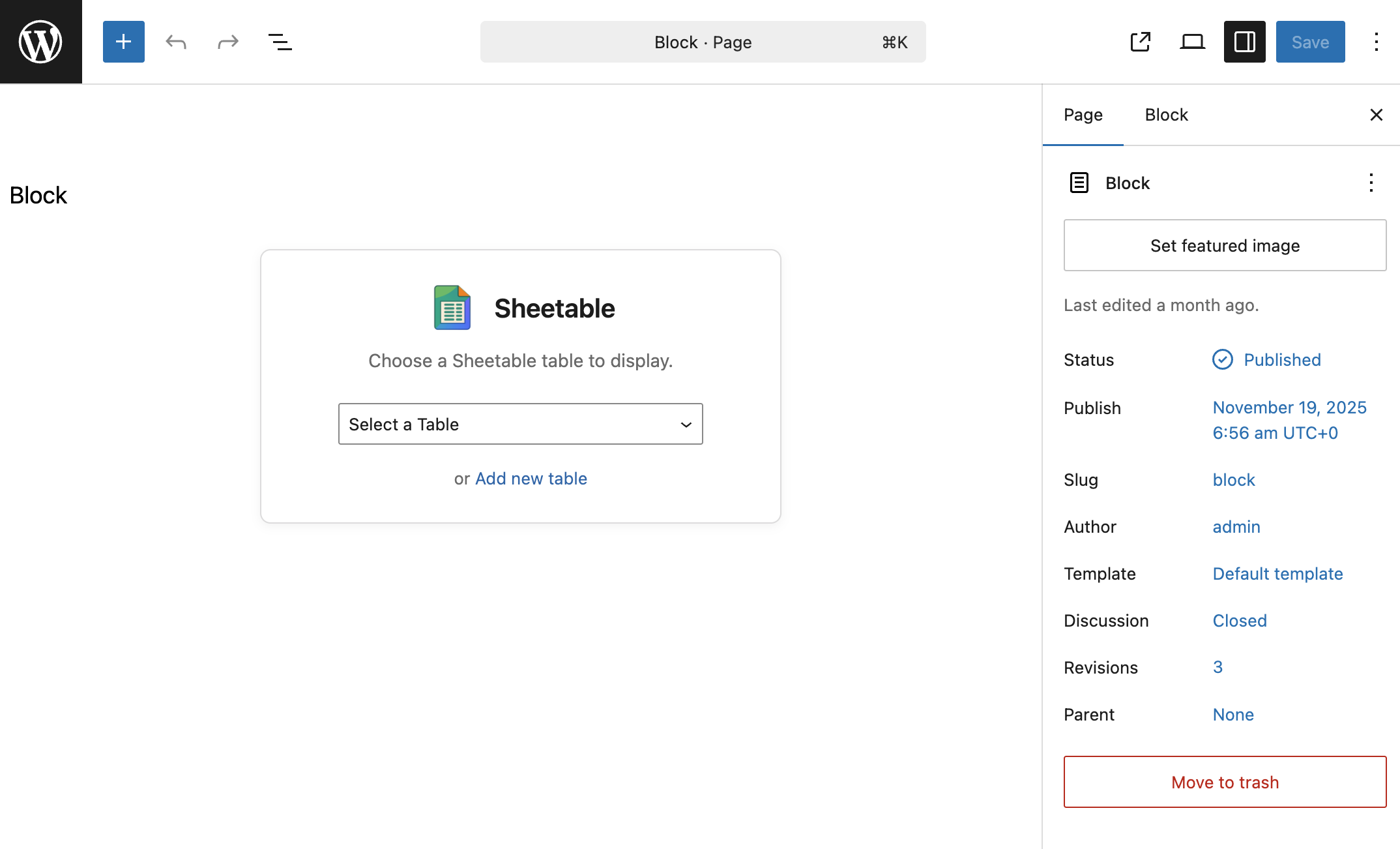
- Insert via shortcode or Gutenberg block
屏幕截图:
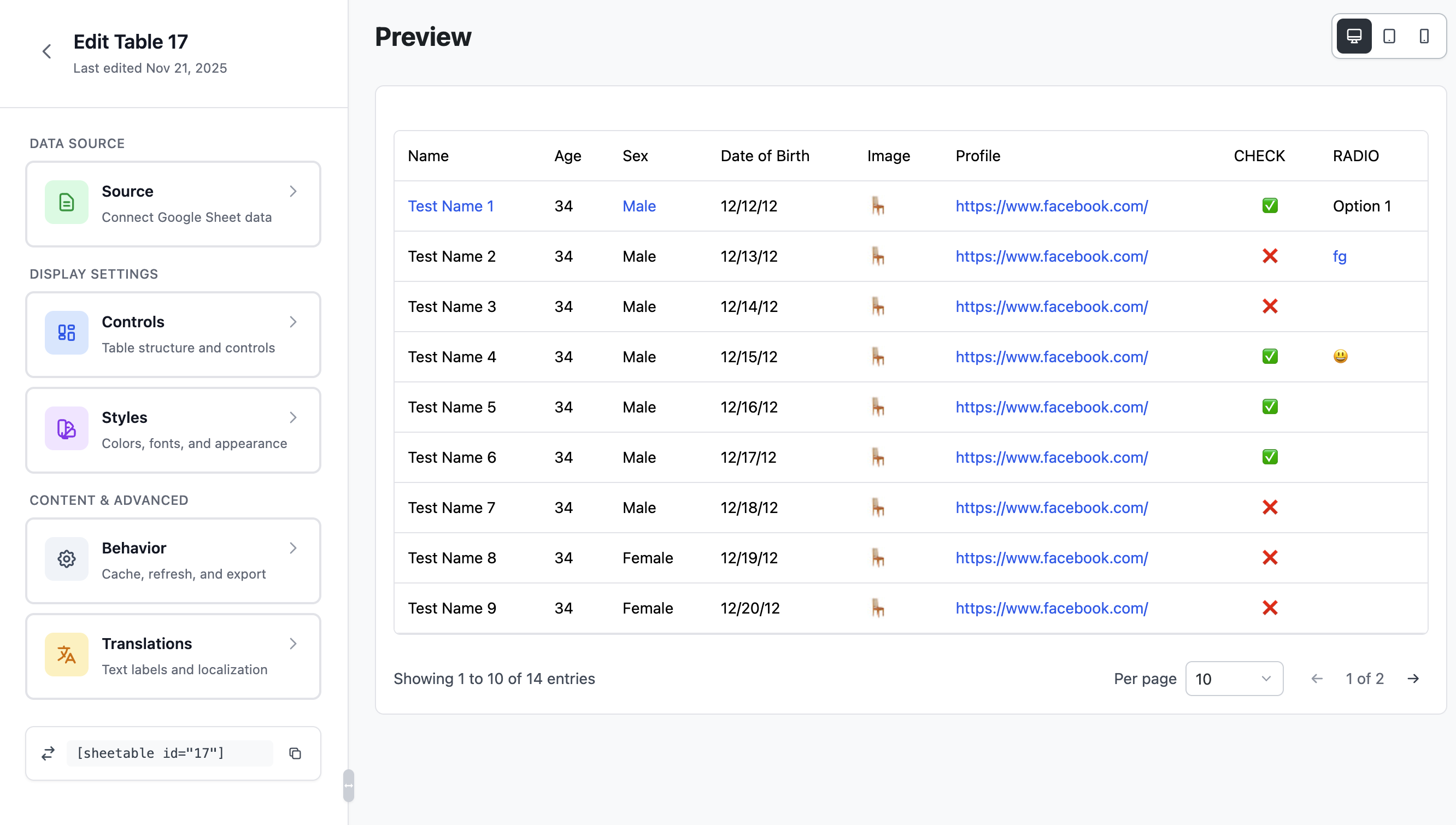
常见问题:
Will Sheetable slow down my website?
No. Sheetable is ultra-lightweight with only ~10KB footprint on the frontend. It uses client-side rendering, meaning all processing happens in the visitor's browser with zero server load. Your site stays fast.
Does it require a Google API key?
No! Sheetable works directly with public Google Sheets URLs. No API key setup, no OAuth configuration, no Google Cloud Console. Just paste your sheet link and it works.
Does it require any server or third-party services?
No. Sheetable fetches data directly from Google Sheets to the visitor's browser. No middleman servers, no third-party APIs, no external dependencies. Your data goes straight from Google to your visitors.
Does it work with private Google Sheets?
No. Your Google Sheet must be set to "Anyone with the link can view" for Sheetable to access it. This is a Google Sheets permission requirement. Private or restricted sheets cannot be displayed.
Does it work with large spreadsheets?
Yes! Sheetable handles large datasets smoothly using client-side caching and efficient rendering. Pagination keeps the display fast regardless of dataset size.
Can I select a specific sheet from a spreadsheet?
Yes. If your Google Spreadsheet has multiple sheets (tabs), you can choose exactly which sheet to display. Each table can show a different sheet from the same spreadsheet.
Is the table responsive on mobile devices?
Yes. All tables are fully responsive and work on mobile phones, tablets, desktops, and even folding devices. The layout adapts automatically to any screen size.
What makes Sheetable different from other table plugins?
Sheetable is built for performance. While other plugins load heavy libraries (500KB+), Sheetable uses only ~10KB on the frontend. No API key needed. No server processing. No artificial row limits. Just fast, unlimited tables.
Is Sheetable compatible with caching plugins?
Yes. Sheetable works perfectly with all popular caching plugins including WP Rocket, W3 Total Cache, LiteSpeed Cache, and others. Client-side rendering means cached pages still show live data.
Does it work with page builders?
Yes! Sheetable includes a native Gutenberg block and shortcode support. Works with Elementor, Divi, Beaver Builder, Bricks, Oxygen, and any builder that supports shortcodes.
Is it compatible with AJAX navigation and SPA themes?
Yes. Sheetable reinitializes properly on AJAX page loads. Compatible with themes using Barba.js, Swup, Turbo, and similar AJAX navigation libraries.
Which browsers are supported?
All modern browsers including Chrome, Firefox, Safari, Edge, and Opera. Works on both desktop and mobile versions.
How many tables can I create?
Unlimited! Create as many tables as you need with unlimited rows and columns. No artificial limits.
Can I customize the table appearance?
Yes. Free version includes basic display options. Pro version adds full styling control with colors, fonts, borders, spacing, and custom CSS editor.
更新日志:
- Improved: Minor UX improvements across the admin interface
- New: Text wrapping options - Control how long text displays in cells (wrap, ellipsis, or no wrap)
- New: Copy & Paste Styles - Copy styling from one table and apply to another with one click
- New: Responsive column visibility - Hide specific columns on mobile and tablet devices
- New: Auto-detect email addresses and convert to clickable mailto: links
- New: Auto-detect phone numbers and convert to clickable tel: links
- New: Responsive column wrapping - Show limited columns with expandable rows on mobile
- New: Click row to expand - Click any row to show full text when truncation is enabled
- Improved: Better error handling when default sheet (gid=0) doesn't exist
- Improved: Smooth animations for row expansion and text de-truncation
- Improved: Text wrapping now has configurable max column width
- Fixed default sheet selection. Now Sheetable can sense your deleted sheet.
- Initial release
- Unlimited table creation
- Google Sheets integration (no API key required)
- Real-time search functionality
- Column sorting
- Pagination support
- Responsive table design
- Gutenberg block support
- Shortcode support
- IndexedDB caching for performance
- Mobile-optimized display