
Malware Scanner by Antivirus.ai – Shieldlume Security
| 开发者 | pluginsshop |
|---|---|
| 更新时间 | 2026年11月20日 03:10 |
| PHP版本: | 8.1 及以上 |
| WordPress版本: | 7.1 |
| 版权: | GPL-2.0-or-later |
| 版权网址: | 版权信息 |
详情介绍:
- Resumable scans of eligible core, plugins, themes, uploads and selected database content.
- PHP/JavaScript heuristics and PHP-in-image checks. Bundled signatures cover harmless EICAR and five exact PHP webshell fingerprints; other variants can be missed.
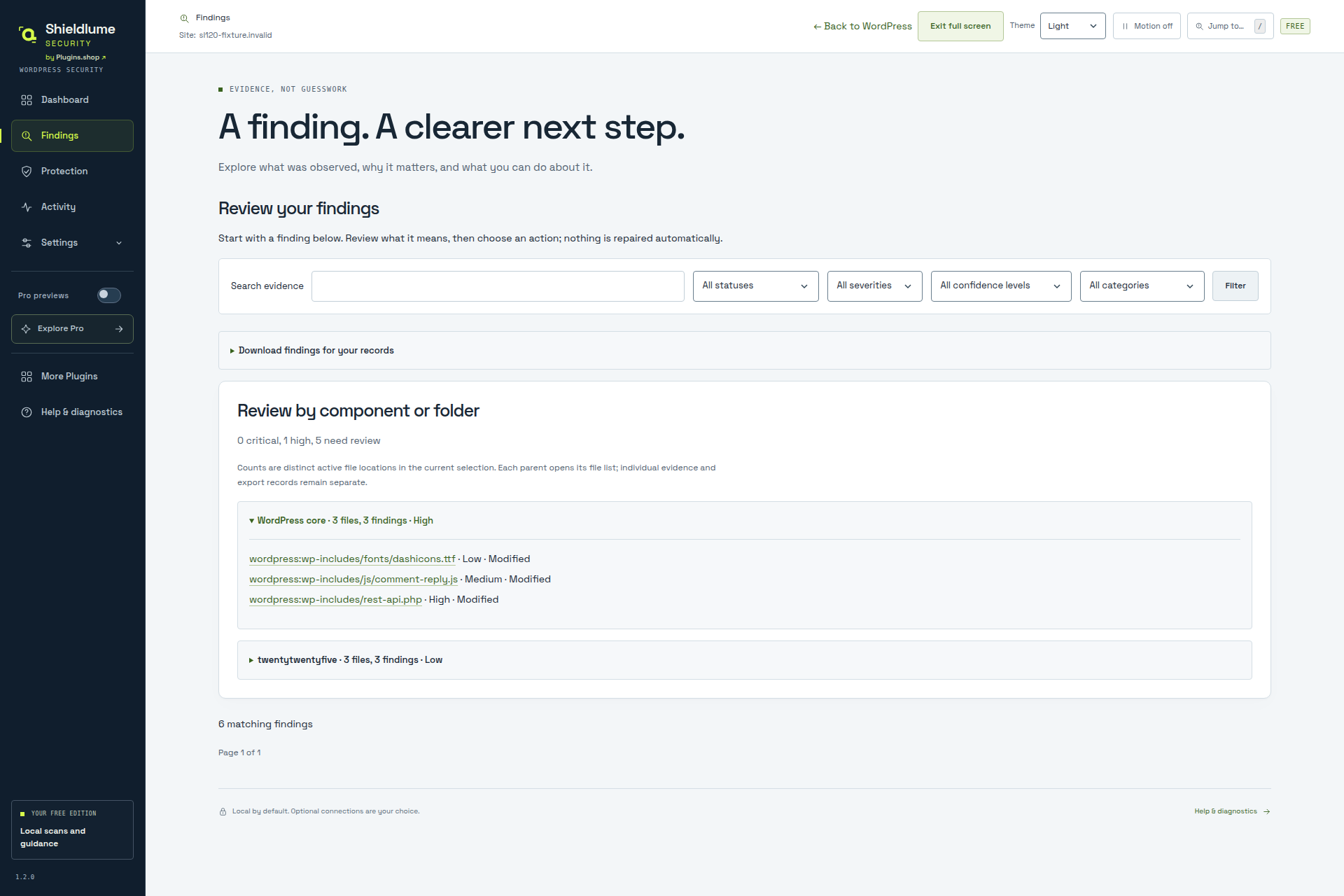
- Grouped findings, priorities, evidence and exports. Completed checks, exclusions and unfinished checks stay separate.
- Logged.ai - WordPress activity log: logins and site changes. Compatible local integration adds activity context, not proof of causation.
- ClickClue - session replay: visitor journeys with privacy controls.
安装:
- Keep backups. Use single-site WordPress 6.8+ and 64-bit PHP 8.1+ on a security-supported branch.
- Local POSIX paths are required. Multisite, symlinked components, Windows drive/UNC paths and FTP replacement are unsupported.
- Start a scan. Page batches and traffic-dependent WP-Cron resume work; activation starts no scan/provider request.
- Review findings and coverage. Opt into official references if wanted; review warnings before Block, hardening or recovery.
屏幕截图:


常见问题:
Is the WordPress antivirus scanner free?
Yes. Local scans, file review, supported recovery, account protection and email alerts need no paid key. External services stay off until permitted/configured; WordPress.org comparisons need one global opt-in.
Will scans change my files?
Scans do not alter source. Review recovery separately; back up and check custom code first. Restoring originals can reintroduce flagged code; official restore does not upgrade vulnerable software.
Why can scans have limits?
Structural checks use an adaptive 2/8/16 MiB policy with an override; hashing/streaming are separate. Excluded or unfinished content is not clean. Optional ClamAV has a 2 MiB limit. No malware-free guarantee. Scanner methods.
Does uninstall erase data?
Keep is default. Removal preserves needed recovery keys/indexes and hardening journals. Reinstall can resume sharing; stop sharing/unsubscribe separately. See docs/data-uninstall.md.
更新日志:
- Resolve retained file-content findings only after a safe, explicit absence check; retain the original evidence and show the verification reason. Missing required core files, excluded paths and unsafe or unreadable locations remain unresolved.
- Record bounded, privacy-preserving sign-in failure and lockout samples without changing authentication decisions. Show the installation's actual login thresholds and backoff expiry.
- Validate sensitive-file exposure prerequisites before enabling checks; contain scheduled failures and report unavailable checks honestly.
- Reject malformed finding filters without broadening the selection. Clarify page-scoped groups, email uncertainty, structural MiB limits, password guidance and local record counts; make manual server instructions easier to open.
- Show shared header guidance once; preserve each control's review, checks and safeguards.
- Add the introduction video; clarify Free features and scan limits. Earlier history: bundled changelog.txt.