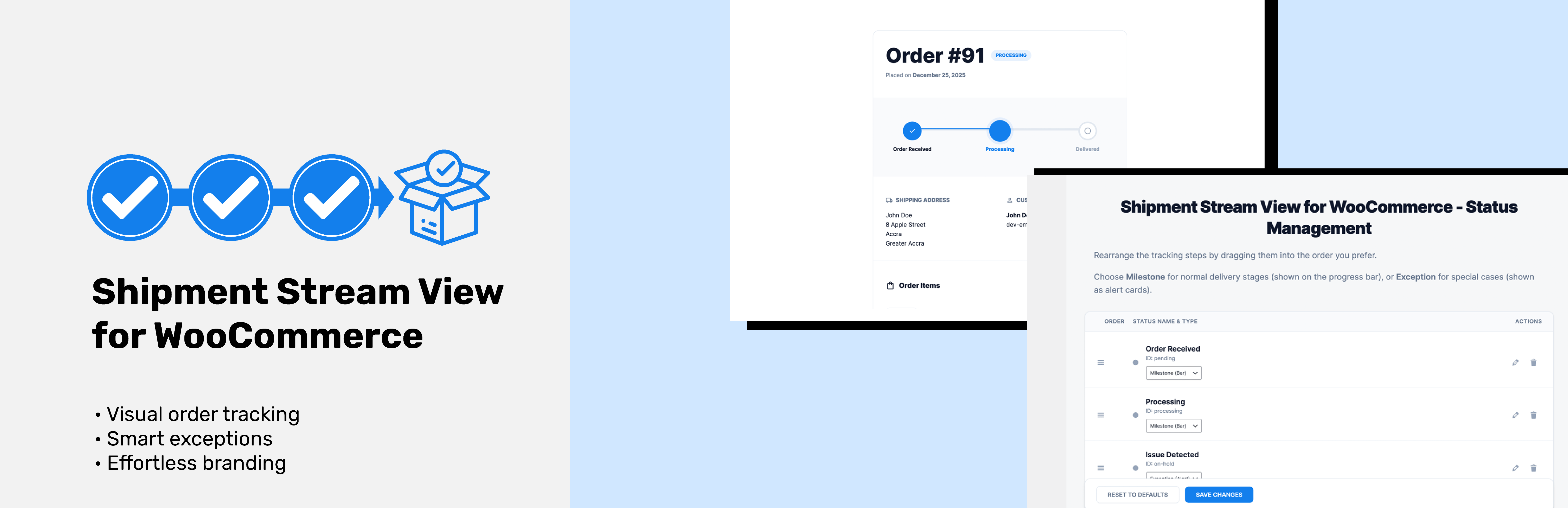
Shipment Stream View for WooCommerce
| 开发者 | onetkhay |
|---|---|
| 更新时间 | 2026年2月19日 13:04 |
| 捐献地址: | 去捐款 |
| PHP版本: | 7.2 及以上 |
| WordPress版本: | 6.9 |
| 版权: | GPLv2 or later |
| 版权网址: | 版权信息 |
详情介绍:
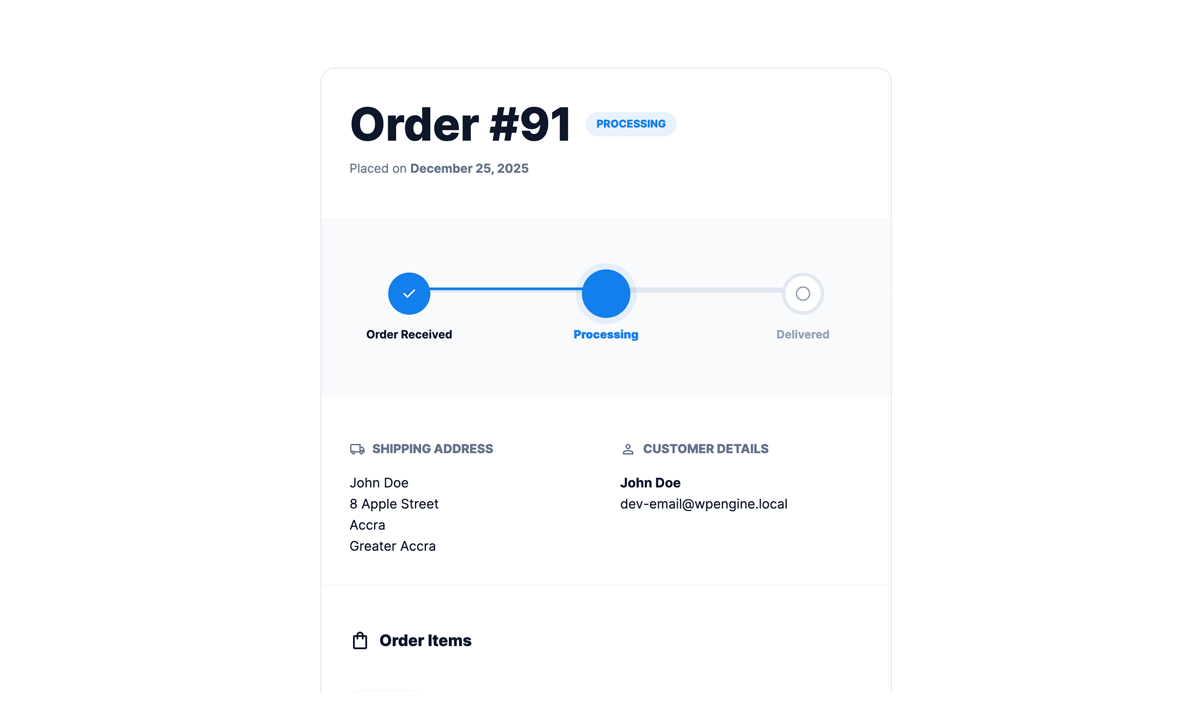
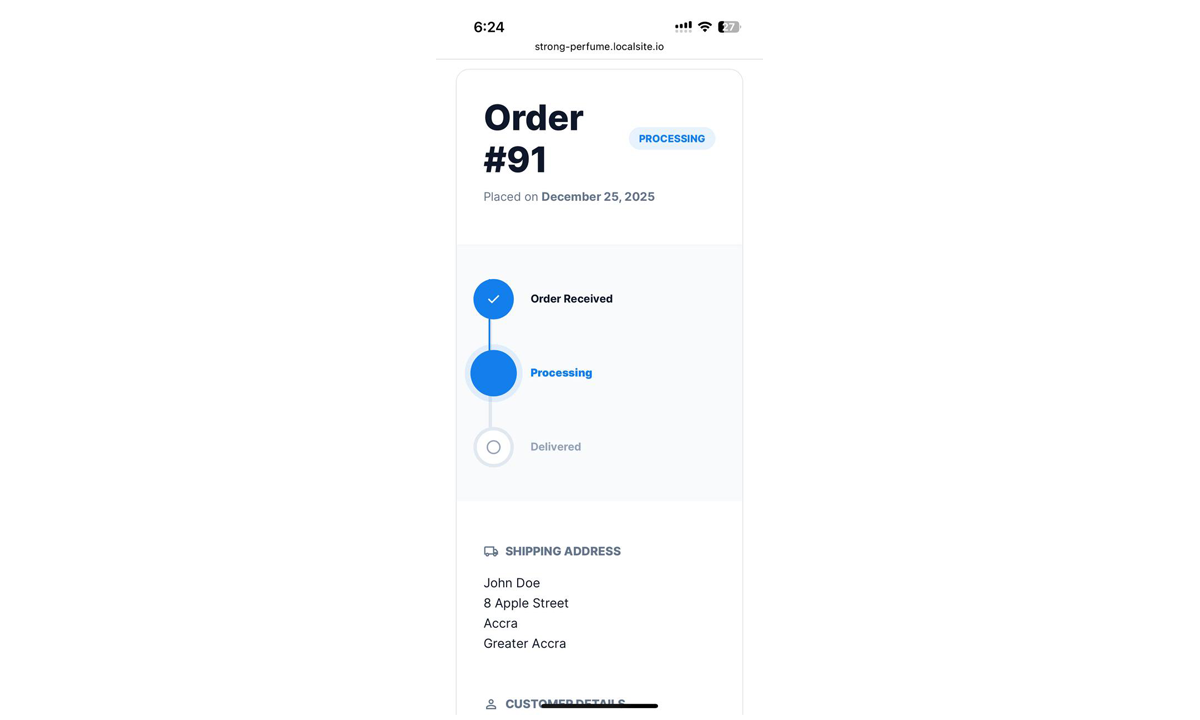
- Visual Progress Tracking - Beautiful progress bar showing order journey
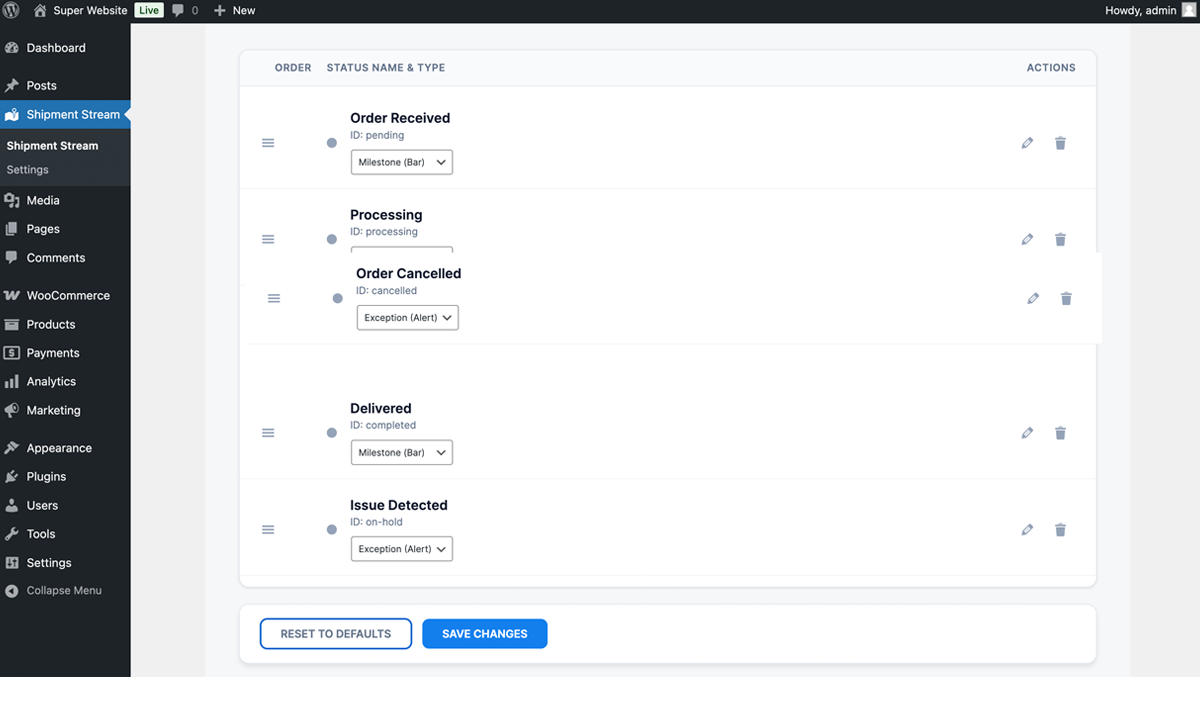
- Customizable Status Steps - Drag and drop to reorder your tracking milestones
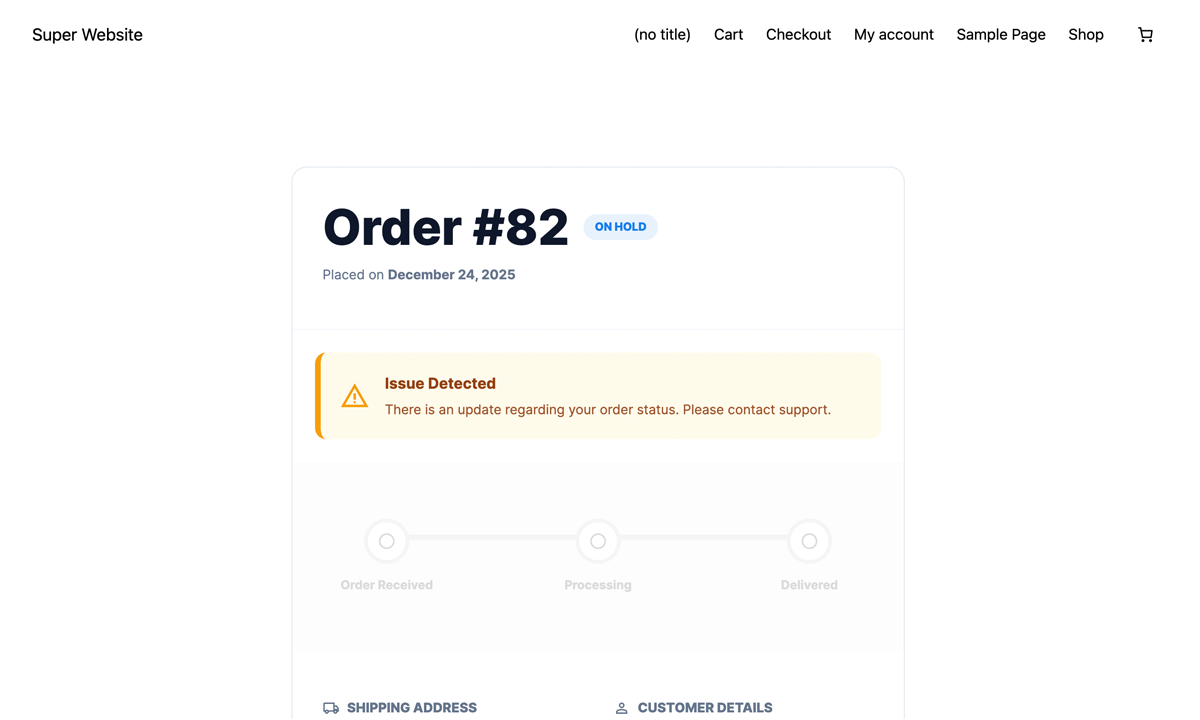
- Exception Handling - Special alerts for order issues (on-hold, cancelled, etc.)
- Easy Integration - Simple shortcode
[ssvfww_order_tracker]to add to any page - Responsive Design - Perfect on desktop, tablet, and mobile devices
- WooCommerce Compatible - Works seamlessly with your existing WooCommerce setup
- HPOS Ready - Full support for High-Performance Order Storage
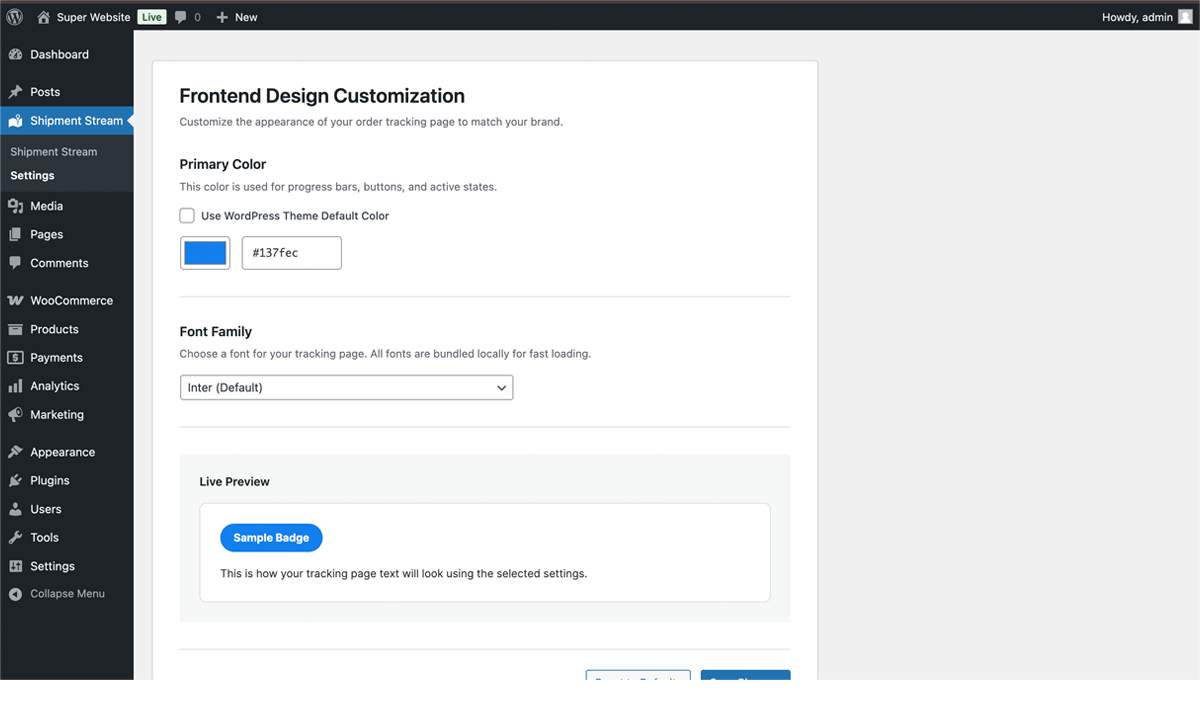
- Design Customization - Choose your brand colors and fonts
- Milestone & Exception Types - Categorize statuses as normal progress or special alerts
- Install and activate the plugin
- Go to Shipment Stream in your WordPress admin
- Customize your tracking steps (drag to reorder, edit labels, set types)
- Add the
[ssvfww_order_tracker]shortcode to any page - Customers enter their order ID and email to track their order
- Online stores wanting to reduce "where is my order?" support tickets
- Businesses looking to improve customer experience
- WooCommerce sites that want modern, professional order tracking
- Store owners who need flexible tracking milestone management
安装:
- Log in to your WordPress admin panel
- Navigate to Plugins → Add New
- Search for "Shipment Stream View for WooCommerce"
- Click Install Now and then Activate
- Download the plugin ZIP file
- Log in to your WordPress admin panel
- Navigate to Plugins → Add New → Upload Plugin
- Choose the ZIP file and click Install Now
- Activate the plugin
- Go to Shipment Stream in your WordPress admin menu
- Configure your tracking steps (milestones and exceptions)
- Optionally customize design colors in Settings
- Create a new page and add the shortcode:
[ssvfww_order_tracker] - That's it! Your customers can now track their orders
屏幕截图:

常见问题:
How do I add the order tracker to my site?
Simply add the shortcode [ssvfww_order_tracker] to any page or post where you want the tracking form to appear.
Can I customize the tracking steps?
Yes! Go to Shipment Stream in your admin menu. You can drag and drop to reorder steps, edit labels, and categorize each status as either a "Milestone" (shown on the progress bar) or "Exception" (shown as an alert).
What's the difference between Milestone and Exception?
Milestones are normal order progression steps (like "Processing", "Shipped", "Delivered") shown on the visual progress bar. Exceptions are special situations (like "On Hold", "Cancelled") displayed as alert boxes to grab attention.
Does it work with custom WooCommerce order statuses?
Yes! The plugin automatically detects all your WooCommerce order statuses, including custom ones you've added.
Is it compatible with High-Performance Order Storage (HPOS)?
Absolutely! The plugin is fully compatible with WooCommerce's HPOS feature.
Can I change the colors to match my brand?
Yes! Go to Shipment Stream → Settings to customize the primary color and font family.
What information do customers need to track their order?
Customers need their Order ID and the email address used when placing the order. This ensures secure access to order information.
Is the tracking page mobile-friendly?
Yes! The tracking interface is fully responsive and works beautifully on all devices.
更新日志:
- Cleaned up order item meta display.
- Internal WooCommerce meta data (prefixed with _) is now hidden from customers.
- Raw HTML tags are now stripped from meta data values for a cleaner look.
- Added uninstall.php to clean up plugin settings from the database during uninstallation.
- Initial release
- Visual order tracking with progress bar
- Drag-and-drop milestone management
- Exception handling for special statuses
- Responsive design
- HPOS compatibility
- Customizable design settings