
Shortcode to Blocks
| 开发者 | jchawkins725 |
|---|---|
| 更新时间 | 2026年8月20日 21:13 |
| PHP版本: | 7.4 及以上 |
| WordPress版本: | 7.1 |
| 版权: | GPLv2 or later |
| 版权网址: | 版权信息 |
详情介绍:
vc_row, vc_column, vc_row_inner, vc_column_inner) become Group and Columns blocks with responsive settings and CSS classes preserved.
Content Elements
vc_column_text→ Paragraph / HTML blocksvc_custom_heading→ Heading blocks with proper levelsvc_btn→ Button blocks with color and link preservedvc_raw_html→ Custom HTML blocksvc_single_image→ Image blocksvc_separator→ Separator blocksvc_empty_space→ Spacer blocks Third-party Shortcodes Non-WPBakery shortcodes (contact forms, plugins, etc.) are automatically wrapped in Shortcode blocks and keep working after conversion.
- One-click convert and revert on each post/page edit screen
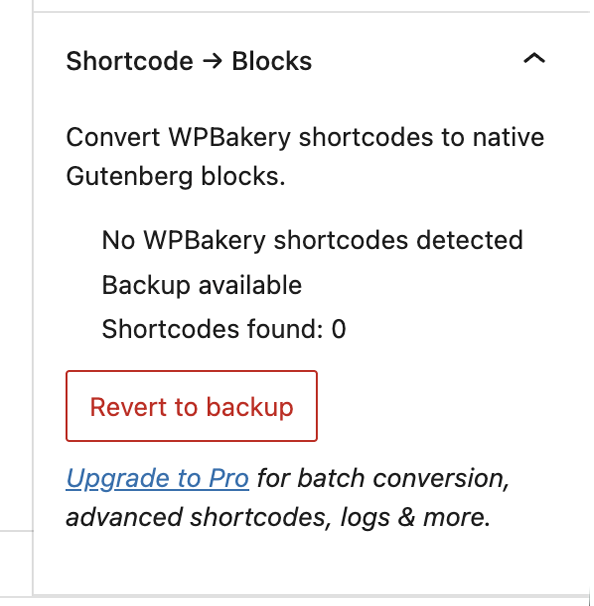
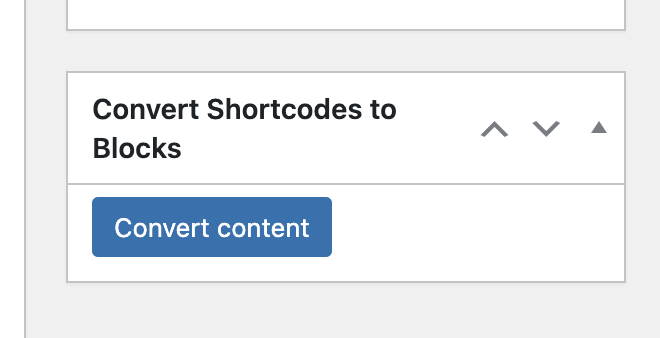
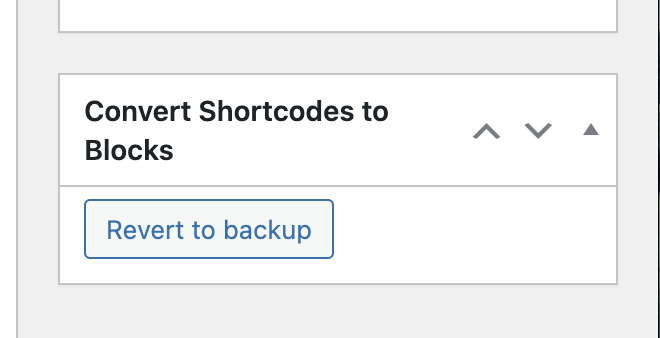
- Works in both the block editor (Gutenberg sidebar panel) and the classic editor (metabox)
- Automatic backup of original content, revert any time
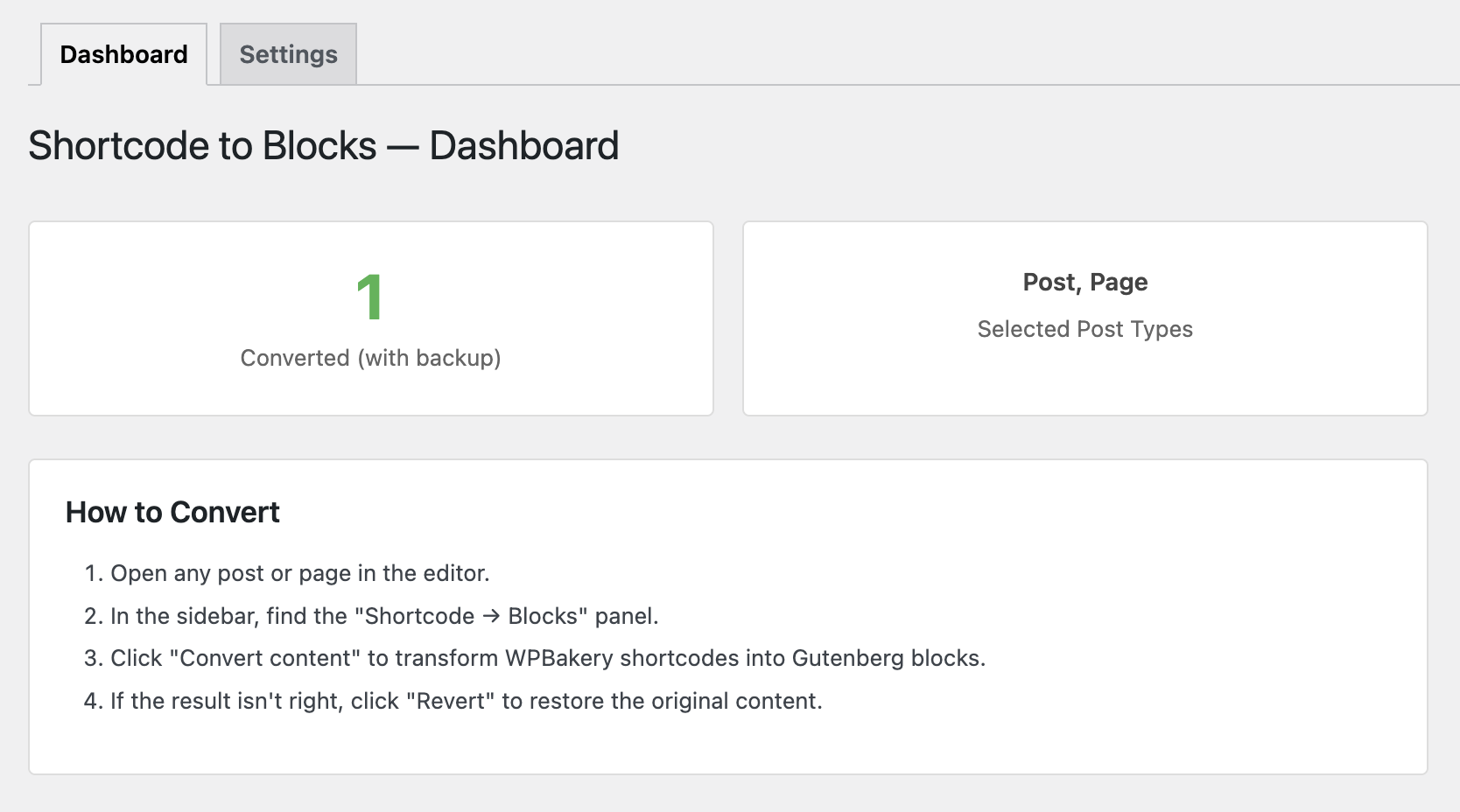
- Dashboard with conversion stats
- Settings for allowed post types and user capability requirements
- Extensible architecture with additional features available in a Pro version
vc_row / vc_row_inner | Group |
| vc_column / vc_column_inner | Column |
| vc_column_text | Paragraph / HTML |
| vc_custom_heading | Heading |
| vc_btn | Button |
| vc_single_image | Image |
| vc_raw_html | Custom HTML |
| vc_separator | Separator |
| vc_empty_space | Spacer |
Need more features?
A Pro version is available that includes additional converters, batch processing tools, logging, and more: Shortcode to Blocks Pro
安装:
- Upload the
shortcode-to-blocksfolder to/wp-content/plugins/, or install from the WordPress Plugins screen. - Activate the plugin through the Plugins screen.
- Go to Shortcode → Blocks in the admin sidebar to see the dashboard.
- Open any post or page that contains WPBakery content and click Convert in the sidebar panel (block editor) or metabox (classic editor).
屏幕截图:

常见问题:
Does this work with other page builders?
No. This plugin converts WPBakery Page Builder (Visual Composer) shortcodes only.
Can I revert after converting?
Yes. The original content is stored in post meta. Click Revert to restore it.
What happens to shortcodes that aren't supported?
They're wrapped in a Gutenberg Shortcode block and continue to render normally. No content is lost.
Is it safe for production?
The plugin creates automatic backups, but always test on a staging copy first and back up your database before converting many posts.
Does this plugin send data to external servers?
No. All conversions are performed locally on your site. This plugin does not send data to external services.
Do I need the Pro version?
The free version handles the most common layout and content shortcodes for single-post conversion. If you need batch tools, advanced converters (video, galleries, tabs, accordions, CTAs, maps), logging, or bulk actions, the Pro add-on is the way to go.
更新日志:
- Compatibility: Adds WordPress 7.1 support; the editor integration is compatible with the fully iframed post editor.
- Fix: Improved background color and image handling in group blocks with proper Gutenberg serialization.
- Fix: Complete WPBakery metadata state isolation to prevent pages staying locked in builder mode after conversion.
- Enhancement: Dynamic post meta key detection for comprehensive backup/restore of all WPBakery settings (not just hardcoded keys).
- Fix: Proper block attribute/style separation and query parameter cleanup in background images.
- Fix: Block attribute ordering and auto-generated class handling to prevent block invalidation.
- Compatibility: Tested and verified with WordPress 7.0.
- Update: Release metadata and readme refreshed for WordPress 7.0 support.
- Fix: Classic Editor metabox now shows only one action at a time (Convert or Revert), matching Gutenberg behavior.
- Initial release
- Converts 11 core WPBakery shortcodes to Gutenberg blocks
- Single-post convert and revert via editor sidebar or metabox
- Automatic content backup in post meta
- Dashboard with conversion overview
- Settings for post types and user capability requirements
- Extensible architecture for Pro add-on