
ShutterPress – Shutterstock Wordpress Plugin
| 开发者 |
ionut.calara
parkerproject |
|---|---|
| 更新时间 | 2019年7月10日 22:59 |
| PHP版本: | 4.6 及以上 |
| WordPress版本: | 5.1.1 |
| 版权: | GPL |
| 版权网址: | 版权信息 |
详情介绍:
The plugin is temporarily paused as shutterstock have introduced a paying model for their api. Due to this issue its no longer free to make a call to preview or download images from their website. All current users can ask for a refund, registrations have now been closed until further notice. We are working a new version that would allow users to use the plugin again. You can read more about the api changes here https://www.shutterstock.com/api/pricing
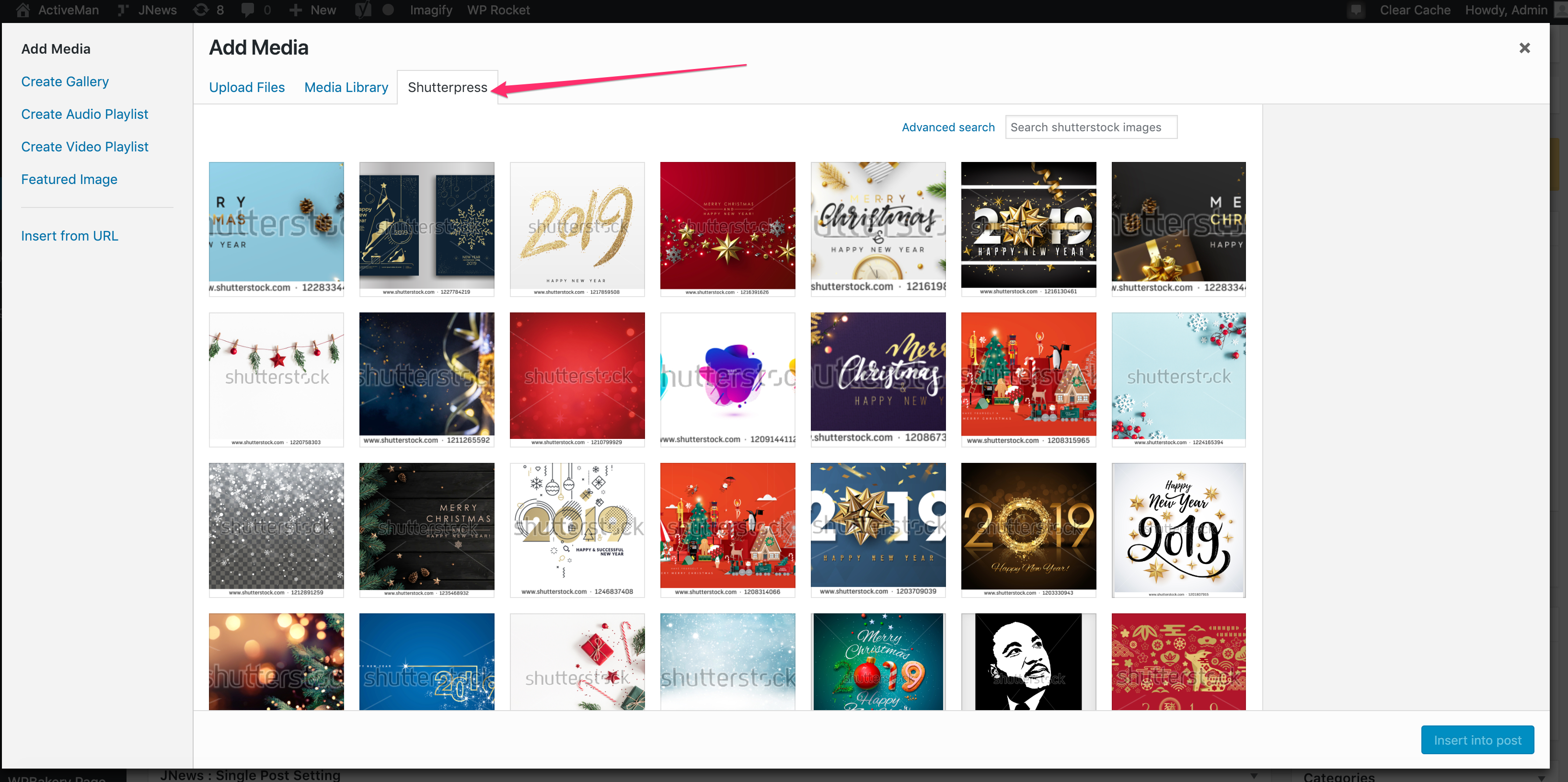
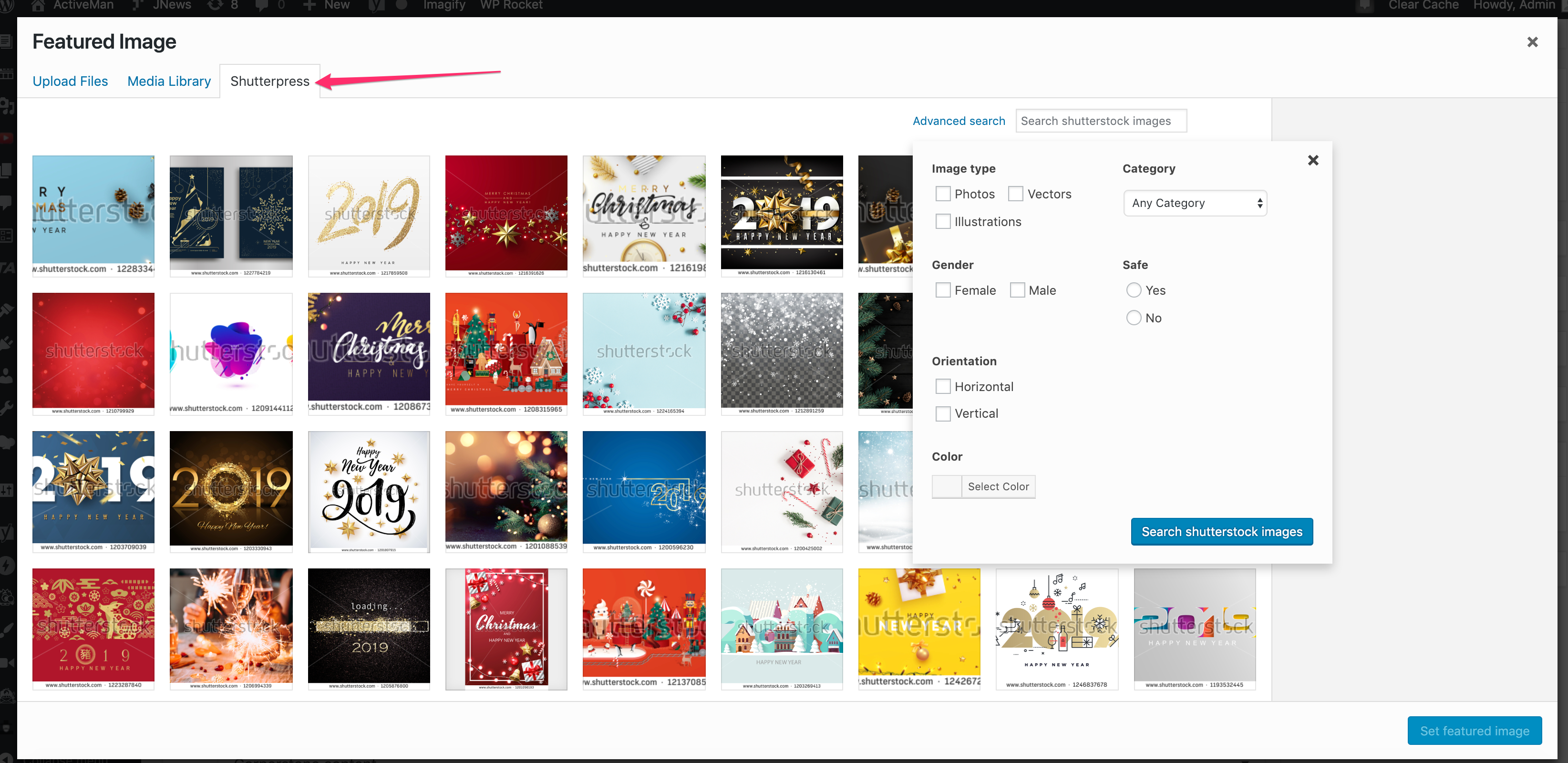
Immediately search, view, and insert high-quality Shutterstock images directly into your WordPress media library with the click of a button.
ShutterPress was designed by creatives looking for a simpler way to populate their WordPress media libraries with up-to-date stock images without having to navigate from browser to browser.
The ShutterPress team shares this luxury with you by way of our latest plugin release. ShutterPress makes communication between Shutterstock and Wordpress to make media management easy.
Choose your license based on the amount of sites you want linked to your Shutterstock account and then initiate the one-time activation process. When your plugin is active, you’re able to search for any image in your existing Shutterstock account and upload it directly into your WordPress media library - without ever leaving WordPress.
Say goodbye to time wasted on tedious image searches, file transfers, and uploads and say hello to ShutterPress.
Features
- Seamless WordPress integration
- 24/7 access to all Shutterstock images in account
- Intuitive, accurate keyword image search
- Unlimited library sync between Shutterstock and media library
- License options cater to projects large and small
- Easy to use Dashboard
- 30-day full refund period - no questions asked
- 12 months of plugin updates
- 12 month priority email support
安装:
Bridge the gap between vision and creation with ShutterPress for WordPress. Purchase your license to activate your plugin today!
- Create an account at https://shutterpress.co
- Upload the plugin files to the
/wp-content/plugins/shutterpress-for-shutterstockdirectory, or install the plugin through the WordPress plugins screen directly. - Activate the plugin through the \'Plugins\' screen in WordPress.
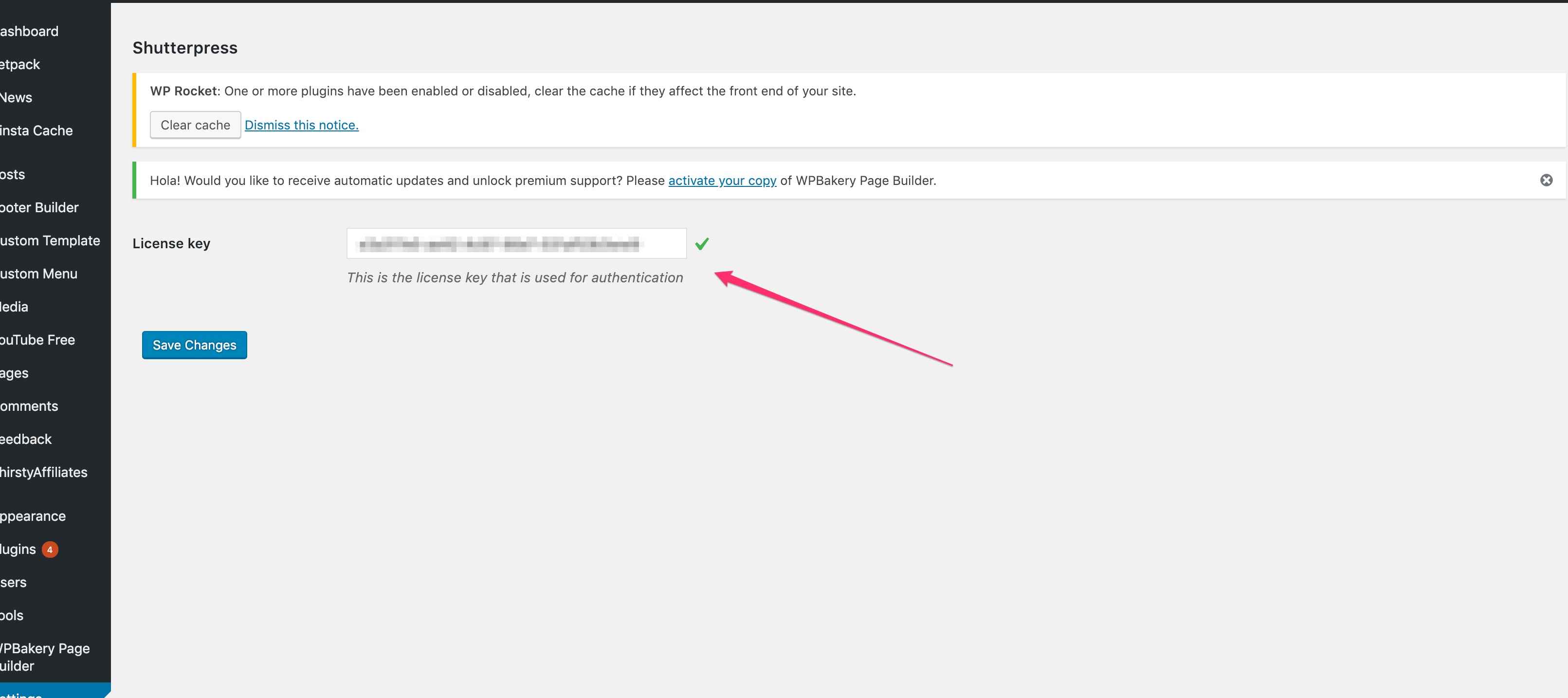
- Insert the your key and you are good to go!
屏幕截图:
更新日志:
1.2
- Add pause notice
- Update image names to include search query
- Update error message regarding shutterstock issues
- Initial release