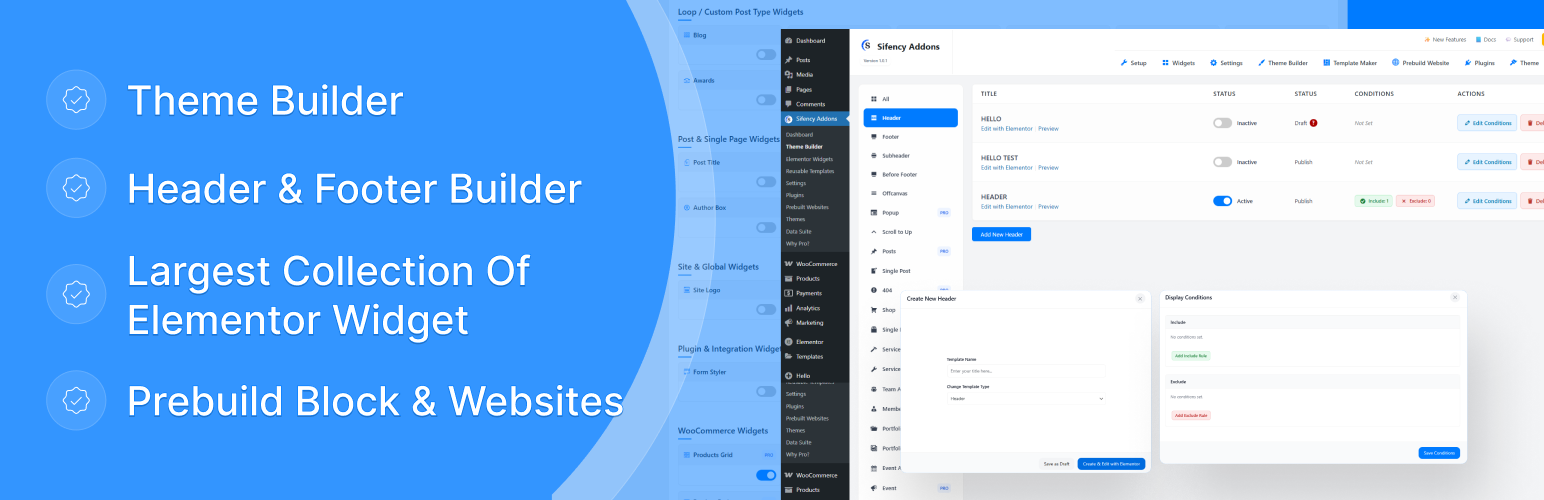
Sifency Addons
| 开发者 | Sifency |
|---|---|
| 更新时间 | 2026年9月17日 22:58 |
| PHP版本: | 7.4 及以上 |
| WordPress版本: | 7.1 |
| 版权: | GPLv2 or later |
| 版权网址: | 版权信息 |
详情介绍:
- Title & Headings
- Advanced Image
- Advanced Button
- Icon List
- Icon Box
- Social Share
- Blockquote
- Fun Fact (Counter)
- Nested Slider
- Progress Bar
- Circle Text (Animated)
- Accordion / FAQ
- Marquee (Scrolling Text)
- Social Icons
- Elementor Template shortcode
- Contact Form Styler
- Mailchimp Form Styler Dynamic & Theme Builder Widgets
- Post Navigation (Next/Previous)
- Post Title
- Featured Image (Post Media)
- Post Meta Data (Author, Date, etc.)
- Post Terms (Categories & Tags)
- Author Box
- Post Comments
- Post Excerpt
- Post Content
- Site Logo
- Search Form Powerful Post & CPT Grids
- Awards
- Blog Post Grid & Sliders
- Career / Job Listings
- Clients & Logos
- Events
- Projects / Portfolio
- Services
- Team Members
- Testimonials Extensive WooCommerce Integration (WooCommerce Required)
- Products Grid
- Products Slider
- Related Products
- Single Product Image
- Product Breadcrumb
- Product Price
- Mini Cart
- Custom Add to Cart Button
- Product Short Description
- Product Meta (SKU, Categories)
- Product Stock Status
- Product Rating
- Full Checkout Page Styler
- Wishlist Button & Counter (YITH Wishlist integration)
- Product Description Tab
- Product Additional Info Tab
- Product Reviews Tab
安装:
- Upload the Plugin:
- Navigate to your WordPress admin panel.
- Go to Plugins > Add New > Upload Plugin.
- Upload the
sifency-addons.zipfile and click Install Now. - Activate the Plugin:
- After installation, click Activate Plugin to enable Sifency Addons.
- Verify Requirements:
- Ensure you have the required plugins (like Elementor) installed and activated for the widgets to appear.
常见问题:
Where do I find the Documentation help center?
Go to WordPress Admin Panel → Sifency Addons → Documentation to access comprehensive guides, widget explanations, and FAQs.
How do I track widget usage on my site?
Go to WordPress Admin Panel → Sifency Addons → Analytics to view detailed widget usage statistics and trends.
How do I use the widget duplication feature?
While editing a page in Elementor, hover over any widget and click the "Duplicate" button in the toolbar. You can also right-click on a widget and select "Duplicate" from the context menu.
How do I add widgets to favorites?
While editing a page in Elementor, click the star icon next to any widget to add it to your favorites. Favorite widgets will appear at the top for quick access.
Do I need Elementor Pro to use this plugin?
No, You don't need Elementor pro.
The WooCommerce widgets are not appearing in the editor. Why?
The WooCommerce widgets will only be registered and appear in the Elementor widget panel if you have the WooCommerce plugin installed and activated on your website.
Can I use this plugin with any theme?
Yes! While designed to work perfectly with Sifency themes, Sifency Addons is compatible with any WordPress theme that supports Elementor.
How do I customize the style of the widgets?
Every widget comes with a comprehensive set of styling options located in the "Style" tab of the Elementor editor. You can control colors, typography, spacing, borders, and much more.
更新日志:
- Tested up to WordPress 7.0.
- Added admin UI compatibility styles for the WordPress 7.0 Modern admin theme.
- Elementor editor assets verified for iframe-isolated editor context (WP 7.0).
- PHP minimum remains 7.4 (aligned with WordPress 7.0 dropping PHP 7.2/7.3).
- NEW: Added Much More Elementor Widgets For Theme Builder
- FIXED: Offcanvas & Error Page Rendering
- NEW: Documentation & Help Center with comprehensive guides and FAQs
- NEW: Widget Duplication feature for faster page building
- NEW: Widget Favorites system for quick access to frequently-used widgets
- FIXED: CPT module loading now works independently without license gate
- FIXED: Template shortcode rendering in both editor and frontend
- IMPROVED: Per-module premium gating for better feature control
- IMPROVED: Enhanced security with proper nonce and capability checks
- IMPROVED: Better error handling and user feedback
- Initial release of Sifency Addons.
- Added 55+ widgets for general content, theme building, and WooCommerce.
- Integrated with Elementor's styling and control APIs.