Simple AJAX Product Search for WooCommerce
| 开发者 | |
|---|---|
| 更新时间 | 2025年11月27日 20:03 |
| PHP版本: | 7.4 及以上 |
| WordPress版本: | 6.8 |
| 版权: | GPLv2 or later |
| 版权网址: | 版权信息 |
详情介绍:
🚀 Simple AJAX Product Search for WooCommerce delivers a fast, modern and intuitive product search experience that helps customers find items instantly without reloading the page.
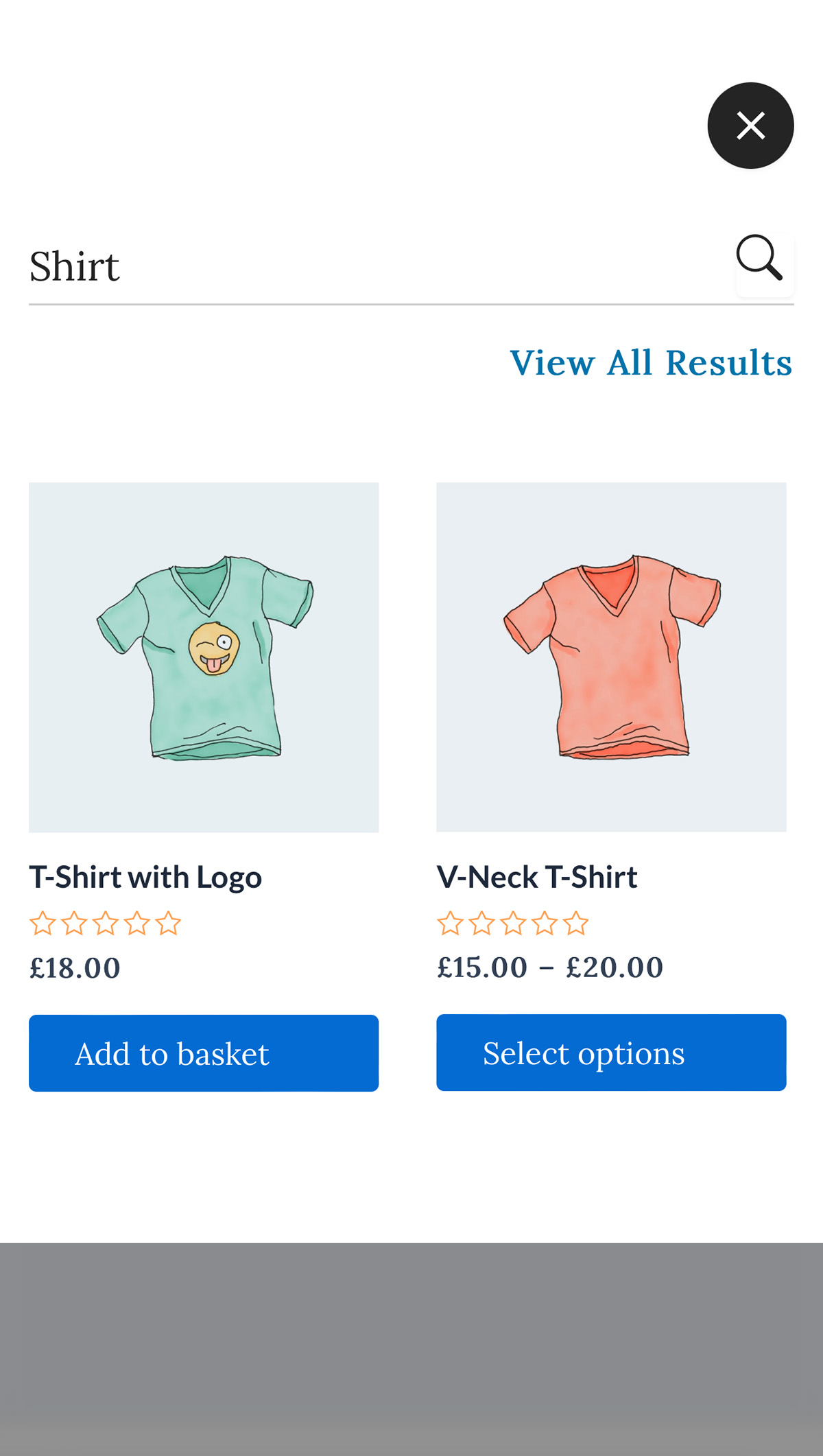
As the user types, results appear immediately in a clean, full screen overlay. This provides a distraction free search experience that improves product discovery and increases conversions.
💡 Lightweight, responsive and compatible with major themes, this plugin integrates seamlessly with WooCommerce stores of any size.
✨ Free Features (✔ included)
✔ Instant AJAX product search
✔ Full screen responsive search overlay
✔ Smooth animations & modern design
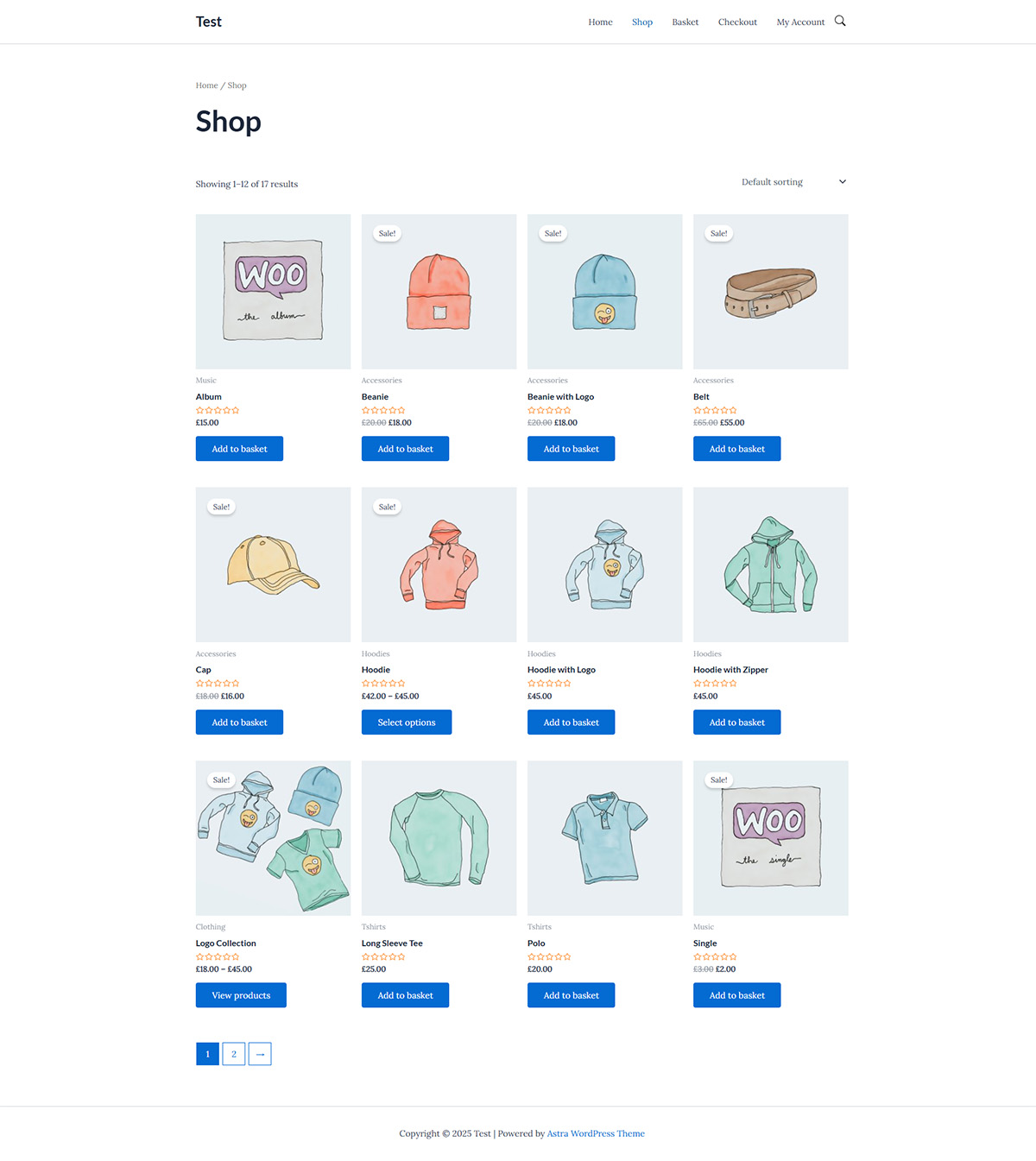
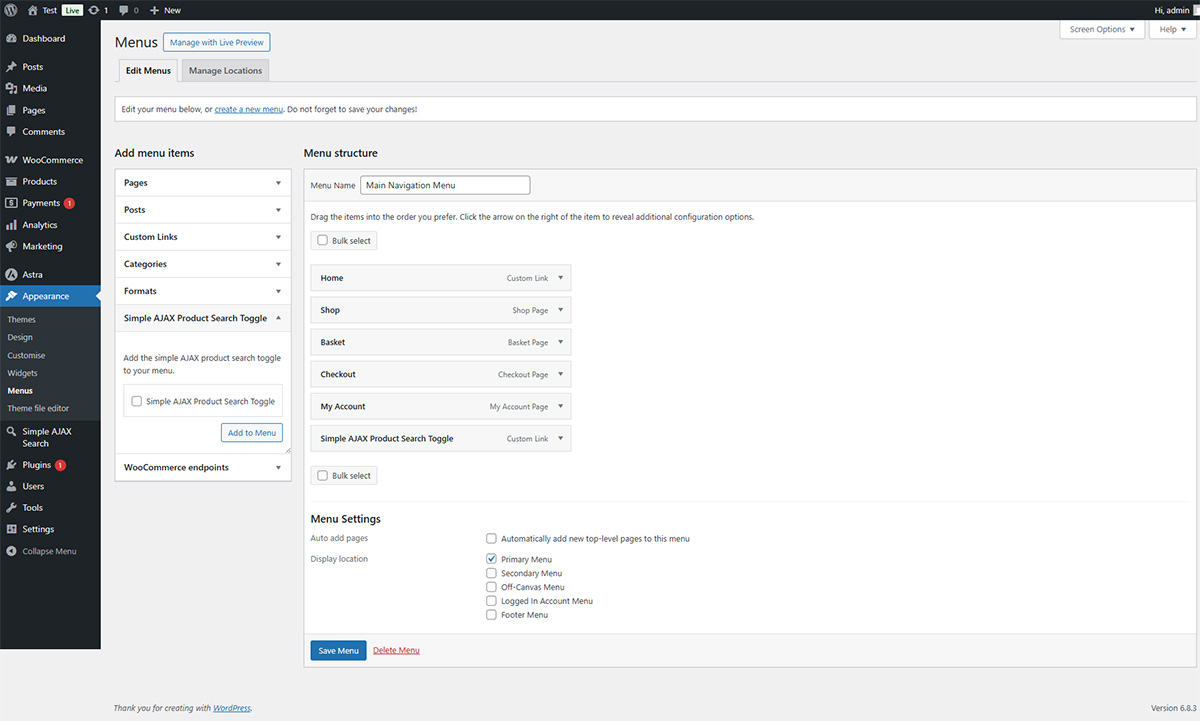
✔ Add a search toggle to your navigation menu
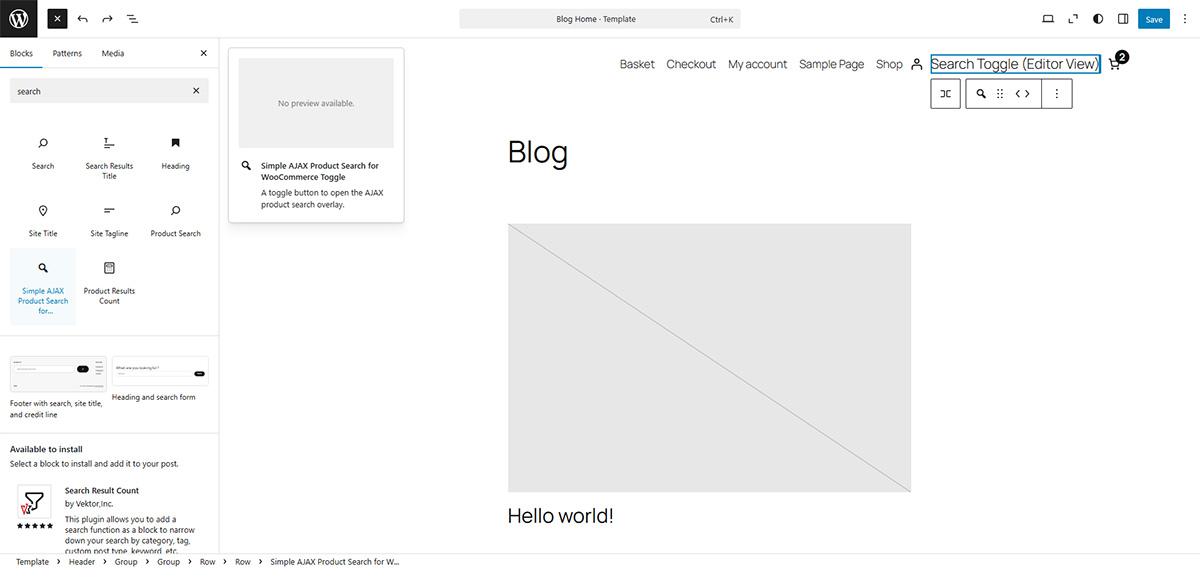
✔ Dedicated Gutenberg block for easy placement
✔ Shortcode support:
[sapsfwc_button label="Search Products"]
✔ Works with any WooCommerce compatible theme
✔ Fully responsive (mobile, tablet, desktop)
✔ Lightweight & fast — minimal impact on performance
🔥 Pro Features (🚀 upgrade available)
Unlock additional layout and display options with Simple AJAX Product Search for WooCommerce Pro:
📐 Advanced Layout Controls
- Load More results button
- Products Per Page
- Columns on Desktop
- Columns on Mobile
- Custom Container Width
- Adjustable Screen Height 🎨 Branding Enhancements
- Logo Image
- Max Logo Width
- Max Logo Height These options let you fine-tune the search overlay and improve product visibility.
安装:
- Upload the plugin folder to
/wp-content/plugins/simple-ajax-product-search-for-woocommerce/— or install it via Plugins → Add New. - Activate the plugin through the 'Plugins' screen in WordPress.
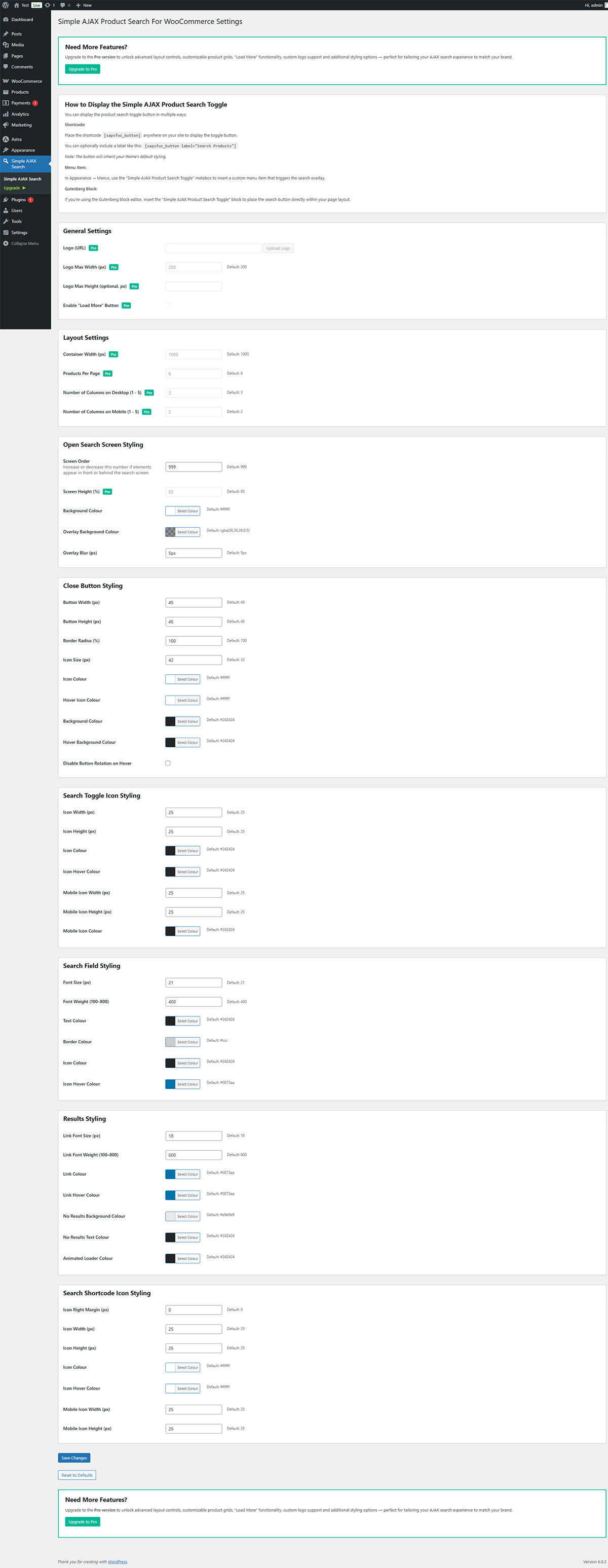
- Visit Simple AJAX Search in the WP Admin menu to configure settings.
- Add the search toggle via:
- Appearance → Menus
- The shortcode
- The Gutenberg block
屏幕截图:
常见问题:
Is this plugin compatible with any theme?
Yes, it is designed to work with any WooCommerce compatible theme.
Can I customise colours and styling?
Yes, the free version includes essential visual options. Pro unlocks advanced layout and logo controls.
Is the overlay mobile-friendly?
Absolutely, it is fully responsive and optimised for mobile devices.
Does this plugin support "Load More" functionality?
Yes, this is available in the Pro version.
Does it include a Gutenberg block?
Yes, the toggle button can be inserted anywhere using the block editor.
更新日志:
1.0
- Initial release 🎉