Simple Bike Rental
| 开发者 | rodolforizzo76 |
|---|---|
| 更新时间 | 2026年6月2日 07:21 |
| PHP版本: | 7.4 及以上 |
| WordPress版本: | 7.0 |
| 版权: | GPLv2 or later |
| 版权网址: | 版权信息 |
详情介绍:
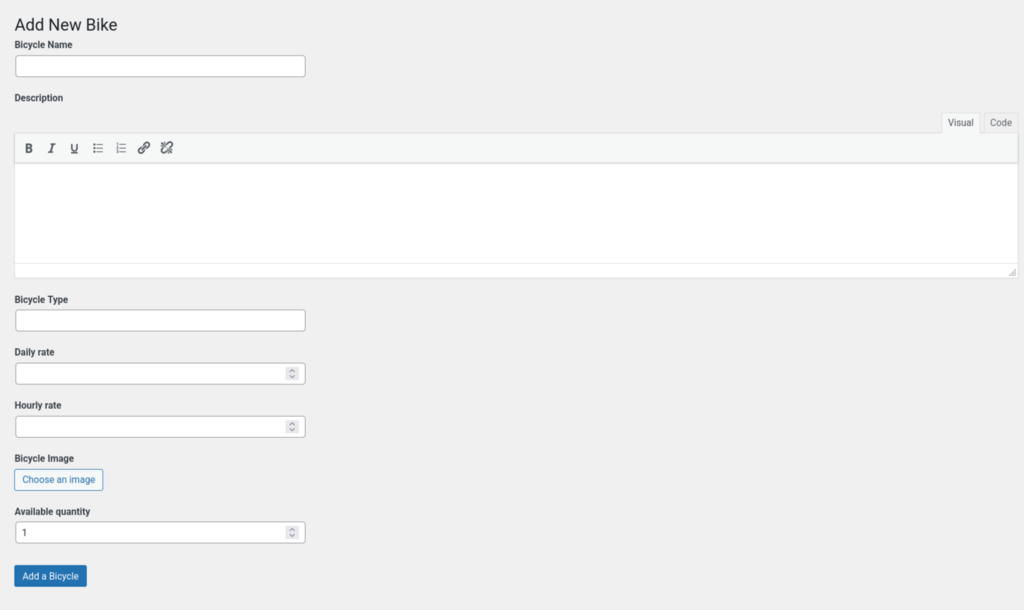
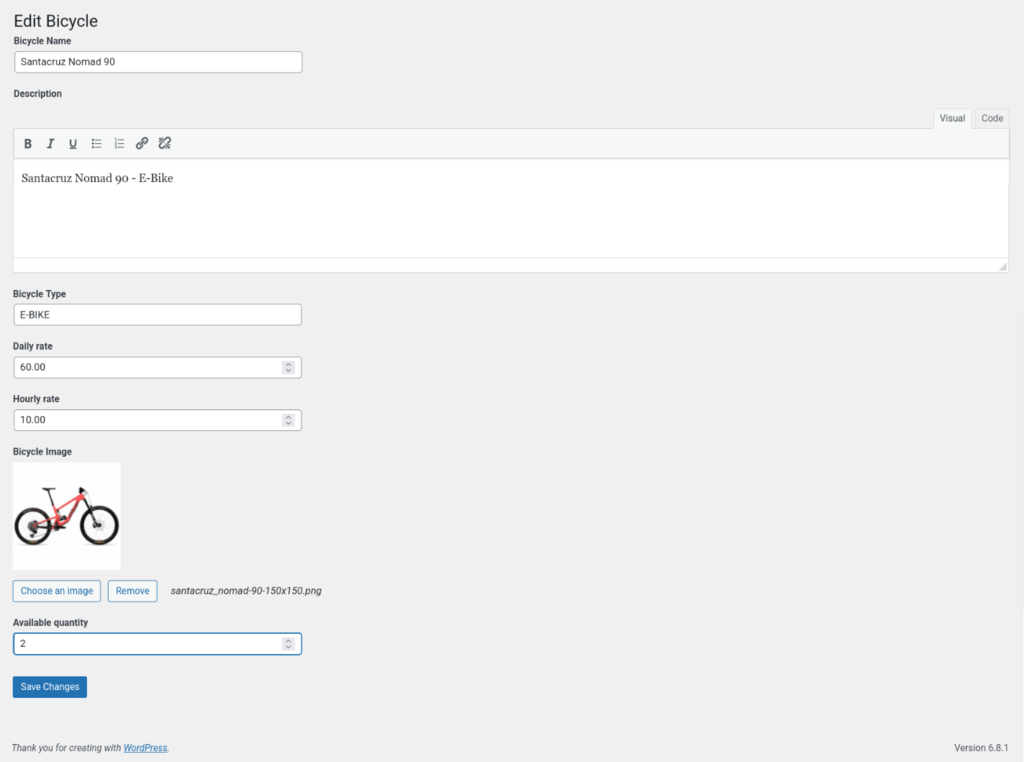
- Add and manage bikes from the backend
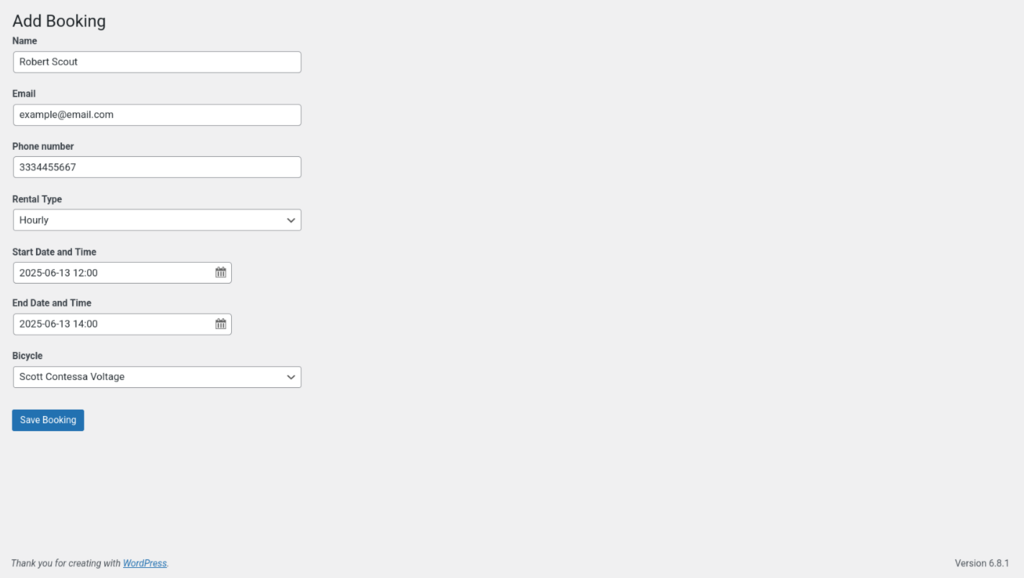
- Daily and hourly booking modes
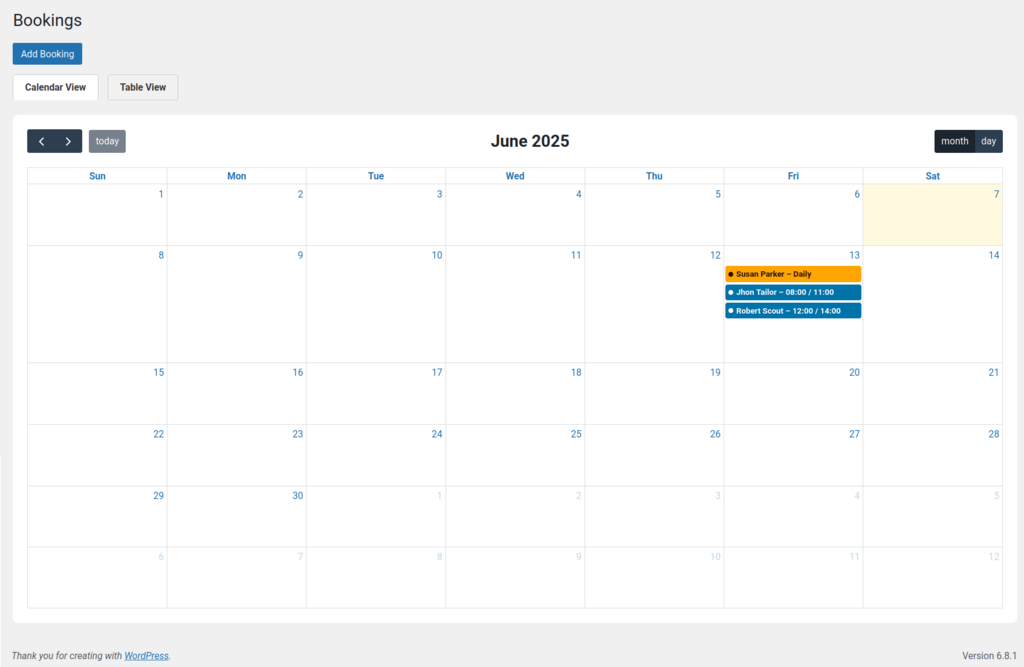
- Availability calendar in the admin panel
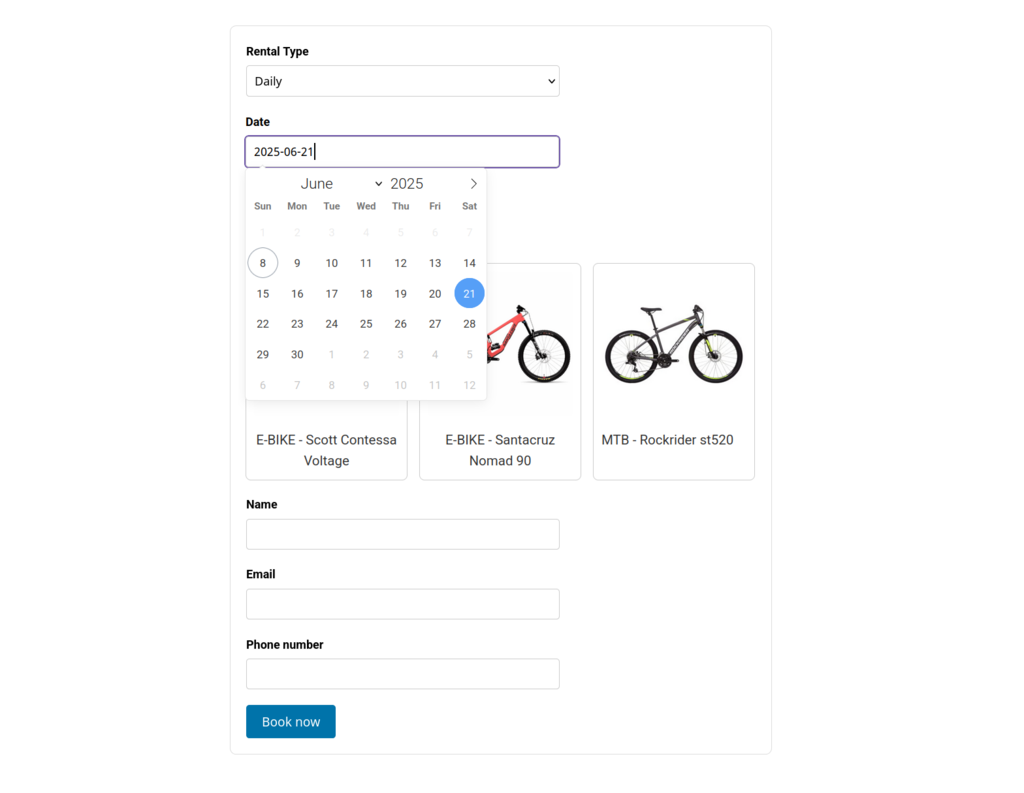
- Frontend booking form with AJAX validation
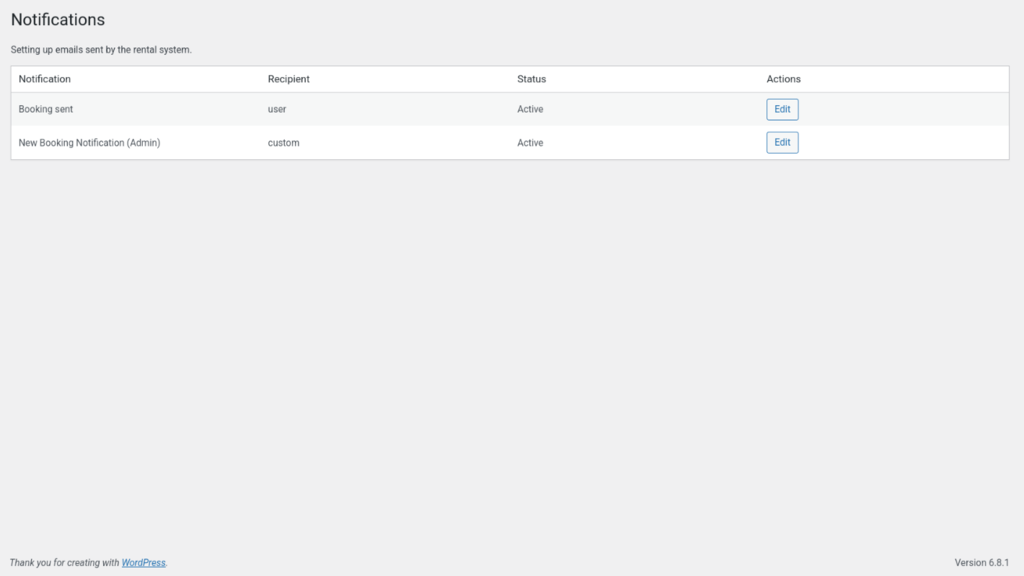
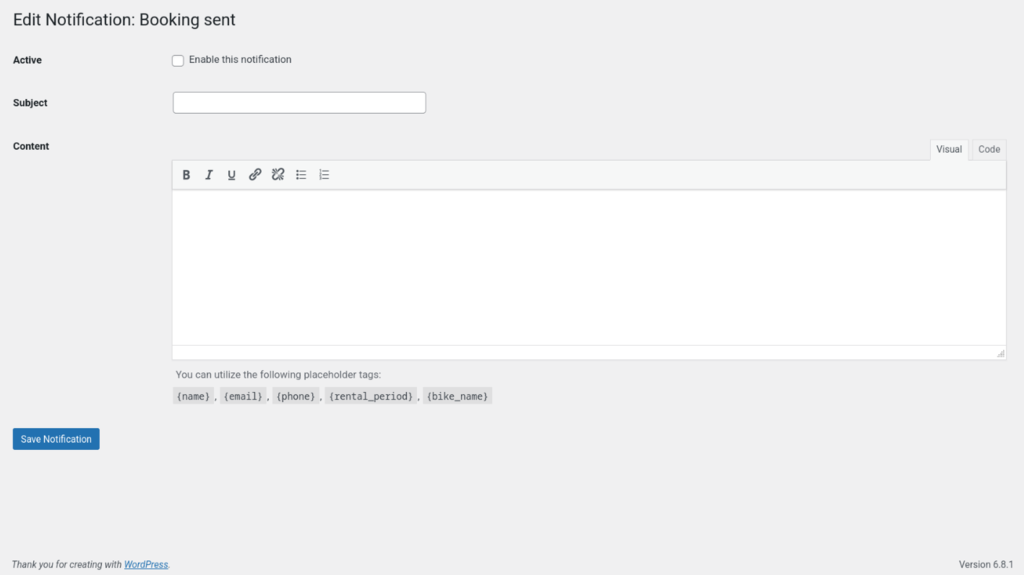
- Email notifications for admin and customers
- No third-party dependencies
安装:
- Upload the plugin files to the
/wp-content/plugins/simple-bike-rentaldirectory, or install the plugin directly through the WordPress Plugins > Add New screen. - Activate the plugin via the Plugins menu in WordPress.
- Go to Bike Rental in the admin menu to add your bikes and manage bookings.
- To display the booking form on the frontend, add one of the following shortcodes to any post or page:
[simpbire_bike_rental_split]– Modern two-column layout with instant catalog view (recommended)[simpbire_bike_rental]– Standard layout- In the page selected in the plugin settings for confirmation messages, add these shortcodes:
[simpbire_token_messages]– Displays confirmation or error messages after a user confirms a booking.[simpbire_pending_confirmation]– Shows a pending confirmation message if the booking hasn’t been confirmed yet.
屏幕截图:

常见问题:
Can I offer both daily and hourly bookings?
Yes. The booking type is selected directly in the frontend form, allowing users to choose between daily and hourly rentals.
What is the difference between the standard and split layout?
The plugin provides two booking layouts:
- The standard layout displays a classic single-column form.
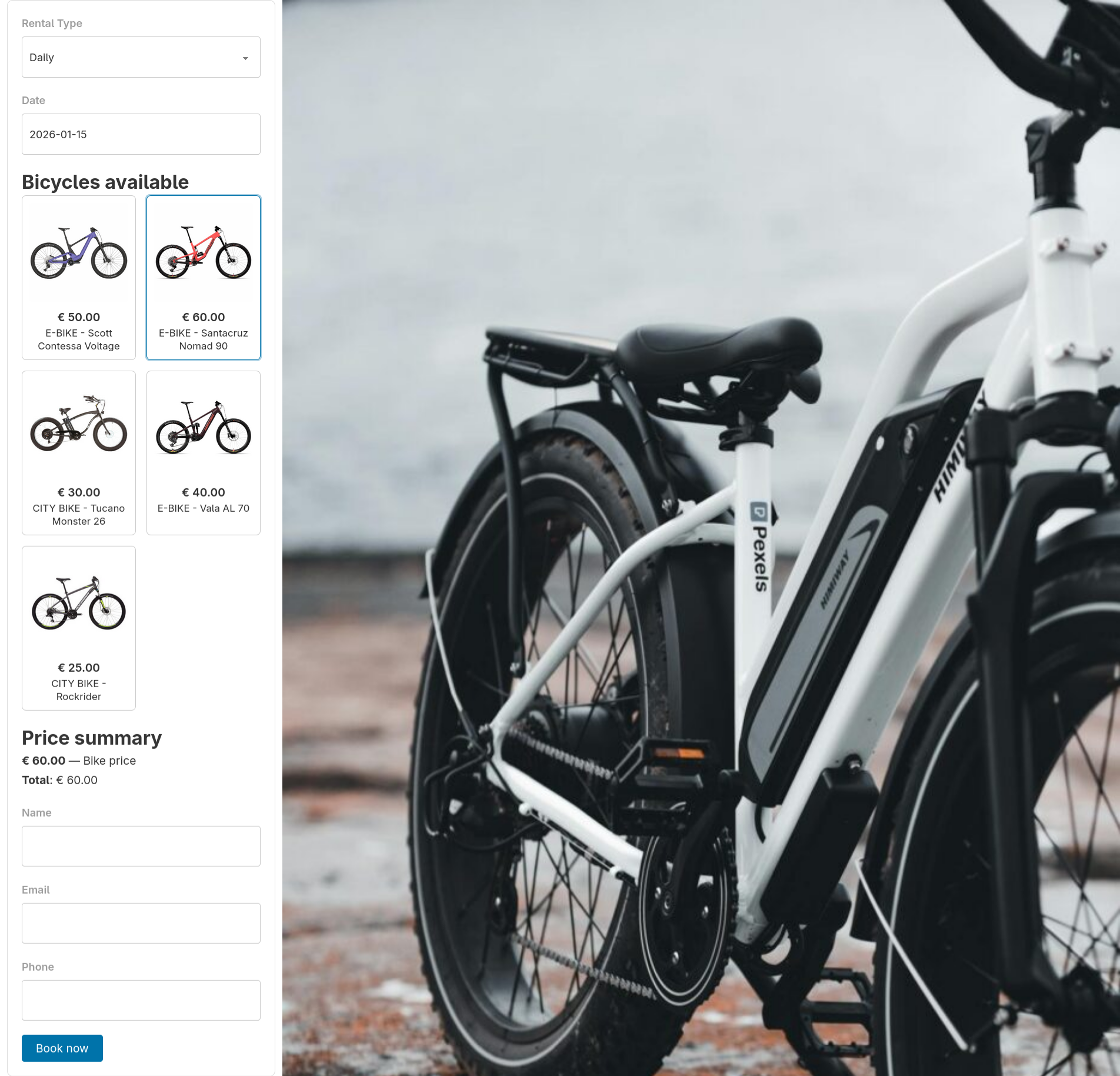
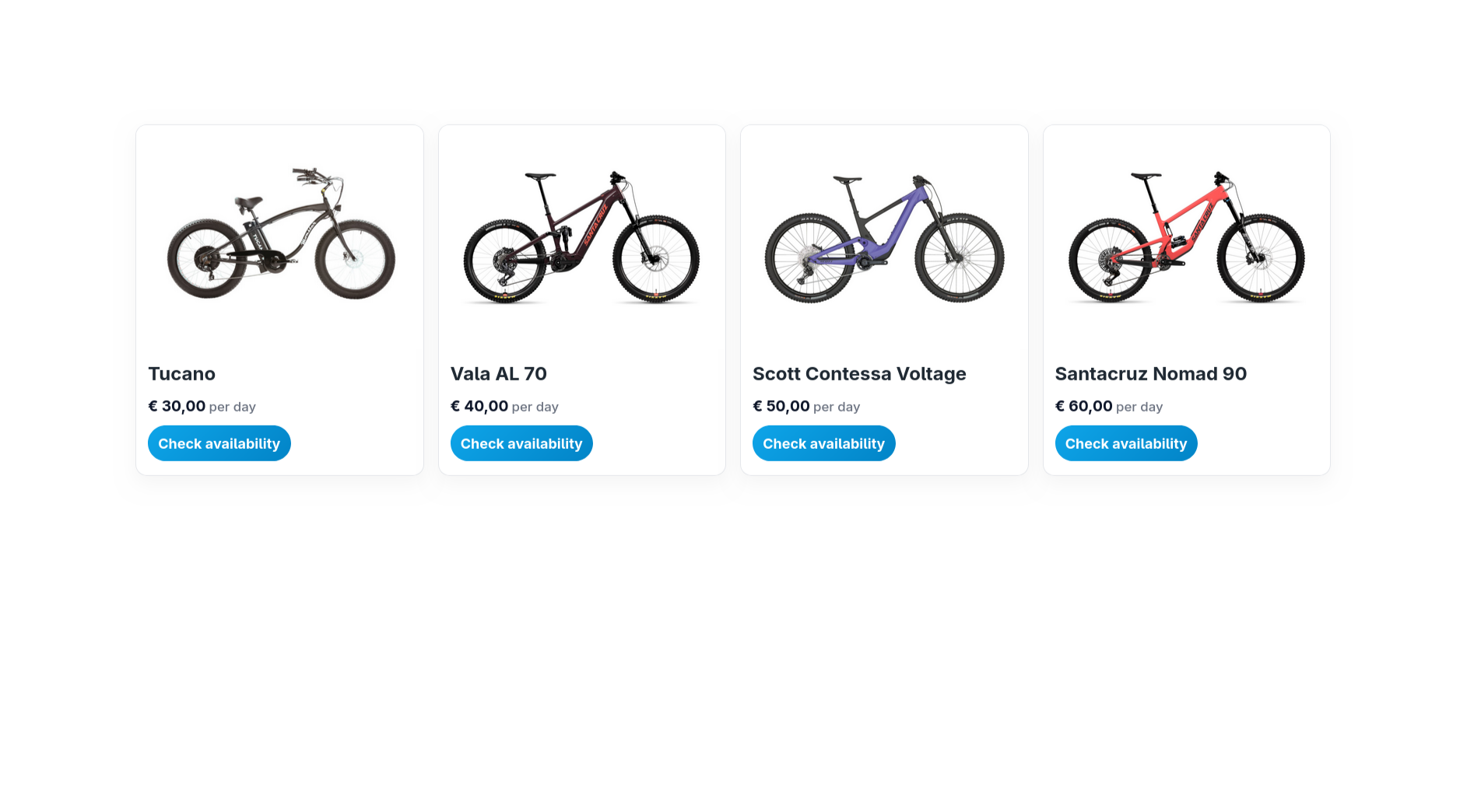
- The split layout displays the form on the left and the bike catalog on the right. In split mode, bikes are shown immediately as a catalog. After selecting dates, it switches to booking mode and allows selecting a bike directly from the grid.
Can I display bikes without requiring users to select dates first?
Yes. The split layout includes a catalog mode where bikes are visible immediately, without selecting dates.
Can I create a booking flow from a bike list to a single bike page?
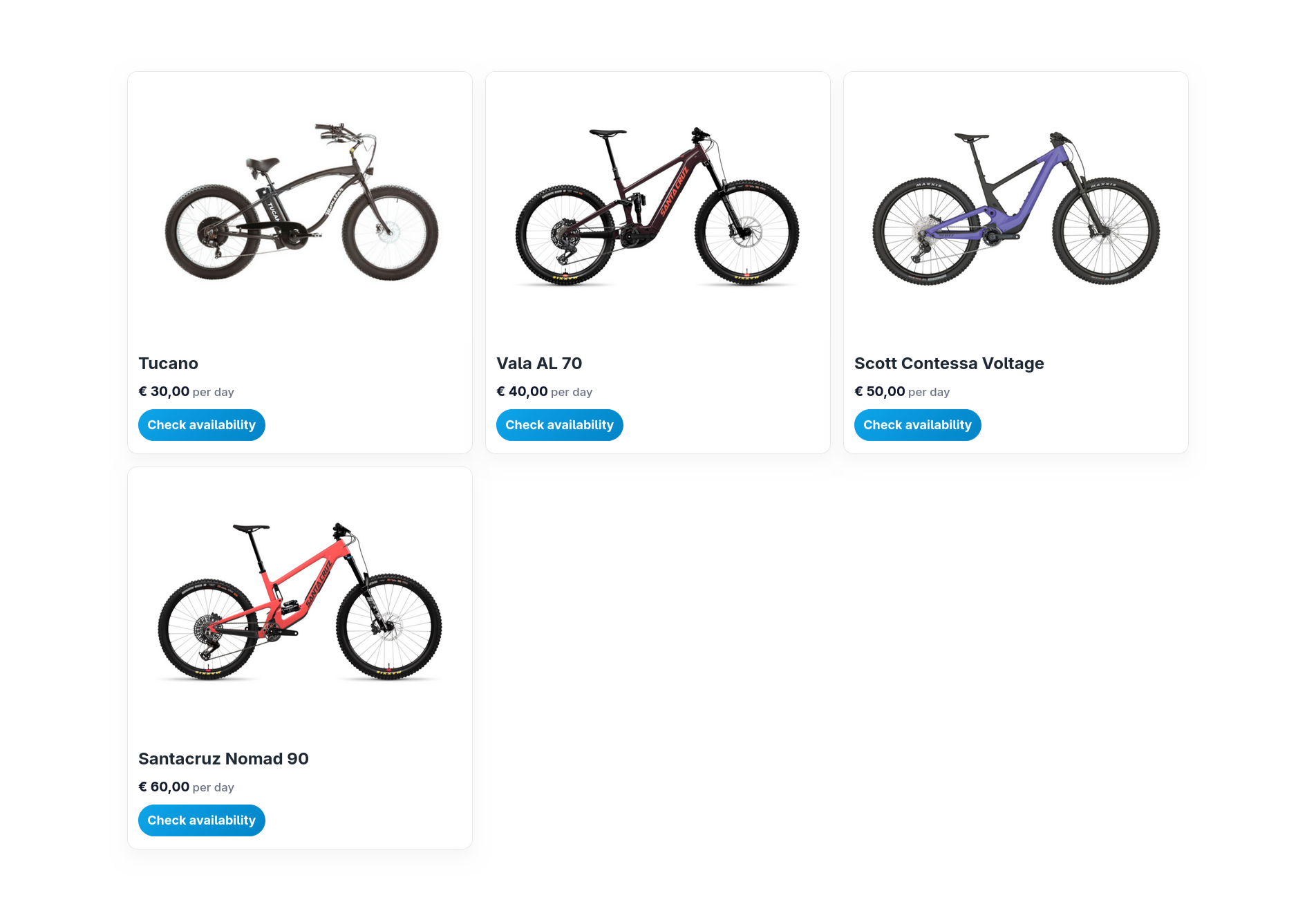
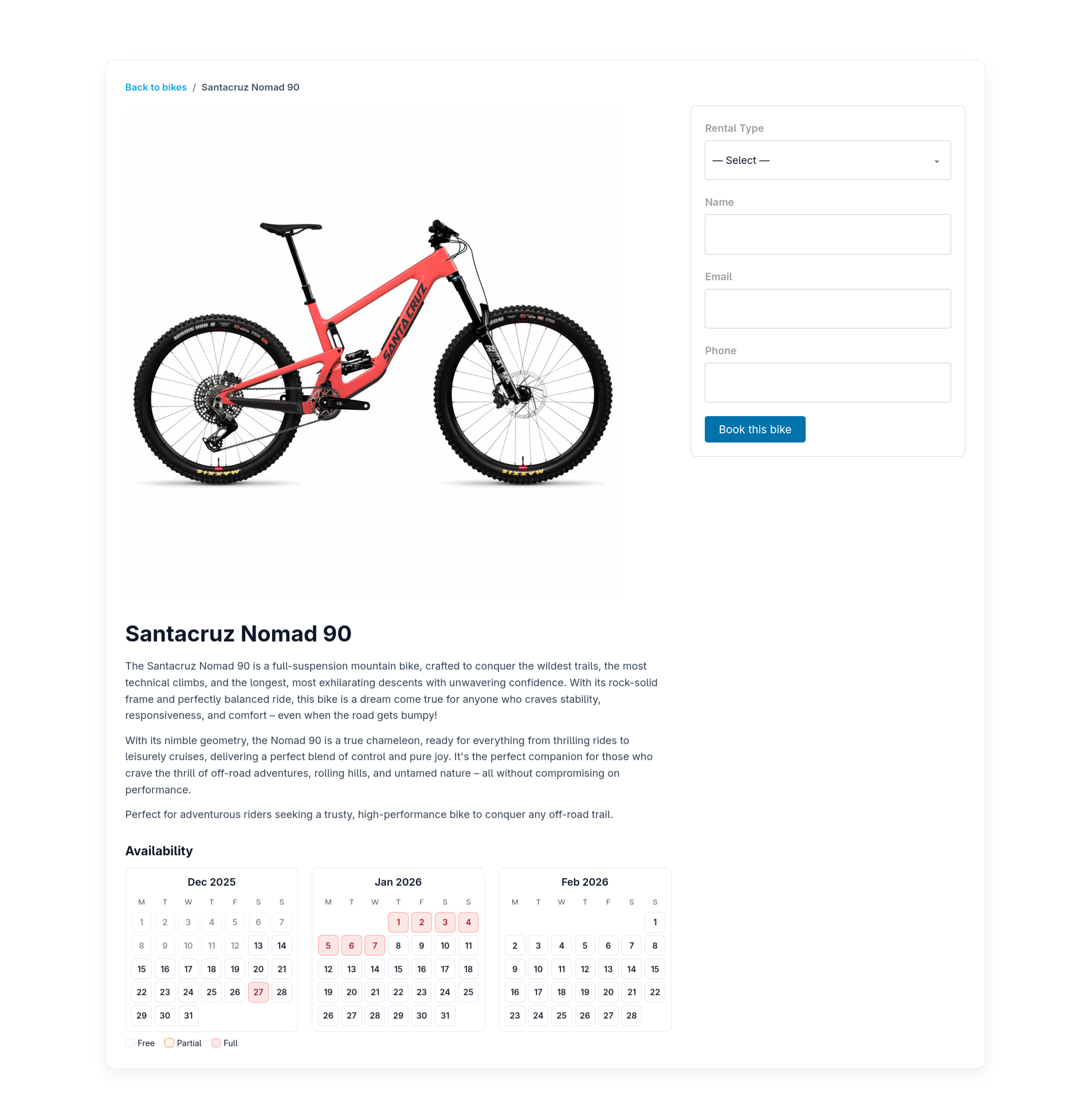
Yes. You can use the [simpbire_bike_grid] shortcode together with the [simpbire_bike] shortcode to create a complete booking flow.
How do I link each bike to its detail page?
You can set a “Bike details URL” in the bike settings. If configured, users will be redirected to that page when clicking on the bike.
Are payments supported?
The free version does not include payments. A Pro version with Stripe integration is available.
Can I customize the styles?
Yes. The plugin includes minimal CSS, so you can easily override it using your theme or custom styles.
Is the plugin mobile-friendly?
Yes. All layouts, including the split layout, are fully responsive and adapt to smaller screens.
更新日志:
- Updated button colors throughout the plugin to align with the new WordPress 7.0 admin color palette.
- Updated hourly booking event colors in the calendar for improved visual consistency with WordPress 7.0.
- Made reservation confirmation emails fully translatable.
- Tested and verified compatibility with WordPress 7.0.
- Added support for the
layout="centered"attribute in the[simpbire_bike_rental]shortcode. - Improved the default split layout by making the left column more compact and visually balanced.
- Improved responsiveness and spacing for the centered frontend booking layout.
- Added new shortcode
[simpbire_bike_rental_split]for a modern two-column booking layout with instant catalog view. - Added catalog mode to display bikes immediately without selecting dates.
- Added support for
details_urlin bike cards for direct navigation to detail pages. - Added optional “Terms and Conditions” checkbox in the booking form.
- Added new settings to enable the terms checkbox, customize its label, and select a terms page.
- Improved frontend booking experience with a responsive split layout.
- Improved AJAX endpoint to support initial catalog loading (
initial_list=1). - Improved admin code structure by splitting
admin.phpinto modular components. - Improved asset versioning to ensure CSS updates are properly loaded.
- Fixed compatibility issue with PHP 7.4 (removed use of
match). - Fixed an issue where customer notes could appear twice in notification emails when using the {note} placeholder.
- Added an optional “Additional notes” field to the booking form so customers can include pickup details or special requests.
- Fixed a booking confirmation issue caused by an unnecessary nonce in the email confirmation link, which could prevent confirmation from some mobile email apps.
- Improved booking email notifications to optionally include customer notes.
- Update CSV export to include customer notes
- Fixed an issue that could cause duplicate bookings or emails on the single bike page by ensuring the correct script handles the booking form.
- Improved booking deletion reliability in both admin and frontend.
- Added a new setting "Booking confirmation time (minutes)" on the general settings page to be stored in wp_options.
- Improved the hourly booking form: by selecting a start time, the end is automatically set to start+1 hour when necessary and the end selector is opened on the same date.
- Fixed a bug that caused one-hour deviations during overlap checks in the hourly rental type.
- Updated translatable strings and translation template (.pot file)
- Added two new shortcodes: one for displaying a bike grid and one for the single bike page.
- Introduced an alternative booking flow: select a bike from the grid, view its details on the single bike page, then check availability and complete the booking.
- Updated FullCalendar to version 6.1.19.
- Improved asset versioning for scripts and styles by using plugin version-based cache busting instead of timestamp-based versioning.
- Added capability and nonce verification to the admin calendar bookings AJAX endpoint, ensuring requests include a valid nonce and proper permissions.
- Confirmed compatibility with WordPress 6.9. No code changes.
- Improved redirect security (wp_safe_redirect and nonce checks).
- Improved price handling in the availability results: bicycles now display the correct rental cost directly on each card, using hourly or daily rates based on the selected rental type.
- Added currency symbol support, including a reusable helper that respects the option used in the Pro version and remains fully filterable.
- Introduced a new currency selector in the general settings, with validation of supported values and full compatibility with future Pro features.
- Updated the frontend grid layout to highlight the new price row for better clarity and user experience.
- Ensured the selected currency symbol is correctly applied when calculating and returning prices in the frontend availability AJAX response.
- Added a styled confirmation button in the booking confirmation email, replacing the plain link for a clearer and more user-friendly experience.
- Corrected use of the
wp_mail_content_typefilter insimpbire_invia_notifica: replaced the anonymous closure with a named callback (simpbire_set_html_mail_content_type) and removed the filter using the same reference, preventing thetext/htmlcontent type from persisting for subsequent emails. - Fixed the incorrect
remove_filter('wp_mail_content_type', '__return_true'), which did not remove the actually registered callback.
- Added CSV export feature to download reservations filtered by status, rental type, and date range.
- Confirmation emails are now sent in HTML format instead of plain text, providing improved formatting and clickable links.
- Added filters
simpbire_email_subjectandsimpbire_email_messageto allow developers to customize the subject and content of confirmation emails. - Minor formatting adjustments in email content to prevent multi-line link display in some email clients.
- Corrected all plugin strings to use English as the original language (required for proper translation on WordPress.org).
- Updated the
.potfile accordingly.
- Initial stable release.
- Added
created_atcolumn to thesimpbire_reservationstable for better tracking of reservation creation time. - Prepared code alignment with the Pro version.
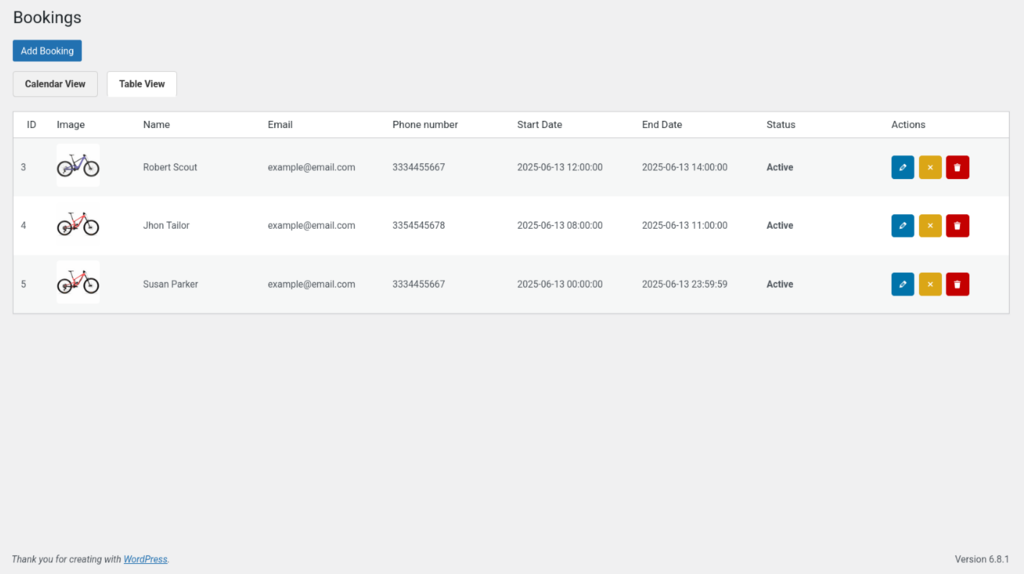
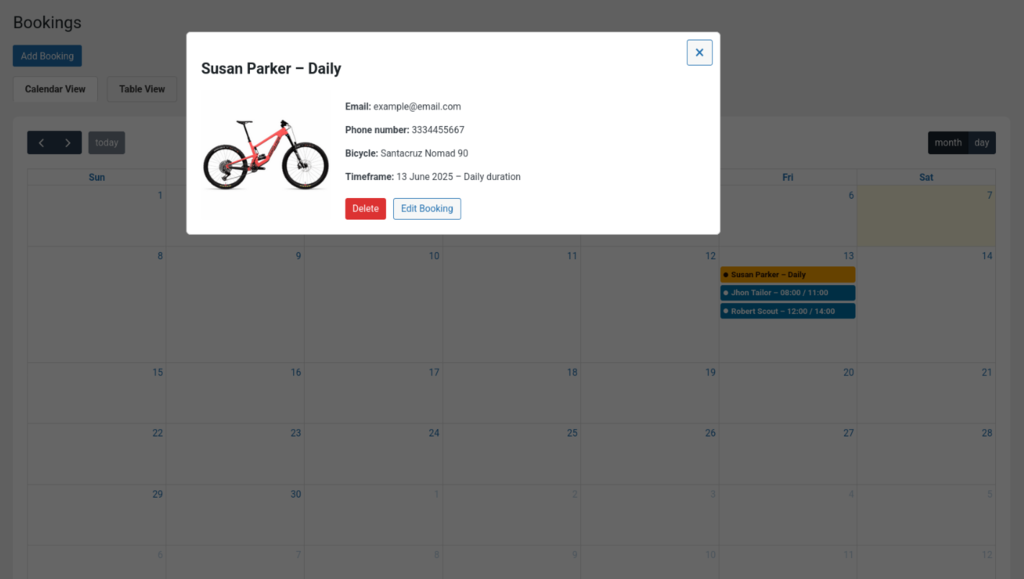
- Admin interface to manage bicycles and reservations.
- Frontend booking form with hourly and daily options.
- Calendar integration to show bike availability.
- Dynamic bike availability based on selected dates.
- Email notifications for both users and admins.
- Localization-ready strings for translations.