
Simple Digital Clock 🕒
| 开发者 | falselight |
|---|---|
| 更新时间 | 2026年10月30日 01:47 |
| 捐献地址: | 去捐款 |
| PHP版本: | 7.0 及以上 |
| WordPress版本: | 7.1 |
| 版权: | GPLv2 or later |
| 版权网址: | 版权信息 |
详情介绍:
屏幕截图:
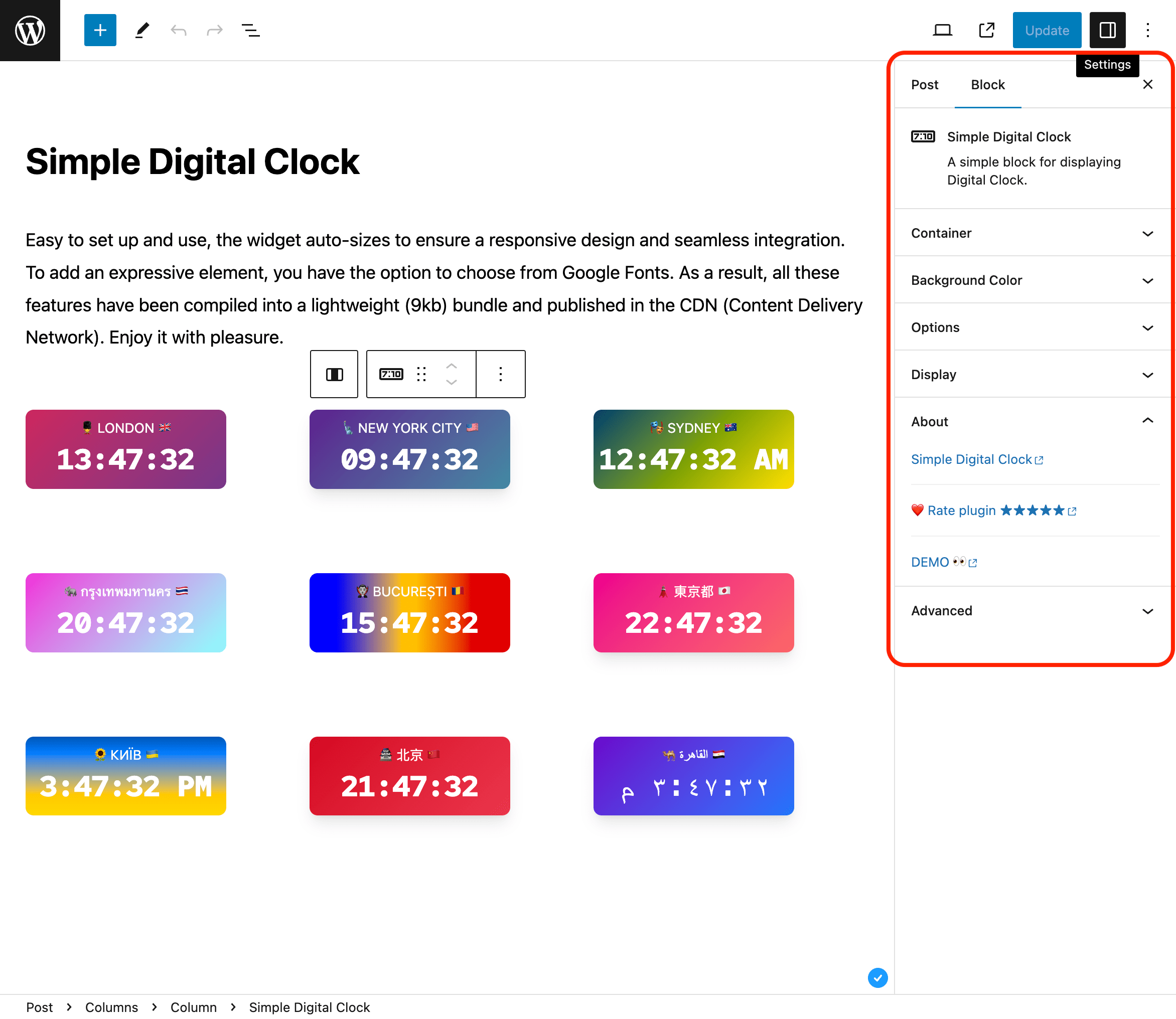
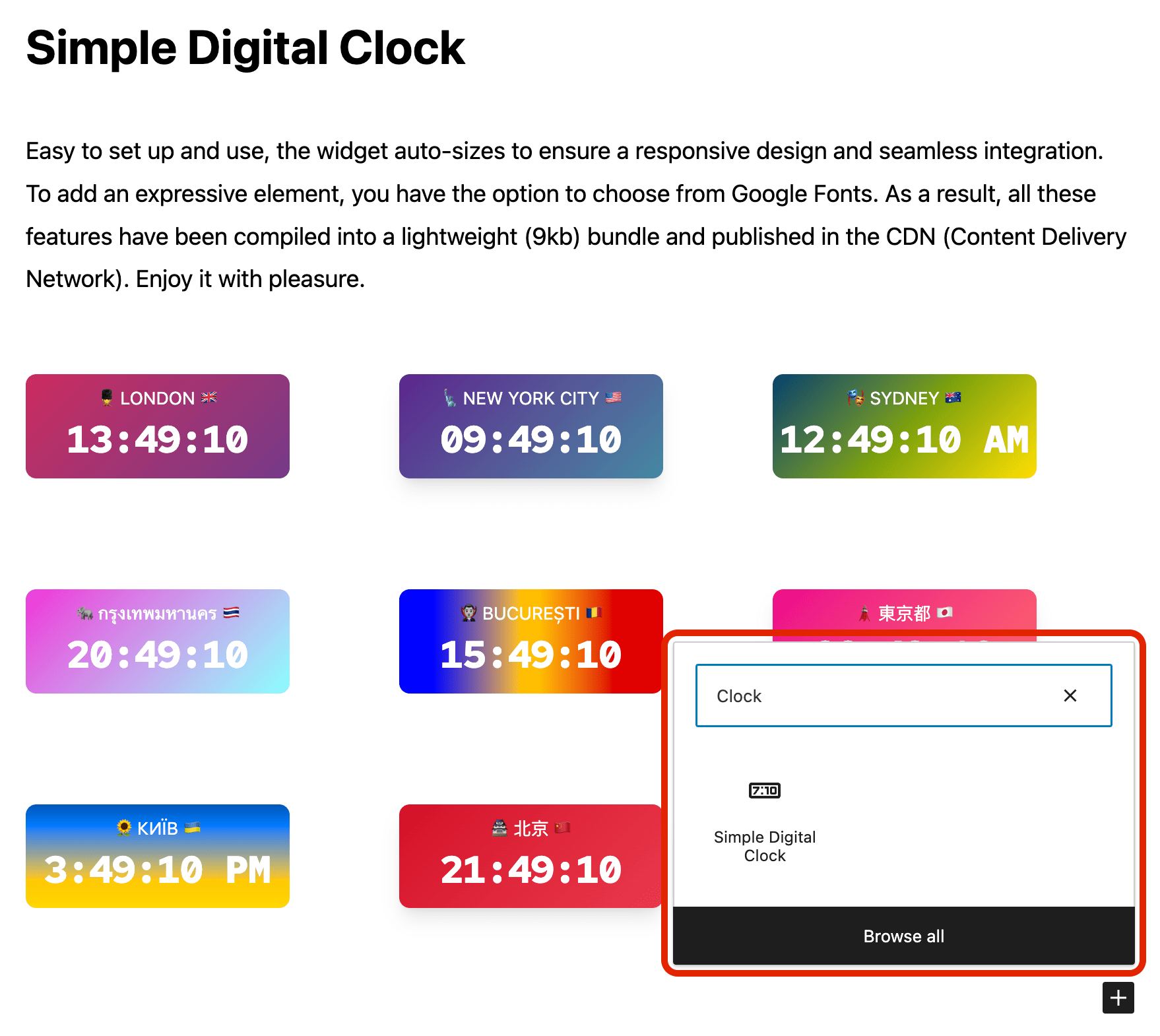
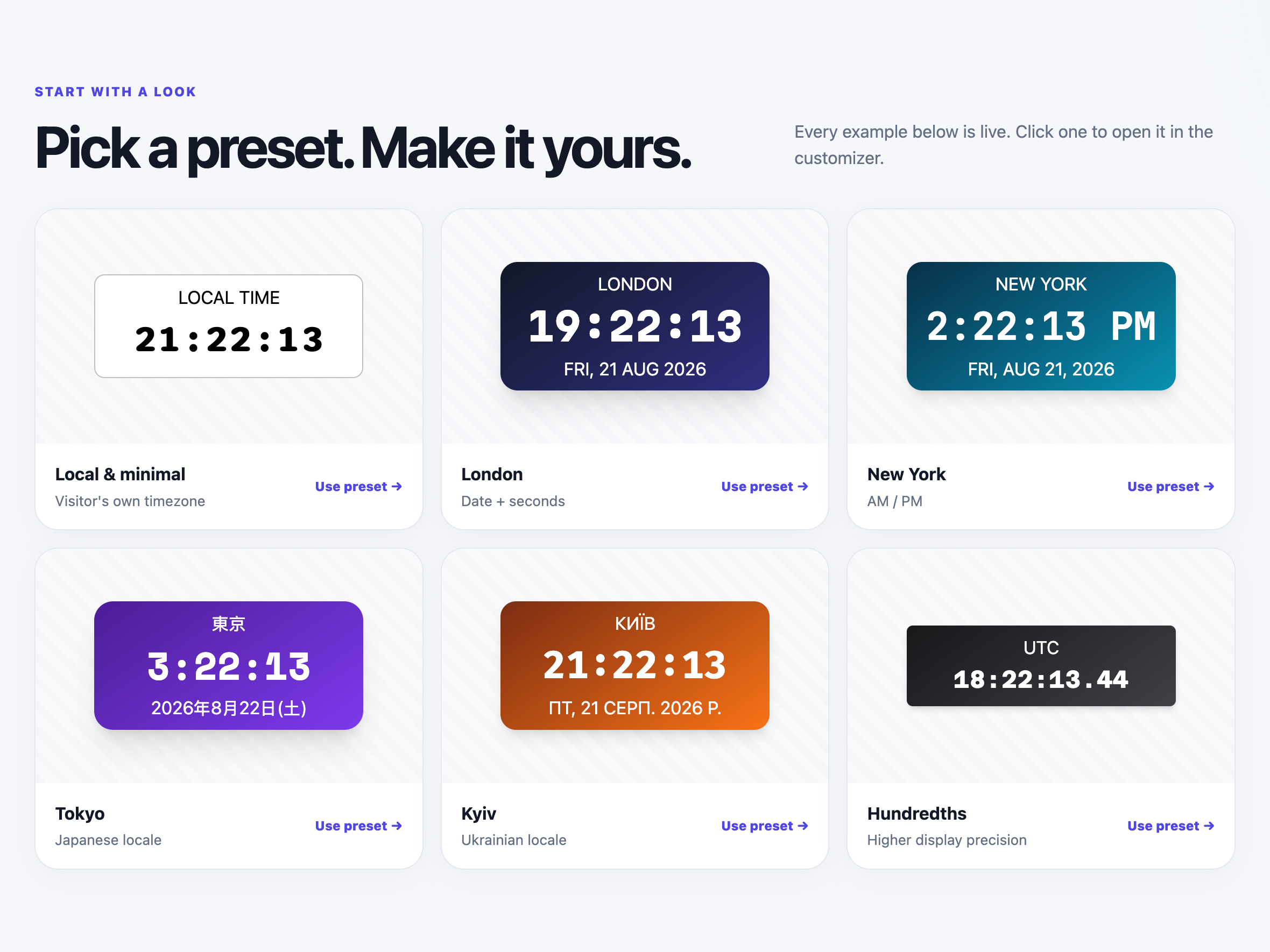
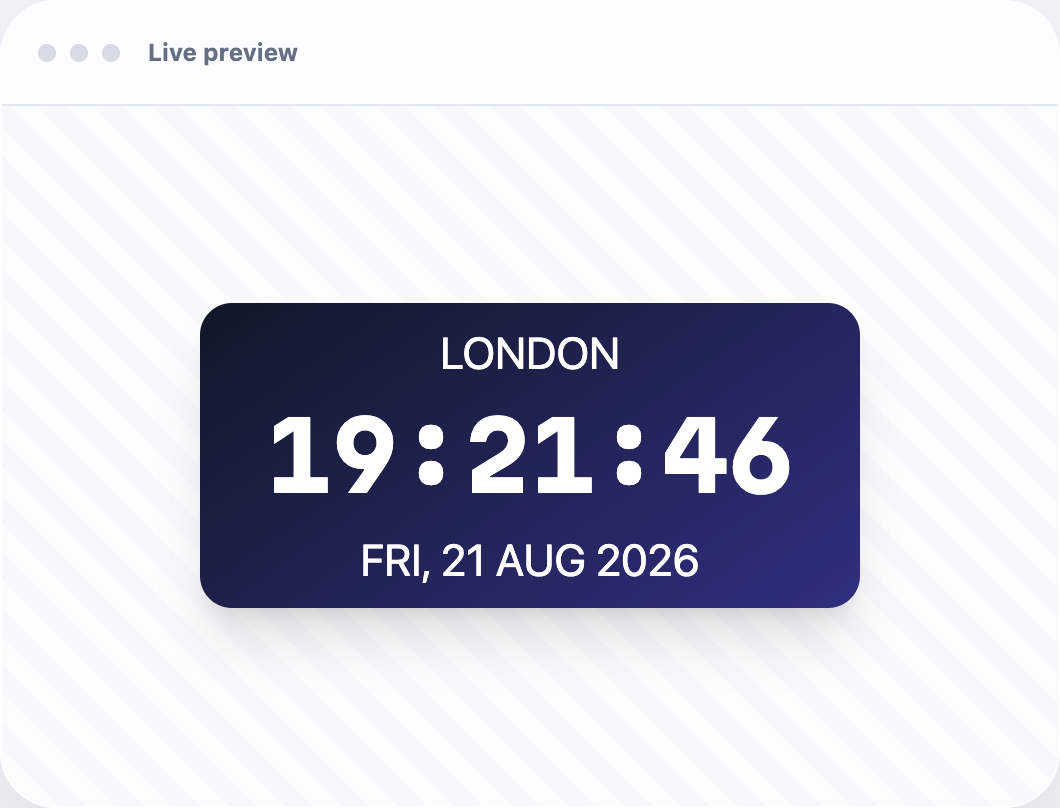
常见问题:
Can I set a custom locale (e.g., uk or en-GB)?
Yes. Use the Locale field and enter any valid BCP-47 tag.
How do I pick the time zone?
Use the Time Zone field and select any valid IANA ID (e.g., Europe/Kyiv, UTC).
Can I show hundredths of a second?
Yes. Enable “Hundredths of a second” in the block settings. It shows two fractional digits and automatically includes seconds while enabled.
Can I use my own fonts?
You can choose from built-in mono fonts (Google Fonts) or keep the system font.
24-hour format
Yes. You can enable 24-hour time for any locale. Toggle 24-Hour in the block settings. For 12-hour time with AM/PM, turn it off.
Can I show different locales and time zones on the same page?
Yes. Each block is independent—set its own locale and time zone.
Is it fast?
Yes. The bundled clock widget is about 11.2 KiB gzip and is served locally without a runtime JavaScript CDN dependency.
更新日志:
1.1.2
- Fixed caption preservation with the HTML API KSES sanitizer in WordPress 7.2 Beta 2.
- Fixed custom BCP-47 locale codes being discarded by the block editor.
- Fixed mouse activation of Auto language and Auto Timezone with open suggestions.
- Resetting Locale now restores the site language instead of an invalid empty locale.
- Resetting Time Zone preserves the string format supported by version 1.1.1.
- Fixed saved clock blocks becoming invalid when reopened in a different browser time zone, including in LocalWP.
- Fixed clock markup being removed when saved by users without unfiltered HTML permissions, including in LocalWP.
- Fixed the clock block layout so it stays correctly positioned within WordPress content containers and block themes.
- Added optional hundredths-of-a-second display.
- Updated bundled Simple Digital Clock Widget to 0.7.0.
- Updated live demo and source-code documentation.
- Migrated the clock block to Block API version 3 for compatibility with the iframe block editor: the clock preview now renders inside the WordPress 7.1 editor canvas.
- Verified compatibility with WordPress 7.1.
- Verified compatibility with WordPress 7.0.
- Added isolated upgrade-path testing from the public 1.0.3 release.
- Added WordPress 7 smoke coverage across PHP 8.2, 8.3, 8.4, and 8.5.
- Updated: POT file.
- Fix: Minor bugs fixed.
- Fix: JavaScript issue resolved.
- New: Stable release published.
- New: 24-hour time format option.
- Fix: Minor bugs fixed.
- Enhancement: Clock JavaScript updated.
- Fix: Minor bugs fixed.
- Fix: Minor bugs fixed.
- Initial release.