Simple Follow Buttons
| 开发者 |
sharethis
scottstorebloom |
|---|---|
| 更新时间 | 2026年10月9日 21:03 |
| PHP版本: | 7.0 及以上 |
| WordPress版本: | 7.1 |
| 版权: | GPLv2 or later |
详情介绍:
安装:
- Upload the 'simple-follow-buttons' folder to the
/wp-content/plugins/directory - Activate the plugin through the 'Plugins' menu in WordPress
- Navigate to the ‘Follow Buttons’ menu in your dashboard to change the settings as desired.
屏幕截图:
常见问题:
Where are the settings?
In your dashboard under Follow Buttons. It is a top-level menu item, not under Settings.
I picked a network but nothing appears on my site. Why?
A network is only rendered once you give it something to link to. Open Set Follow URLs on the settings screen and fill in your username or page for that network. Networks with an empty field are skipped rather than linking to an empty profile.
What do I put in the follow URL field?
Just the part that comes after the address shown beside the field. For example, enter sharethis for Facebook and the button links to https://www.facebook.com/sharethis.
A few networks have no fixed address, so paste the complete profile URL instead: Mastodon, ResearchGate, WeChat, Bandcamp and Google Maps. The Email button takes an email address.
Can I put the buttons somewhere other than my posts and pages?
Yes, in three ways:
- The Follow Buttons widget, for sidebars and other widget areas.
- The
[sfb]shortcode, anywhere shortcodes are allowed. - Turn off Pages and Posts under Locations and use only the shortcode or widget.
How do I hide the buttons on one particular post?
Add the [sfb_hide] shortcode anywhere in that post's content. The buttons are left off that post, while every other post is unaffected.
Can I change the colours?
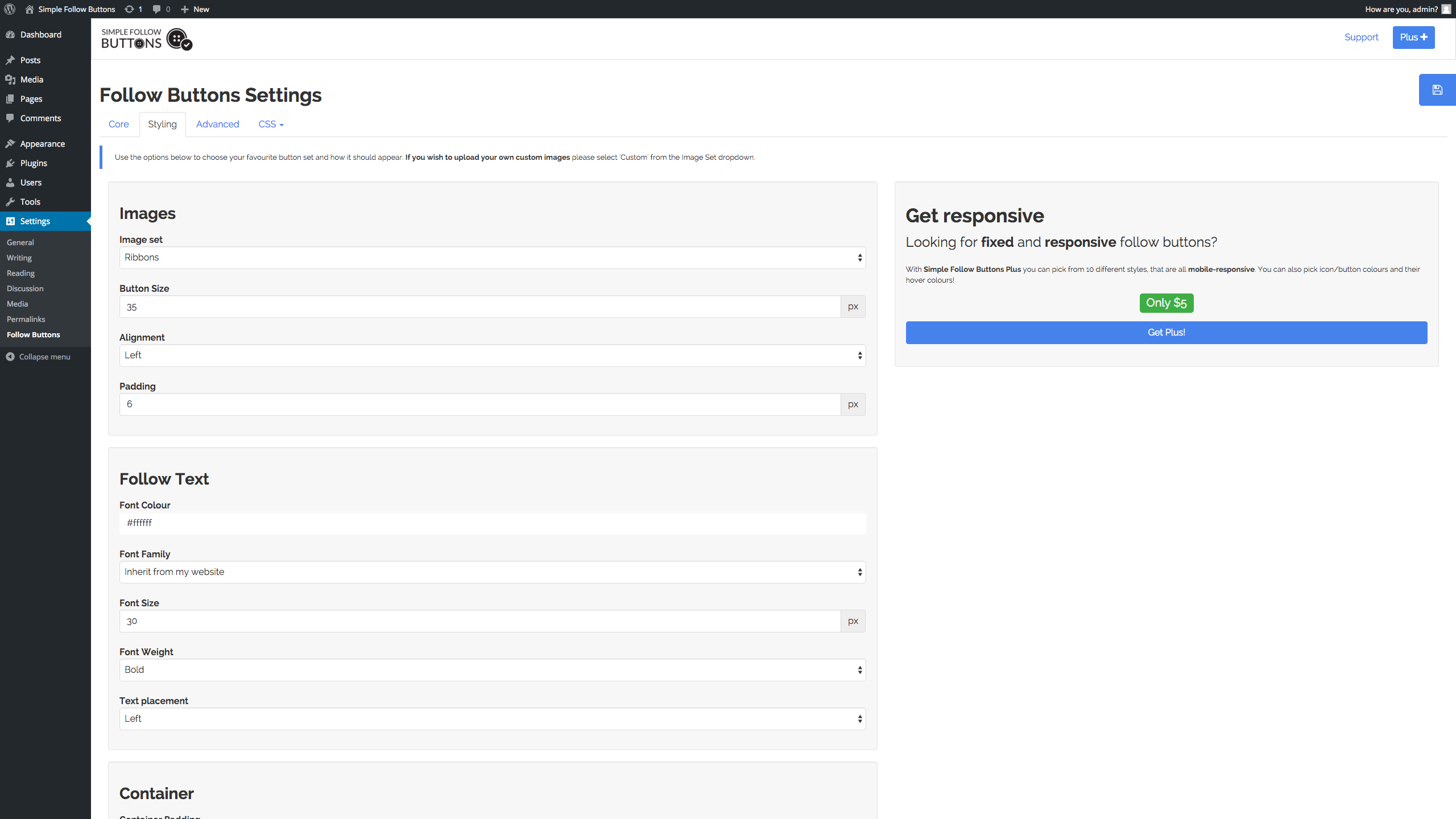
Yes. Leave the colour fields empty and every network keeps its own brand colour. Fill any of them in - button, button hover, icon or icon hover - and your choice is used for every button instead. The preview on the settings screen updates as you type, so you can see the result before saving.
What happened to the image sets and the custom image uploads?
Version 2.0.0 replaced them with eleven button themes and colour controls. The icons are now scalable SVG, so they stay sharp on high-resolution screens and can be resized and recoloured without uploading anything. If you were using a custom image for a network, pick the theme and colours that come closest. Your network selection, follow URLs and other settings are kept.
Does the plugin load anything from ShareThis?
Only after you accept the ShareThis terms on the settings screen. Until you do, no ShareThis script is loaded and no request is made. Once accepted, a ShareThis property is created for your site and the ShareThis platform script is loaded on your pages. The follow button icons themselves are served from your own site, not from a third party.
Does it work with a caching plugin?
Yes. The buttons are rendered as ordinary HTML with no per-visitor content, so they cache safely.
更新日志:
- Add: a Live Preview on WordPress.org so you can try the plugin in WordPress Playground before installing.
- Add: 51 networks, matching the set offered by ShareThis Follow Buttons. Among the new ones are Instagram, YouTube, Bluesky, Threads, Mastodon, GitHub, Spotify, Twitch, WhatsApp, Snapchat, Flipboard, Medium, Behance and Dribbble.
- Add: eleven button themes - Round, Square, Logo Name, Rounded, 3D, Border Round, Border Logo Name, Black Border, Underline, Auto Square and Name.
- Add: button colour, hover colour, icon colour and icon hover colour. Leave them blank and each network keeps its own brand colour.
- Add: separate button size and icon size settings.
- Add: a live preview on the settings screen that updates as you change the styling.
- Add: ShareThis integration. Accept the terms on the settings screen and a ShareThis property is created for your site.
- Change: the settings screen is now a top-level Follow Buttons menu in the dashboard rather than an item under Settings.
- Change: the Core and Styling tabs are merged into one screen, so the preview stays in view while you adjust the styling.
- Change: icons are now inline SVG instead of PNG images, so they stay sharp at any size and can be recoloured.
- Change: Twitter now links to x.com.
- Remove: the eight PNG image sets and the custom image uploads, replaced by the button themes and colour settings above.
- Remove: the Google+ and Yummly buttons. Google+ has been shut down since 2019.
- Fix: a fatal error on PHP 8 caused by the removed create_function().
- Fix: uninstalling the plugin now removes its settings, which it previously left behind.
- Fix: the widget follow text setting had no effect.
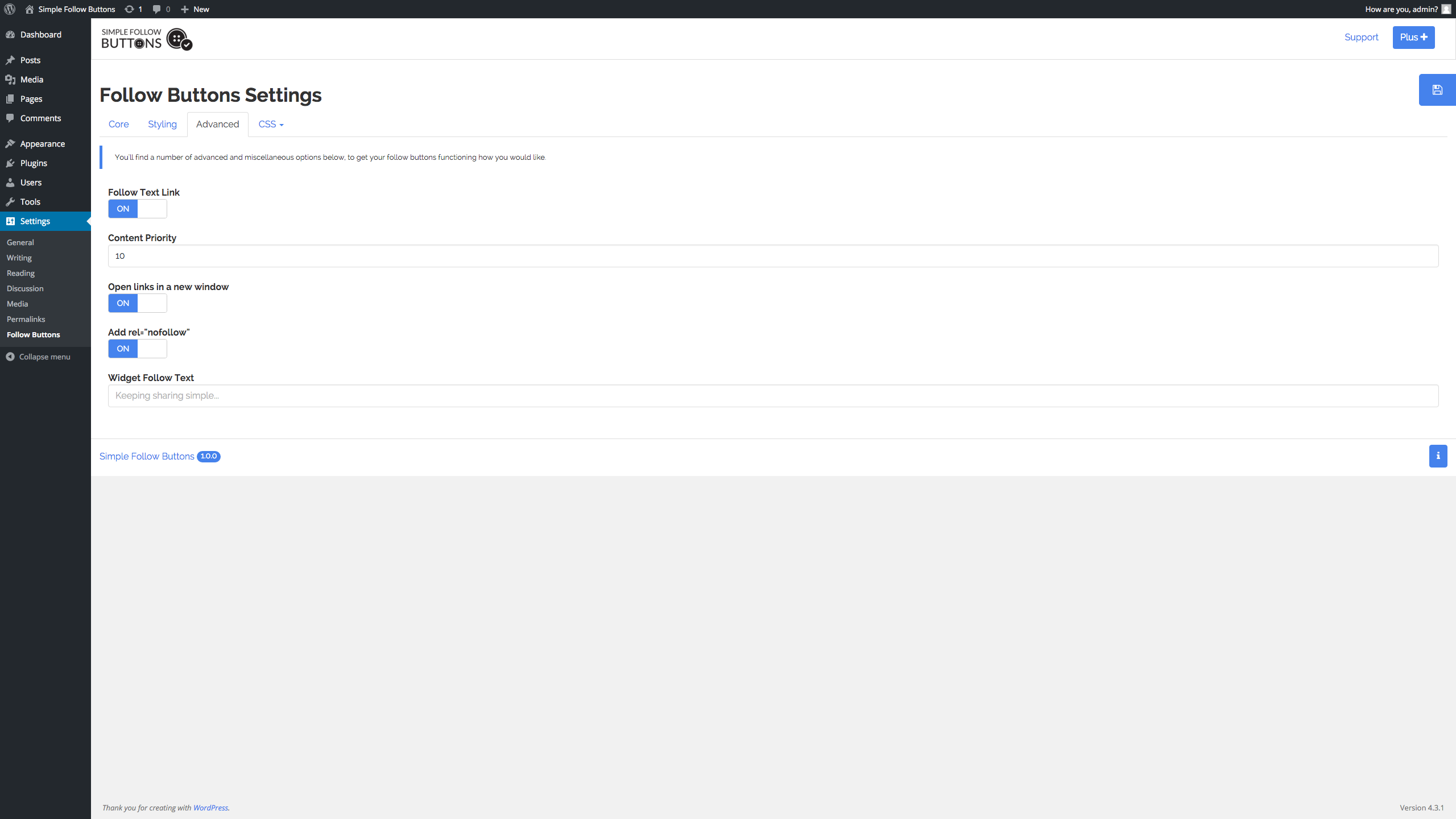
- Fix: follow links open with rel="noopener noreferrer" when set to open in a new window.
- Fix: buttons no longer open in a popup window, which was share-button behaviour and was blocked by most browsers. They now follow the open-in-a-new-window setting.
- Fix: escape and sanitise every setting on save and on output.
- Fix: stylesheets and scripts are versioned by file, so an update is no longer served from a stale browser cache.
- Fix: buttons are given an accessible label.
- Initial release