
Simple Login Page Customizer
| 开发者 | mshirk |
|---|---|
| 更新时间 | 2019年6月26日 07:50 |
| PHP版本: | 3.0.1 及以上 |
| WordPress版本: | 4.6.1 |
| 版权: | GPLv2 or later |
| 版权网址: | 版权信息 |
详情介绍:
安装:
屏幕截图:

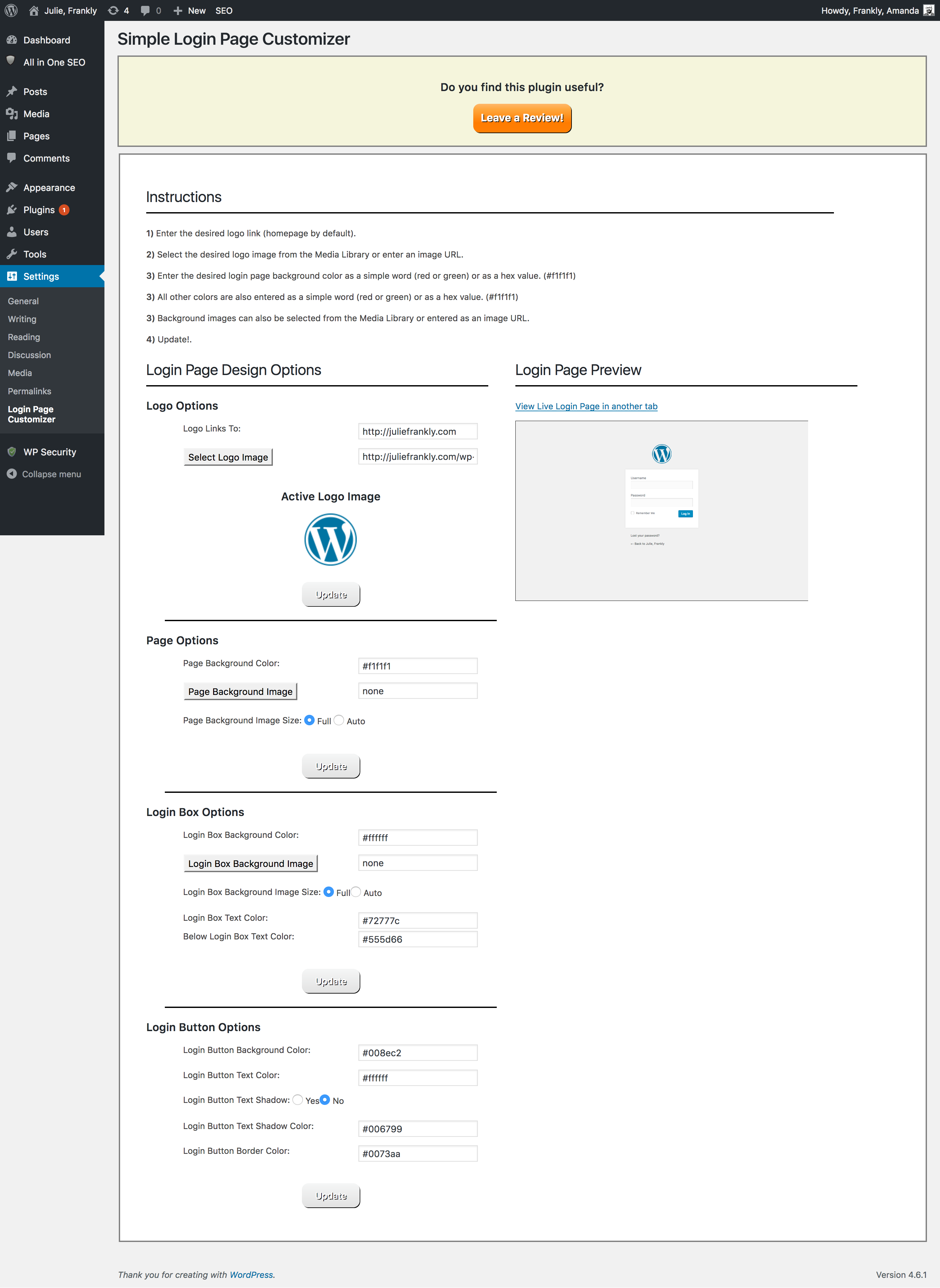
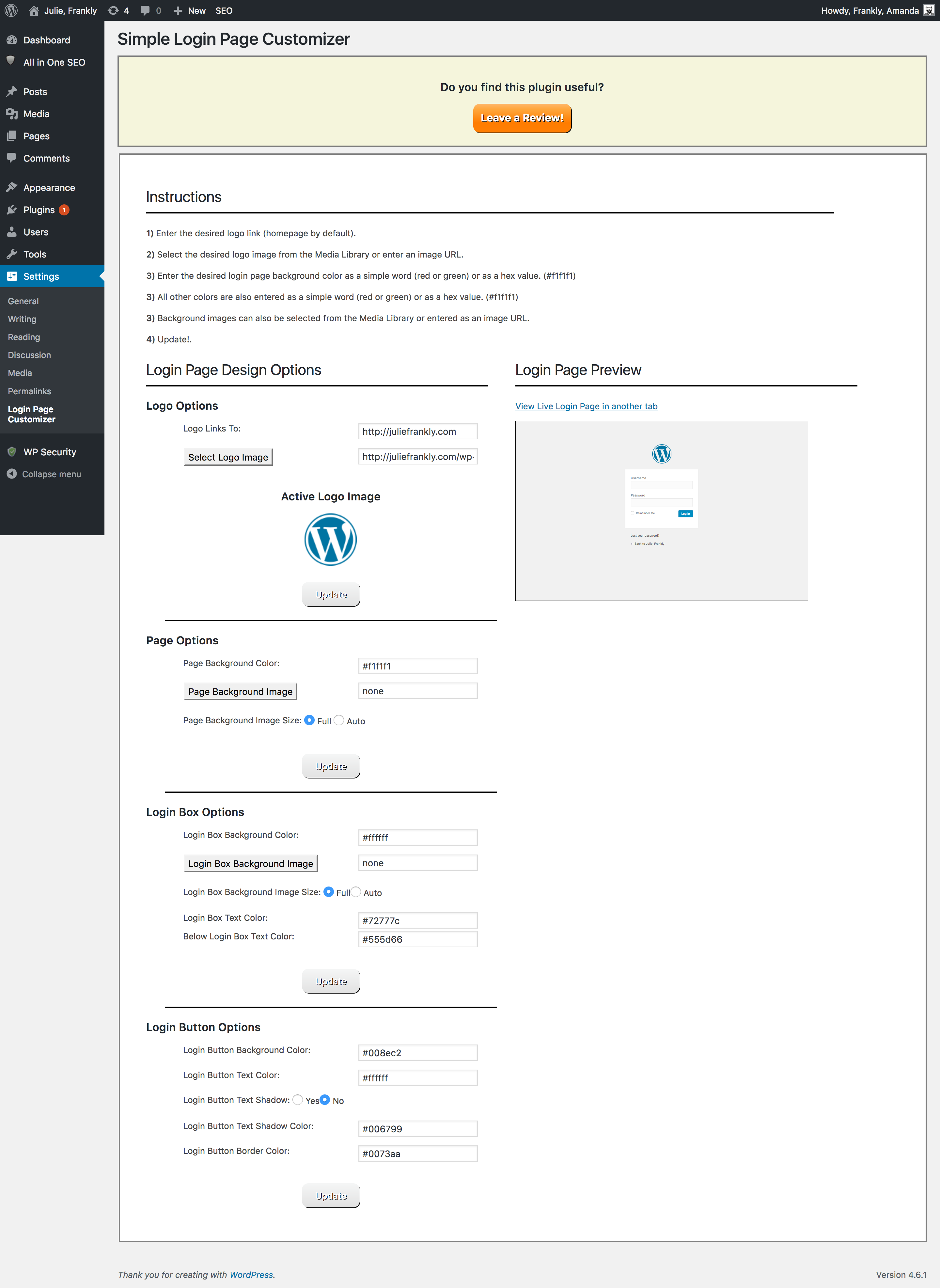
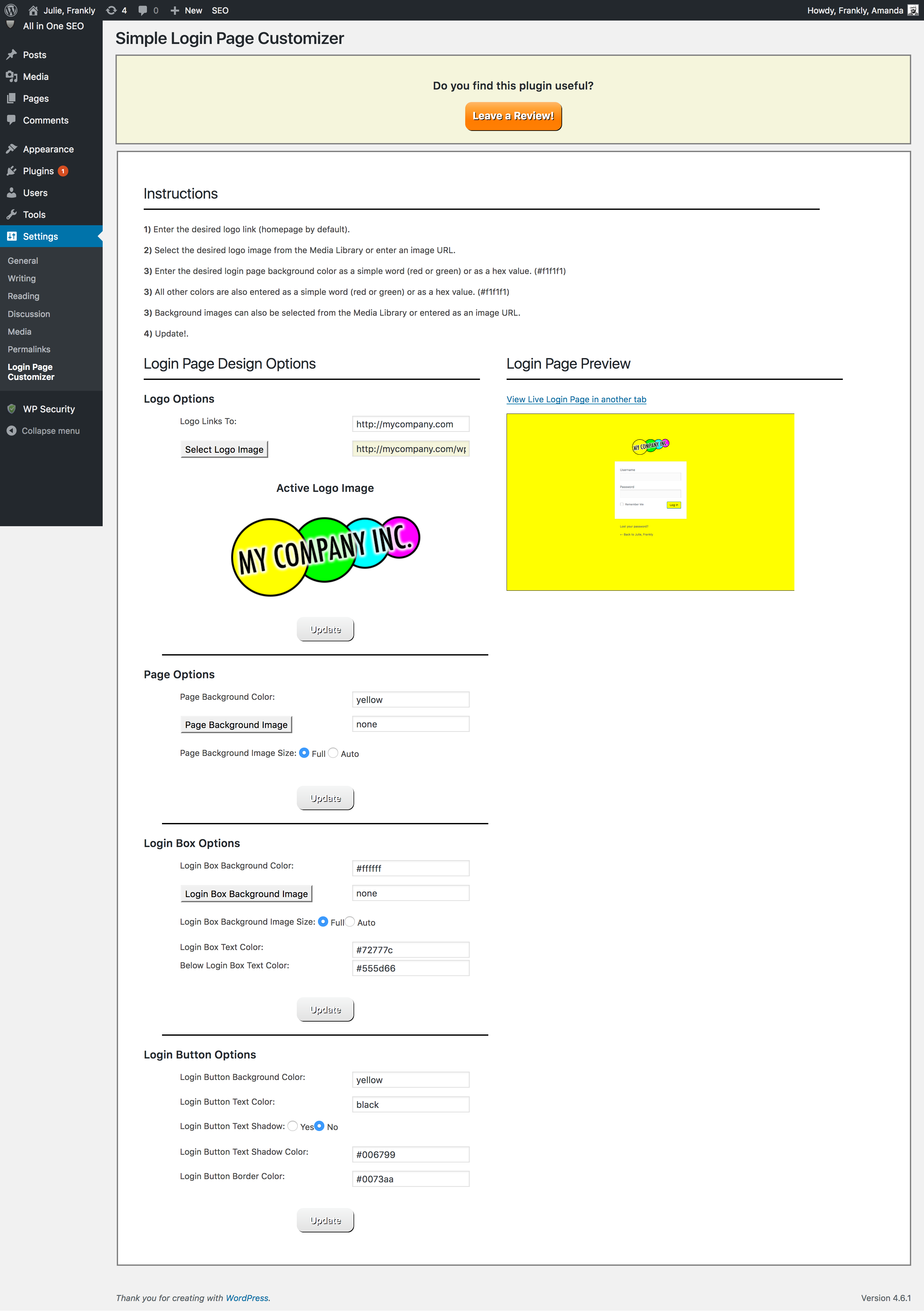
常见问题:
How do I restore the default Wordpress login page styles?
The default Wordpress login page styles can be restored by deactivating then reactivating the plugin.
I have activated the plugin and made changes to my login page, how come I can’t see those changes on my site?
Cache plugins such as “WP Super Cache” will need to be disabled while you are making changes to the login page. After you are finished customizing the login page, you can re-enable your cache plugin.
Is this plugin compatible with plugins such as “All-In-One WP Security” and “Password Protected” which change the URL of the Login Page?
Yes, however the All-In-One WP Security Brute Force "Rename Login Page" setting will disable the Login Page Preview feature. In order to preview your login page correctly while logged in, you will need to temporarily disable this setting while customizing your login page. After you are finished customizing your login page, you can re-enable the All-One-Security "Rename Login Page" setting.
Is this plugin compatible with secure Wordpress sites using HTTPS?
Yes! This plugin has been tested with secure sites and works great!
Is it OK to leave some fields blank?
Yes, This plugin adds styles to the Login Page and overwrites the existing styles. If fields are left blank, it simply uses the default style settings.
Background Images and Background Colors
If a background image is set, it will override the any background colors that are set for that element. To remove a background image entirely, simply change the background image field to blank or enter “none”.
更新日志:
- Initial Upload.
- Fixed conflicts with new version of All-In-One WP Security.