
Simple Sitemap – Responsive HTML Sitemap for WordPress
| 开发者 |
dgwyer
wpgoplugins |
|---|---|
| 更新时间 | 2026年10月3日 02:23 |
| 捐献地址: | 去捐款 |
| PHP版本: | 7.4 及以上 |
| WordPress版本: | 7.1 |
| 版权: | GPLv2 or later |
| 版权网址: | 版权信息 |
标签
下载
详情介绍:
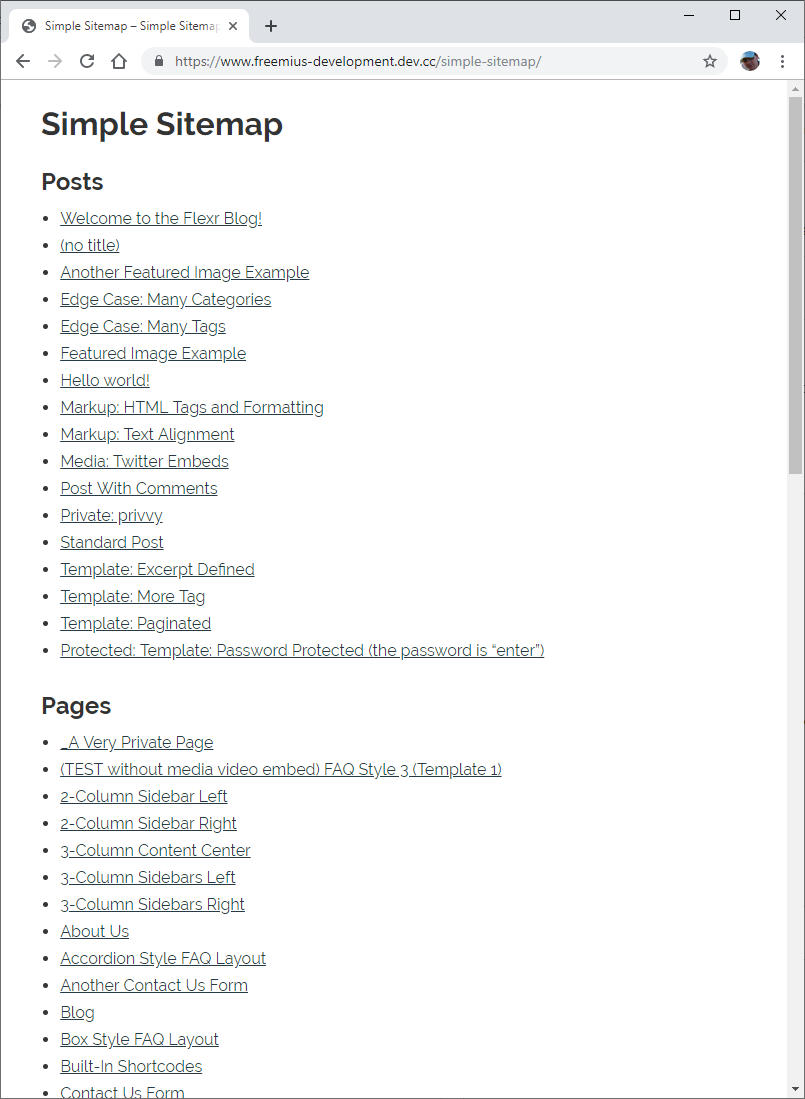
- Three editor blocks: Simple Sitemap, Simple Sitemap Group, and Child Pages.
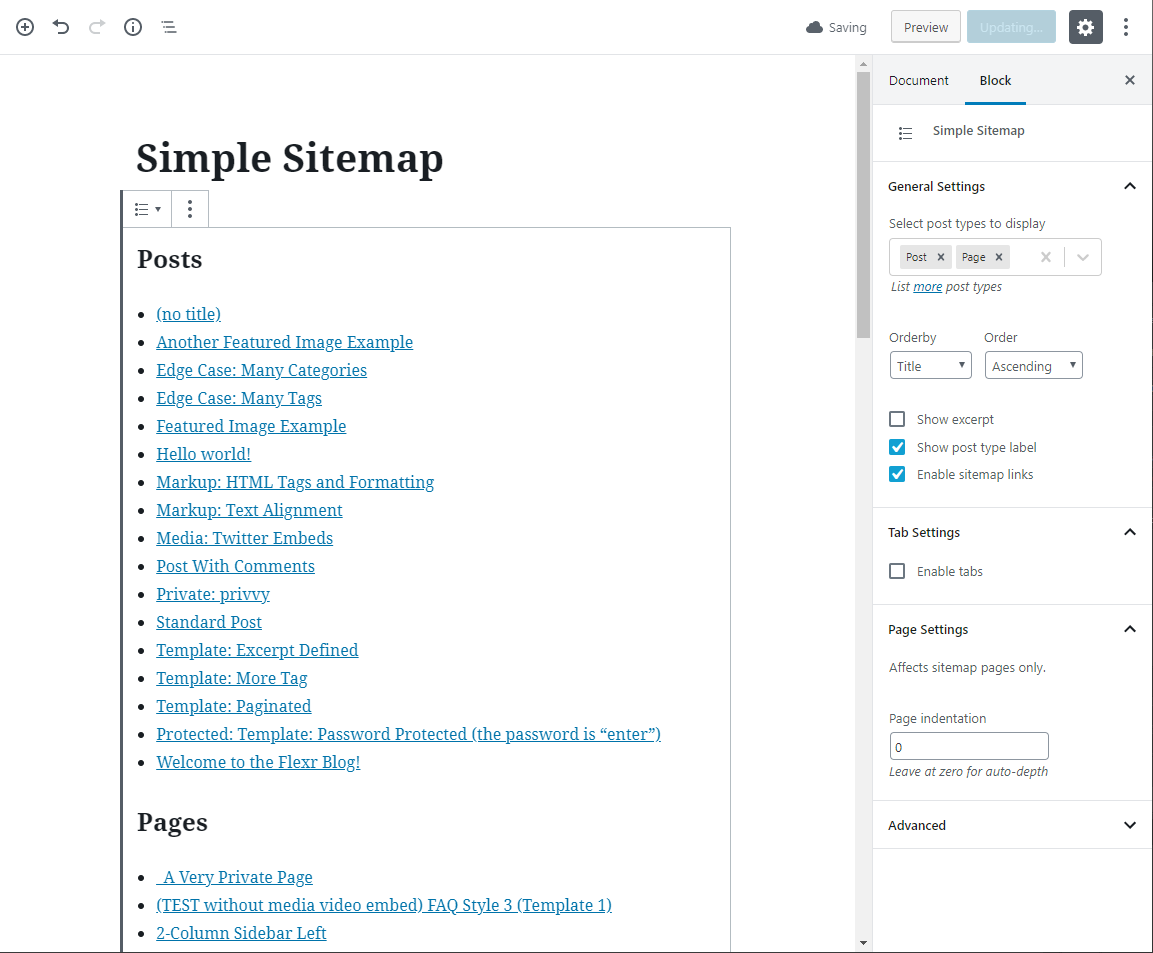
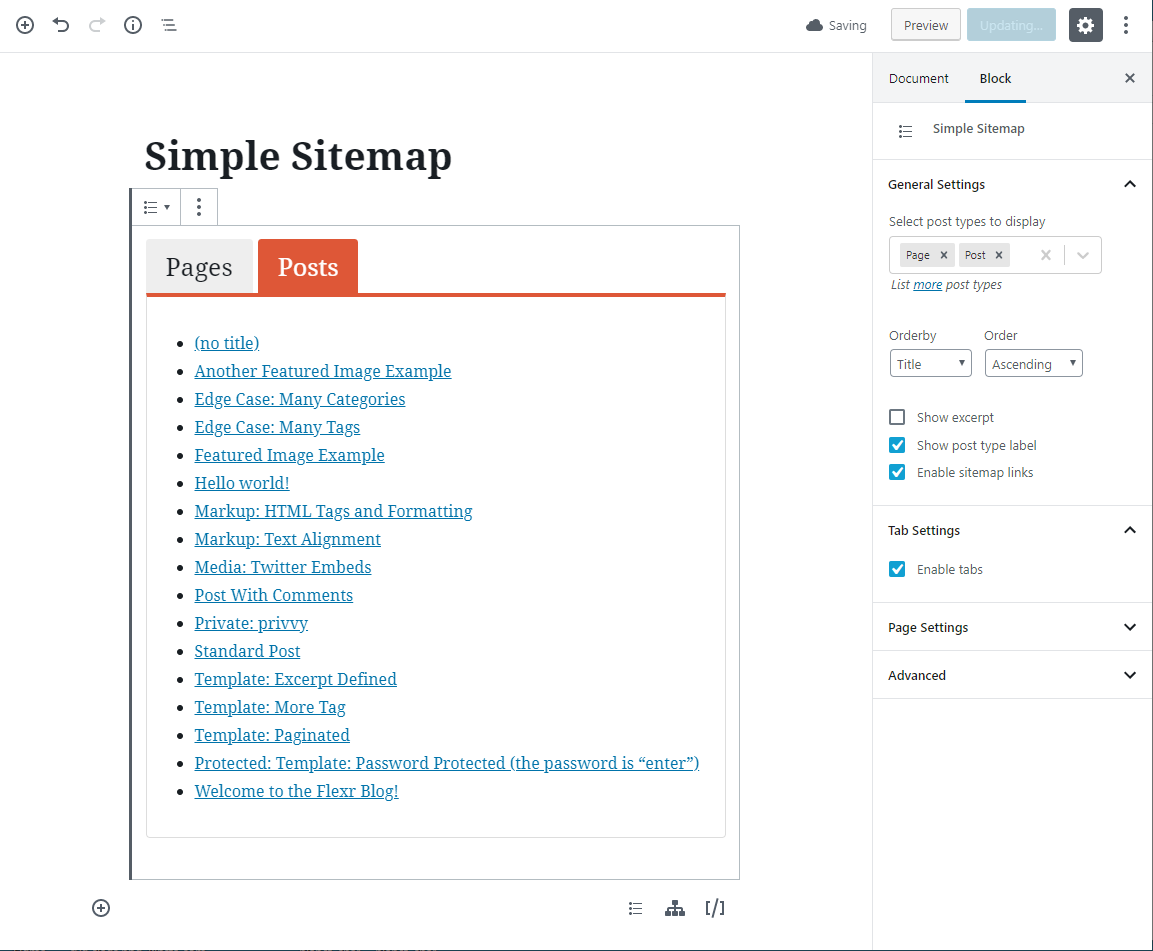
- Live preview while you configure the sitemap.
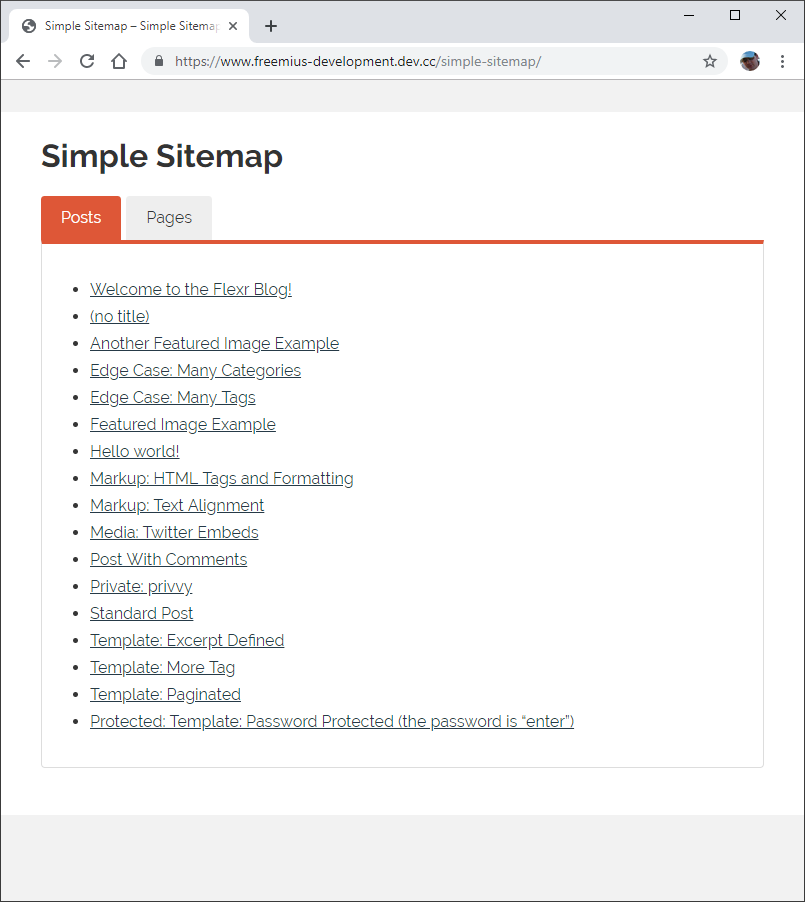
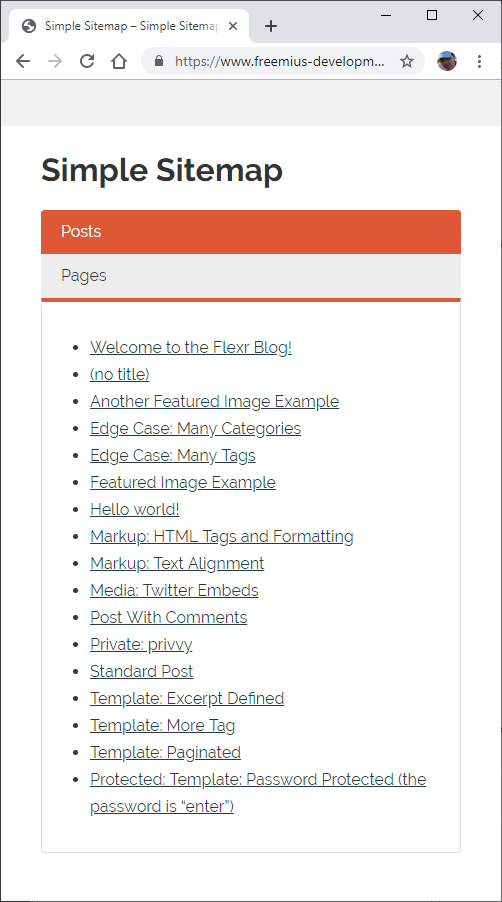
- Standard lists and responsive tabbed layouts.
- Posts and pages with ascending or descending ordering.
- Sorting by title, author, date, ID, menu order, comment count, or random order.
- Optional excerpts, post-type labels, and linked or plain-text items.
- Include only selected posts or pages, or exclude individual IDs.
- Display a published child-page hierarchy for a selected parent page.
- Optional linked pagination for content lists and individual grouped sections.
- Page-depth and parent-page-link controls.
- Multiple sitemaps on the same page.
- Global item and nested-level spacing presets, with optional per-block and per-shortcode overrides.
- An optional linked parent at the root of the Child Pages block.
- The
[simple-sitemap]and[simple-sitemap-group]shortcodes for classic content and page-builder workflows.
- Custom post types and custom taxonomies.
- Taxonomy-term filters and automatic exclusion of child pages.
- Advanced responsive tab controls and horizontal layouts.
- Dedicated Taxonomy Terms, Navigation Menu, Archive Links, and WooCommerce Product Sitemap blocks.
- Enhanced Child Pages controls for subtree exclusions, excerpts, images, and nofollow links, including hierarchical custom post types.
- Optional separators and compact featured-image thumbnails for child-page
sitemaps, including the
[simple-sitemap-child]shortcode. - Per-section Content Sitemap ordering, limits, and include/exclude rules.
- Optional noindex filtering for Yoast SEO, Rank Math, and SEOPress, plus current-language filtering for WPML and Polylang.
- Additional shortcodes for child pages, taxonomy terms, and navigation menus.
- Interface controls for sitemap colours and presentation.
- Filters for custom development requirements.
安装:
- In WordPress, go to Plugins > Add New and search for Simple Sitemap.
- Install and activate the plugin.
- Edit a page and add the Simple Sitemap, Simple Sitemap Group, or Child Pages block.
- Choose the content, ordering, labels, and layout in the block settings.
- Publish or update the page.
[simple-sitemap] or
[simple-sitemap-group] instead.屏幕截图:

常见问题:
Where can I see the available settings?
Select a sitemap block and review its settings in the editor sidebar. Licensed users can also use WPGO premium support.
Can I generate an XML sitemap too?
No. This plugin creates a visible HTML sitemap for visitors. WordPress or an SEO plugin can continue handling your XML sitemap for search engines.
Do the shortcodes still work?
Yes. The blocks provide the visual editor workflow, while the existing
[simple-sitemap] and [simple-sitemap-group] shortcodes remain available.
What is included in Pro?
Simple Sitemap Pro adds custom post types and taxonomies, taxonomy-term and child-page filtering, advanced responsive and horizontal layouts, extra sitemap tools, and styling controls. Basic post/page ID filtering is included in Free. Compare the editions.
Did basic post and page exclusions move to Pro?
No. Basic include-only and exclude-by-ID controls are available in the Free edition for both blocks and shortcodes. Sites upgrading from a release where those controls were unavailable can keep their existing sitemap content and configure the restored controls without purchasing Pro.
How do I manage or cancel a Pro renewal?
Open Simple Sitemap > Account in WordPress or use the secure customer account link in your purchase email to manage billing and renewals. Deactivating a license on a site does not cancel its subscription. If you need help, contact WPGO premium support.
Why does WordPress say the plugin cannot be deleted because it is active on the main site?
That message comes from WordPress Multisite. In Network Admin, deactivate Simple Sitemap for the network and confirm it is not active on the main site before deleting it. Deactivating a license under Simple Sitemap > Account is separate from deactivating the plugin under Plugins.